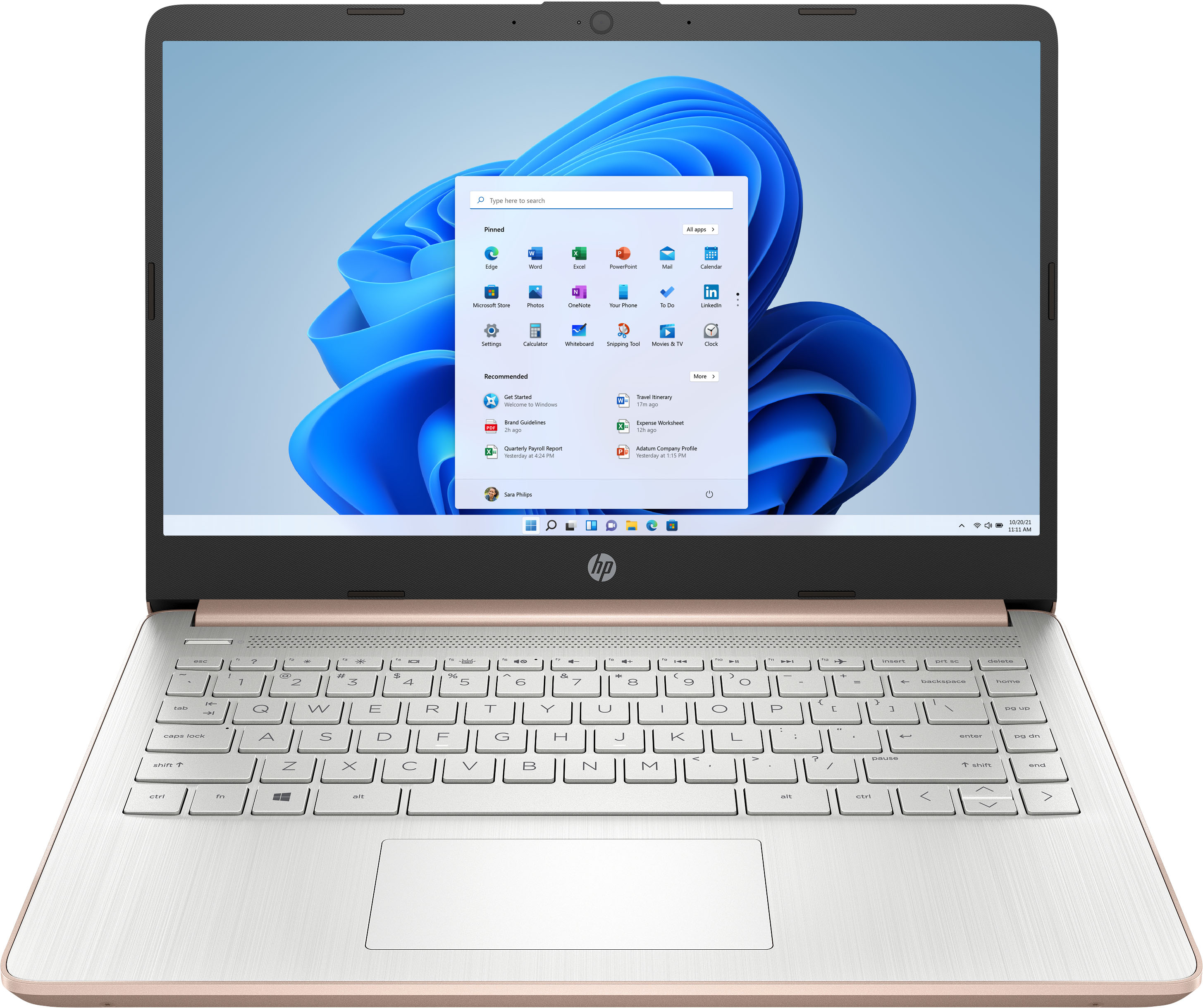
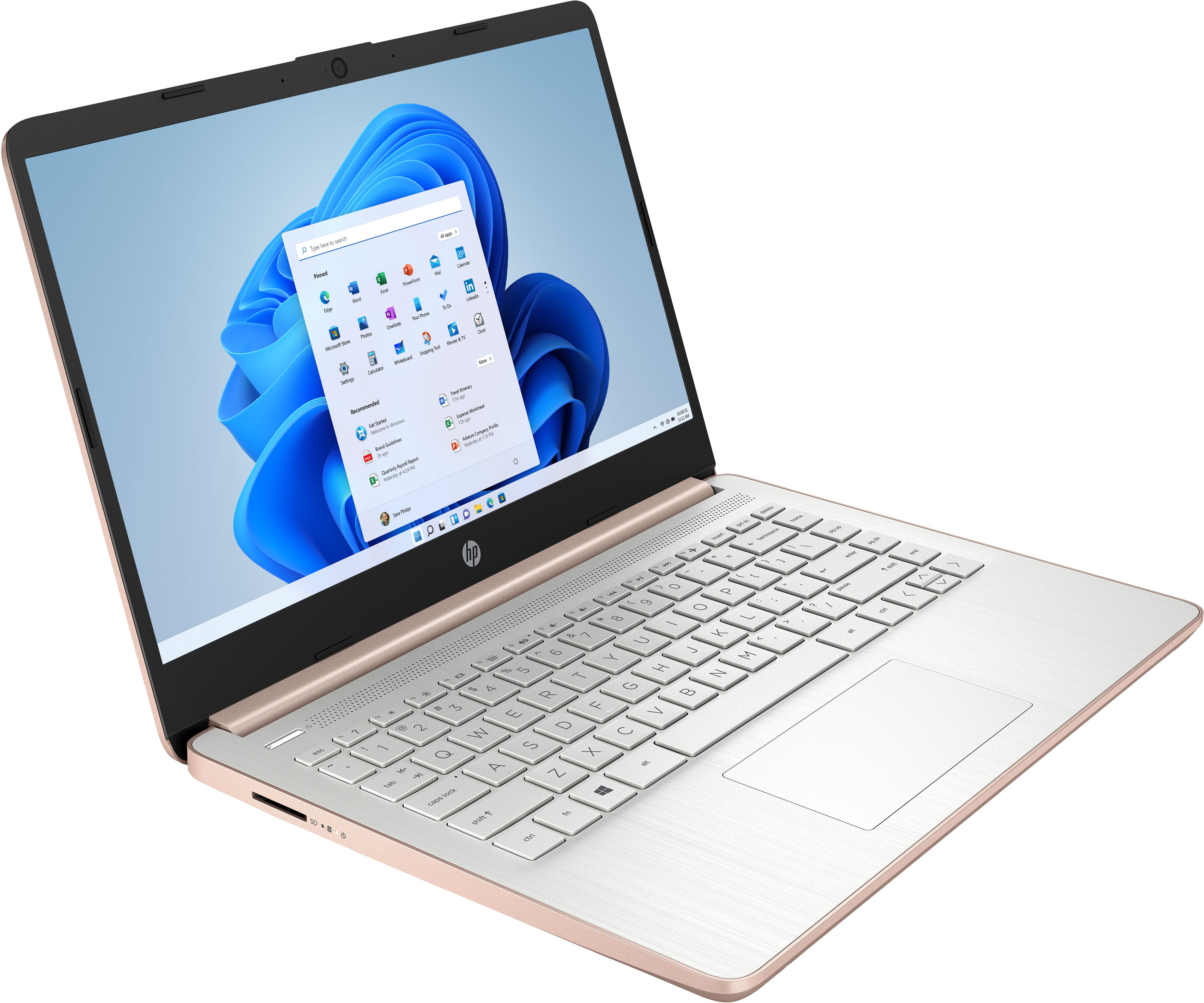
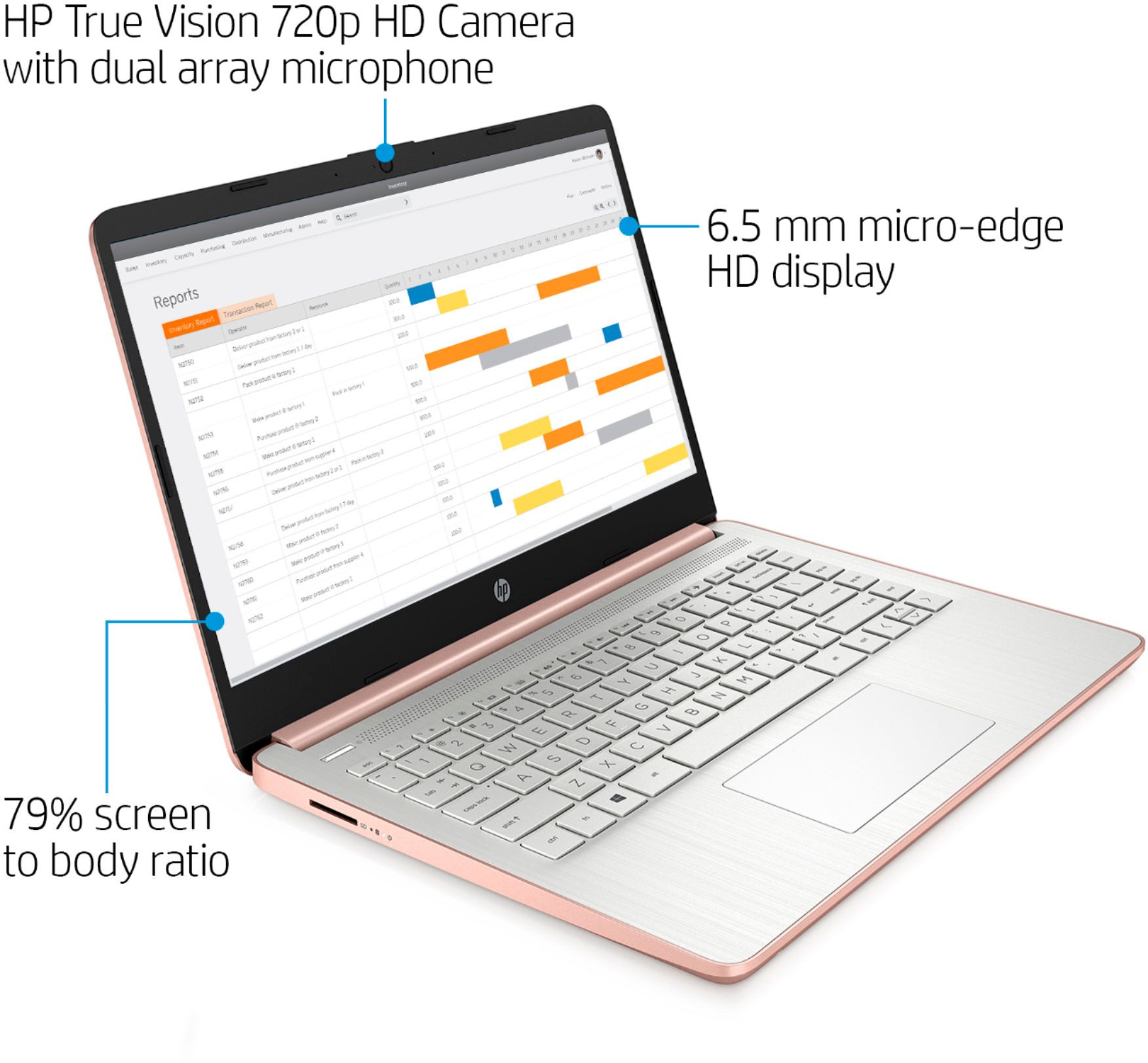
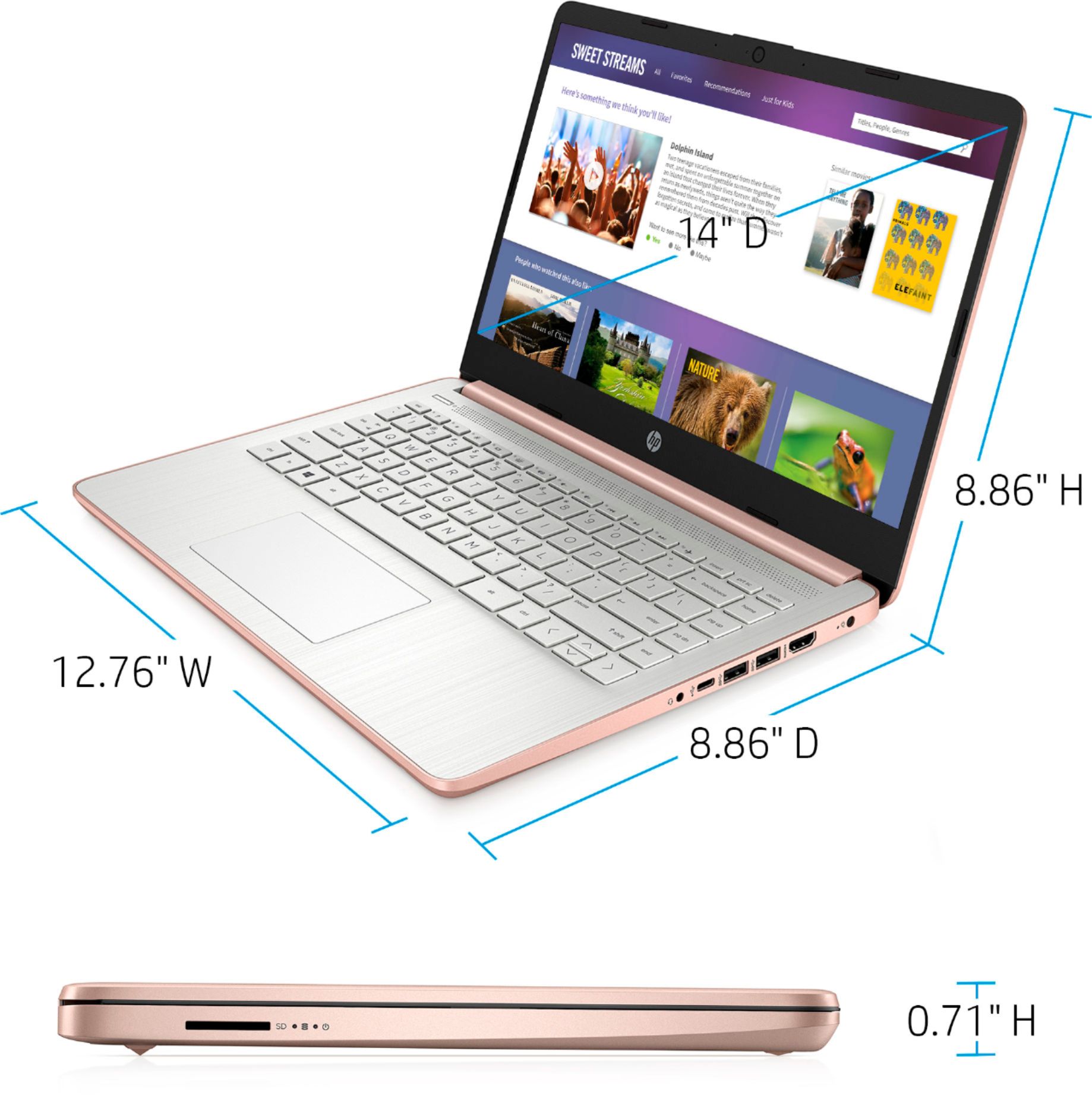
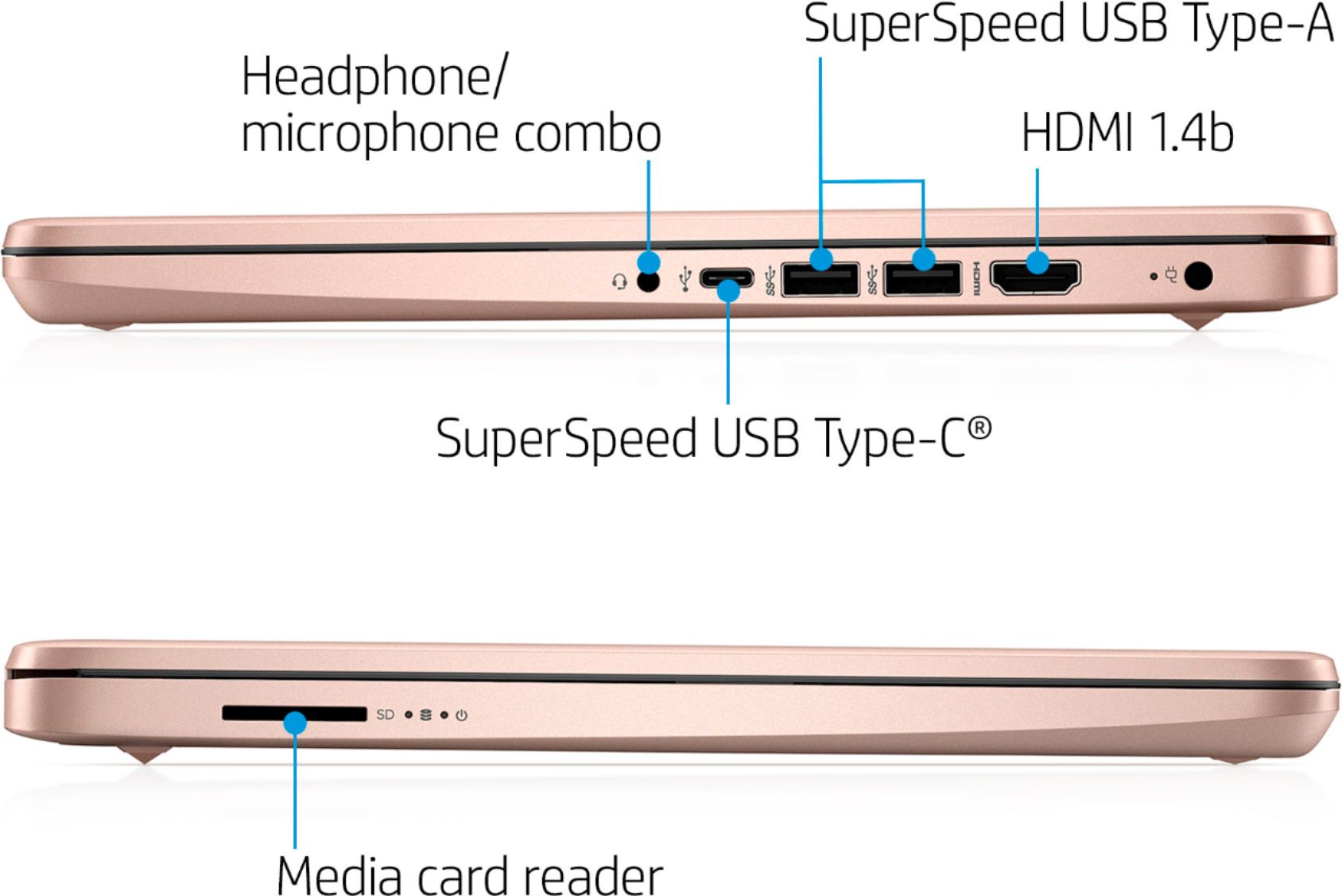
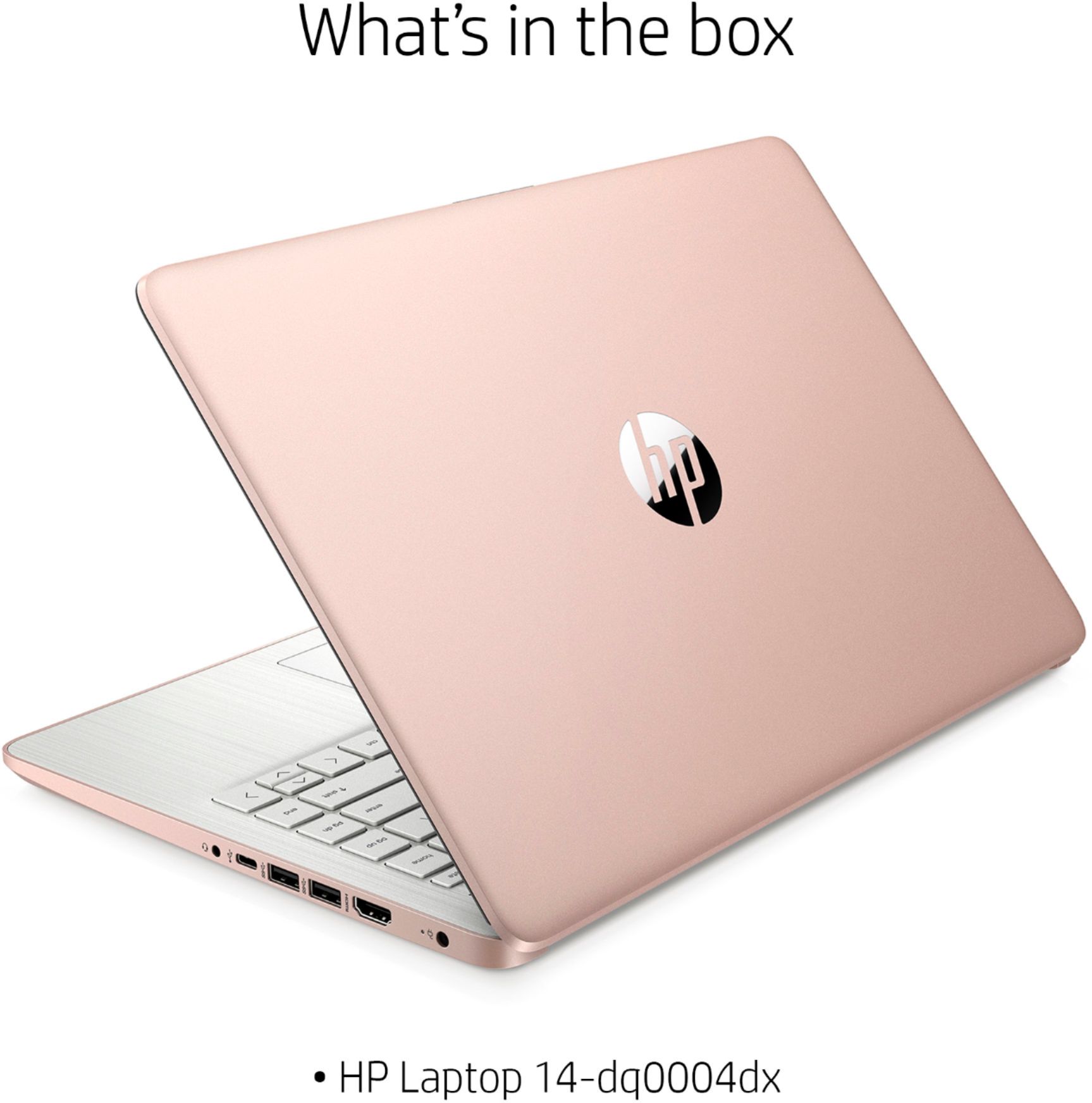
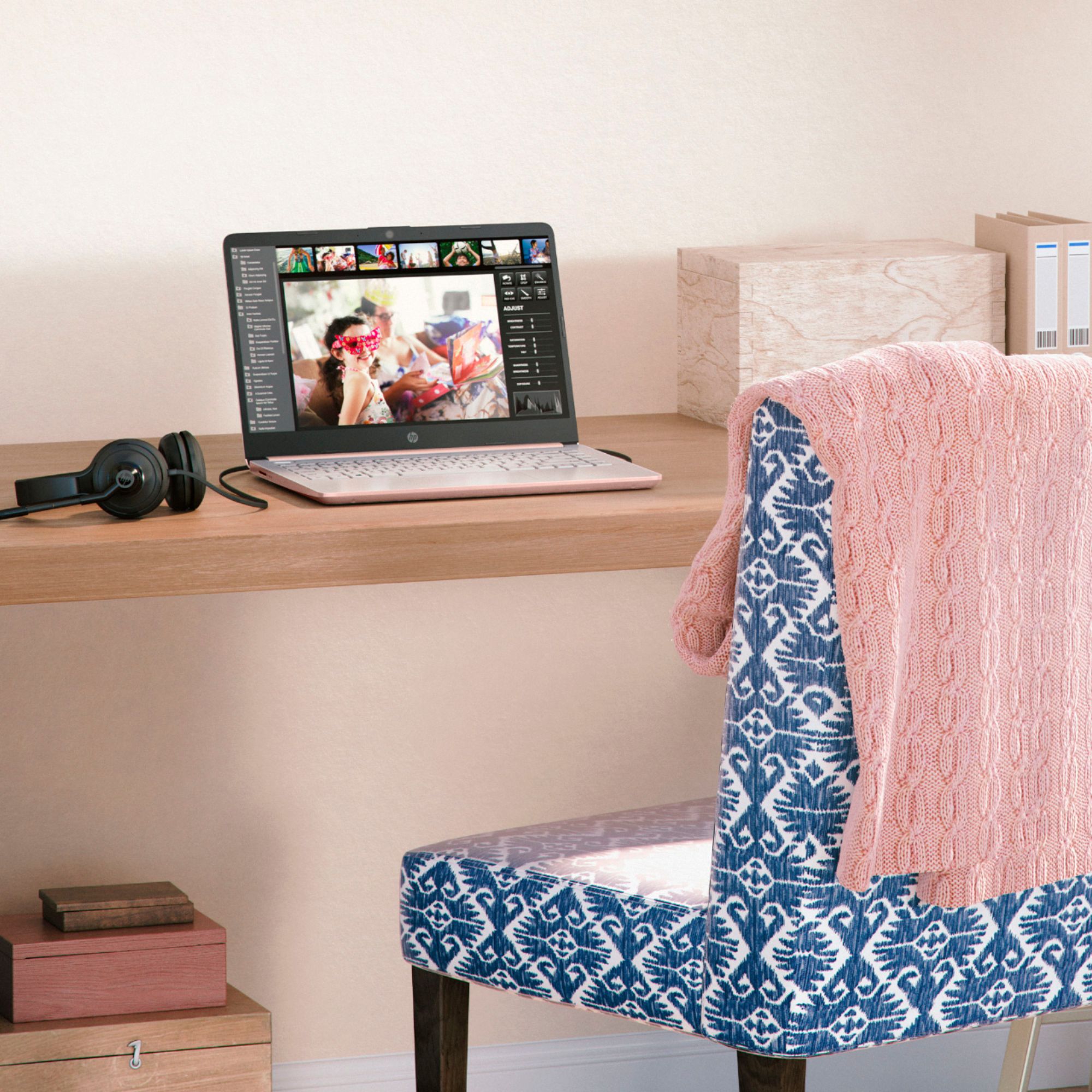
A:AnswerUnfortunately, it does not have a backlit keyboard. "Open Box" means that the computer had been purchased, removed from the box (and probably used for a very short time) and then returned. Commonly, it happens because of buyer's remorse or they discovered that the computer won't meet their needs. Best Buy goes through, returns the storage to it's original condition and resells the computer. Because it's been used, it can no longer be sold as "new", so it's listed as an "open box" model.
A:AnswerBecause this computer runs Windows in "S Mode" which isn't supported for Roblox, you'd need to switch the computer out of S mode. The instructions for that are at https://support.microsoft.com/en-us/windows/switching-out-of-s-mode-in-windows-4f56d9be-99ec-6983-119f-031bfb28a307#WindowsVersion=Windows_11 Minecraft should run with no problems.
A:AnswerYes it works cricut, as I currently yes mine with this laptop. You will have to remove s mode, due your homework as that comes with its own risks.
A:AnswerBecause this computer is running Windows in "S Mode", it can only download and install apps that are in the Windows Store. Unfortunately, MetaTrader 5 isn't one of the available apps.
A:AnswerBecause this computer is running Windows in "S Mode", it can only download and run apps that are available in the Windows Store. Unfortunately, Design Space is not one of the listed projects.
A:AnswerHello. Thanks for your question. This HP laptop has 64 gigabytes of storage. The storage on this laptop is the eMMC. Embedded Multimedia Card or eMMC is a more affordable and slower Flash-based storage than solid-state drives. eMMC is usually found in smartphones and other consumer electronics devices but is rarely used in personal computers. In everyday use, the performance of eMMC storage is somewhere between the speed of HDDs and SSDs.
A:AnswerThank you for the question. 4K. The 14-dq0031dx laptop has UHD integrated graphics that support up to 3 monitors with resolutions of up to 4096x2160@60.
A:AnswerHi Bob, thank you for the question. The 14-dq0035dx laptop was introduced in late 2021. Note that it's presented with Windows 11 Home in S Mode.
A:AnswerBecause this computer is running Windows in "S Mode", it can only download and run apps that are available in the Windows Store. Unfortunately, that browser is not one of the apps that's available.
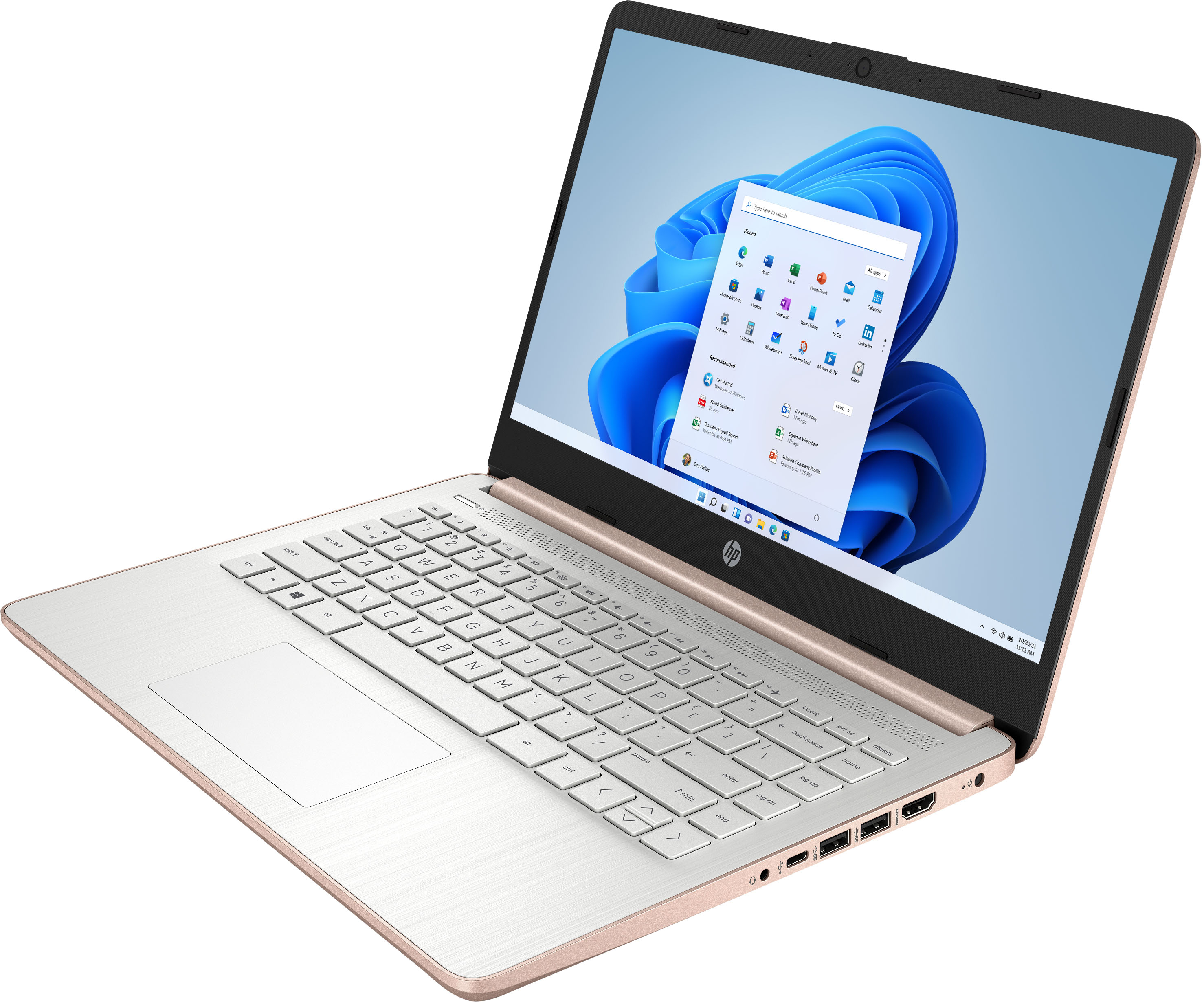
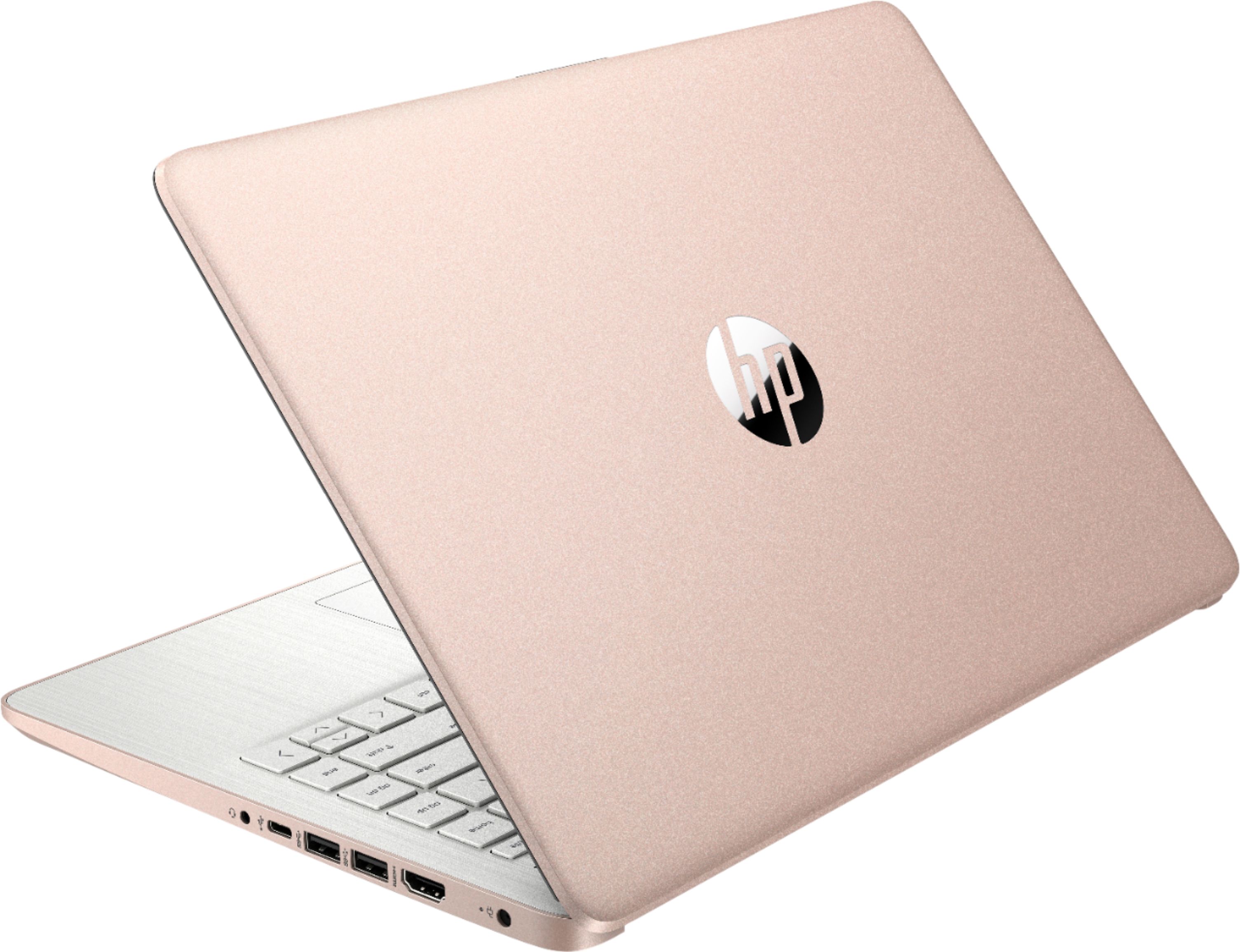
A:AnswerThere are a couple of ways to go. If you want the genuine HP charger, you'll need to order two parts: HP part number 741727-001 (which is the part that plugs into the printer and has the power transformer, and part L19367-001, which is the bit that plugs into the wall. Another alternative is to get a universal charger. They come with different tips that you can attach, and one of those will fit the power port on the laptop.
A:AnswerIs Windows safe. As you can't inslat apps outsider of Microsoft store, and system is configured to run efficiently within its capacity. You can later change it to normal Windows 11 mode.