A:AnswerSpotify Music is the only Spotify app available in the Microsoft Store. You can switch out of the S Mode for free so you can download Spotify. Here is how: https://support.microsoft.com/en-us/help/4456067/windows-10-switch-out-of-s-mode
A:AnswerRefer to the "Activate an Office purchase or offer that's included on a new Windows 10 device" section on this webpage to activate your one year of Microsoft 365 Personal: https://bit.ly/3kUNgIZ
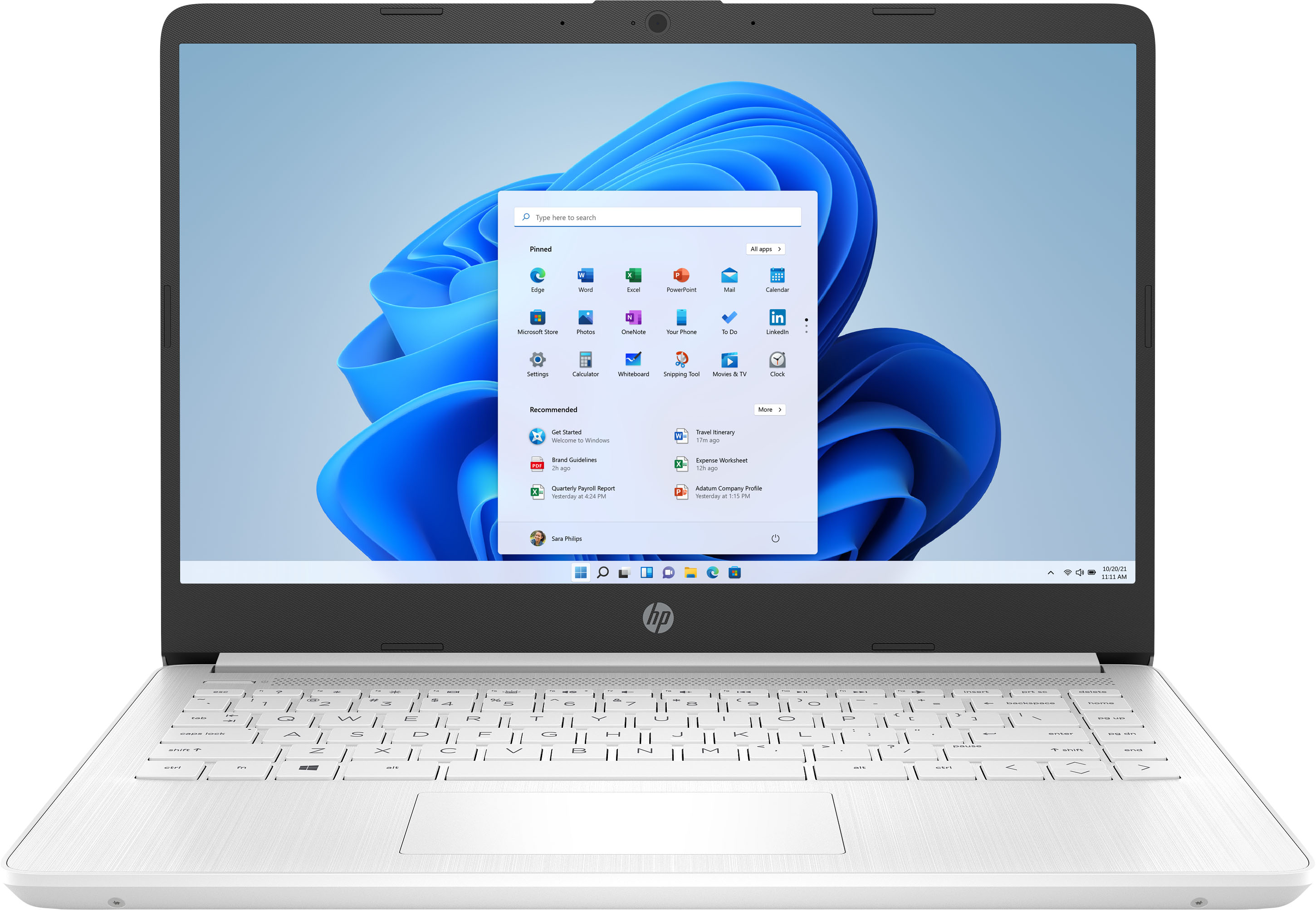
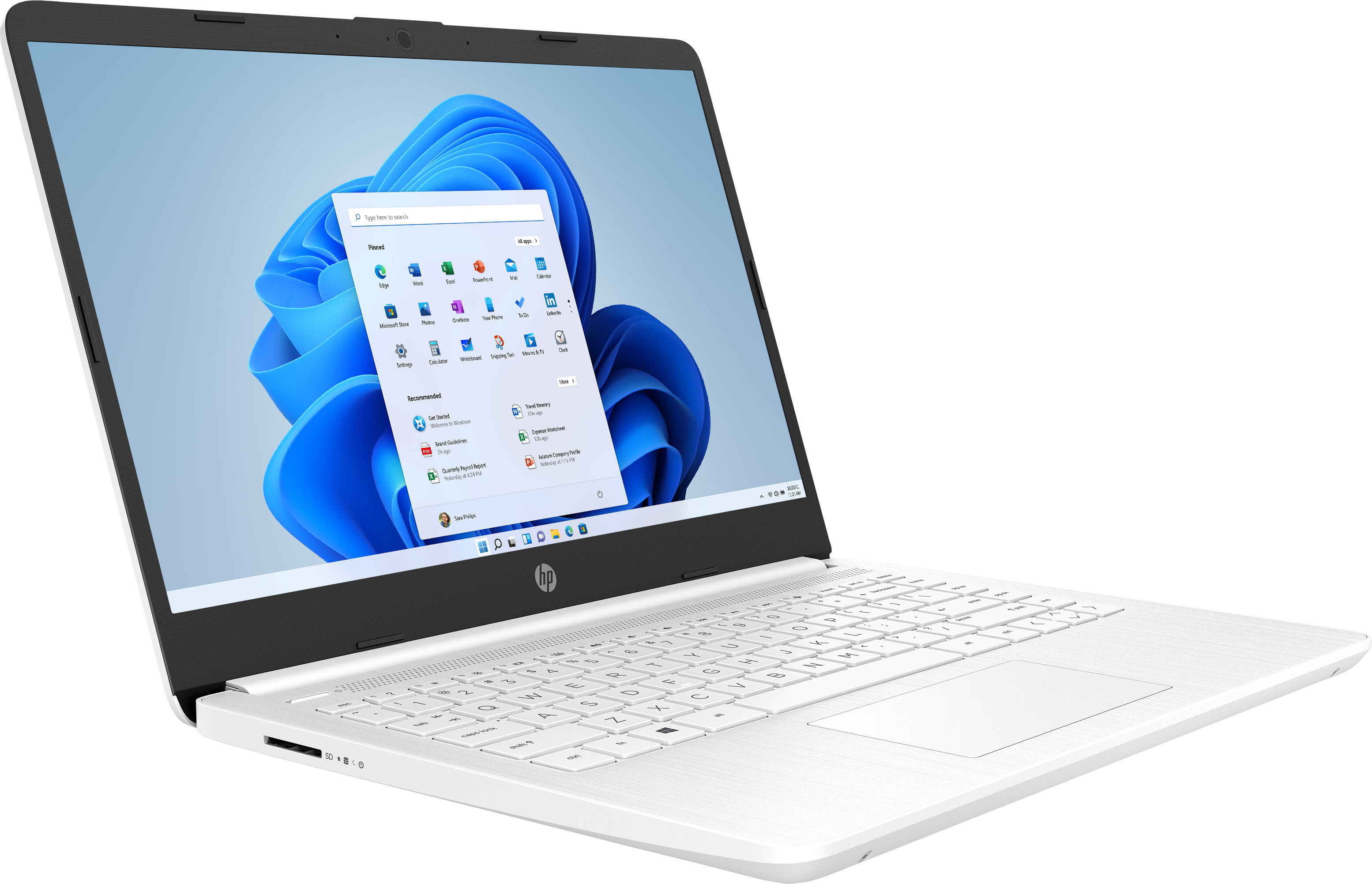
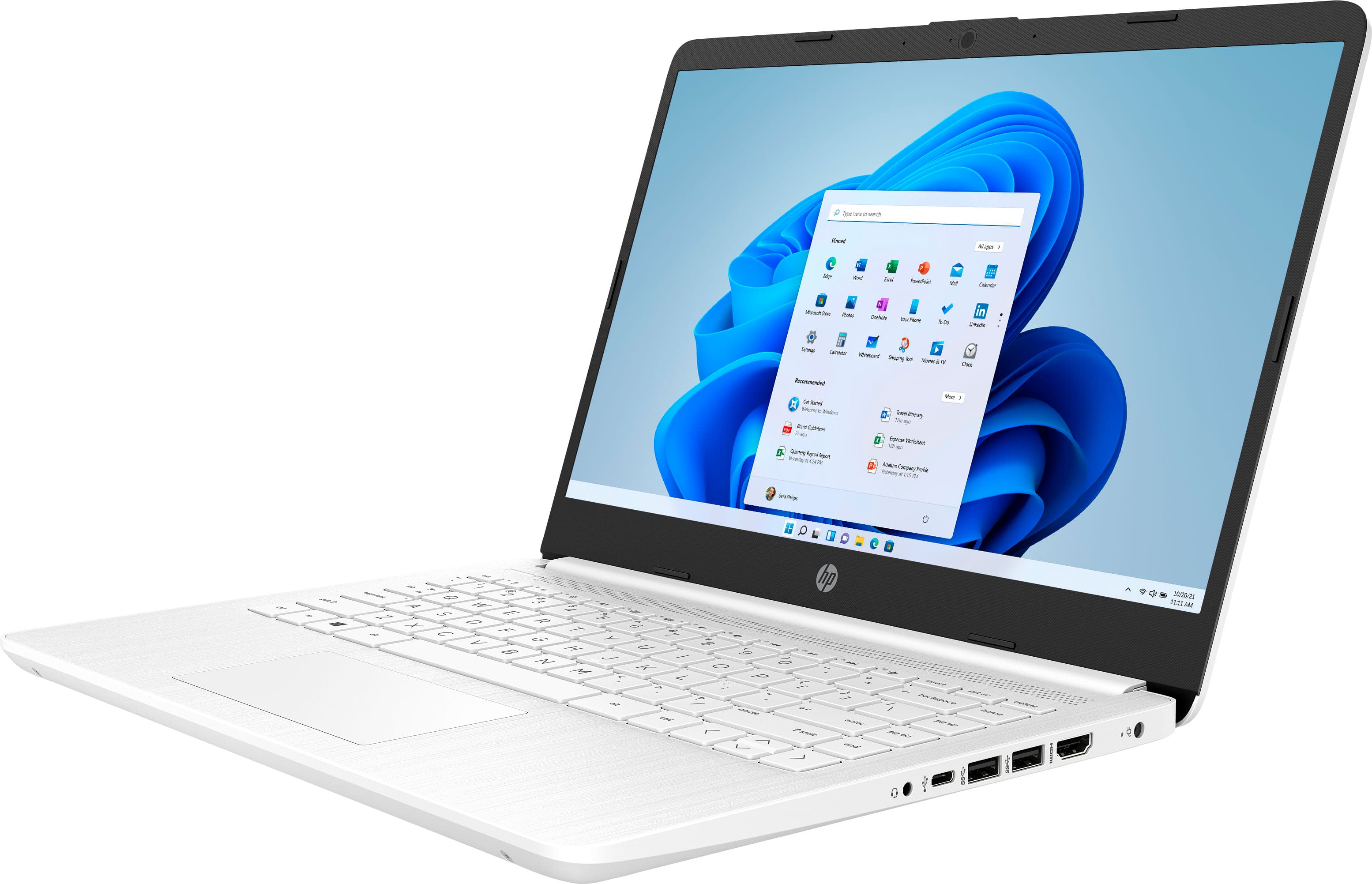
A:AnswerHere are the details on this processor for this laptop: Intel Celeron N4020 (1.1 GHz base frequency, up to 2.8 GHz burst frequency, 4 MB L2 cache, 2 cores).
A:AnswerNo, this laptop will not be able to run Minecraft. The requirements to run Minecraft smoothly are: CPU: Intel Core i5-4690 3.5GHz / AMD A10-7800 APU 3.5 GHz or equivalent. RAM: 8GB. GPU: GeForce 700 Series or AMD Radeon Rx 200 Series
A:AnswerIt would be a great choice for the middle school student. Because it's a "stream" laptop, it can only download and run apps that are available from the Windows Store. If the college student's work is only things that can be done with those apps, then it would be a great choice for that student as well. If he or she needs a program that's not availabke, it wouldn't be the best choice unless you take the computer out of "S Mode" (which is not difficult. For additional storage, you can either use an SD card or USB drive.