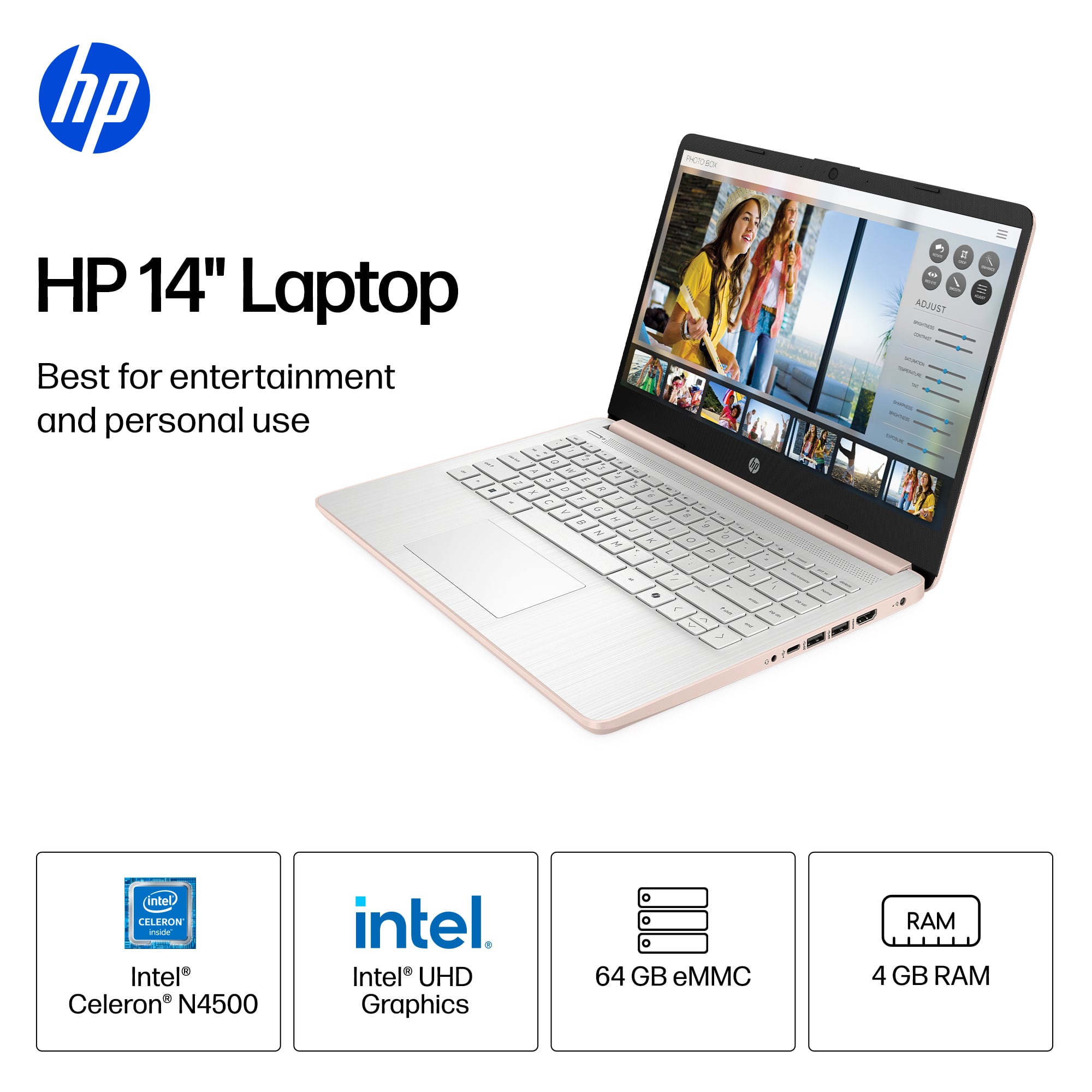
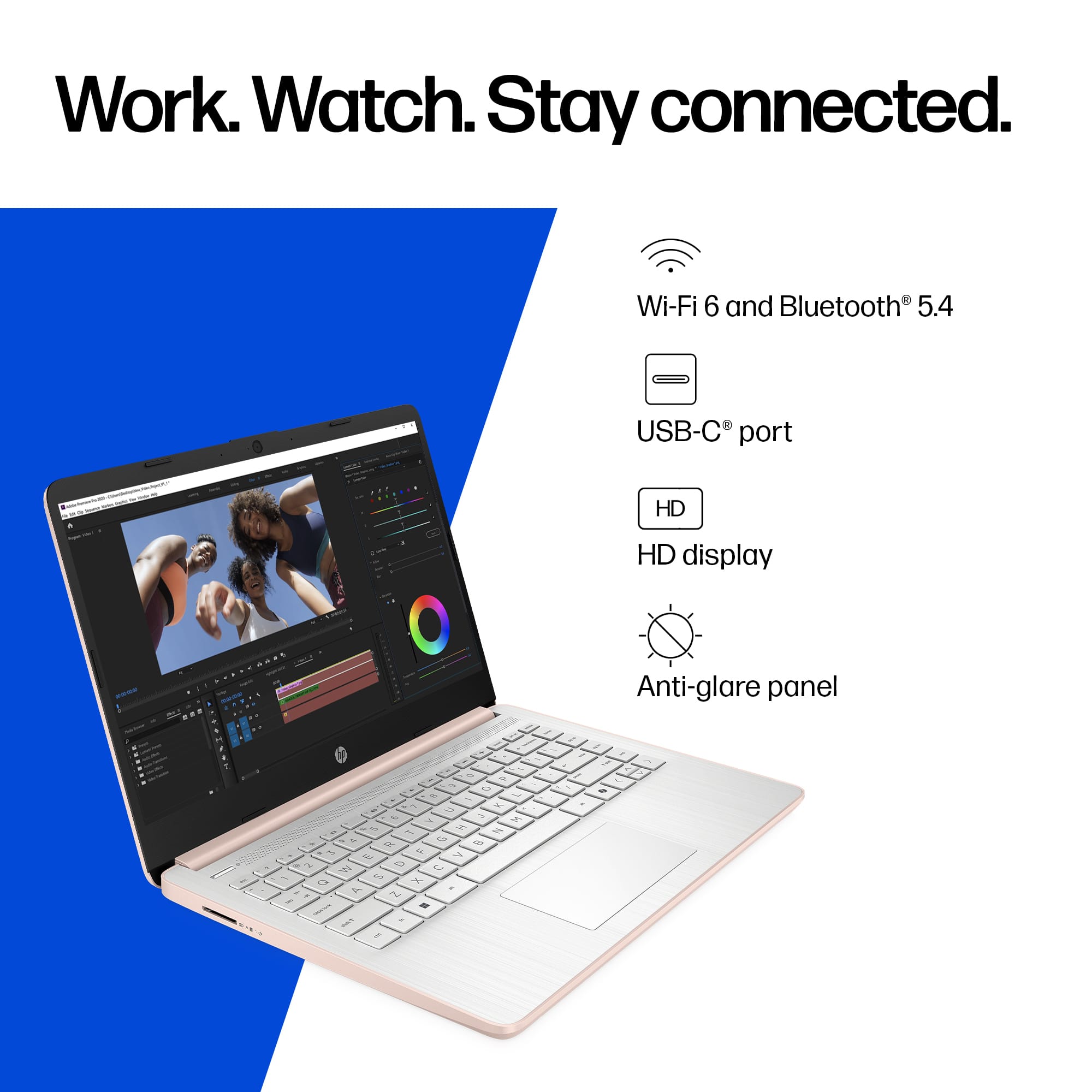
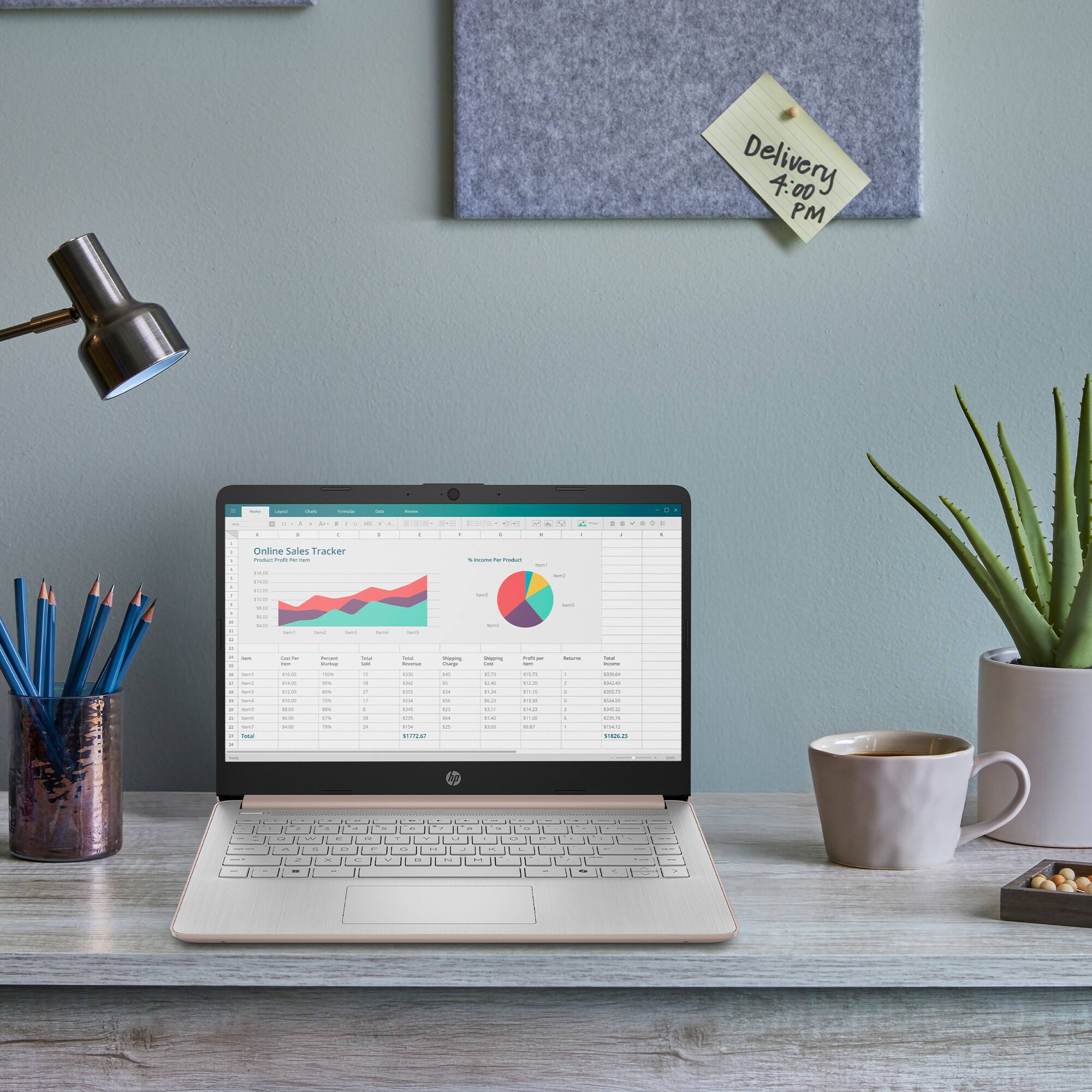
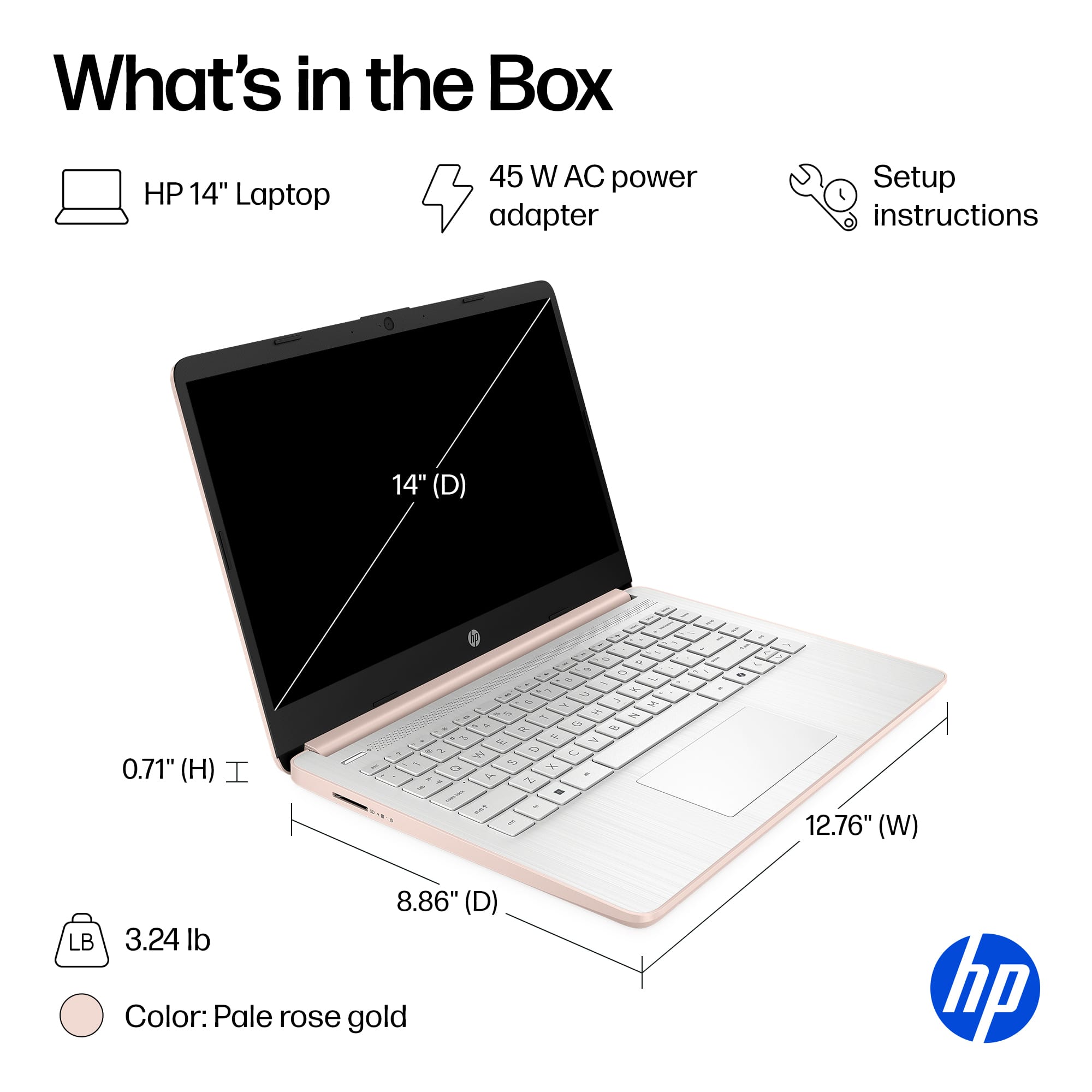
A:AnswerThank you for the question. This laptop meets the minimum requirements for both applications, however, they may not support Windows 11 S Mode. In that case,you'll need to convert the operating system to Windows 11 Home - a free and easy conversion, but not reversible. please review the specifications for applications you'd like to run, to verify if this model meets their requirements.
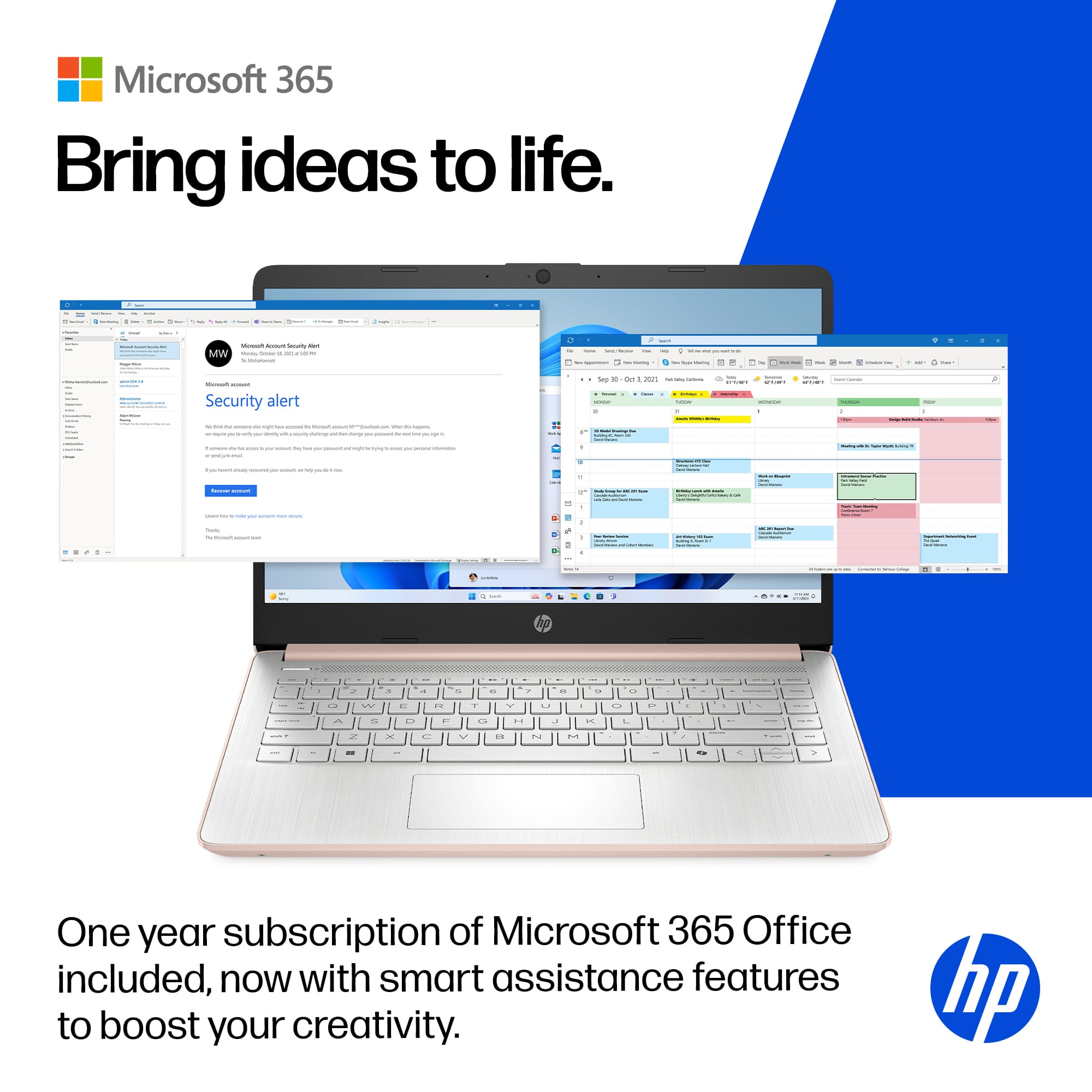
A:AnswerYou only have to pay yearly for the Microsoft products, which includes their online storage. Super handy for access documents and files across your laptops.
A:AnswerHello, you can go into the clock settings and reset the clock, or you can restore the computer to factory default to see if that solves the problem. In additional you can contact HP Support and they can assist you in troubleshooting or replacing the device if you are within the warranty time. Thank you for being an HP customer!
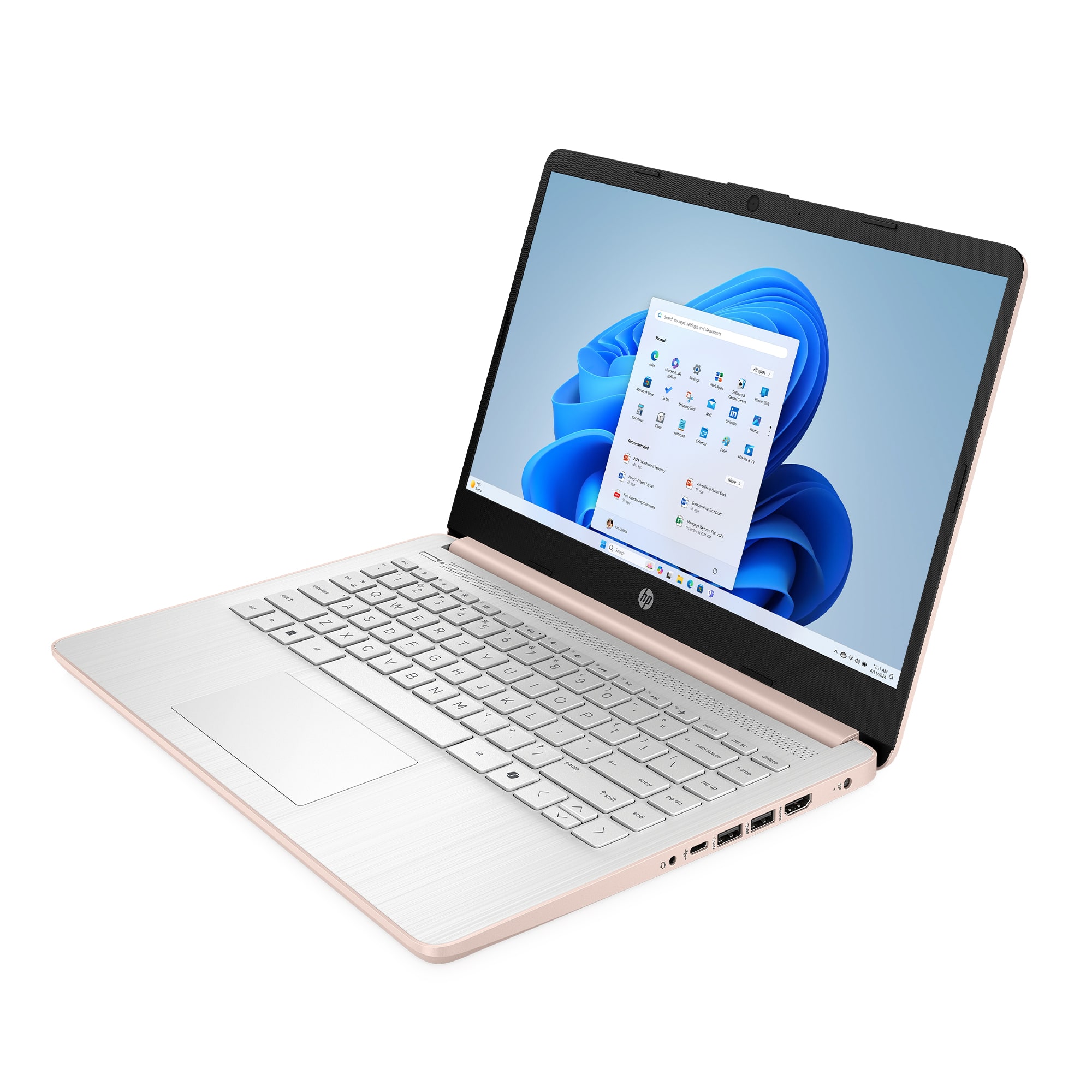
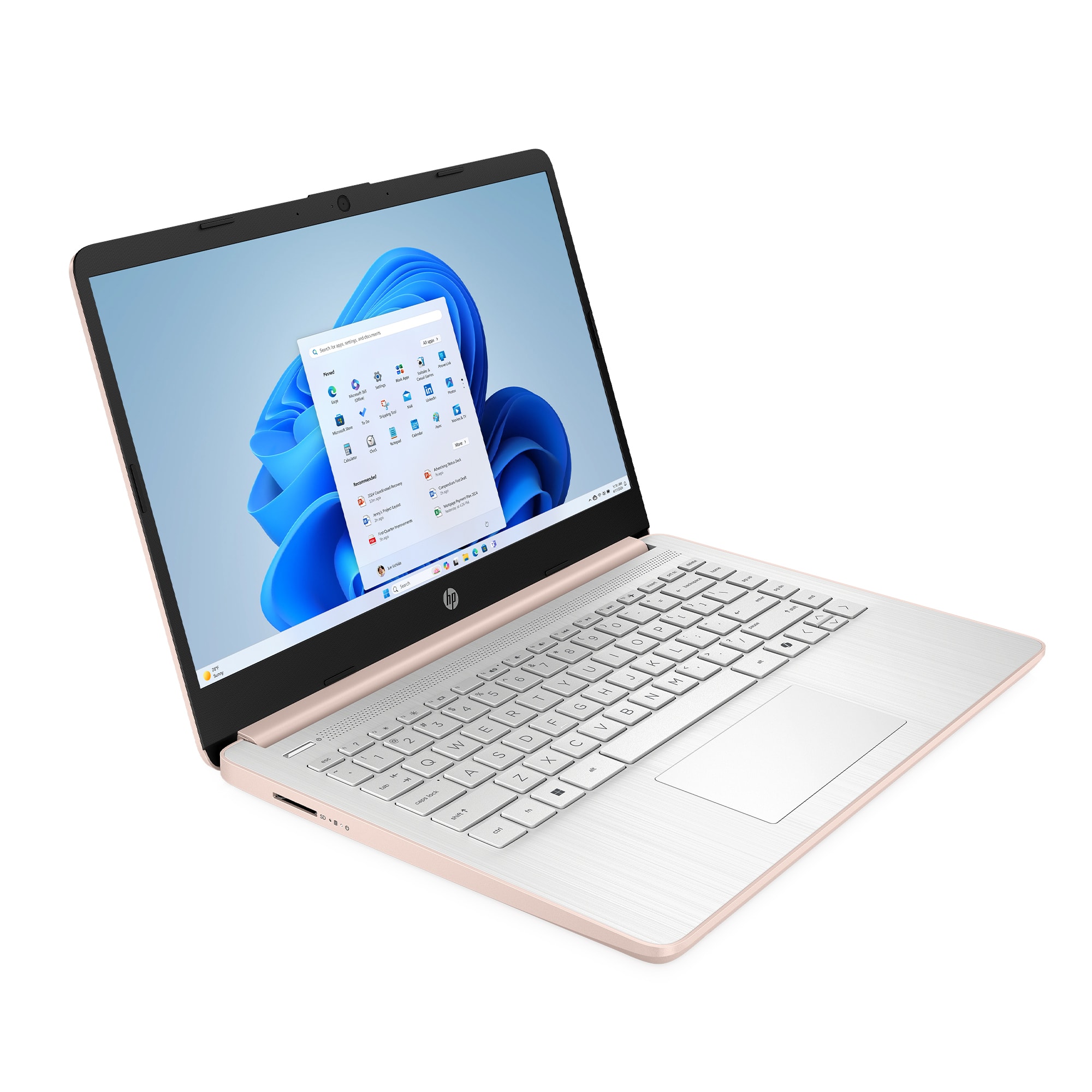
A:AnswerThank you for the question. White keyboards will have dark characters on the keys and dark (blue, black) keyboards have light characters on the keys.
A:AnswerThank you for the question. This laptop is better suited for student and general household use, perhaps some casual gaming. If gaming is your main concern, most games have minimum system and graphics requirements (RAM, processor speed, discrete graphics, etc.). Please research the requirements of games you'd like to play to ascertain if this laptop will be minimally acceptable or if you'll need more power and better graphics.
A:AnswerThe standard I was taught back in "the old days" was to create a passphrase that's easy to remember, but is hard to guess. For example, if I'd gotten a stuffed dog from my girlfriend, I might have chosen "ThestuffeddogIgotfrommygirlfriend". Although now, there are programs like LastPass that will create and store passwords for you with random numbers and letters. Thank you for asking the question!