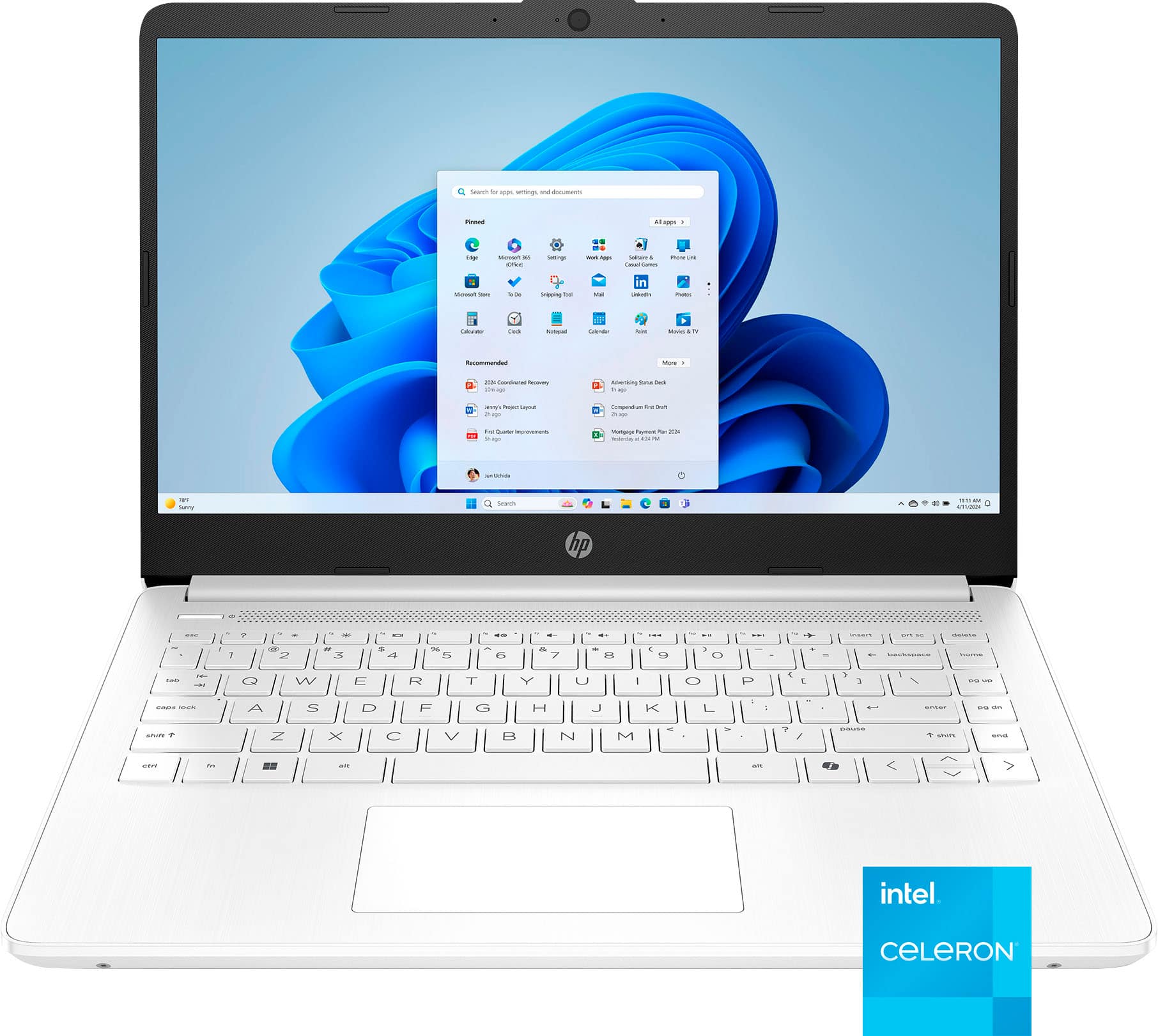
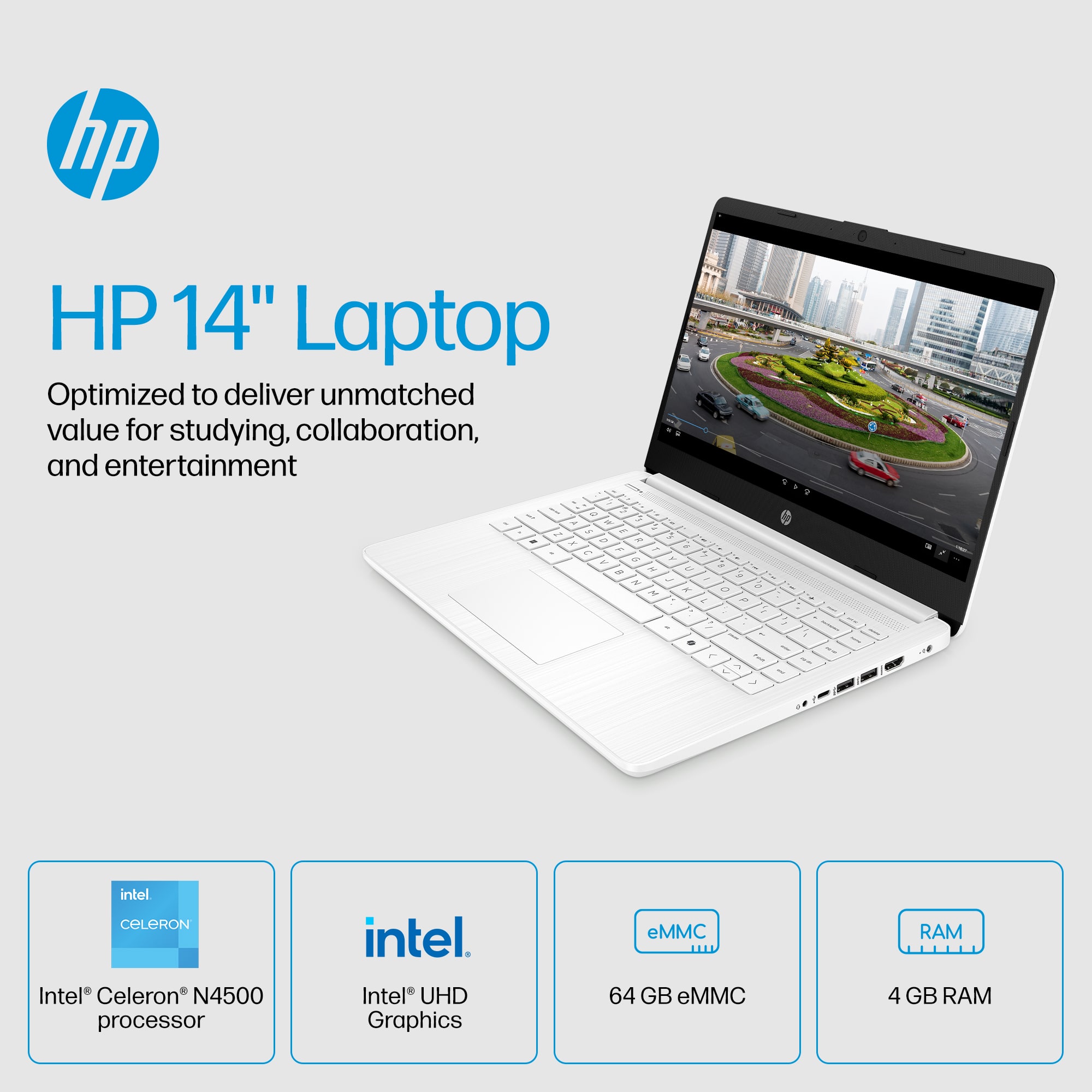
A:AnswerMinecraft and similar will lag even after updating the memory to 8 GB. Unfortunately we have learned the hard way, this should not be used for even the most basic gaming.
A:AnswerHello. Thanks for your question. The upload and download speed is going to depend on the speed of your internet service. If you are unsure of what speed you have, we recommend reaching out to your internet service provider.
A:AnswerBecause this computer is running Windows in "S Mode" it can only download and run apps that are in the Windows Store. Neither Minecraft PE nor the Java Edition are available in the store. However, there is a Minecraft for Windows version in the store that you can download and run
A:AnswerBecause this computer is running Windows in "S Mode" it can only download and run apps that are in the Windows Store. Unfortunately, Kaspersky is not one of the available store apps.
A:AnswerBecause this computer is running Windows in "S Mode" it can only download and run apps that are in the Windows Store. Photoshop Elements is available in the store, but Adobe Elements is not.
A:AnswerBecause this computer is running Windows in "S Mode" it can only download and run apps that are in the Windows Store. If the games or programs you need for school are available, it should work fine.