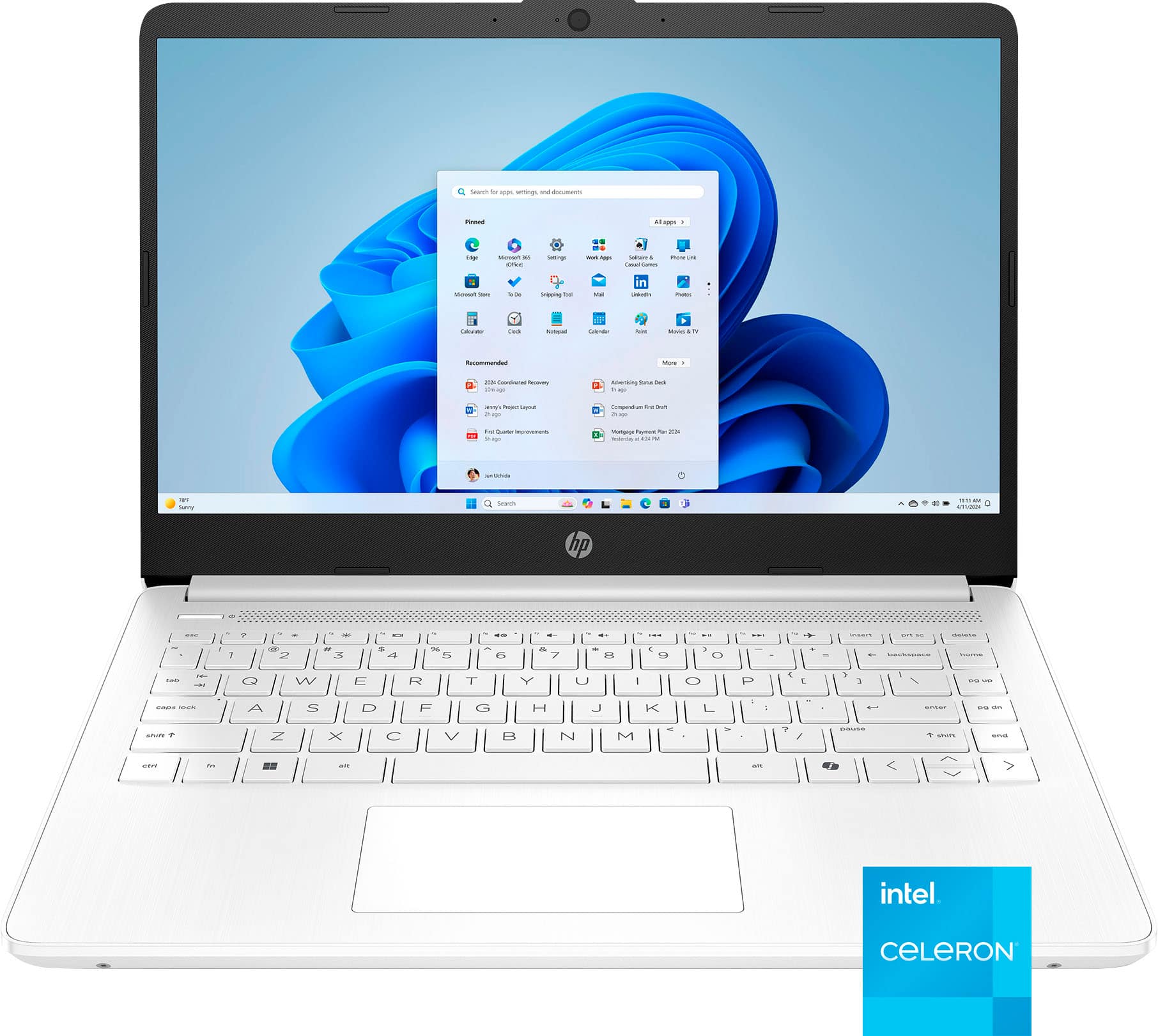
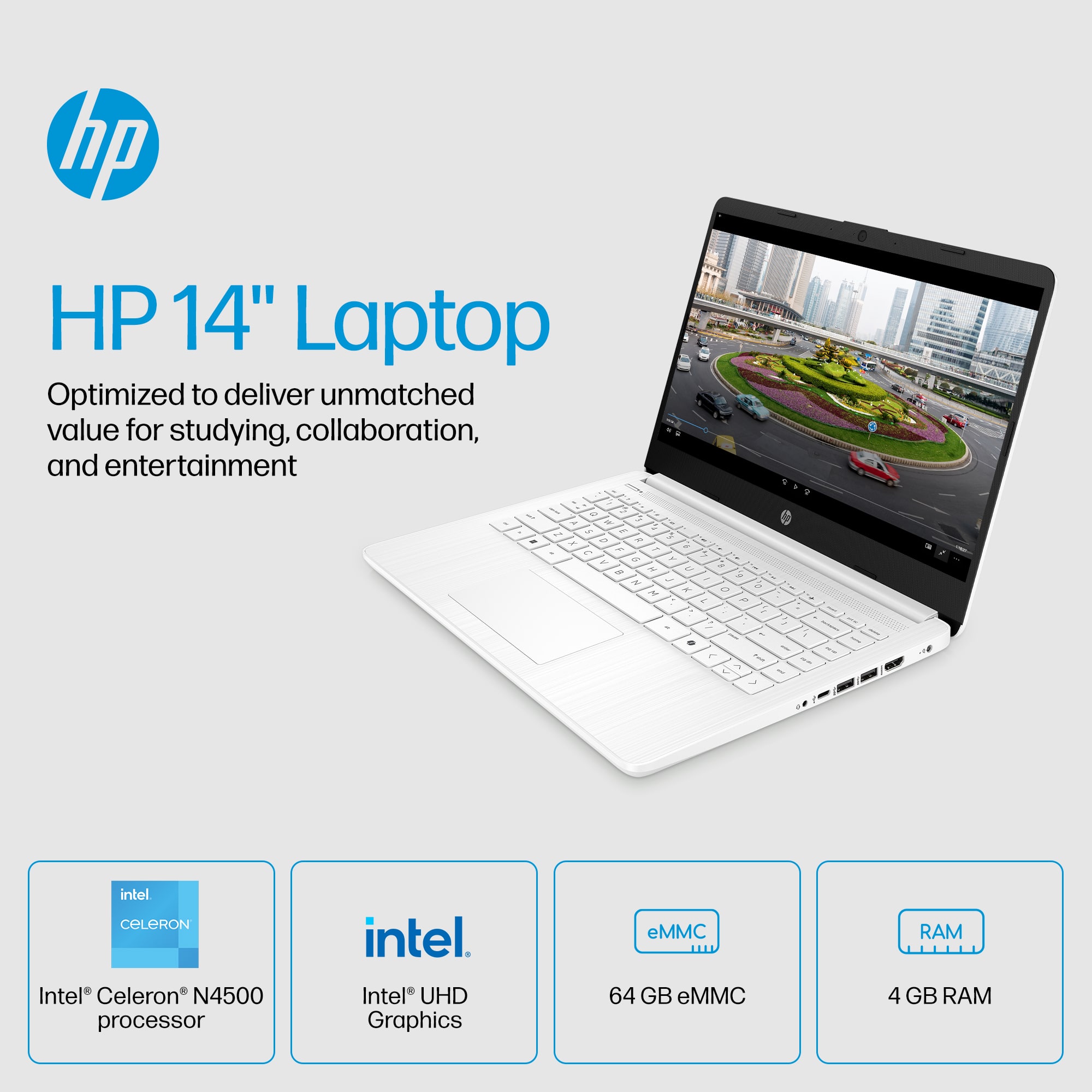
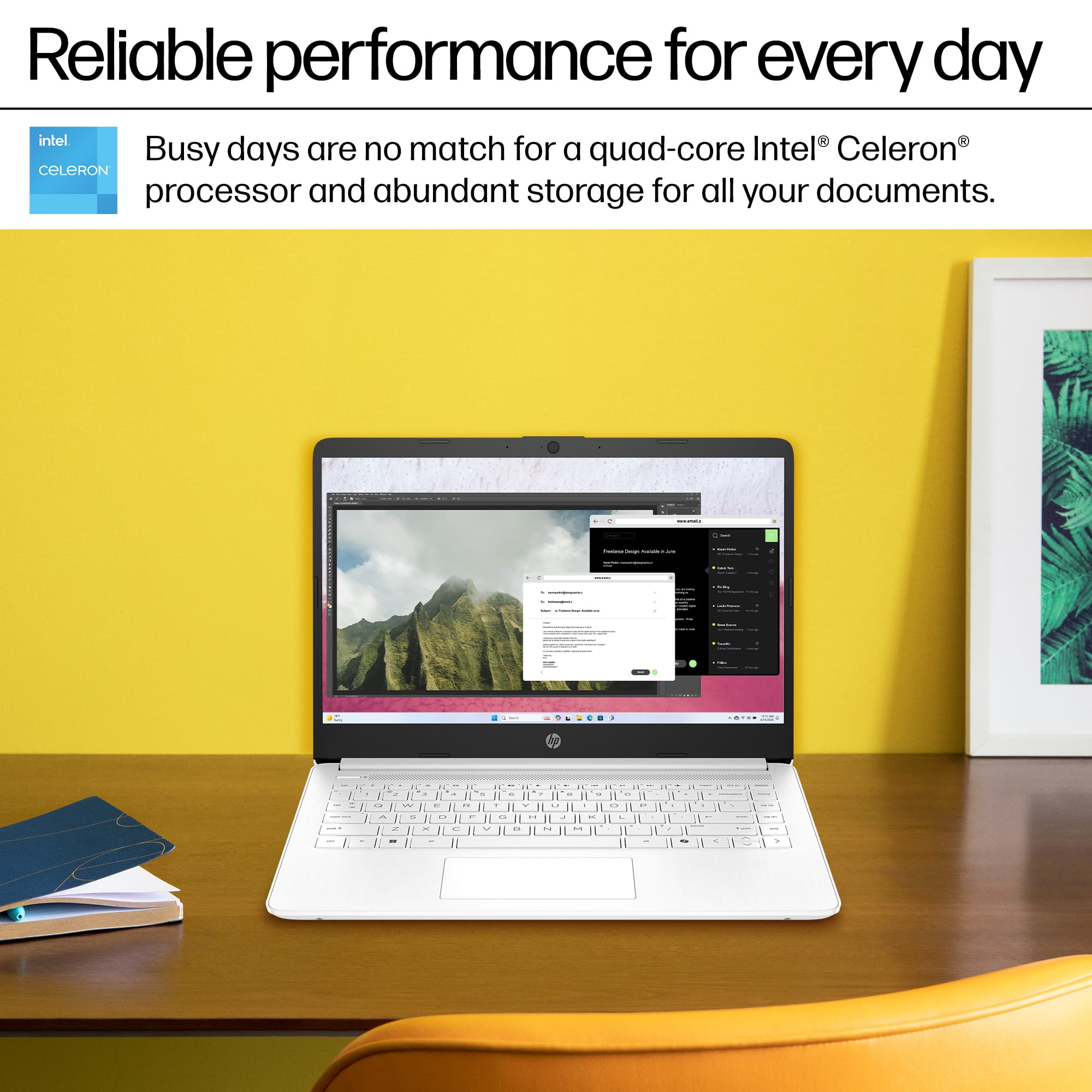
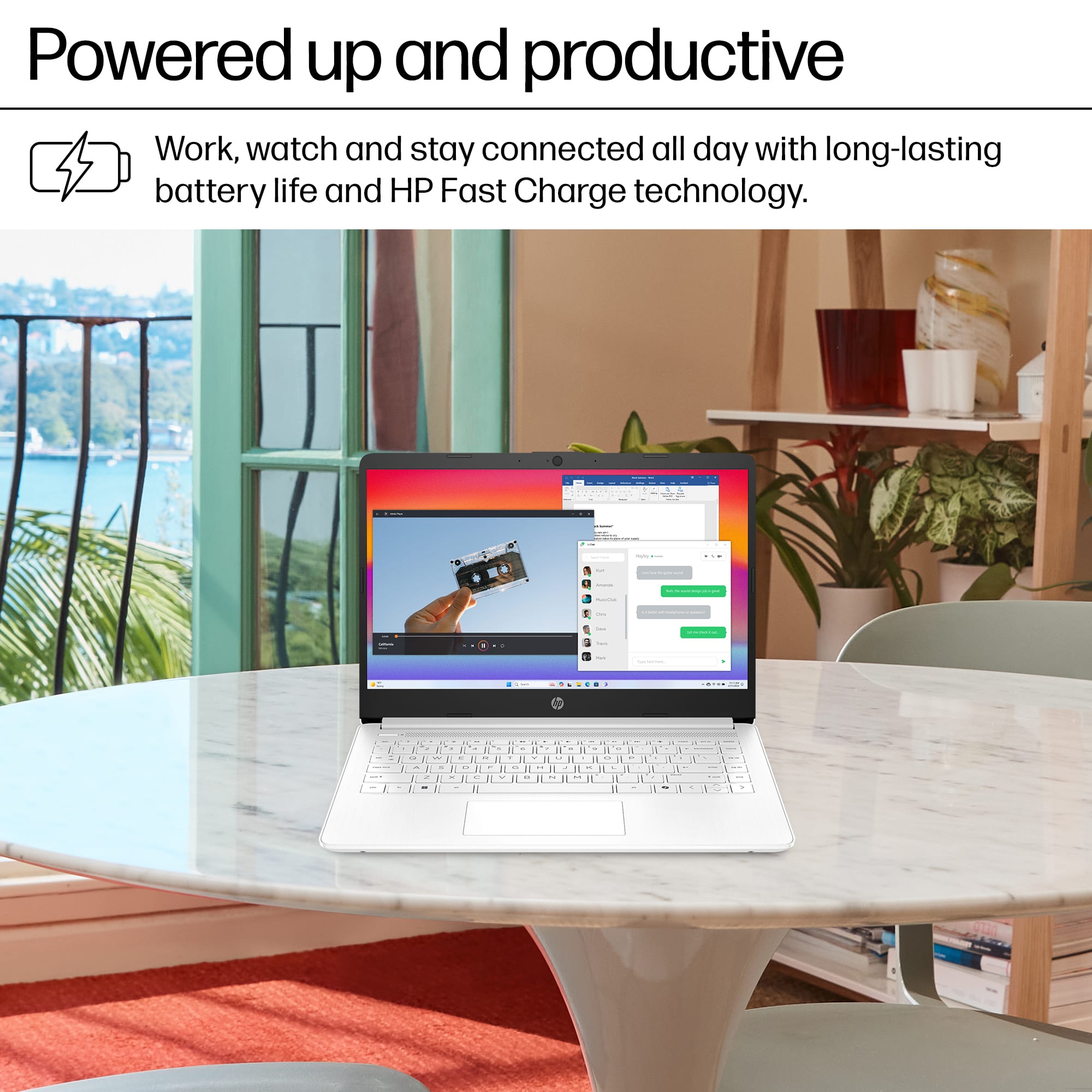
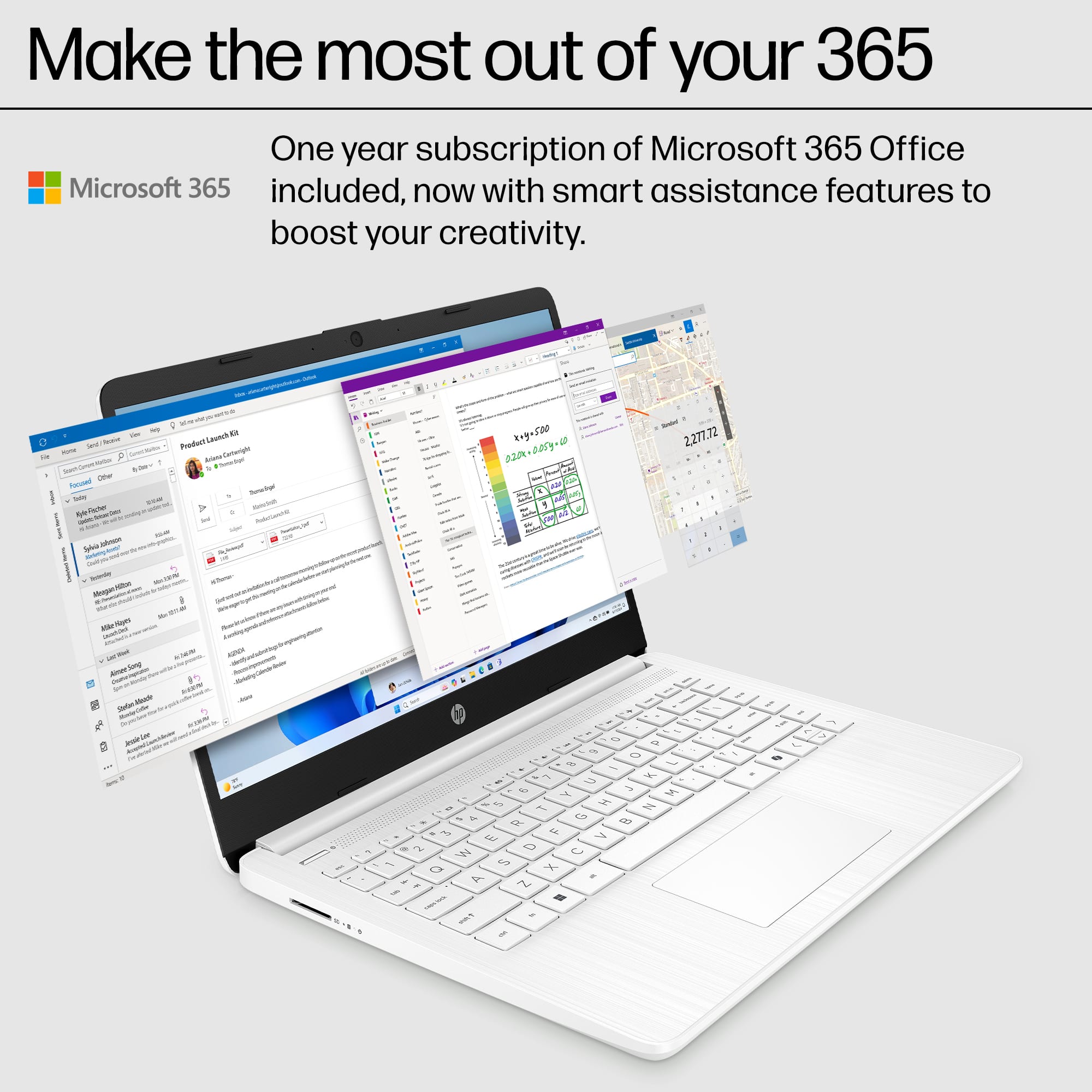
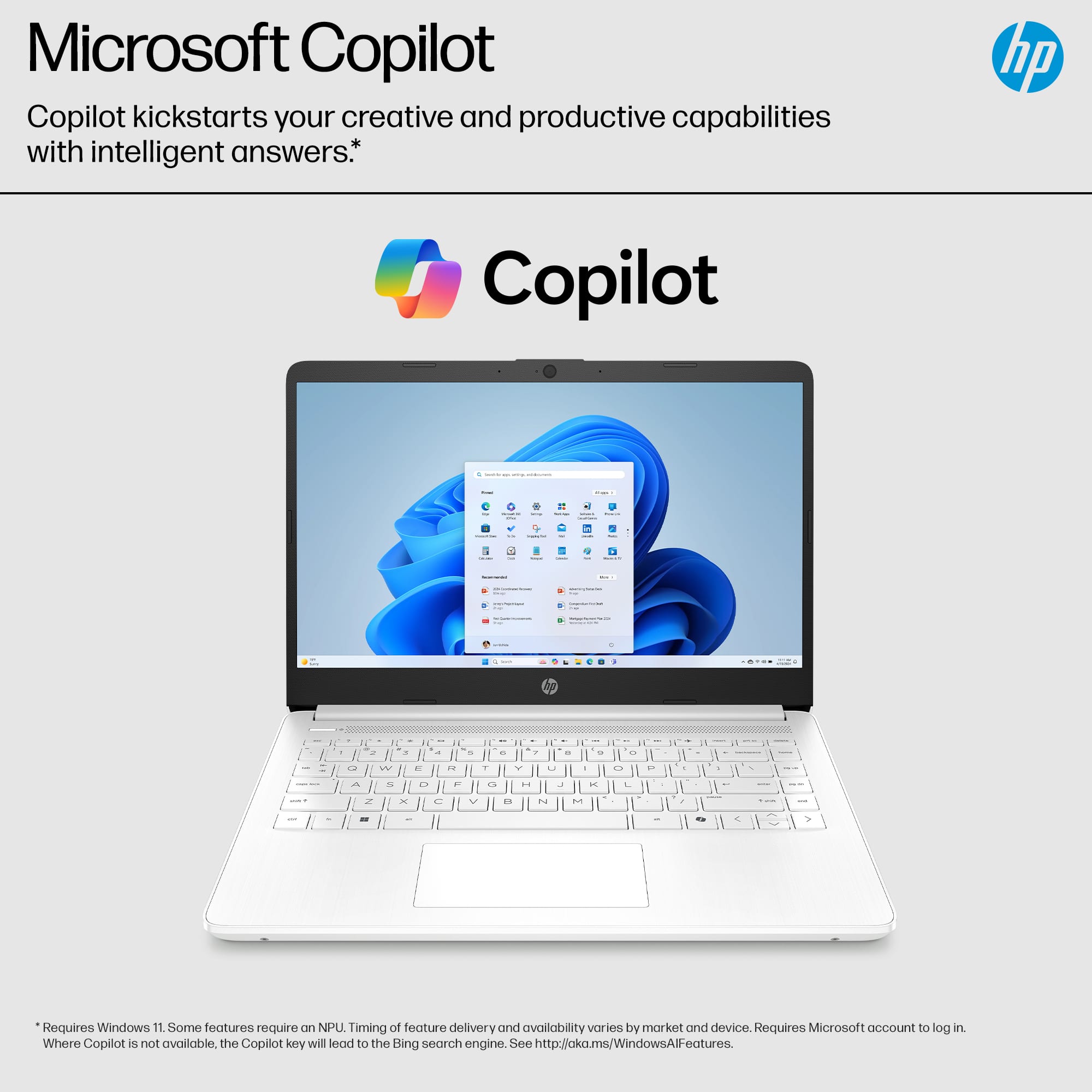
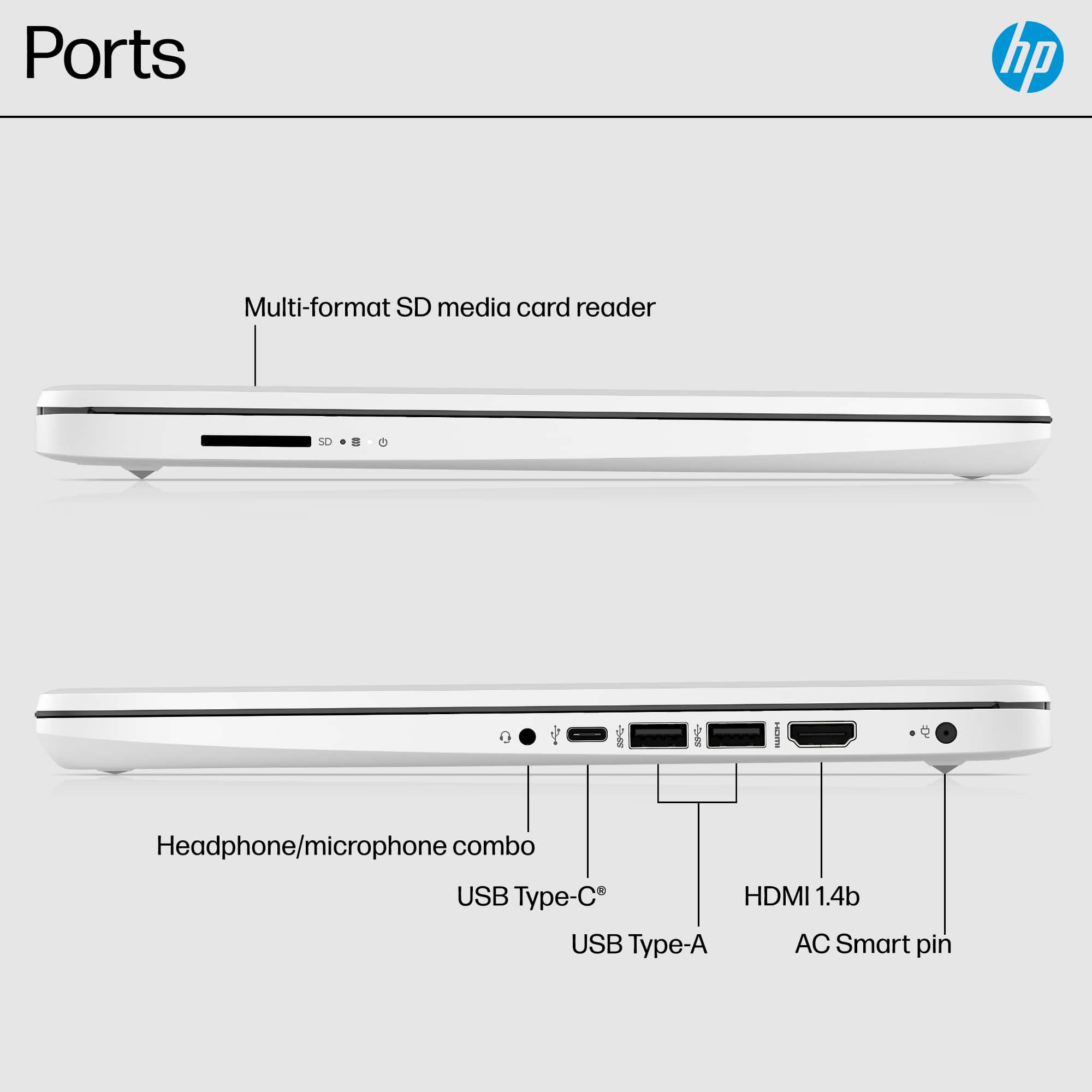
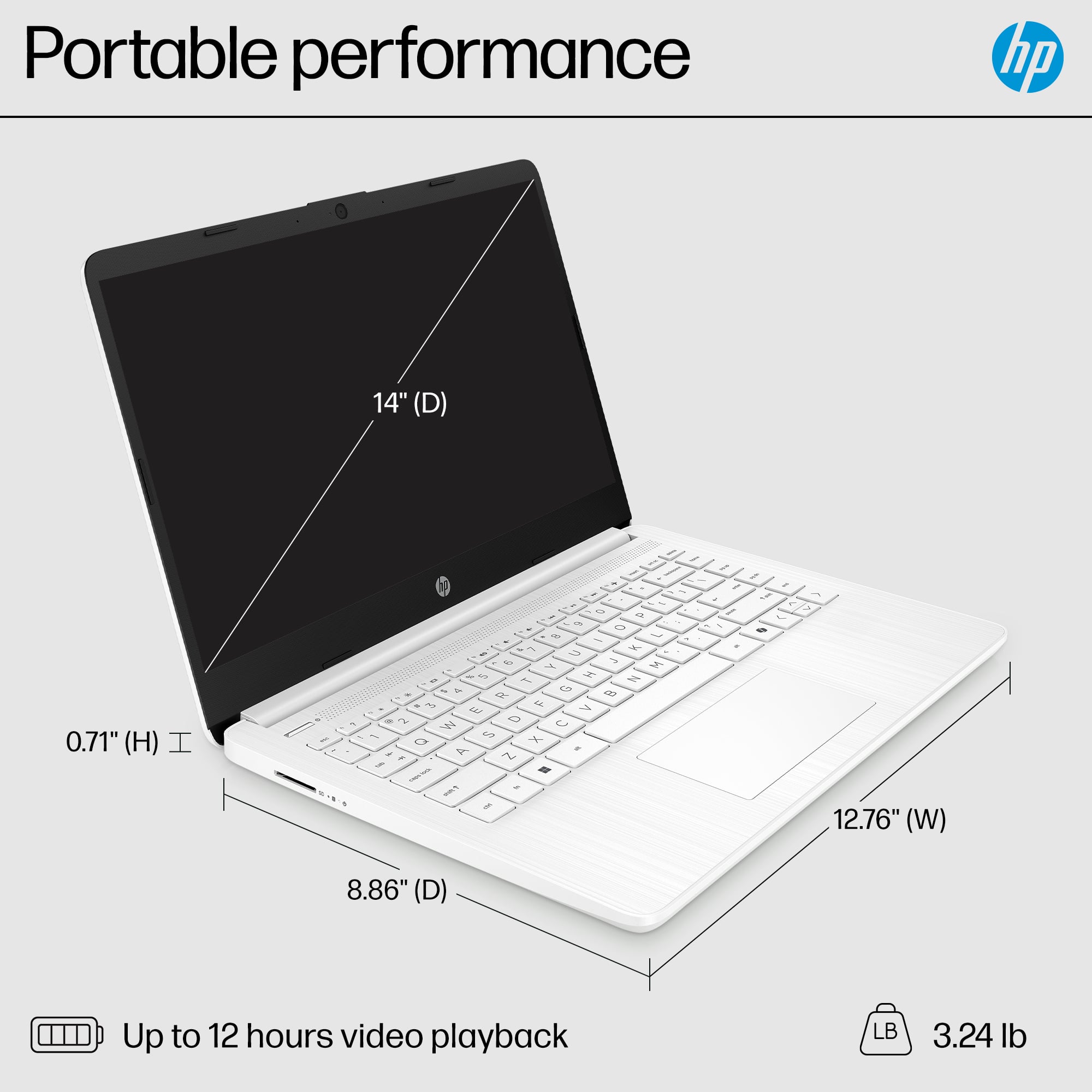
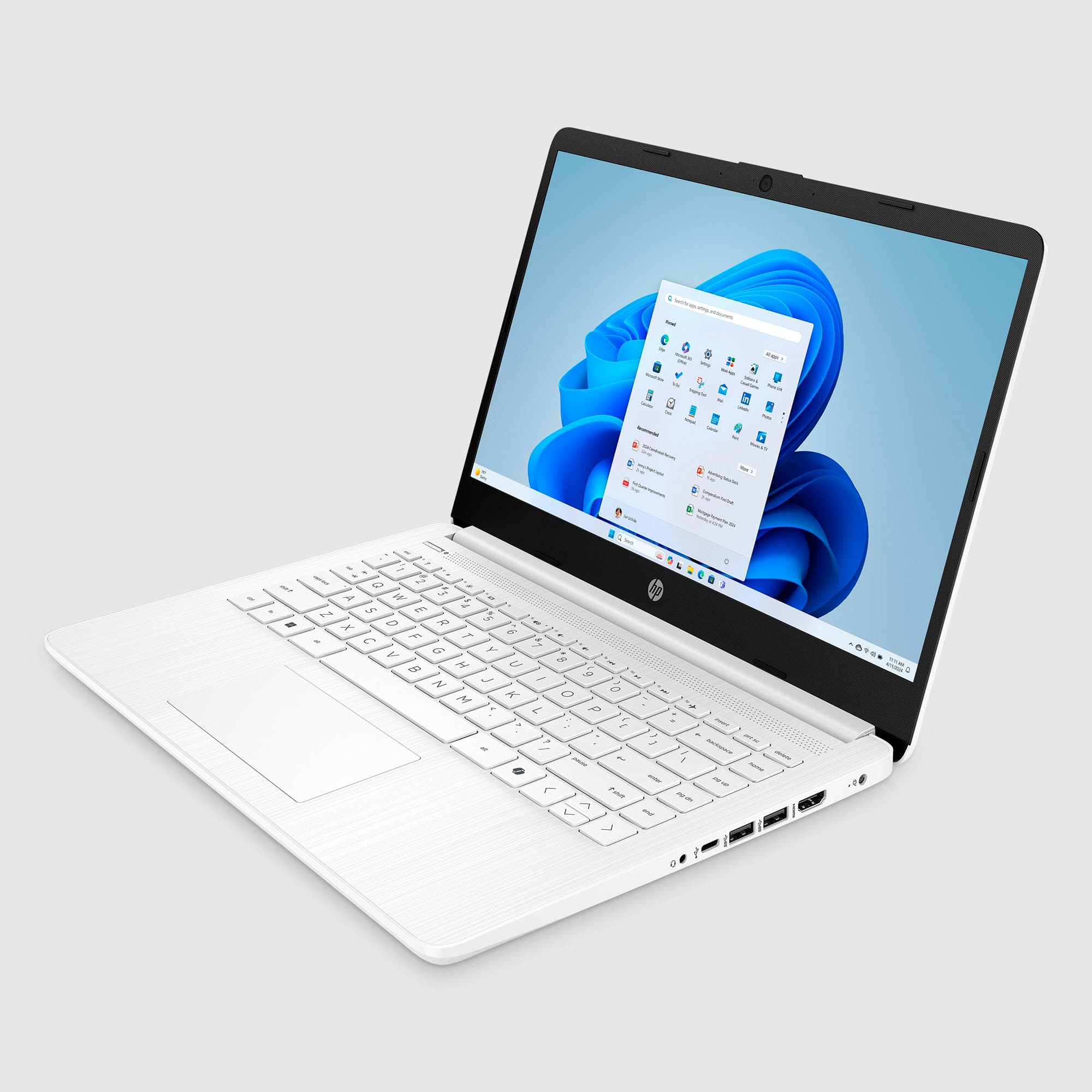
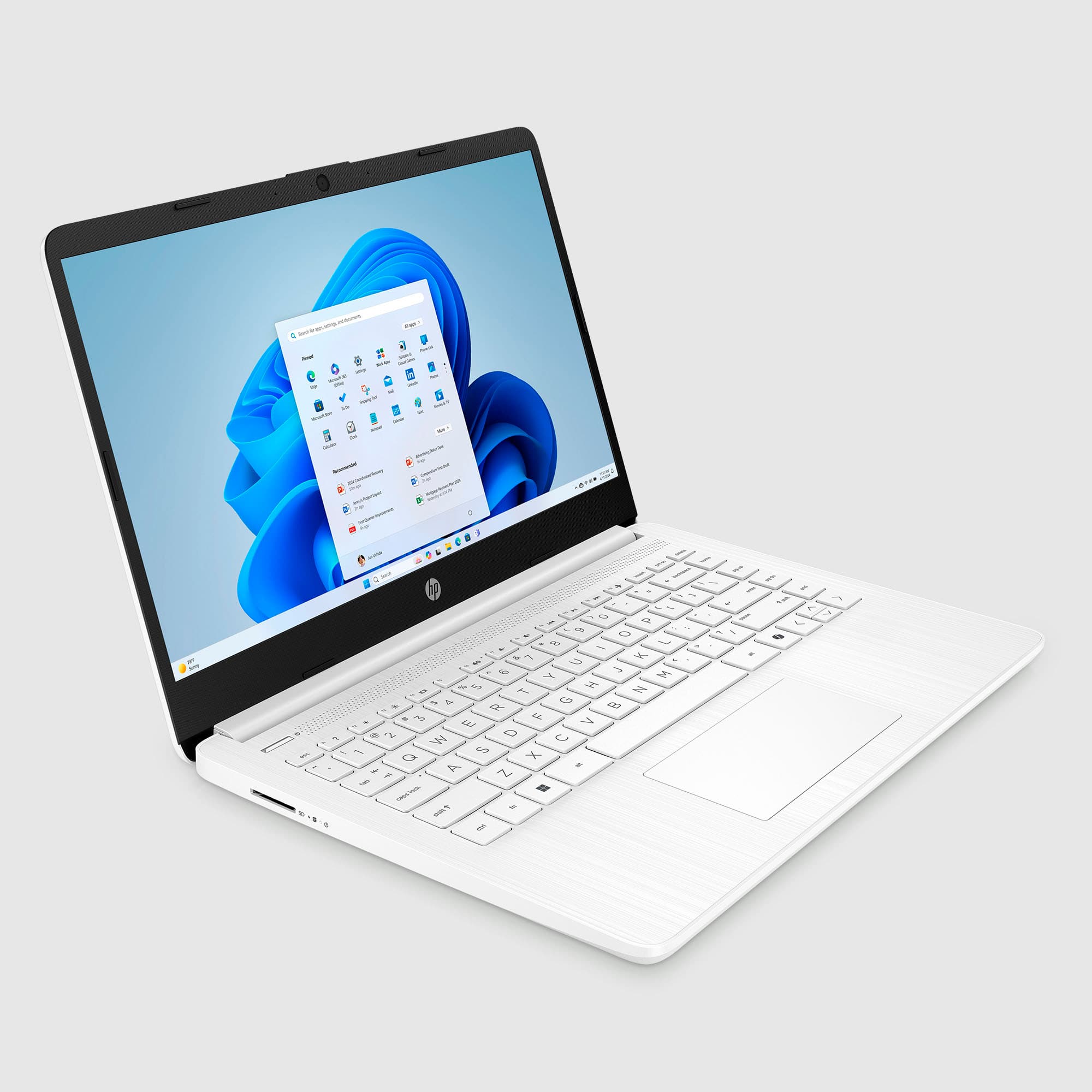
A:AnswerThank you for your question. Yes, the Laptop 14-dq3000dx can run the Steam app, but its performance will depend on the games you want to play. This laptop features an Intel Celeron N4500 processor, 4GB of RAM, and 64GB eMMC storage, which makes it suitable for lightweight games and basic applications.
A:AnswerJudit, thank you for your question about this HP laptop! Even if you take it out of S Mode and into Windows 11 Home, this laptop lacks the hardware to run Sims 4. The 64GB eMMC drive is enough to store Windows, Office, and projects. HP offers a large variety of laptops that have the hardware and storage to accommodate and run Sims 4 other games.
A:AnswerThank you for your question about the variants of this HP laptop! There are two models of this available in pink and their Best Buy SKU numbers are 6612976 and 6613878.
A:AnswerHello and thank you for asking. You can dlownload CDs to the HP 14-dq3000dx, but you will likely need to purchase additional external USB storage to do so. As far as burning tthat o a blank CD, the laptop does not have an internal CD/DVD drive. You would need to purchase an external USB CD/DVD drive. They cost about $40 and up. Both external USB storage drives and external CD/DVD drives are available at Best Buy.
A:AnswerThank you for your question. To switch out of Windows 11 S mode, follow these steps: Open Settings: Click on the Start menu and select the gear-shaped icon to open the Settings app.
Go to Activation: Navigate to the System category and then to Activation. Find the Switch Out of S Mode Section: Look for the option to switch out of S Mode. Open the Microsoft Store: Clicking the switch option will open the Microsoft Store with more information. Confirm the Switch: Click the "Get" button in the Microsoft Store to confirm your choice. This will start the process, and it should only take a few moments.