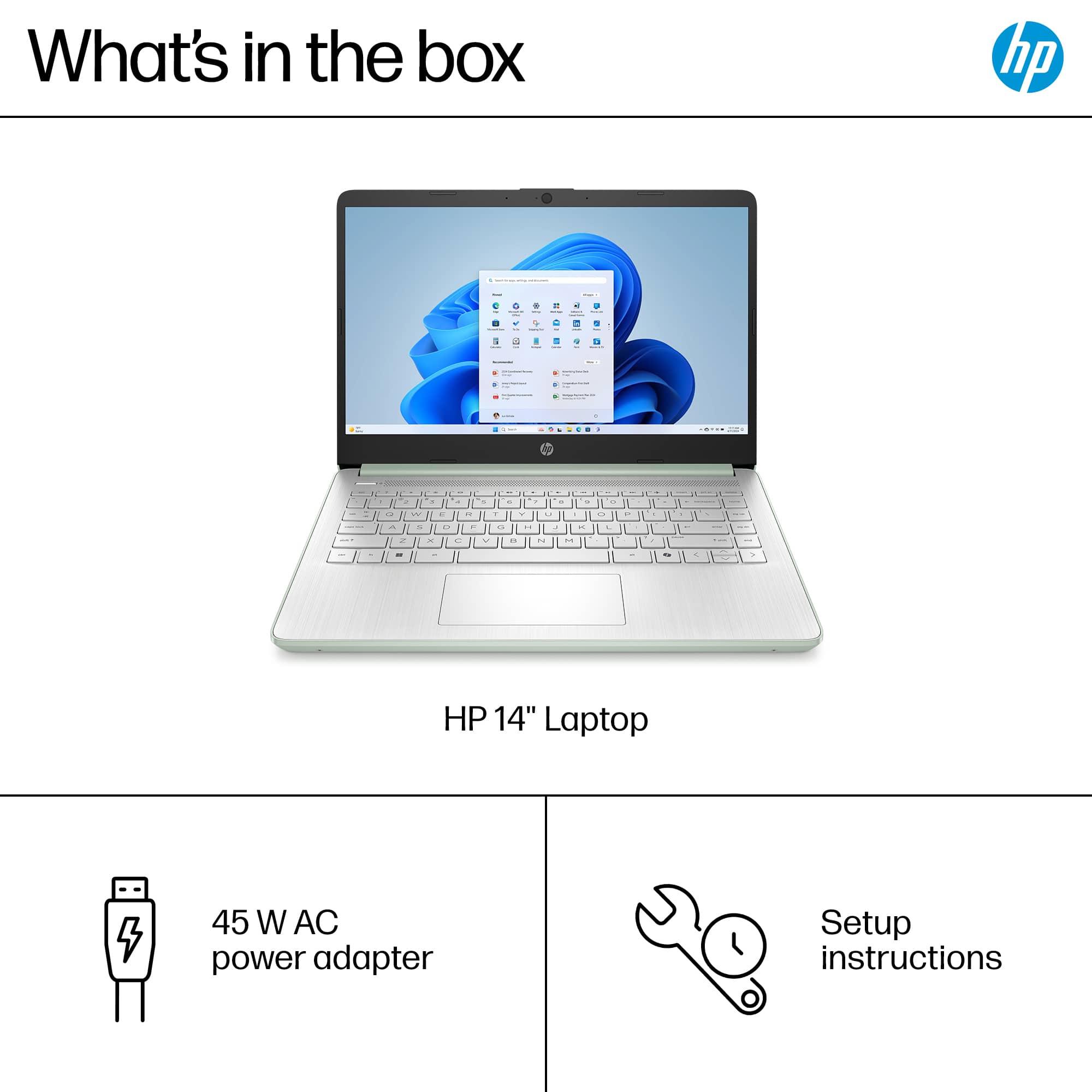
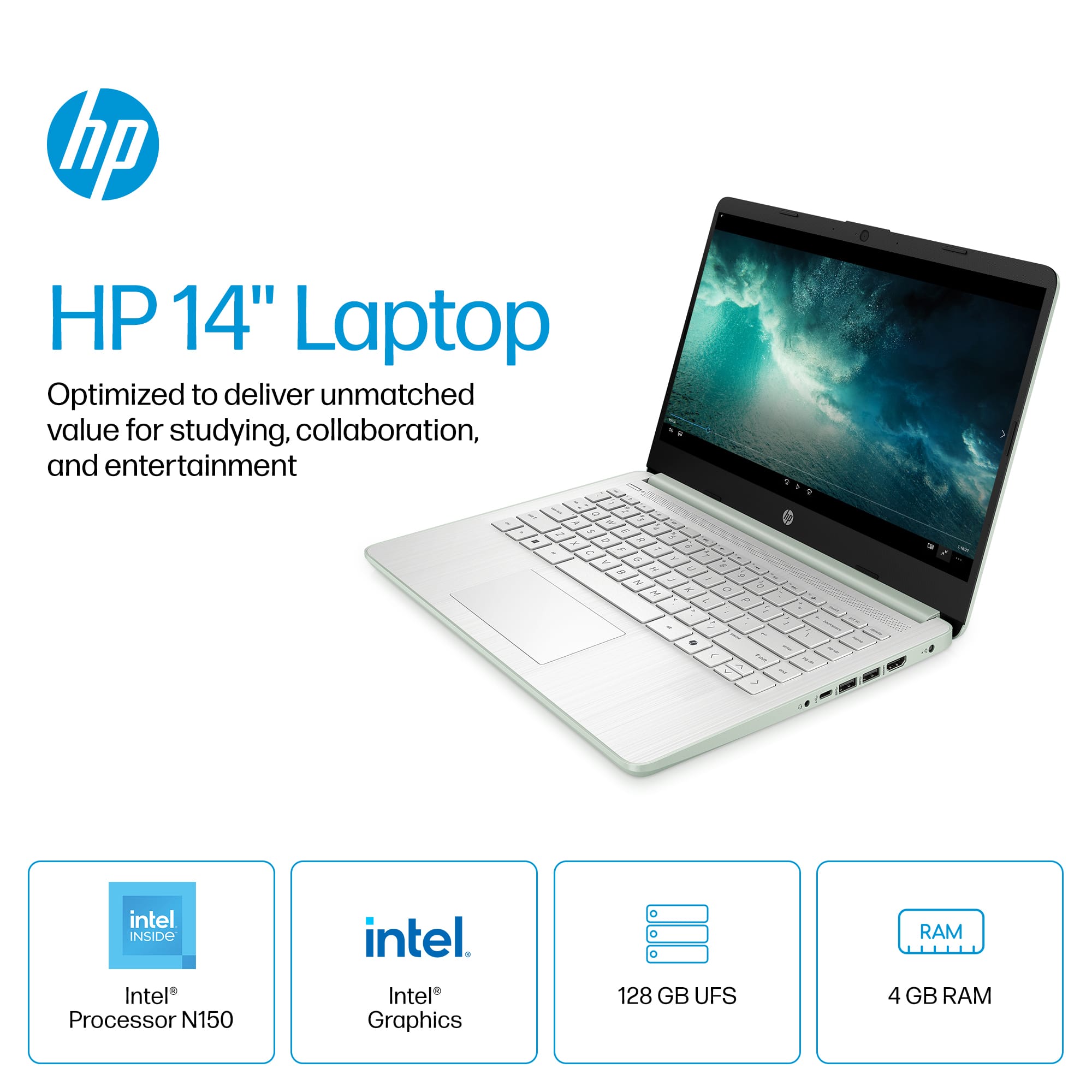
A:AnswerYes, but recommend you upgrade the ram to at least 8gb.
I purchased the laptop to do my family tree research and check email. If I have too many internet tabs open, then it will slow down or lock up (probably my fault by having too too many tabs active). other than that I love the laptop.
A:AnswerLook up a youtube video on the exact make,model, and year. It is definitely tricky at first but once yiu get through the back end of things its smooth sailing from there.




 for more information. ENERGY STAR and the ENERGY STAR logo are registered trademarks of the U.S. Environmental Protection Agency.](https://pisces.bbystatic.com/image2/BestBuy_US/images/products/b89aed5c-76ed-43b4-b266-b8c391e04927.jpg)