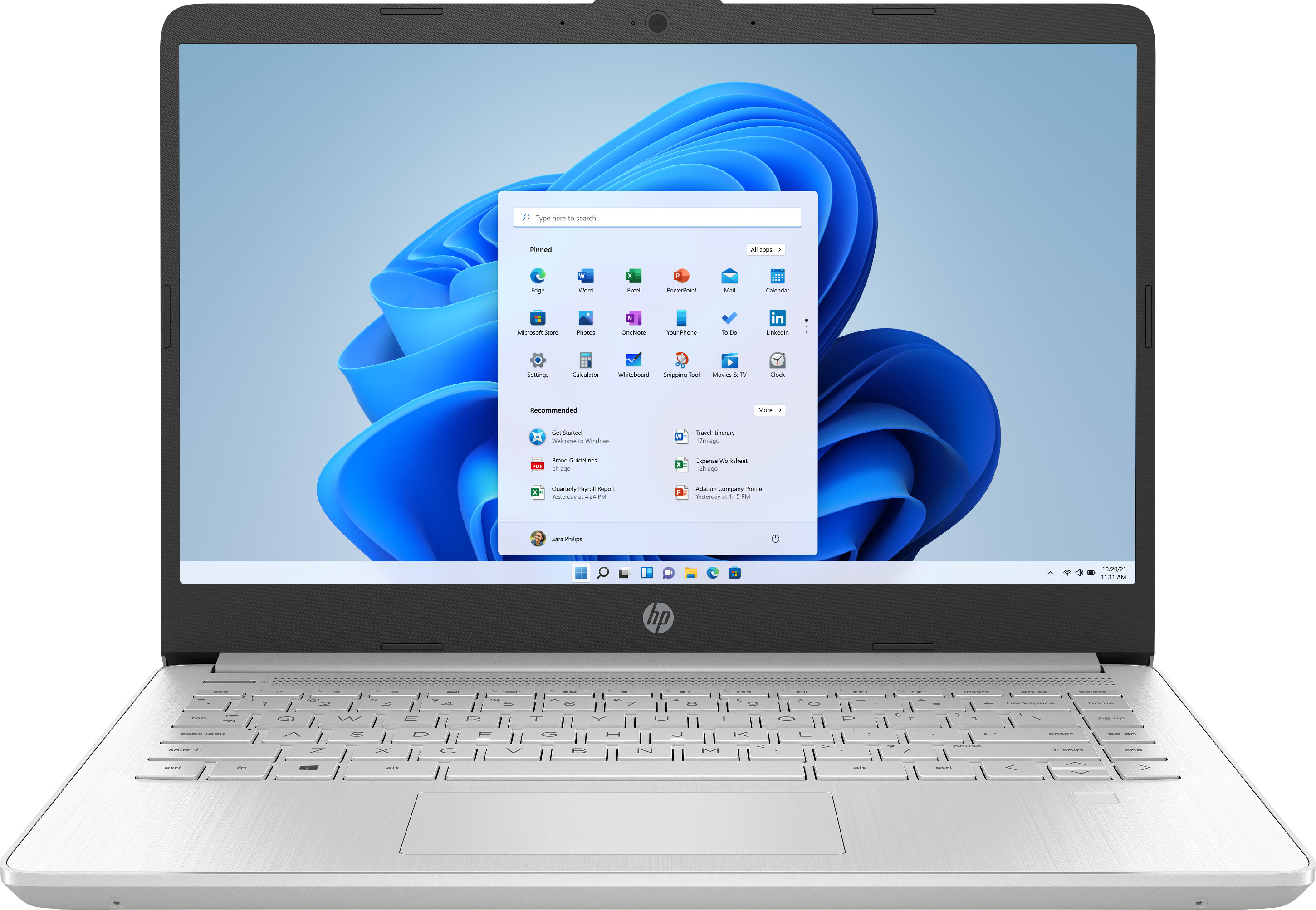
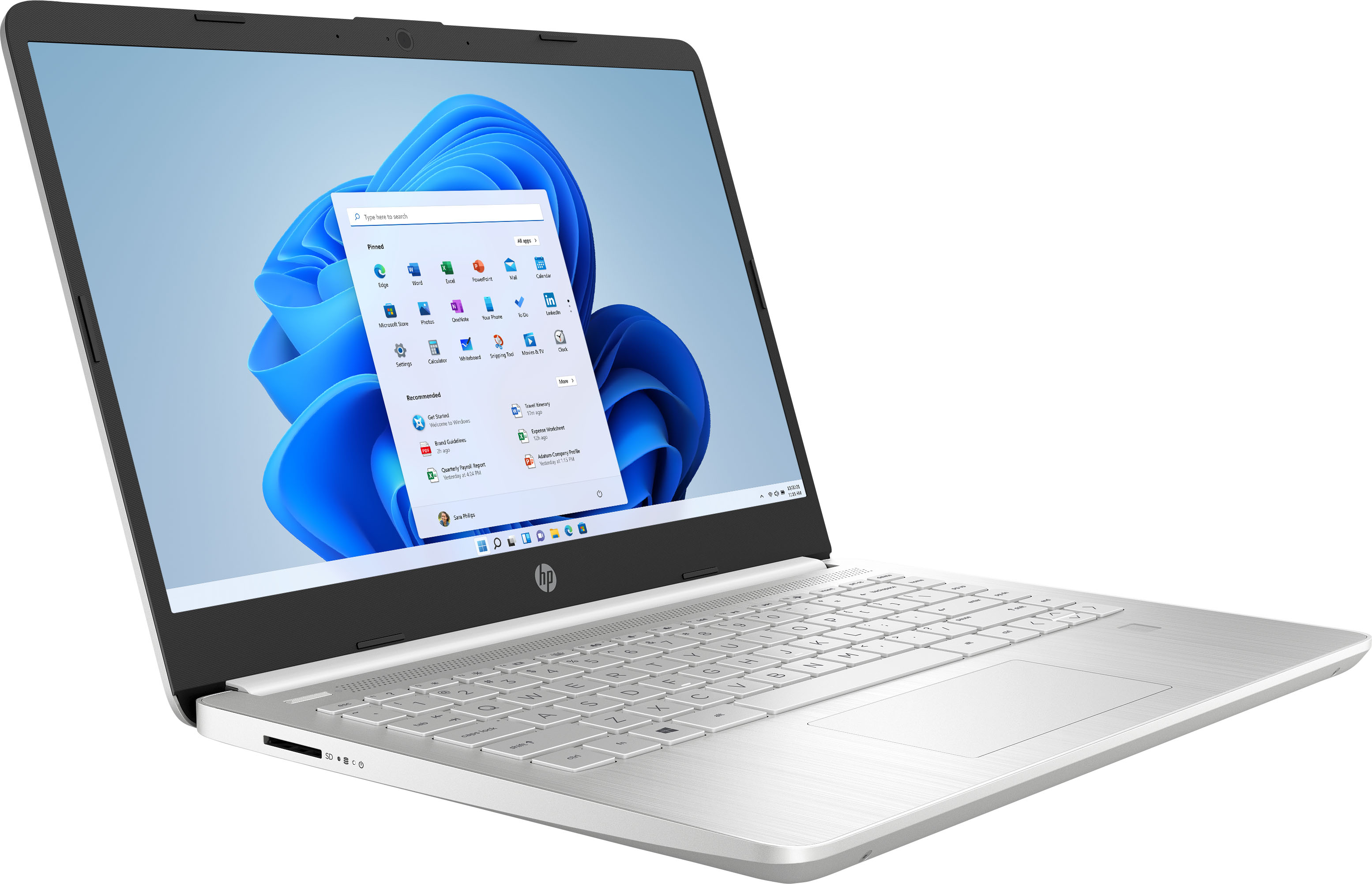
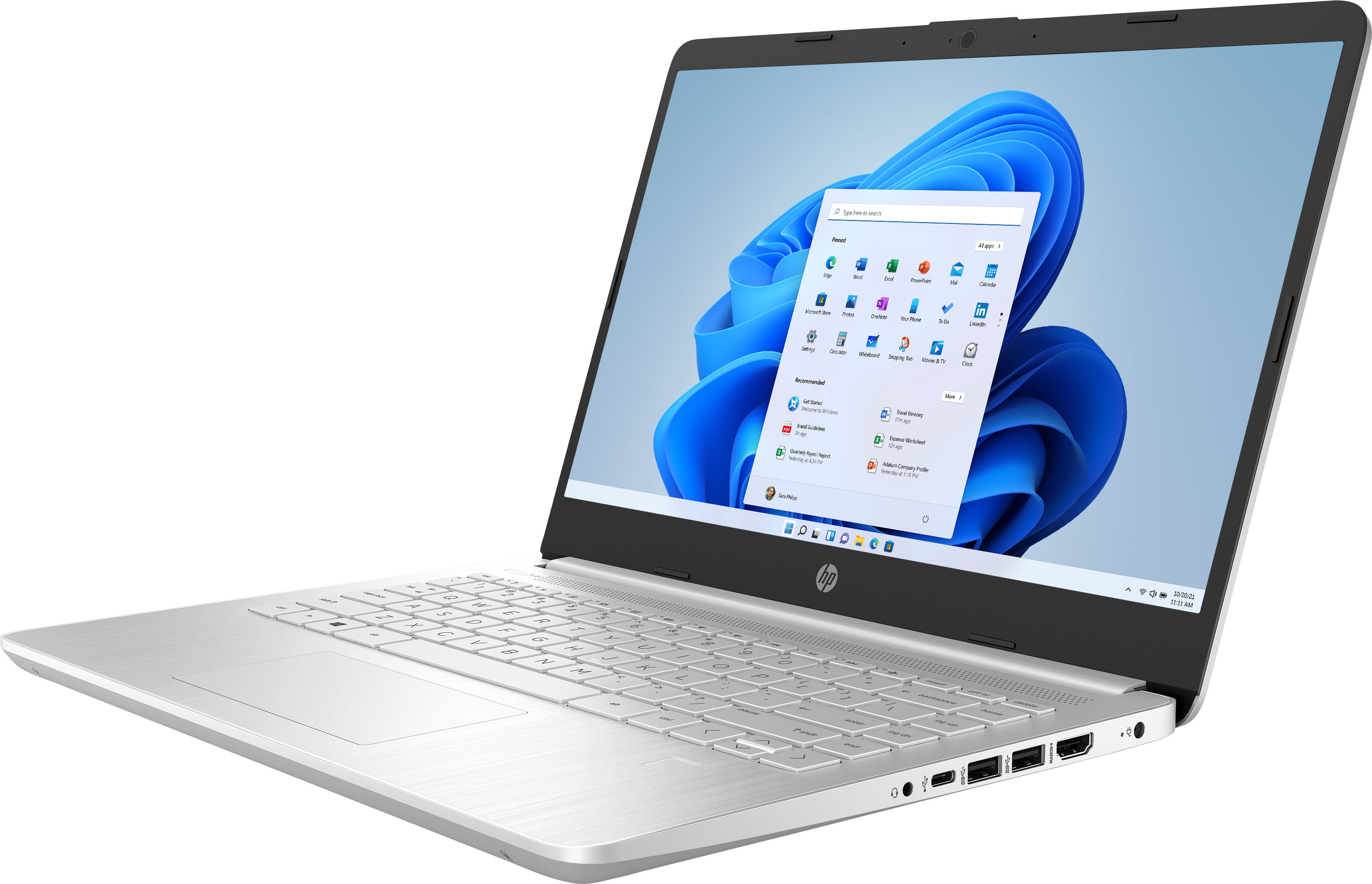
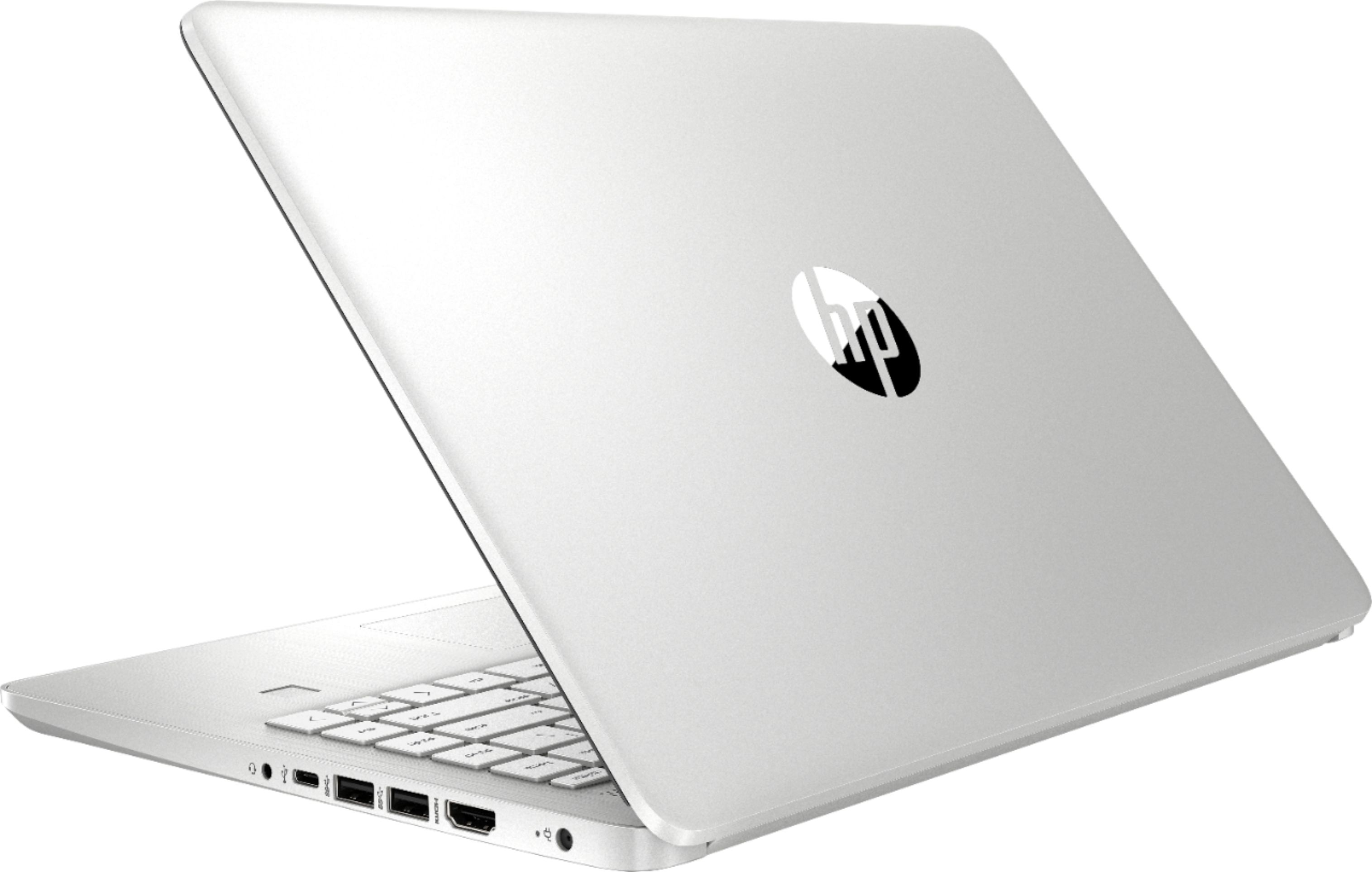
A:AnswerThank you for the question. Yes, the 14-dq2013dx will support two additional monitors, maximum. It has one HDMI port. The additional monitor will need to be connected through the USB-c or USB-A ports with an adapter. You might get low Hz with the 4K display.
A:AnswerThank you for the question. Yes, the HP 14-dq2013dx laptop has more than sufficient processing speed and RAM, exceeding the minimum requirements for Movavi Video Editor.
A:AnswerHi Jackie, thank you for asking. Yes, you can attach an additional monitor. The 14-dq2013dx laptop has an HDMI 1.4b port, so that would be the easiest connection and leave your other ports free for other peripherals you may want to connect. The monitor will most likely include an HDMI cable, so you'll be all set. The type of monitor depends on your needs. A suggestion: https://www.bestbuy.com/site/hp-24-ips-led-fhd-freesync-monitor-hdmi-vga-silver-and-black/6454576.p?skuId=6454576
A:AnswerThank you for the question. HP's standard warranty is one year for parts and labor. HP and Best Buy also sell extended warranties at a reasonable cost.
A:AnswerThank you for the question. The UltraSlim Docking Station was designed to be compatible with the HP EliteBook and ProBook series of laptops and has proprietary side docking interface to those laptops. The product specification for the HP 14-dq2013dx laptop recommends the HP Travel USB-C Multi Port Hub (1C1Y5AA) or the HP USB-C Travel Hub G2 (235N8AA).
A:AnswerYou can run that software on this laptop. But the display on this model will not support an active stylus if you are trying to use a stylus pen.
A:AnswerYes, you will be able to install iTunes on this laptop. Here are the instructions: 1-Download the iTunes installer from the Apple site, 2-Run the iTunes installer, 3-Click the option to accept the terms of the License Agreement, and then click Next, 4-Choose iTunes installation options, 5-Choose the language iTunes should use, 6-Choose the destination folder for iTunes, 7-Click Install to finish.