A:AnswerThank you for the question. Typically items are returnable up to 14 days after purchase. Best Buy has extended holiday return & exchange periods. Customers can shop with peace of mind with easy returns. Purchases made Nov. 1 through Dec. 31 have an extended return period through Jan. 14, 2025, excluding items purchased with a third-party contract [e.g., activatable devices (cell phones, cellular tablets, mobile hotspots, cellular wearables) and AppleCare+ plans, etc.], and holiday decorations (e.g., artificial trees, lights, decorations, etc.). Other exclusions, including restocking fees, non-returnable products and all other terms and conditions of the Best Buy Return & Exchange Promise apply. Please reach out to Best Buy directly with further questions.
A:AnswerThank you for your question. As system requirements for software constantly change, we cannot answer questions about software compatibility or performance. What is compatible today may not be in a few months. Please check the software manufacturer's website for the most current system recommendations.
A:AnswerThank you for your question. Yes, you can use the Chromebook (model 7J267UA#ABA) in Europe with 220 volts. This Chromebook comes with a 45W USB Type-C power adapter that supports a wide range of input voltages, from 100V to 240V AC. This means it can handle the 220V power supply commonly found in Europe. Just make sure to use a plug adapter suitable for the specific country you are visiting, as the plug shapes and sizes can vary.
A:AnswerThank you for your question about this HP Chromebook! This HP Chromebook and the Dell Inspiron 15 3000 target different market segments. The regular Windows-based HP laptops and the HP Pavilion laptops are more comparable to the Dell Inspiron 15 3000.
A:AnswerHi Kenna, thanks for your question about this HP 15.6" Chromebook Laptop (model 7J267UA)! As system requirements for gaming software constantly change, we’re unable to answer questions about software compatibility or performance. What’s compatible today may not be in the future, so please check the gaming software manufacturer's website for the most current minimum and recommended requirements.
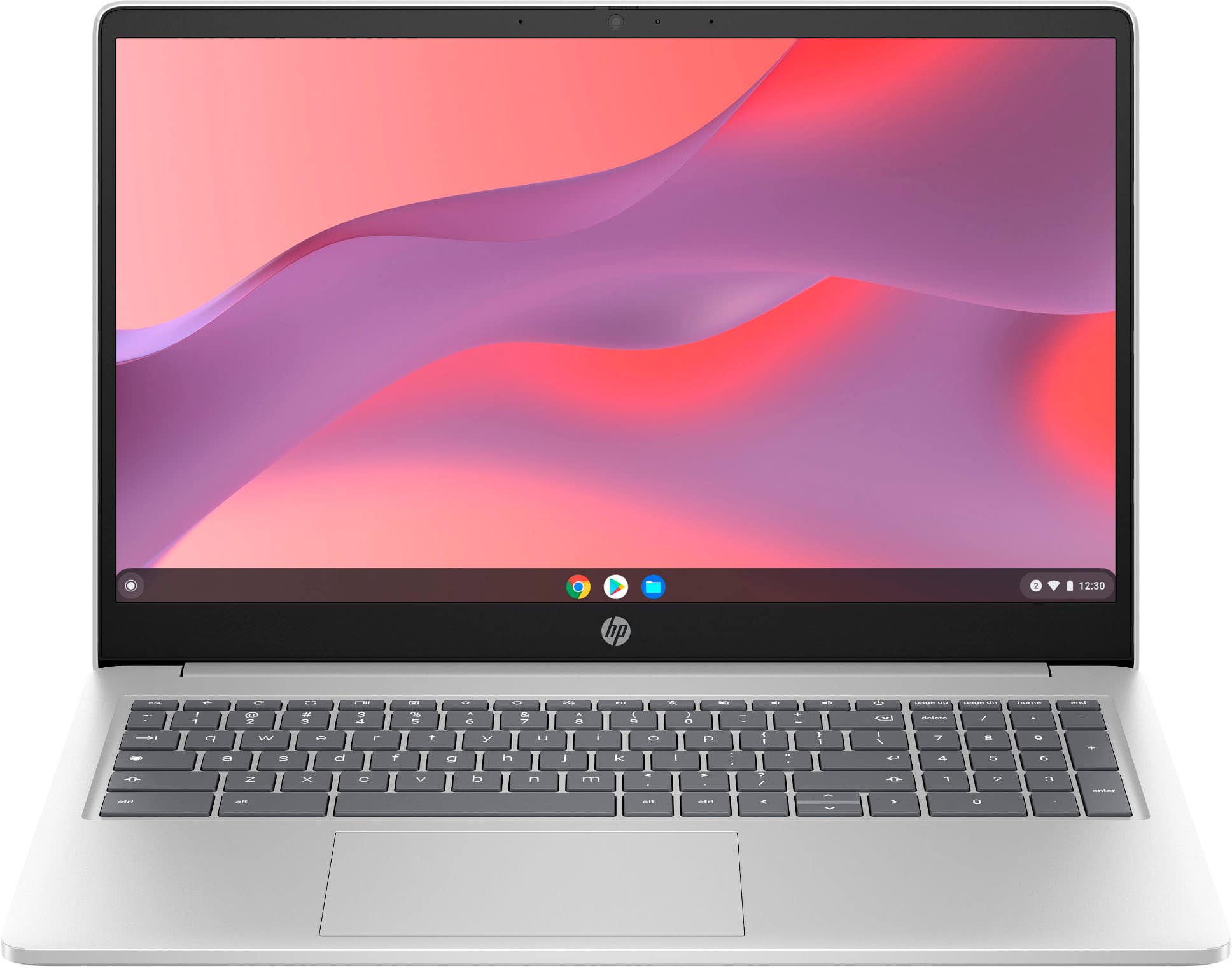
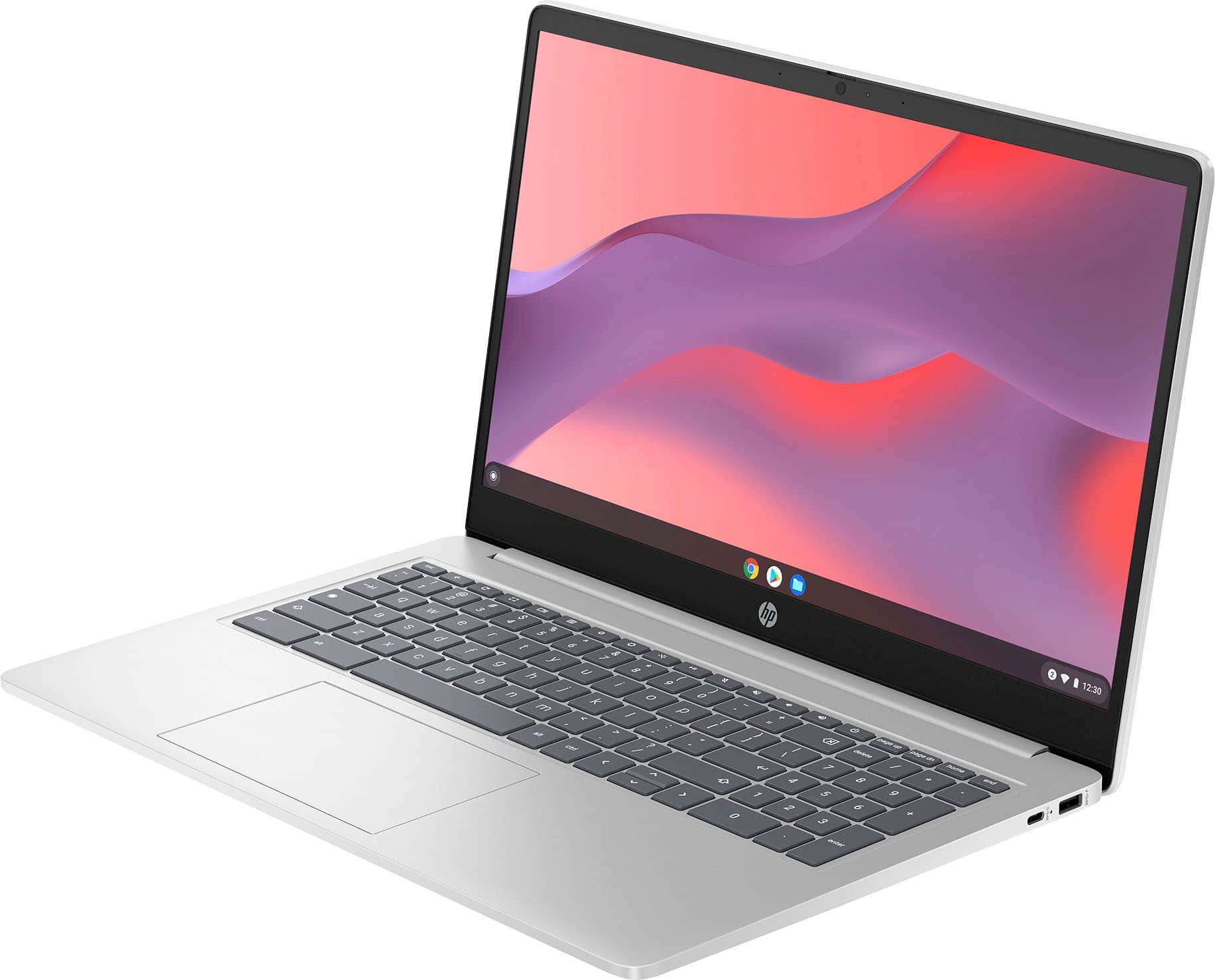
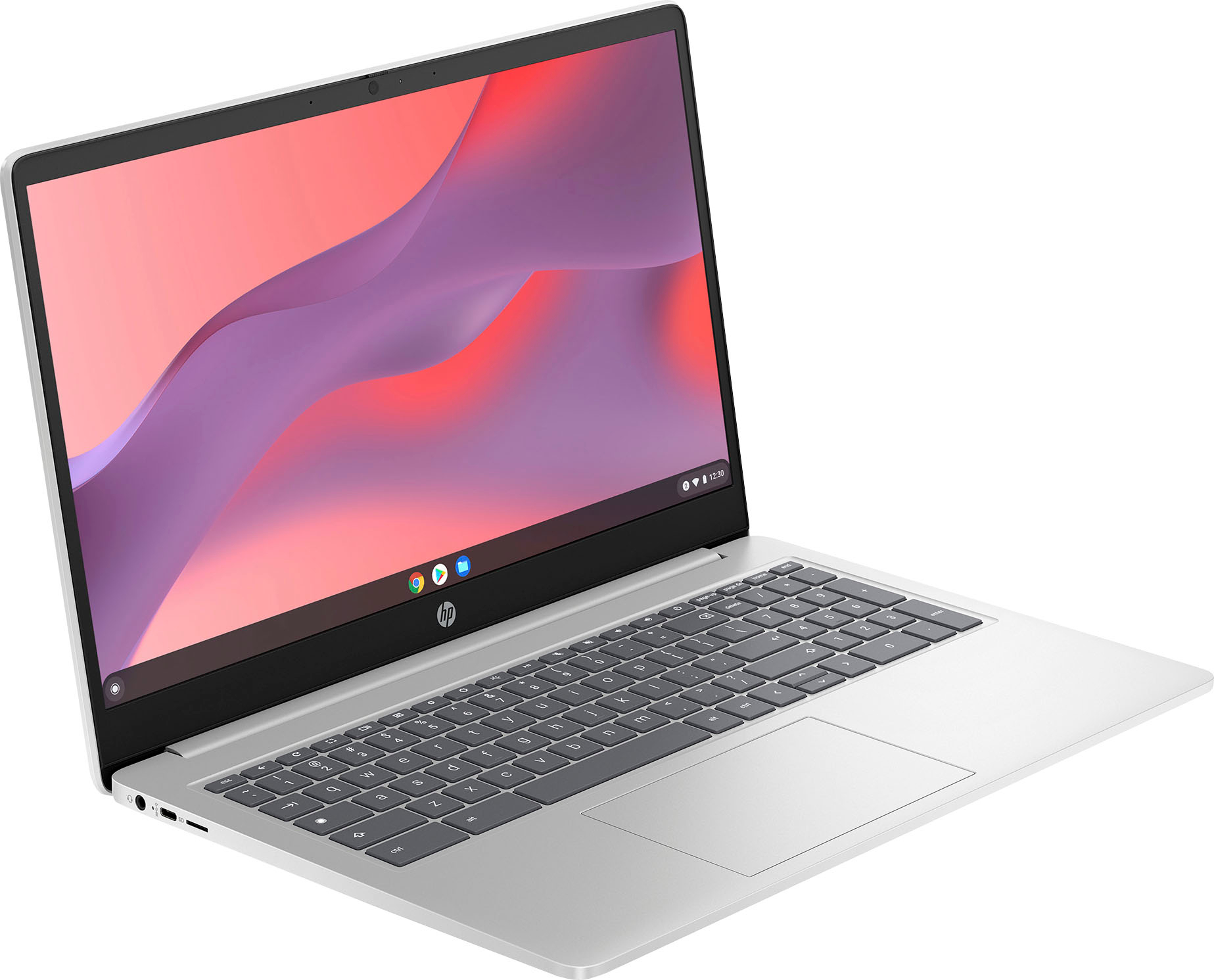
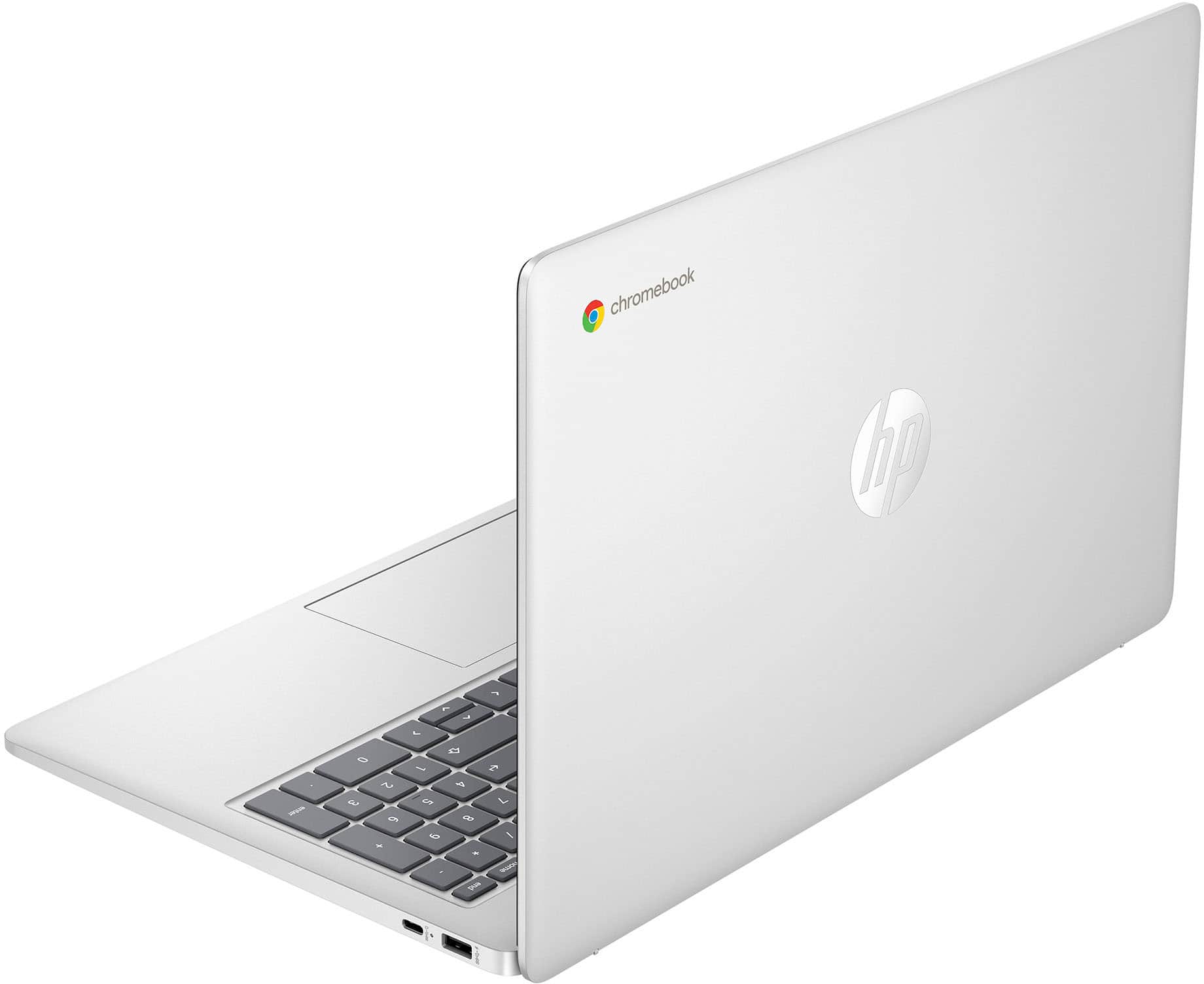
A:AnswerThank you for your question. This 15a-nb0013dx Chromebook comes with a 1-year limited hardware warranty and a 1-year limited technical support for software and initial setup (from date of purchase).
A:AnswerThanks for your question. You would need to see what the hardware and software requirements are of the DJ software you are using. This HP Chromebook laptop is mostly designed for tasks like browsing the web and streaming video. You might want a more powerful Windows 11 laptop to run DJ software.
A:AnswerThank you for the question. For online games, this model should be sufficient. However, it may depend on specific game system requirements or user game settings. As system requirements for software constantly change, we cannot answer questions about software compatibility or performance. What is compatible today may not be in a few months. Please check the software manufacturer's website for the most current system recommendations.
A:AnswerThank you for the question. This Chromebook does not have dedicated AI processing, however, you can access chat GBT or Copilot (using your Microsoft account) from the web.
A:AnswerJay, thank you for your interest in this HP Chromebook! It comes with a one-year factory warranty from HP. Best Buy also offers protection plans that go beyond the scope and the length of HP's factory warranty. You can partner with a Best Buy associate for details.