A:AnswerIt is I actually have the same phone and I have it to transfer my messages and calls and everything to my Chromebook when I'm working on it and all of my Google apps are linked as well
A:AnswerIn a nutshell, in my opinion, the Chromebook is a very simple no-frills, not really upgradable tablet with a screen and keyboard used for elementary school children. The processing power is on the low end and a good starter device for most 1st and 2nd Graders. No space to upload large applications, etc. You should really GOOGLE it!
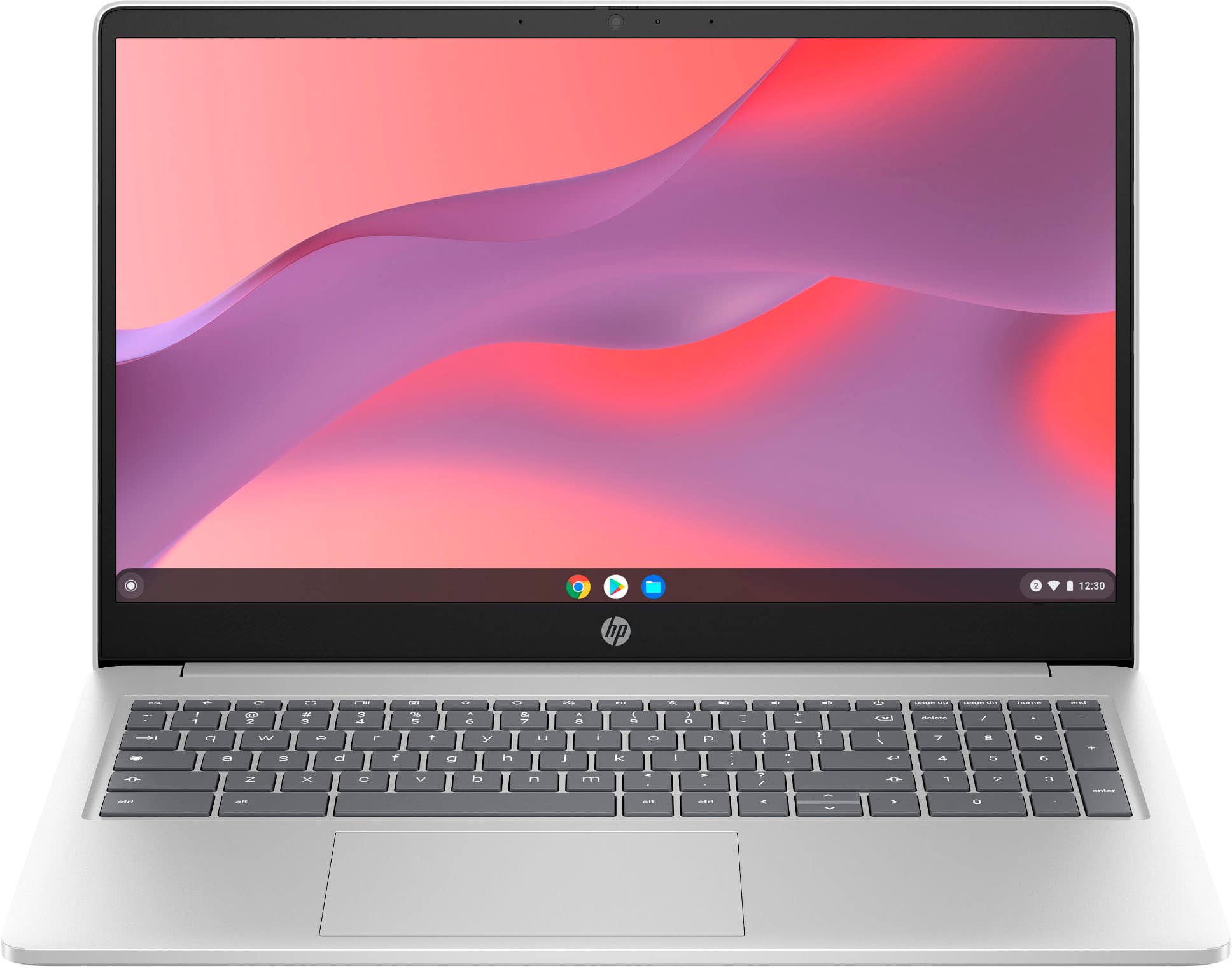
A:AnswerNO. But you can turn Caps Lock on or off by pressing Alt + Search or pressing Alt + Launcher
https://support.google.com/chromebook/answer/1047364?hl=en#:~:text=Unique%20keys%20on%20your%20Chromebook%20keyboard&text=To%20turn%20Caps%20Lock%20on,Or%20press%20Alt%20%2B%20Launcher%20.