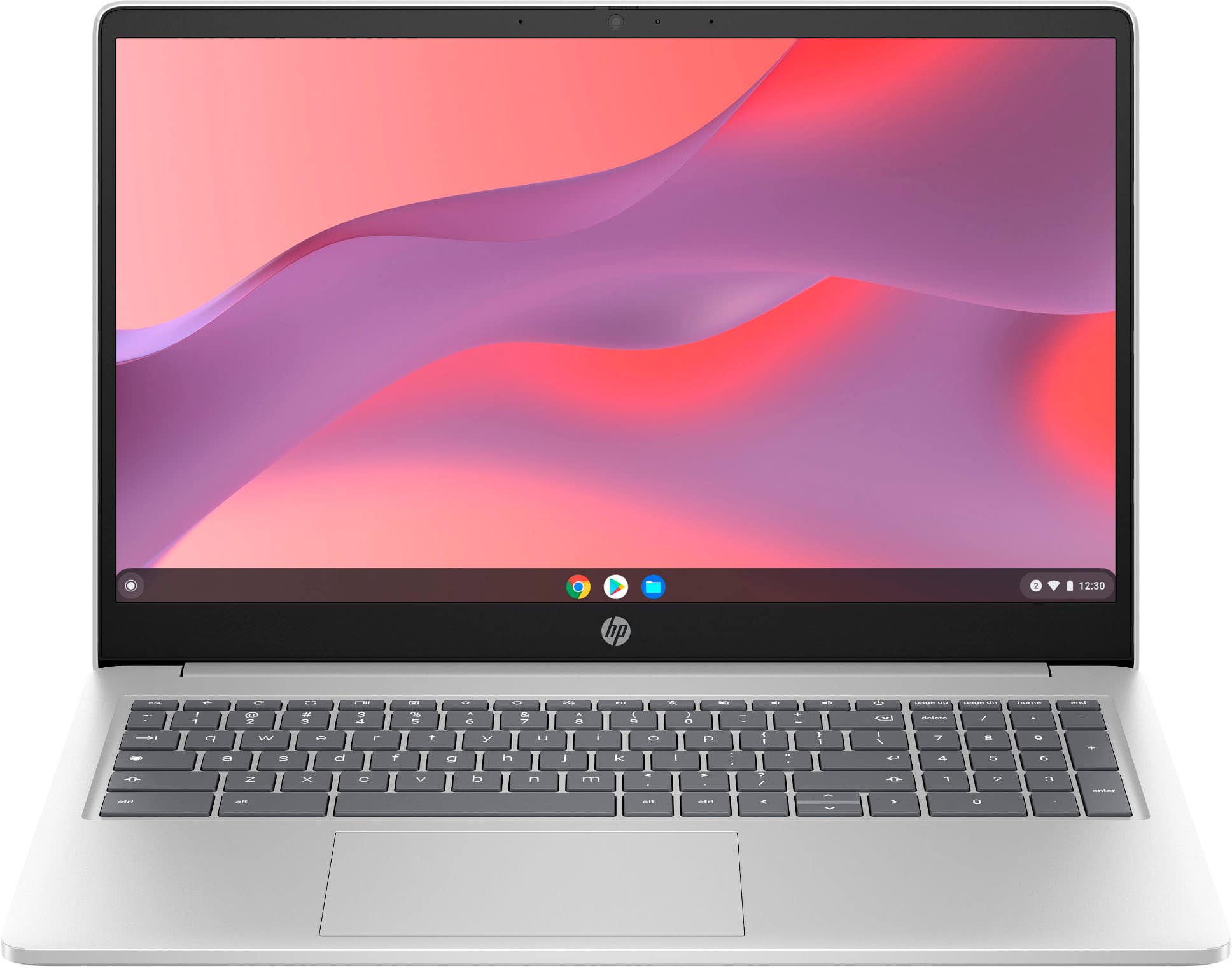
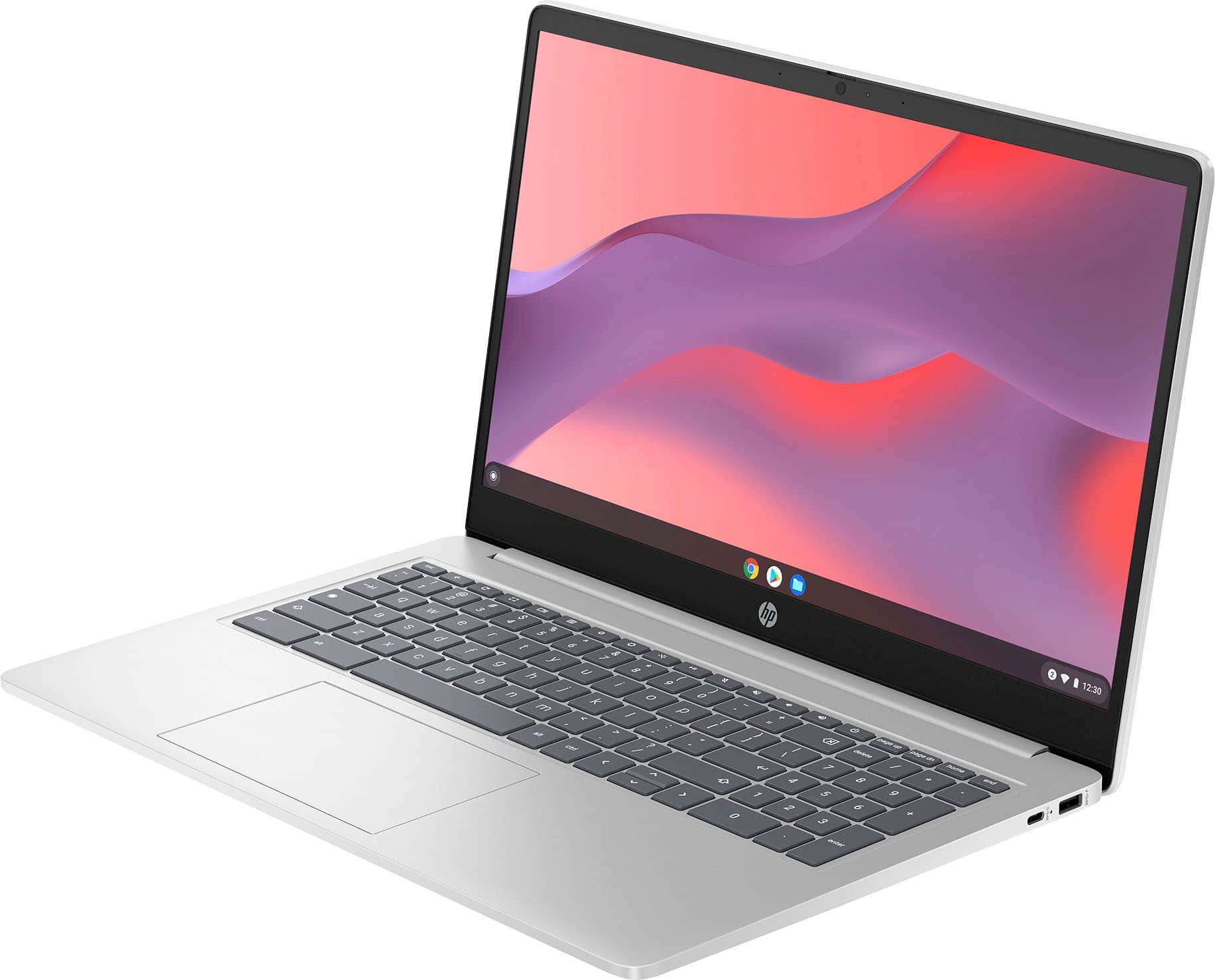
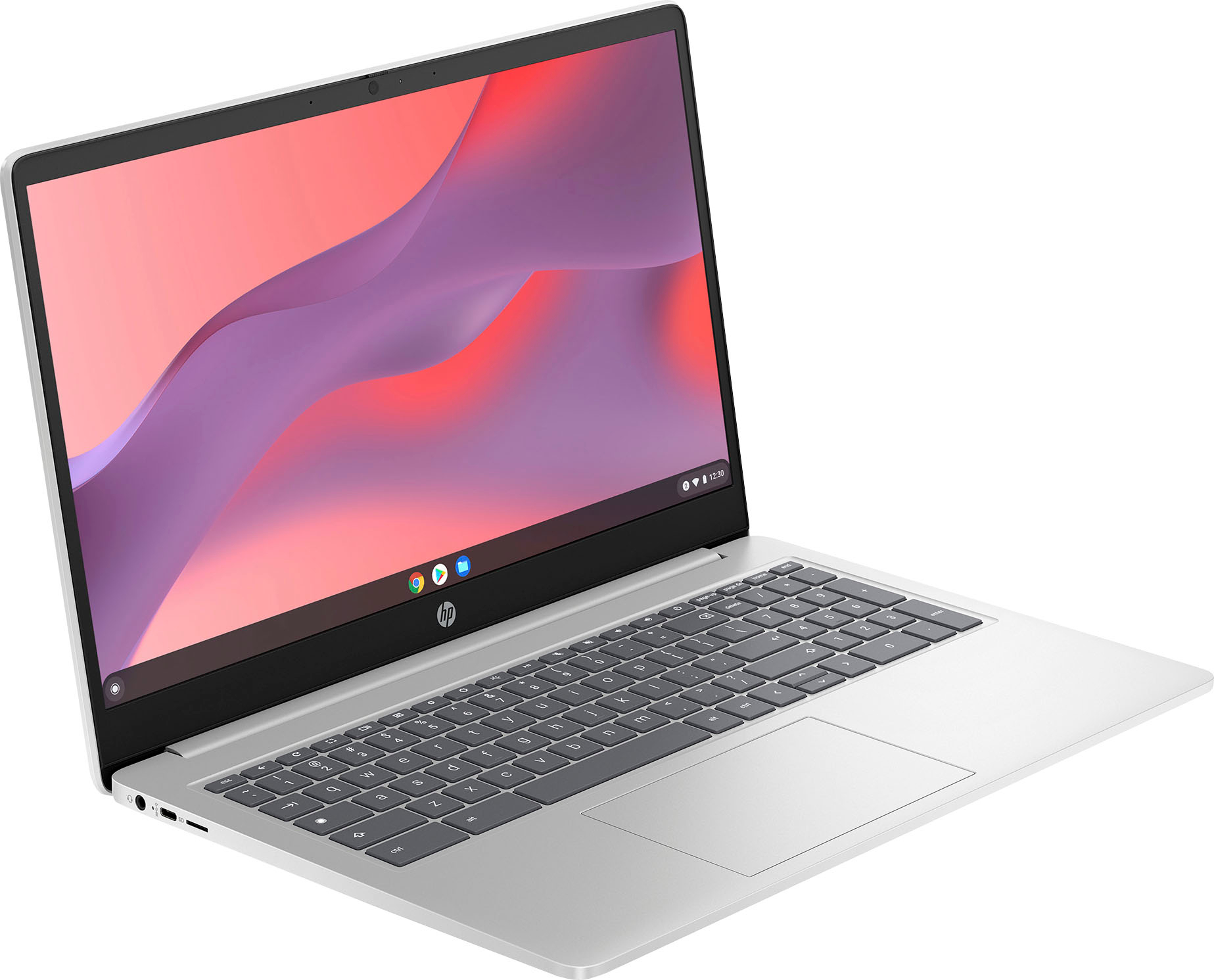
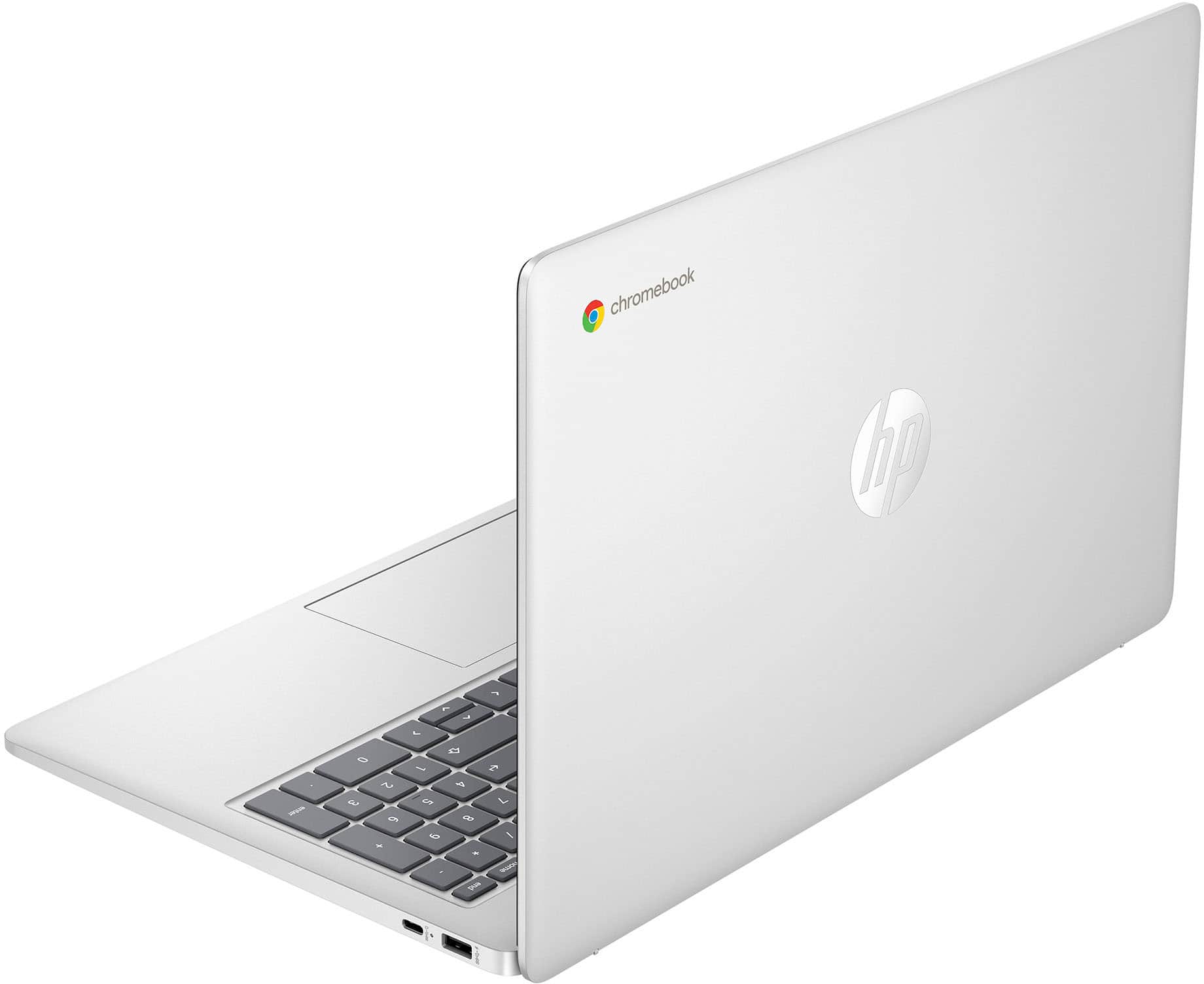
A:AnswerYou can check the requirements for the software you would like to use by looking up the system requirements for it from the publisher's website. You will want to make sure that the device you want to use it on meets the minimum requirements. Updates and modifications can impact what settings you can run the software on or if you can use the software at all. The processor can be clocked up to 3.7GHz.
A:AnswerThe Espon XP410 is not listed on the list of Chromebook compatible printers on Google's list or Epson's list. For more help selecting a compatible printer or laptop, don't hesitate to reach out to your HP team or the Best Buy Geek Squad!
A:AnswerThank you for the question. To run the full version of Quicken, you'll need a Windows PC. For Chromebooks (Chrome operating system) you can run the mobile version of Quicken (download the app in the Google Play Store) or access via the Web if you have a desktop version on a companion Windows or Mac computer.
A:AnswerHello, Mike. Thanks for your question. You can access Word and Excel by going to https://www.office.com on this HP Chromebook. Here are some instructions: https://support.microsoft.com/en-US/office/how-to-access-microsoft-office-on-a-chromebook-32f14a23-2c1a-4579-b973-d4b1d78561ad
A:AnswerIf it doesn't connect automatically, then find your printer's IP address by looking in your printer's settings screen for network connections or something like that. Just look around for IP address:
Then go into settings/printers on the Chromebook and enter new printer manually. All it needs is the printer name and IP address you got from your printer settings screen.
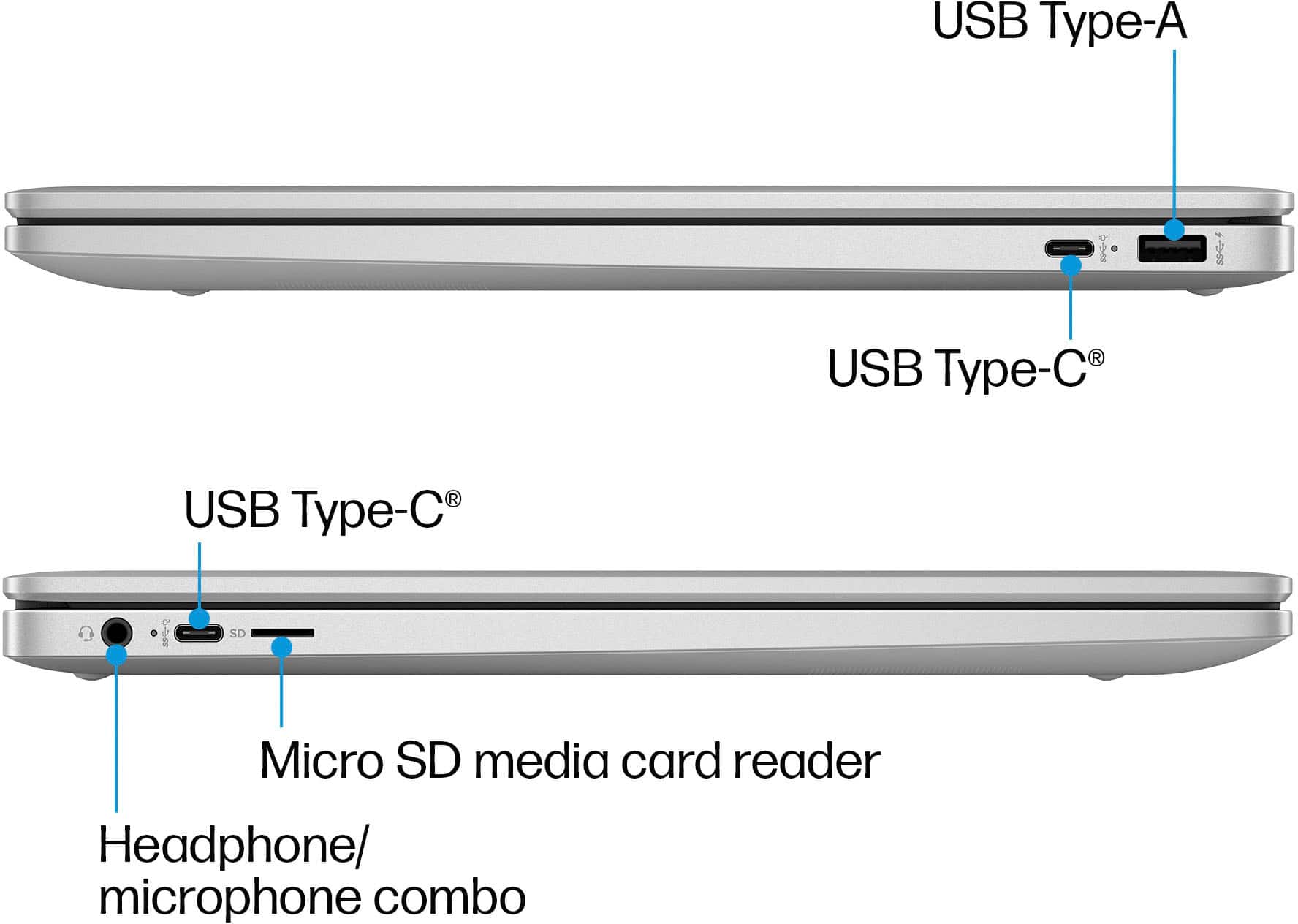
A:AnswerThank you for the question. Yes, you can use an Ethernet adapter to create a wired connection to the HP 15a-nb0013dx Chromebook. Yes, can also connect an external mouse and keyboard - we might suggest a combo, since this model has just 1 USB Type-A port and 2 USB Type-C ports. The AUE is 2030.