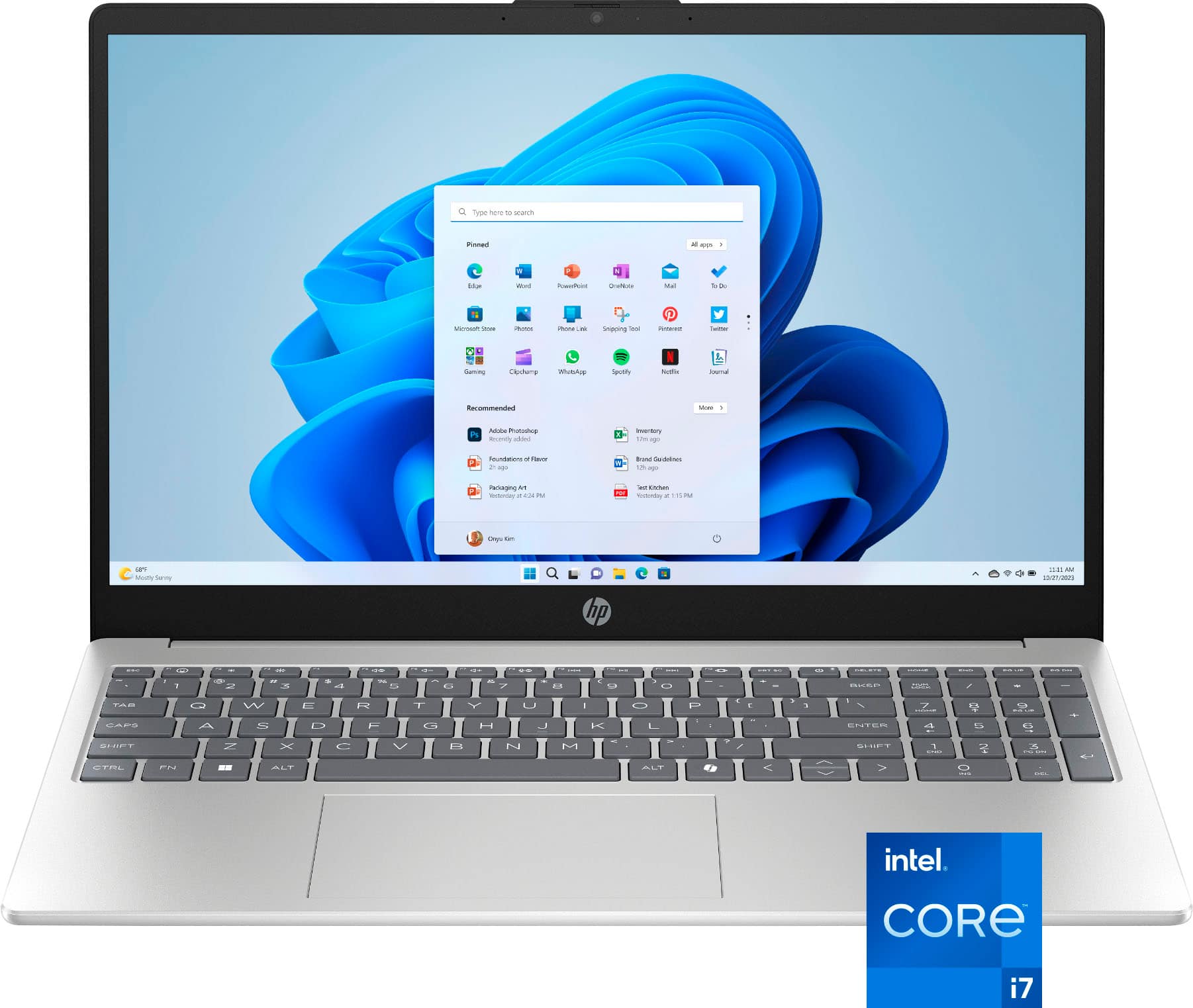
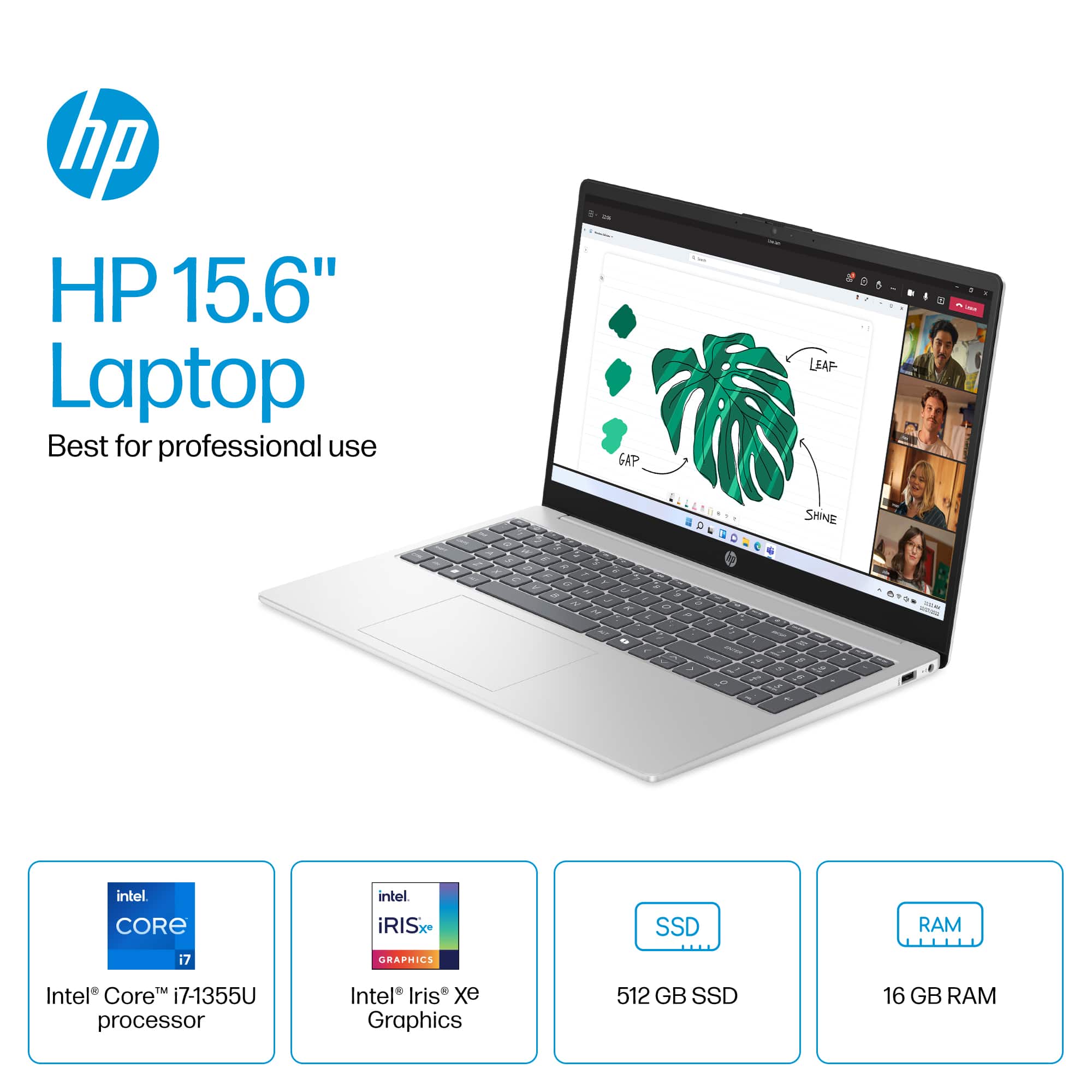
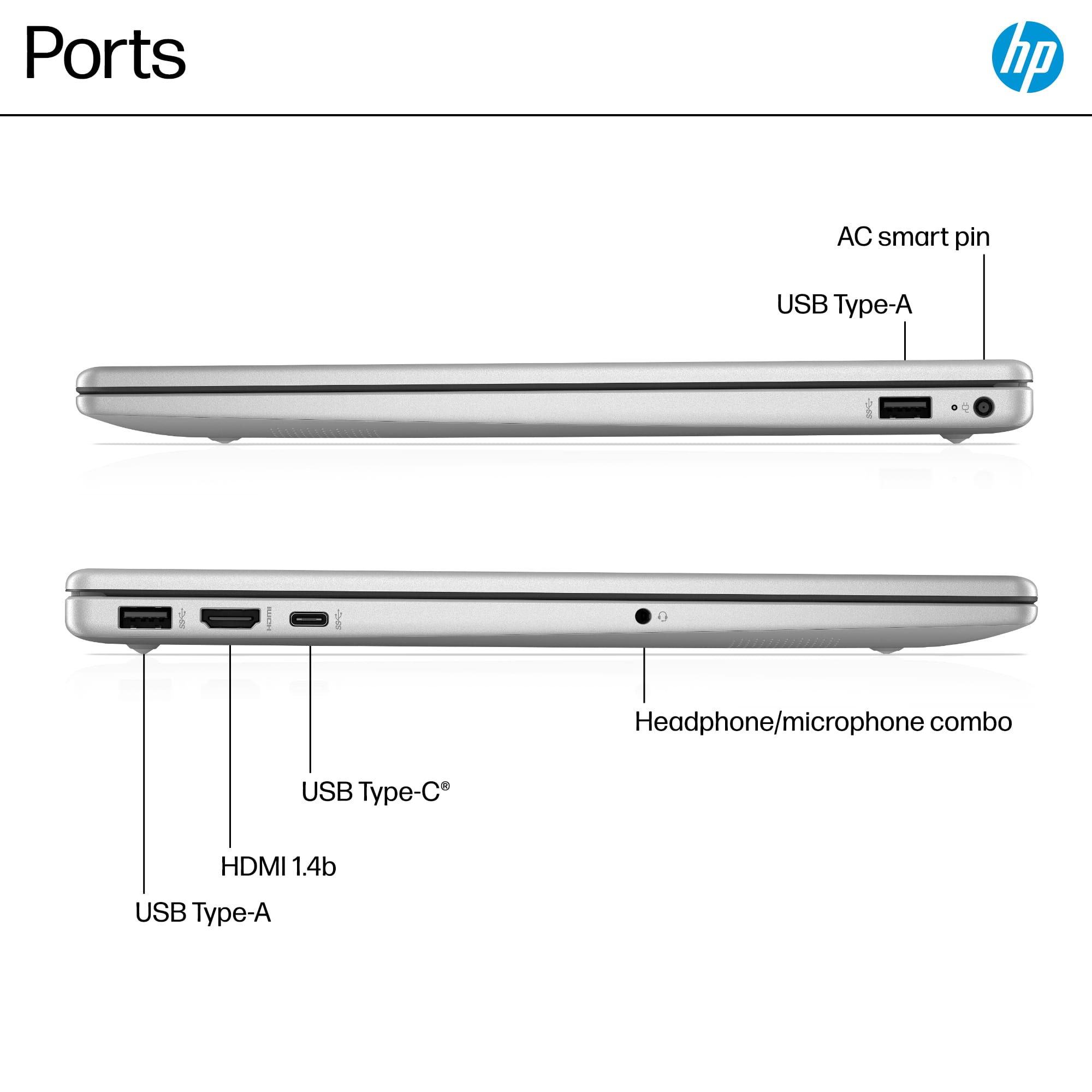
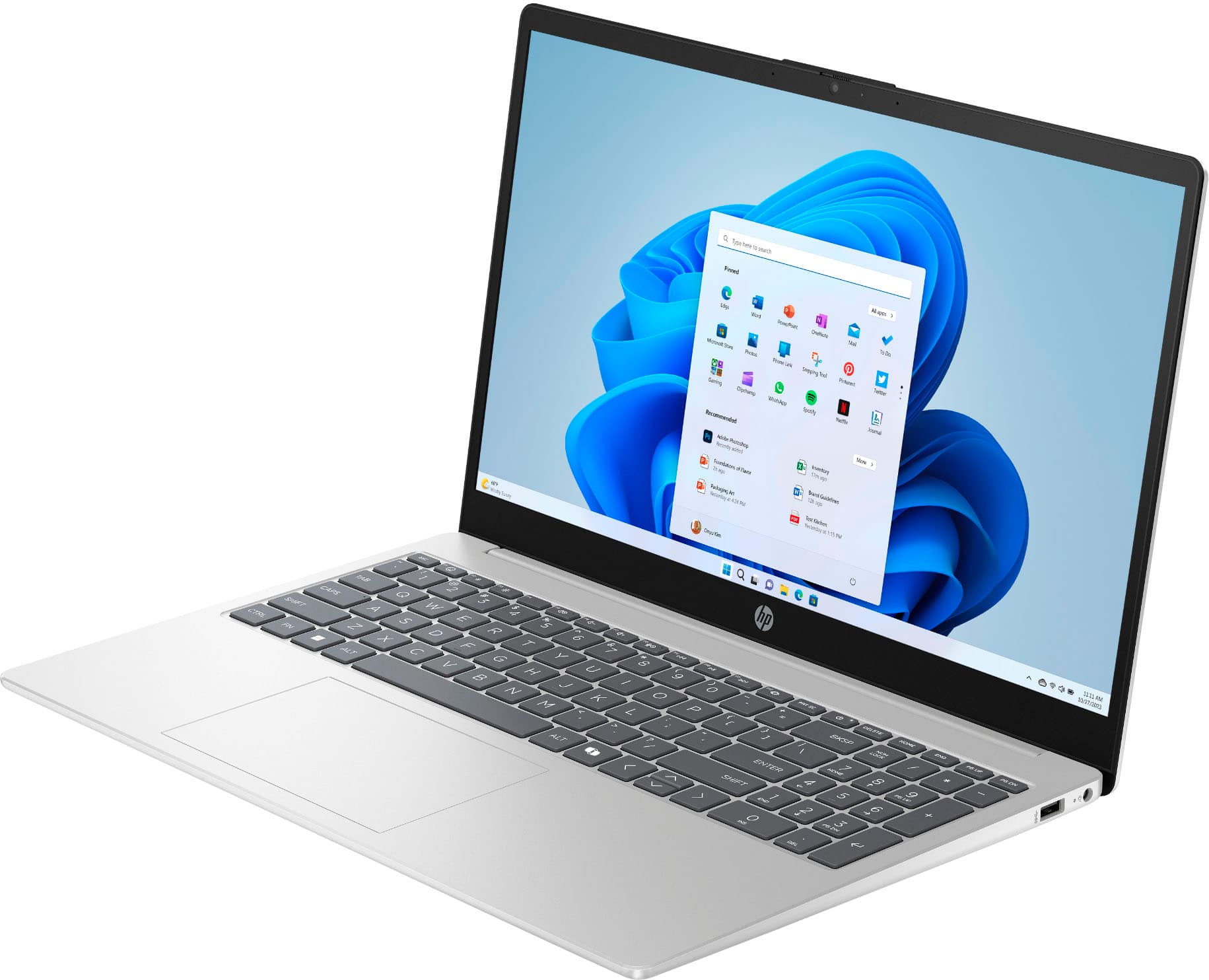
A:AnswerHi. Thanks for asking. The HP 15-fd0127dx laptop computer can be connected to an HP DeskJet printer via USB, as long as the printer is Windows 11 compatible.
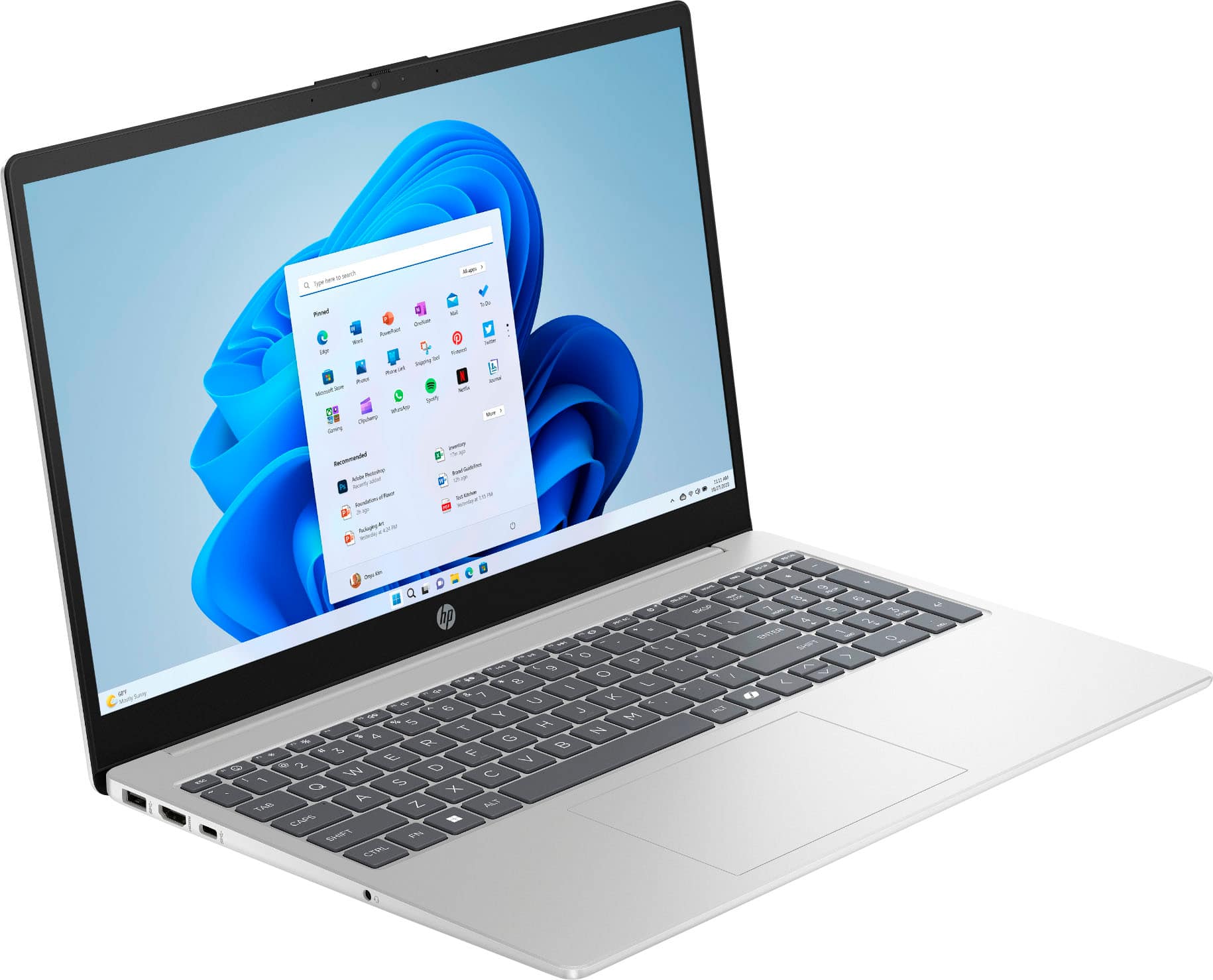
A:AnswerHello and thanks for asking. The HP 15-fd0127dx laptop computer can connect to a docking station, but you cannot connect any monitors that way as the laptop's USB ports do not support external monitors.
A:AnswerThank you for your question about this HP laptop! The USB-C ports on this do not support any type of dock. The HP OmniBook, Envy, and Spectre series are equipped with Thunderbolt ports and are sold through Best Buy.
A:AnswerChris, thank you for your question about this HP laptop! It is a good laptop for those starting out as engineering students. Check with the department to see what software they use and what their recommended system requirements are.
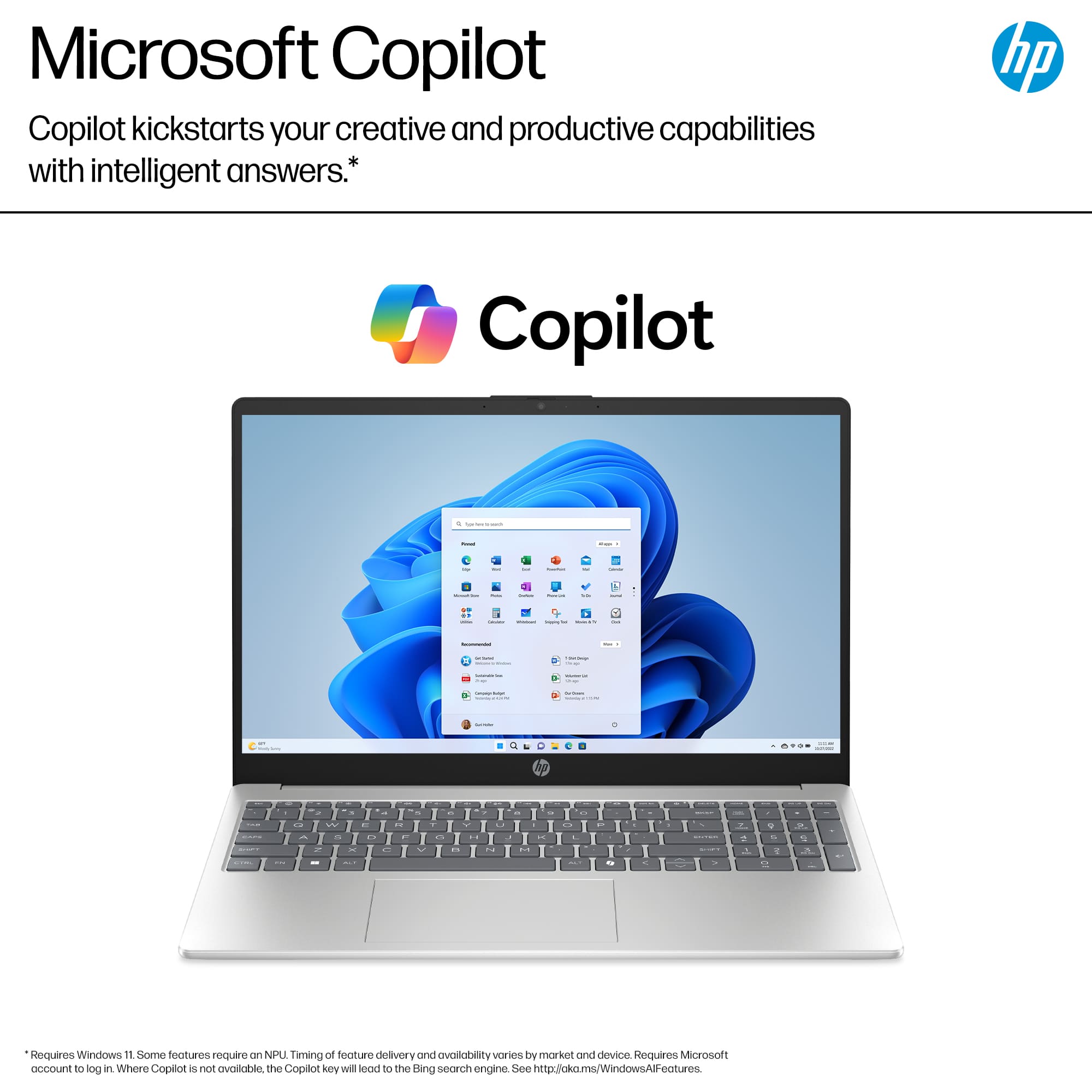
A:AnswerHello and thanks for asking. The HP 15-fd0127dx laptop computer comes with Microsoft Window 11 Home edition, which is a 64-bit opreating system.
A:AnswerThank you for the question. It's neither. The HP 15-fd0127dx is designed for student and general home computing, with fewer premium features than you'll find with the Pavilion, Envy, Spectre and OmniBook models.
A:AnswerHell and thank you for your question. The HP 15-fd0127dx laptop computer is part of the HP sub-brand of laptops. It is not part of either the Pavilion or Envy sub-brands.
A:AnswerMar, thank you for your question about this HP laptop! HP has different sub-brands of laptops with different hardware configurations and features. The HP laptops are the entry-level series made more for the home with some occasional moving around. All HP laptops are equipped with anti-reflective coatings.
A:AnswerMy HP has one M.2 slot for SSD storage. Depending on the configuration, it may already be occupied, so an additional SSD can be added if the slot is free
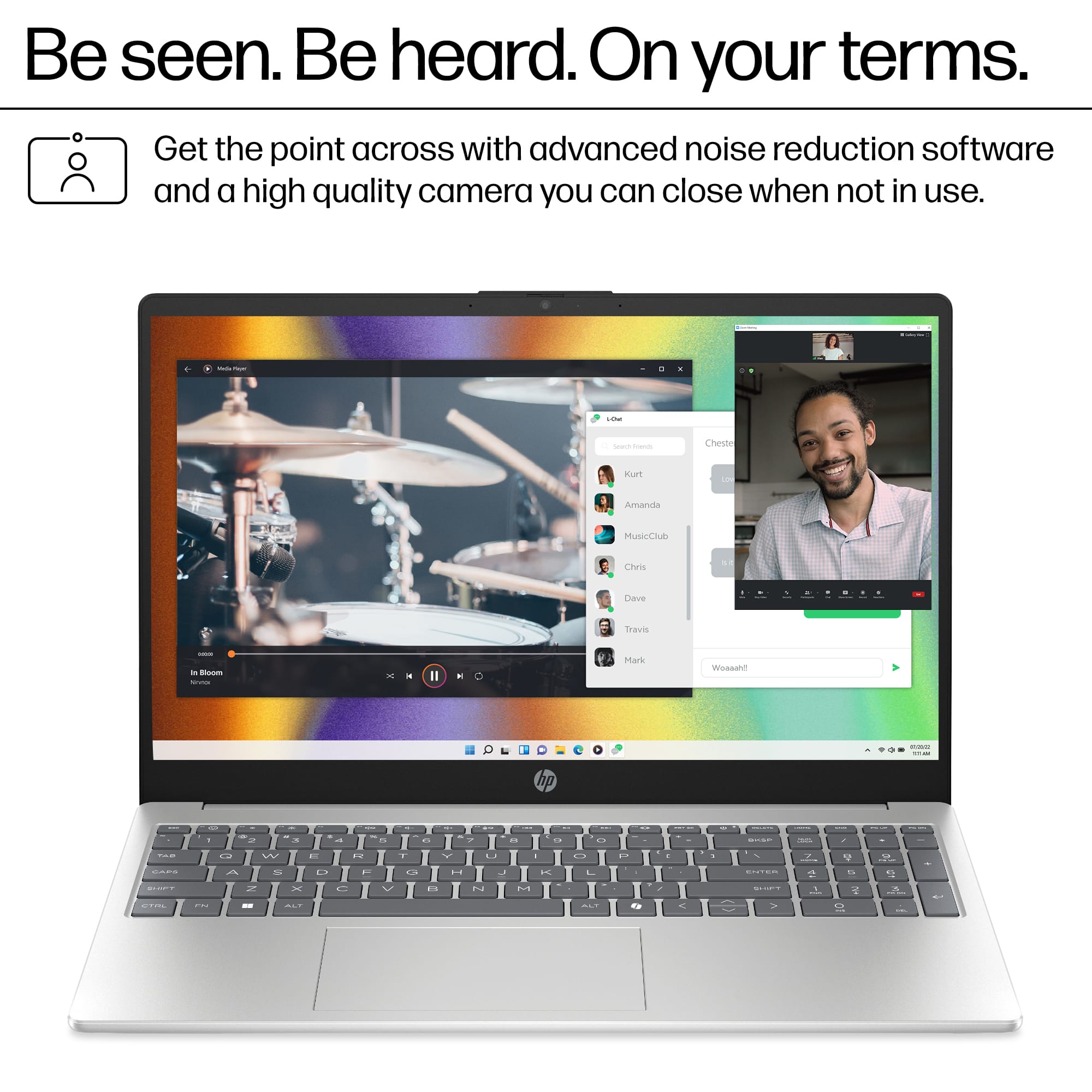
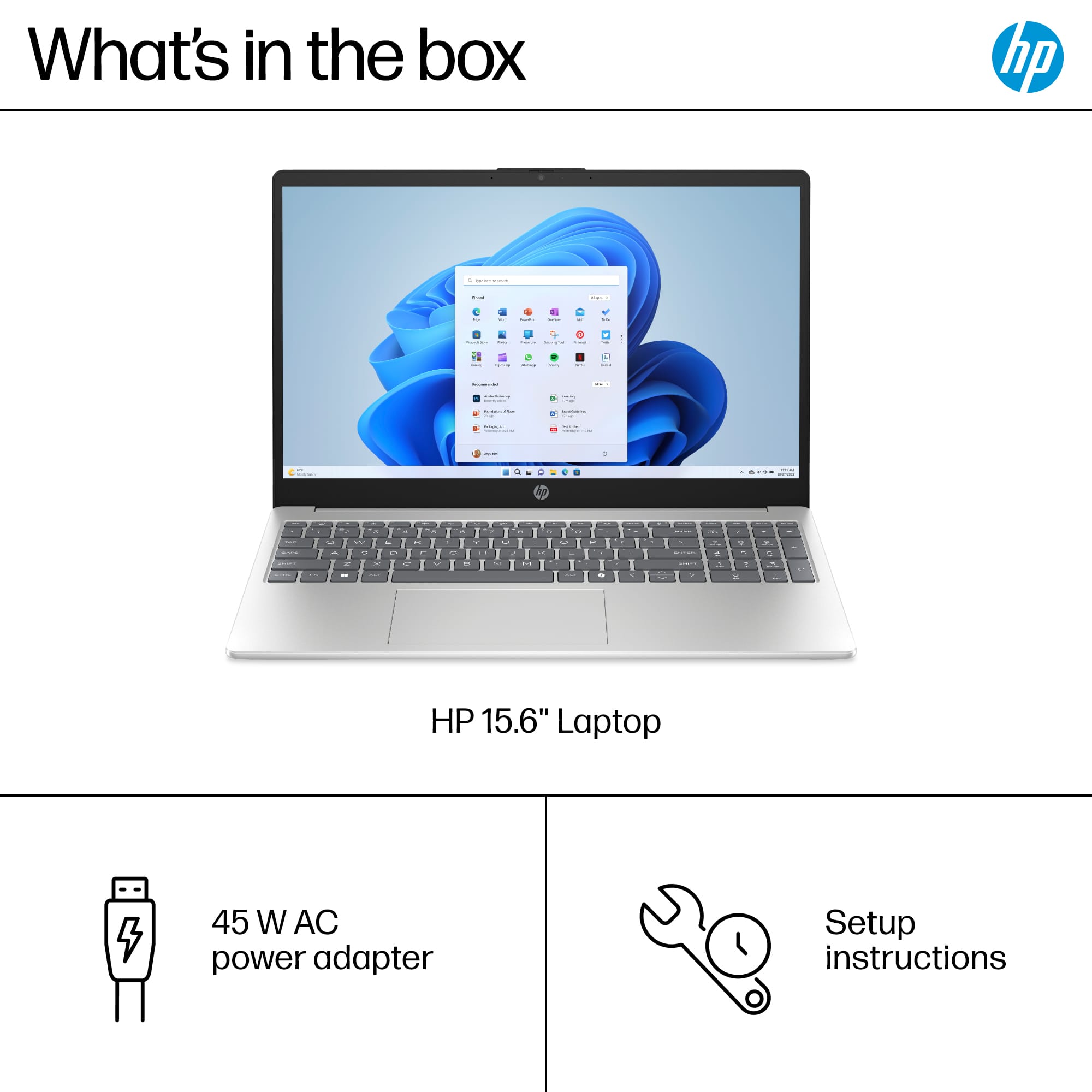
A:AnswerThanks for your question! This HP 15.6" Full HD Touch-Screen laptop (model 5-fd0127dx) does have a full-size backlit keyboard, but does not come with a 360-degree hinge.