A:AnswerAs for Photoshop, it will run fine. I've used a worse PC in the past and it could run just fine. Lightroom might work too, however I didn't use it. You might run into problems with really large photos or a really large collection of files.
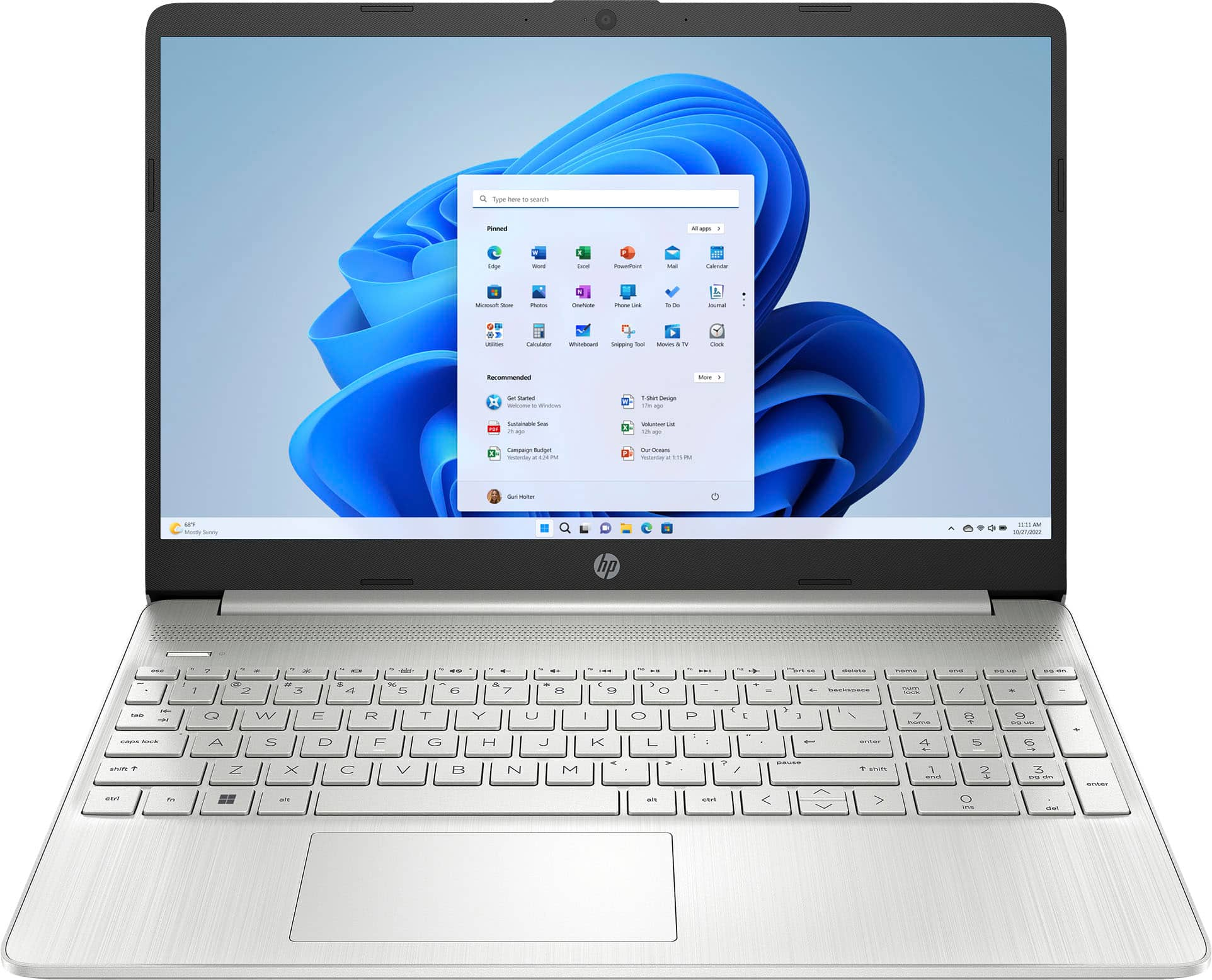
A:AnswerOn the laptop, there is a small rectangle between the keyboard and HP logo on the bezels. There should be a power button next to it. Simply press it. You may have to hold on it for a few seconds.
A:AnswerThank you for the question. Yes, you can replace the existing SSD with one of 1TB capacity. You can also attach an external SSD via USB. We recommend that internal upgrades be performed by a professional technician.
A:AnswerGreetings from the Intel team. Thank you for your question.
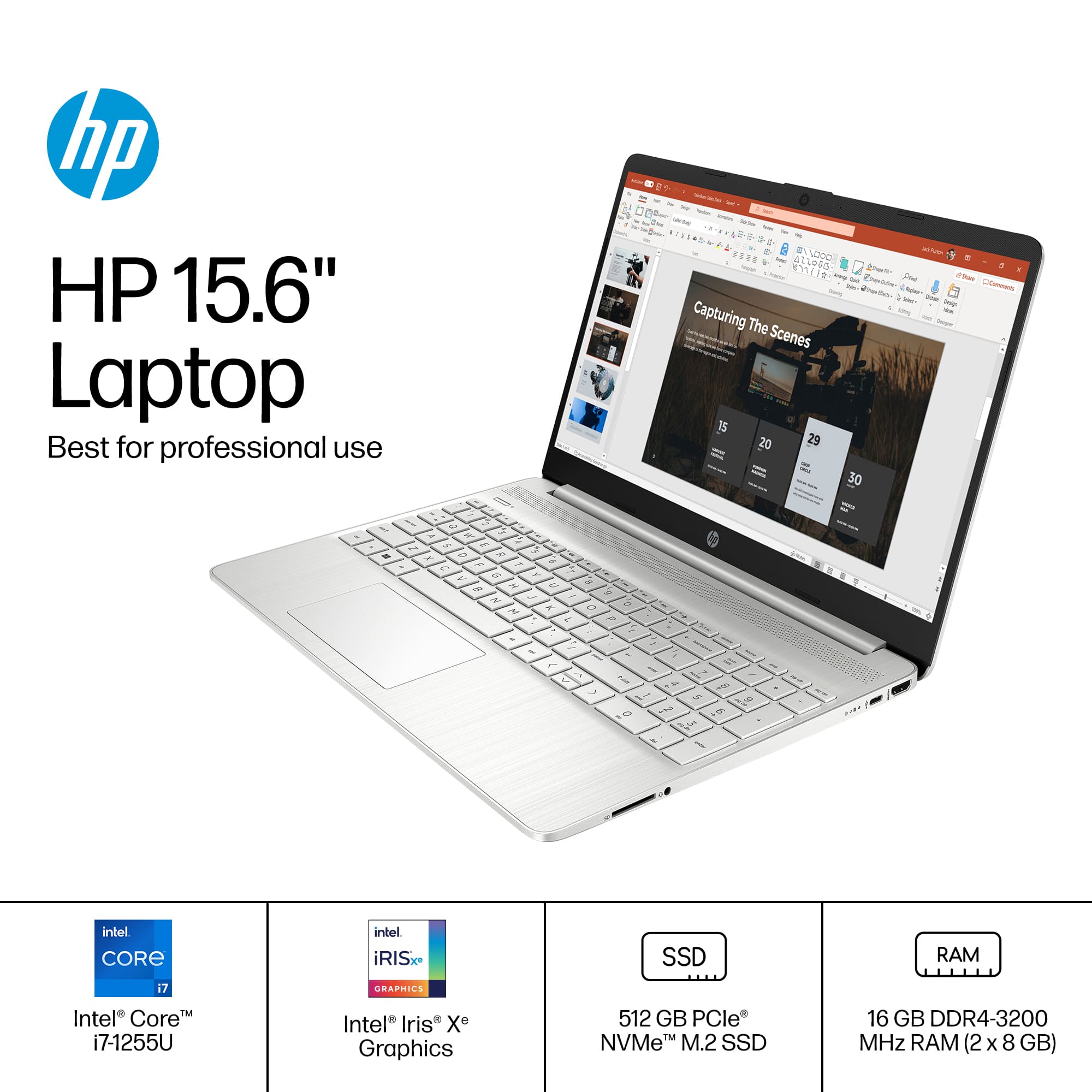
The Intel® Core™ i7-1255U processor has a Max Turbo Frequency of 4.70 GHz.
CPUs do not always need to run at their maximum frequency. Some programs depend more on memory to run smoothly, while others are CPU-intensive. Intel® Turbo Boost Technology is an energy-efficient solution to this imbalance: it lets the CPU run at its base clock speed when handling light workloads, then jump to a higher clock speed for heavy workloads.
For detailed information about the Intel® Core™ i7-1255U processor, visit:
https://ark.intel.com/content/www/us/en/ark/products/226259/intel-core-i71255u-processor-12m-cache-up-to-4-70-ghz.html
Thank you for choosing Intel! Emilio_Intel
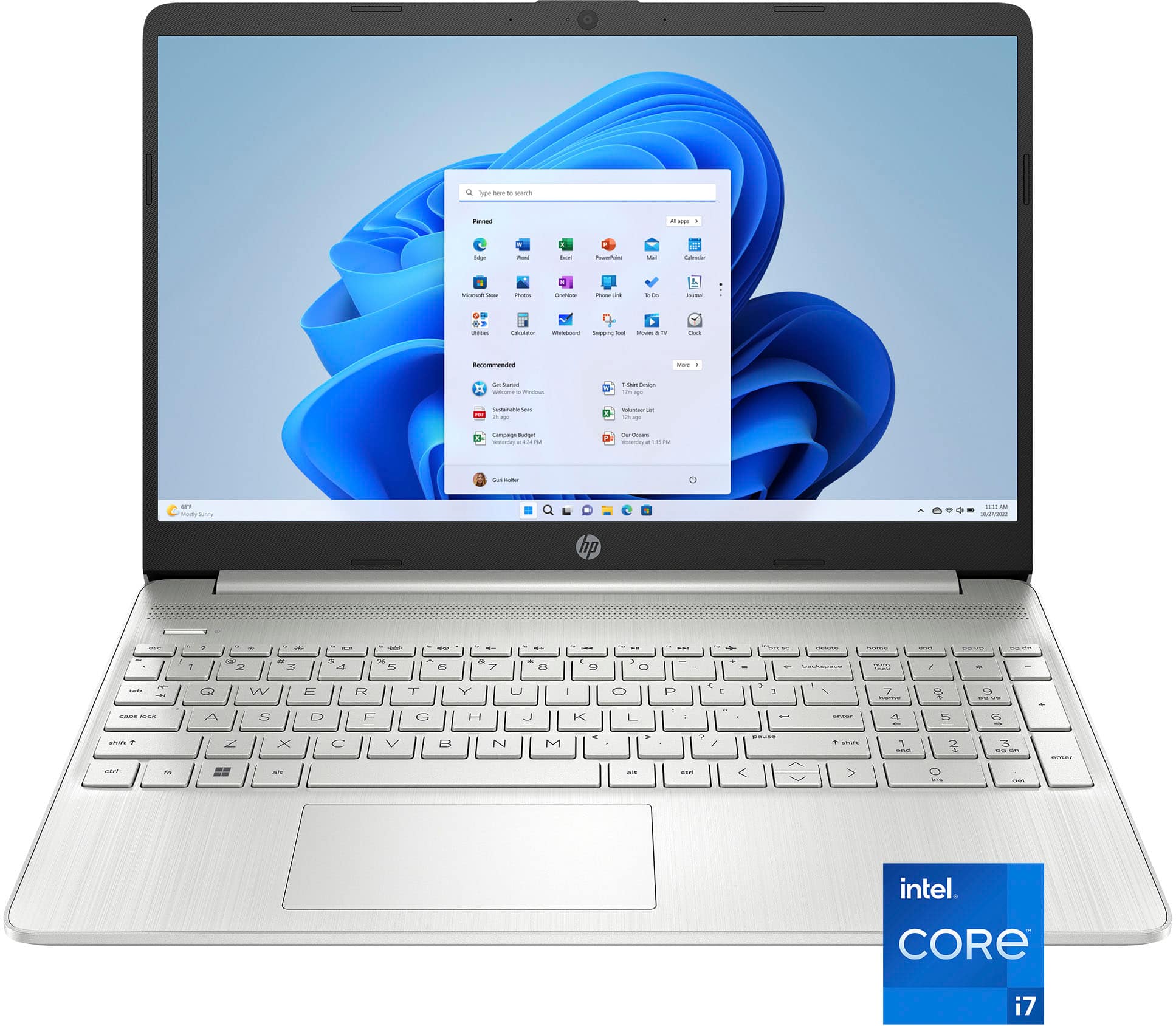
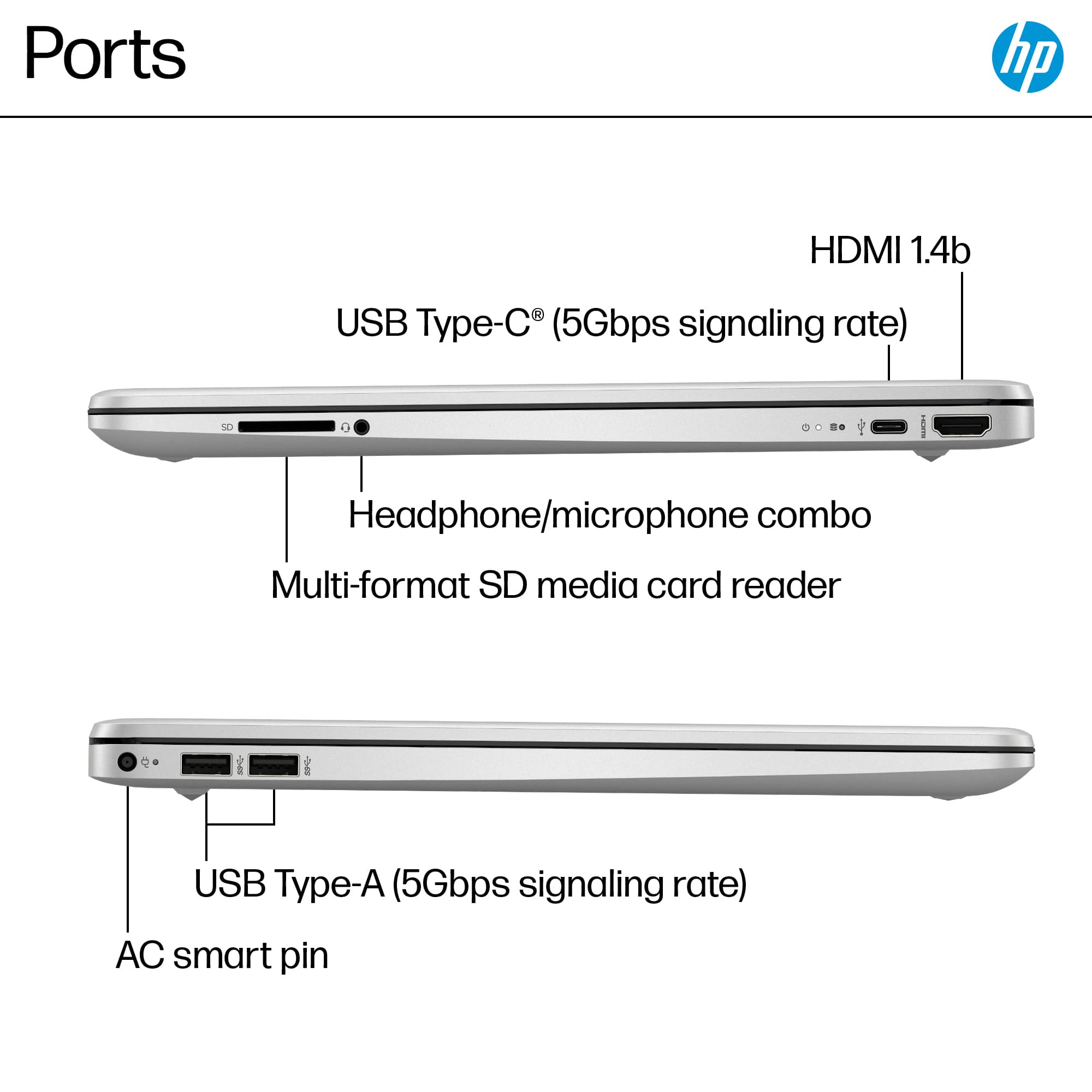
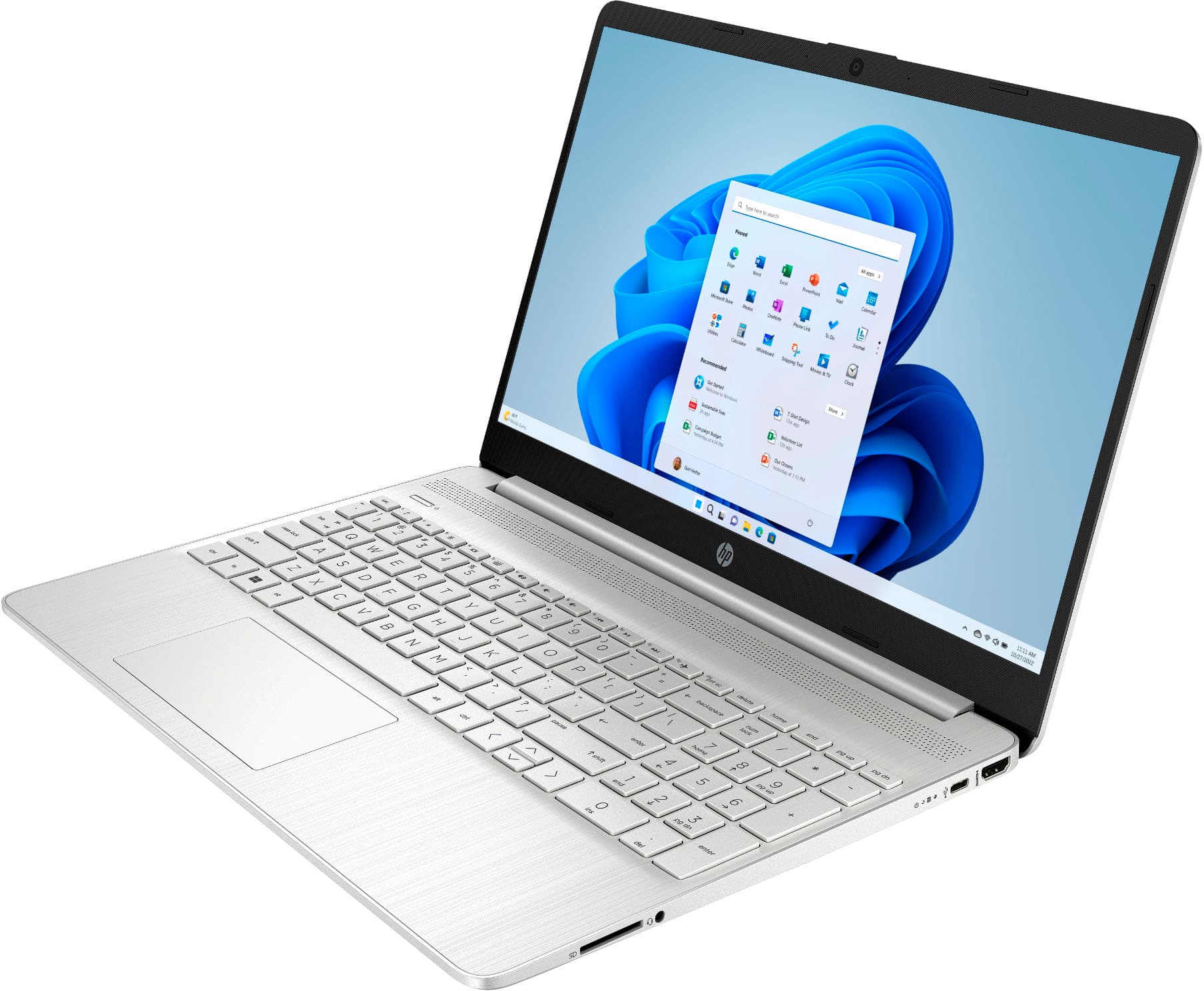
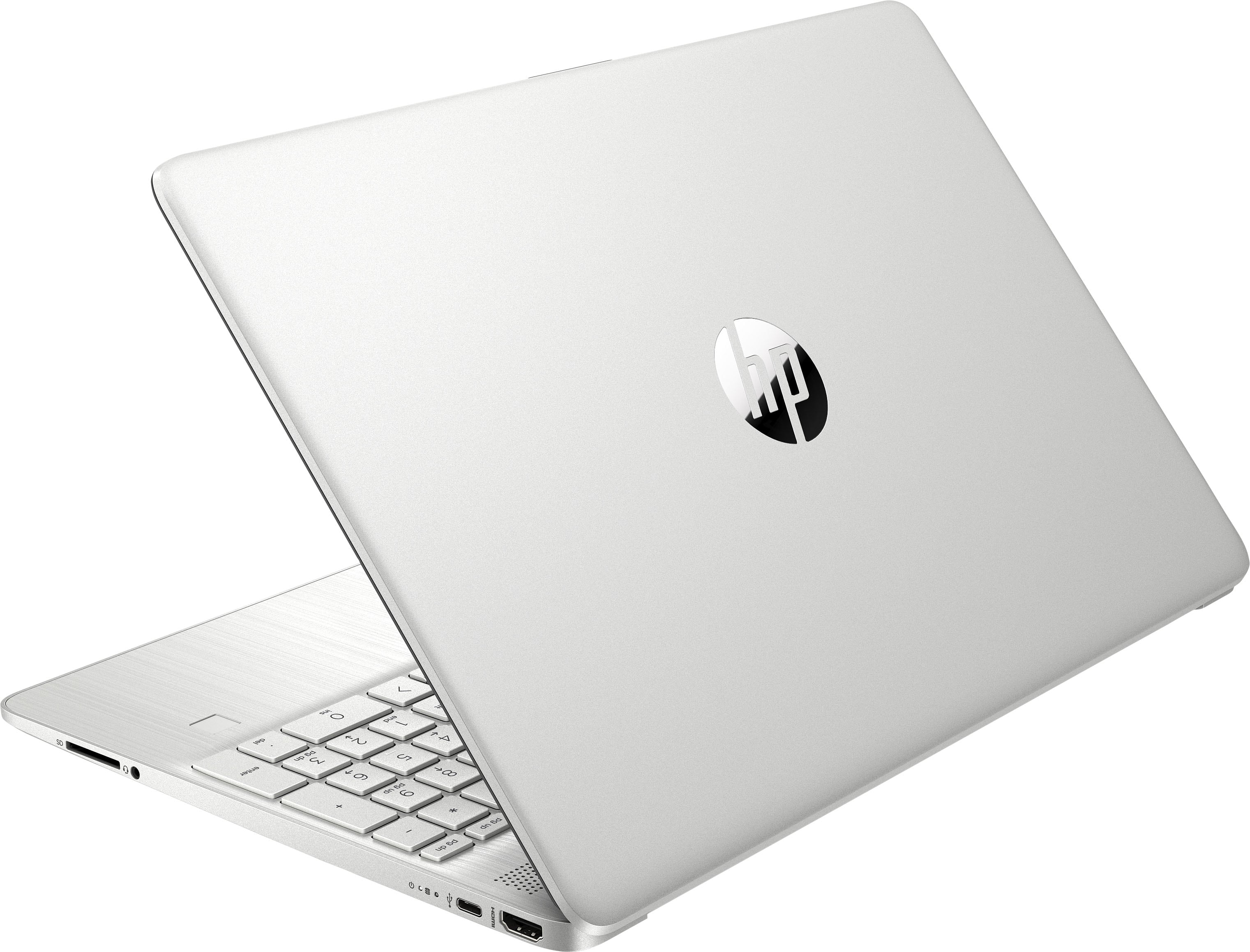
A:AnswerThank you for your question regarding the HP - 15.6" Touch-Screen Full HD Laptop 15-DY5073DX. While the i7-1255U is capable of handling that many screens, this unit does not have a way of supporting that. It only has one HDMI port, and the USB-C does not have the ability to support displays or a dock.

A:AnswerThank you for your question. As system requirements for software constantly change, we are unable to answer questions about software compatibility or performance. What is compatible today may not be in a few months. Please check the software manufacturer's website for the most current system recommendations.