A:AnswerTo select the mic, speaker, and camera you want Teams to use for calls and meetings, click your profile picture at the top of Teams, then Settings > Devices.
Under Audio devices, pick the speaker and mic you want Teams to use by default.
Under Camera, select the camera you want Teams to use, and see a preview of that camera's video.
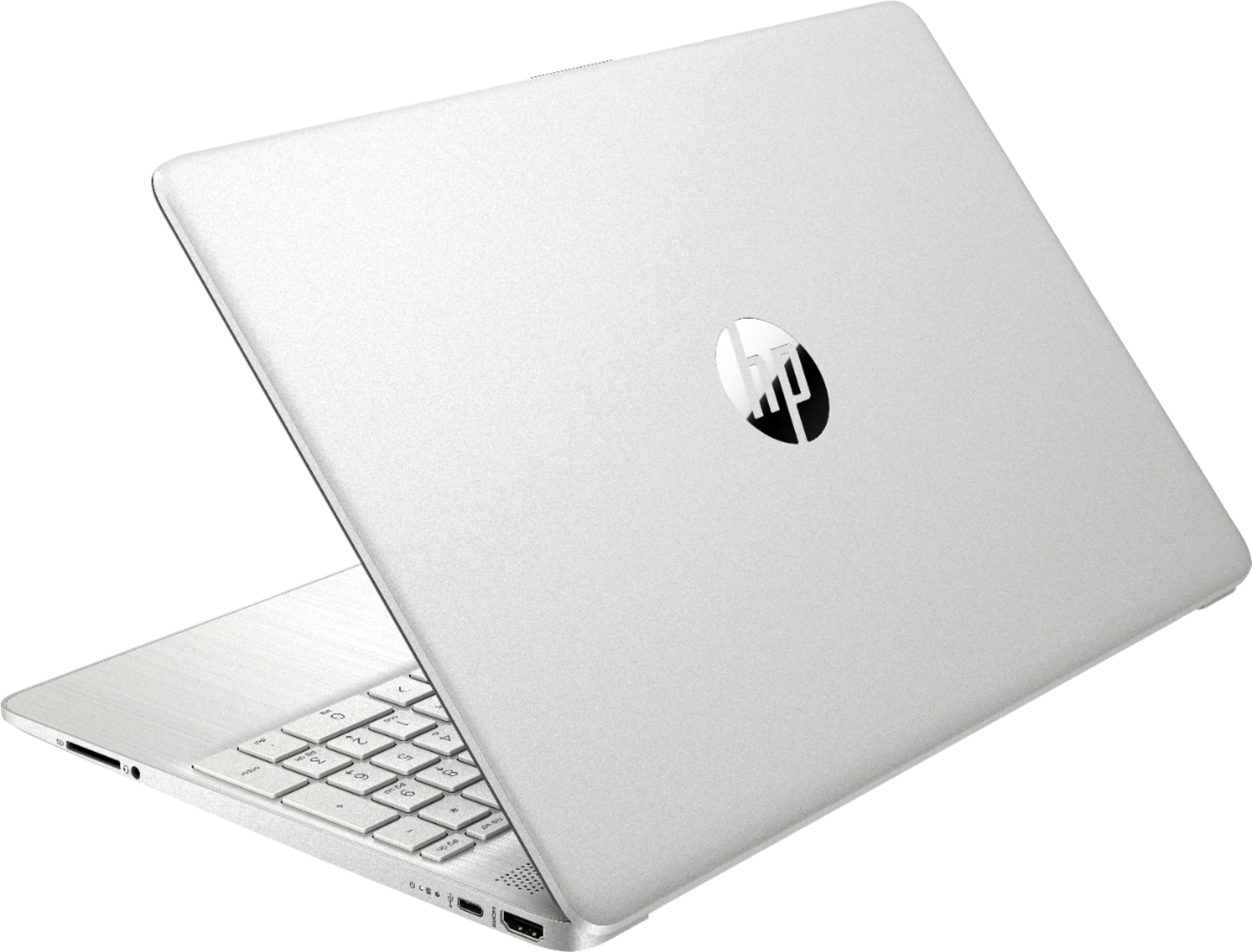
A:AnswerI wouldn't say "most", but it's certainly becoming more common. If you need an Ethernet port, there are inexpensive adapters that plug into one of the USB ports
A:AnswerI think due to every person in school in pretty much the entire world has made getting a laptop hard for most people. This laptop might be sold out because of the reasonable price.
A:AnswerYou can use a thumb drive or external hard drive to copy the photos to the drive and then put them on your new PC. There are also some data transfer kits/products that will help. Also geek squad can do this for you at a reasonable cost.
Here is one of the products. It is also available to download:
https://www.bestbuy.com/site/laplink-pcmover-ultimate-windows/6261267.p?skuId=6261267