A:AnswerYou wouldn't need to install Windows 10 Home you can simply take the computer out of S mode. Here are instructions on how to get out of S Mode: https://support.microsoft.com/en-us/help/4456067/windows-10-switch-out-of-s-mode
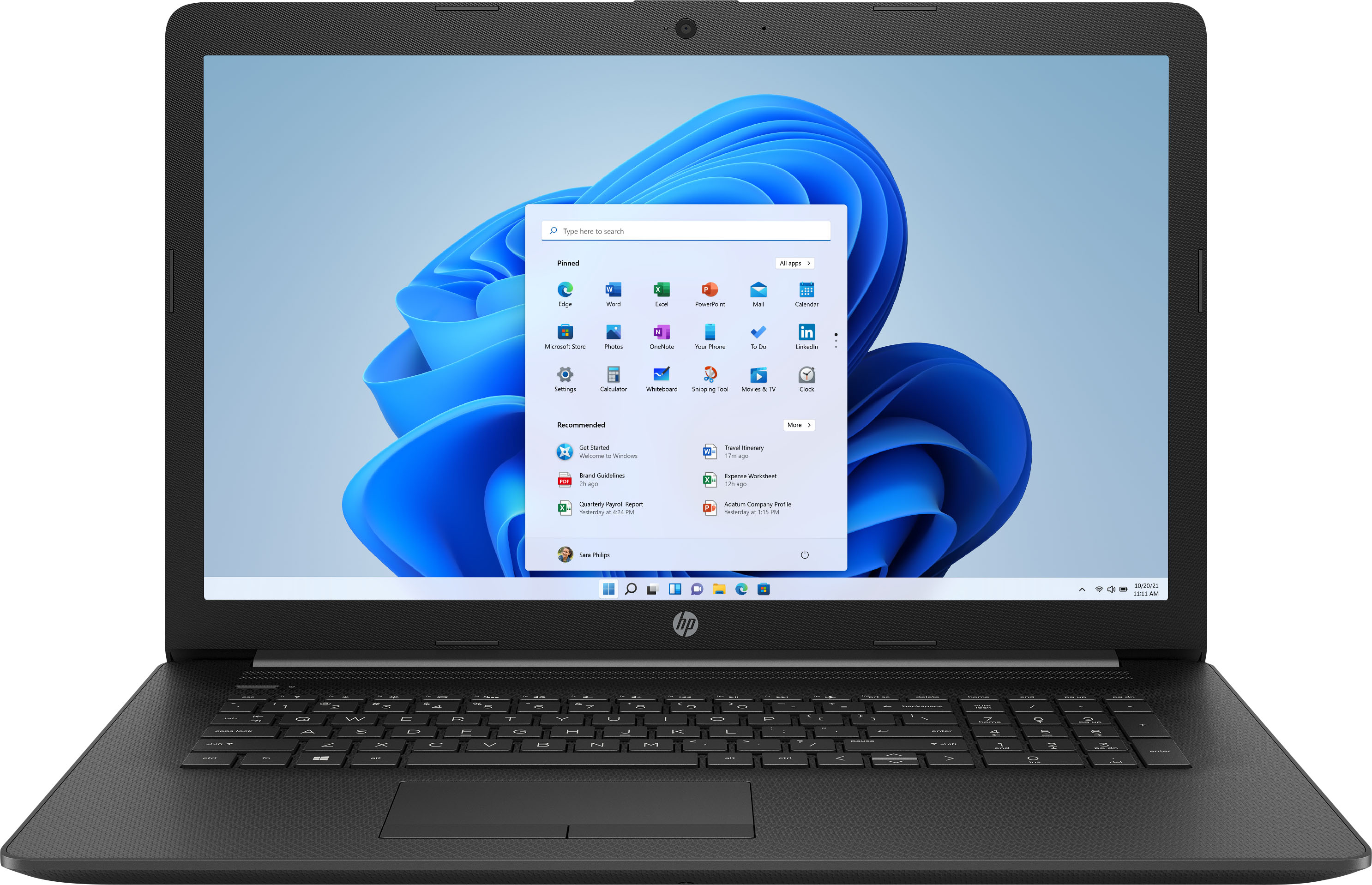
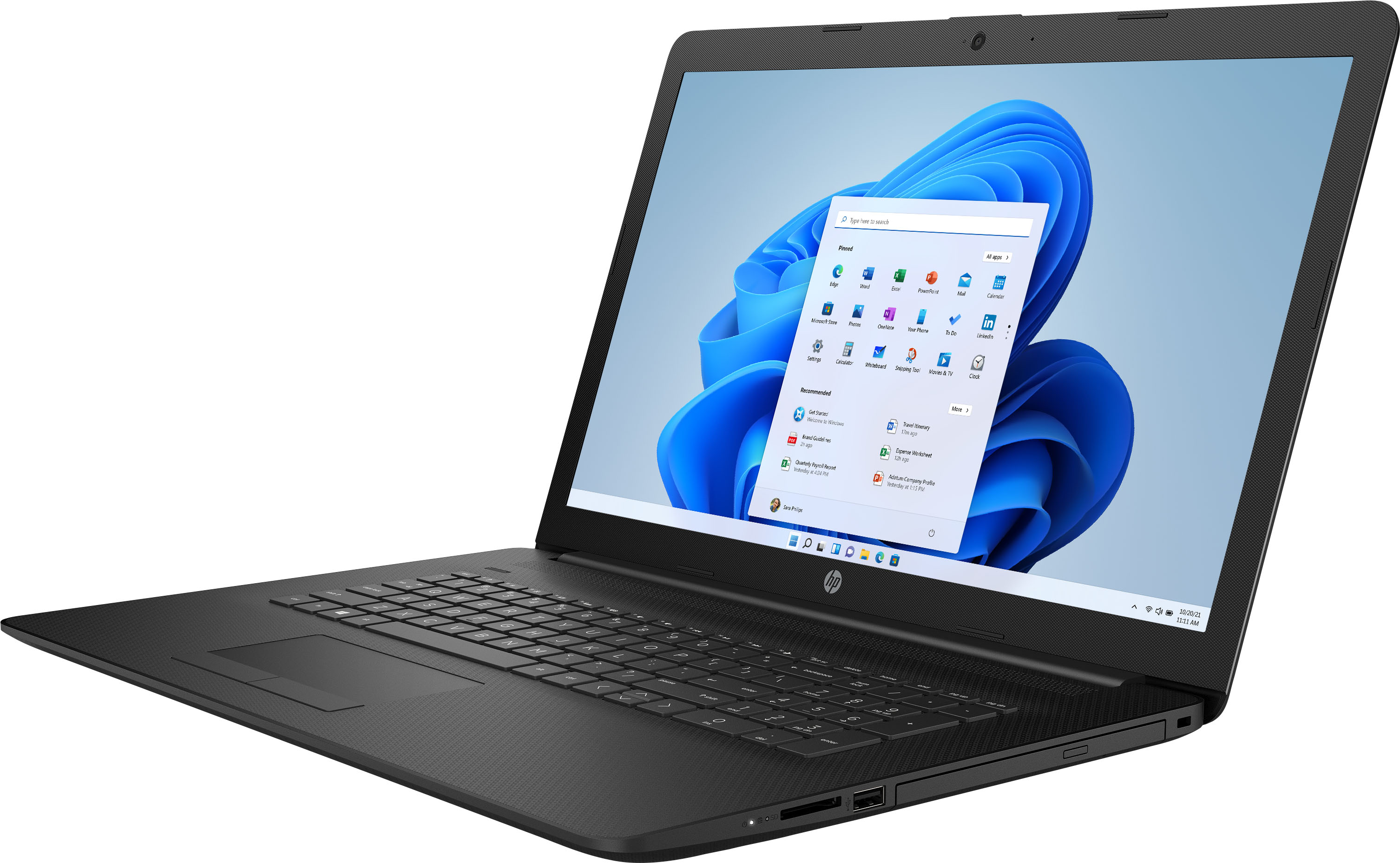
A:AnswerUnfortunately, it is not a touch screen. The computer can have a 1 terabyte drive installed. You'll need t contact the Geek Squad for prices for the hardware and labor.
A:AnswerFor troubleshooting that drive problem, you'll need to contact the HP support team. It's impossible to say why it's not working without having someone troubleshoot the problem while they have you to answer questions.
A:AnswerThis laptop will not be great for games like Fortnite, it only has the basic Intel integrated graphics. You might look at a laptop that has a dedicated graphics card.
A:AnswerIf your mouse is USB or has a wireless USB adapter, you just need to plug in the USB adapter and your mouse should connect. If you have a Bluetooth mouse, you can take a look at this link for instructions on how to connect it. https://support.microsoft.com/en-us/help/15290/windows-connect-bluetooth-device
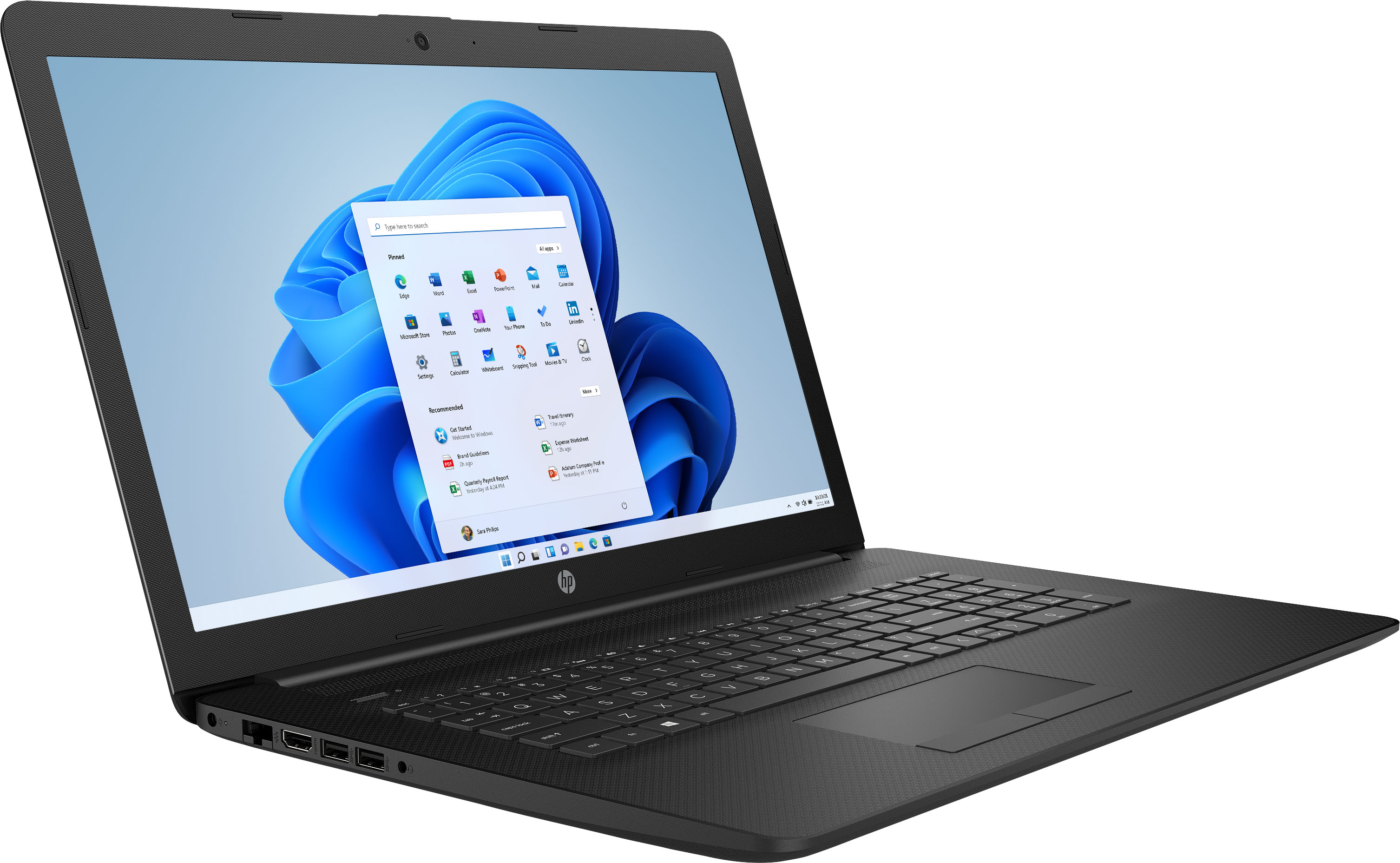
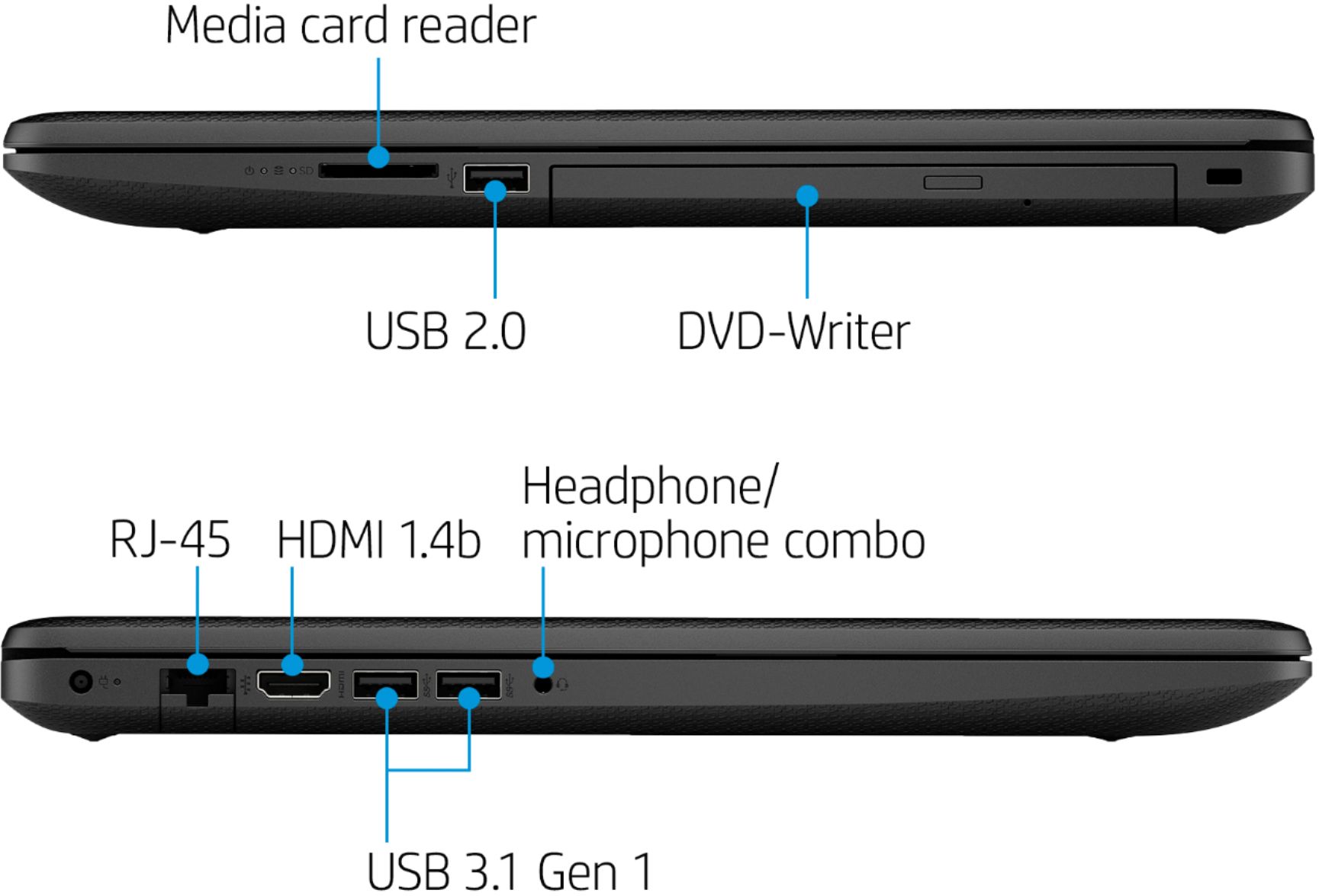
A:AnswerThe laptop has an HDMI port for video. You would need to use an HDMI to Displayport adapter. Here is an example of one:
https://www.bestbuy.com/site/insignia-displayport-to-hdmi-adapter-black/5812034.p?skuId=5812034
A:AnswerThe listed graphics processor is simply Intel UHD Graphics. There is no specific number associated as with previous generations of graphics processors that are integrated with the CPU. It's simply the Intel UHD Graphics processor for the Intel Core i5-1035G1 Processor. It has support for both 4k and 1440P monitors.