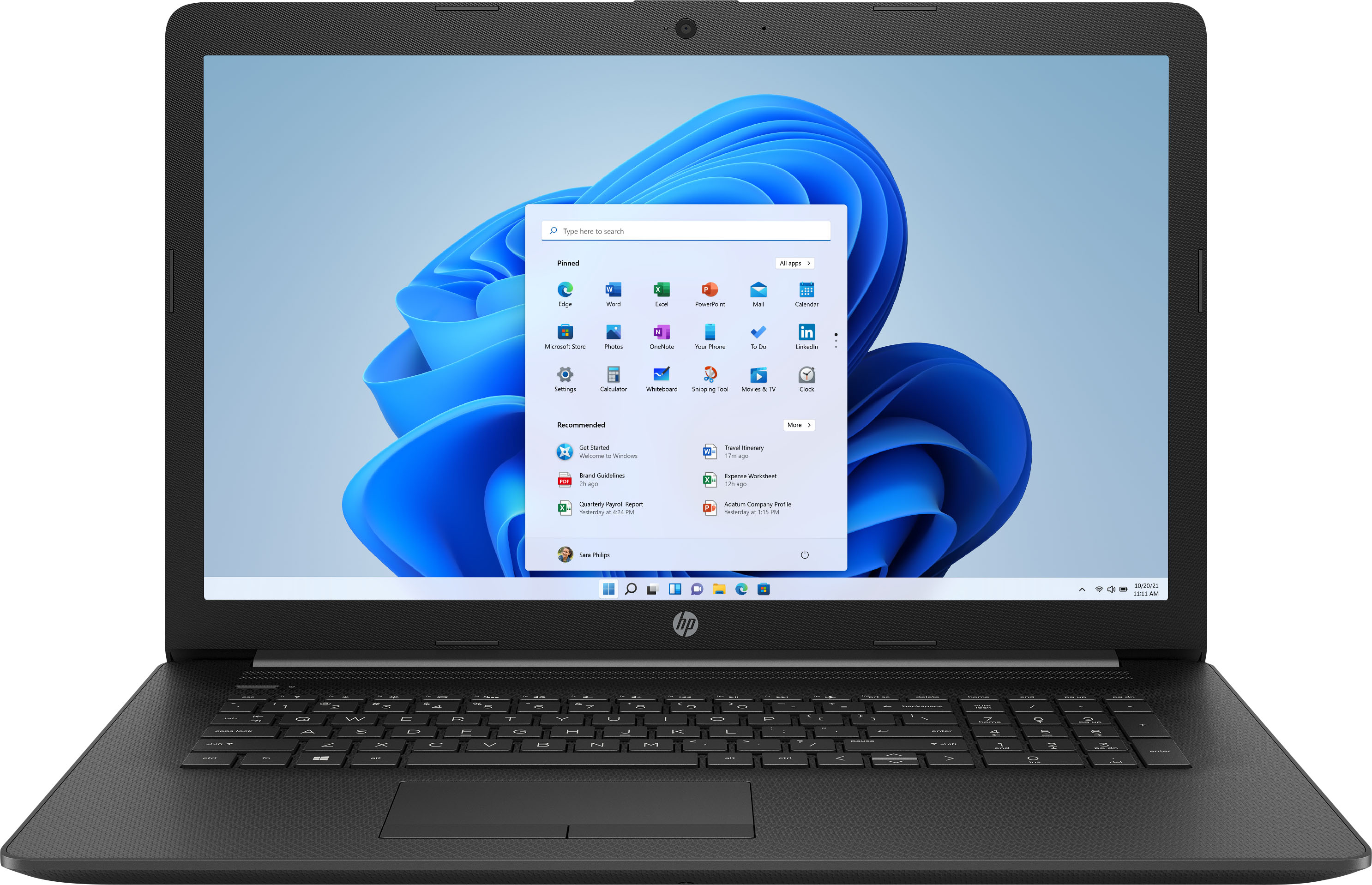
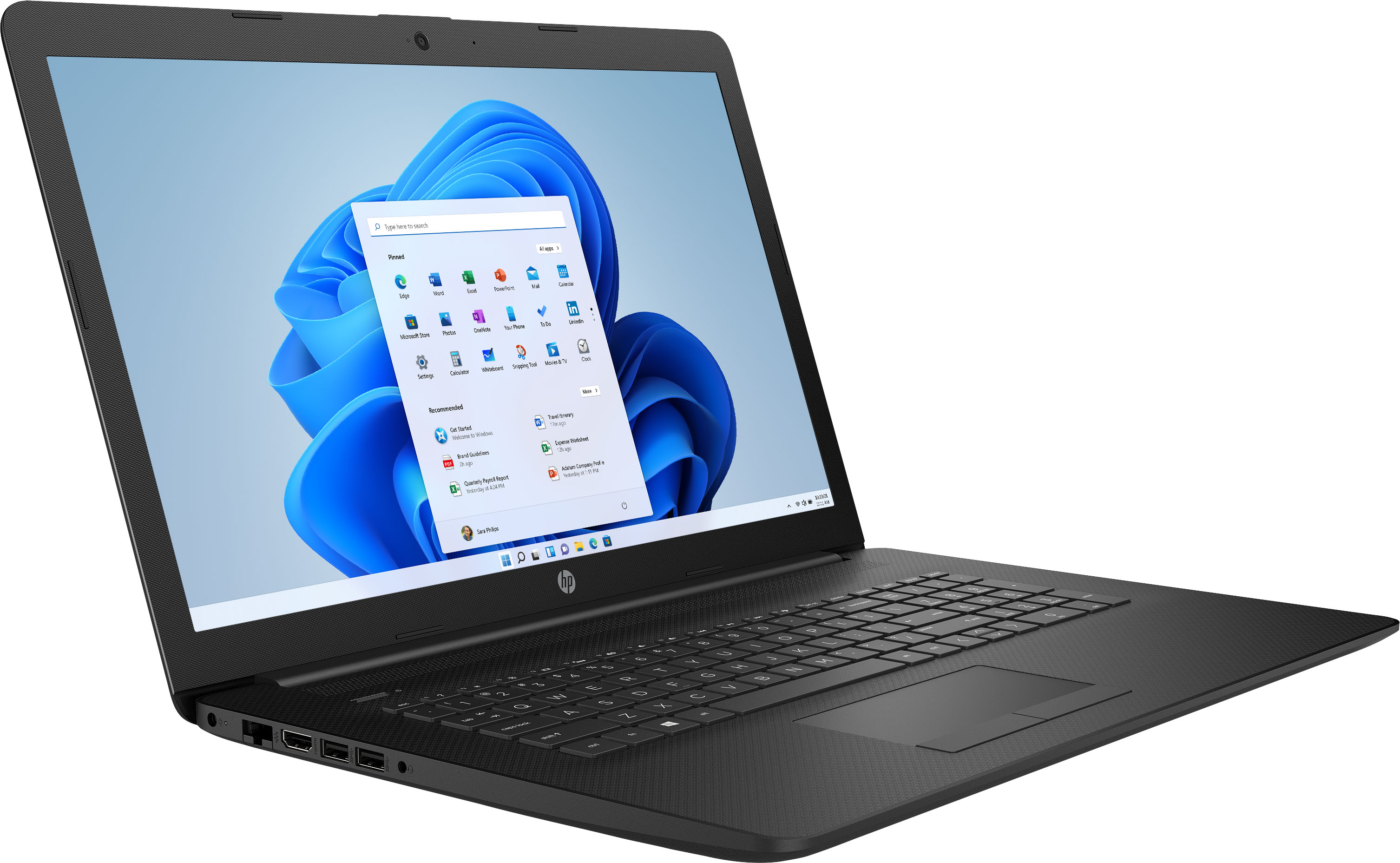
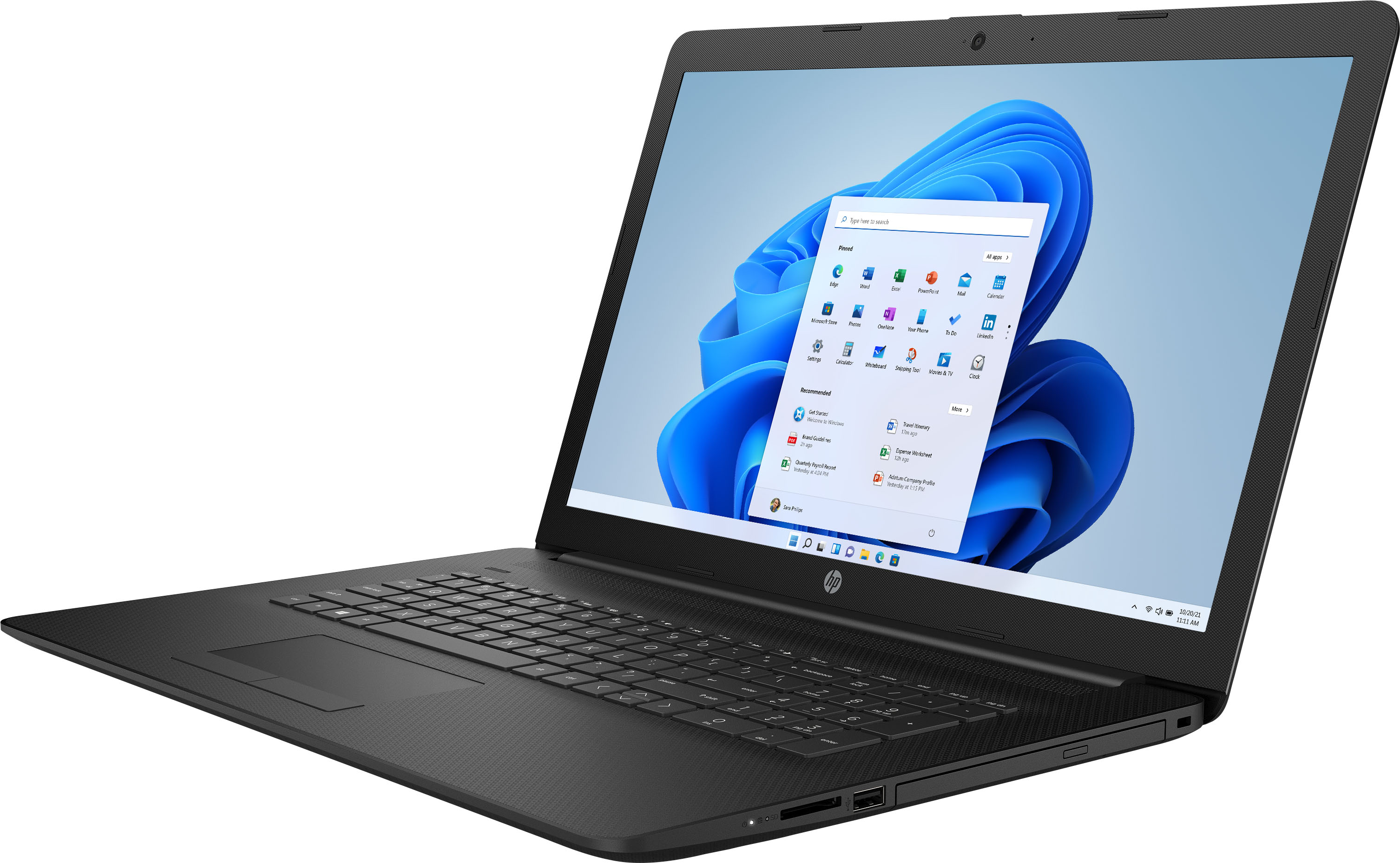
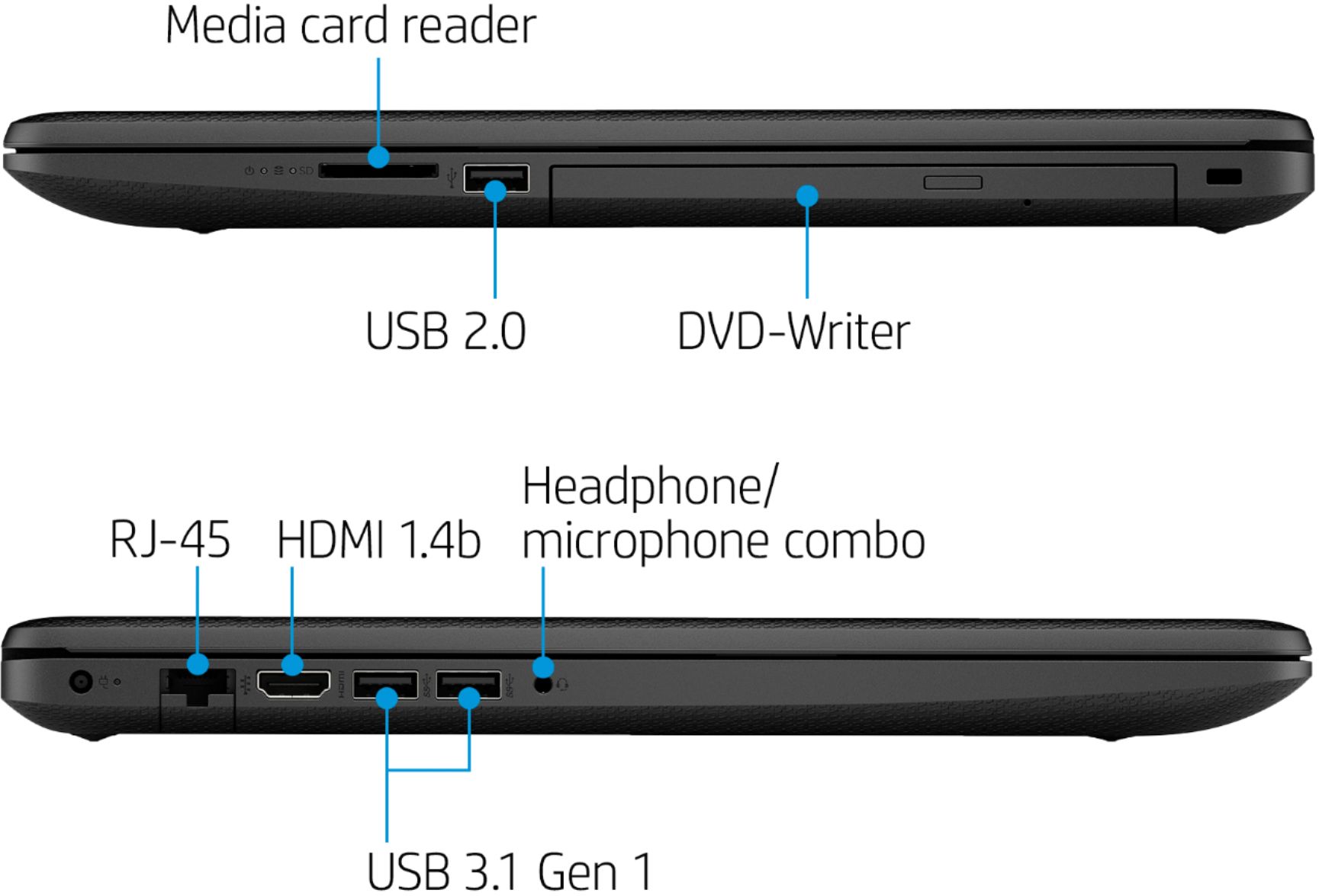
A:AnswerYes, you can. The computer has the necessary USB ports for the keyboard and mouse, and it has an HDMI port to output video to your monitor. If your monitor doesn't have an HDMI port, you'll need an adapter to connect from the HDMI cable coming from the laptop to the input on the monitor
A:AnswerYes, this laptop can support a USB microsphone. The laptop can connect with a bluetooth speaker or use the headphone jack. You can use an HDMI cable or wireless display adapter to connect to a TV.
A:AnswerIt is true that Windows 10 in S mode will only let you use the Microsoft Edge web browser. You can switch the laptop to full Windows 10 Home in the settings for free.
A:AnswerYou can switch the laptop to Windows 10 Home in the settings for free. It is not very hard to do the switch, its only a few click in the settings.
A:AnswerThe Logitech - MK850 will work with this HP laptop. Once you plug the wireless USB receiver into the laptop, the mouse and keyboard should connect to the laptop.