A:AnswerUnfortunately, it doesn't list having a dual voltage power supply. You'd need a transformer to step the voltage down and provide a socket to plug the computer into.
A:AnswerYes, this computer will come with a one-year manufacturer's warranty for the hardware and 90-day phone tech support for the software. This does not cover accidental damage or damage as a result of a power outage/surge. For further details, this link covers the Warranty and Support guidelines: http://h10032.www1.hp.com/ctg/Manual/c00747726.pdf
A:AnswerIf you want to use Google apps from the Google Play Store, we recommend looking at the current HP Chromebooks. If you just want to use Google Docs or Gmail, you can access it through the browser.
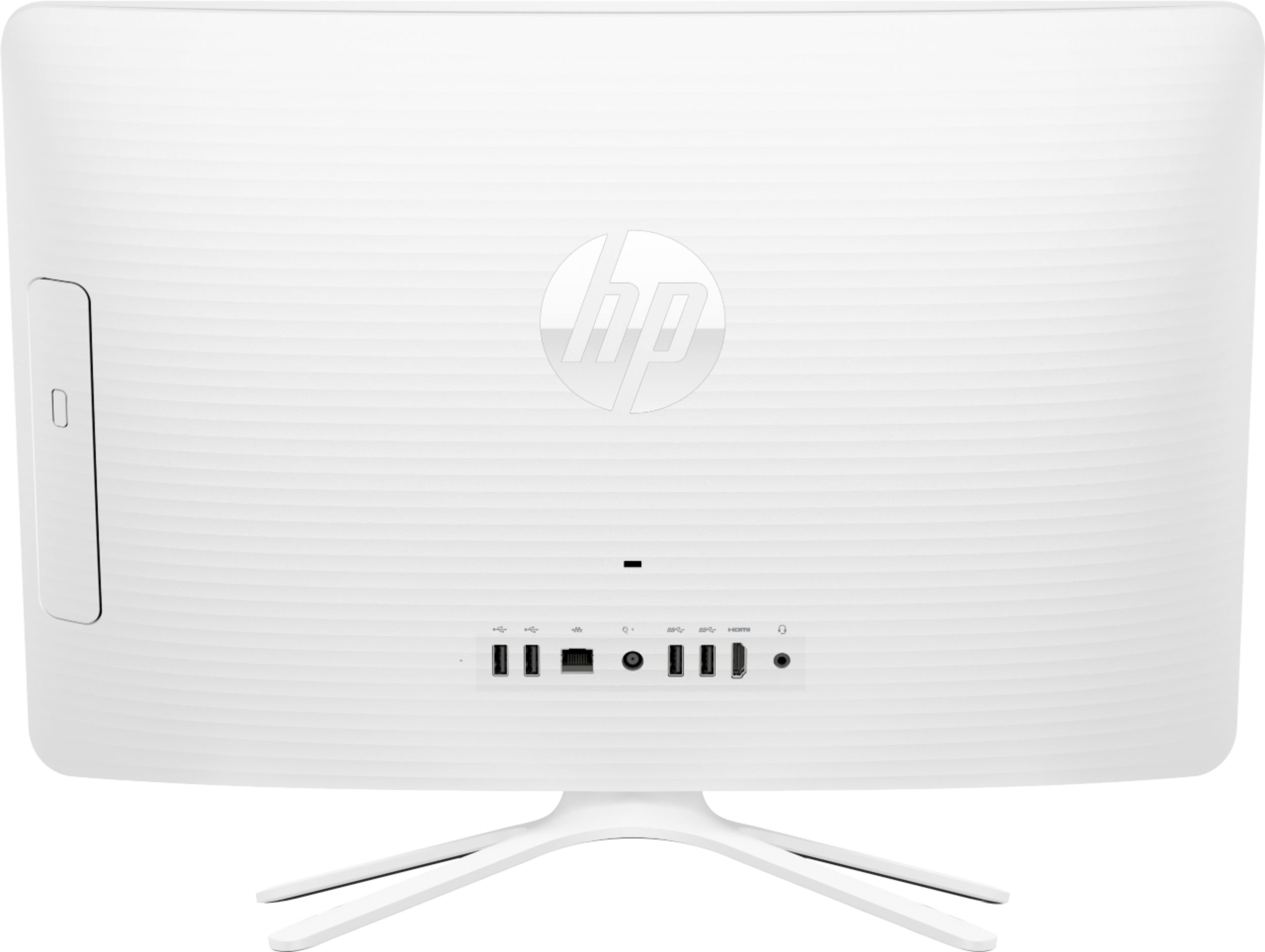
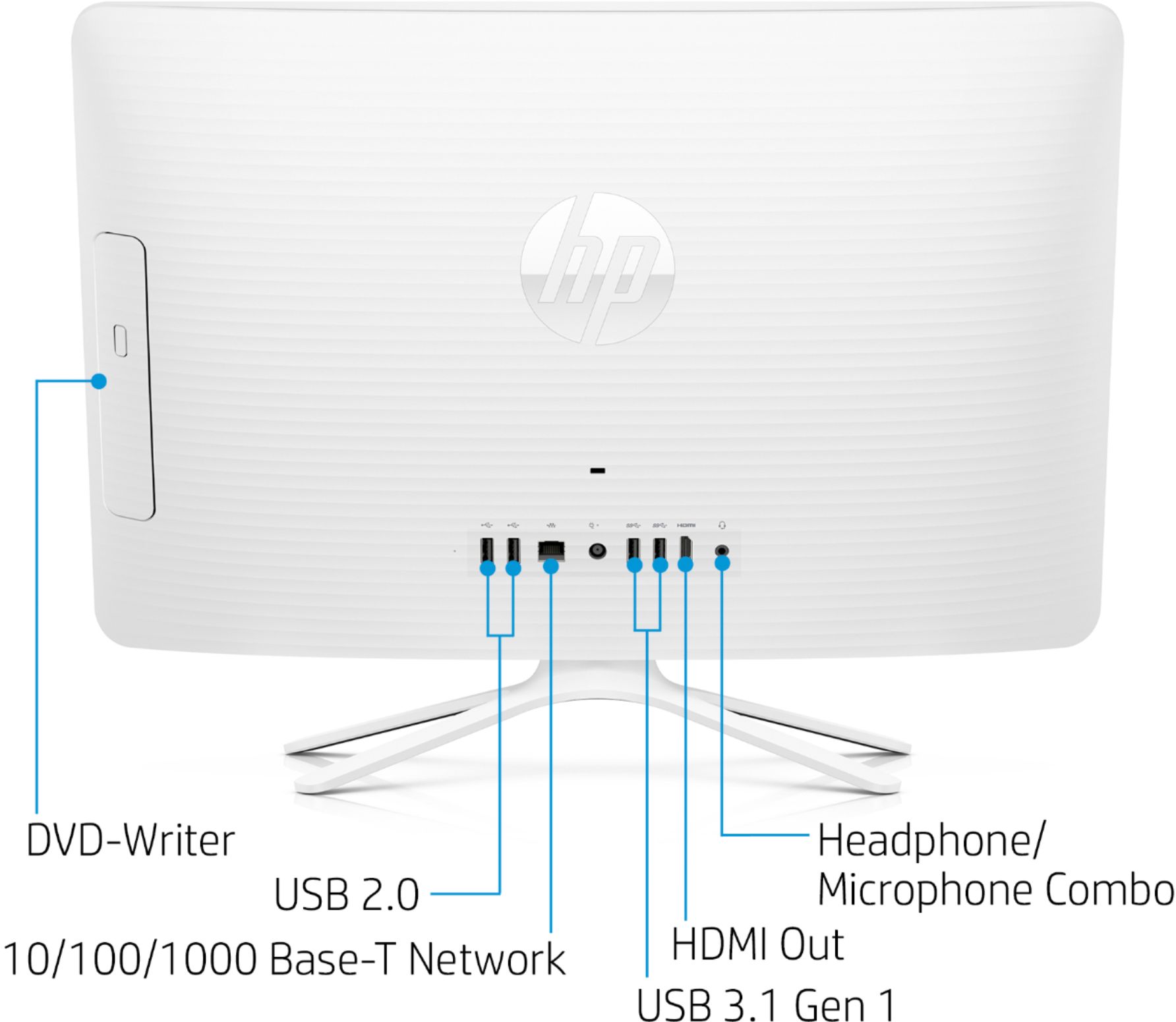
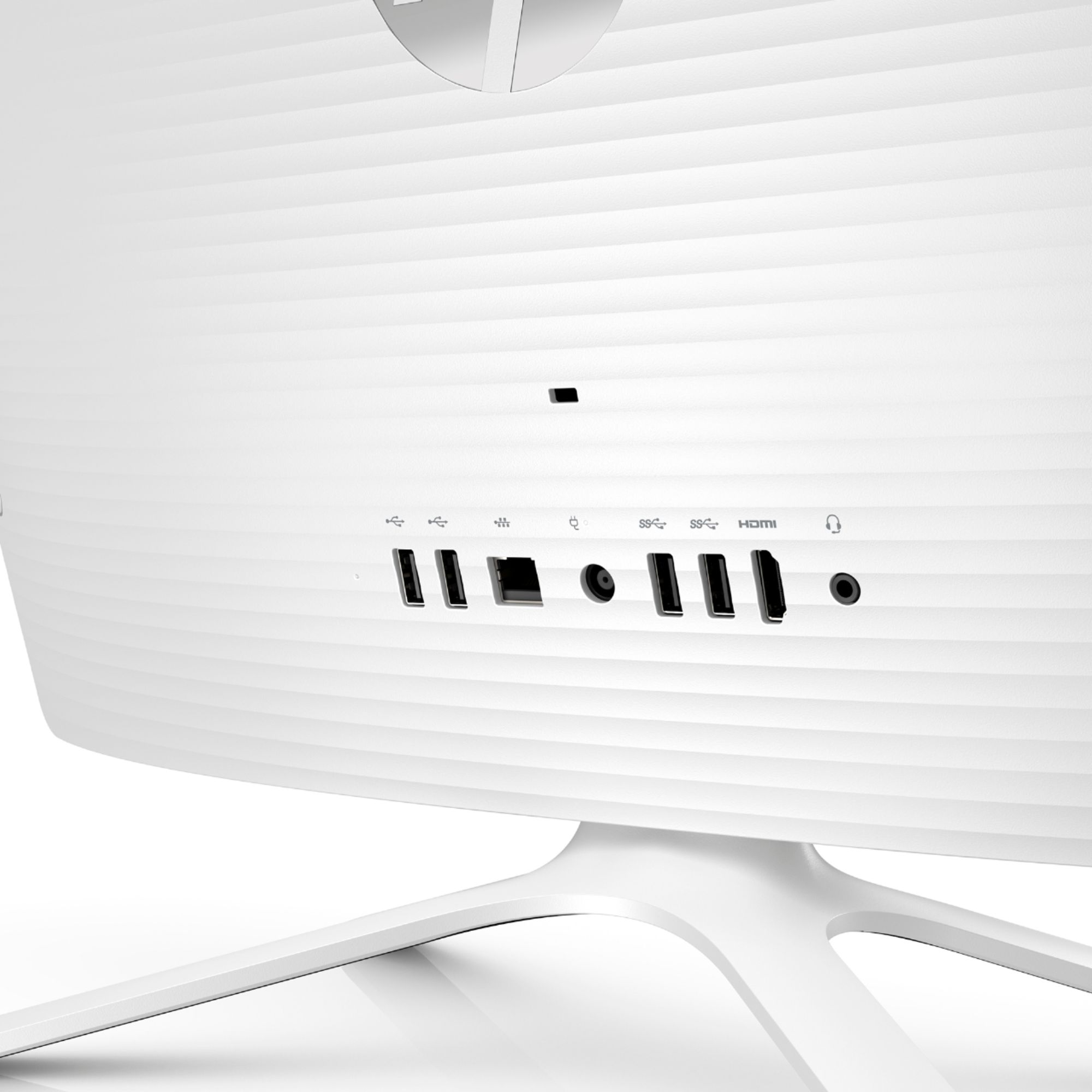
A:AnswerHDMI is a connection standard between a computer and an external monitor. There's not need or way to "switch" the built in monitor to HDMI because it's already internally connected to the computer. The computer does have an HDMI port in the back to connect an external monitor. All you should have to do to use that is to connect the external monitor to the computer through an HDMI cable.