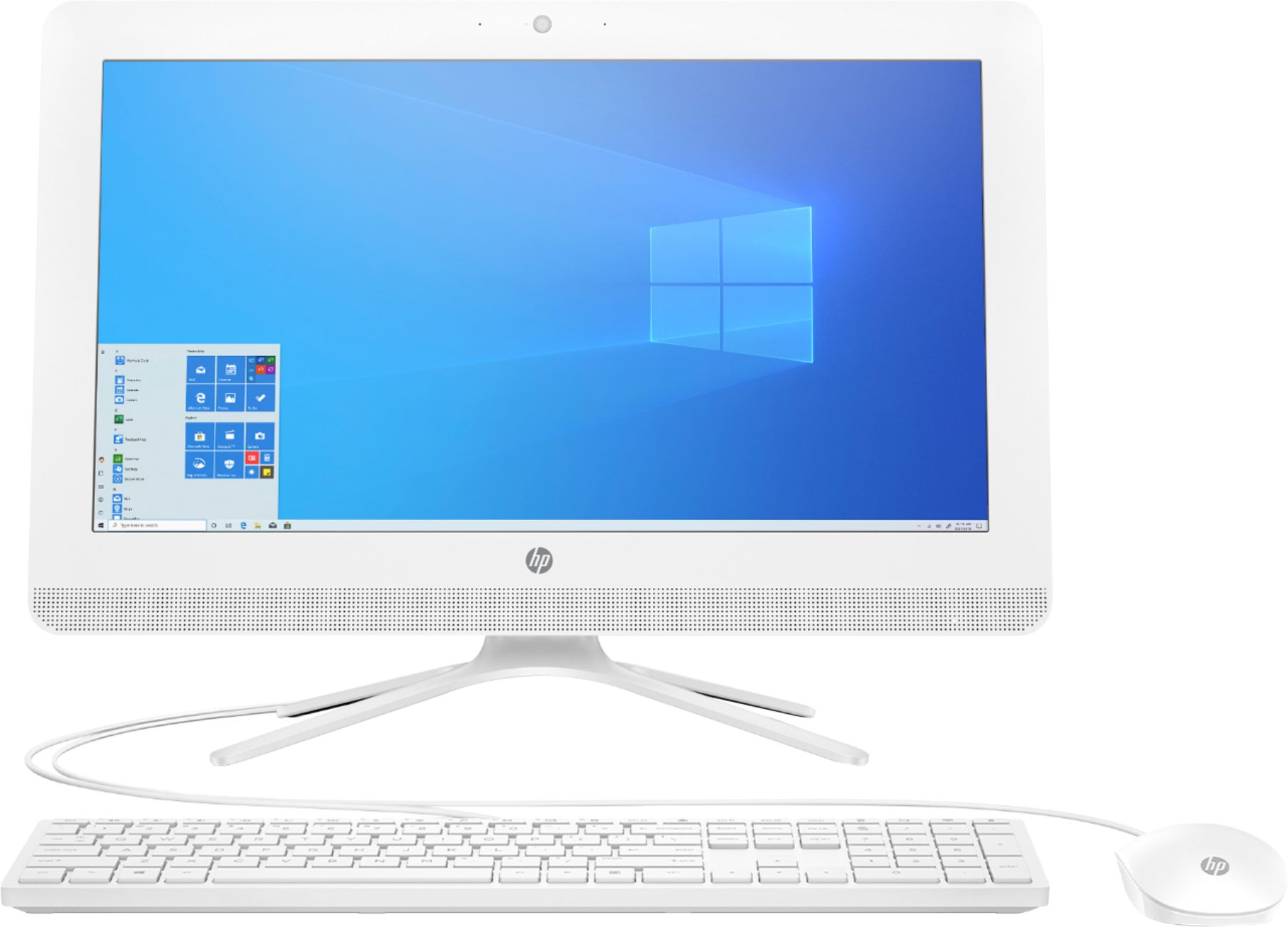
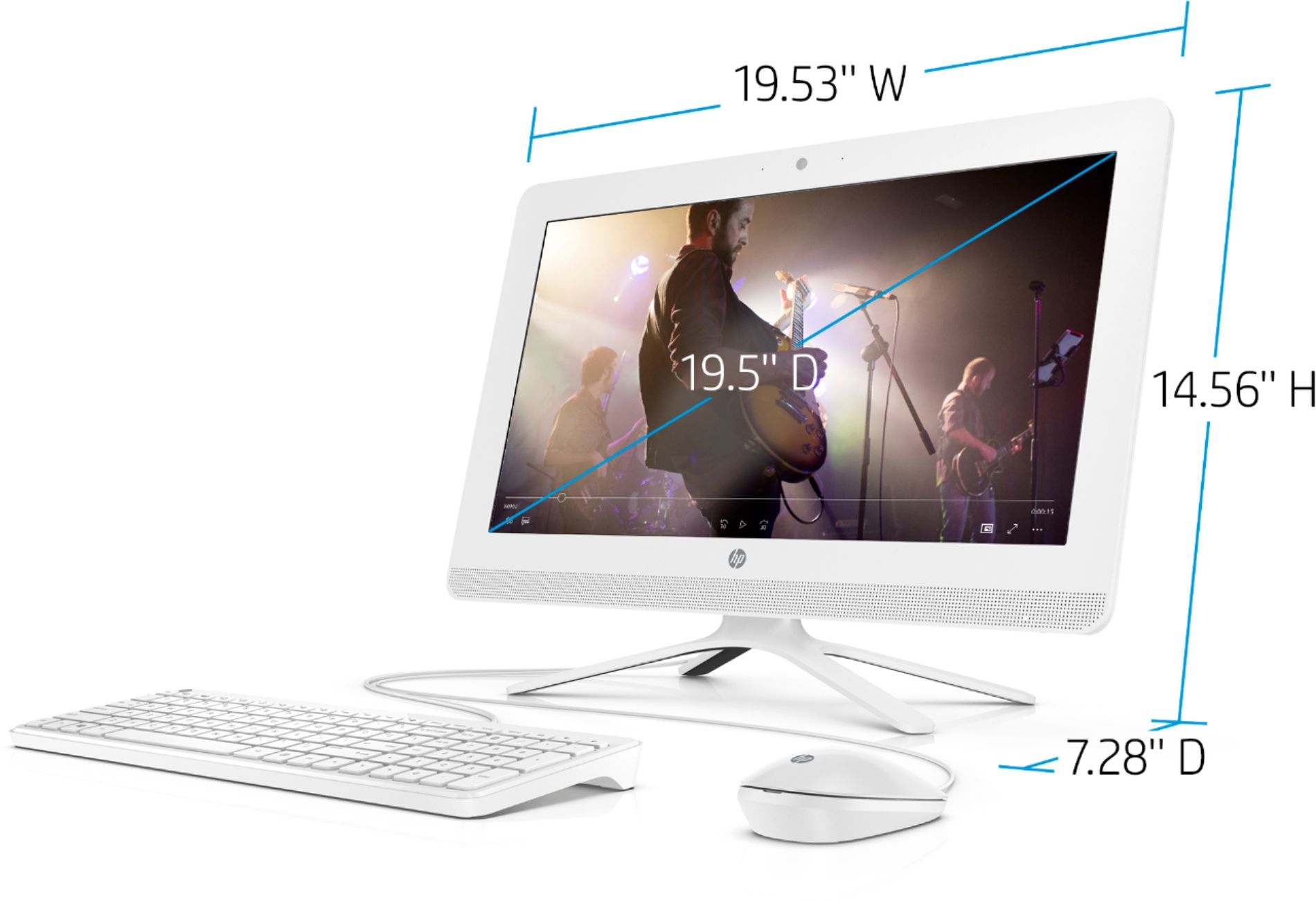
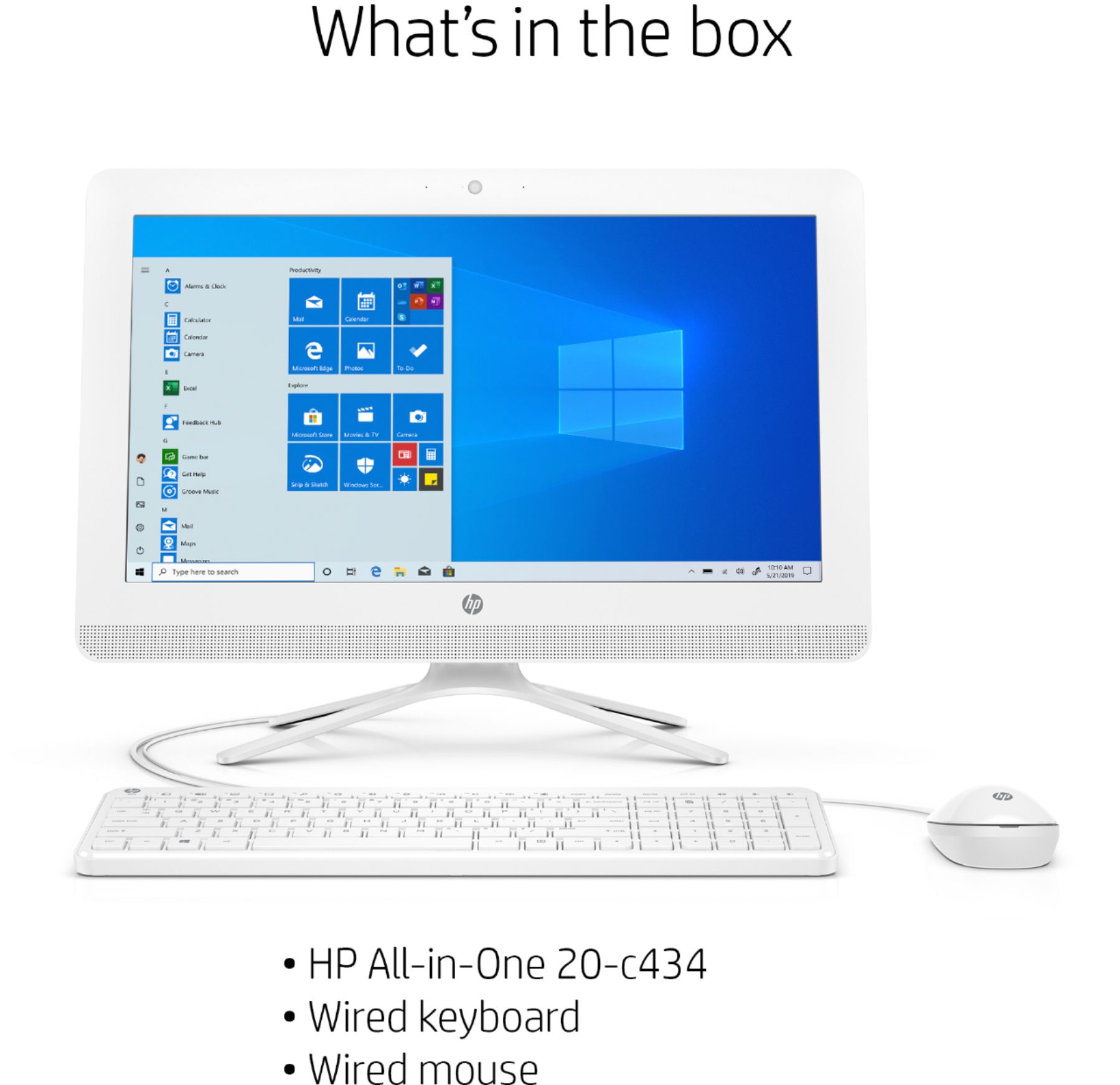
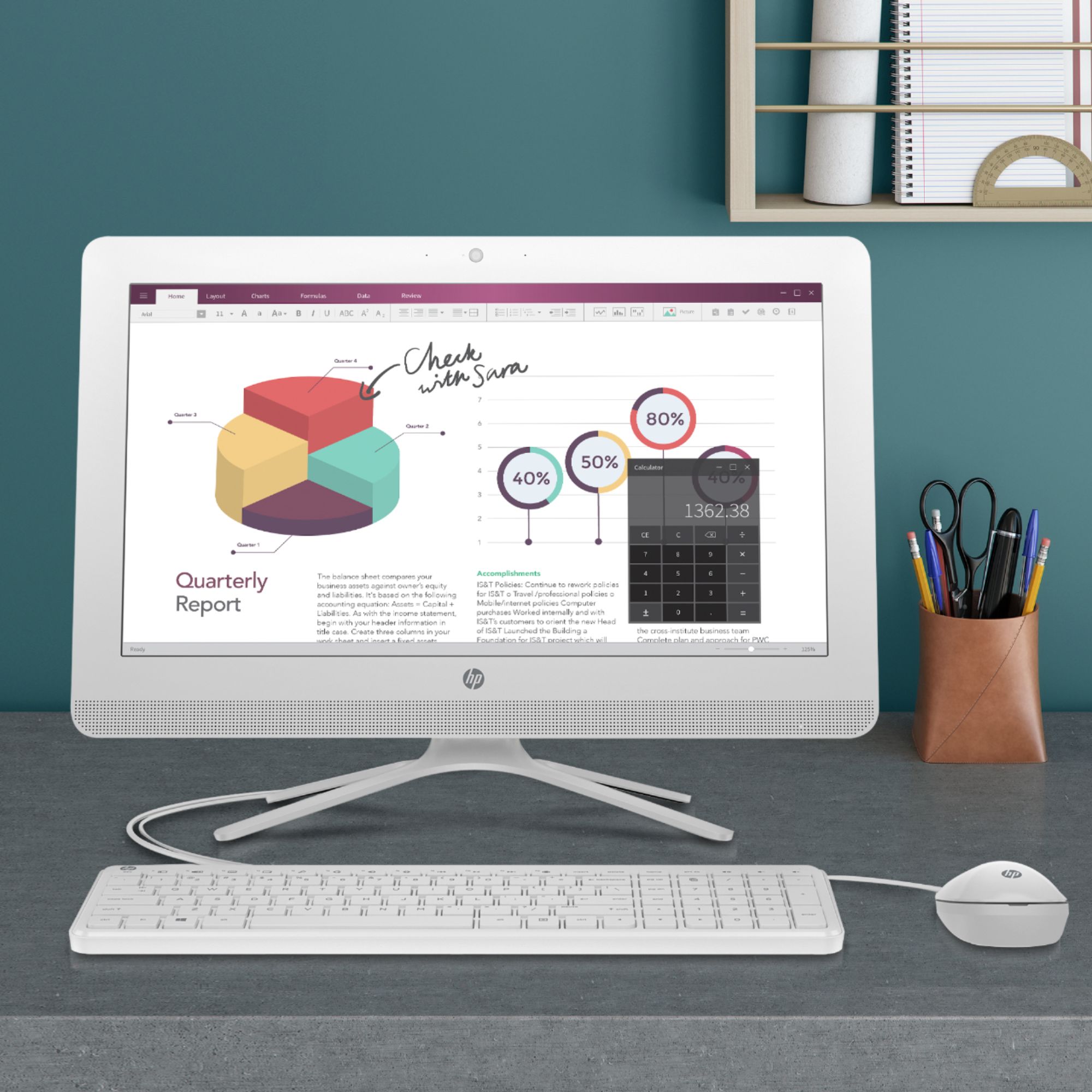
A:AnswerYes this has 2 microphones one on each side of the webcam. You can look in device manager - audio inputs and outputs and see if a microphone is shown.
A:AnswerOpen box means the computer has been used for a short time. I purchased an open box computer and it said it was returned. The sales person said it was a slow computer so people would return it because it did not meet their needs. Only thing I was missing was the instructions but got them online and saved over 200.00 because it was open box.
A:AnswerIf you have the full tech support contract, they can transfer all data from your old device to the new one. Or use a external hard drive which is a good investment for backing up your documents in case your computer were to crash.
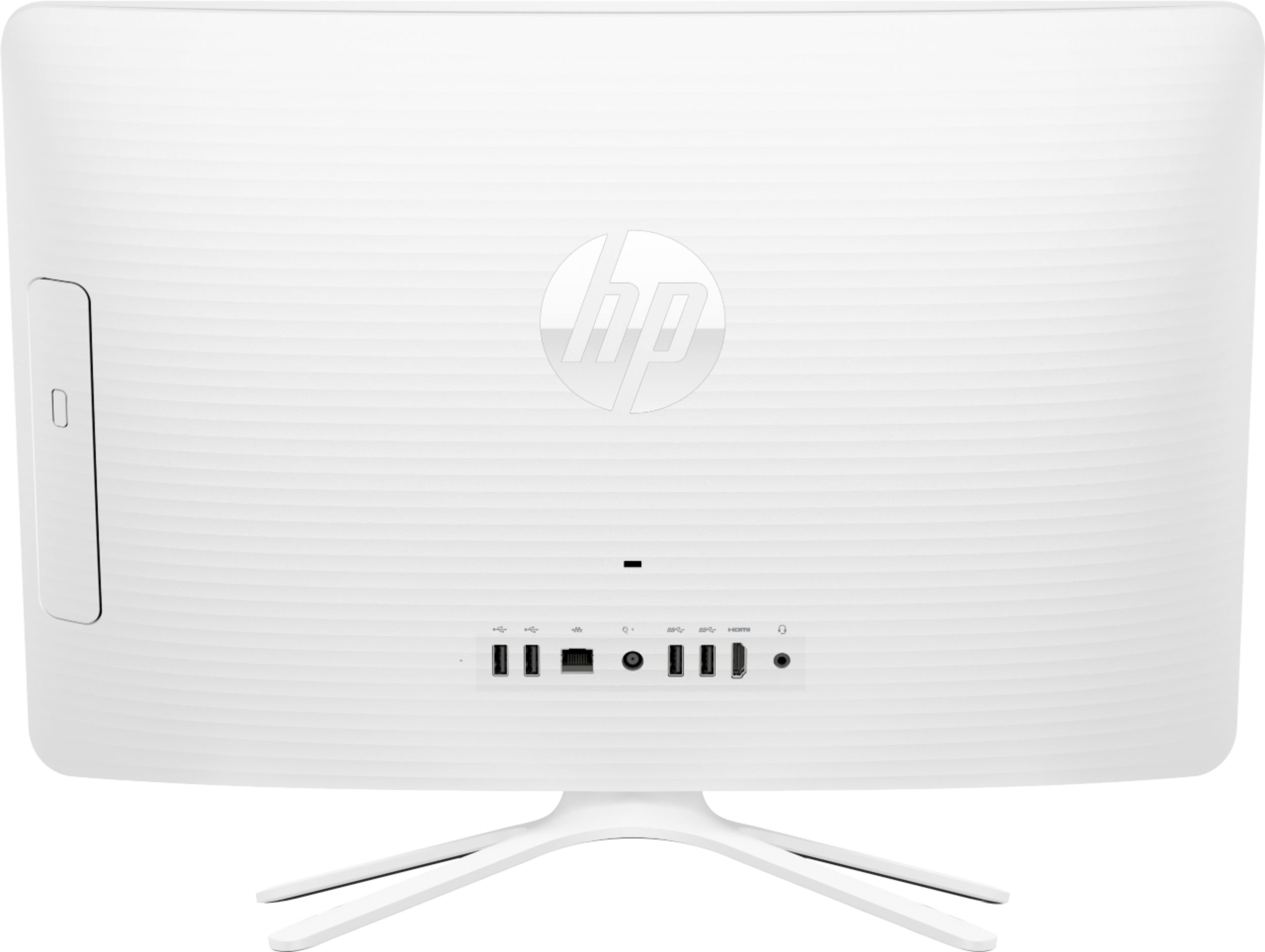
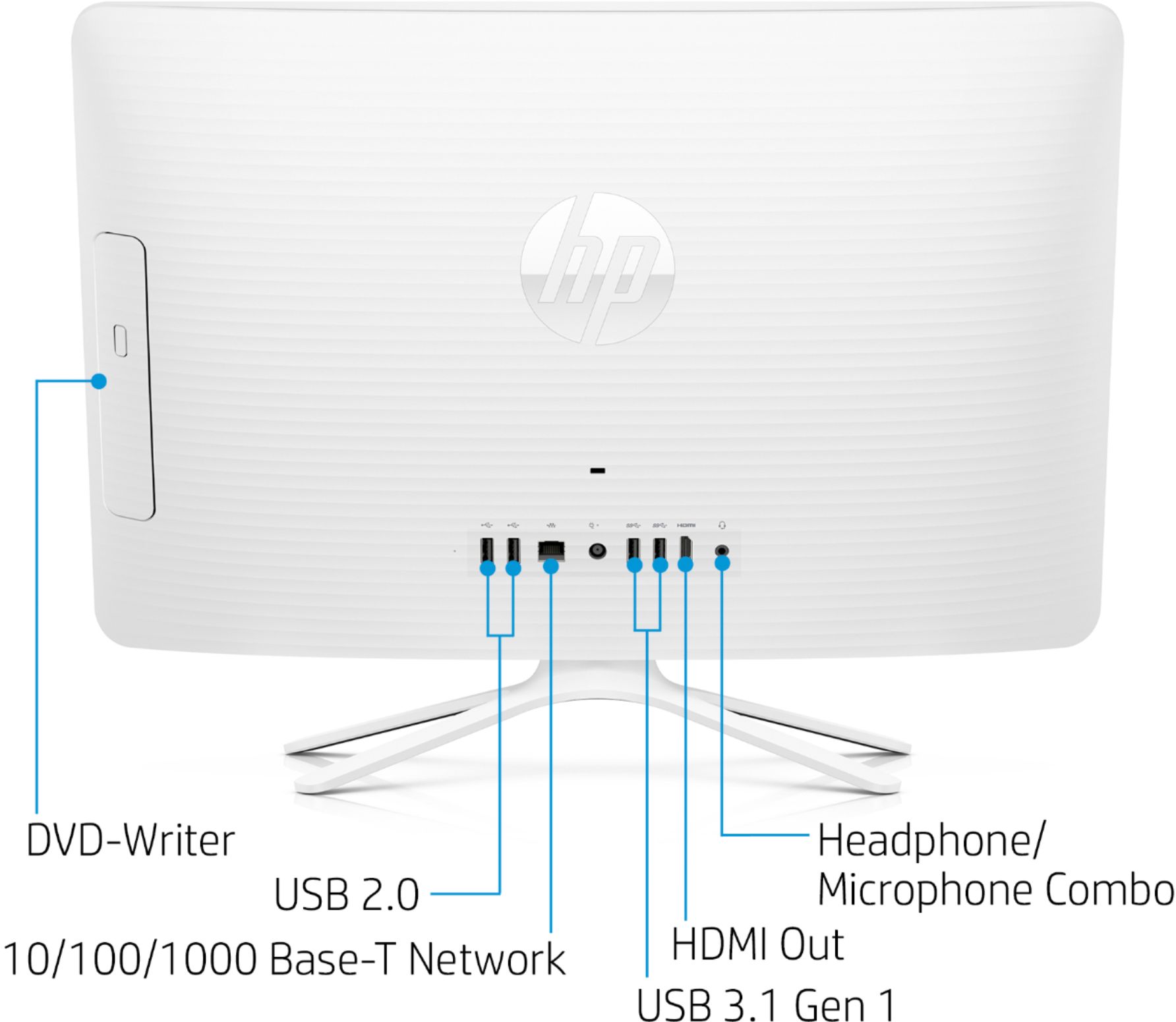
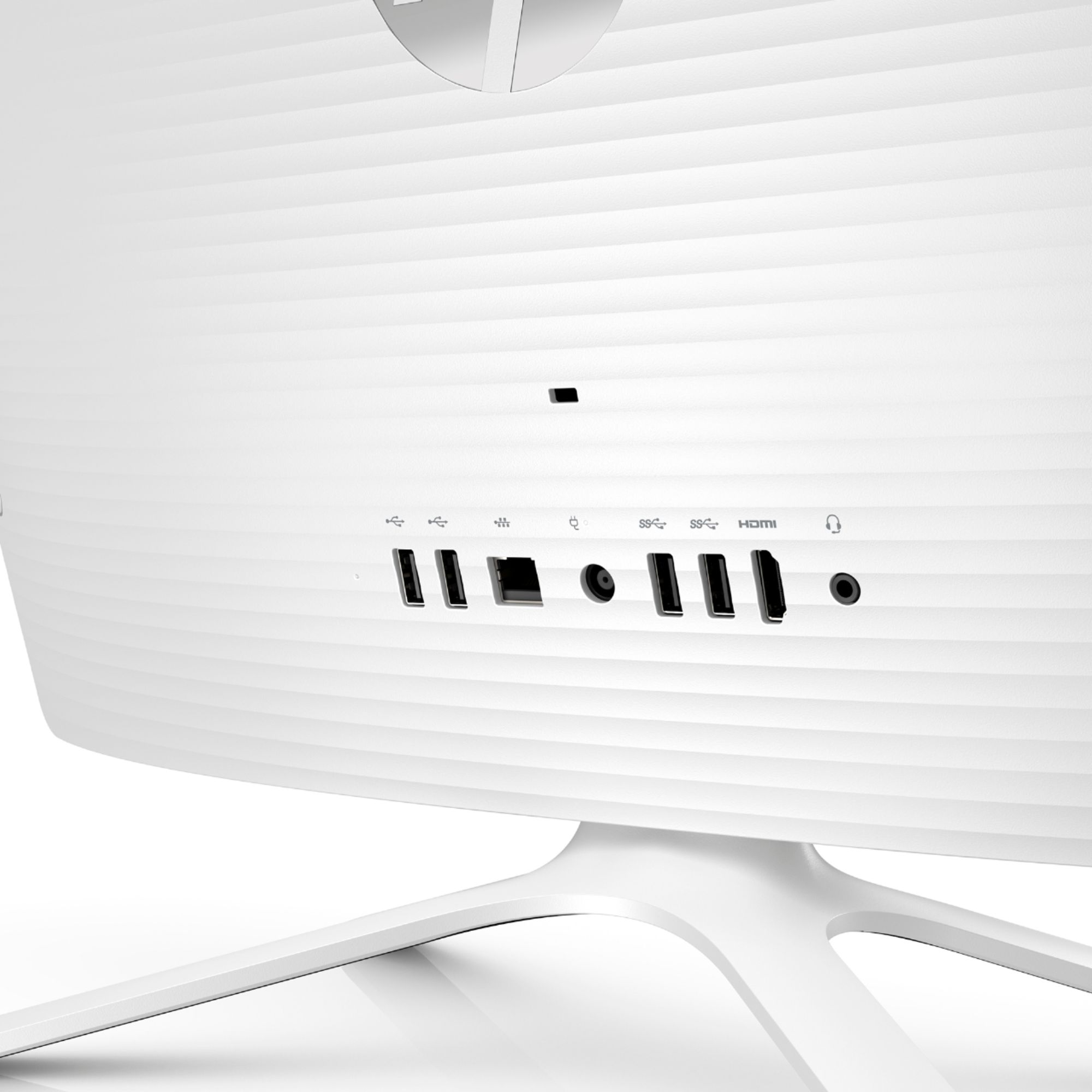
A:AnswerThis All in One does have an HDMI output, so you could connect a second monitor to it. If the monitor doesn't have an HDMI cable, you'd need to get an adapter to connect it.
A:AnswerUnfortunately, this isn't a good venue for trying to troubleshoot a problem. I'd contact the HP support team and see if they can help you. https://support.hp.com/us-en/contact-hp . Alternatively, you can reach them by phone at 1-800-474-6836.
A:AnswerNo it does not have a touch screen. I recently purchased this for online classes since on campus classes were suspended for the rest of the semester but this is the slowest computer ever, don’t recommend it. Definitely returning it as soon as i get a chance.
A:AnswerThe HP All-in-One - 20-c434 does not have a touchscreen. If your product is missing an accessory out of the box you should contact the retailer.
A:AnswerA Chromebook would be a better solution for Google Classroom. Here is a good one that unfortunately is out of stock due to the current pandemic situation:
https://www.bestbuy.com/site/hp-14-chromebook-amd-a4-series-4gb-memory-amd-radeon-r4-32gb-emmc-flash-memory-chalkboard-gray/6333551.p?skuId=6333551