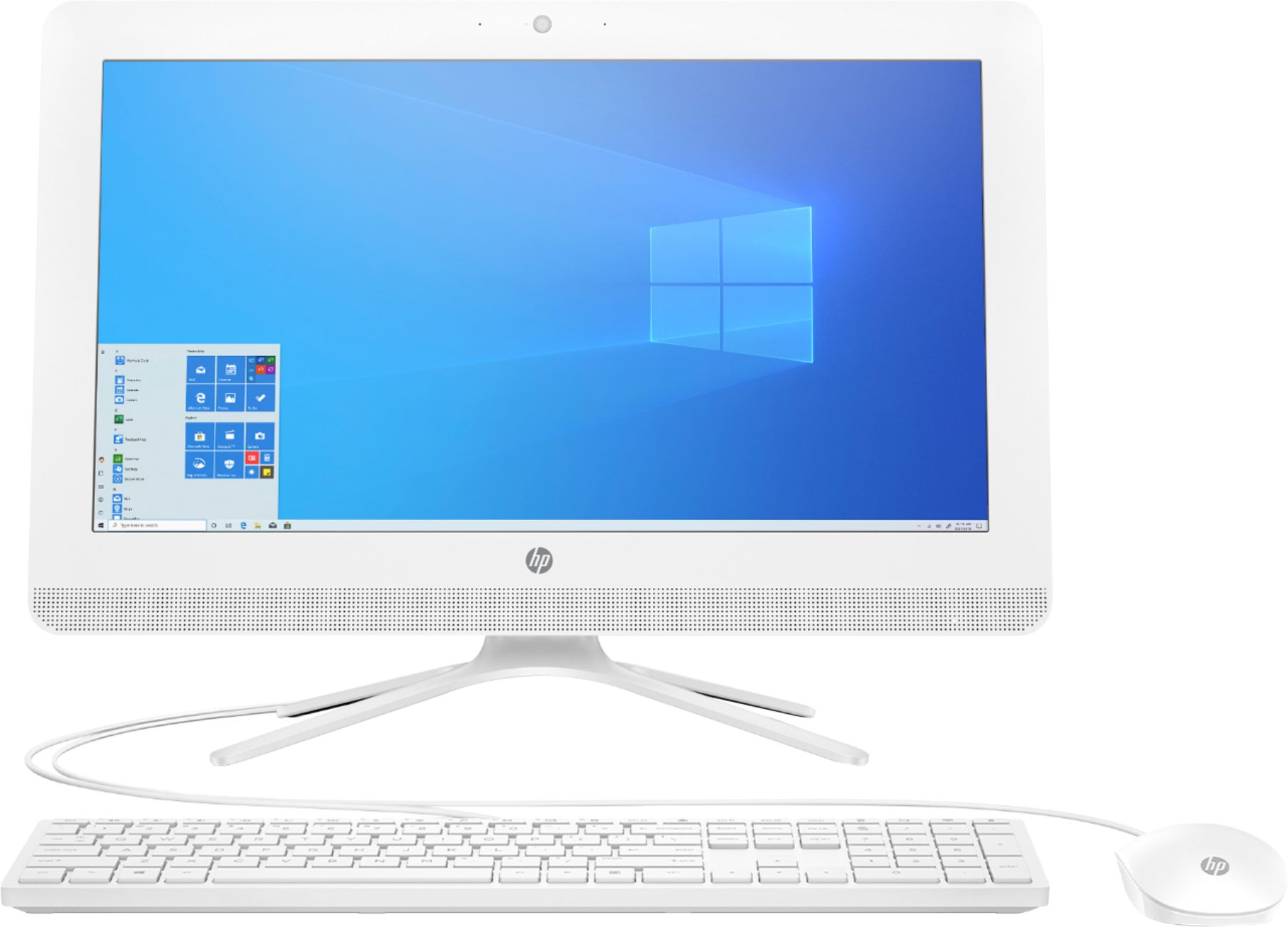
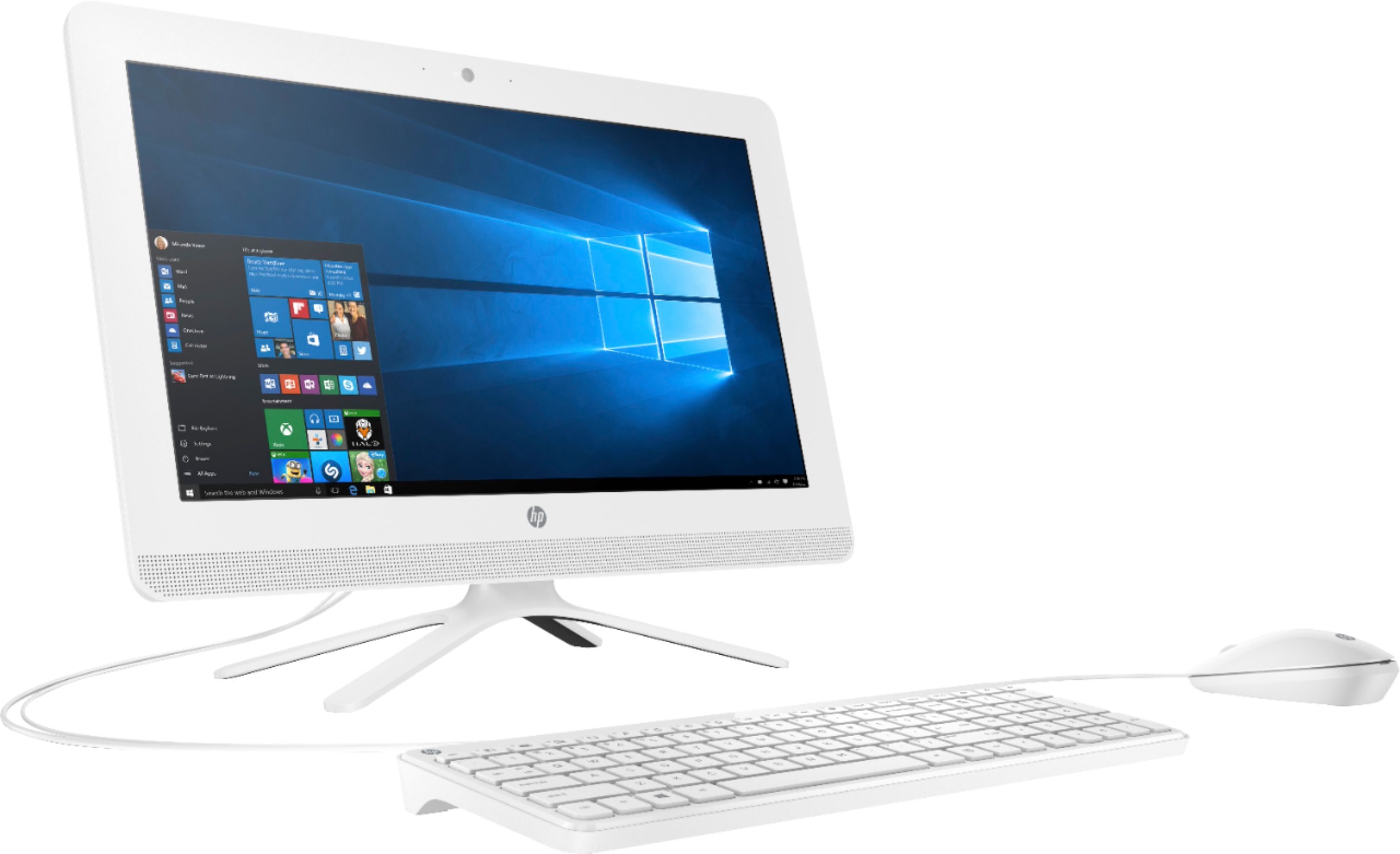
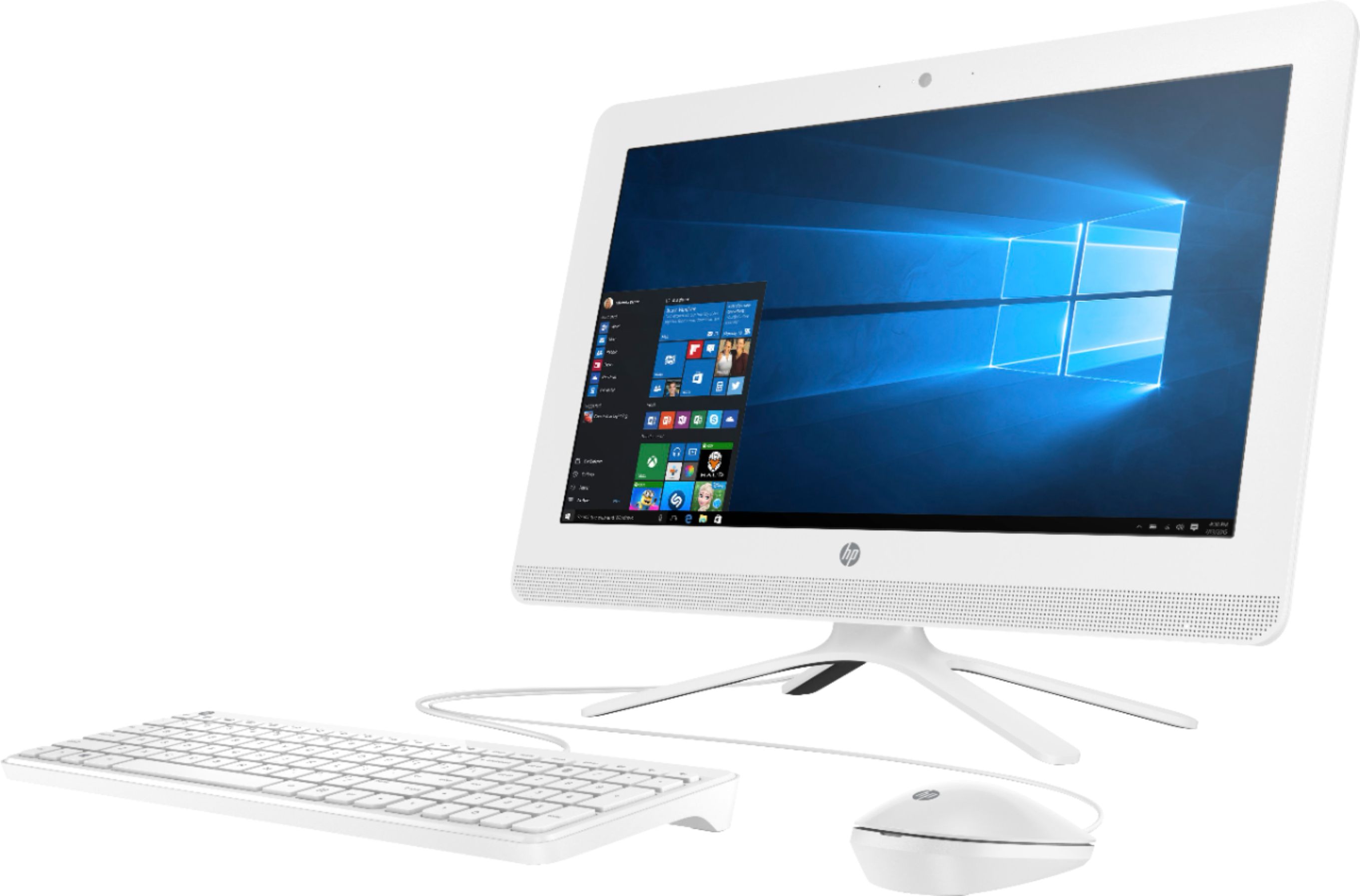
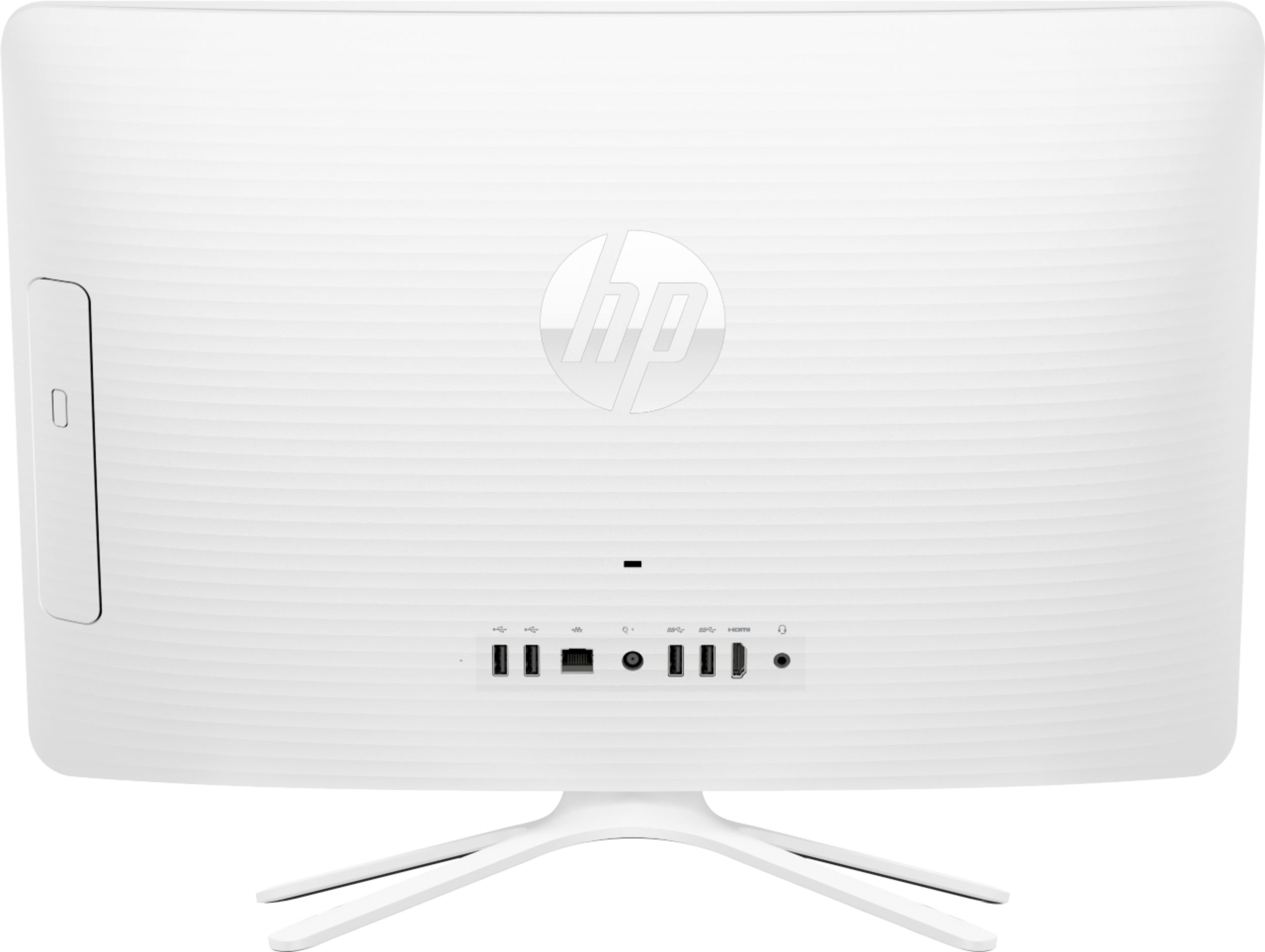
A:AnswerYou will not harm the desktop by leaving it running. You may want to enable a Sleep Mode or a screen saver to reduce energy consumption, and preserve the display.
A:AnswerI'm sorry that you have experienced this issue. I recommend reaching out to HP Support so they can assist you. They have access to more tools to assist you. Here's the link to HP Support: http://support.hp.com/us-en . Click "Contact HP" at the bottom left of the page. Alternatively, you can reach them by phone at 1-800-474-6836.
A:AnswerI'm sorry that you have experienced this issue. I recommend reaching out to HP Support so they can assist you. They have access to more tools to assist you. Here's the link to HP Support: http://support.hp.com/us-en . Click "Contact HP" at the bottom left of the page. Alternatively, you can reach them by phone at 1-800-474-6836.