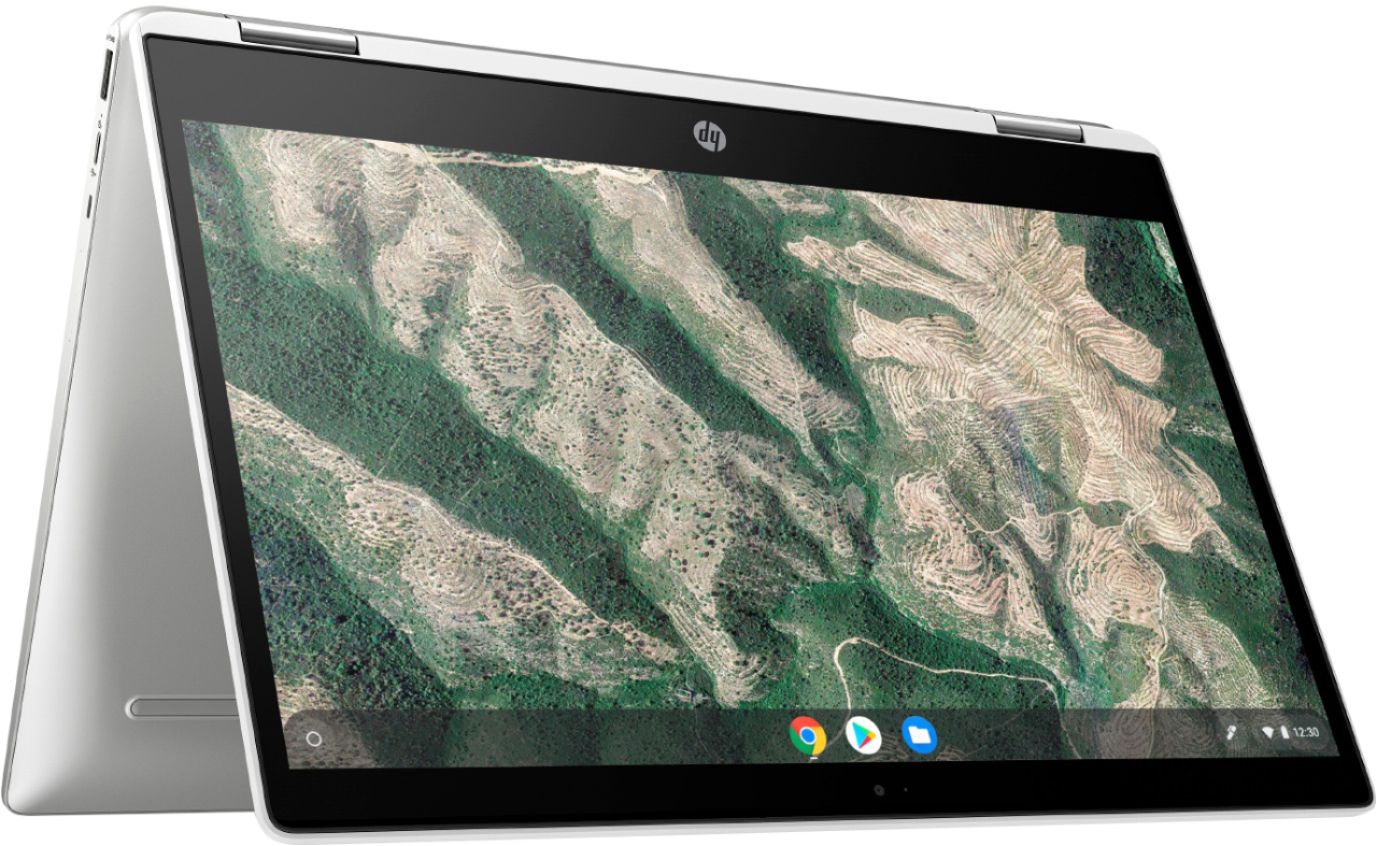
A:AnswerThe battery charges in about 90 minutes. Battery life in laptops has improved dramatically in the last few years. The battery in this Chromebook should last all day. Depending on usage it may reduce the time by an hour or so.
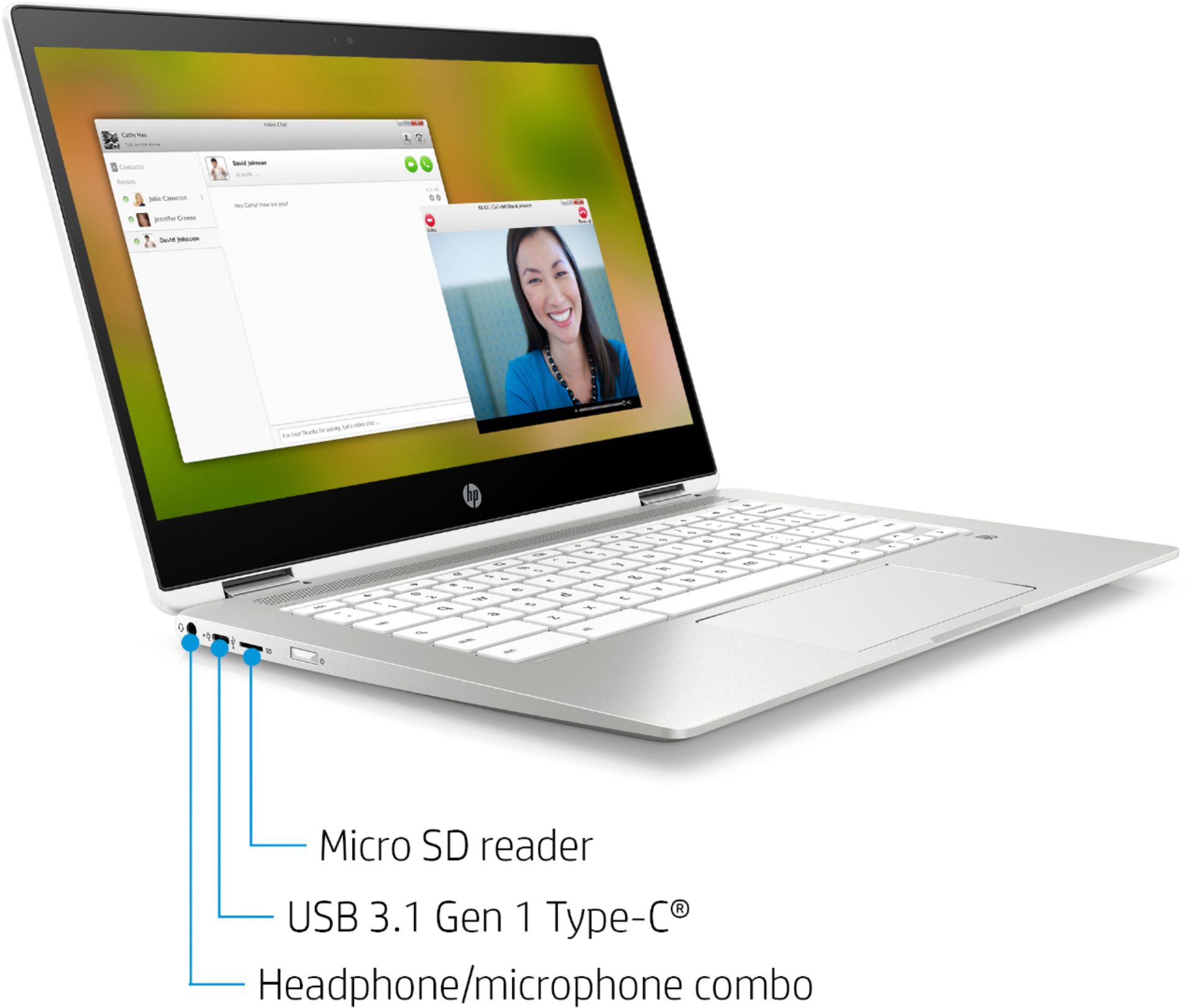
A:AnswerYes it has a built in webcam and microphone. There are several types of similar free video conference apps you can use. FaceTime is for apple devices. You can use the free Google Meet app.
A:AnswerI just bought this. The battery lasts about 10 hours on a single charge, maybe a little more, depending on what you are doing. I set mine up to not go to sleep because that interrupts my work connection, so it probably drains a little faster.
A:AnswerAny of the HP Envy, OfficeJet, and LaserJet printers will work with this Chromebook, as well as some Deskjet models. A great entry-level printer to check out is the Envy 5055.
A:AnswerYes, this Chromebook will allow you to store your documents in your 100 GB Google Drive as well as accessing the internet. If you need additional on-board storage, an SD card or low profile flash drive can add a large amount of memory at a reasonable cost.
A:AnswerThe online storage capacity with Google Drive is the key reason Chromebooks can be offered with such low on device storage in fact. So no it shouldn't impact you to have only 32 GB of storage as long as you store your files to Google Drive.
A:AnswerIt will not take very long to set it up. It mostly asking you for your login info or to create an account. And making sure it is connected to the WiFi. Then, you are able to use the Chromebook.
A:AnswerThis laptop will not work for games on Steam. This model is a Google Chromebook and will not run windows programs. This laptop is meant for browsing the web and using programs like Google Docs.