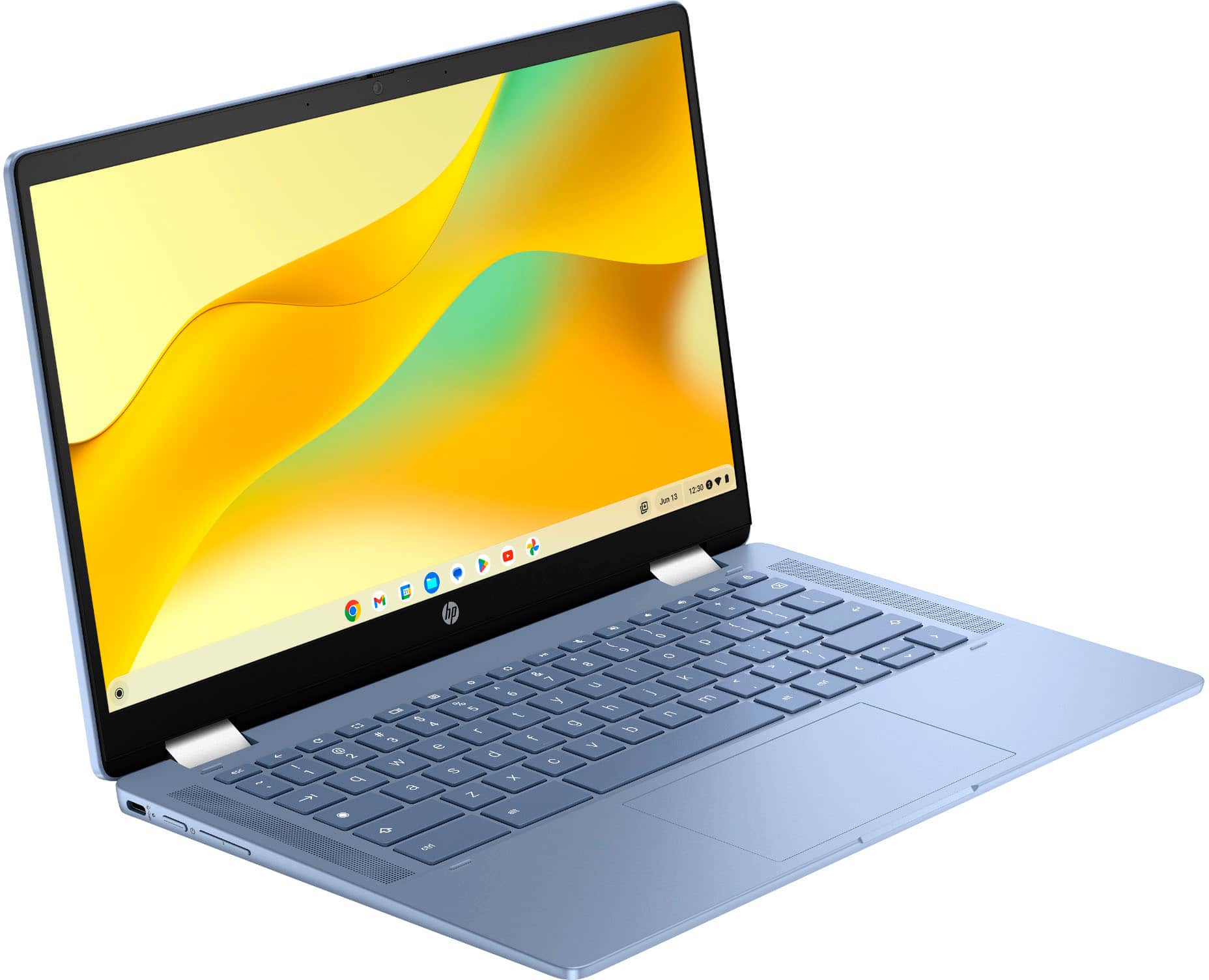
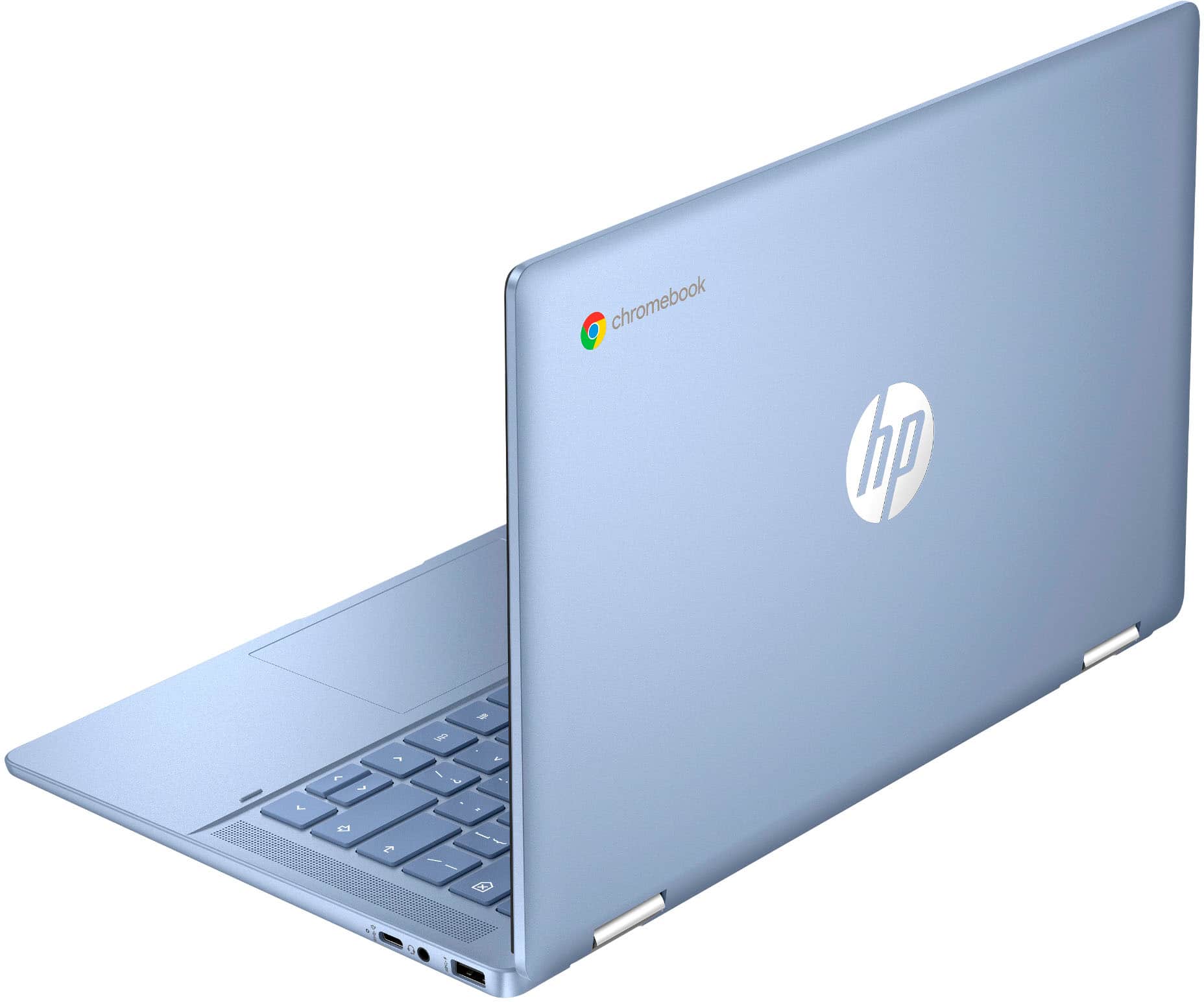
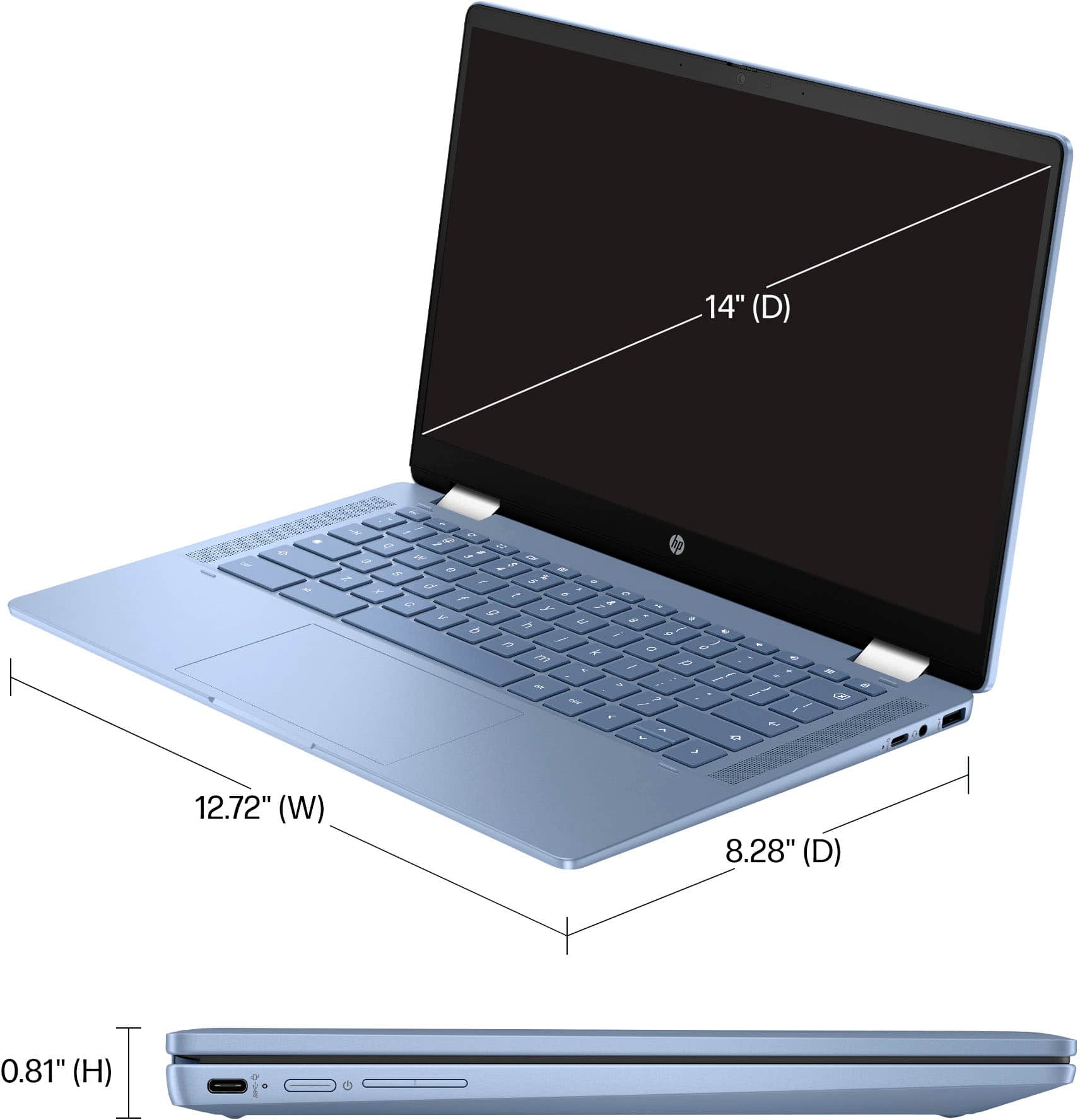
A:AnswerBera, thank you for your purchase of this HP Chromebook! I am sorry about your negative experience. Best Buy has a 15-day return policy on computers, 60 days if you're a Geek Squad member. You can exchange it for a new HP Chromebook or a different model.
A:AnswerNo. You could easily use Google Docs, which there is a quick link for on the laptop. Any Google program can be easily accessed on this Chromebook.
A:AnswerThank you for your question. The 14b-cd0013dx Chromebook is not compatible with an active pen. This model does not have the necessary digitizer to support active stylus pens. Instead, you can use a passive stylus, which works similarly to your finger on the touchscreen.
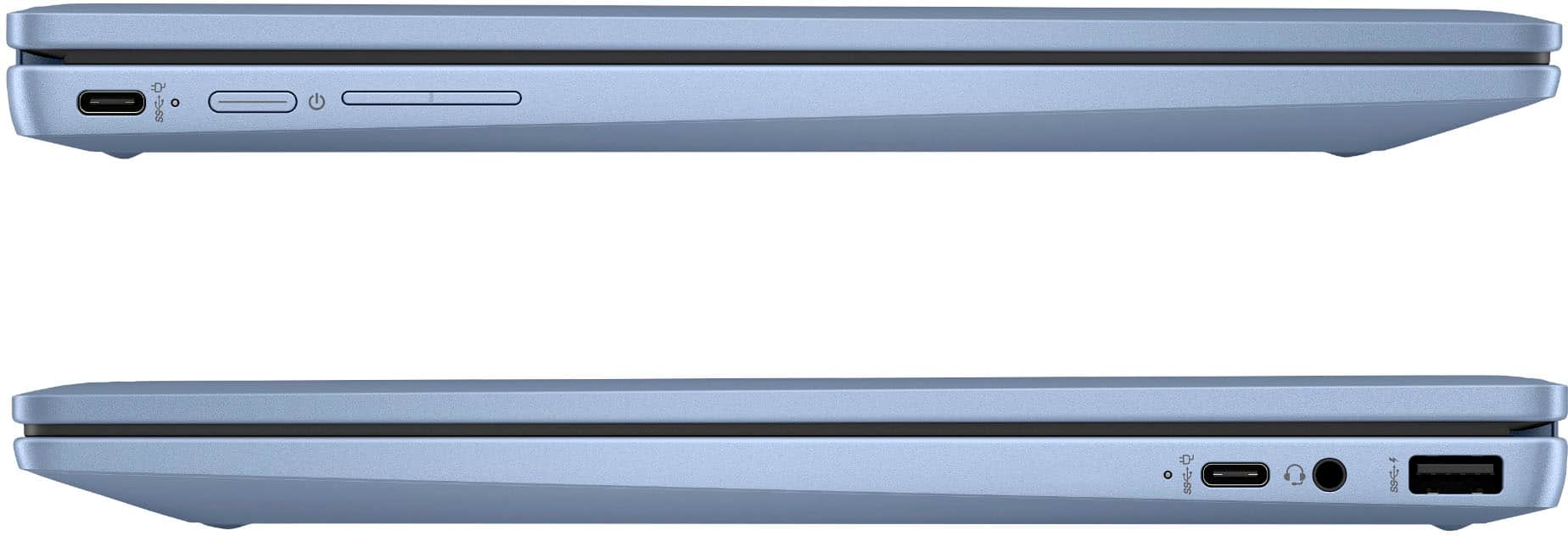
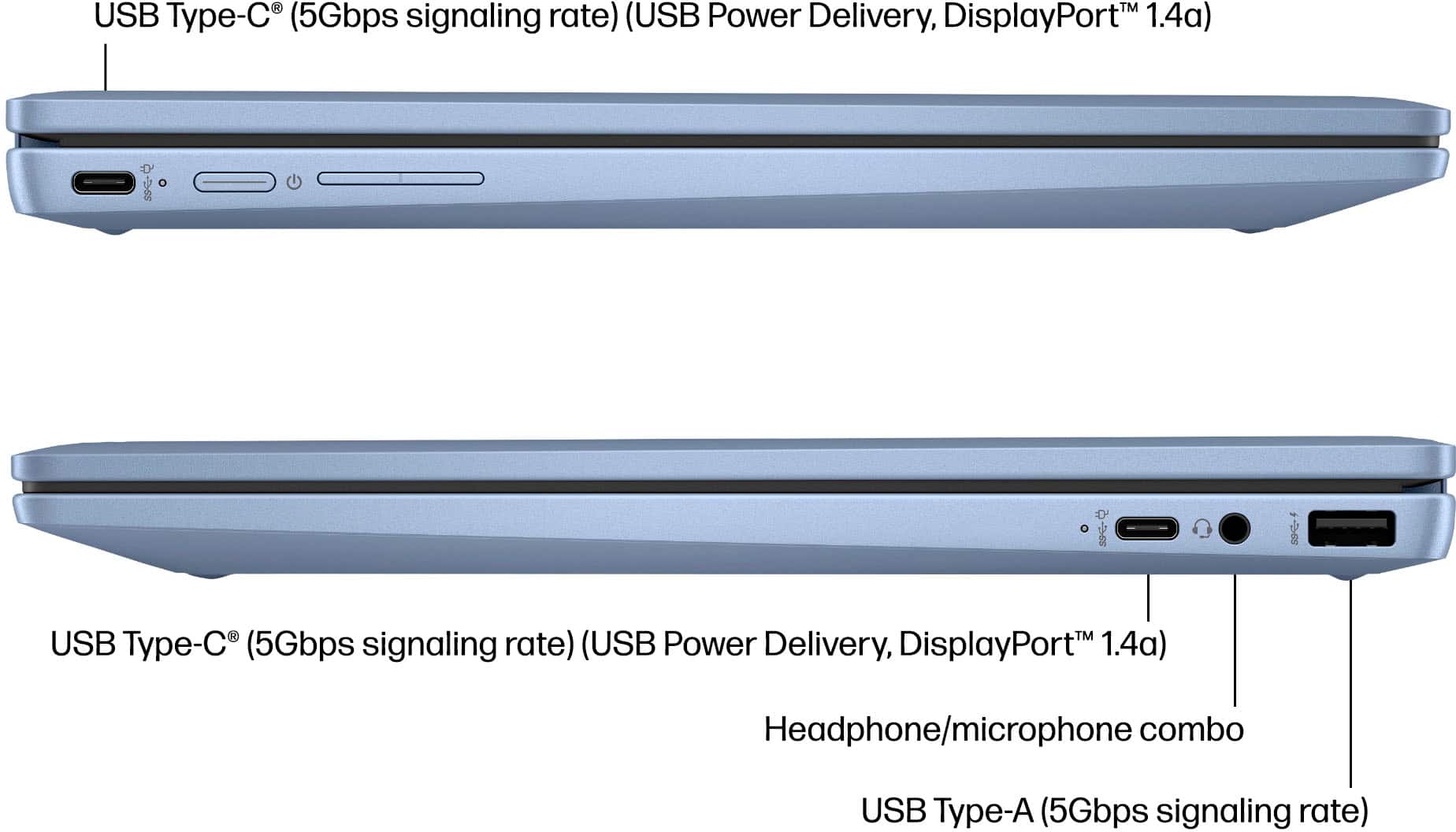
A:AnswerBill, thank you for your question about this HP Chromebook! You can set up two external displays with this and they will require a USB-C to DisplayPort cable or adapter.
A:AnswerHi Jay, thank you for the question. This forum does not maintain or have access to retailers' pricing calendars. Please reach out directly to Best Buy for assistance.
A:AnswerThank you for the question. No, but there are several ways to use Microsoft Office apps on a Chromebook. Microsoft Word for the web is free for anyone to use online. Sign up or sign in using any email address. You should know that Google has a suite of compatible apps that are free. For example, Google Docs and Google Sheets, instead of Word and Excel).
A:AnswerHello, thank you very much for the question on this HP 2-in-1 14" Touch-Screen Chromebook (14b-cd0013dx). This Chromebook can be used with an external DVD drive! If you're in the market, Best Buy has them available - if you have more questions or need help picking out an external DVD drive, don't hesitate to reach out to your Best Buy Geek Squad!