A:AnswerThank you for the question. Yes. Wi-Fi 6 is backward compatible with 2.4 and Wi-Fi 5 networks. This means it can connect to older routers and access points without any issues.
A:AnswerThank you for the question. Chromebooks are very good when most of your work is online. and they are optimized for Cloud-based efficiency. They aren't the best for performance-heavy tasks. If you need Windows or Mac-specific applications (like Adobe Photoshop, AutoCAD, or certain programming tools), a Chromebook may not be ideal.
A:AnswerFor any software, you would want to check the system requirements from the publisher's website and make sure the device you want to run it on meets the requirements for the setting you would like to use. Updates can change the requirements which can impact what settings you run it on or if you can run it at all. For software that always require online or for sections that are online, your connection type and speed can also affect how well it runs.
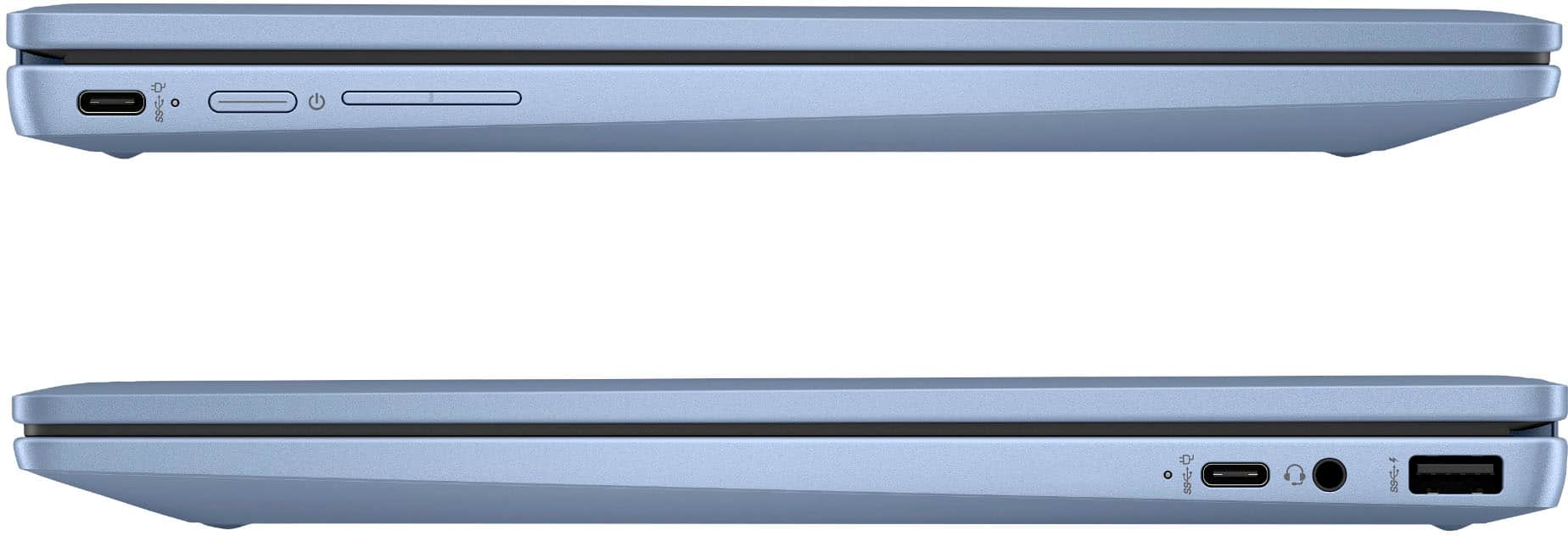
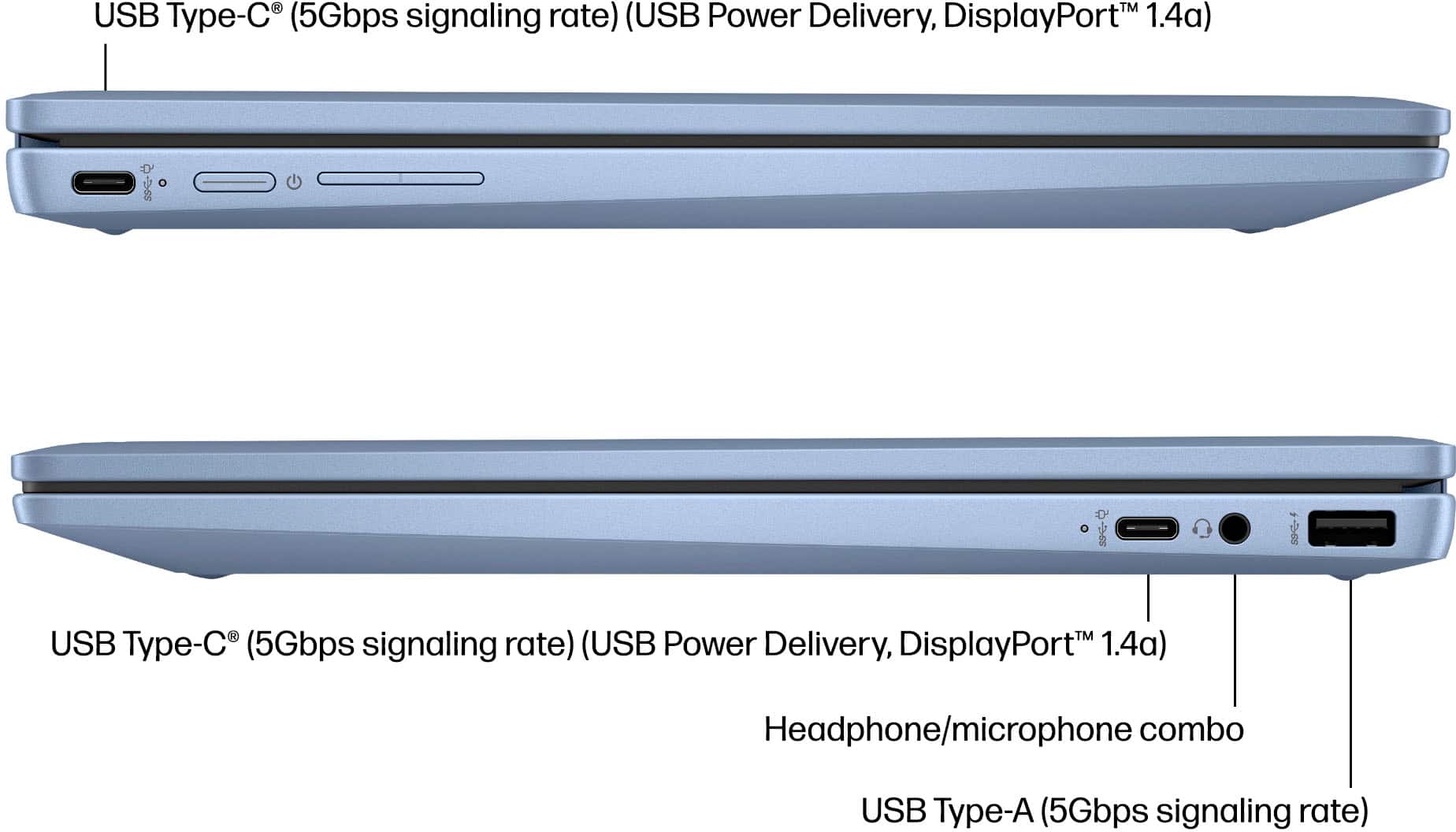
A:AnswerThis Chromebook may support some USB accessories, but compatibility with PS5 steering wheel update software depends on the wheel manufacturer and their software requirements. Please check with the steering wheel manufacturer for ChromeOS compatibility.
A:AnswerThe 64GB eMMC storage in this Chromebook is not designed to be upgraded like an SSD in a traditional laptop. This model uses built-in eMMC storage, so internal storage upgrades are generally not supported.
A:AnswerYes, you can use the web versions of Microsoft 365 apps such as Word, Excel, and PowerPoint. However, Chromebooks do not support installing the full desktop versions of Microsoft 365 applications.