A:AnswerHi JoeyB, thank you for the question. Yes. Windows Defender is built into the operating system. The laptop is presented with a free 30-day trial subscription to McAfee Live Safe as well.
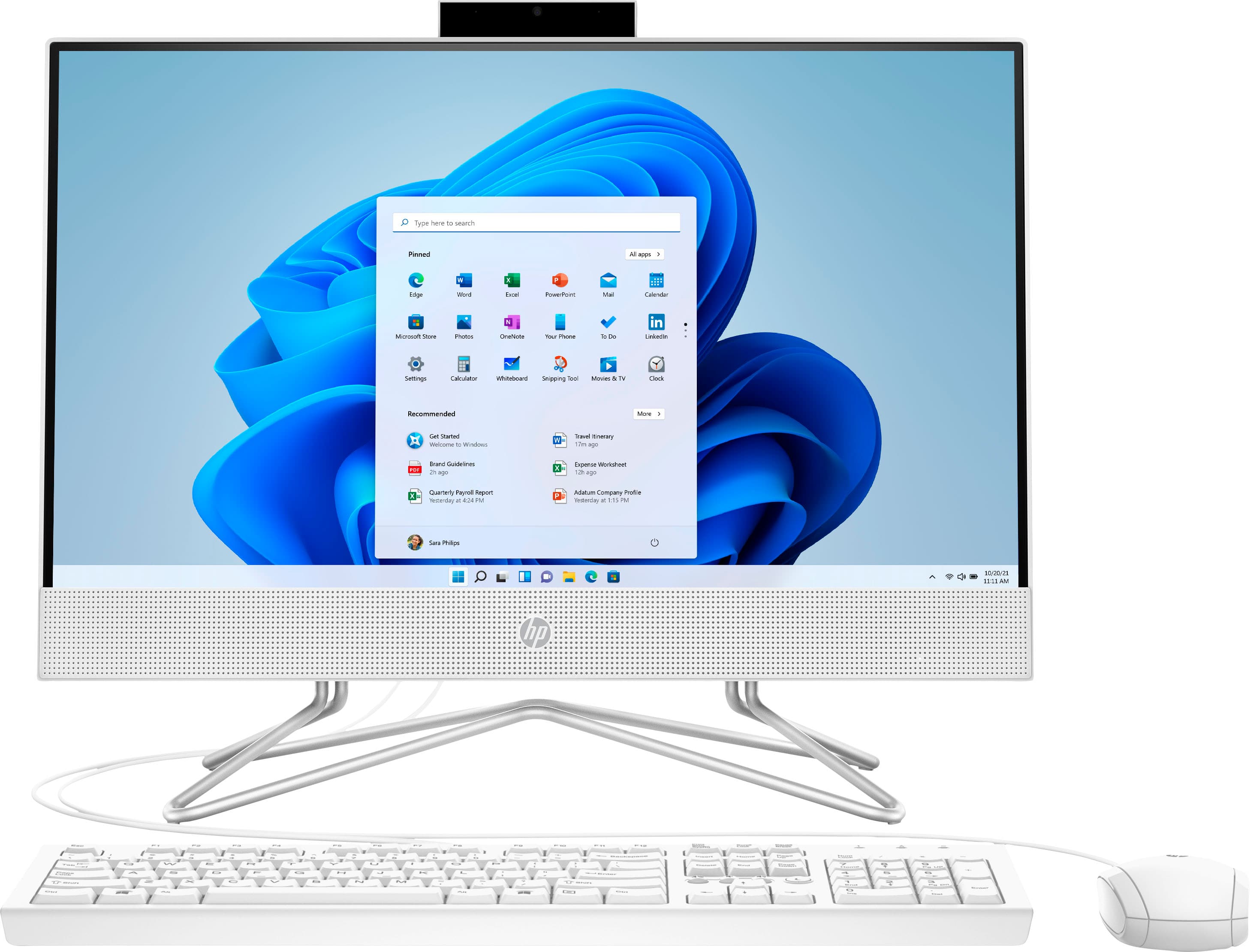
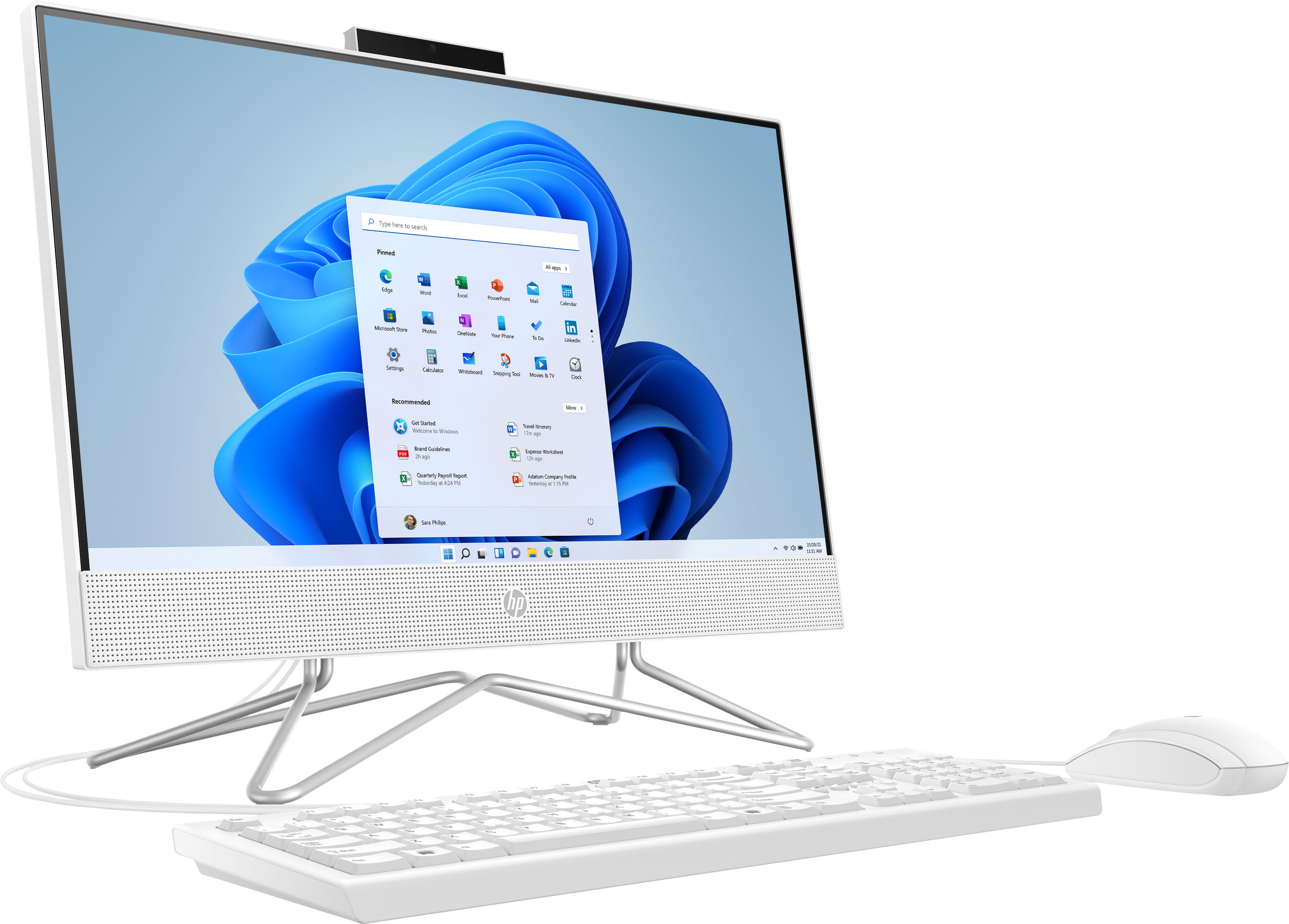
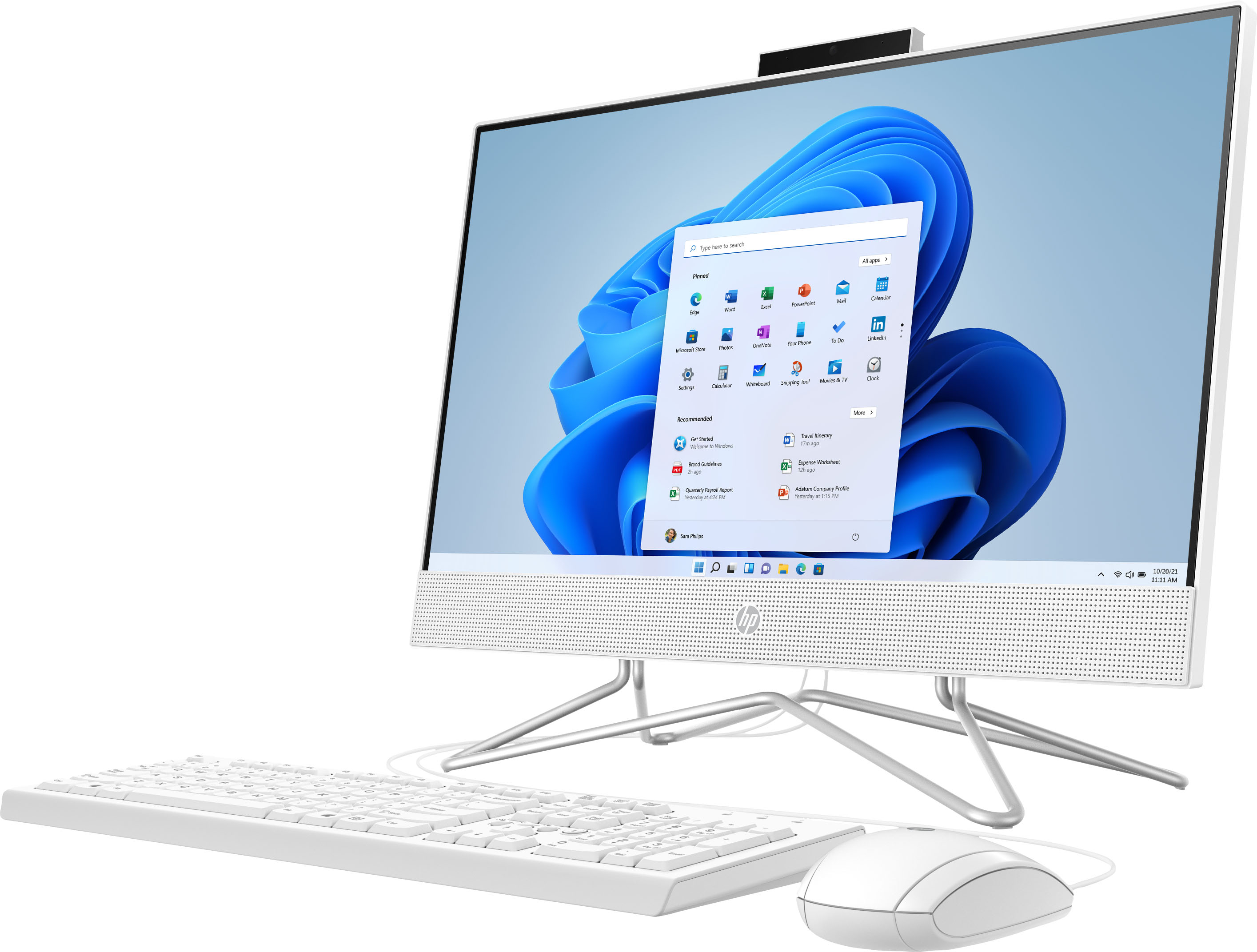
A:AnswerYes, you can connect a wireless keyboard to it, and it does have a built-in webcam. There is no CD/DVD, but you can use an external one that connects to one of the USB ports. It will be able to play basic and web-based games.
A:AnswerThank you for your question! This is not a gaming computer as it comes with Windows in S Mode and limited RAM and processing power. Please check the developers' websites for their lists of minimum and recommended system requirements to make sure you choose a computer that meets their criteria.
A:AnswerYou'll need DDR4 PC4-19200 2400MHz Non-ECC SODIMM RAM. There are two memory slots, so you could get a 4 or 8 gigabyte module to go in the current empty slot.
A:AnswerYou would want to look at the system requirements for any software from the developer's website. Updates can change the requirements which can affect which settings you can run the software on or if you can run it at all. Under Specifications on the Best Buy site, if you look at connectivity you can see this unit has 4 USB A ports. Two of them are 2.0 and the other two are 3.0. This unit also comes with Windows 11 in S Mode. You would likely have to take it out of S Mode first and that can cause the unit to run slower and make it less secure.
A:AnswerThis model can not be used as a moniter for a PS5. You need model that has an HDMI in port to do that. This model only has an HDMI out to connect a second monitor.
A:AnswerHello! Thank you for your question! You can play Minecraft on the HP 21.5" All-In-One (22-dd0224)! We recommend an option with a more powerful processor and dedicated graphics card for the optimal gaming experience, such as our HP Pavilion and Omen gaming computers.
A:AnswerHello. Thanks for your question. It does not take very long to set up the computer for the first time. The thing to consider is if you need to install a printer and other components and software on your computer. We would advise enough time to set up the computer and any other components, such as a printer and any software like Microsoft Office. If you need to install an HP printer, we recommend visiting https://123.hp.com/setup
A:AnswerIt doesn't have an HDMI input, so there's no way to get the signal from that other computer to this. And if you're just using it as a PC monitor, it will be a lot less expensive to just get a standalone monitor.