A:AnswerYes, you can. If your model ships with Windows 10 (because we're in the transition from 10 to 11, you may get either one), you'll need to do the free upgrade to Windows 11. The steps for setting it to Kiosk mode are at https://docs.microsoft.com/en-us/windows/configuration/kiosk-single-app
A:AnswerThank you for the question. You'll need an internet connection. Your internet provider will supply the modem (and a router, if you intend to have a wireless connection). You can also use your Smartphone's internet connection, however, depending on your data plan, that may be an expensive option.
A:AnswerThank you for your question, Sam! This is not a gaming computer as it comes with Windows in S Mode and limited RAM and processing power, but you would be able to download lightweight games from the Microsoft Store: https://www.microsoft.com/en-us/store/games/windows - For other games, please check the developers' websites for their lists of minimum and recommended system requirements to make sure you choose a computer that meets that criteria.
A:AnswerThank you for the question. Instructions may vary by model, but All-in-One computers will have a maintenance and service guide, that will instruct you on how to add RAM. Location and number of slots as well as maximum RAM will be indicated in the manual also. The 22-dd0224 to which this question was posted has two RAM slots and can accept up to 8GB of DDR4 RAM per slot. We recommend that upgrades be performed by a professional technician.
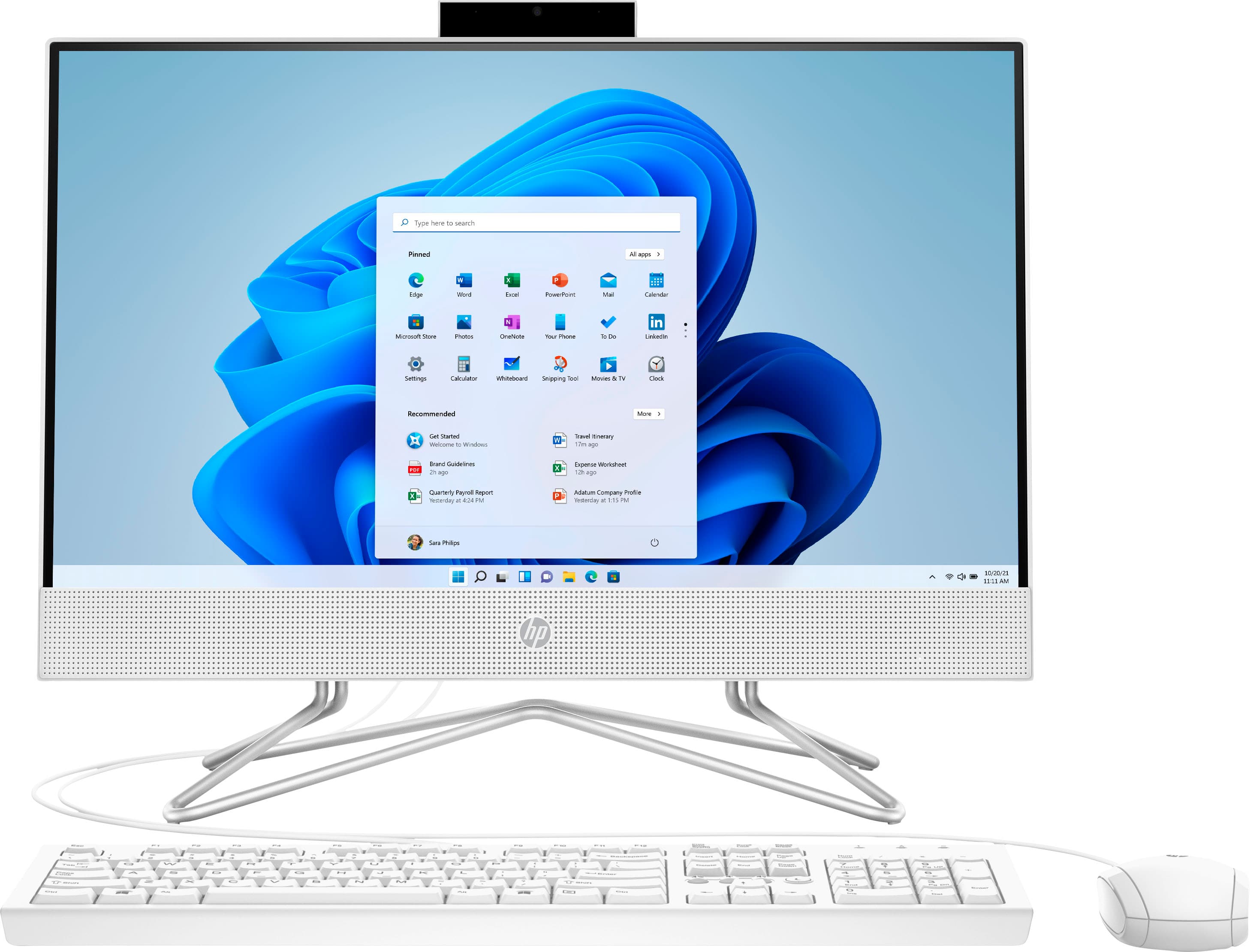
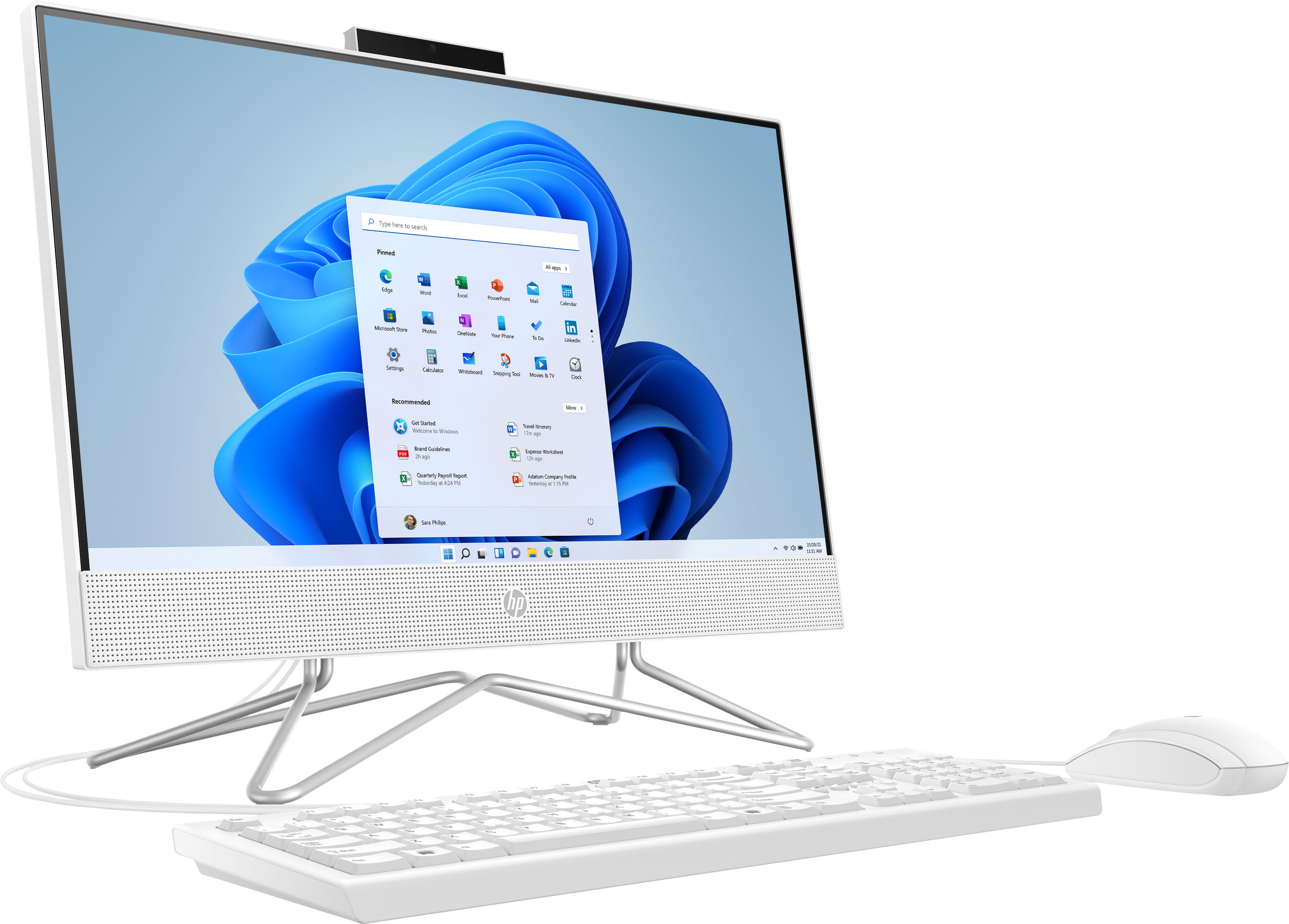
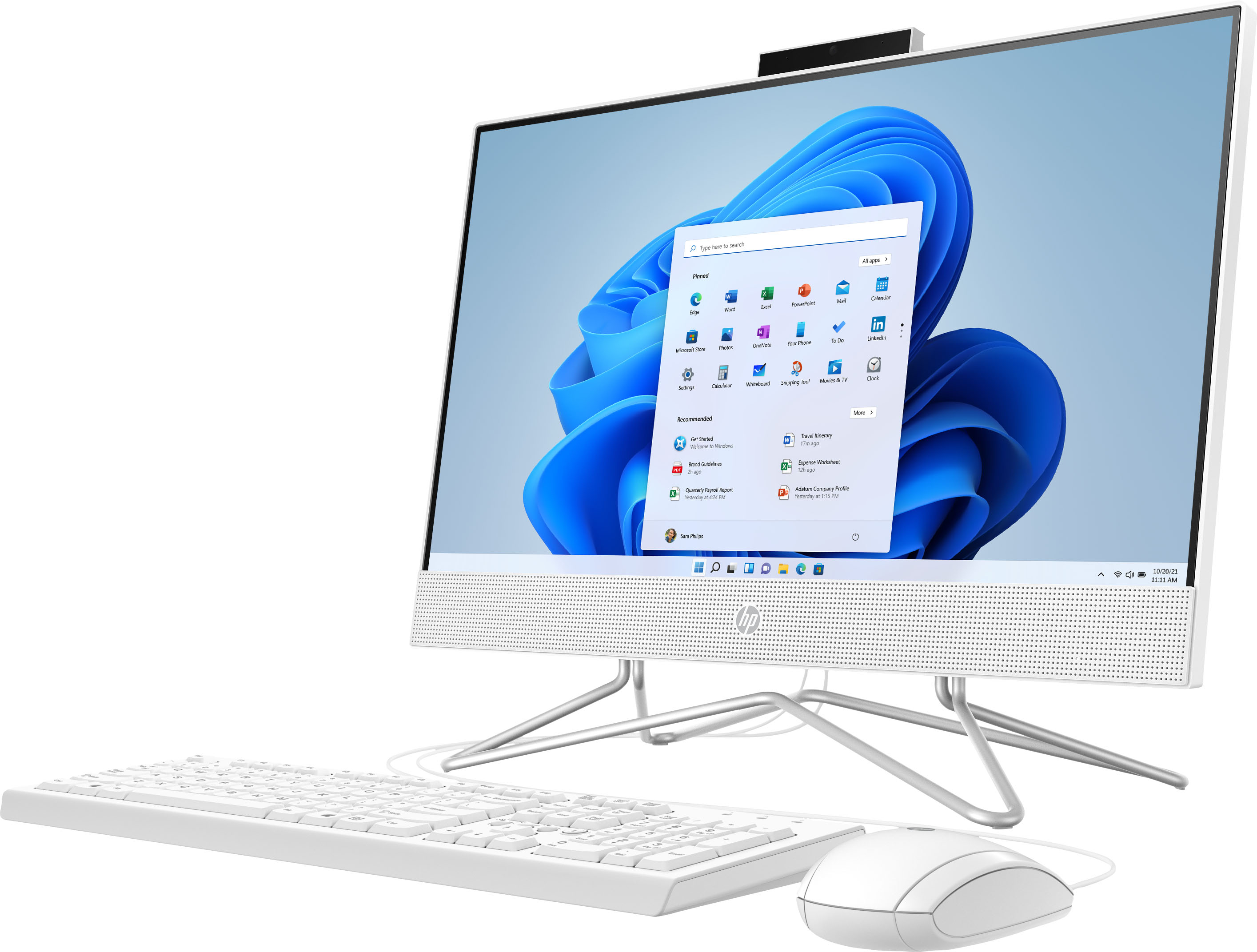
A:AnswerHello. Thanks for your question. This HP all-in-one computer has a pop-up privacy webcam. The pop-up privacy webcam is located at the top of the screen on the backside. You would press the camera and it would pop up. When you are done, you can push down the webcam for privacy.
A:AnswerThank you for the question. You will still connect to your router, just not with a cable. The router will broadcast the WIFI signal (similar to how a radio works). The range is typically 150 feet, and some folks use WIFI boosters and other equipment if their internet connection is less robust. HP home printers will be compatible and connect in the same manner, via WIFI or connected to your PC via a USB cable. There is a wide selection of models, based on your printing needs - color or monochrome, high volume or low volume printing, best for photos, etc. Please visit your local Best Buy for assistance in finding which model will best fit your needs.
A:AnswerHow do I install windows on the new m.2 ssd then so I can use the computer? I had to return the one I got because it didn’t let me Install from the recovery usb I made
A:AnswerHello TPDAStewart. Thank you for your question. Based on the information provided on the retailer's website, this HP - 21.5" All-In-One system does not come with an optical drive (CD/DVD reader). In this instance, we suggest you to check with the system manufacturer if there is an option
to plug in an external CD/DVD reader.
Thank you for choosing Intel!
A:AnswerThank you for your question regarding the HP - 21.5" All-In-One 22-dd0224. For any software, you would want to check the system requirements from the publisher's website and make sure the device you want to run it on meets the requirements for the setting you would like to use. Updates can change the requirements which can impact what settings you run it on or if you can run it at all. For software that always require online or for sections that are online, your connection type and speed can also affect how well it runs.