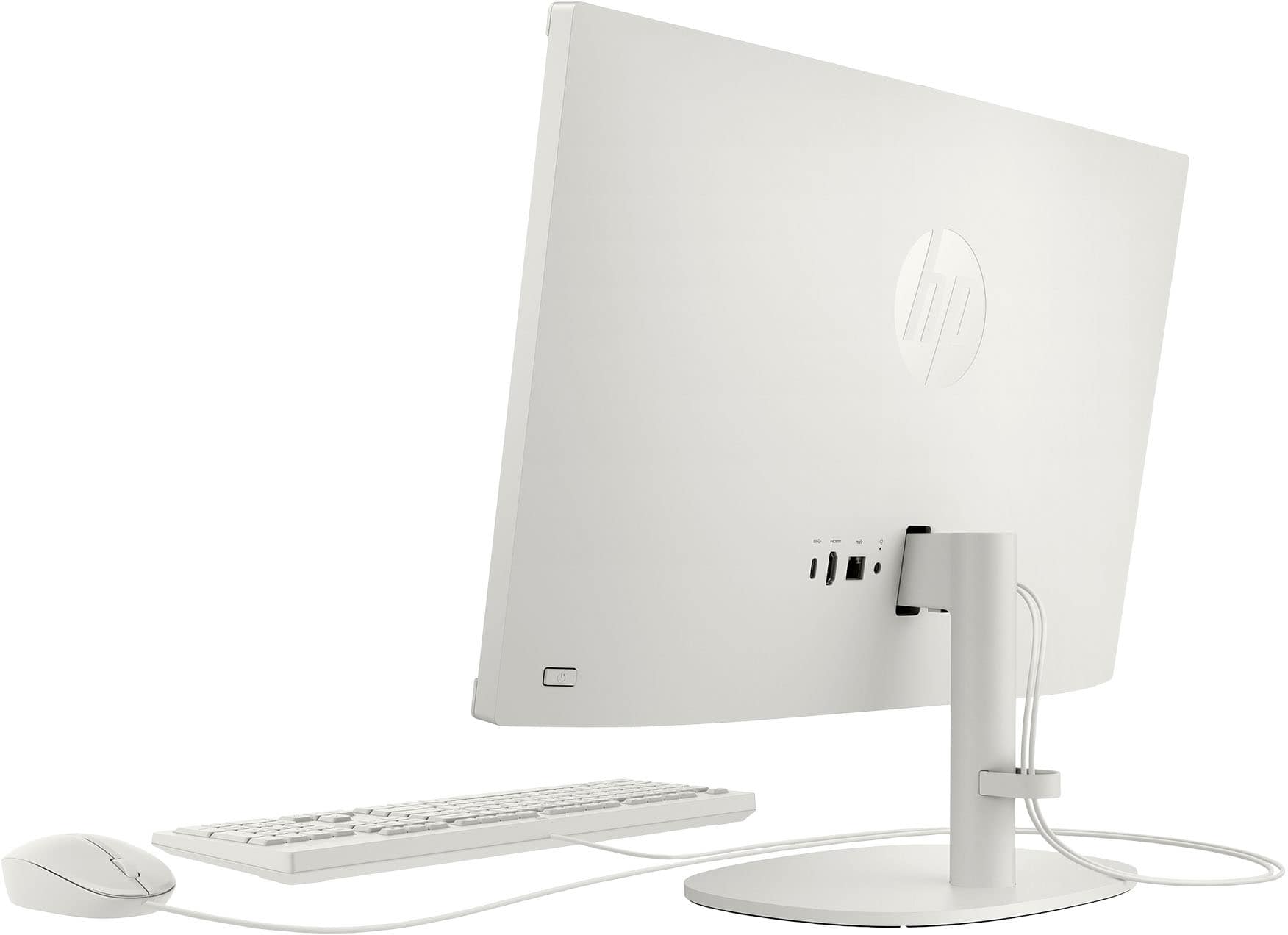
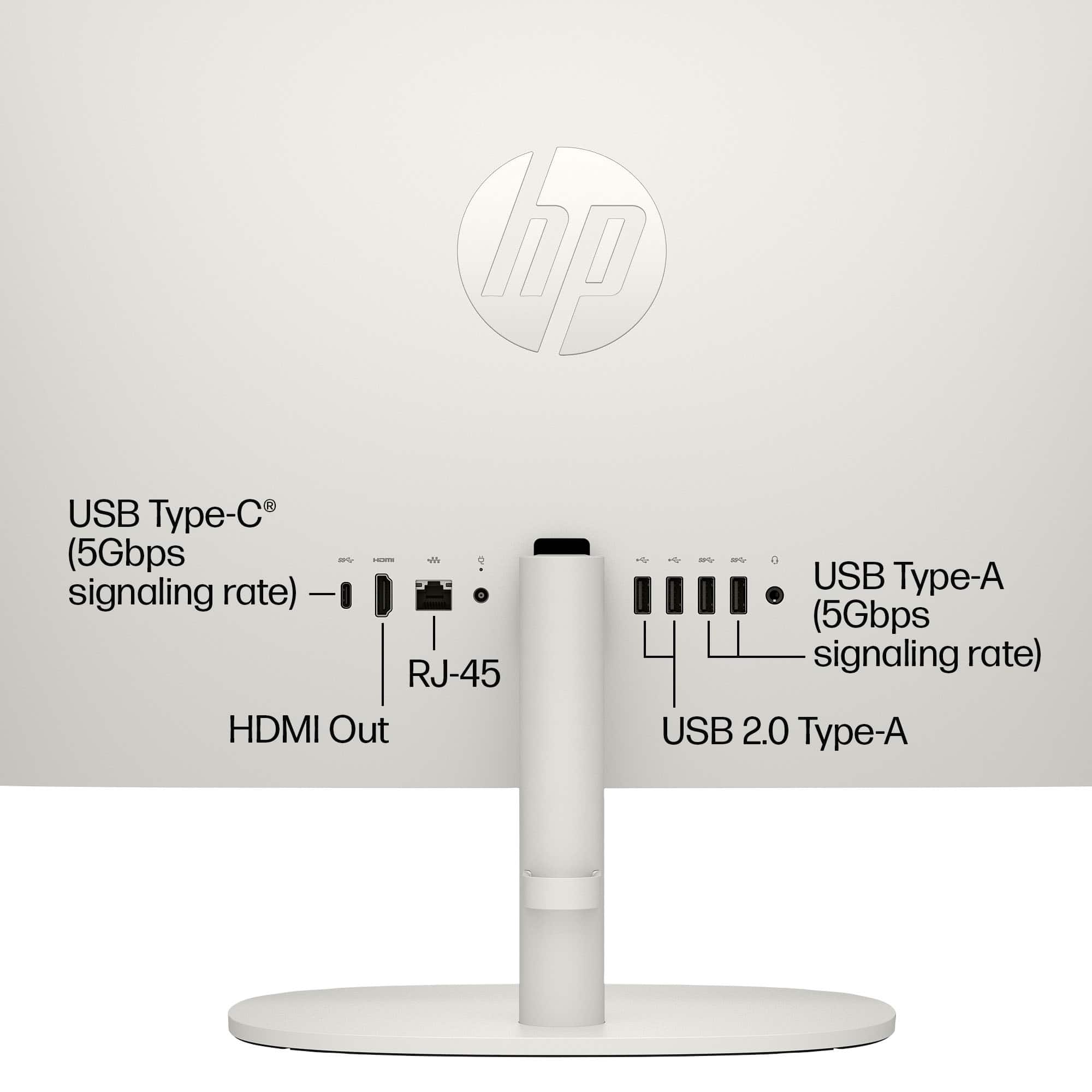
A:AnswerCassidy, thank you for your question on this HP Computer! The HDMI port on this is output-only to a second display. You will not be able to see what your PS4 is displaying to this computer. However, HP monitors have HDMI-in ports that you can connect your PS4, similar to that of a television.
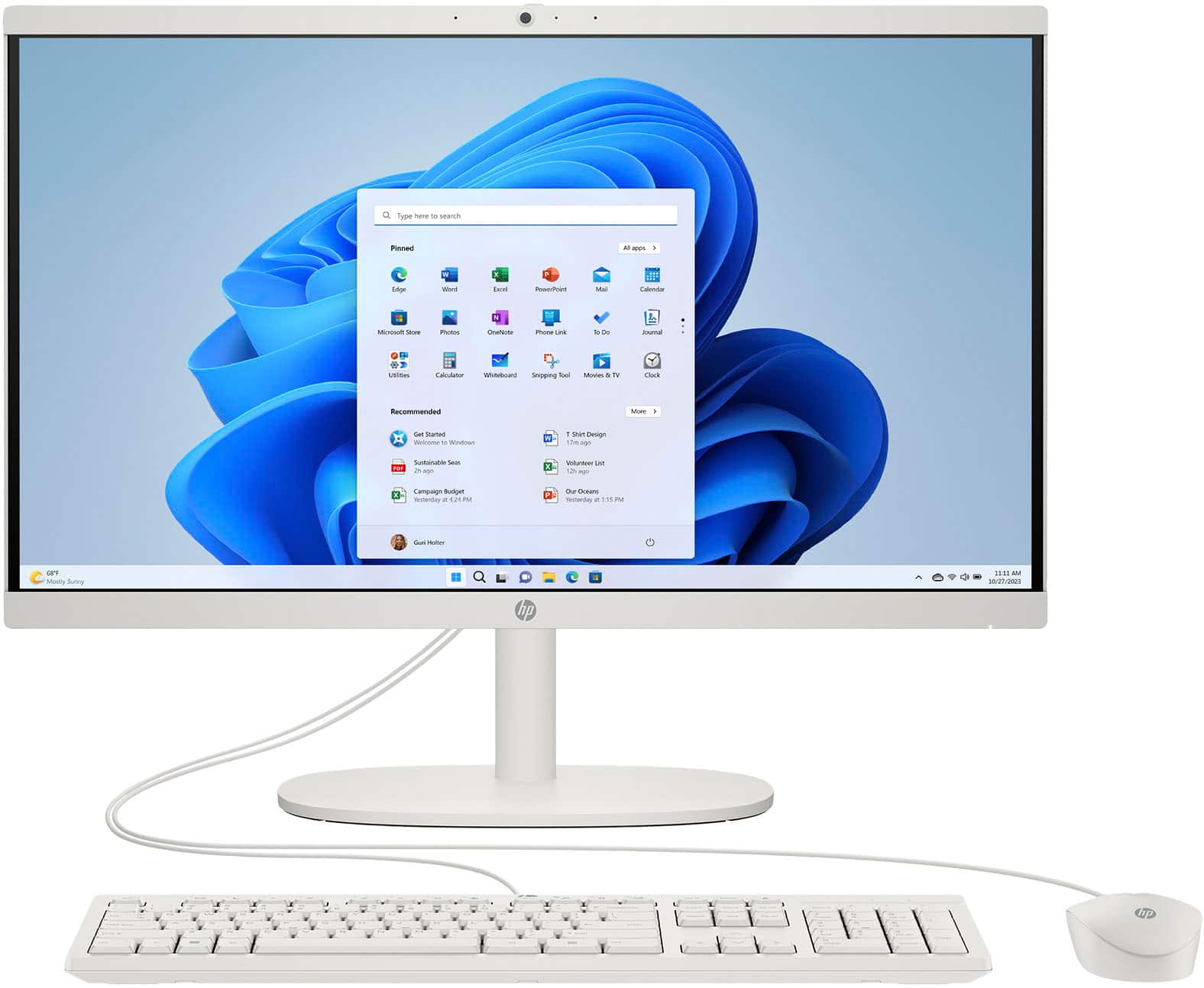
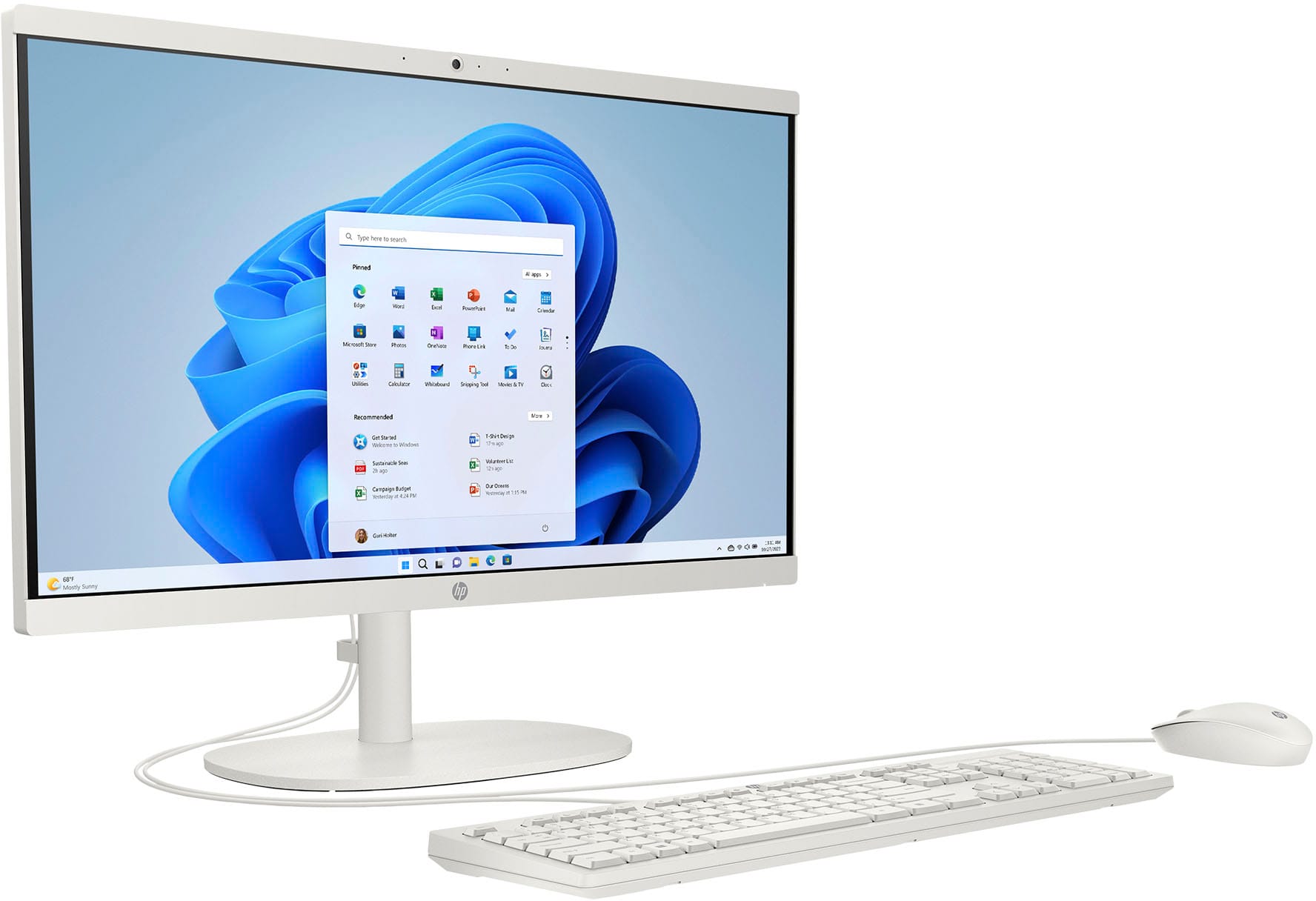
A:AnswerHi Zoe, thank you for the question. The HP 22-dg0024 All-in-One PC is a good, basic starter computer and 4GB of memory should be sufficient for most tasks.
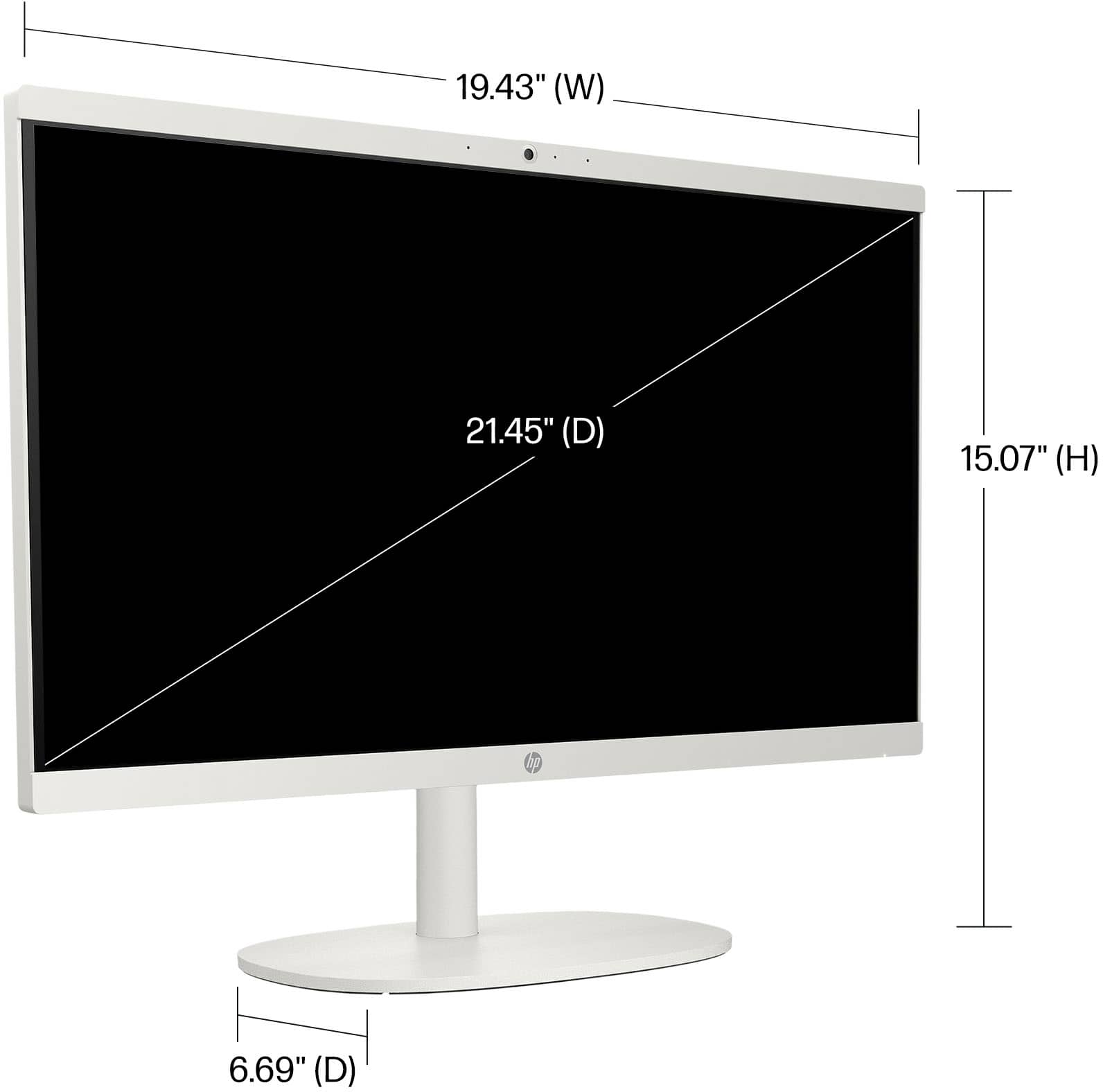
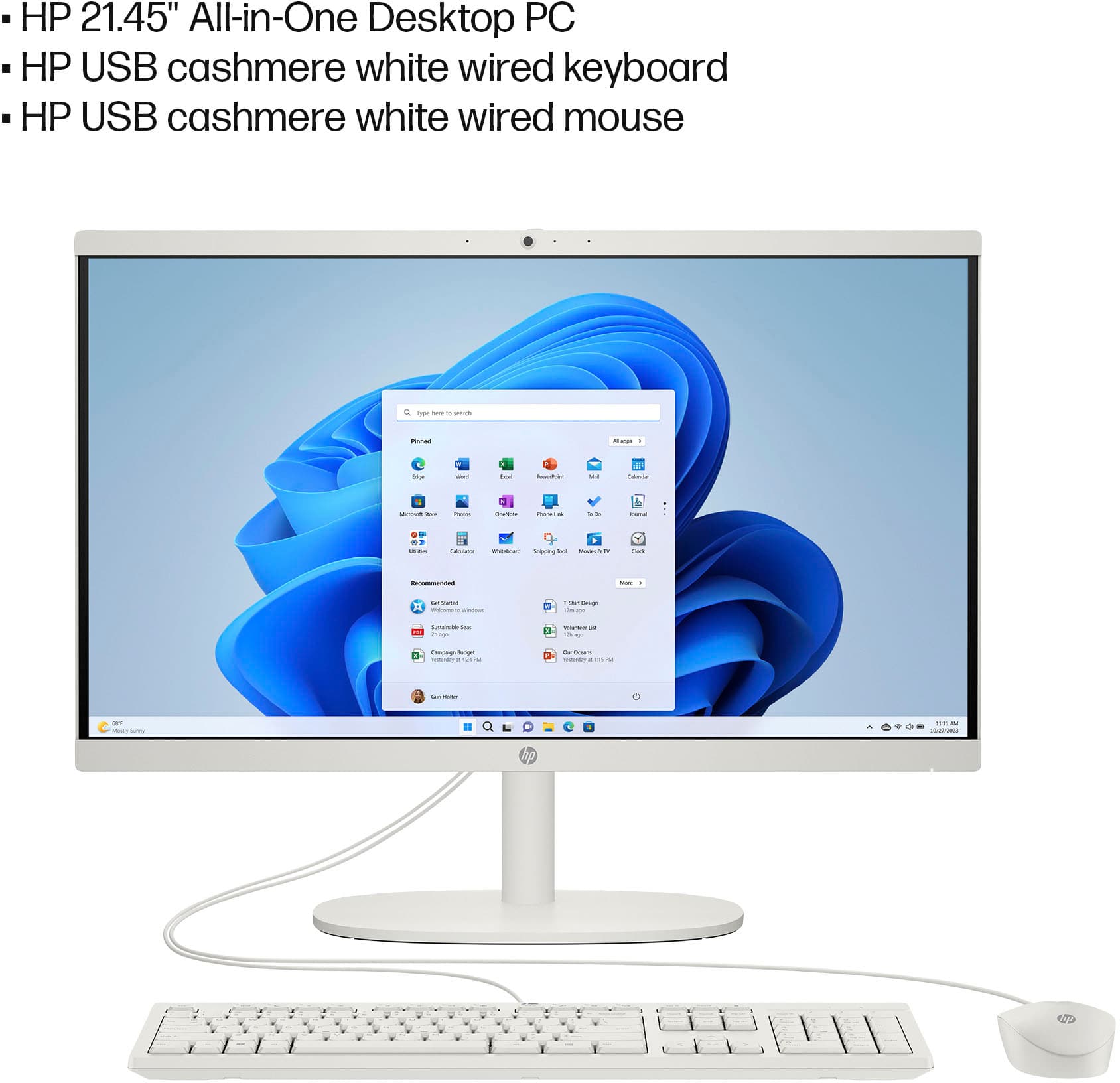
A:AnswerHi Ambee, thank you for the question. An HP All-in-One computer combines the monitor and computer into a single unit. We recommend looking at the system requirements of the software you intend to use for your business.
A:AnswerThank you for your question! The closest in price to this would be a Chromebook with an HDMI port that you can use to connect to a monitor or a television. They run Chrome OS! If you need further assistance, we recommend partnering with a Best Buy blue shirt member in the computer department.
A:AnswerThank you for the question. The HP 22-dg0024 is a good basic computer. If your curriculum is demanding such as with business or science, you may want more than the 4GB of RAM included with this model. Engineering and creative courses may require a dedicated graphics card, which this model does not have. In most cases, unless your work is accessed and saved online, you'll want to have more storage. 512GB would work well, and you can connect an affordable external drive to augment the included 128GB.
A:AnswerHI, libby, and thank you for asking the question about whether this computer requires a separate tower. No, it doesn't-the computer itself is in the back of this all in one, so it doesn't require a tower
A:AnswerHello, and thank you for your question! As system requirements for software constantly change, we are unable to answer questions about software compatibility or performance. What is compatible today may not be in the future. Please check the software manufacturer's website for the most current minimum and recommended requirements.