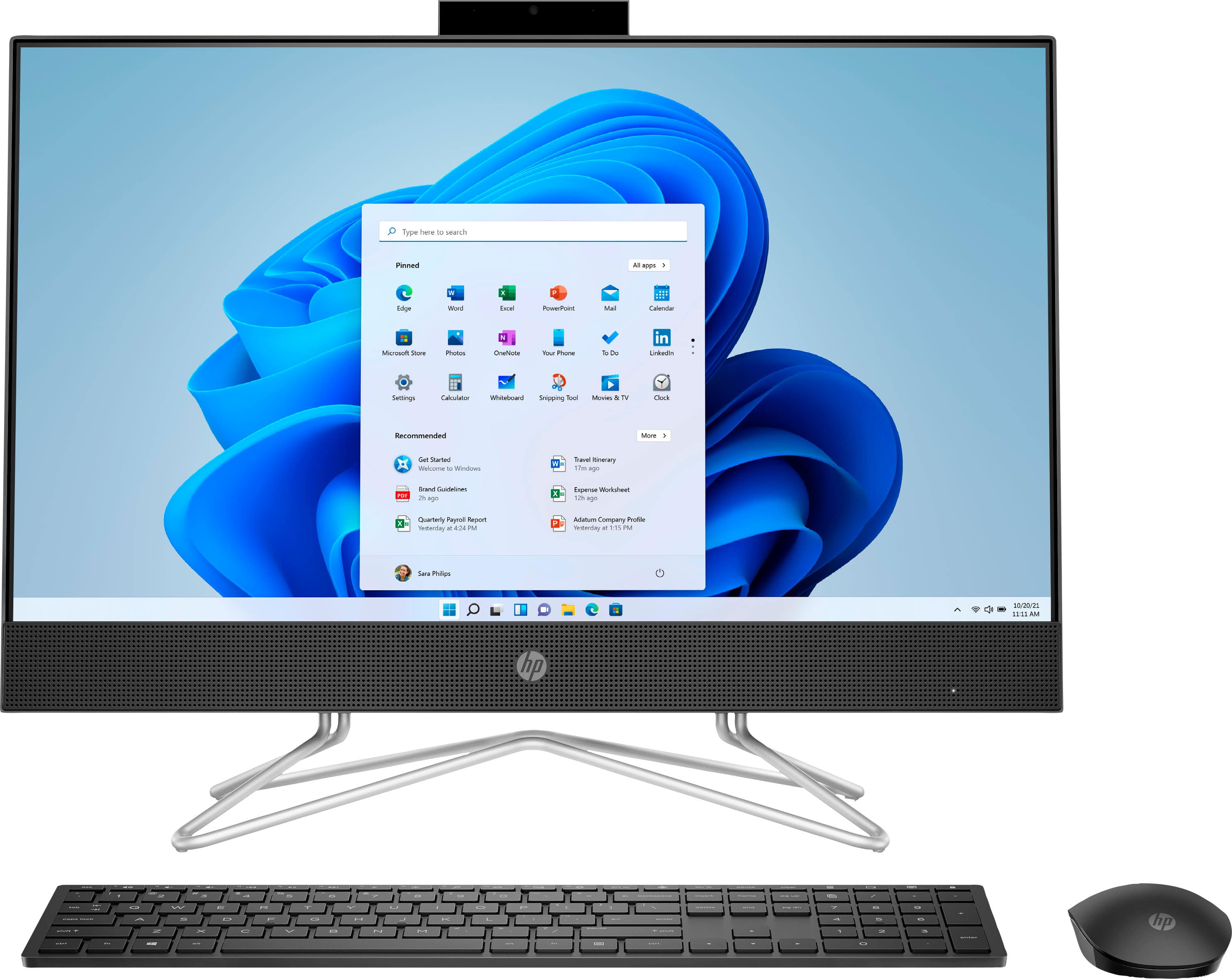
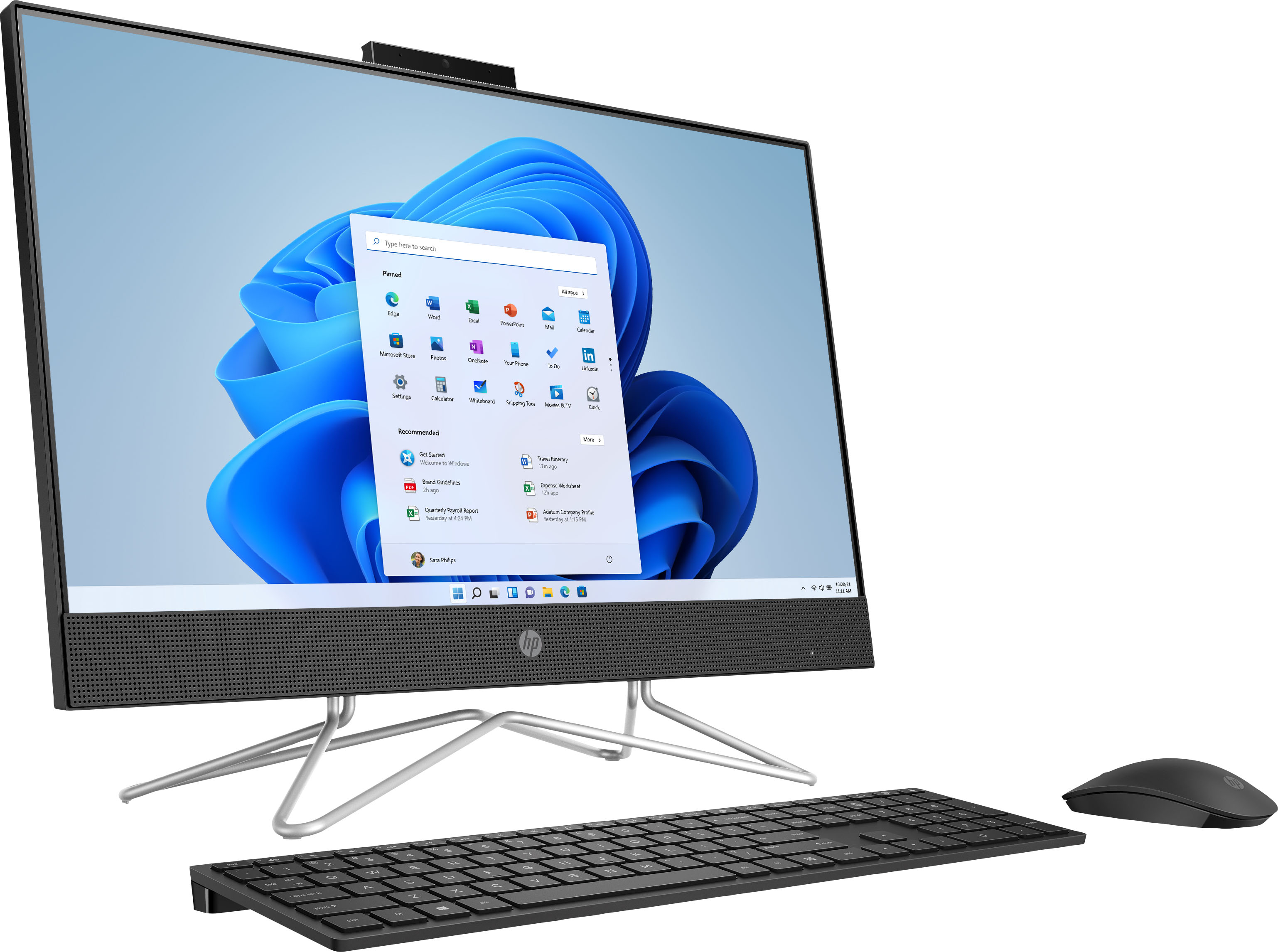
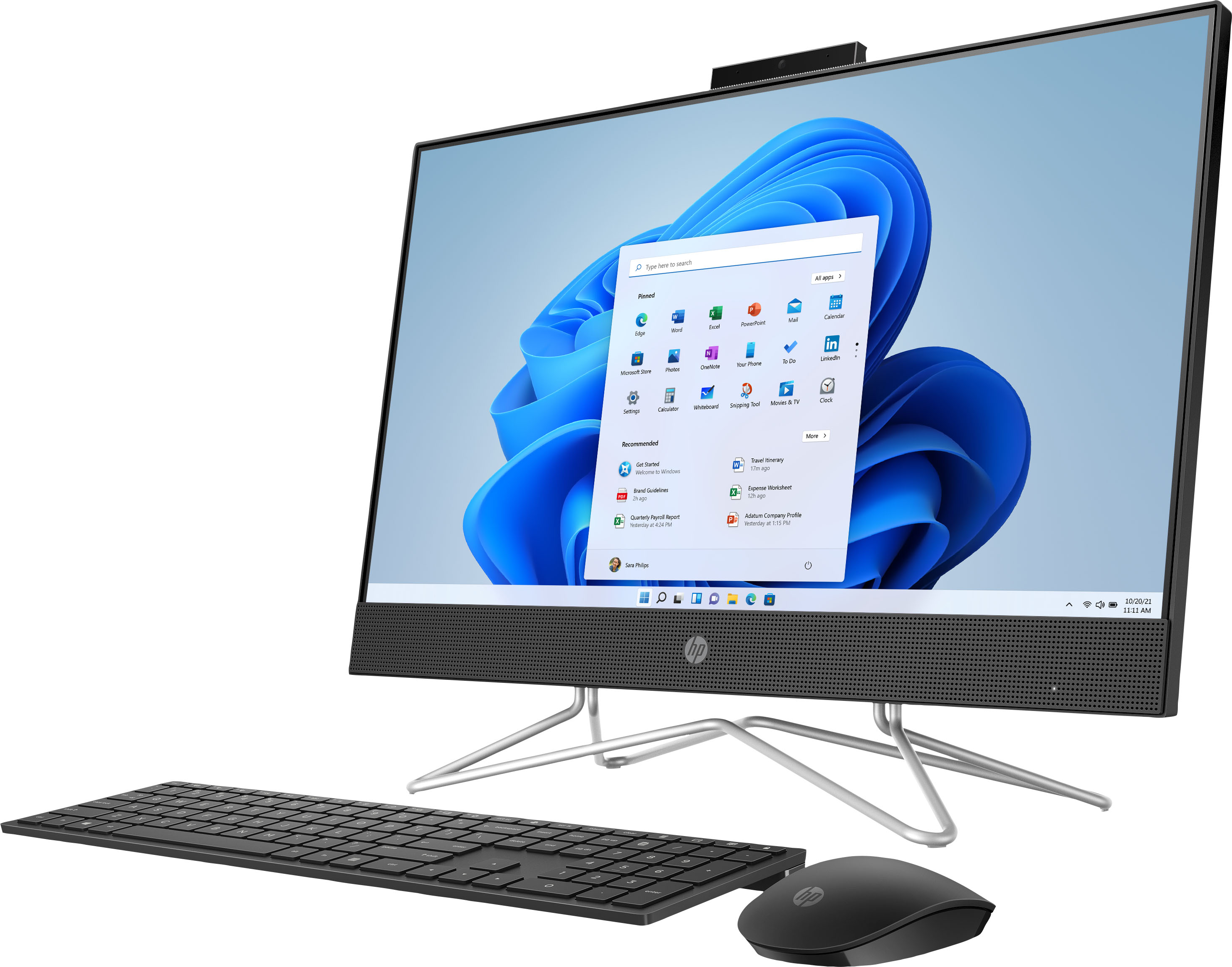
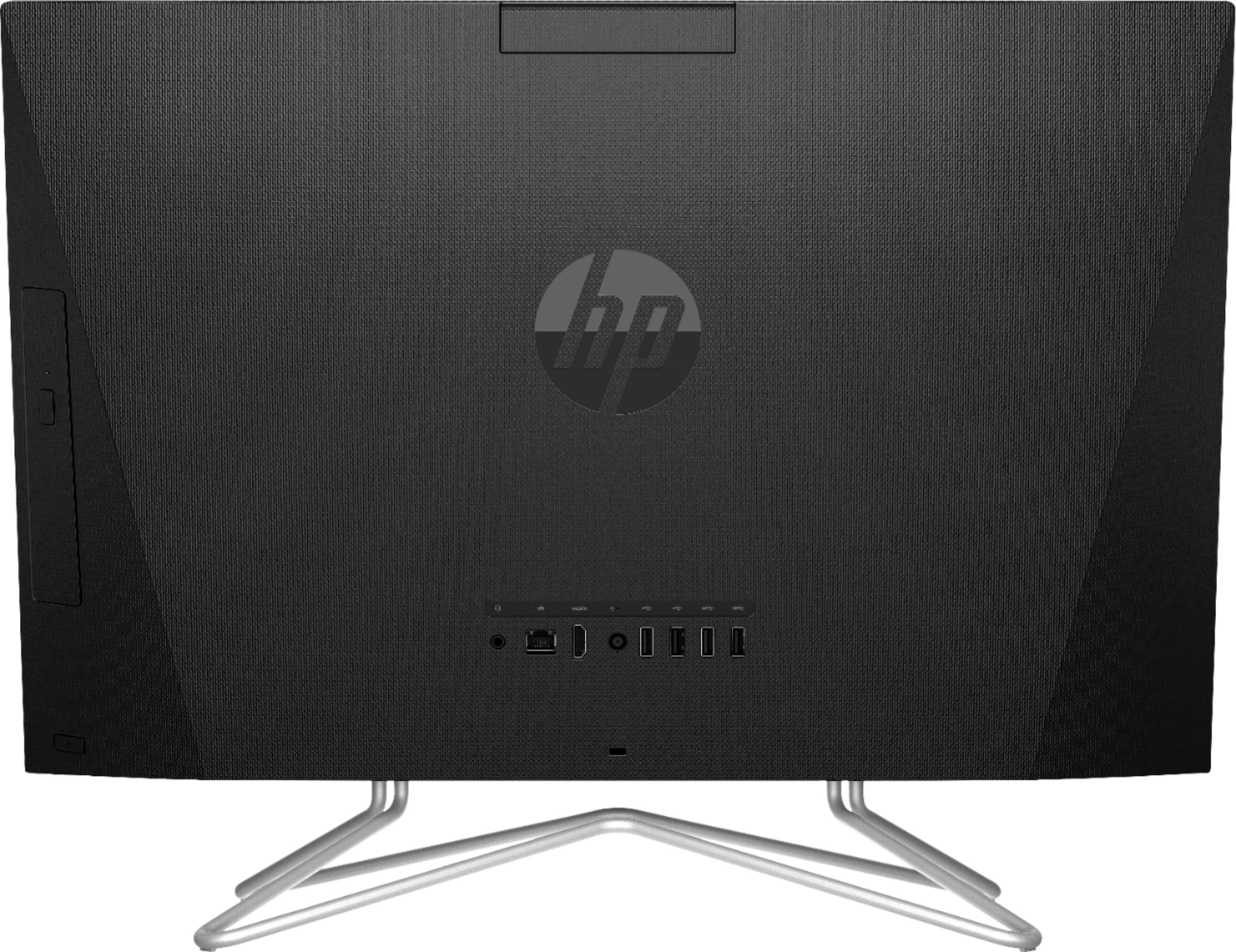
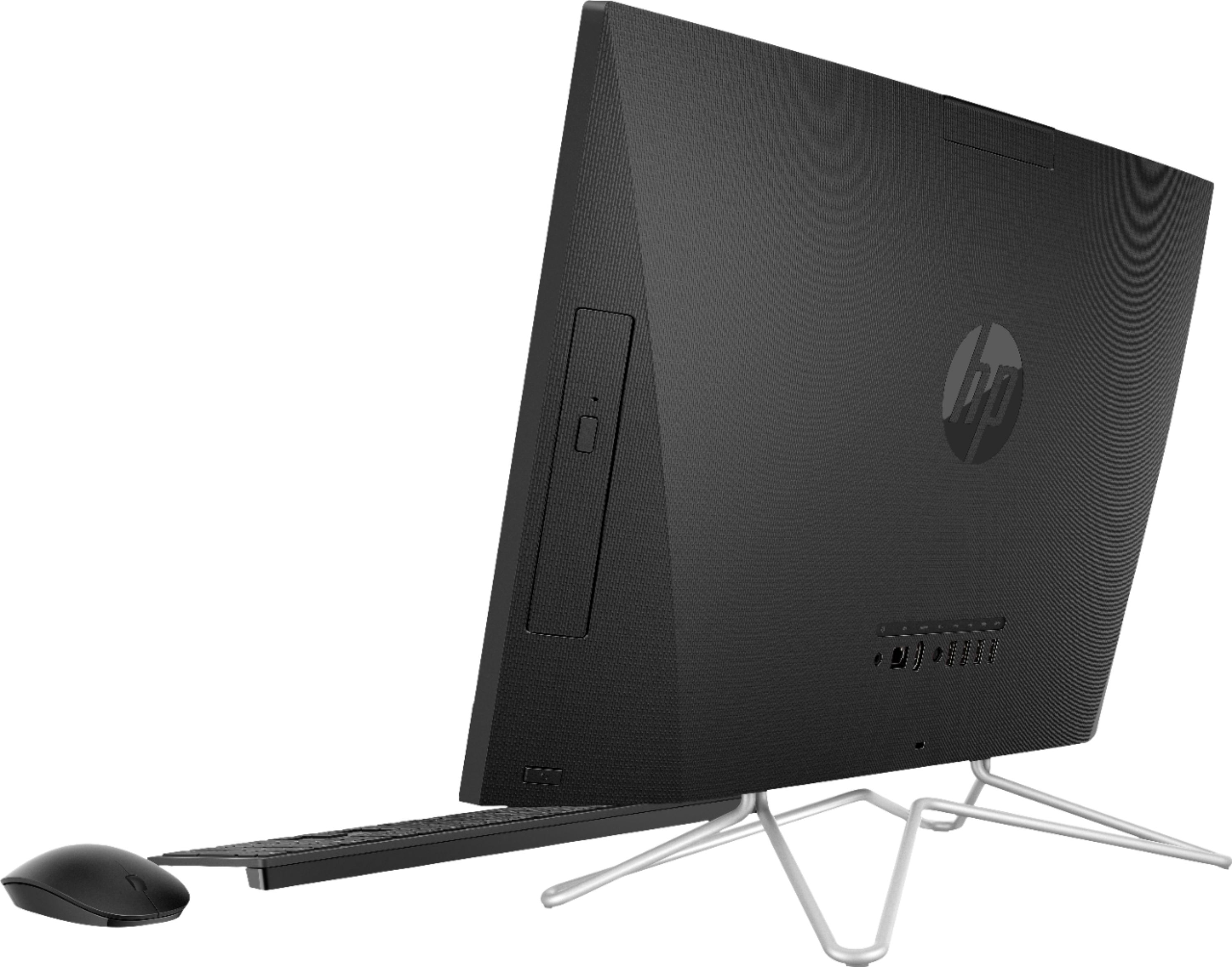
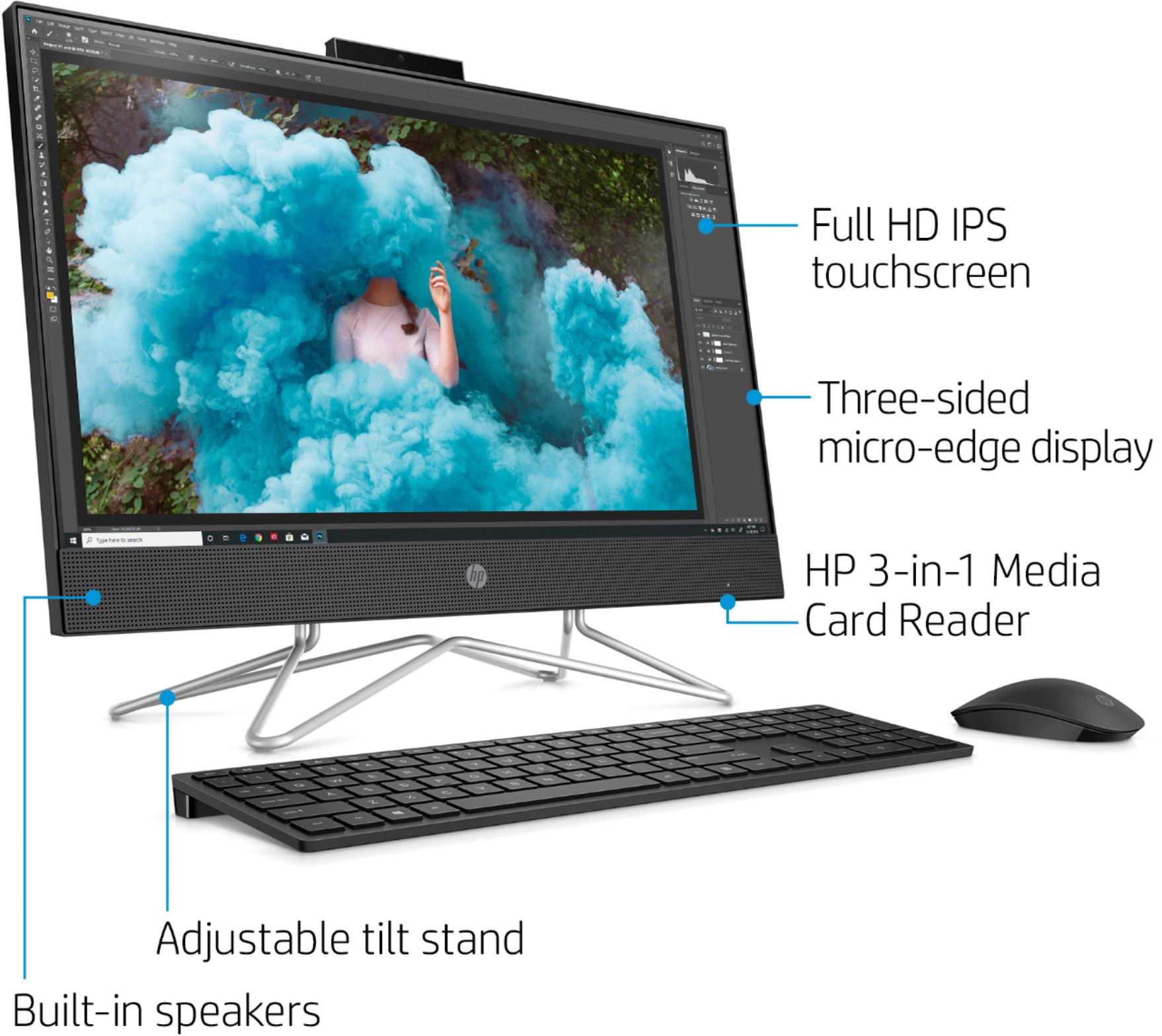
A:AnswerNo, you can not. This is a complete system with the monitor built into the monitor section. It also has a mouse and a keyboard. It does not have an input for another system to display on the monitor.
A:AnswerI'm not seeing any reference to a "virtual camera" in any of the documentation on the 24-DF0014, so I don't know what it refers to. The reason the all in one has a built in camera is the same as for having a camera on a laptop-it allows video calling and conferencing using software like Skype or Zoom
A:AnswerBecause the computer doesn't have a built in battery, there's really no charger for it, but it does of course have a power cord. That cord is HP part number 213349-009 so that's what you'd need to look for.
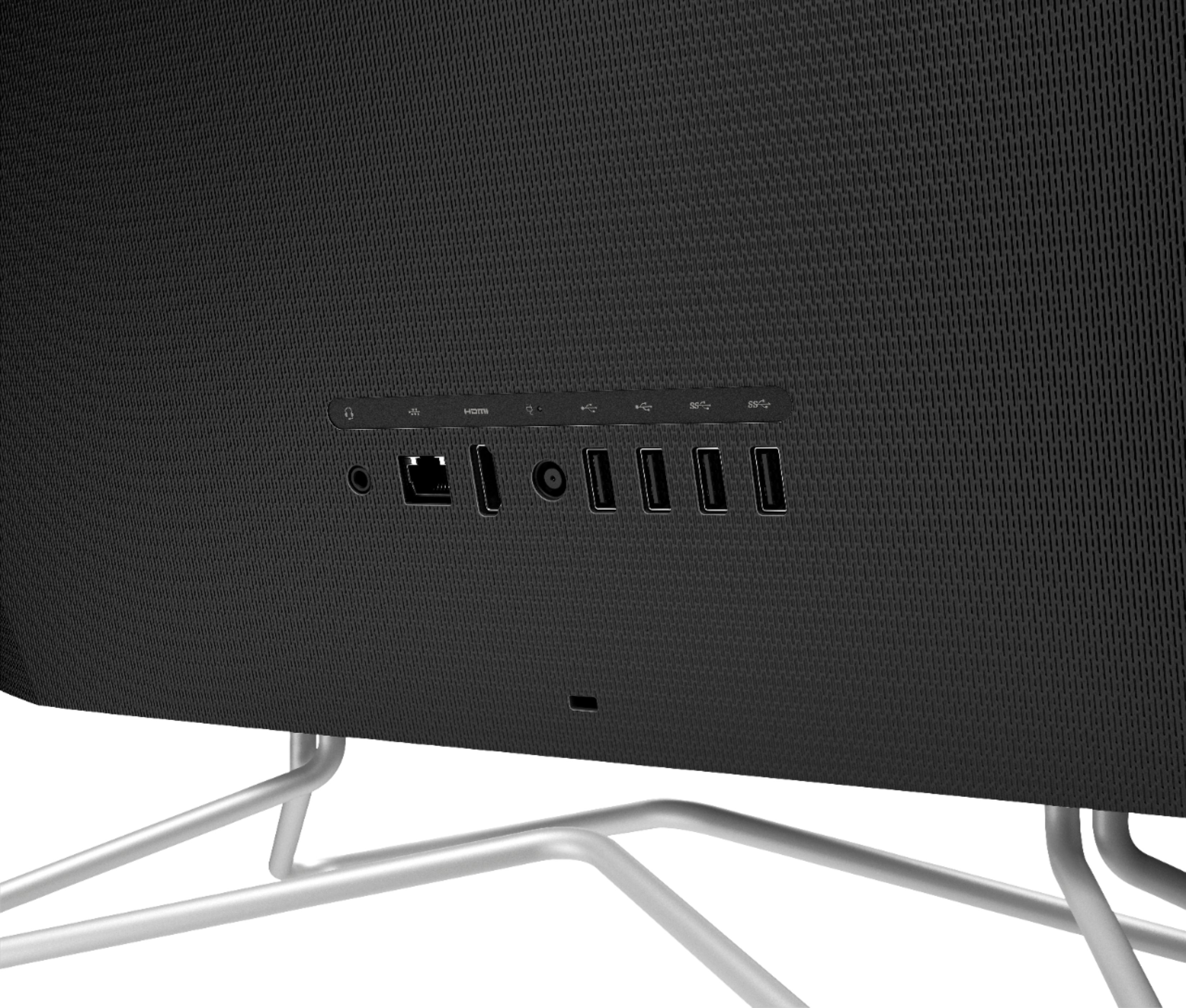
A:AnswerBecause this computer has a video output but not an input, there's no way to connect a computer to it. However, a standalone monitor would be able to handle it.
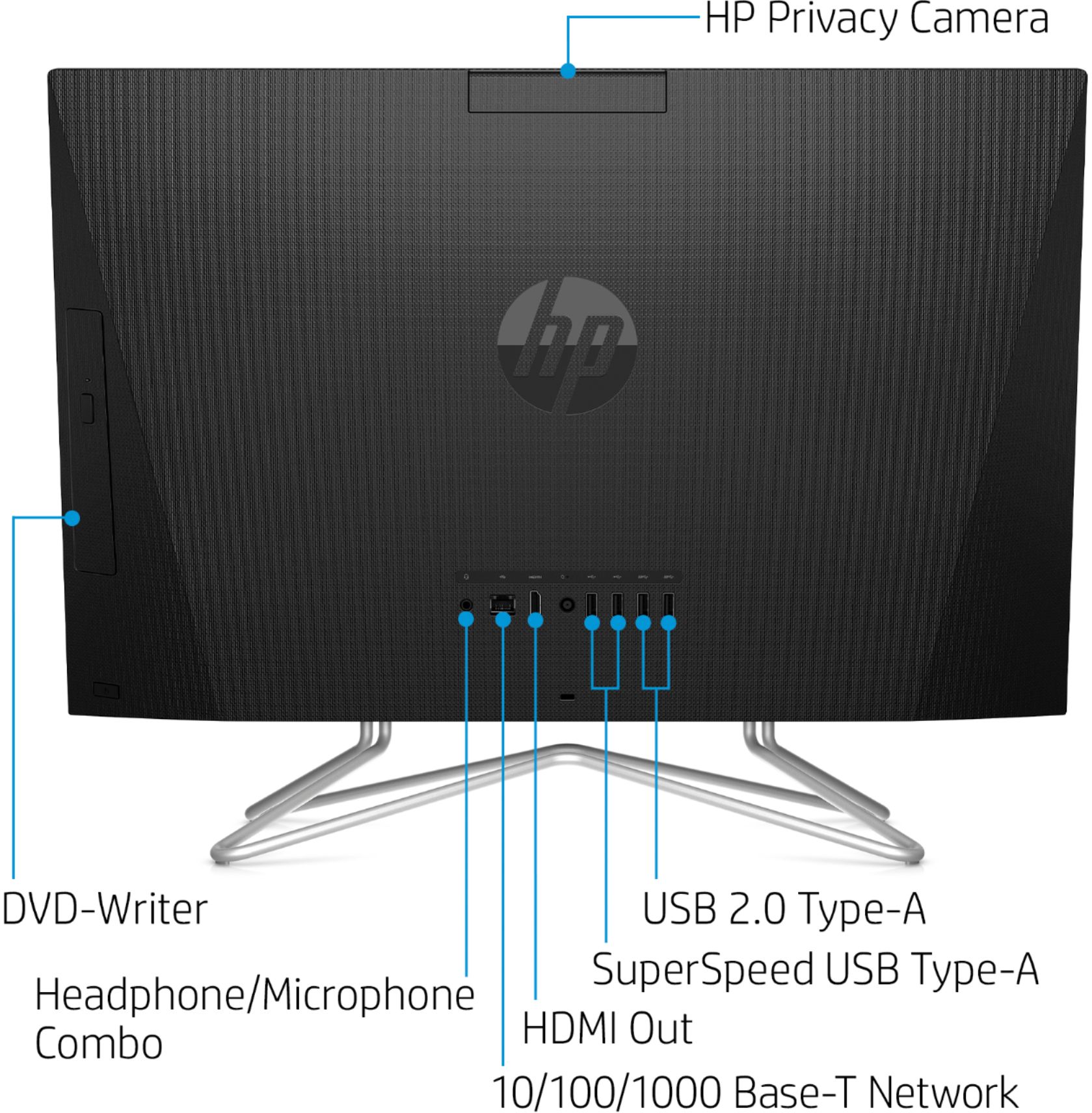
A:AnswerYes, you can use the HDMI port on the back to connect a second monitor. You will need to update some of the display settings, but that is pretty straightforward.
A:AnswerHere is information now to add another person to your computer with a different login: https://support.microsoft.com/en-us/help/17197/windows-10-set-up-accounts