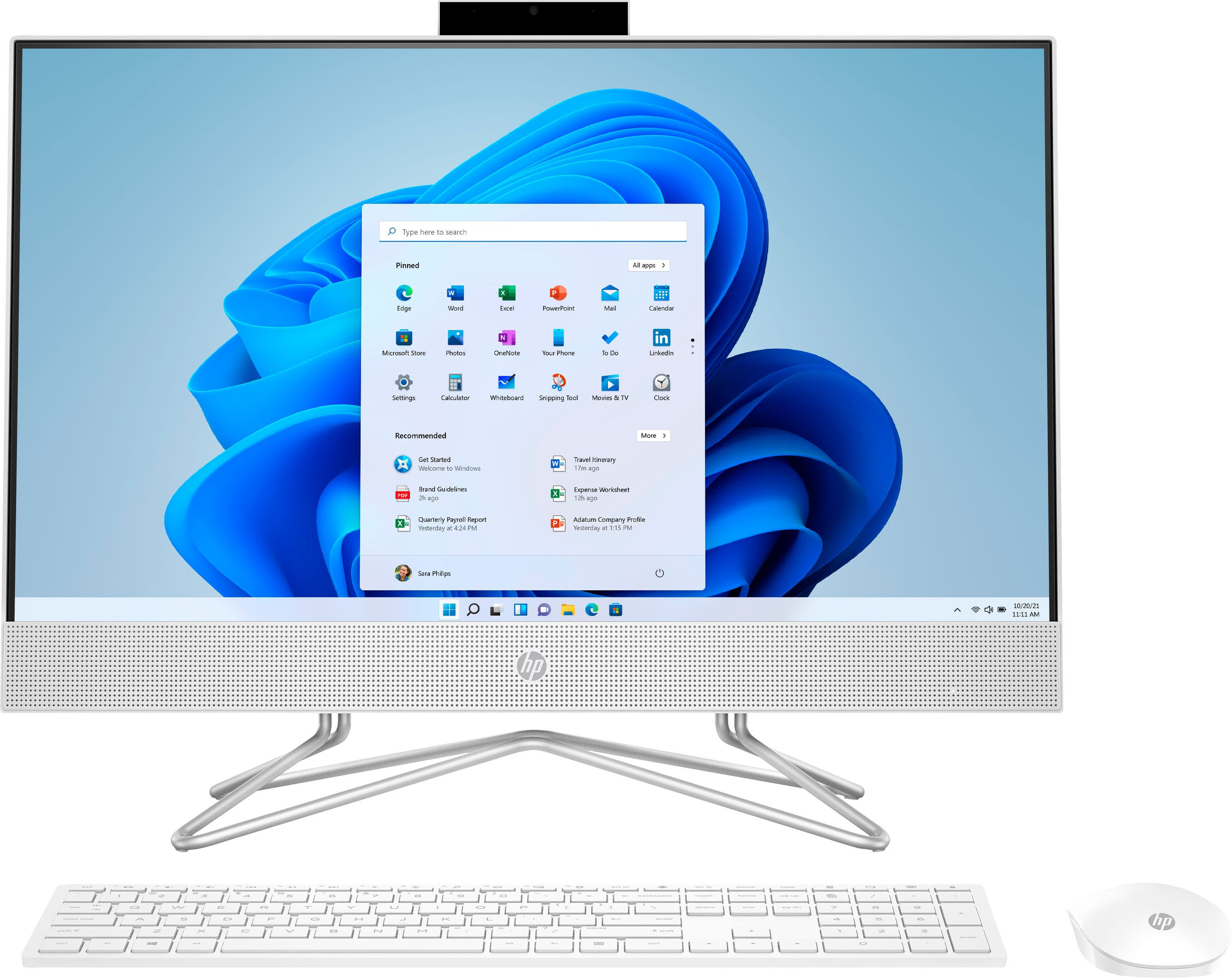
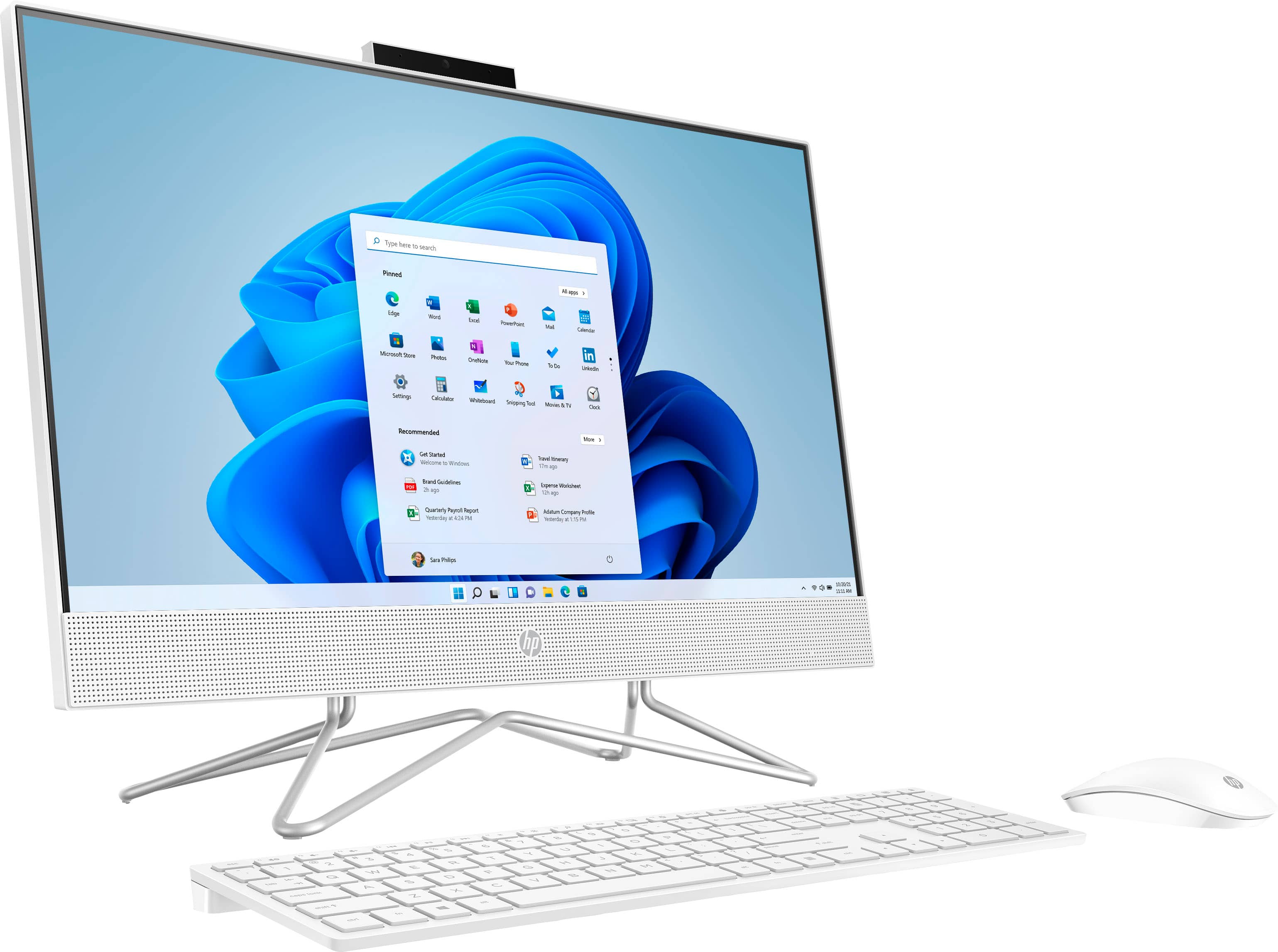
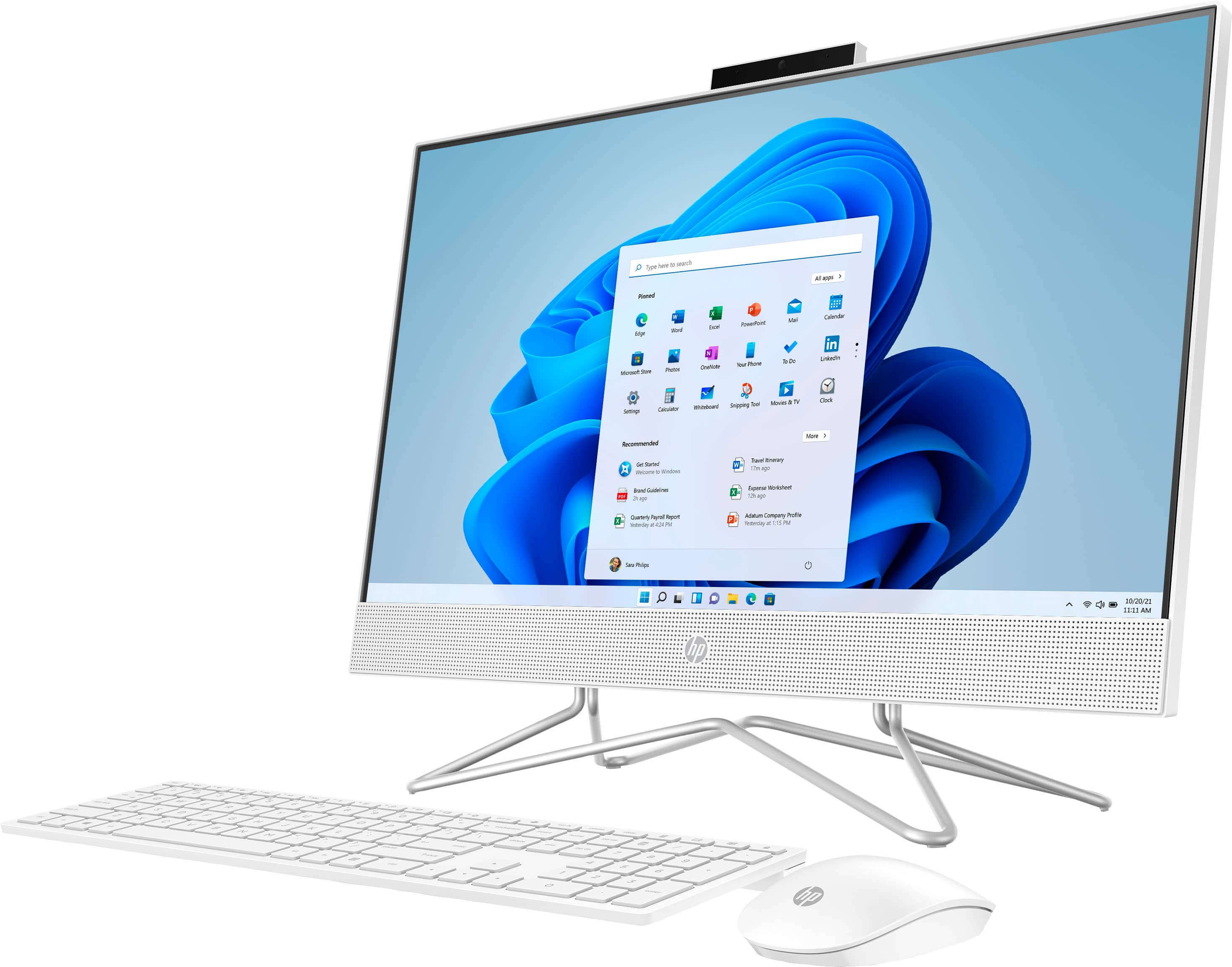
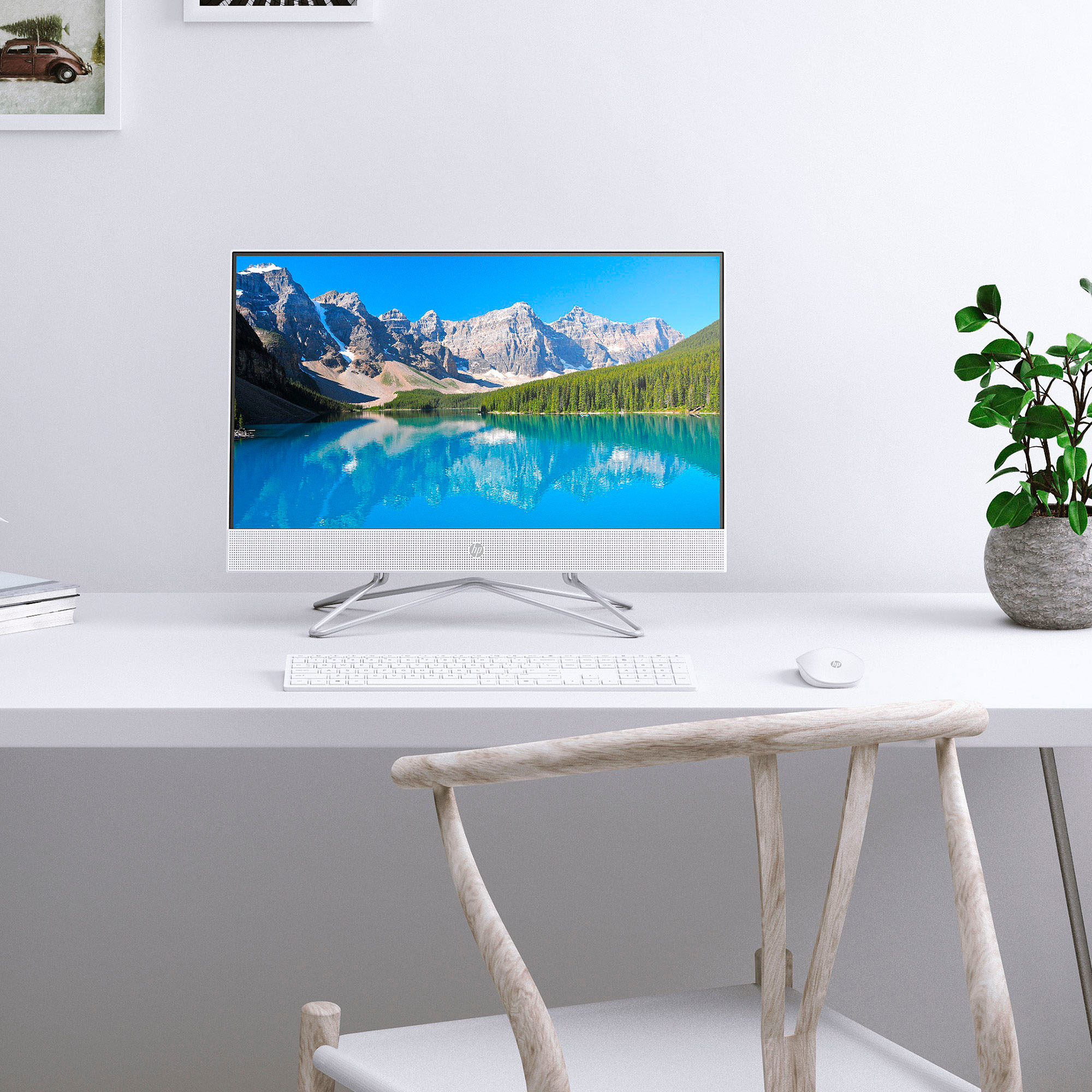
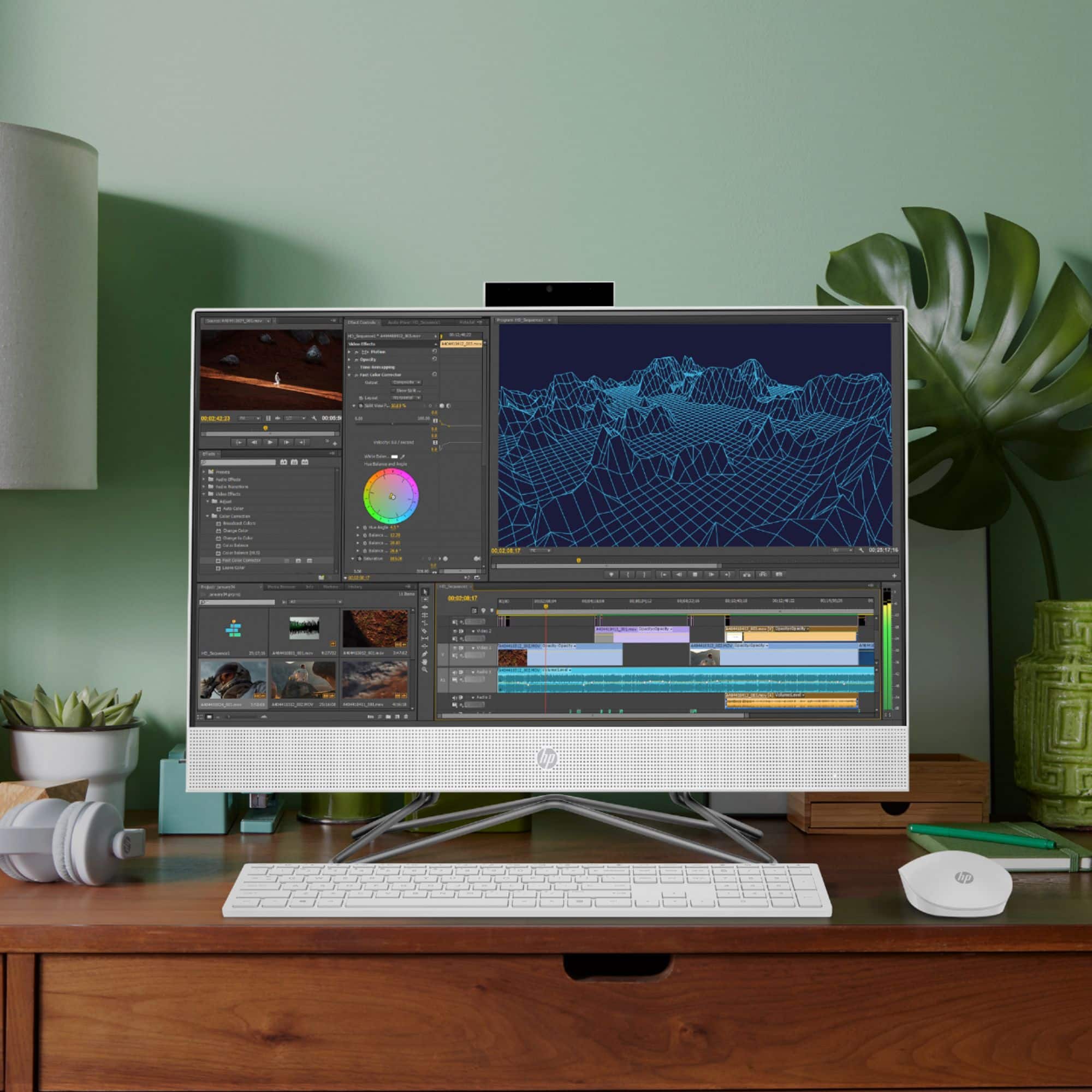
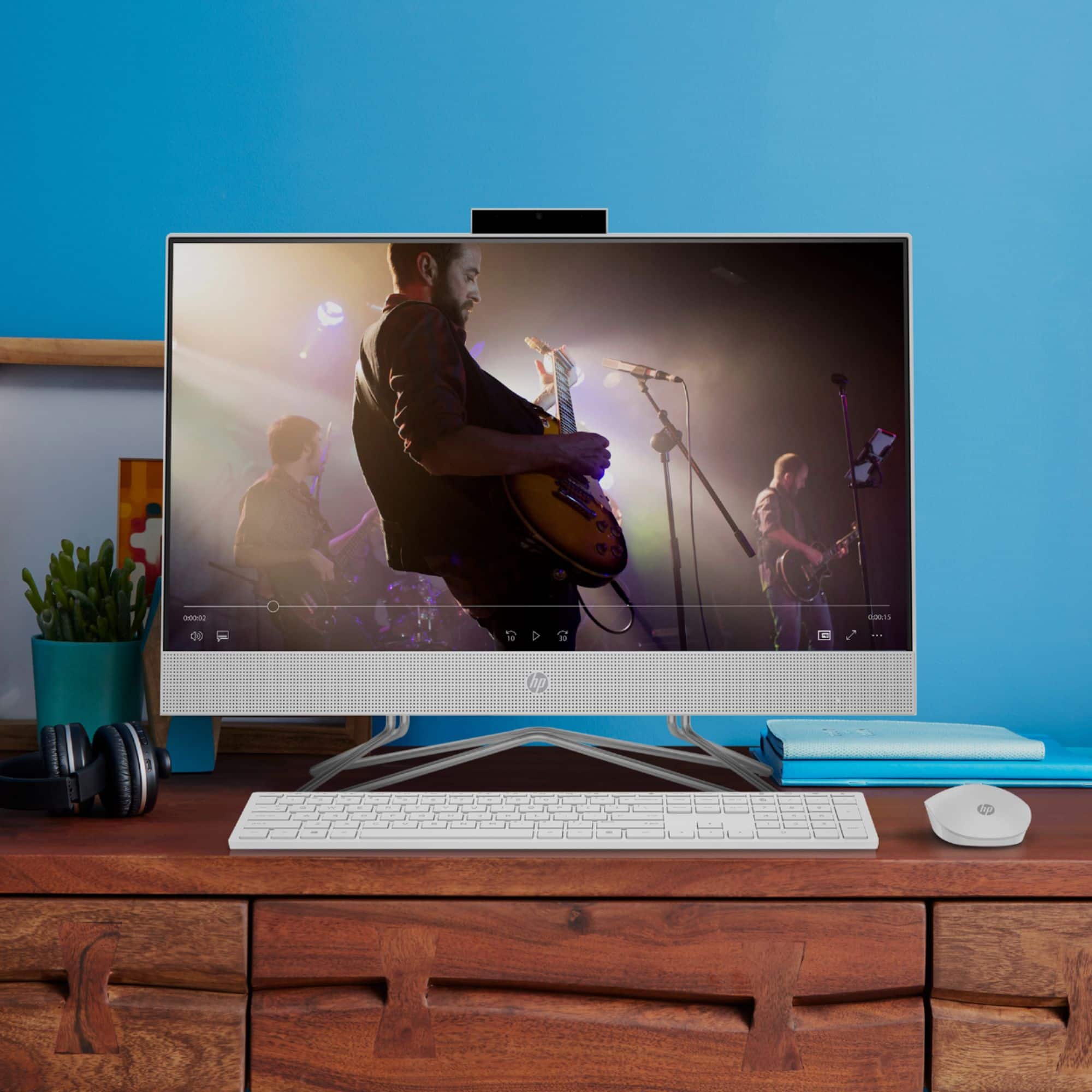
A:AnswerHello Artie. Thank you for your question. This HP All-in-One 24-df1224 PC comes with an 11Th Generation Intel® Core™ i3-1115G4 Processor, which has a base processor speed of 1.70 GHz and can reach up to 4.10 GHz with Intel® Turbo Boost Technology. You can find more technical specifications about this processor here:
***https://www.intel.com/content/www/us/en/products/sku/208652/intel-core-i31115g4-processor-6m-cache-up-to-4-10-ghz/specifications.html***
Thank you for choosing Intel!
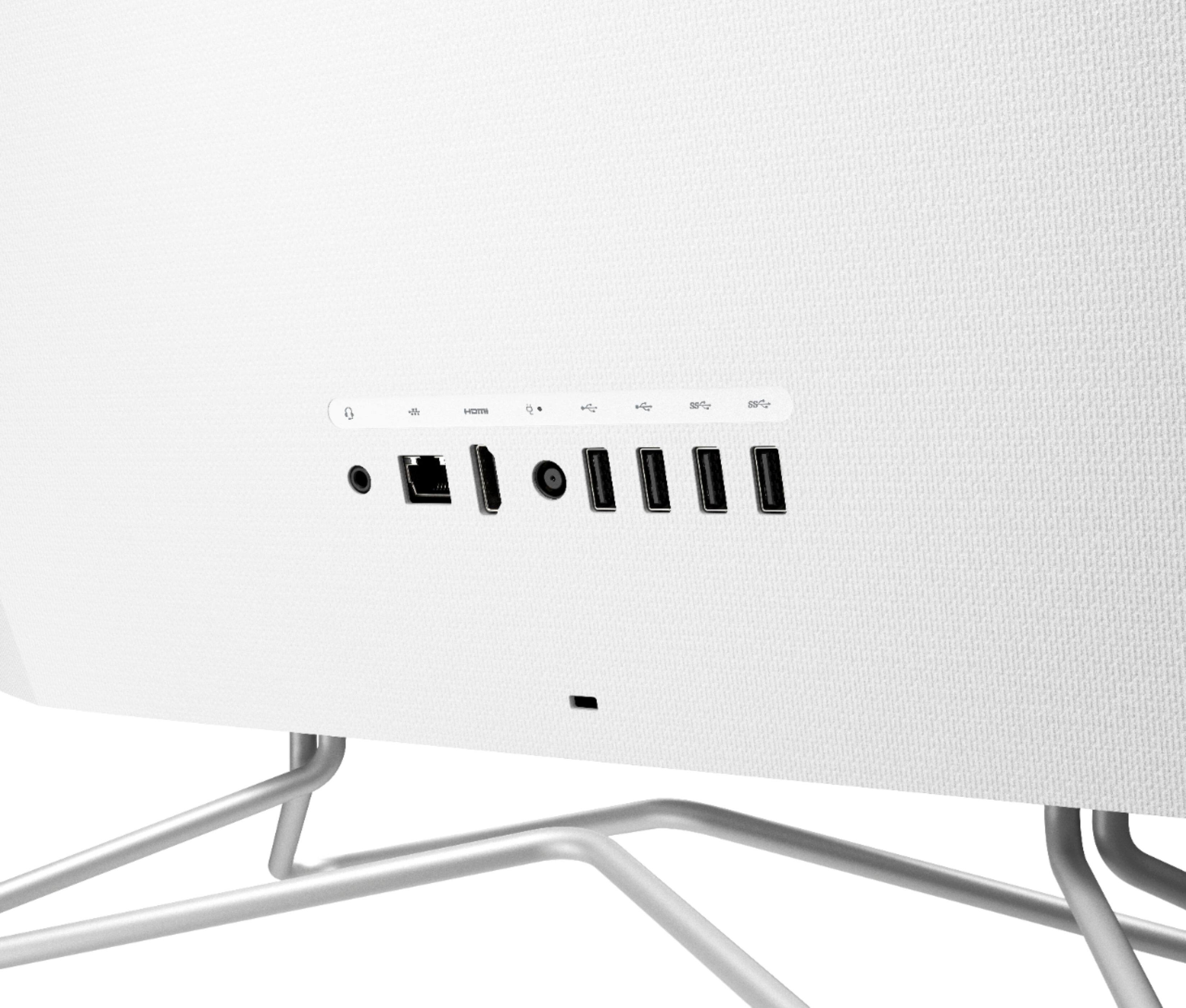
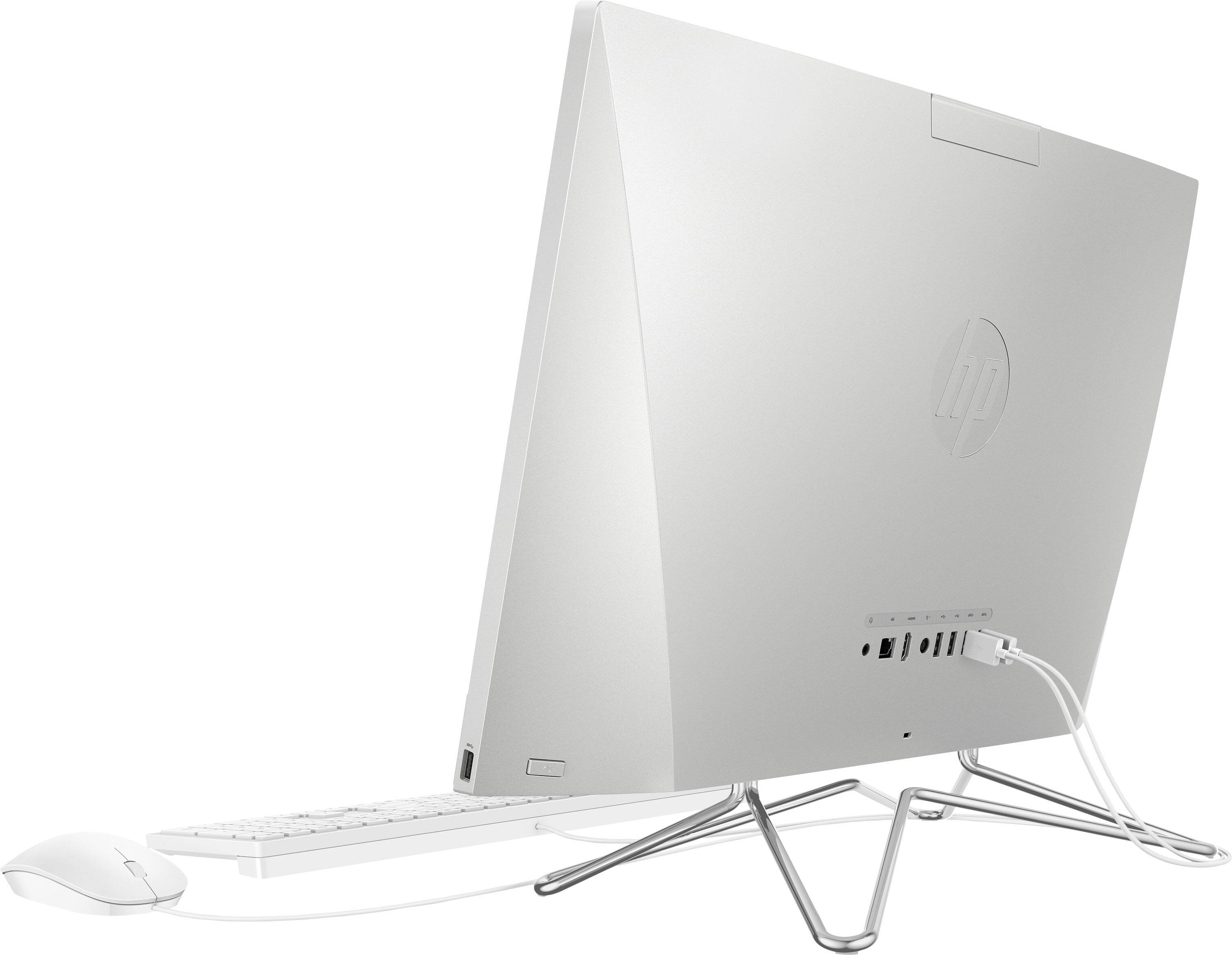
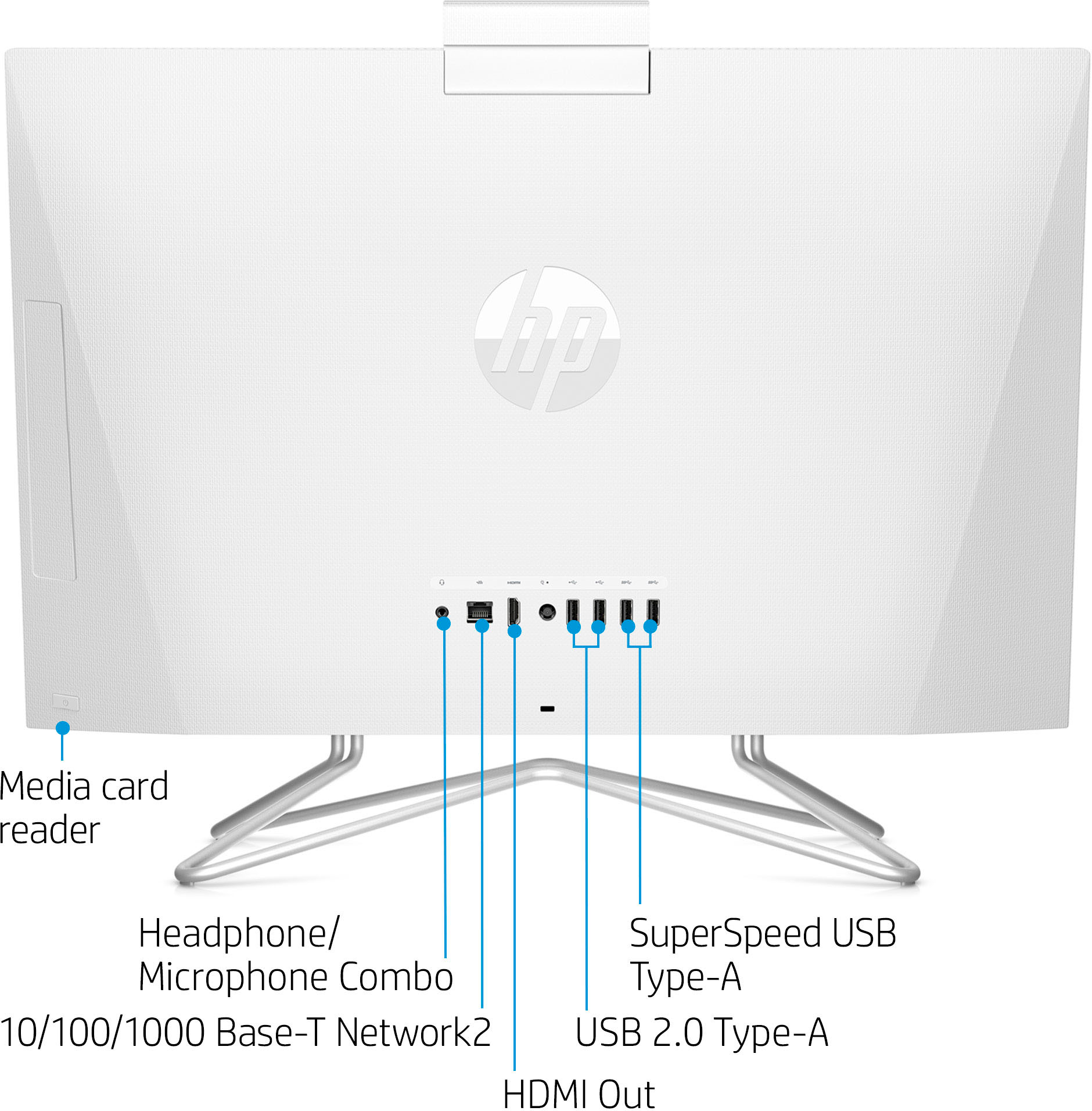
A:AnswerHi Anita, thank you for the question. The HP 24-df1224 All-in-One desktop computer does not include a CD drive, however, you can connect an external CD drive using the USB ports.
A:AnswerHi Anita, thank you for the question. The HP 24-df1224 All-in-One desktop does not include a DVD/CD drive (optical drive). The slot you're seeing is a "place holder" in the event you wish to add a drive later. However, you can connect an external CD drive to the desktop via the USB ports.
A:AnswerThank you for the question. The HP 24-df1224 All-in-One desktop comes with a one year subscription to Microsoft 365 Personal (formerly called Office), with access to Word, Excel, PowerPoint, Outlook, and more.
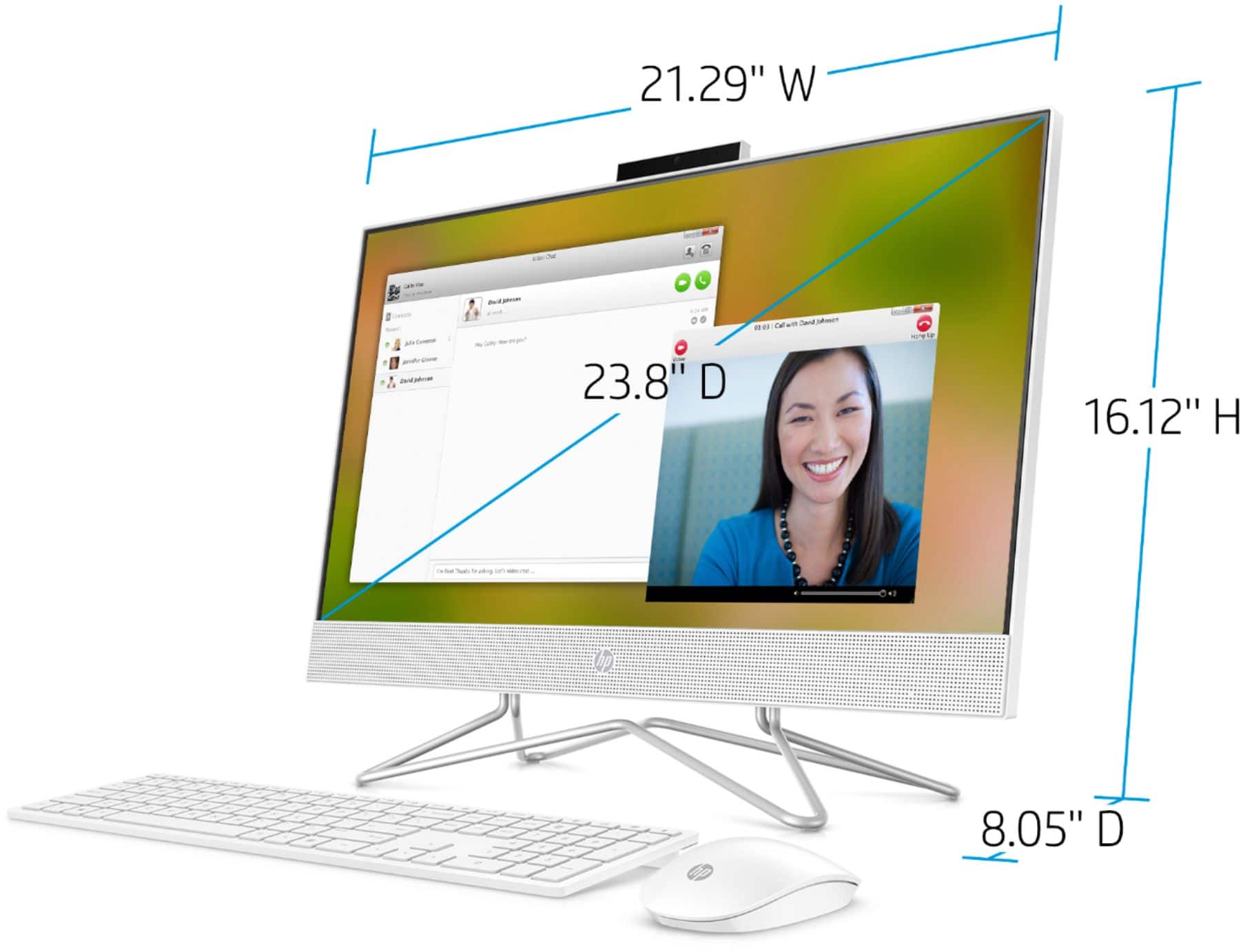
A:AnswerHi Tammi, thank you for the question. While the width of the HP 24-df1224 All-in-One is 21.29", the screen is 23.8". Screens are measured diagonally - top left corner to bottom right corner.
A:AnswerThank you for the question. A good option for general printing is the OfficeJet Pro 8025e: https://www.bestbuy.com/site/hp-officejet-pro-8025e-wireless-all-in-one-inkjet-printer-with-6-months-of-instant-ink-included-with-hp-white/6450663.p?skuId=6450663
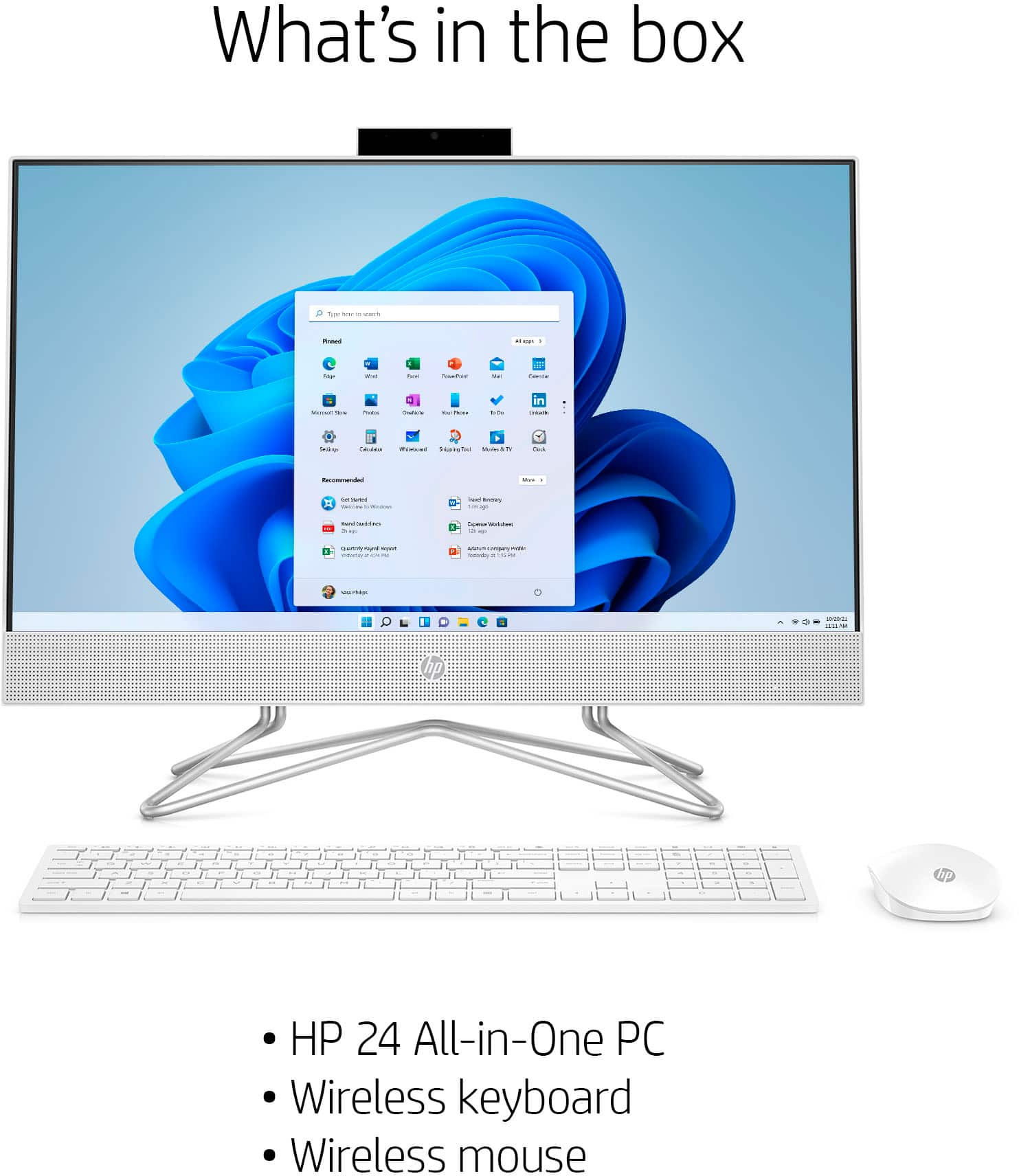
A:AnswerThank you for the question. The keyboard has a connect button adjacent to the battery compartment. Please turn it on. Also, be sure you've inserted the keyboard's batteries with the correct polarity. If you continue to have issues getting the keyboard to sync, please reach out to Support.HP.com.