A:AnswerHi Rich, thank you for reaching out. Yes, the Geek Squad will be happy to assist you. Please visit your local Best Buy for information and options.
A:AnswerHello, you will receive a discount if you purchase it at the time of the computer purchase, otherwise you will pay for the plan you choose. You can see that on BestBuy.com if you search for Microsoft 365, or go directly to the Office.com for Microsoft plan information. Thank you for being an HP customer!
A:AnswerThat's a good question! Only in rare cases would you need a solution - a cleaner meant for LCD screens. Typically, you should just need to wipe the screen gently with a soft, dry cloth (a microfiber cloth works great). . If any marks remain, moisten the cloth with LCD cleaner, and then gently stroke the cloth across the display in one direction, moving from top to bottom.
A:AnswerHello and thank you for your question. Yes, increasing the amount of RAM in this HP 24" all-in-one PC is possible, but it is highly recommended an experienced and trained professional perform the installation/upgrade. The cost of the installation and additional RAM may equal or surpass the cost of a higher level all-in-one HP model however. A higher level model may also include other performance features and benefits this 24" all-in-one model does not include such as a larger screen size and/or a higher performance processor.
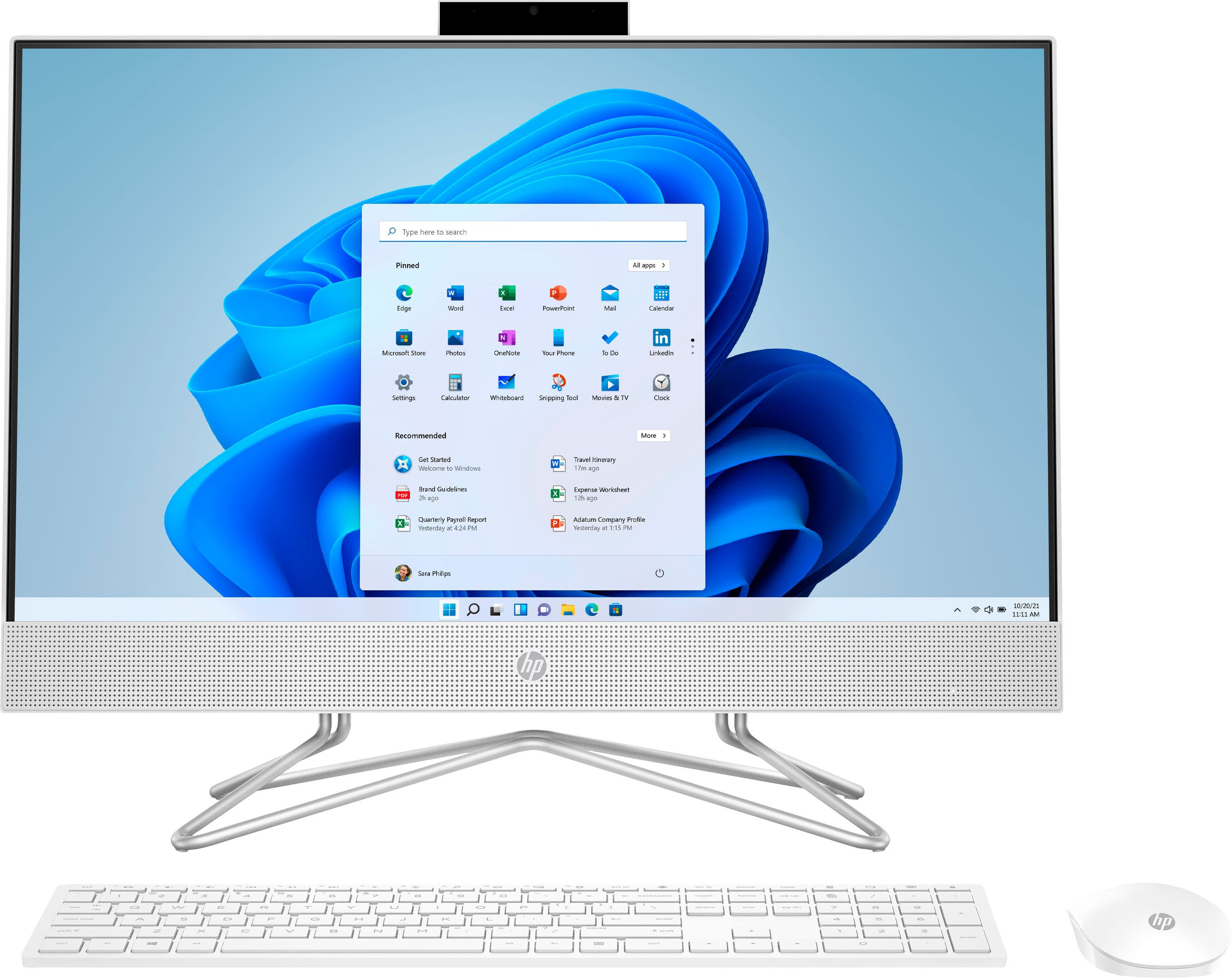
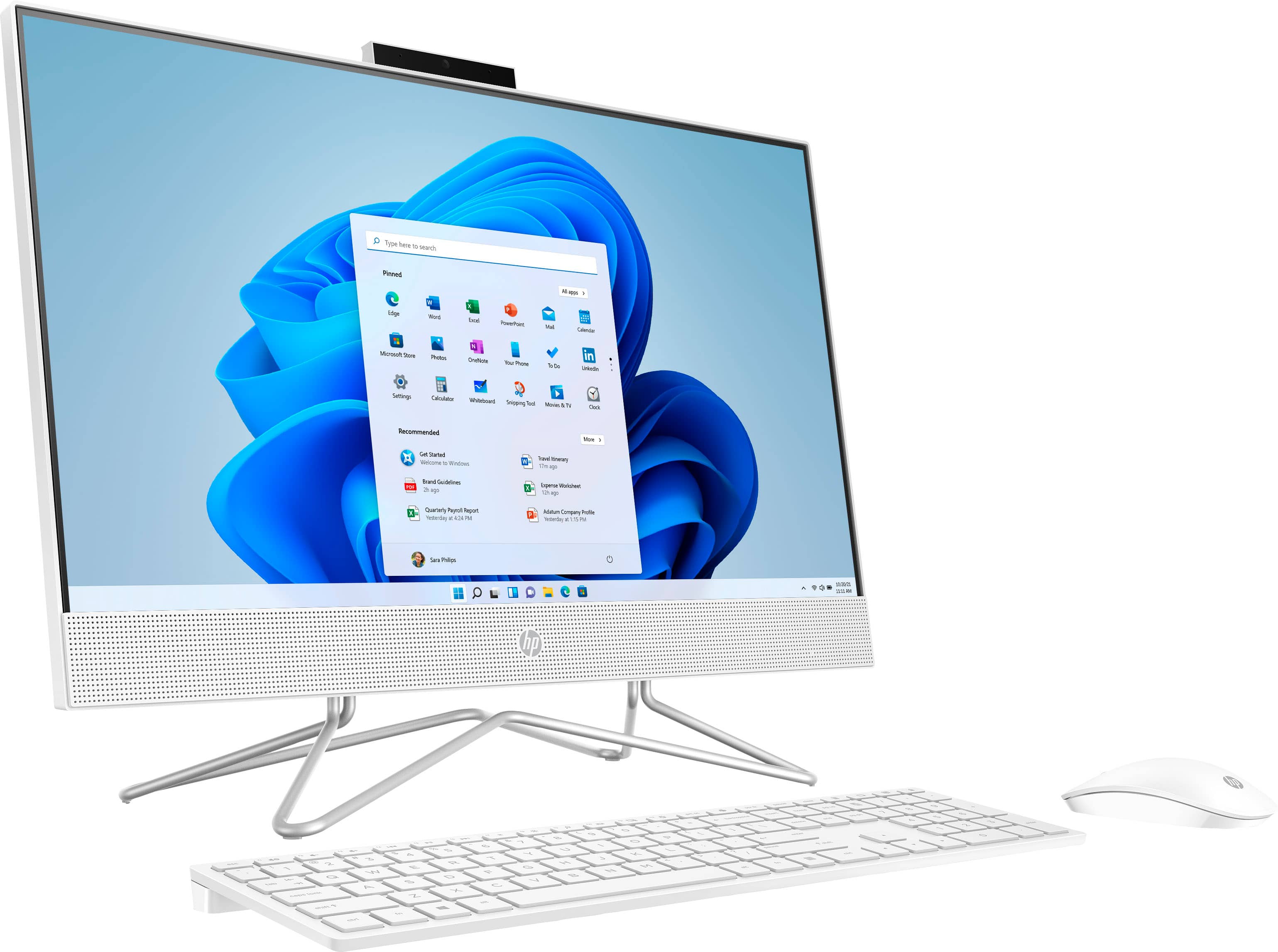
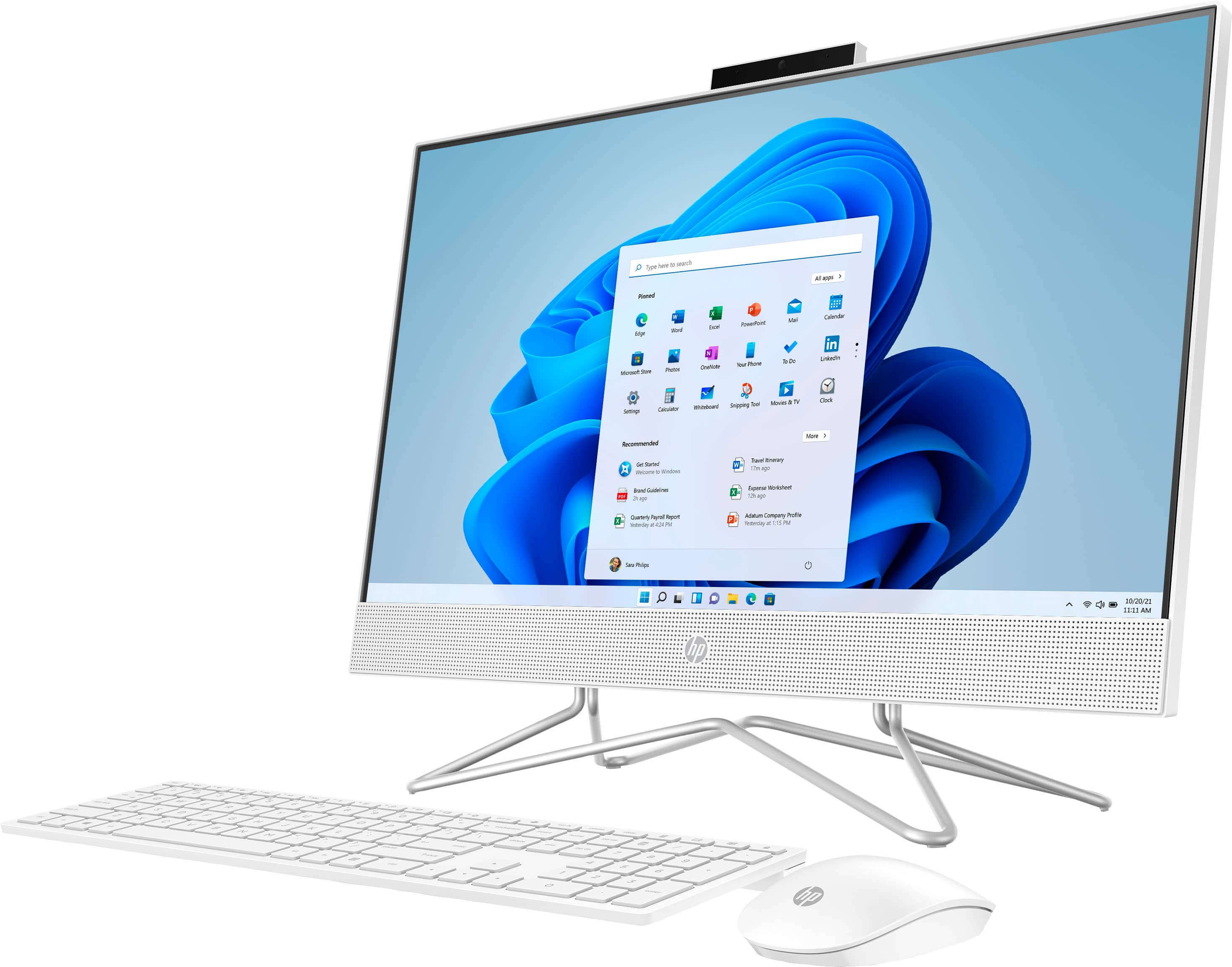
A:AnswerThank you for the question. The HP 24-df1224 All-in-One is presented with Windows 11 Home. It should be compatible with your printer. Download Canon's print drivers for Windows 11.
A:AnswerHello. Thanks for your question. Here is a great article on how to transfer old stuff to the new one
Here you go: https://store.hp.com/app/tech-takes/how-to-transfer-files-from-pc-to-pc You can also reach out to the Geek Squad for their data transfer services.
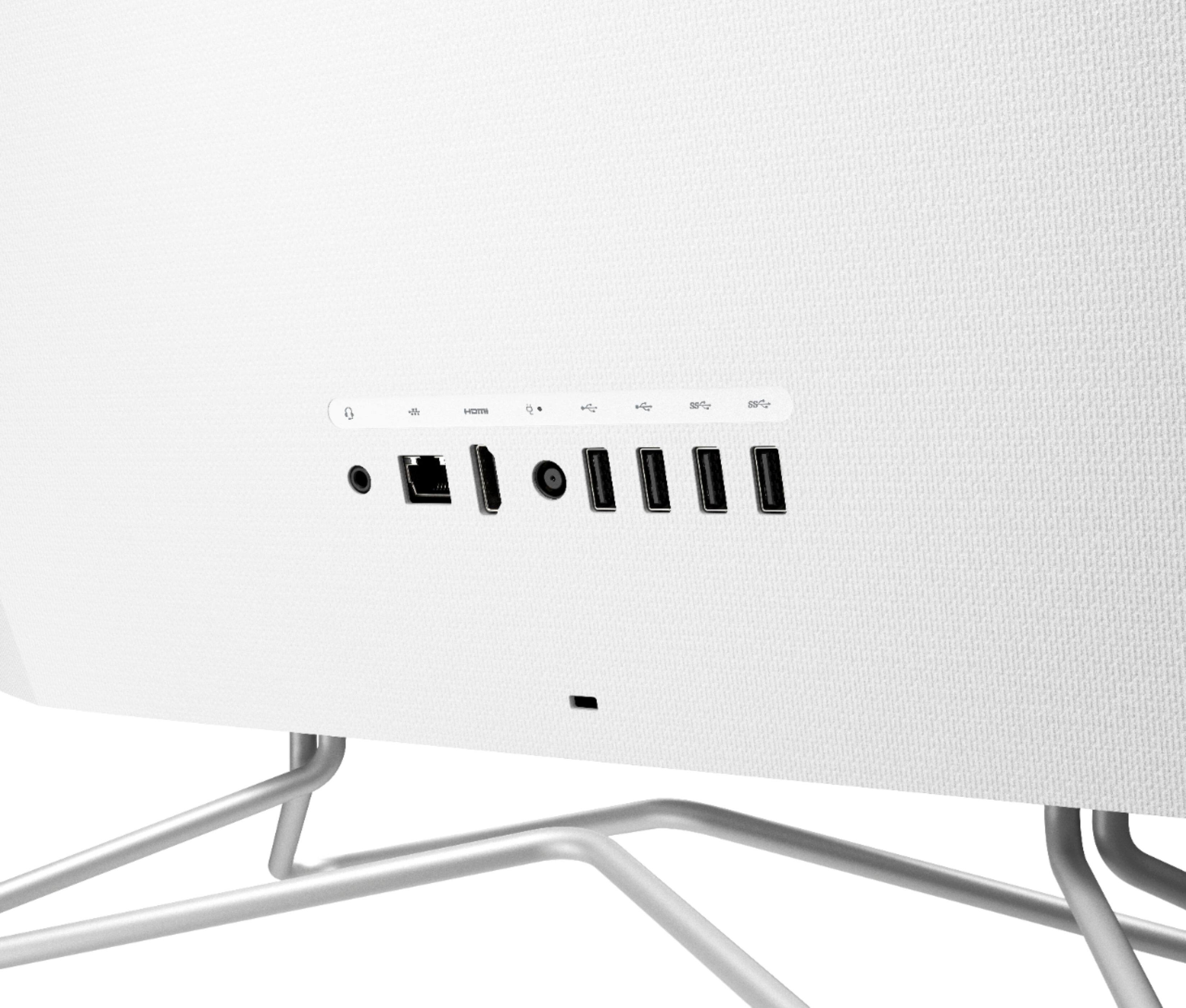
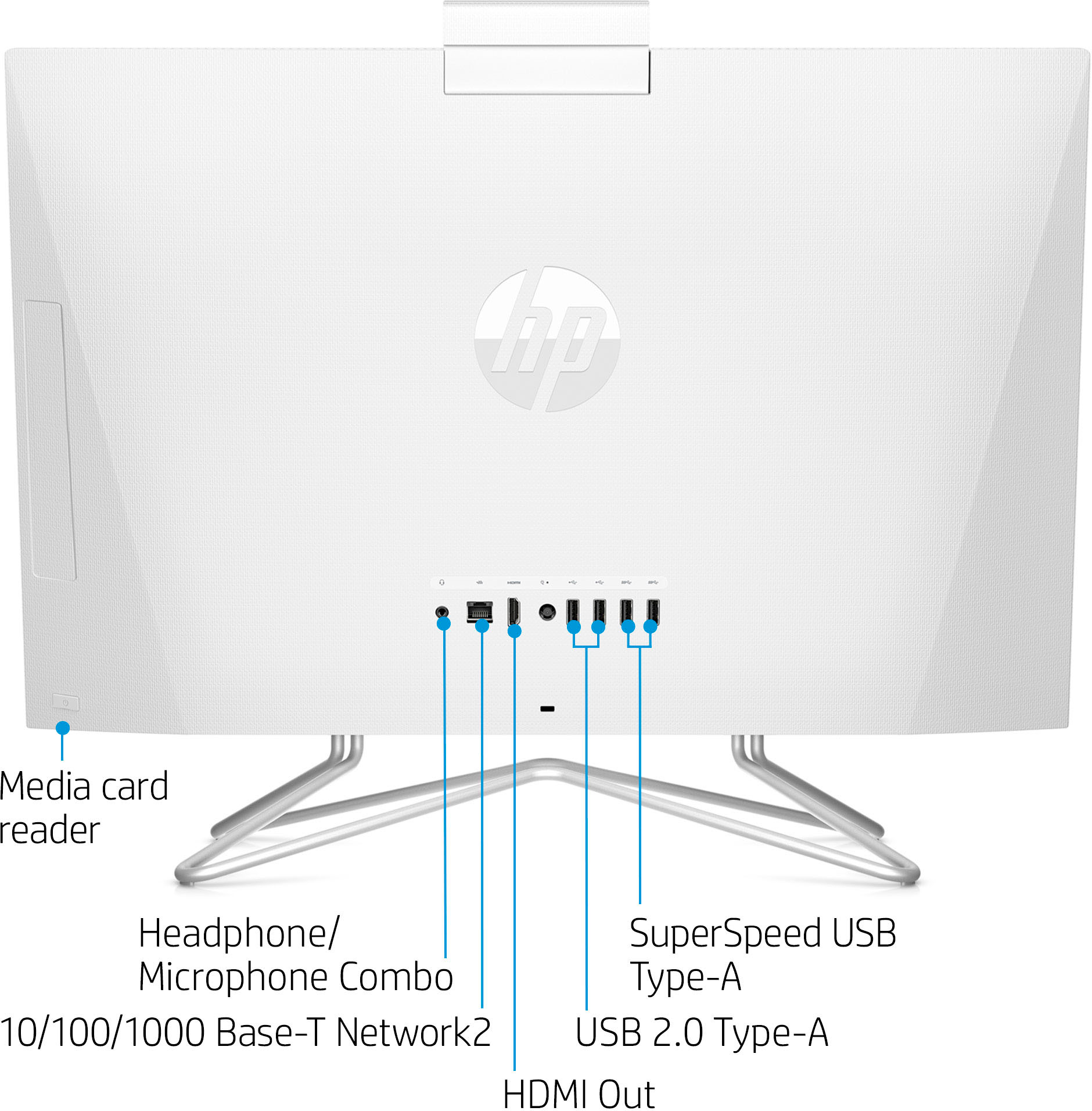
A:AnswerThank you for the question. This new All-in-One desktop PC does not have a built-in CD/DVD drive, but you can connect an external drive via the USB port(s).
A:AnswerI would try using a USB printer cable if you are having trouble with connecting the wireless. If your printer is an HP brand model. you can go to this link for help with setup. https://support.hp.com/us-en/printer-setup
A:AnswerFor the software, you will want to check the developer's website and make sure this meets the requirements for the settings that you would like to use. Updates can change the requirements and that can affect what settings you can run the software on or if you can run it at all. Depending on the type of photo and resolution, they can take up different amounts of storage which will impact how many you can save to this device. The amount of storage on here and can handle quite a lot of pictures and videos. If you need extra storage you could look into external options.
A:AnswerThank you for your question! Yes, HP does sell all-in-one PCs with built-in optical drives (DVD-W), however none of those models are sold on this site.