A:AnswerThank you for your question. Yes, the Envy 4520 printer is compatible with the 7G9S2AA#ABA All-in-One computer, however you may need to update the printer drivers to ensure all of the features of the printer work properly.
A:AnswerThank you for your question about this HP desktop! You can partner with a Best Buy associate for details and price of transferring your data from your Mac to this HP.
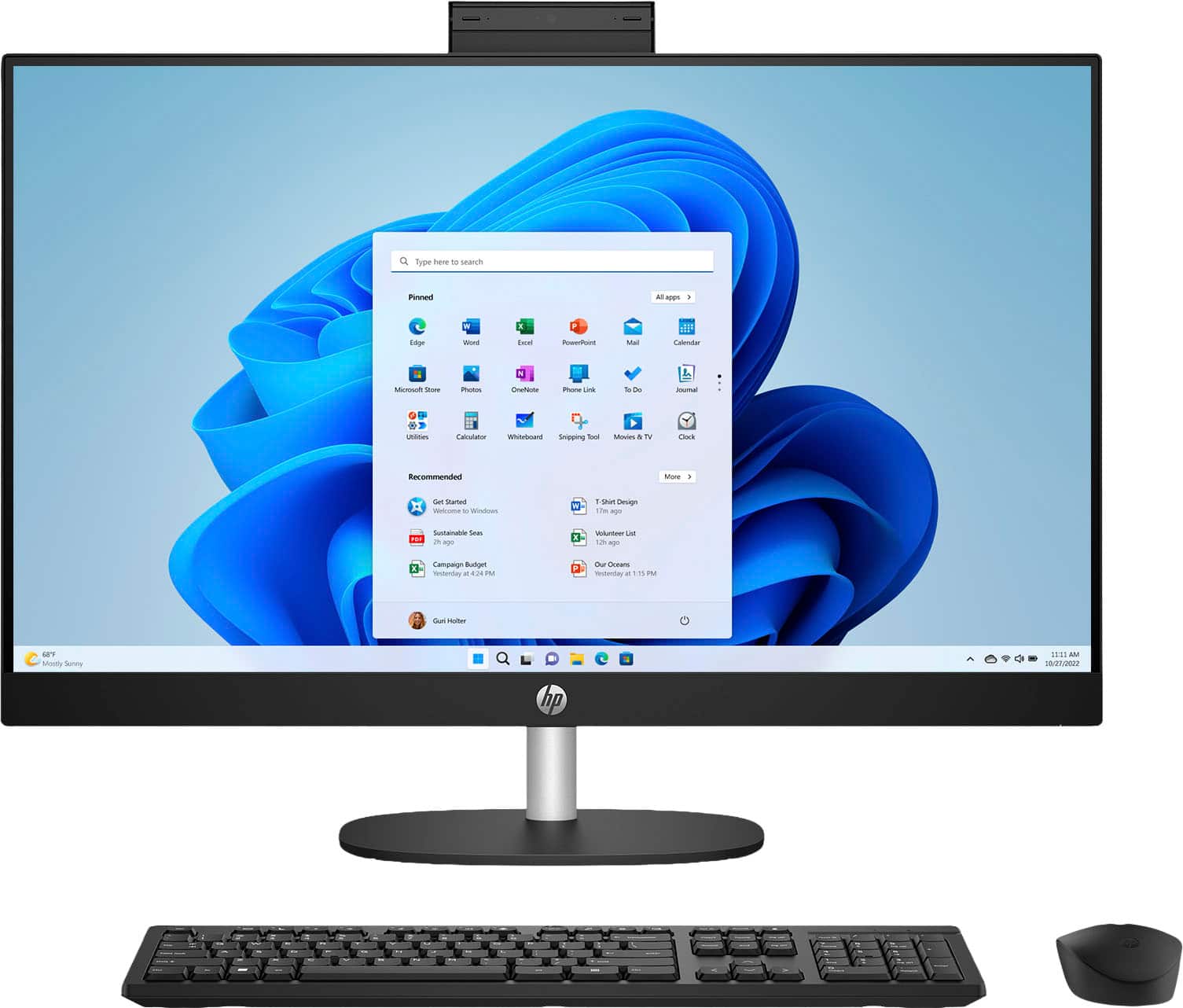
A:AnswerHello and thank you for the question! The HP 27" All-In-One Desktop Model 27-cr0054 uses Windows 11 Home as its currently installed operating system.
A:AnswerHi, Jack, and thank you for asking the question! There are settings in the "settings" that will control the fan speeds, but make sure that if you adjust them down, that you watch the cpu temperature to make sure you haven't turned them down so low that the computer overheats.
A:AnswerHi Nick, sorry to hear about your old laptop. Please reach out to Geek Squad for details about getting information off your old hard drive and onto a new system.
A:AnswerCharlie, thank you for your interest in this HP TouchScreen desktop! It comes with a 30-day trial of McAfee LiveSafe and you can continue with a full subscription or use another internet security software package.
A:AnswerThanks for your question! Adobe software does not come included on this HP 27" Touch-Screen All-In-One with Adjustable Height desktop and would need to be purchased separately.
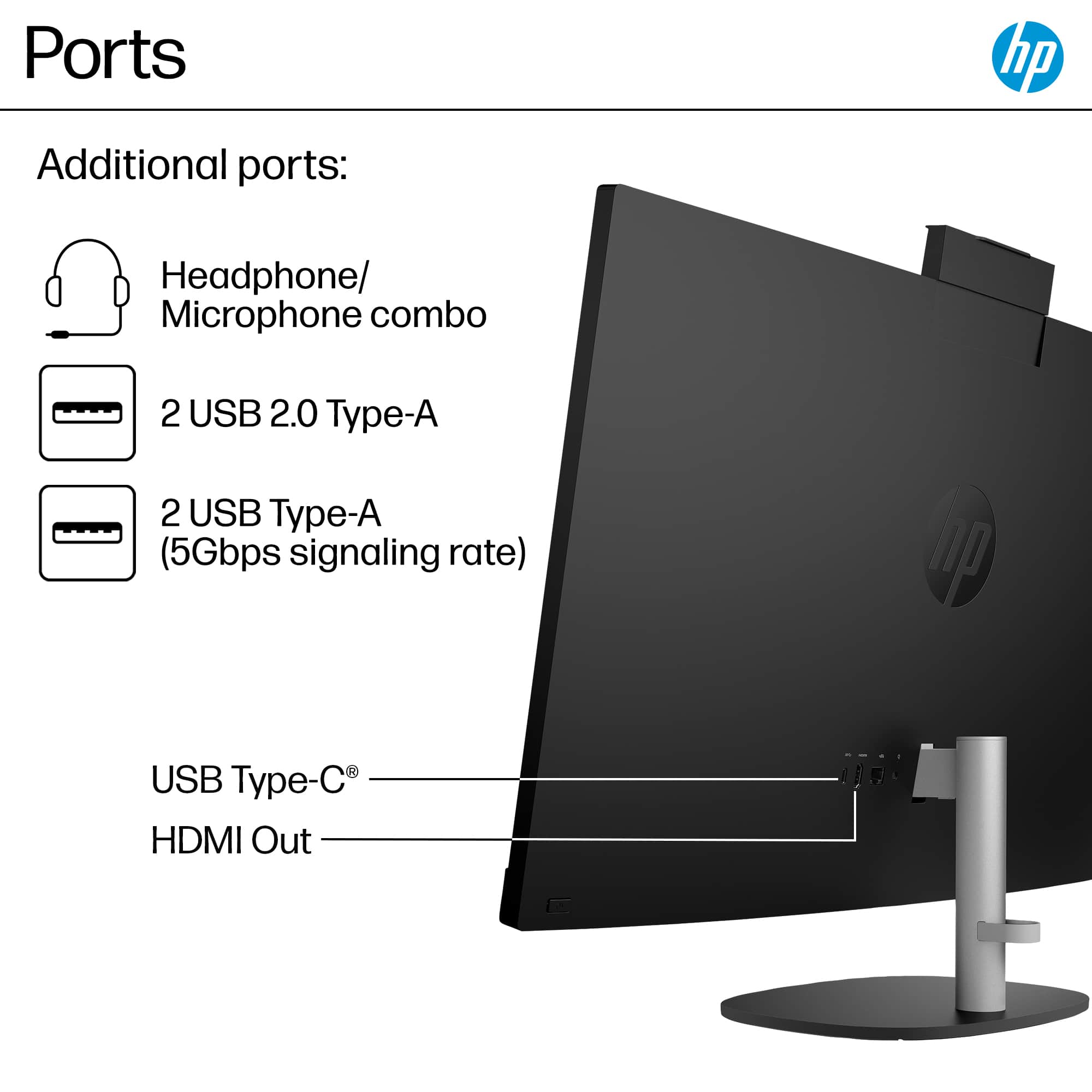
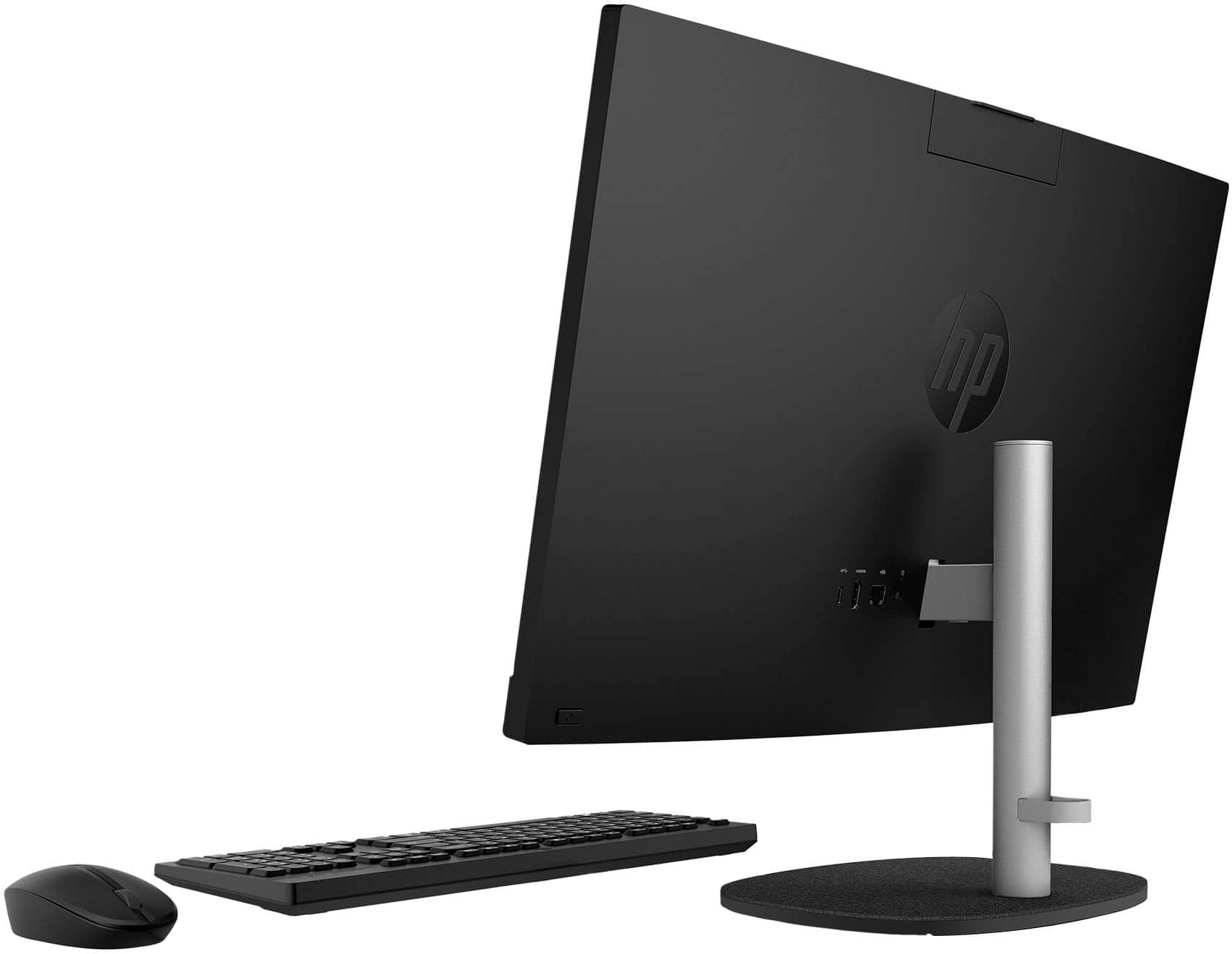
A:AnswerThank you for your question on this HP All-in-one Desktop! This computer has only one HDMI out and none of the USB ports have the means to handle video. You will not be able to connect two displays to this desktop.
A:AnswerThank you for your interest in this HP all-in-one desktop! This desktop is equipped with an HDMI-out port for a second monitor. You will not be able to plug your work laptop into this to use as a second display.
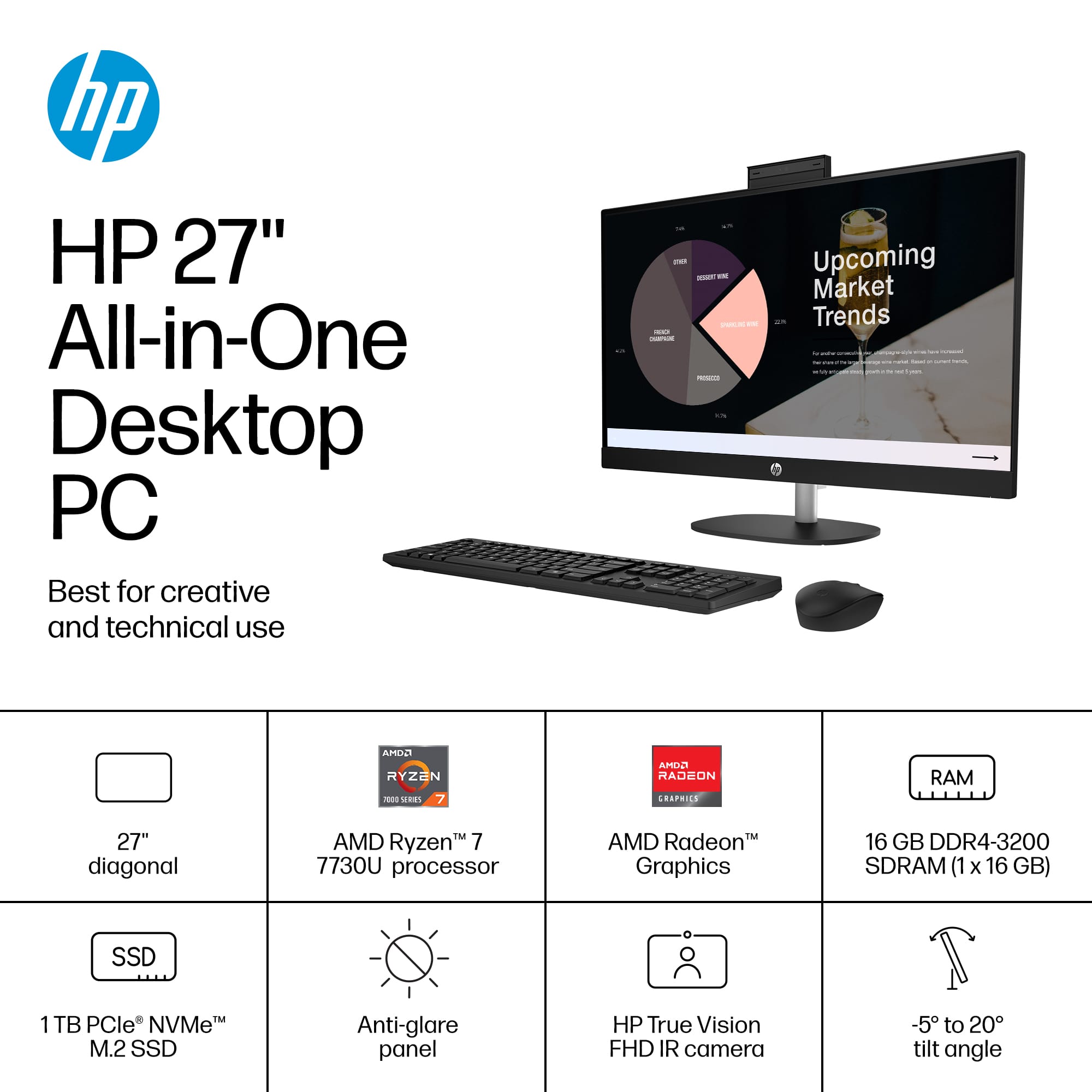
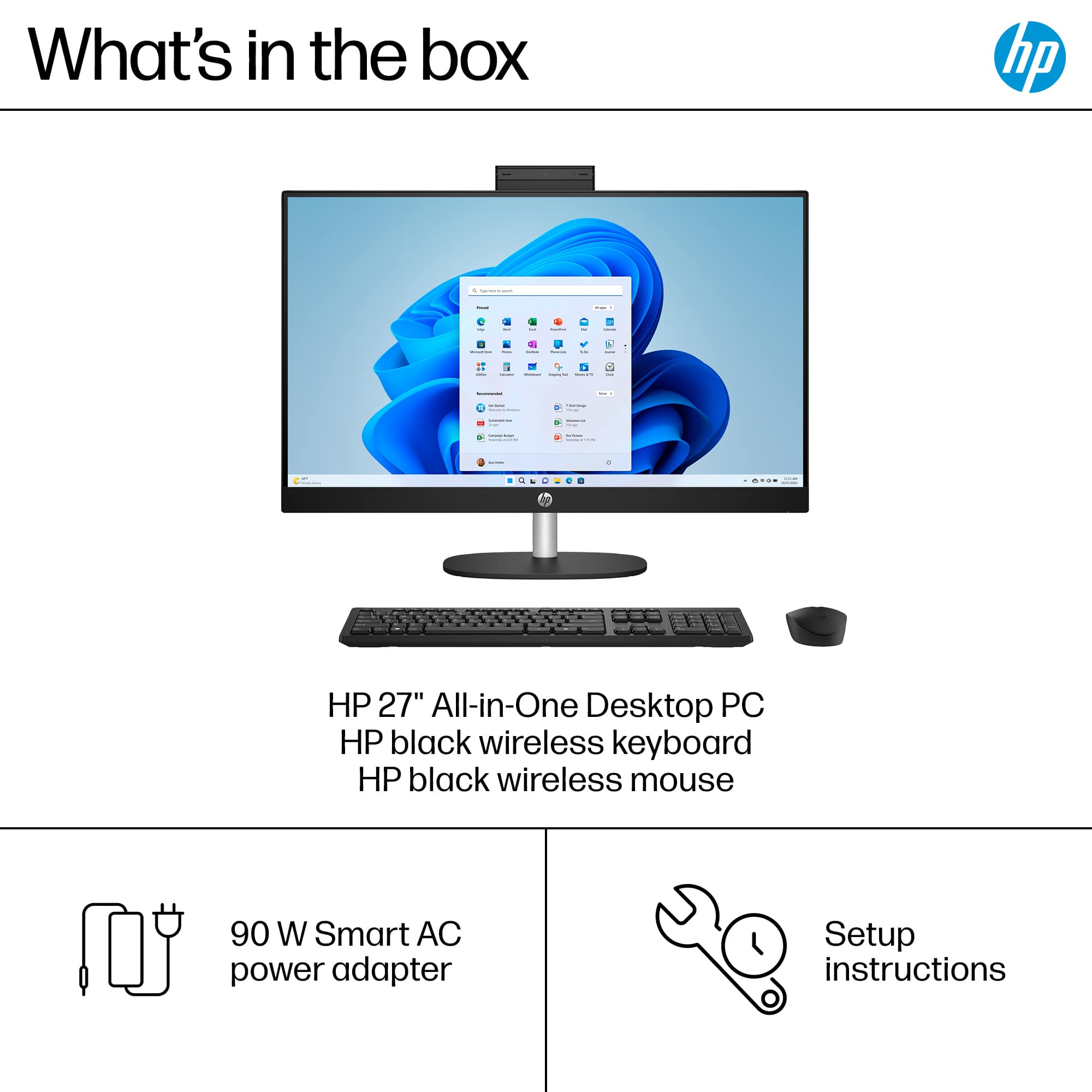
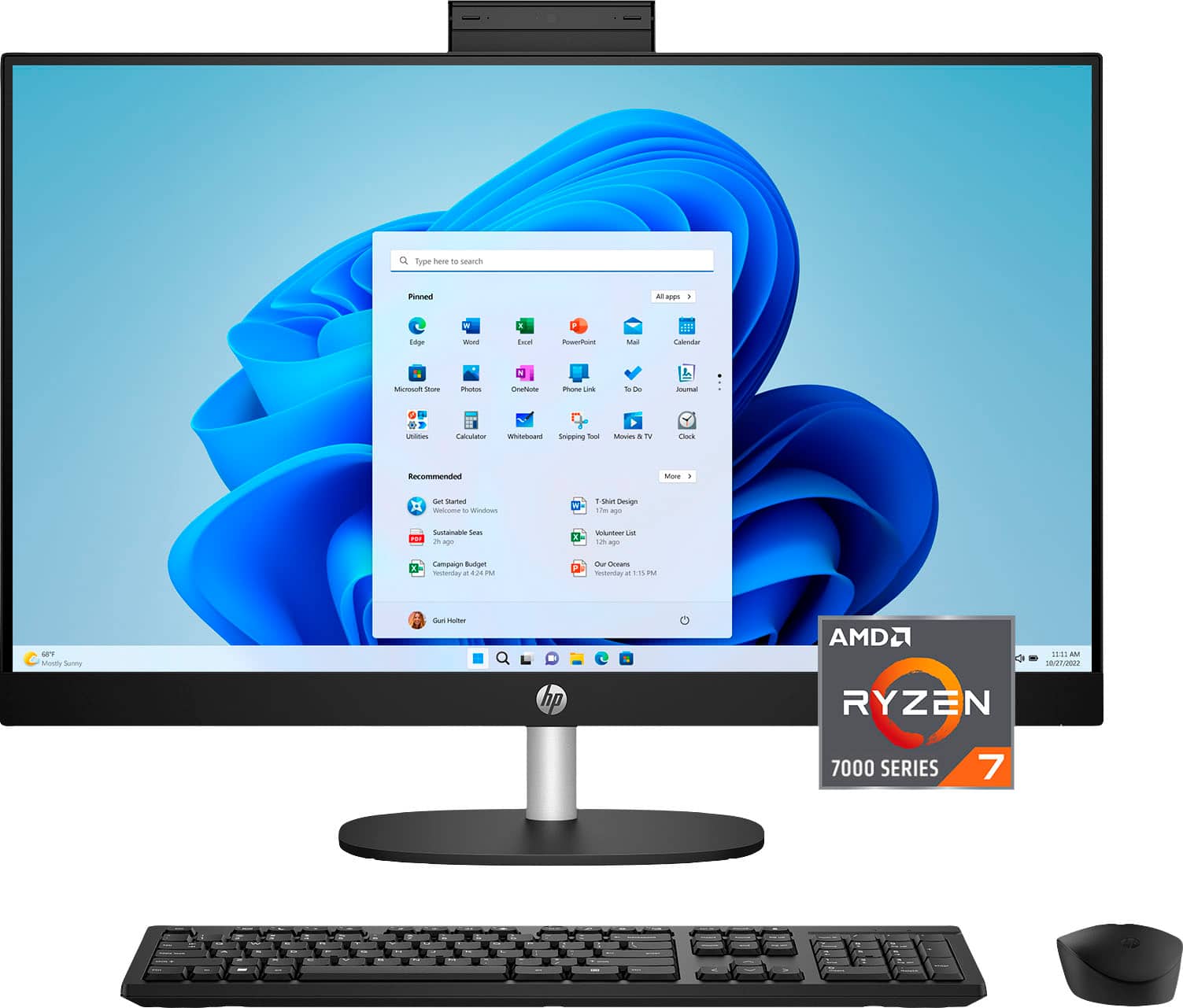
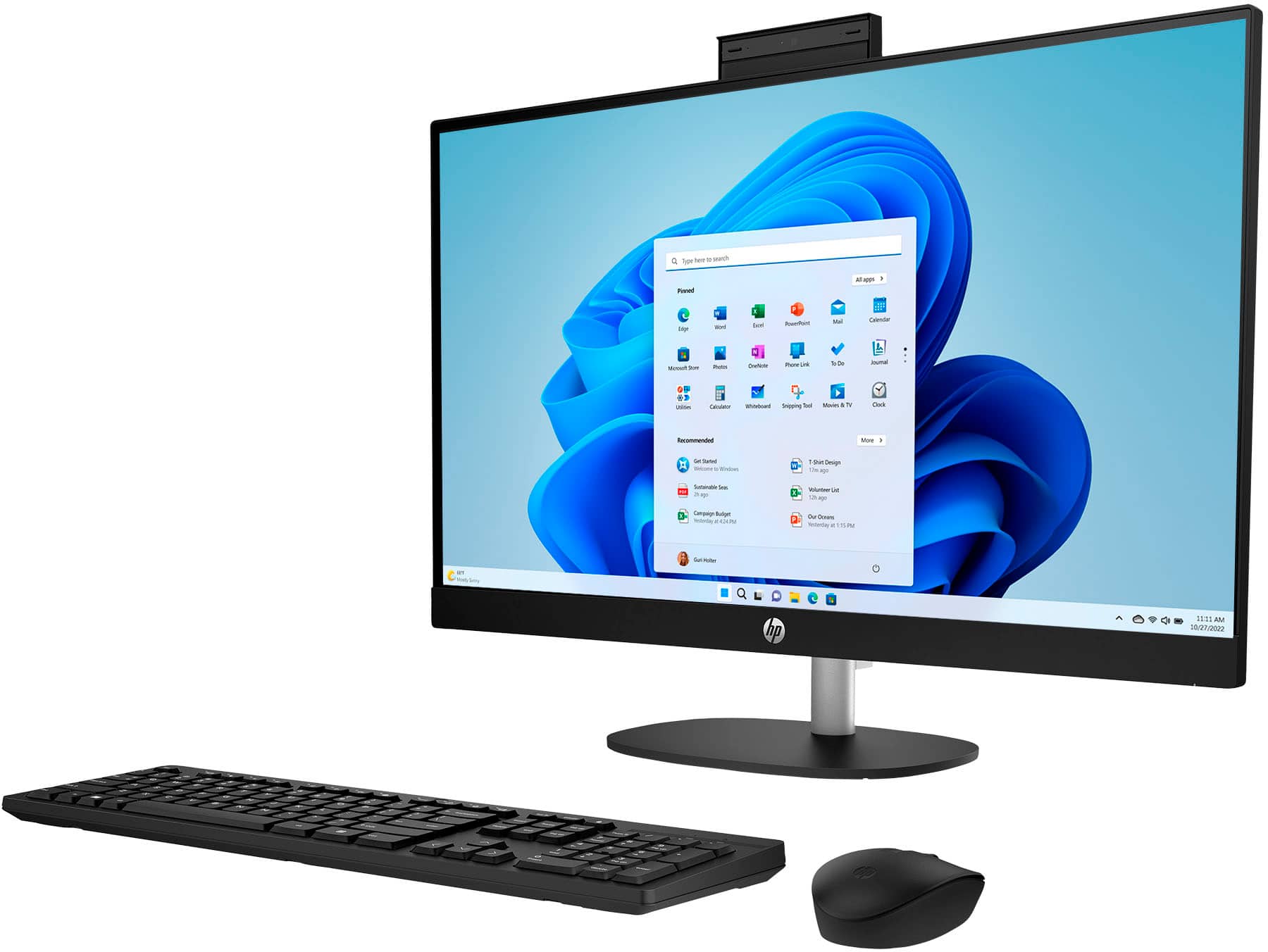
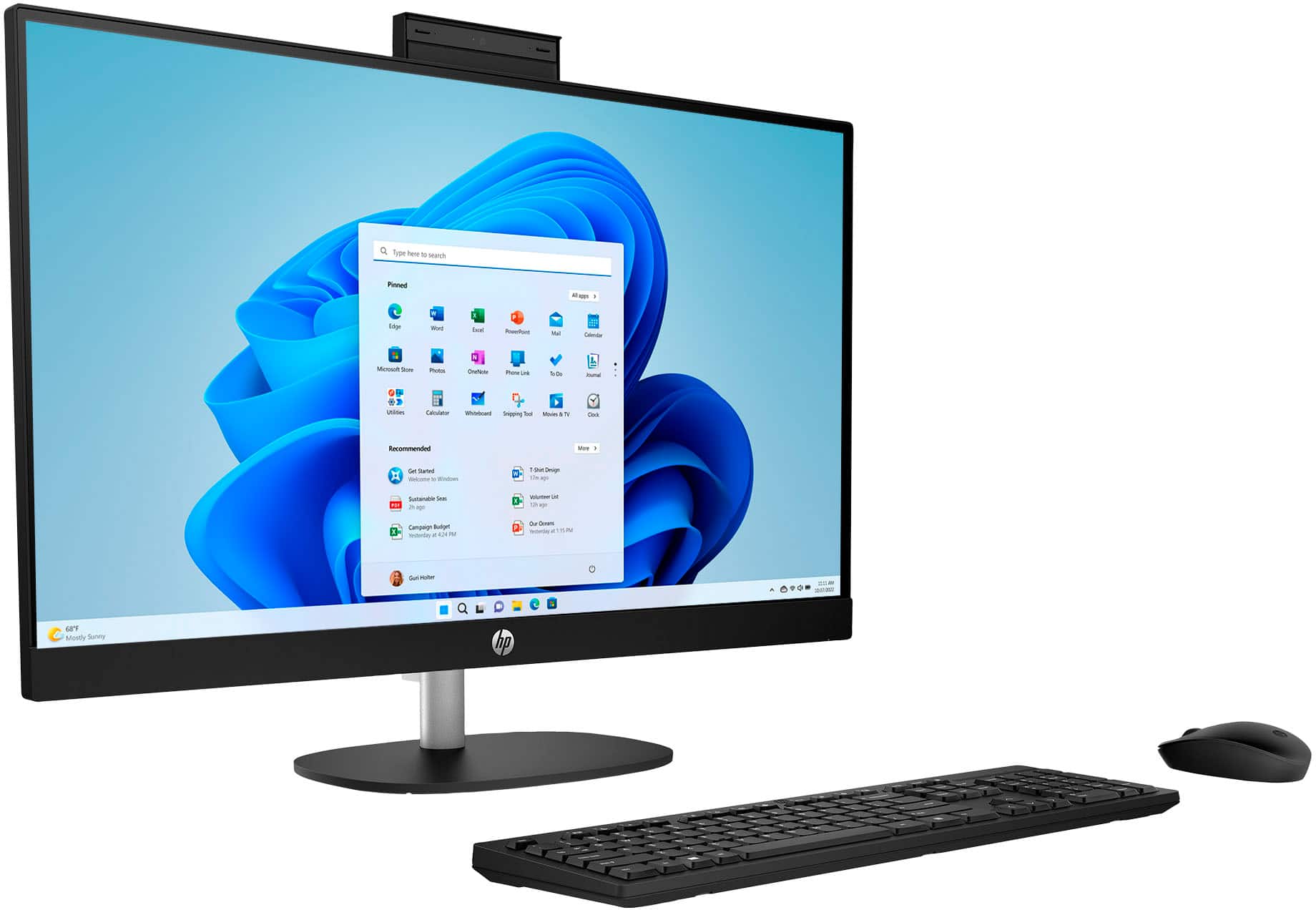
A:AnswerHi Carla, thank you for asking. No additional purchases are necessary. This HP All-in-One computer comes with a wireless keyboard and a wireless mouse with 1 TB (terabyte) of storage, a webcam, microphone, and speakers. It is ready to go as soon as you plug it in.