A:AnswerHP says you have to install a soundcard, then also says you just hook up to the headphone out. So one HP rep is wrong. I have NEVER seen a computer that you can't hook external speakers to, right out of the box.
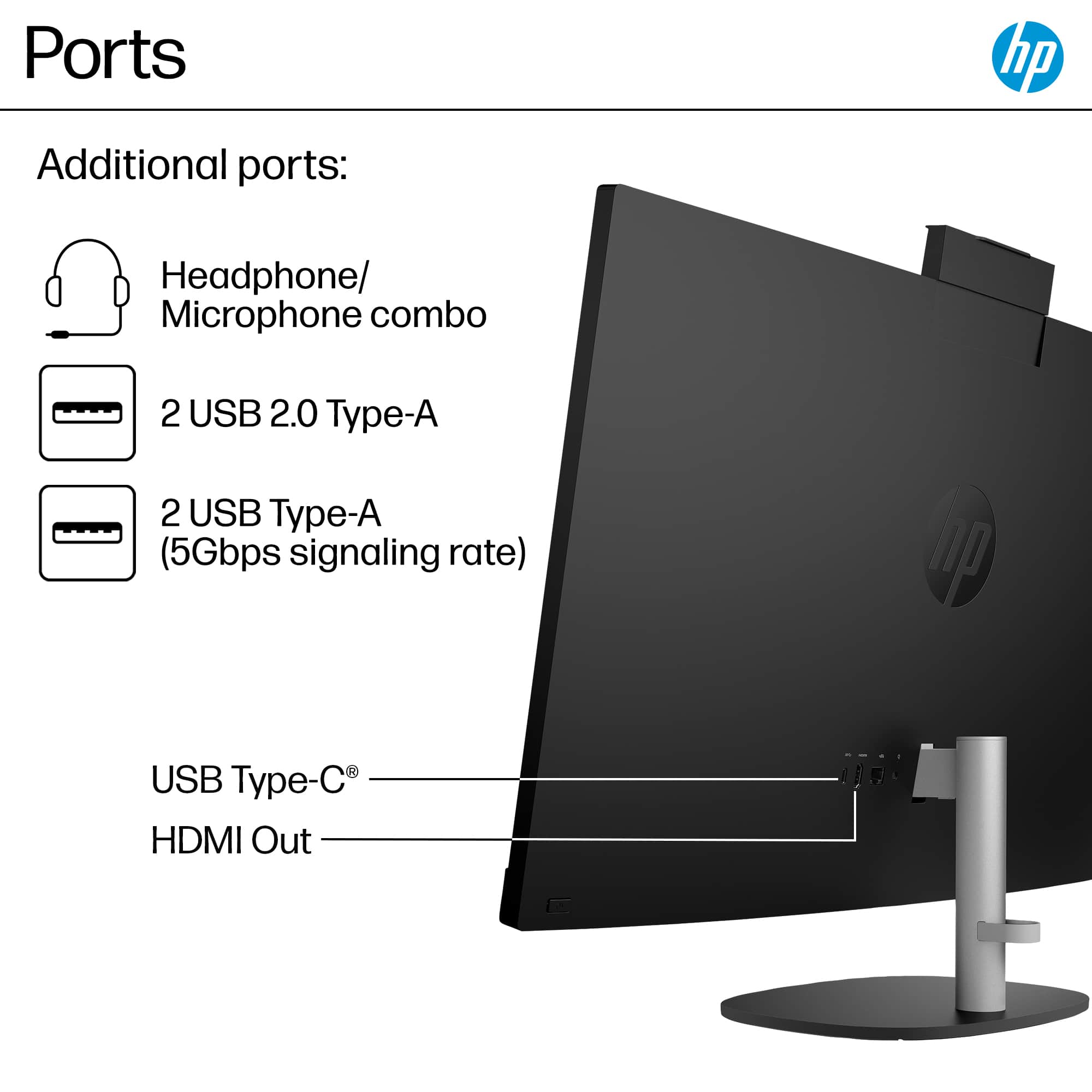
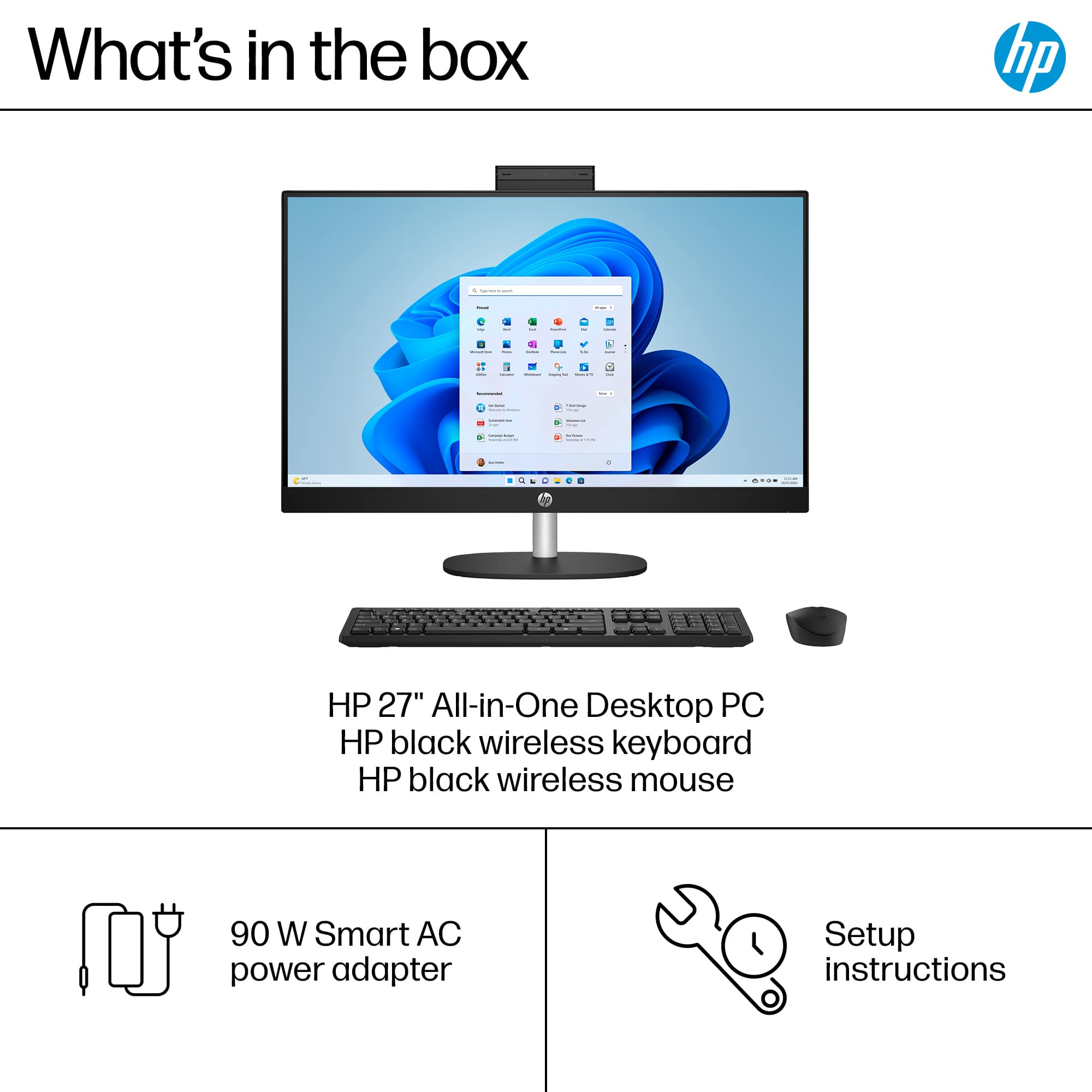
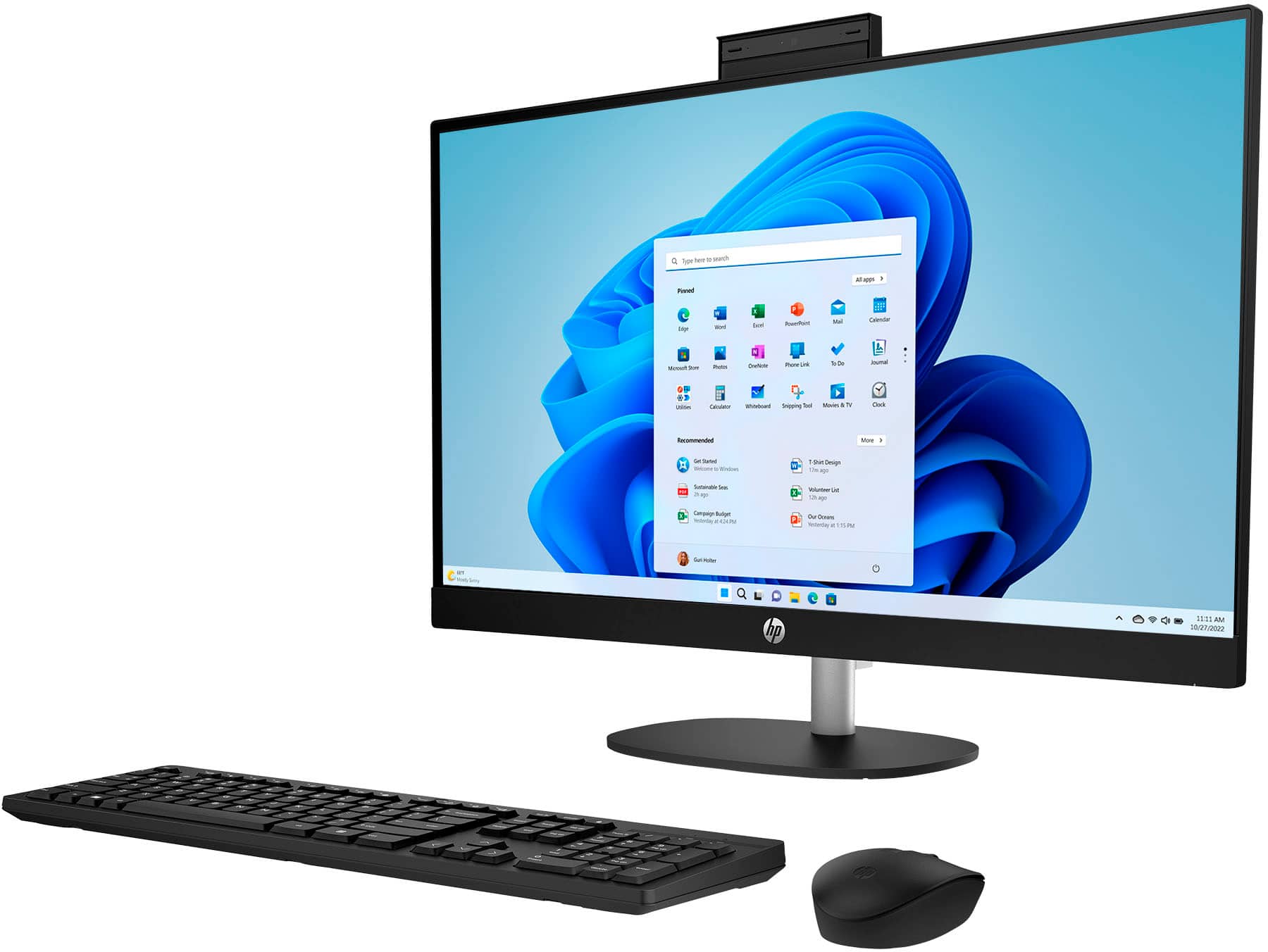
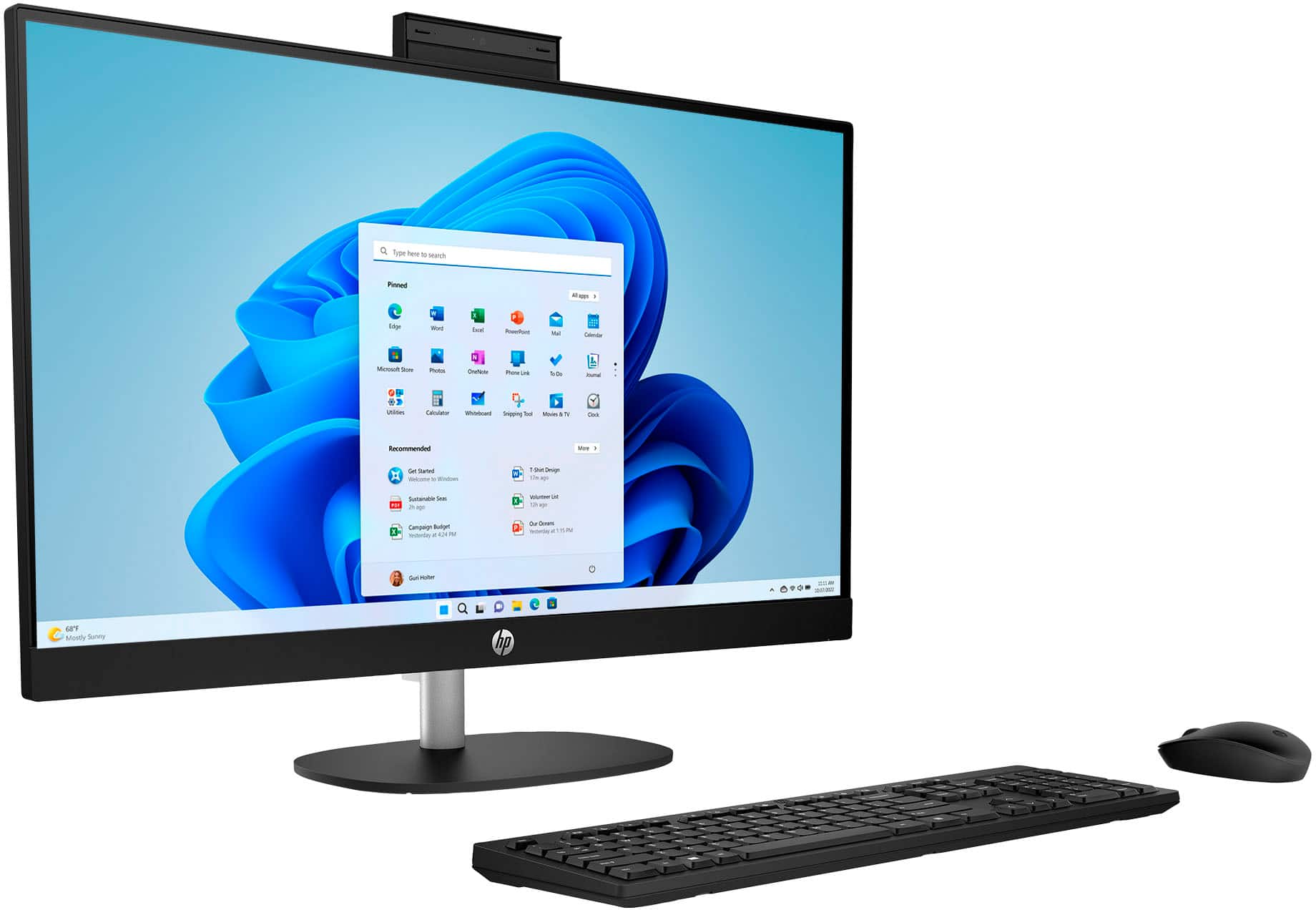
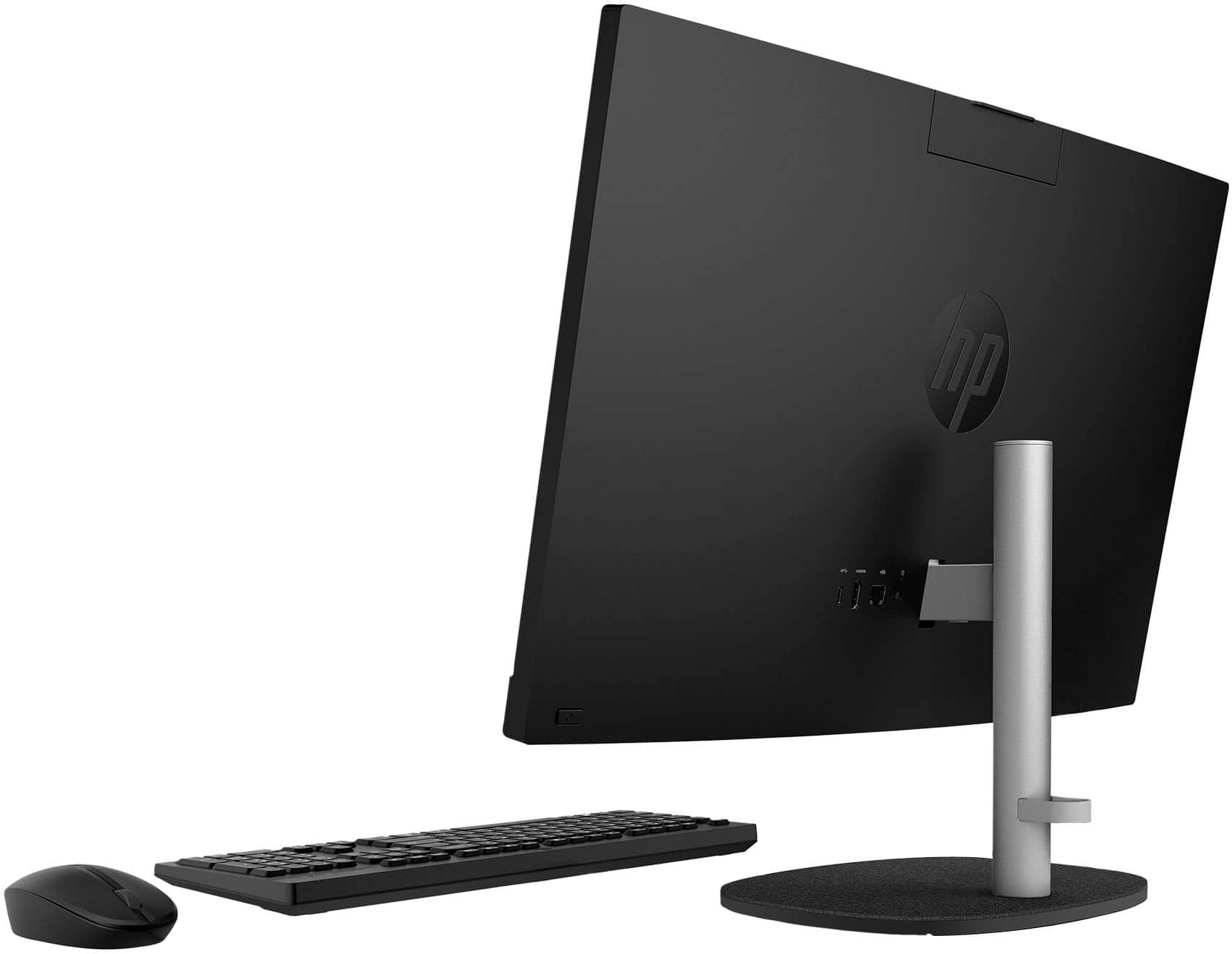
A:AnswerHello, and thank you for the question. With an All-In-One Computer, such as this HP - 27" Touch-Screen All-in-One Model: 27-cr0054, the desktop is built into the monitor, and cannot be separated. You can use an external monitor with this computer, utilizing the HDMI port available on the rear of the machine, for dual-screen or alternate screen use.
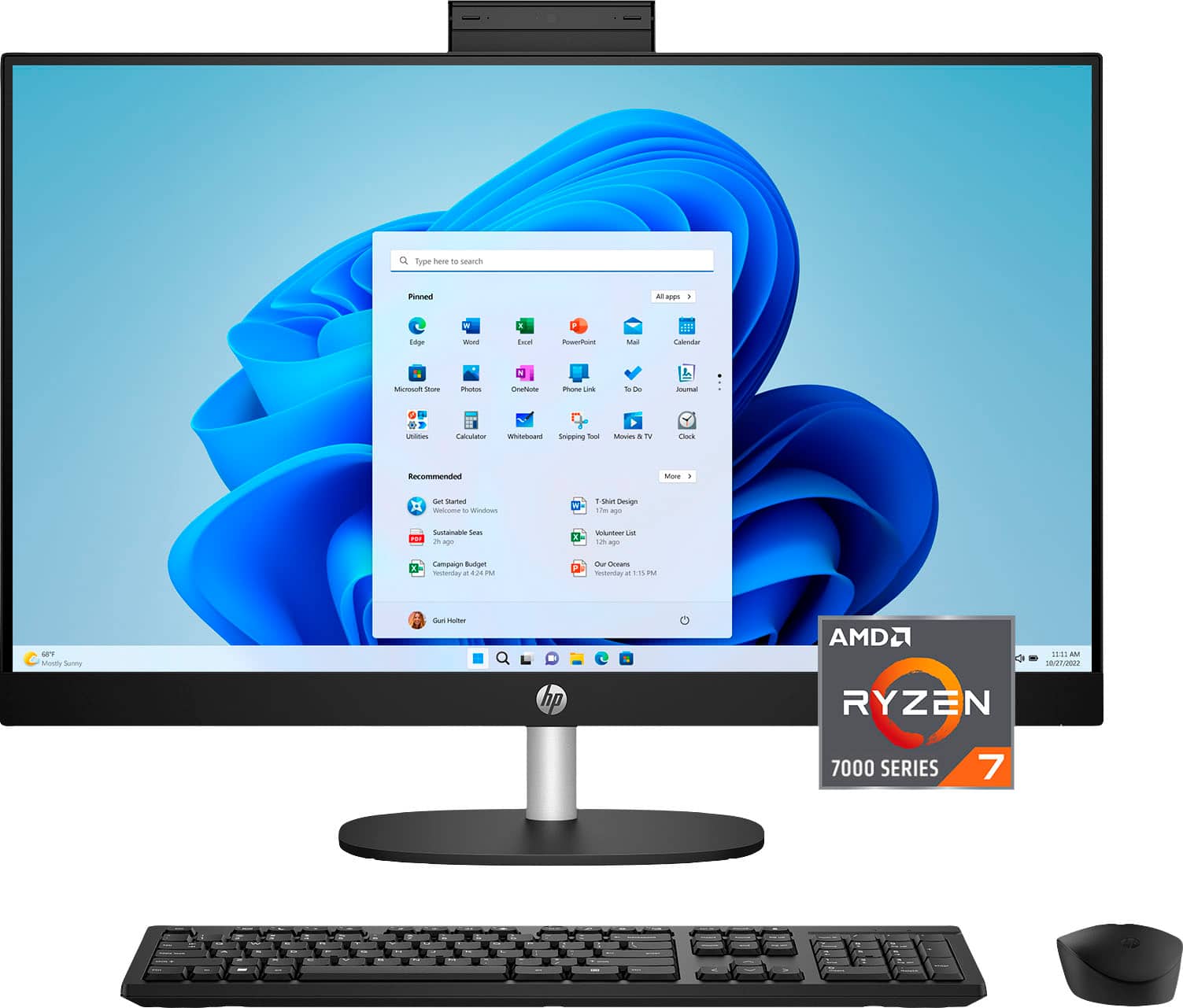
A:AnswerThanks for your question! The HP 27" Touch-Screen All-in-One with Adjustable Height - MAD Ryzen 7 does not come with an SD card reader built-in. You can use an external USB SD card reader with this HP all in one computer.
A:AnswerThank you for our question on the warranty. The protection plan starts at the moment of purchase and goes beyond the scope of the HP limited warranty. Check with the store for details.
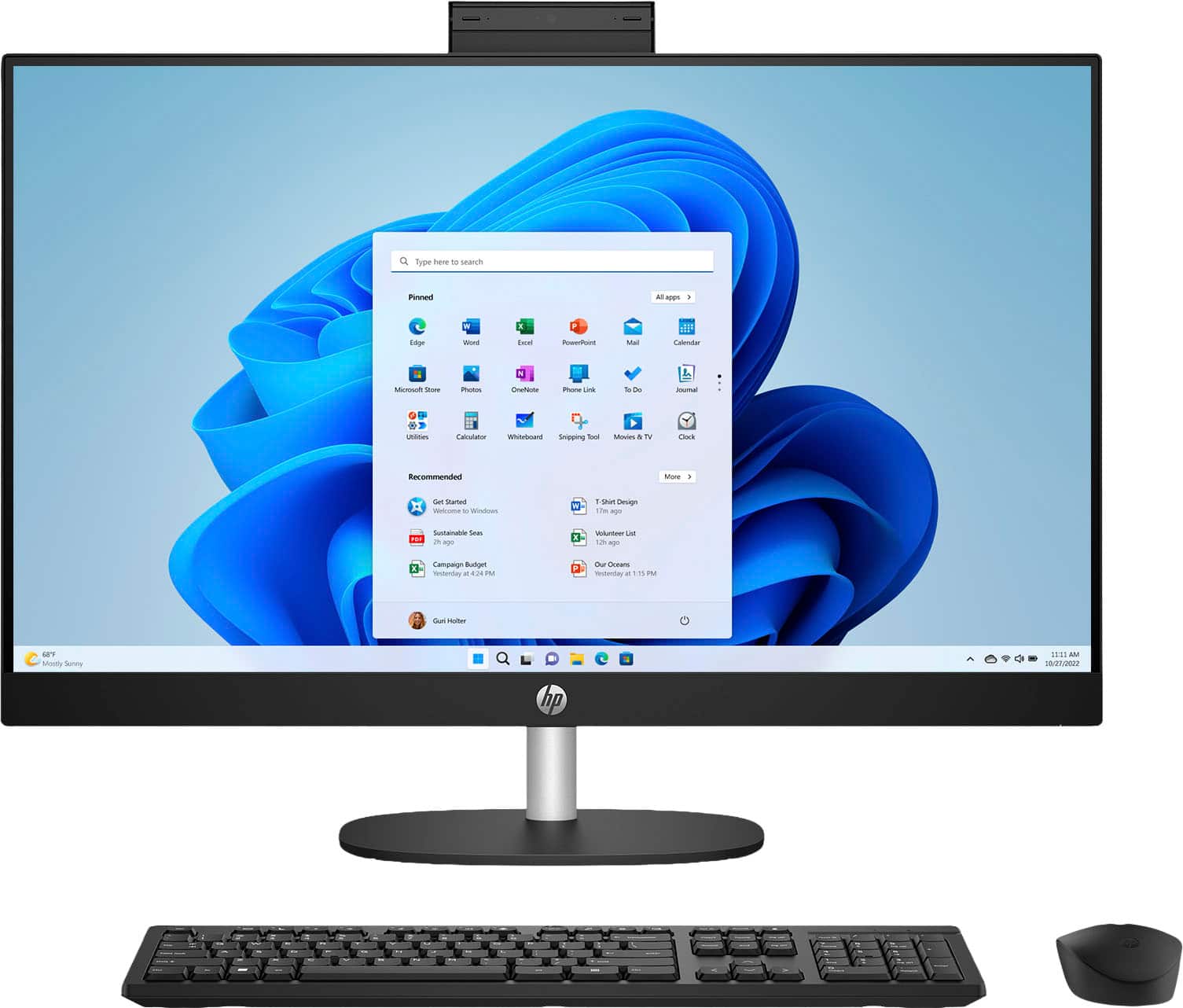
A:AnswerHello, and thank you for the question! This HP 27" Touch-Screen All-in-one Desktop, Model 27-cr0054, does come with Windows 11. HP does manufacture other sizes for All-In-One Desktops. To find the best fit for you, I would suggest speaking with one of the Computer Representatives at your local Best Buy, as they can ask questions and assist you in identifying your needs and narrowing down the options to find the best suggestion to match those needs.
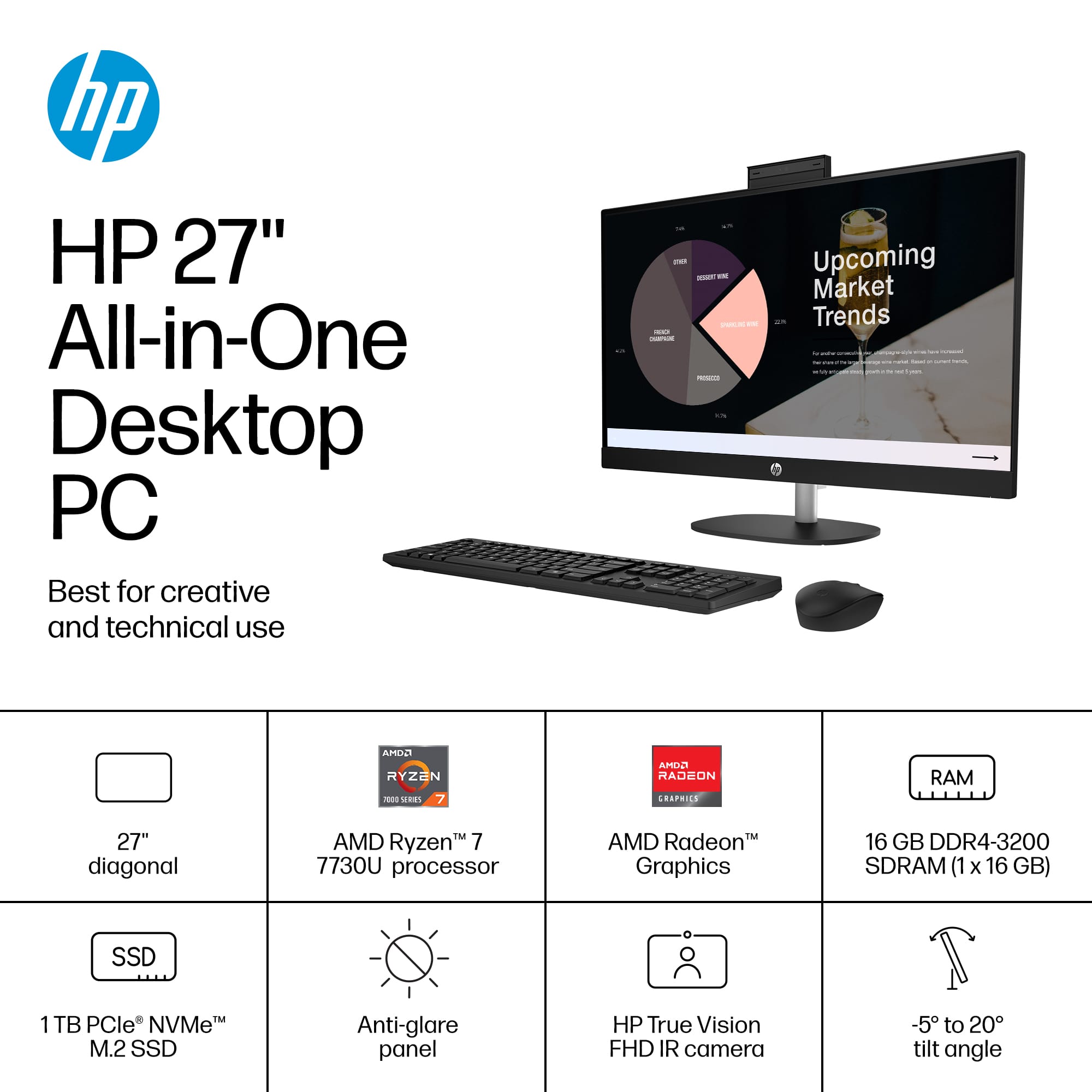
A:AnswerThank you for your interest in this HP computer! This will help you with your small business and even working from home. This has the hardware for it and gives you room for future expansion!
A:AnswerDave, thank you for asking about connectivity. It is recommended to use at least a Cat6 ethernet cable along with an HDMI 2.1 cable. Cat6 allows up to gigabit ethernet while HDMI 2.1 is the latest version.
A:AnswerHello Scott, and thank you for your question! This HP All-in-One 27-cr0054 comes with a WiFi6 card. This will be compatible with WiFi7 routers but at WiFi6 Standards.
A:AnswerHello and thank you for the question. Yes, you can use an additional monitor with this HP 27" All-In-One PC. There is an HDMI port available for use with an additional monitor, on the rear of the machine.
A:AnswerHi, Tesla610, and thank you for asking the question about the speaker ratings. The speakers are rated at 2 watts each, which is plenty, given that you're sitting right in front of them. I personally think they sound fine.