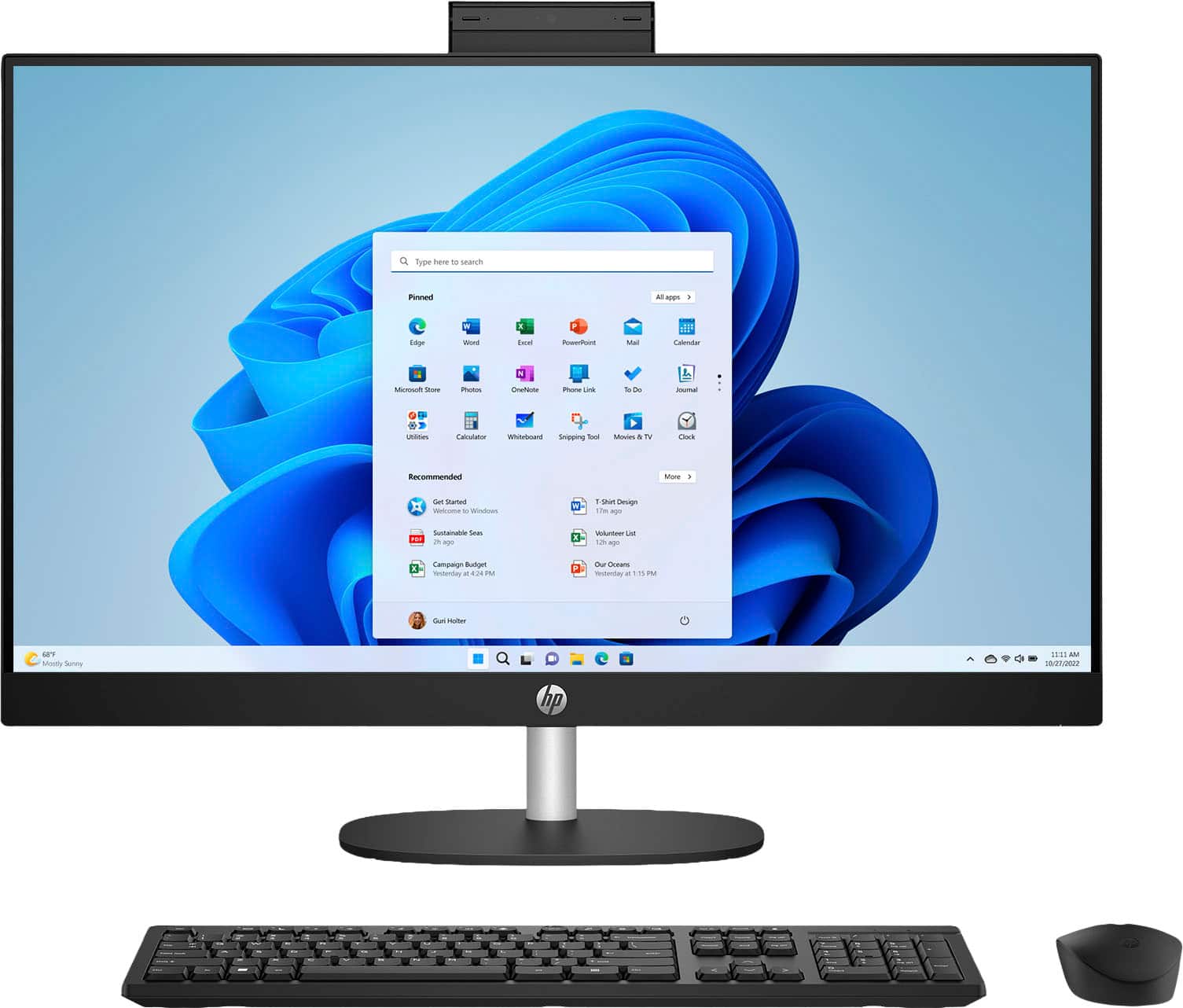
A:AnswerNew computers typically do not come with a full, paid version of Microsoft Office, but they often include a pre-installed free trial version of Microsoft 365. This trial requires you to purchase a full license to continue using the software after the trial period ends. Some manufacturers may also bundle a yearly subscription or a specific version of Office as an added cost.