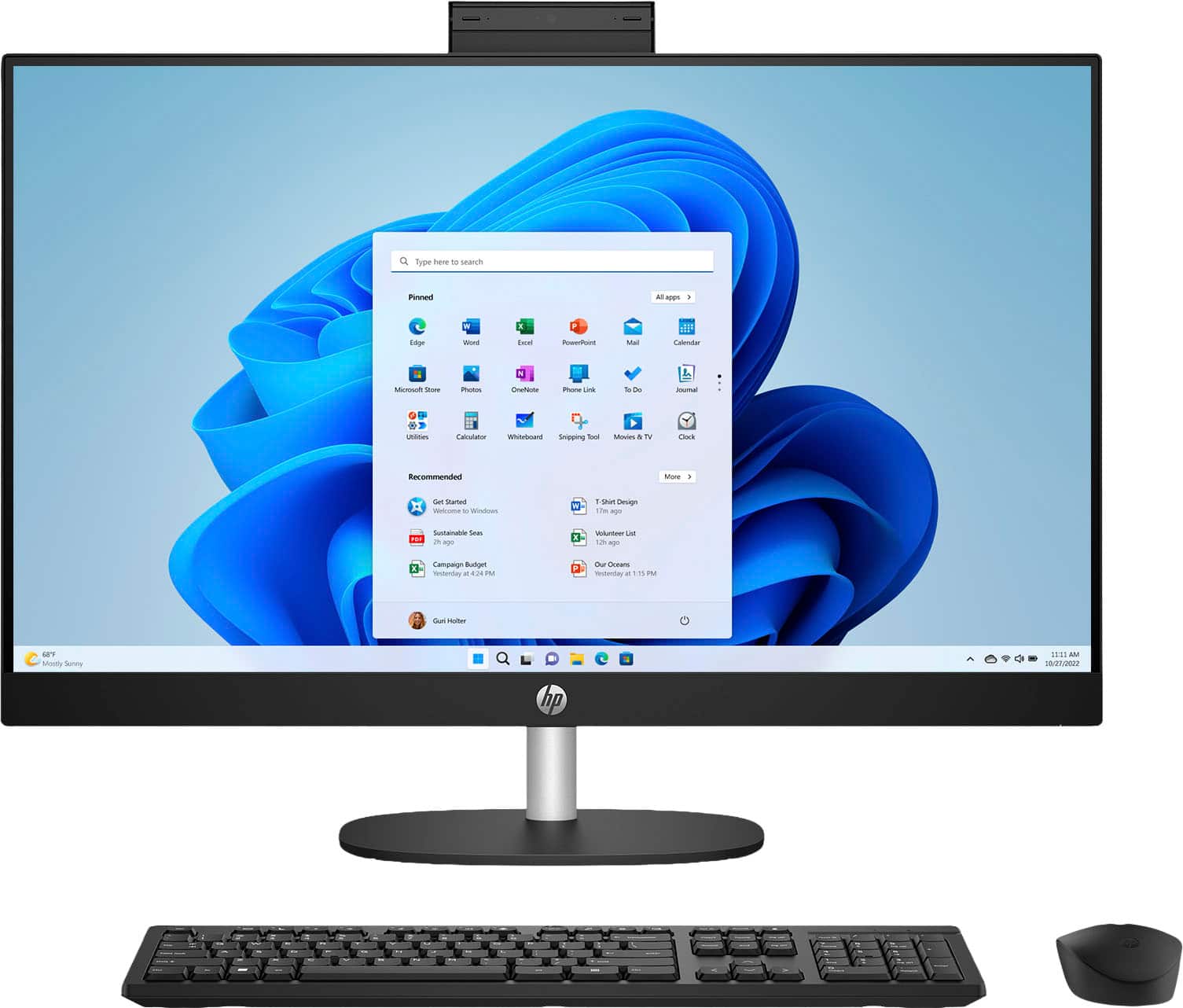
A:AnswerWindows 11 is installed. When you plug in the USB adapter for the keyboard/mouse, then the drivers will be installed. You do have to purchase a Windows 365 software package to use the Microsoft Suites.
A:AnswerI had to look up to see what a PCmover is (software from Laplink that automatically transfers applications, files, settings, and user profiles from an old computer to a new one). Since I'm a Best Buy Total Tech member, they will transfer data from your old to your new computer at no charge. You just need to bring in your old computer and new one and they'll take care of the data transfer.
A:AnswerThe standard free trial for Microsoft Office on a new computer is 30 days, which requires signing up for a Microsoft 365 subscription and providing a payment method. The trial gives you full access to Microsoft 365 apps like Word, Excel, and PowerPoint for one month. To avoid being charged, you must cancel the subscription before the 30-day trial period ends.