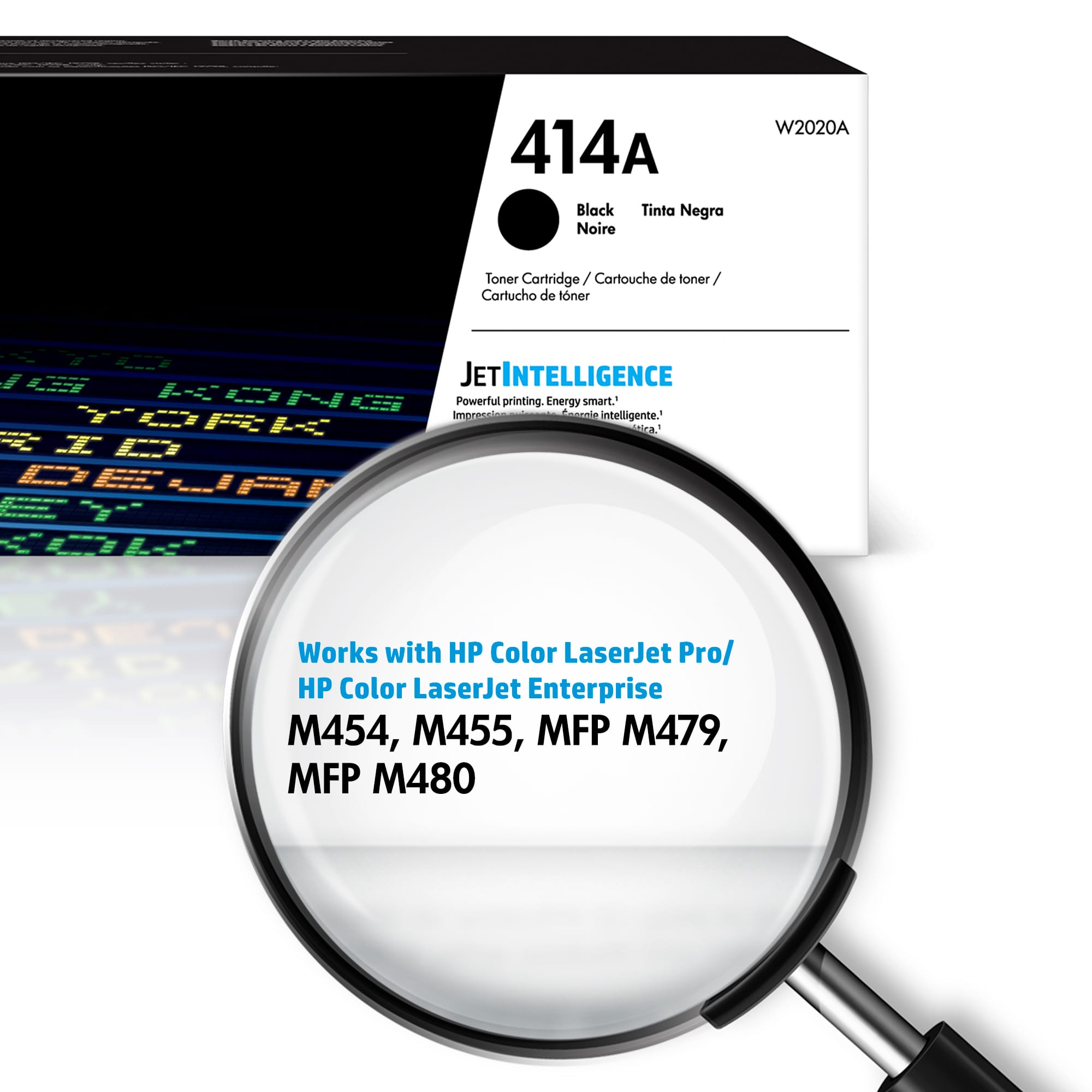
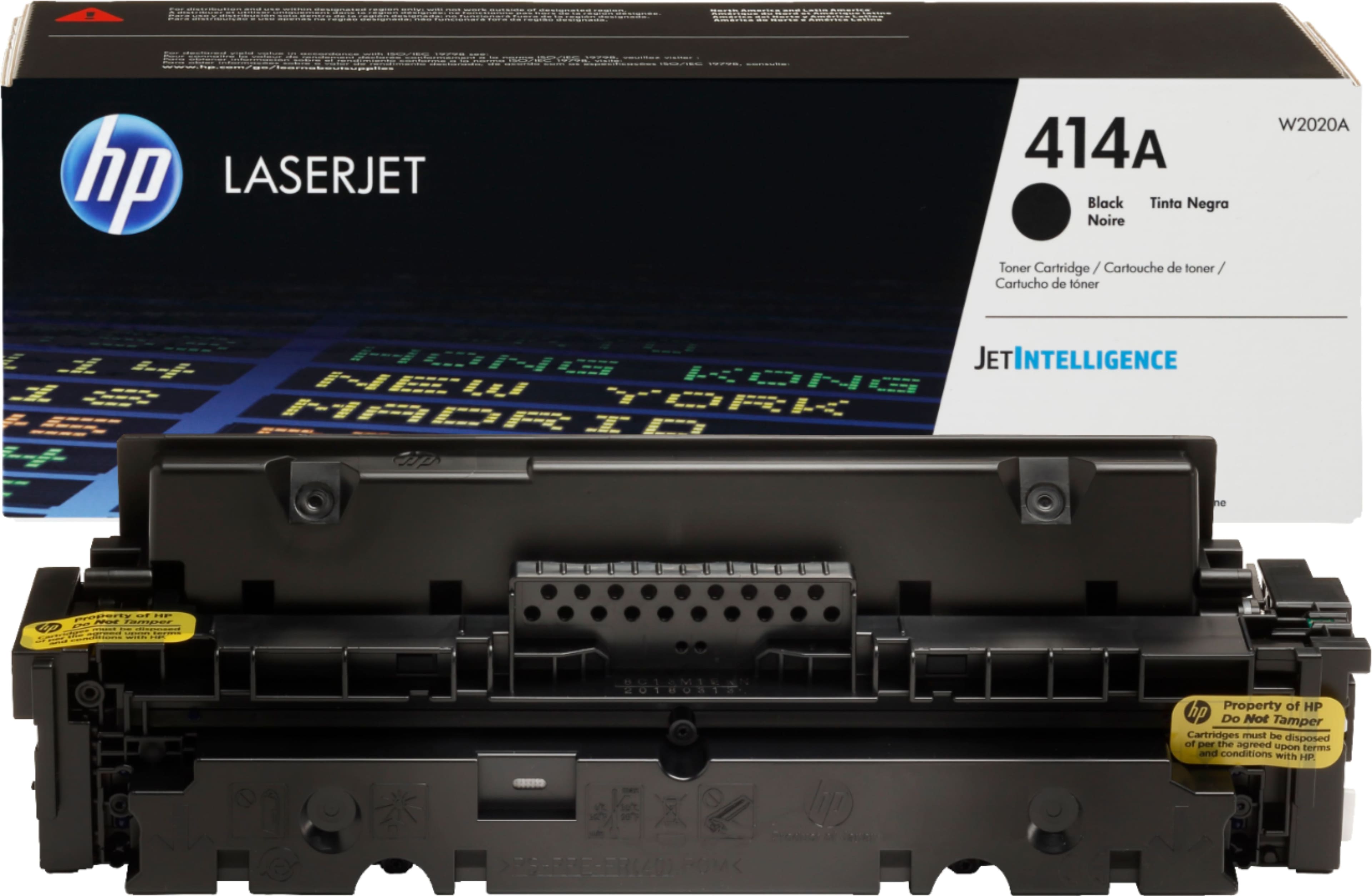
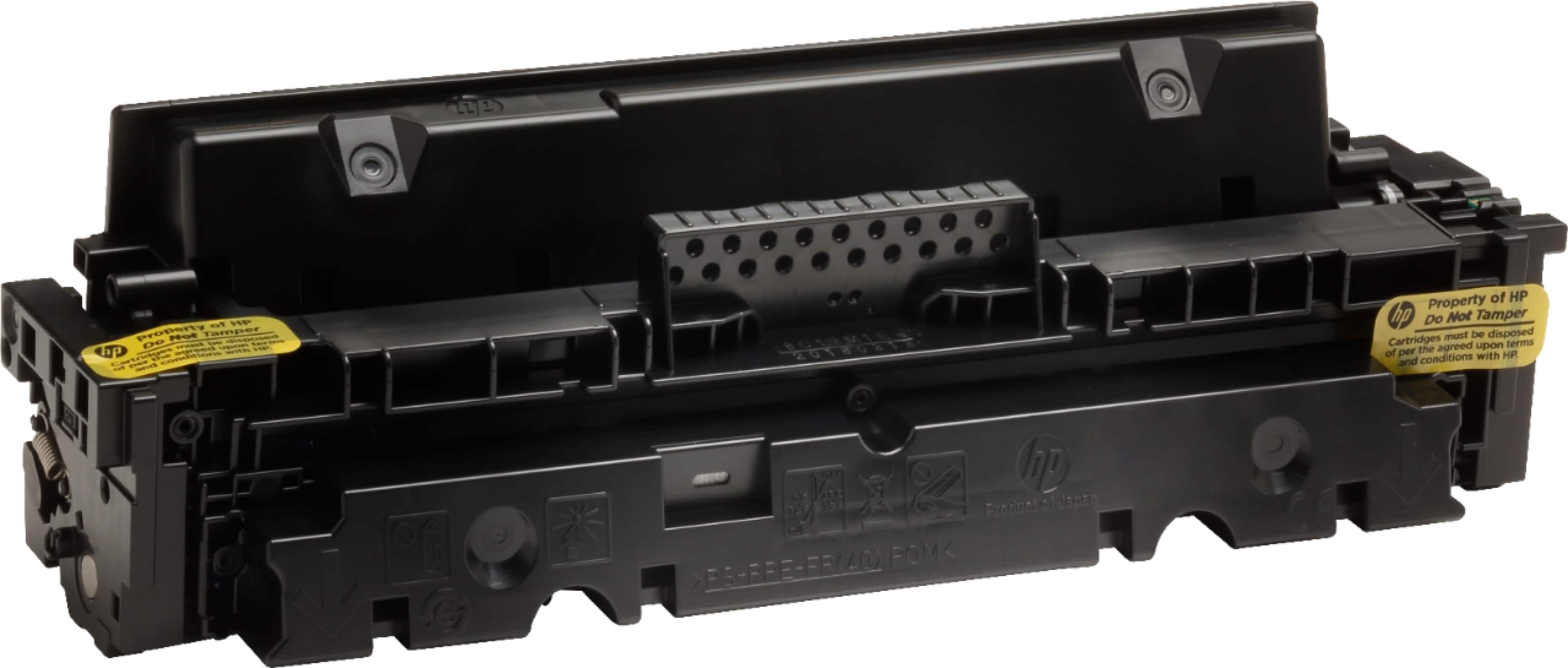
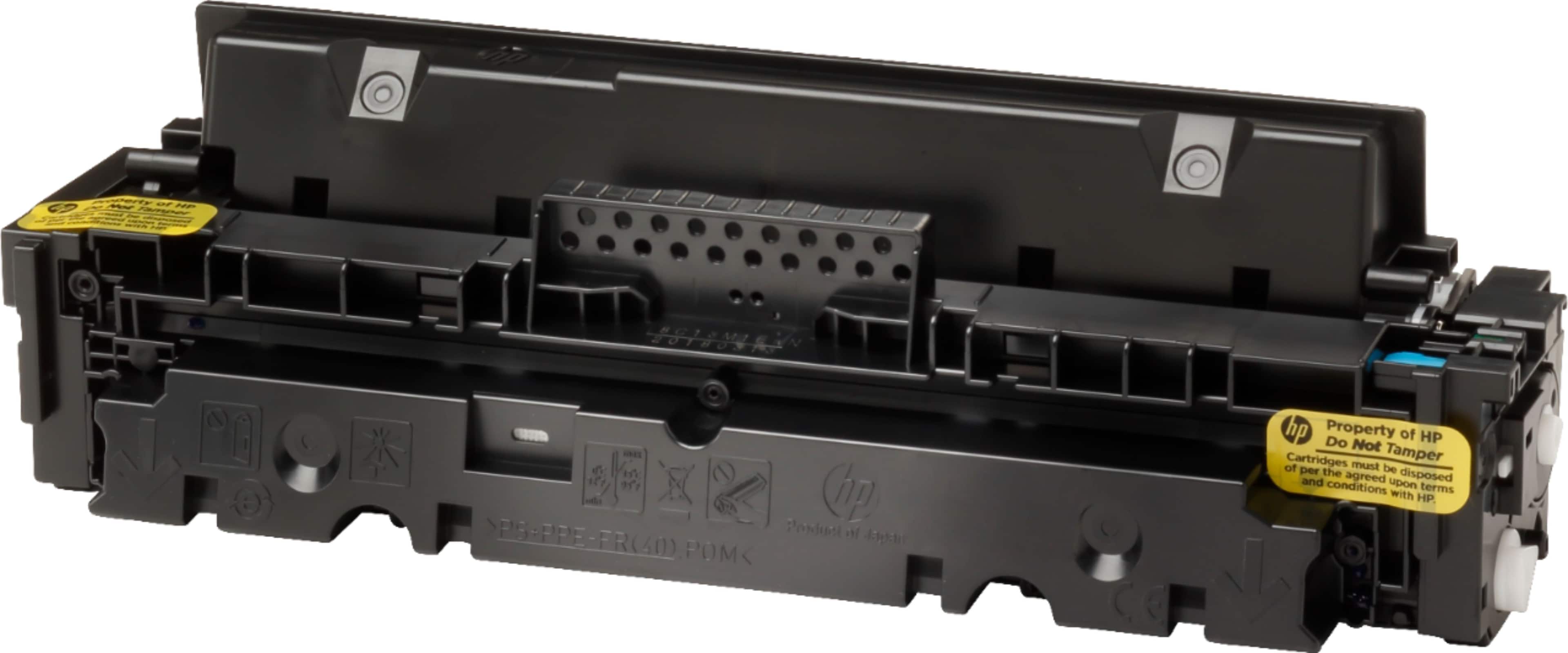
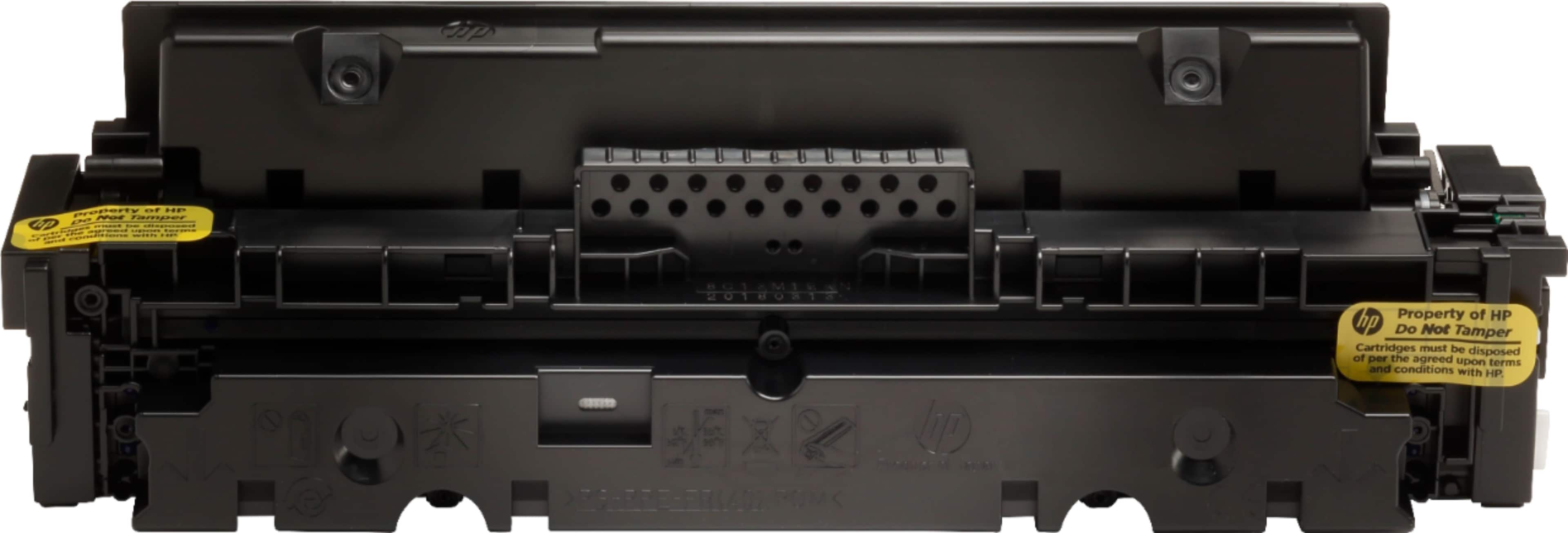
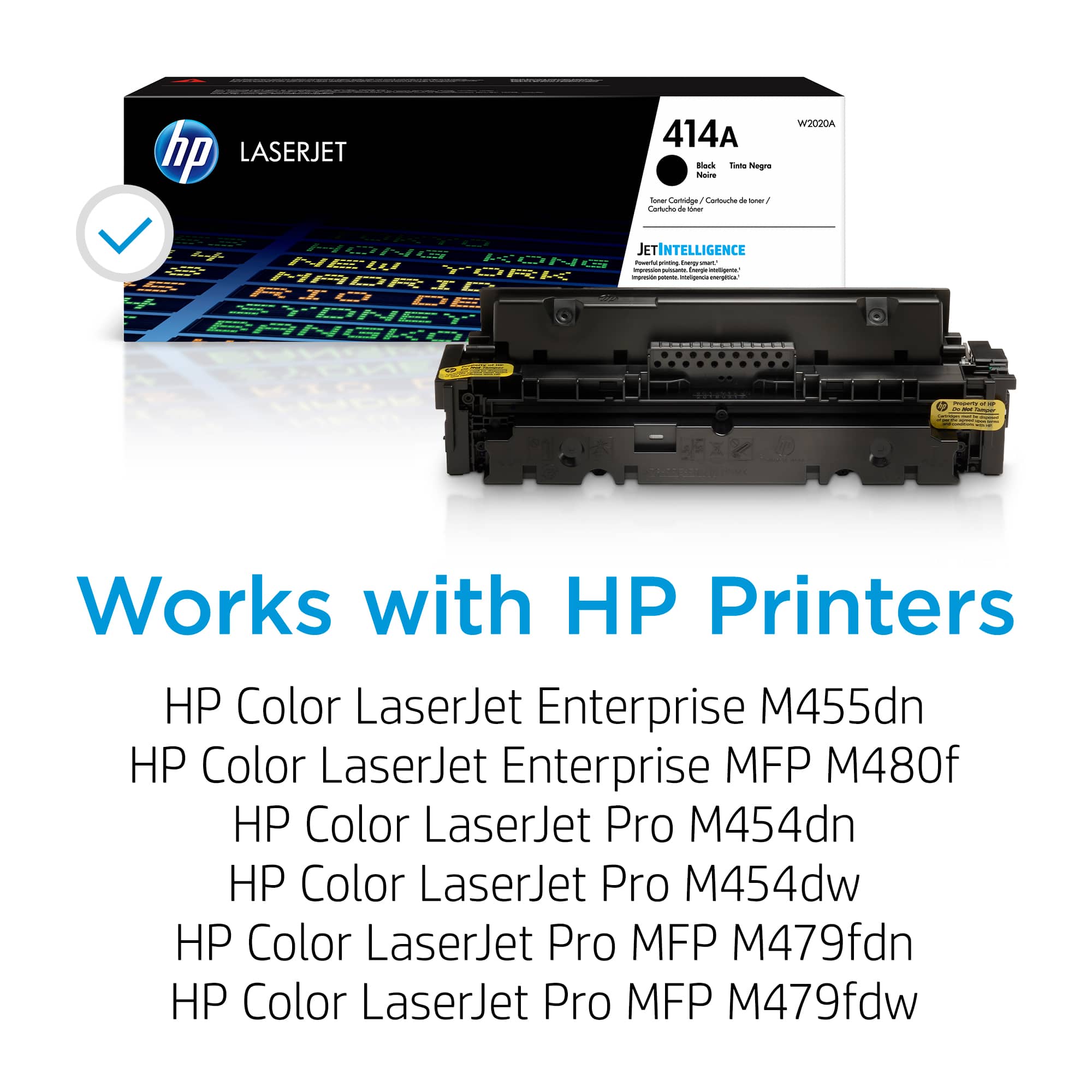
A:AnswerThank you for your question. Here are the steps to change the toner cartridges on your Color LaserJet Pro MFP M479fdw: Open the front door: Press the button on the left panel to release and open the front door. Pull out the toner cartridge drawer: Grasp the blue handle on the drawer and pull it out. Remove the old toner cartridge: Grasp the handle on the toner cartridge and pull it straight up to remove it. Prepare the new toner cartridge: Take the new toner cartridge out of its package. Gently rock it back and forth to distribute the toner evenly. Insert the new toner cartridge: Place the new cartridge into the drawer, making sure the color chip on the cartridge matches the color chip on the drawer. Close the toner cartridge drawer: Push the drawer back in.
Close the front door: