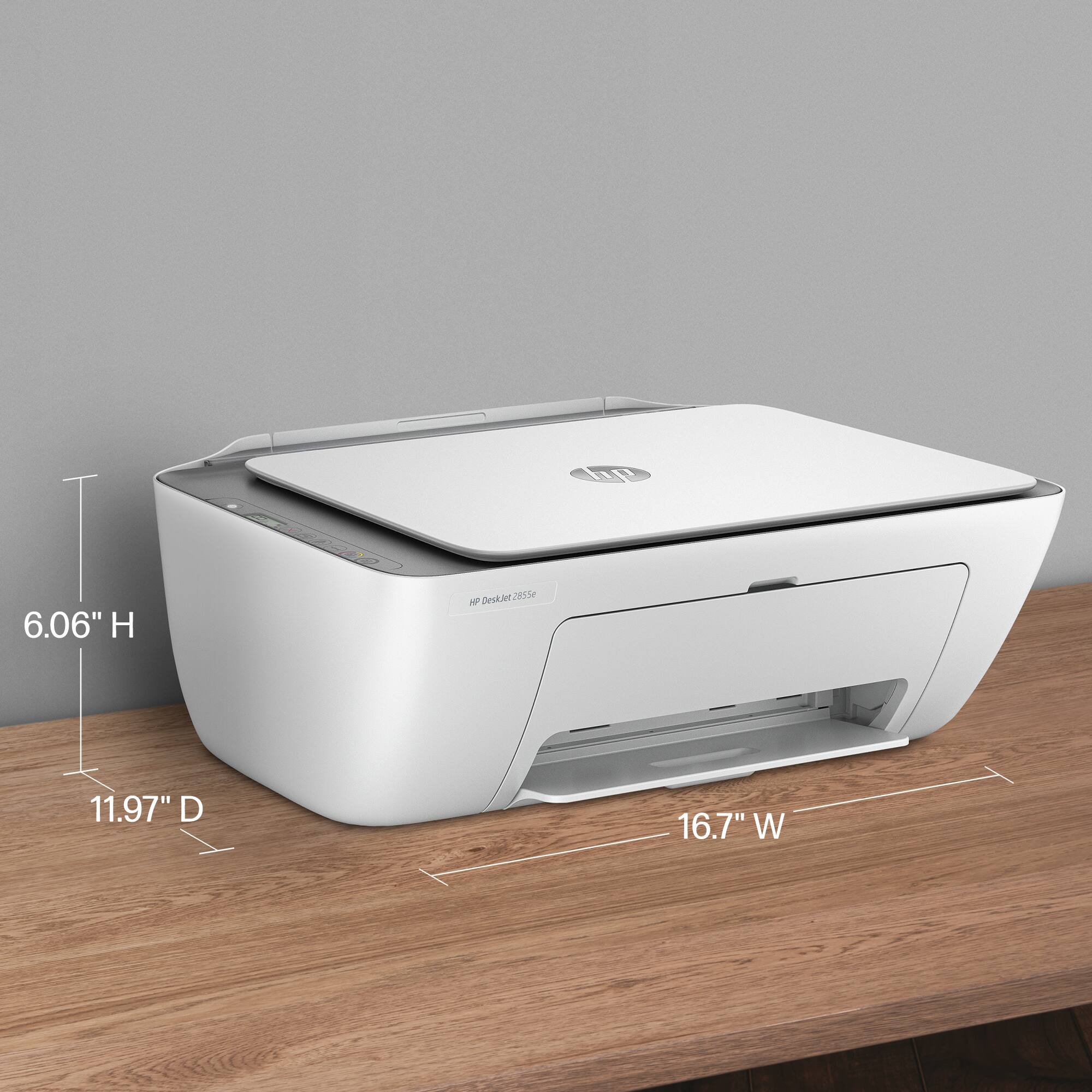
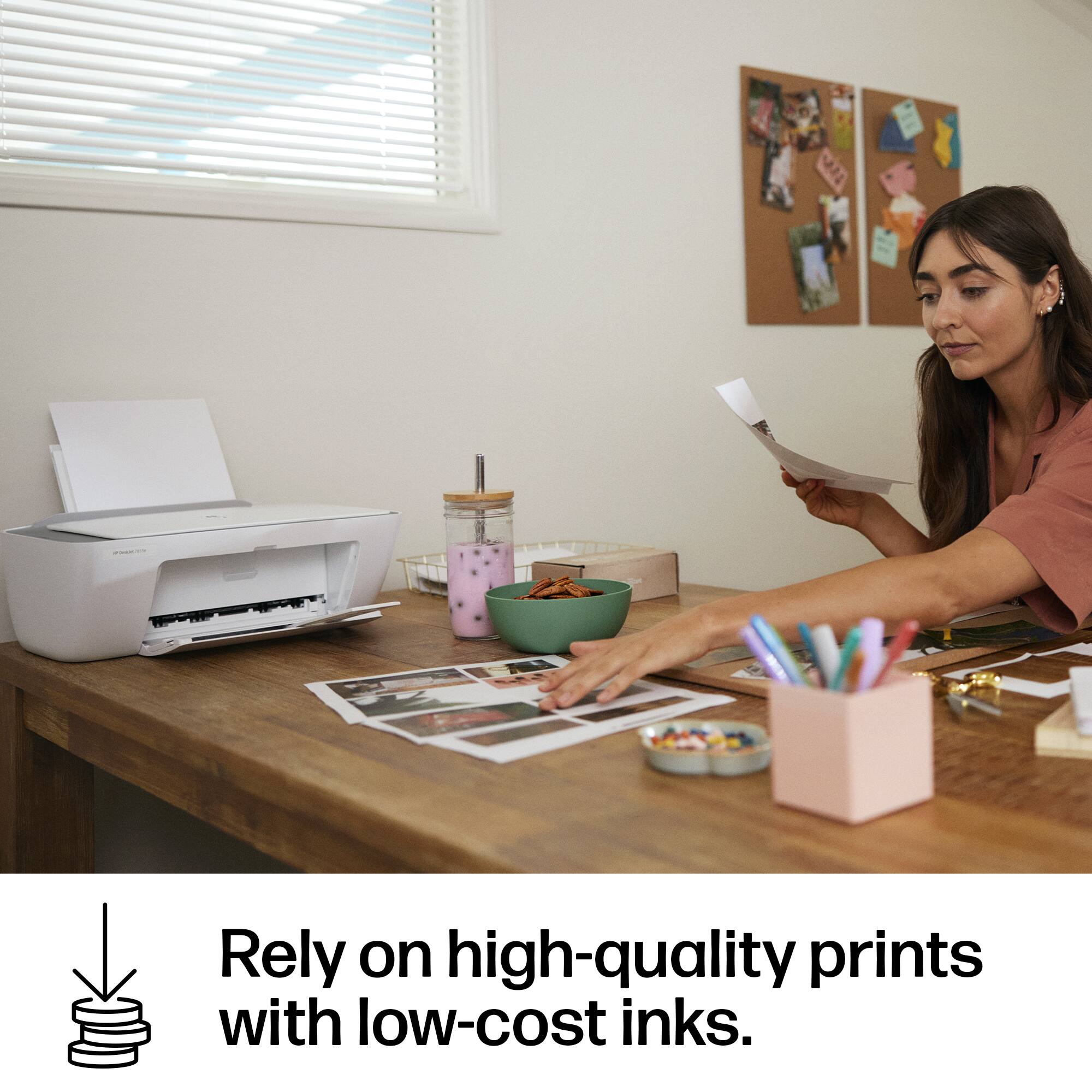
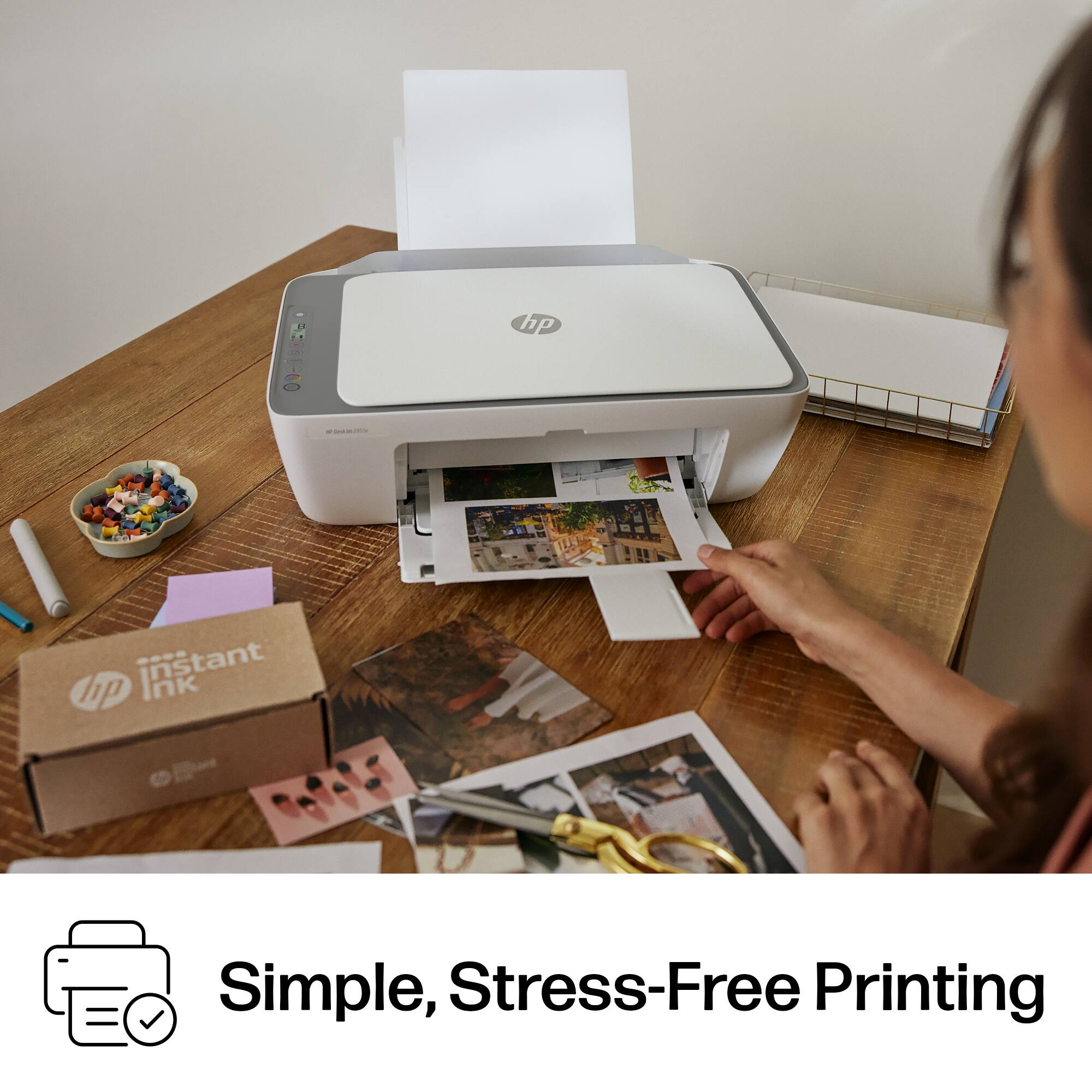
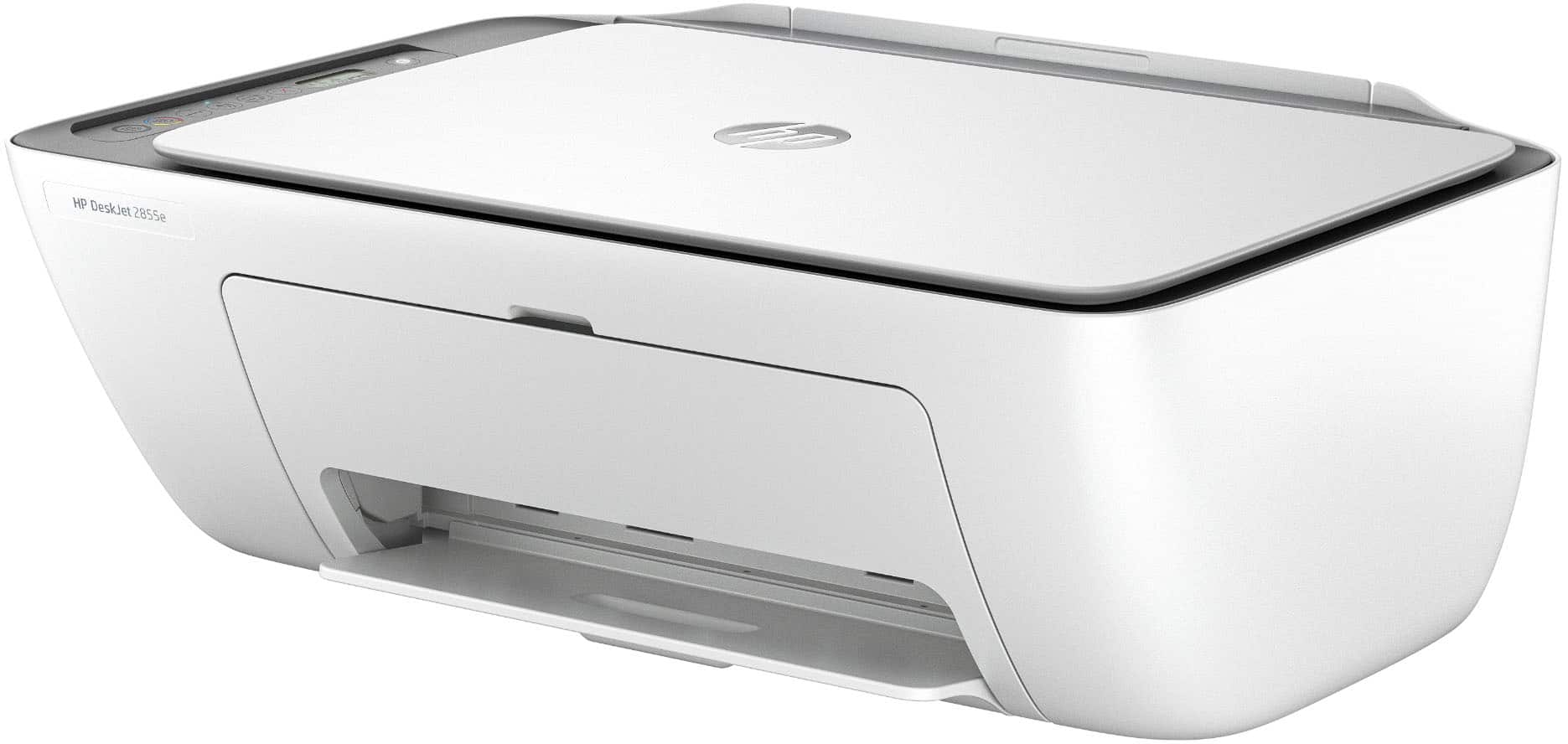
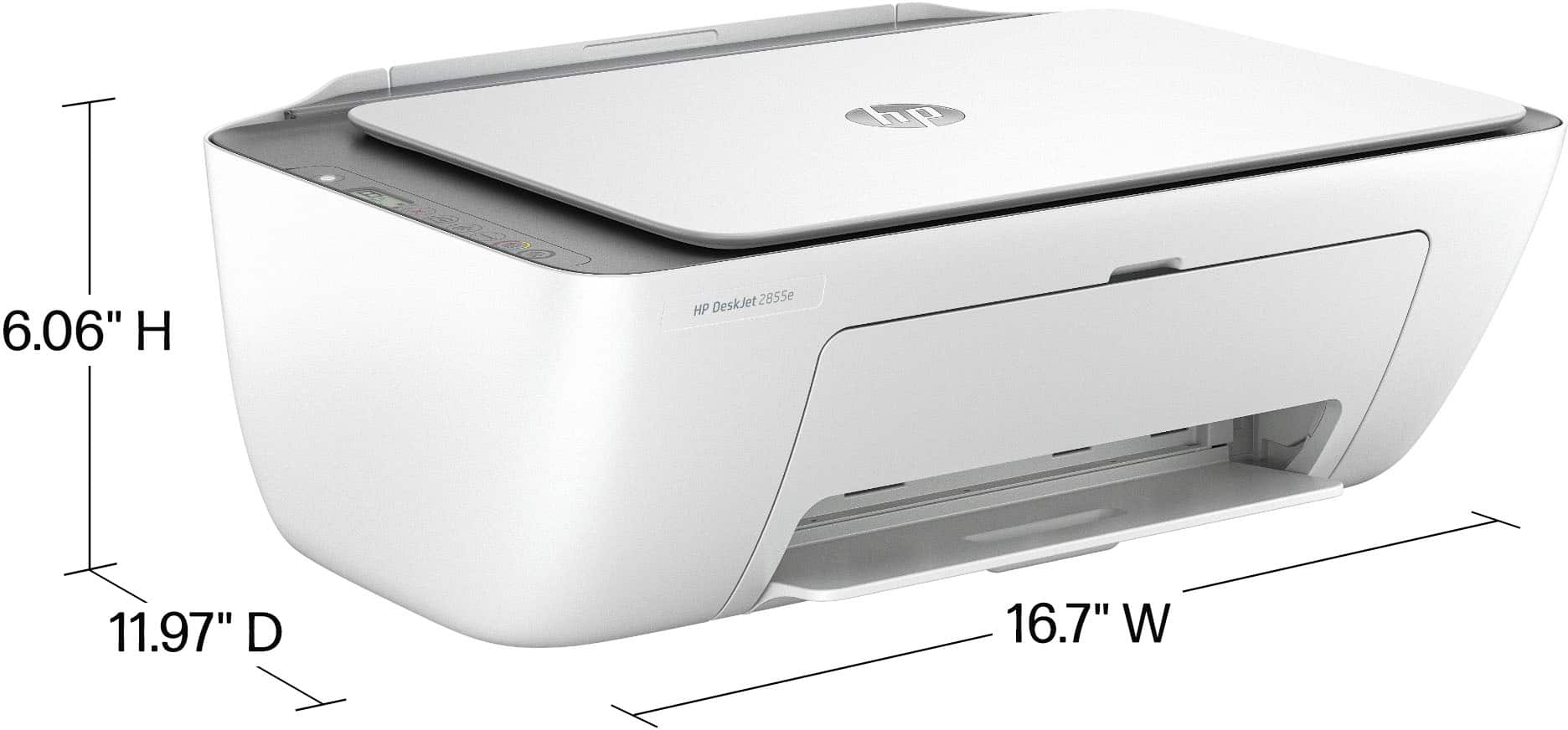
A:AnswerIt's not an easy peasy, as you have to open the front of printer to install ink. If you do not place the printer high enough so you can see inside that opening you will have to lift it up and lean back to change them Another feature I did not like about this model.
A:AnswerI am sorry about your experience with this HP DeskJet printer. You can reach Geek Squad support or HP Support to bring the printer back online.
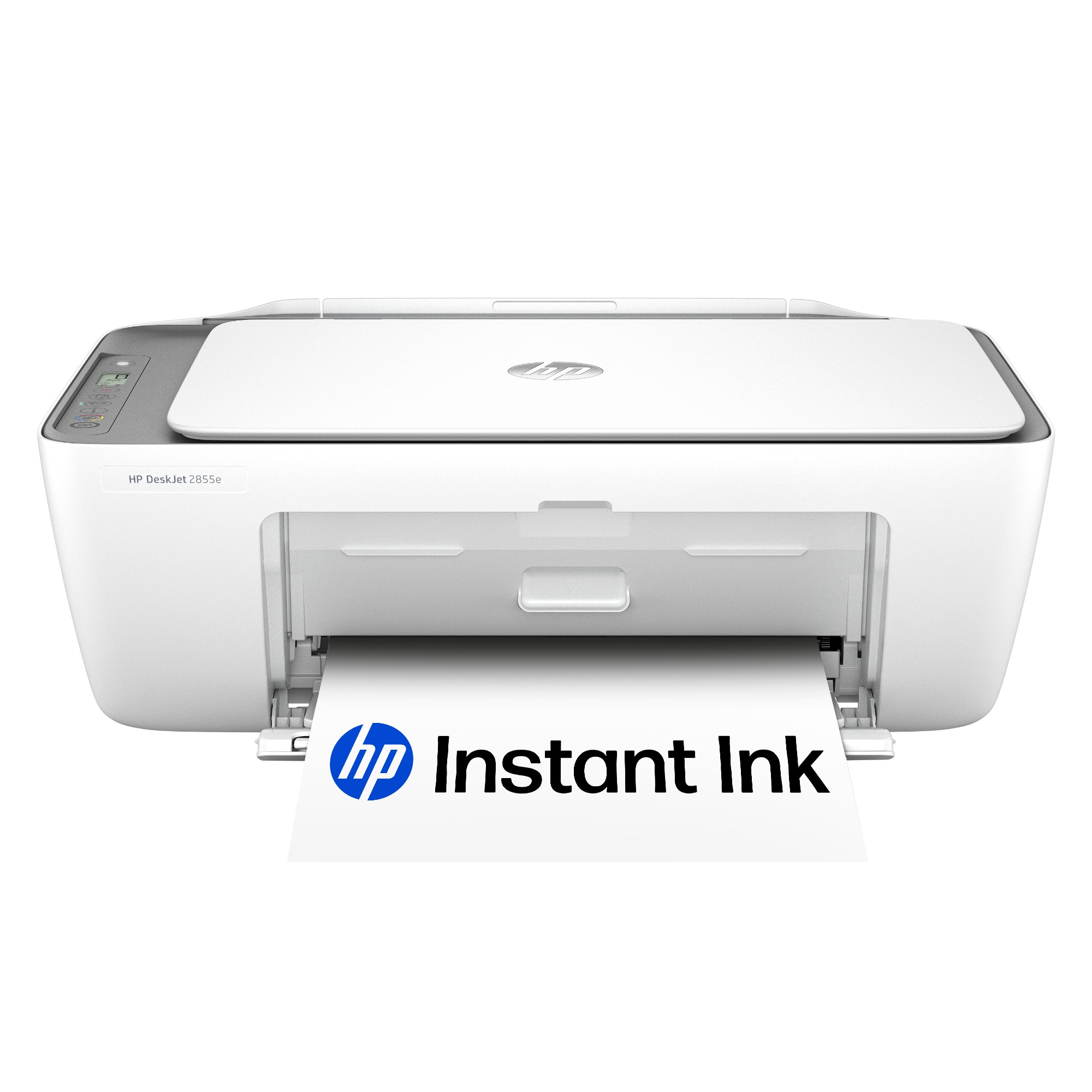
A:AnswerThank you for your question about your old HP printer! 15 years is a good length of life for printer, but the software has outpaced it and is not supported by any version of Mac OS 10.13. The latest versions of MacOS are not supported on the HP PhotoSmart D110a. This printer, the DeskJet 2855e, is its latest replacement but only goes back to MacOS 14 for support
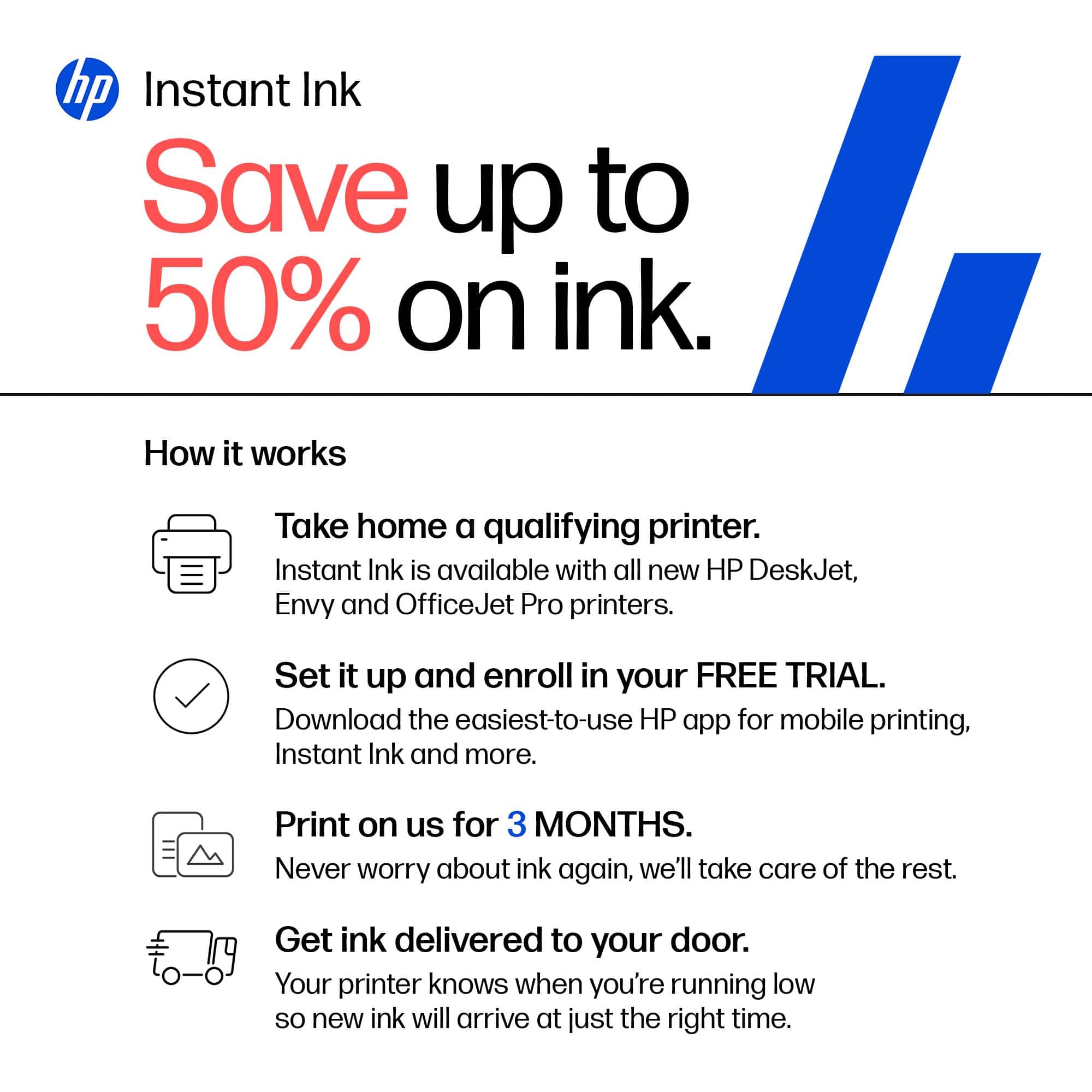
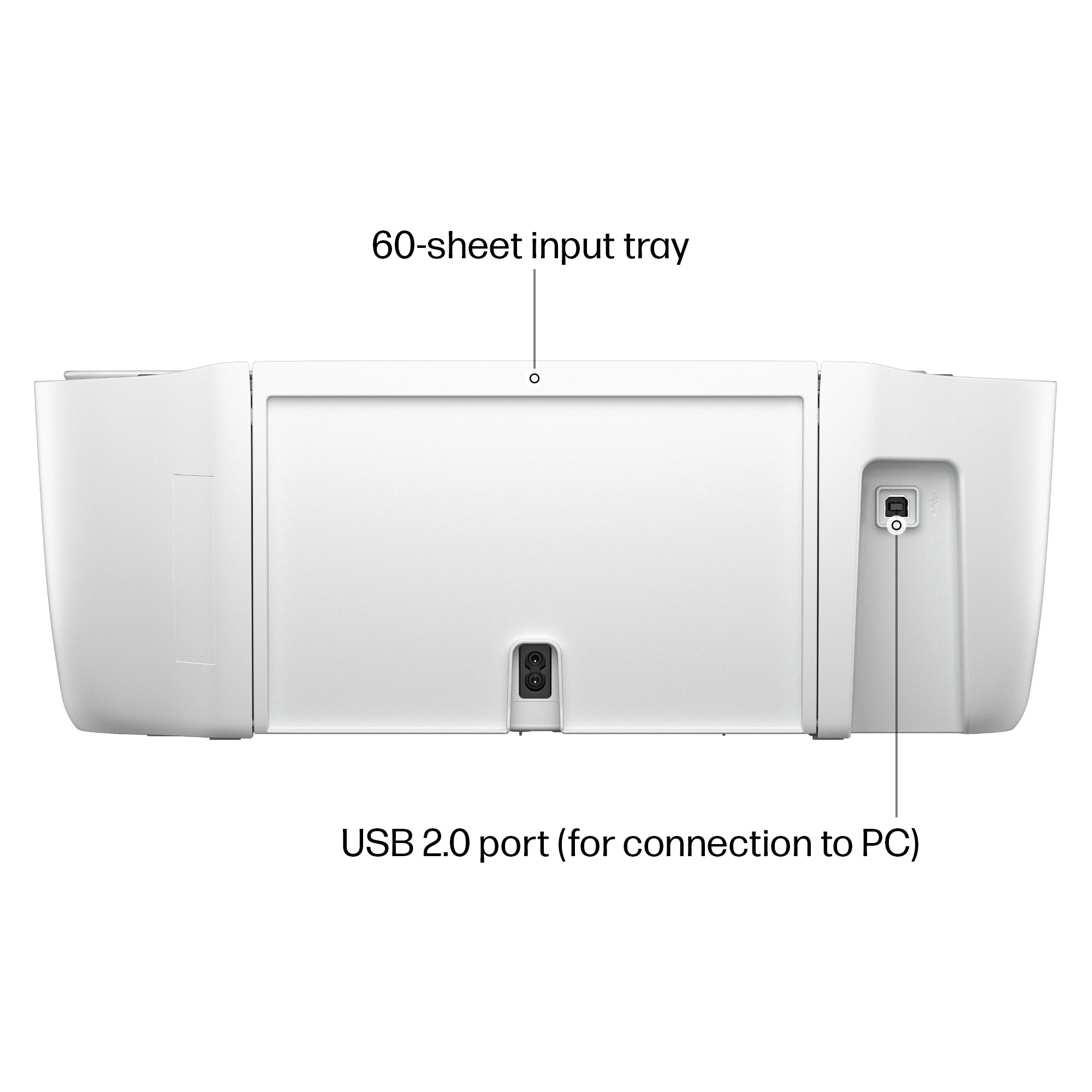
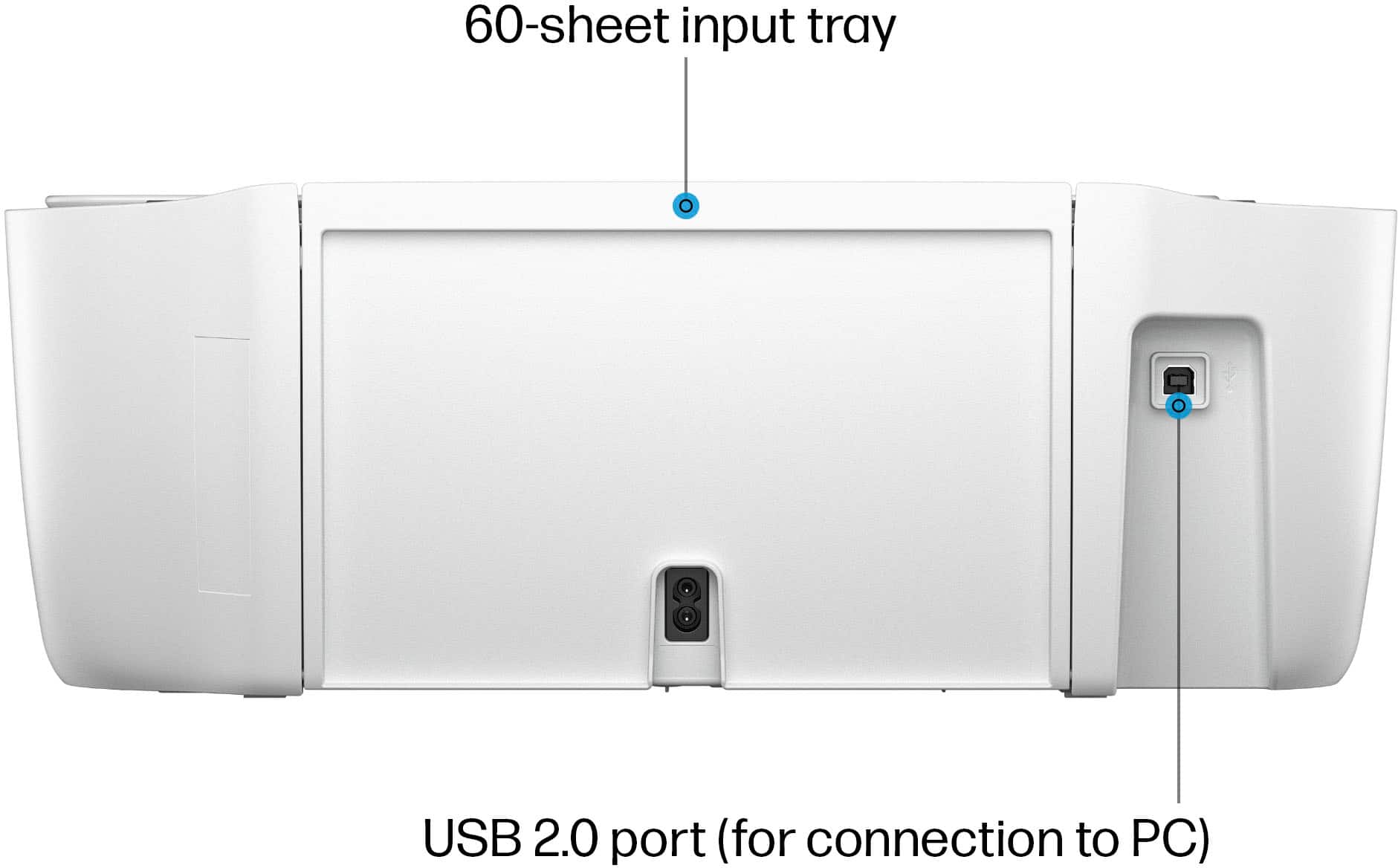
A:AnswerHi Leenie, thank you for the question. The DeskJet 2855e is compatible with Chrome OS laptops and you can connect with a USB cable. However, without a Wi-Fi connection you will not benefit from HP+ functionality, which supports Print From Anywhere, an additional year of product warranty, advanced scanning features, and Instant Ink (including the free trial offer).
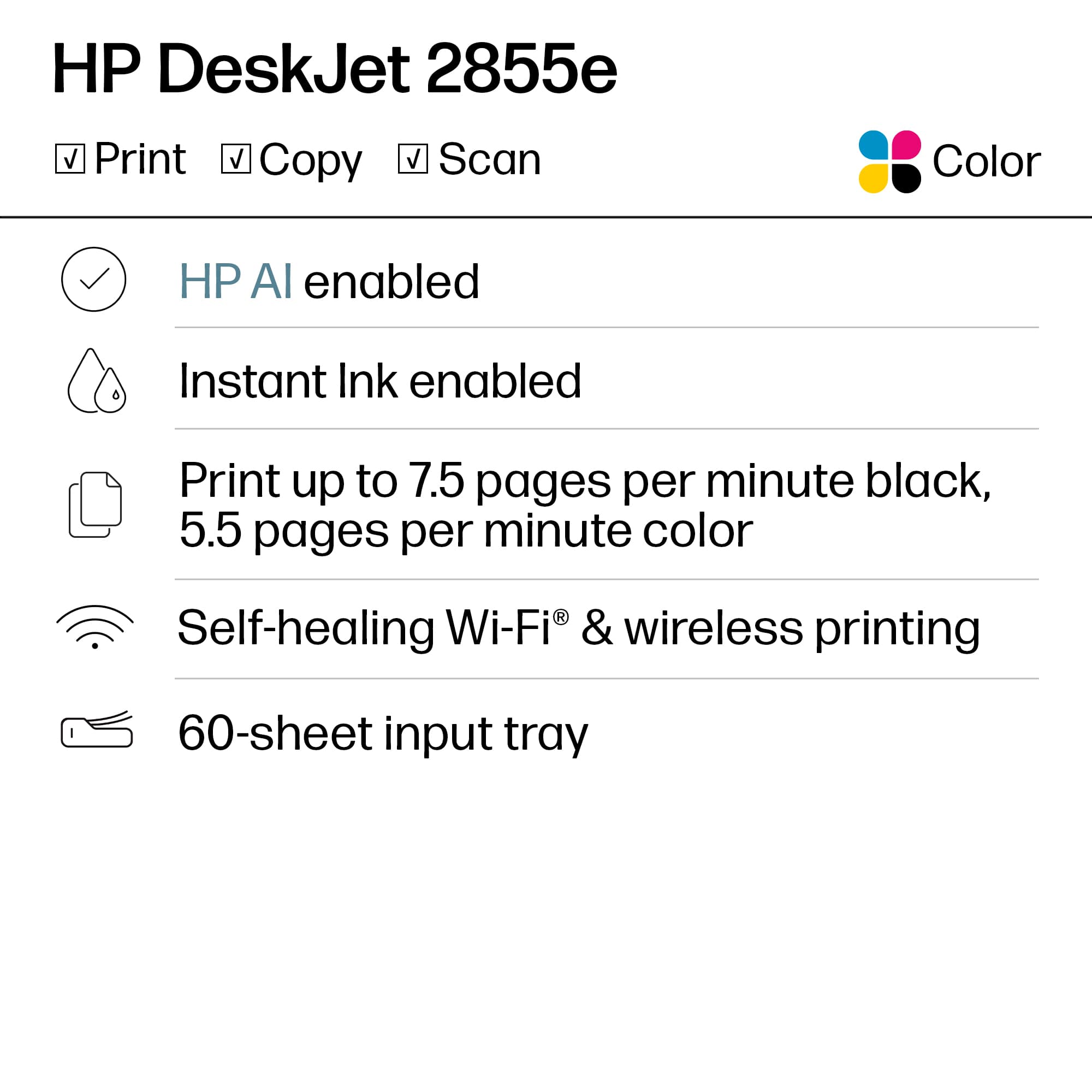
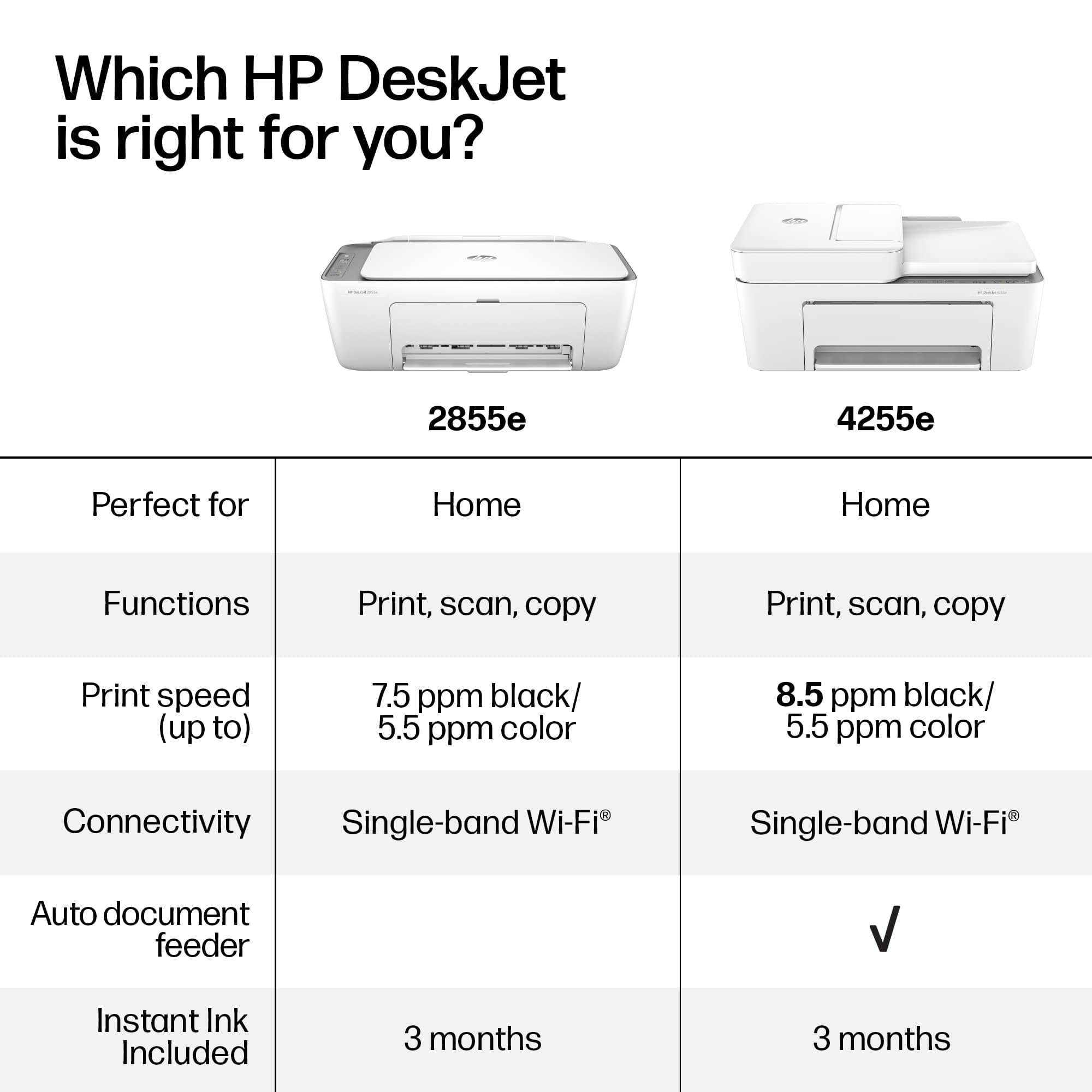
A:AnswerHello, and thanks for your question about this HP DeskJet 2855e printer. This HP printer has dual-band Wi-Fi, and works with 2.4 gHz and 5 gHz Wi-Fi bands.
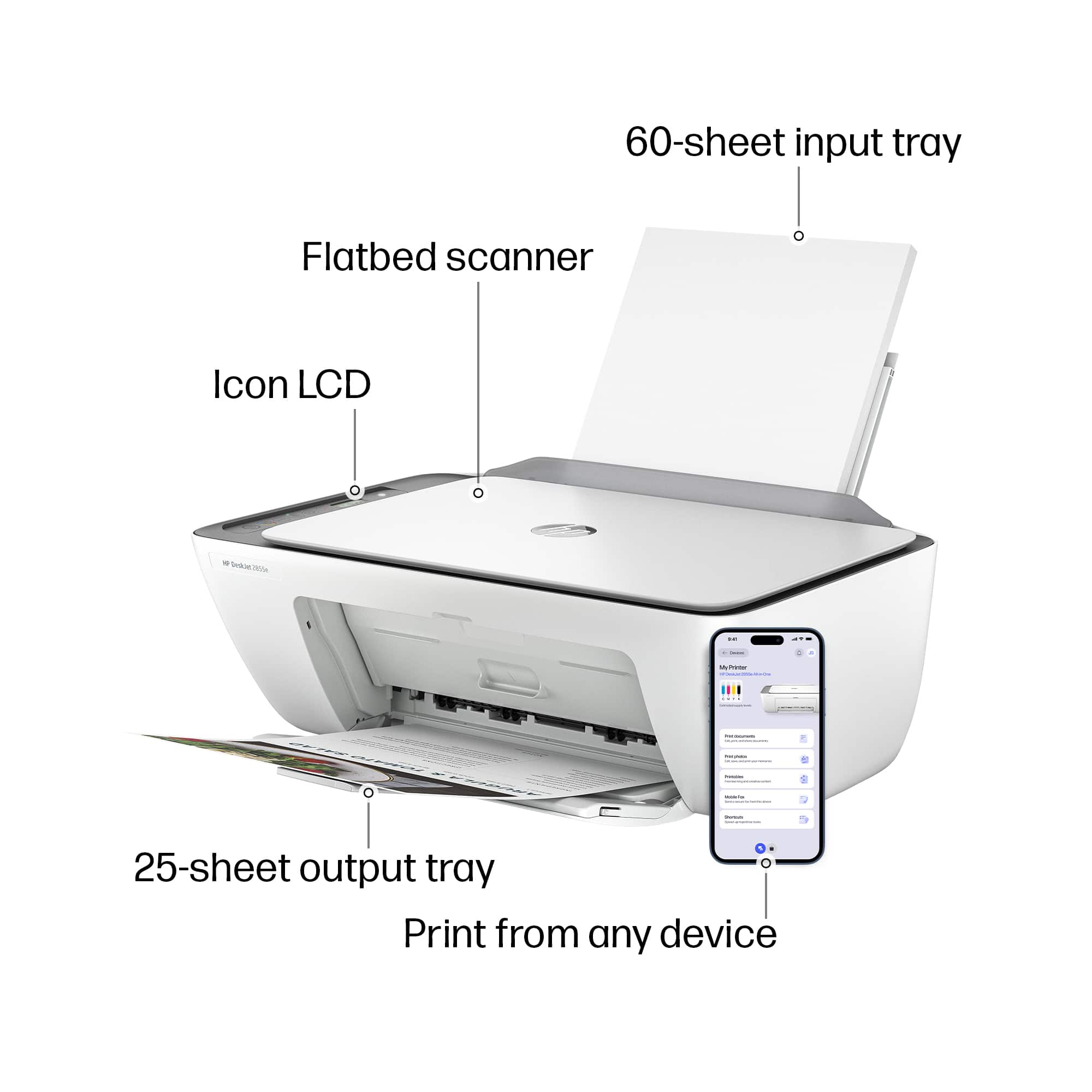
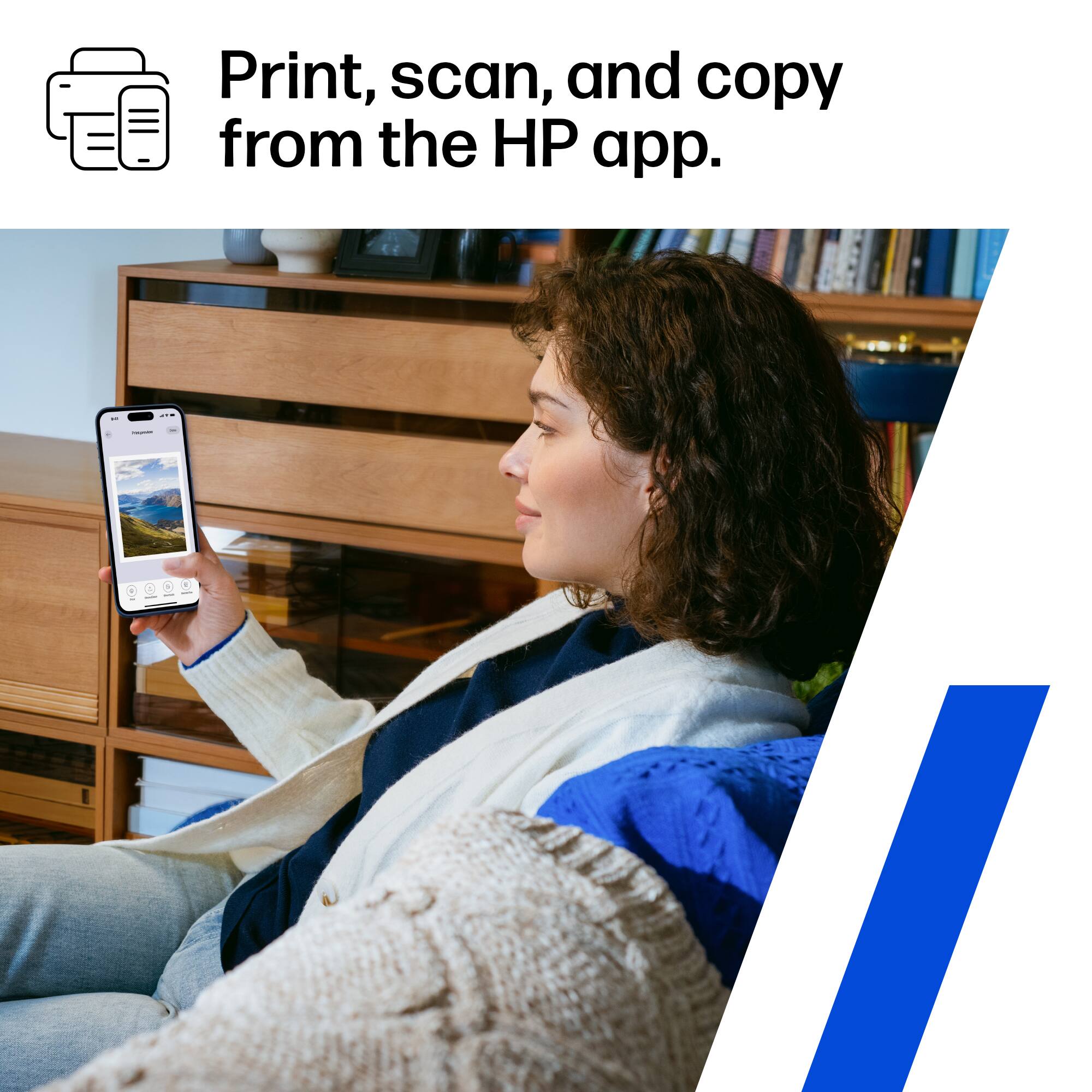
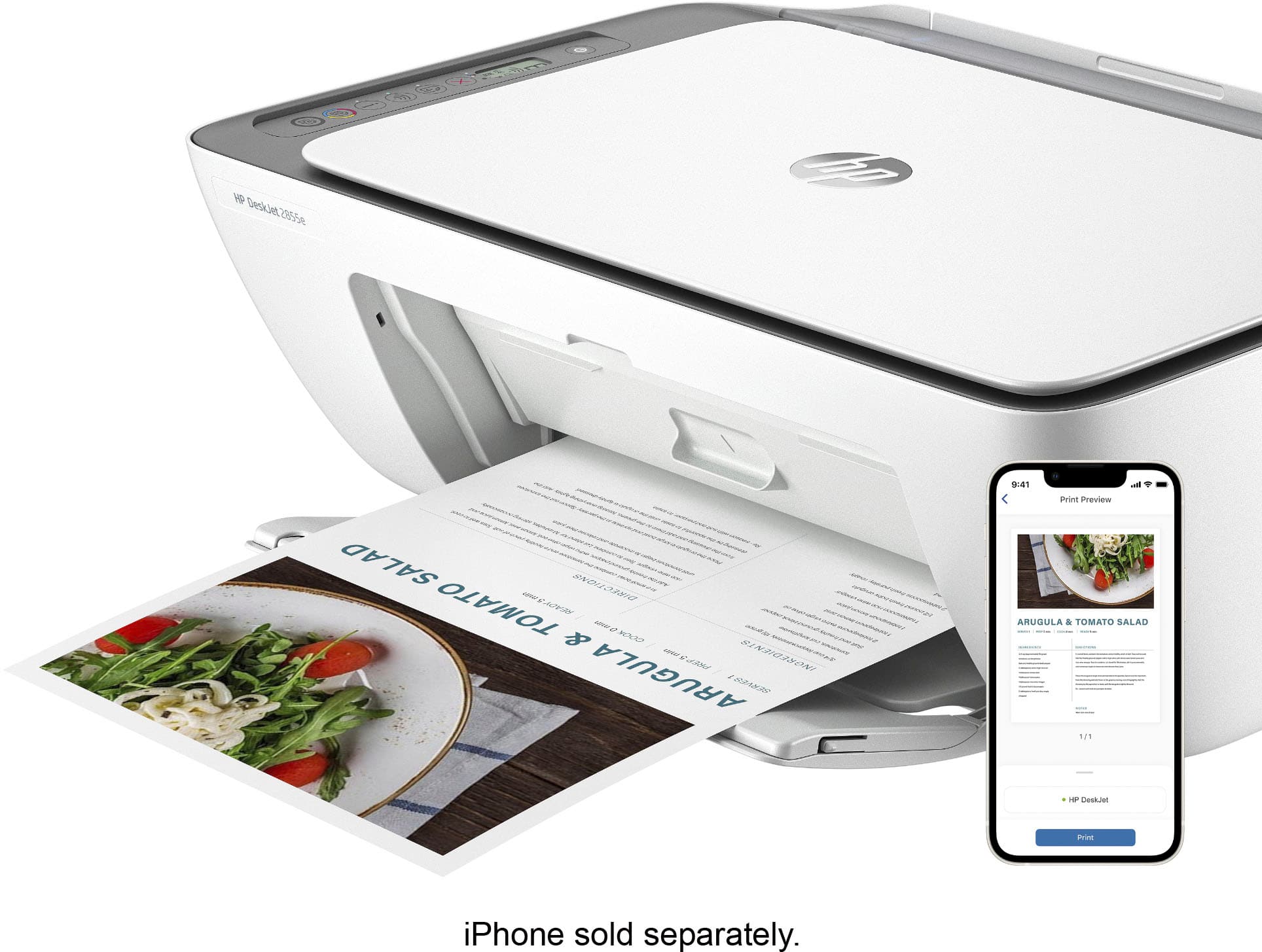
A:AnswerThank you for the question. No, Bluetooth is only for set up. Once installed, you'll use your phone's Wi-Fi network and the free HP Smart App to print.
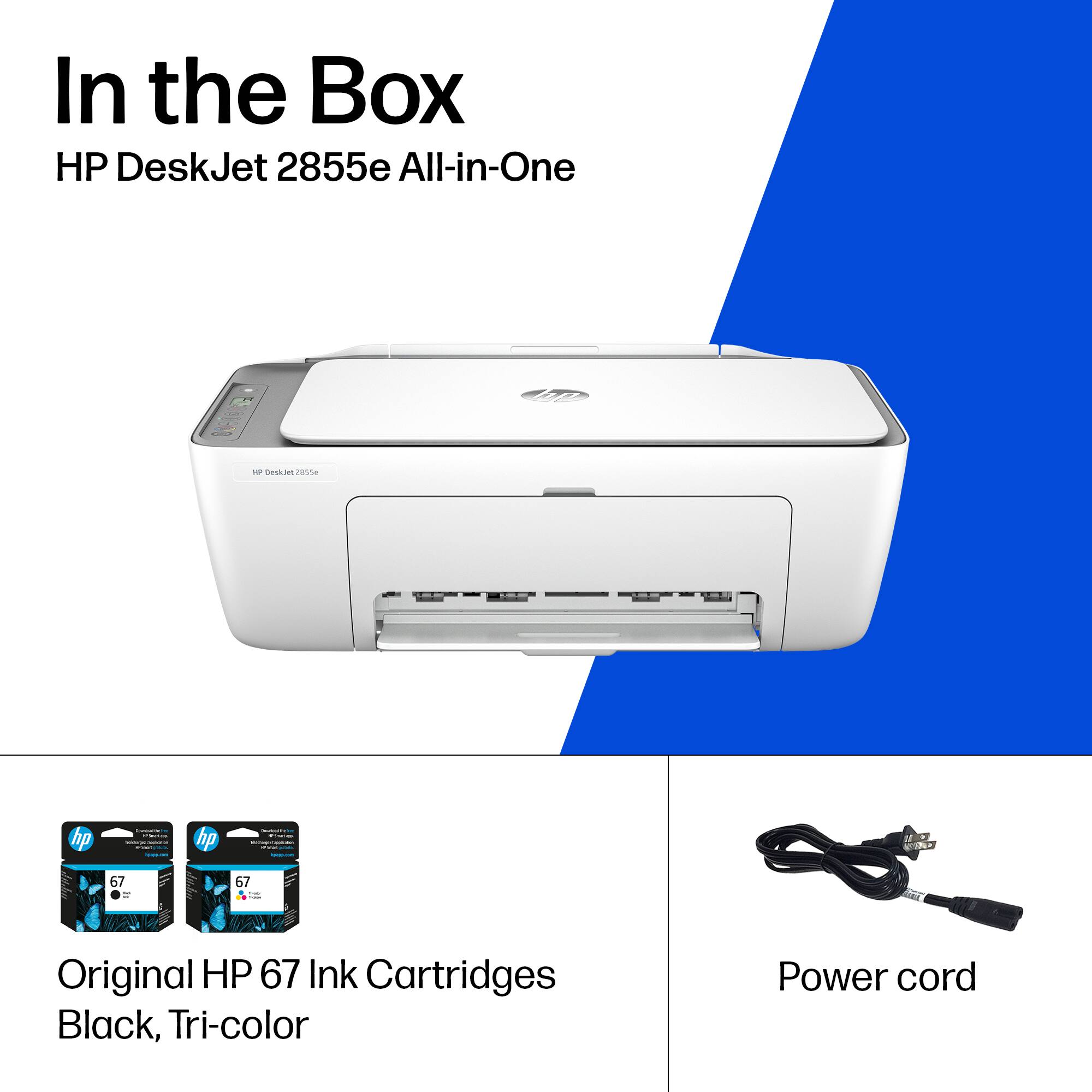
A:AnswerHi Matt, thank you for the question. No, The DeskJet 2855e accepts only HP 67 and 67XL (high-yield) black and tri-color cartridges. The ink indicated in your question is only used in certain Brother printer models. Cartridges are not compatible across brands, due to printer architecture, mechanical specifications/technology, and ink formulas.