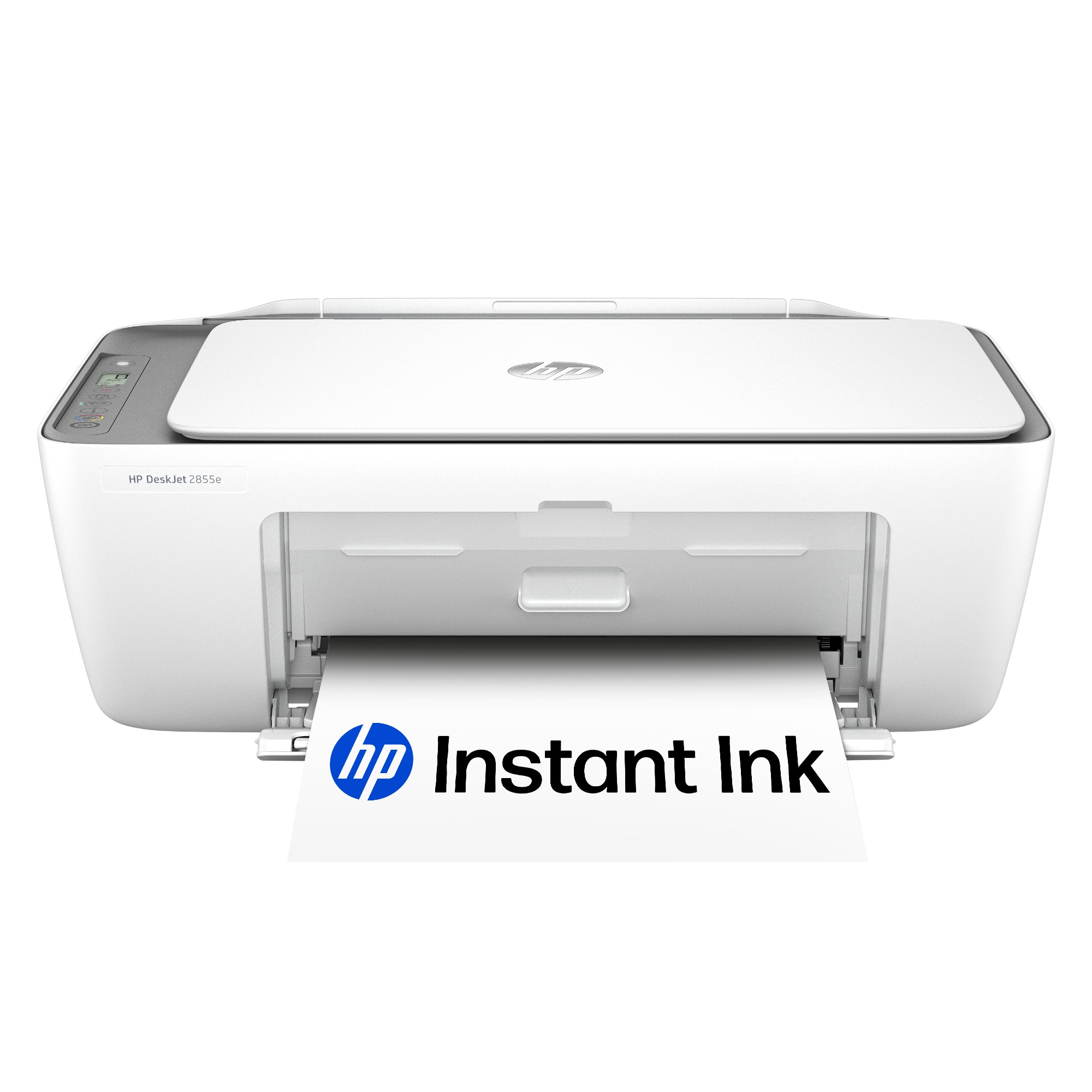
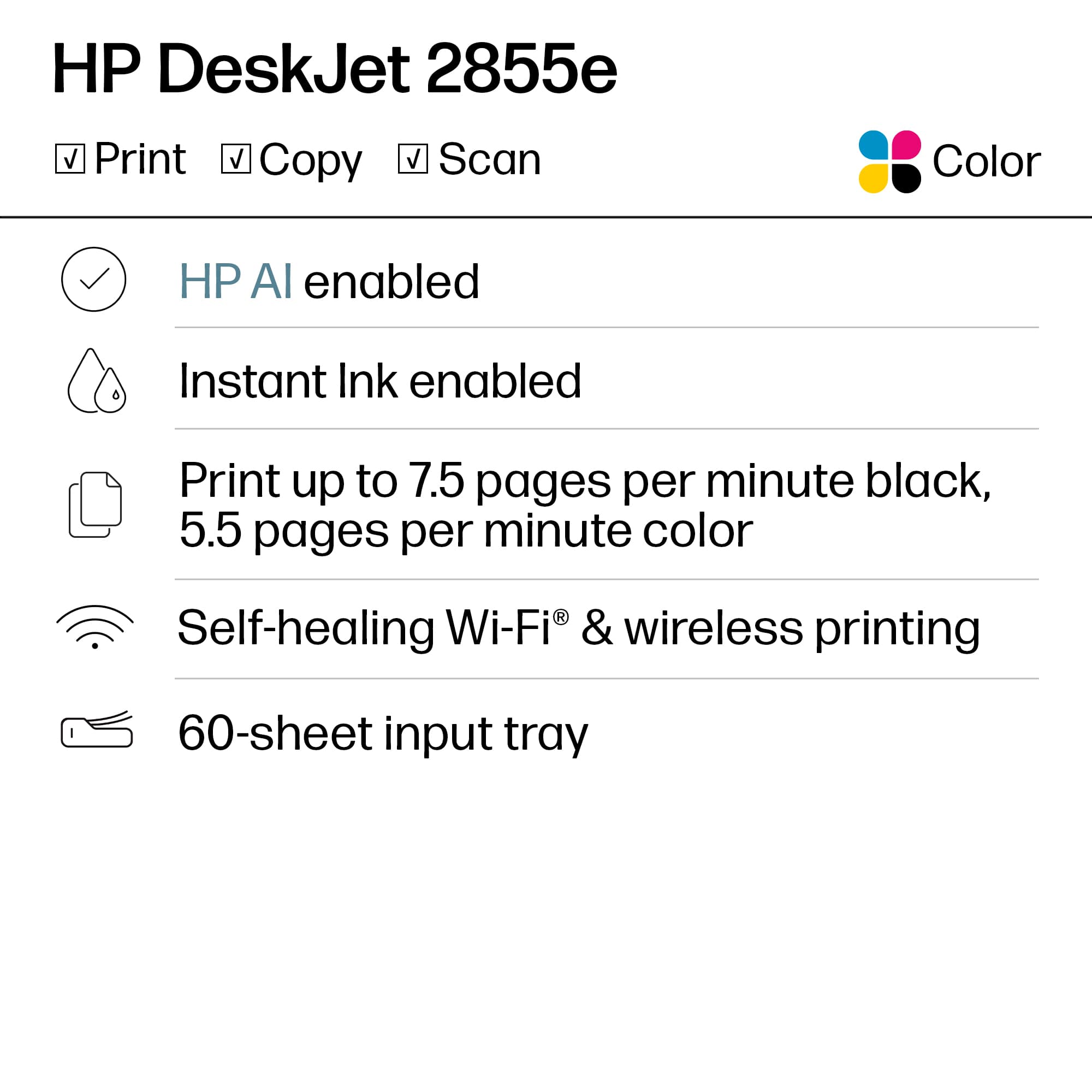
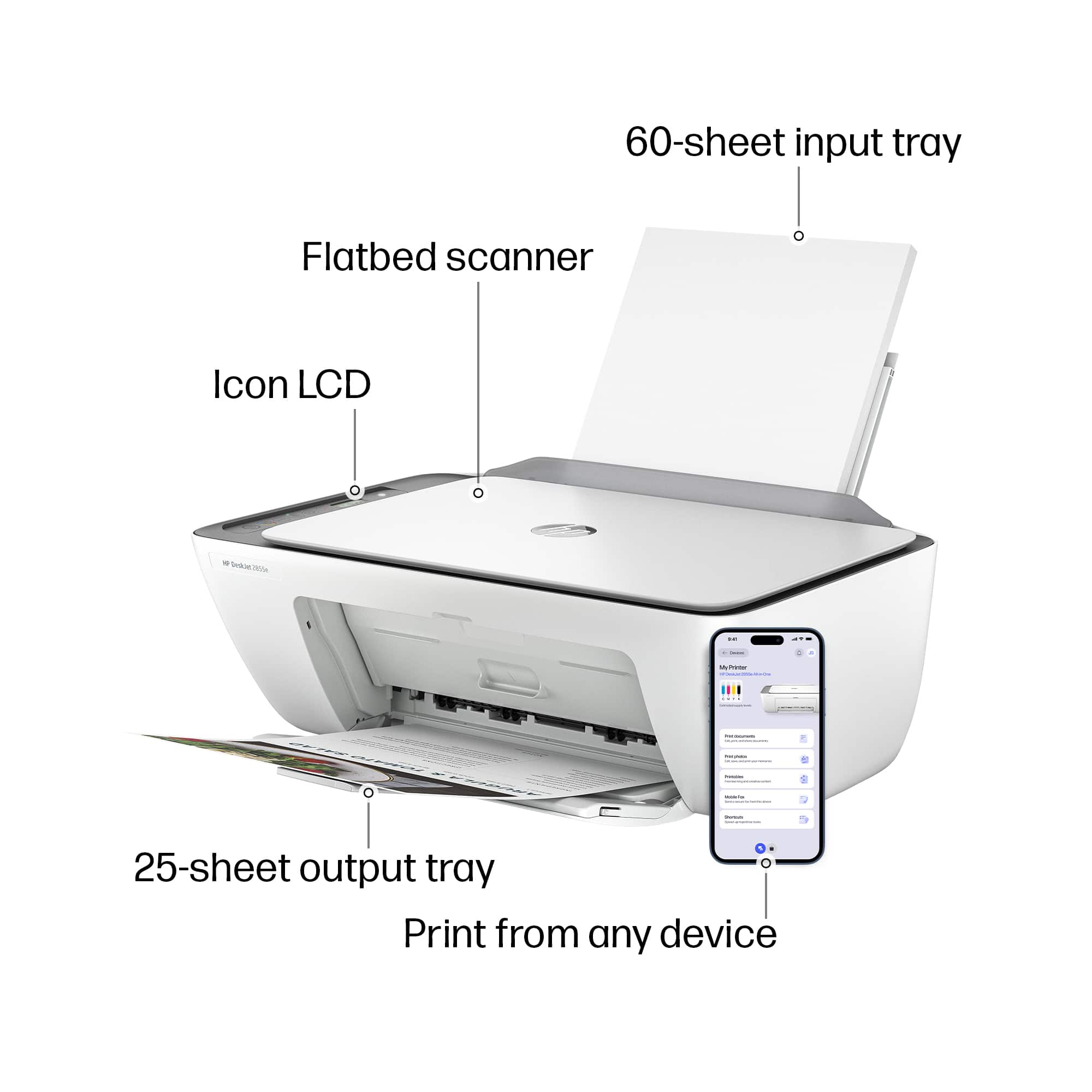
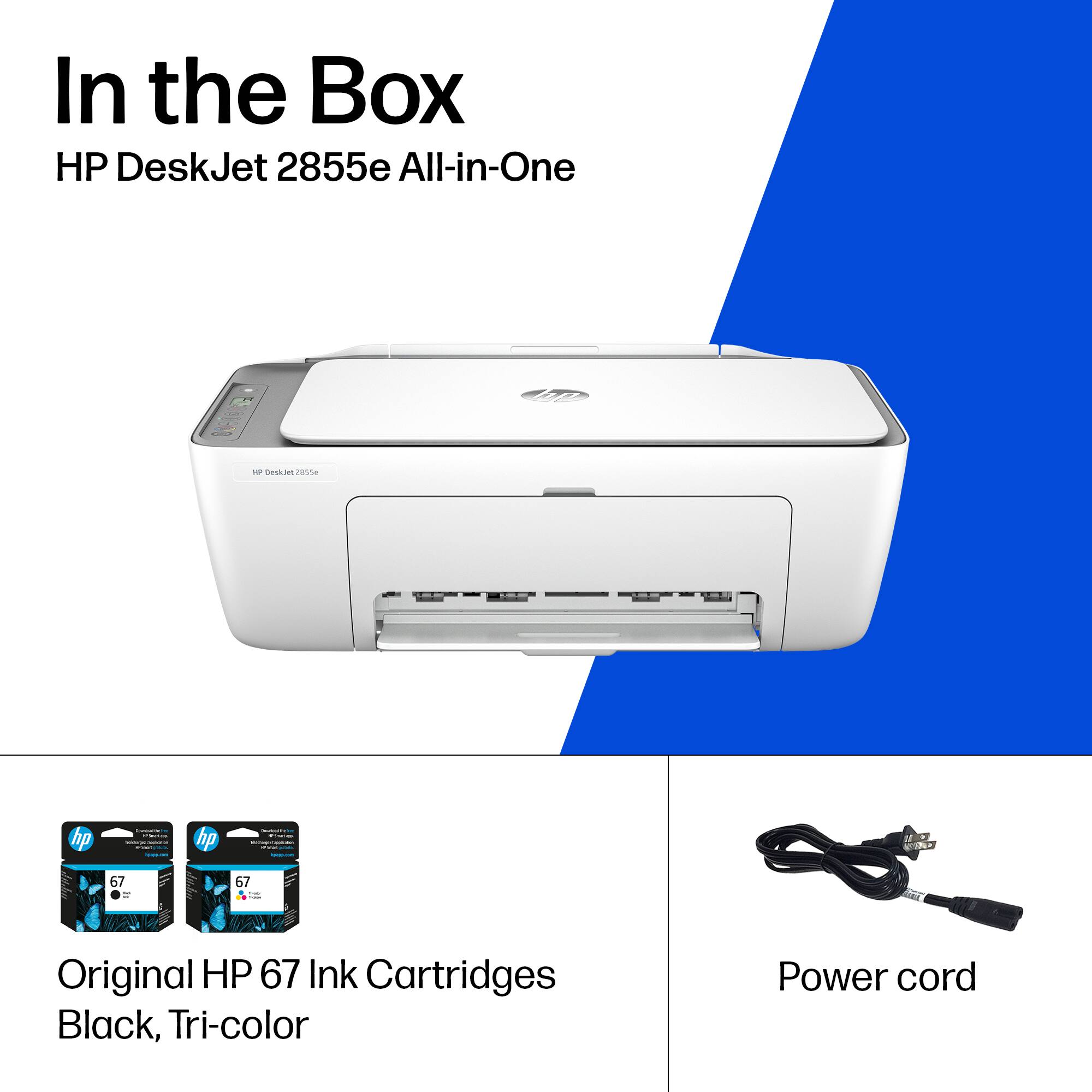
A:AnswerHello, Nancy. Thanks for your question. No, the HP DeskJet 2855e printer is not compatible with HP 65XL ink cartridges. This printer uses HP 67 or HP 67XL ink cartridges.
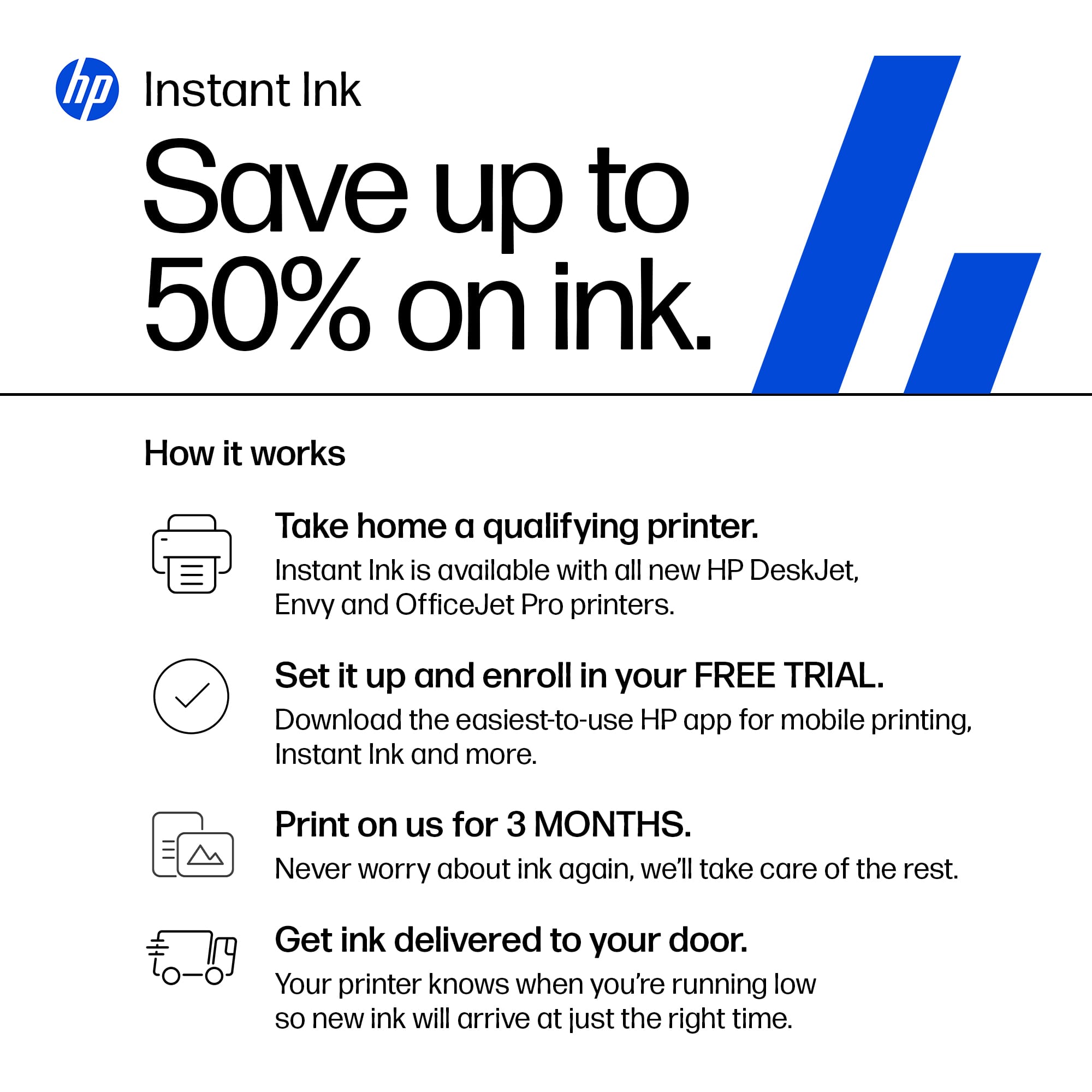
A:AnswerThank you for your question. Yes, you can cancel Instant Ink at any time and resume using genuine HP ink cartridges. Once you cancel you cannot continue to use the Instant Ink cartridges.
A:AnswerHello and thank you for asking. Scanning on the HP DeskJet 2855e printer is controlled by the scanning software ion your computer. If you need further assistance with scanning, please contact HP Support for expert help.
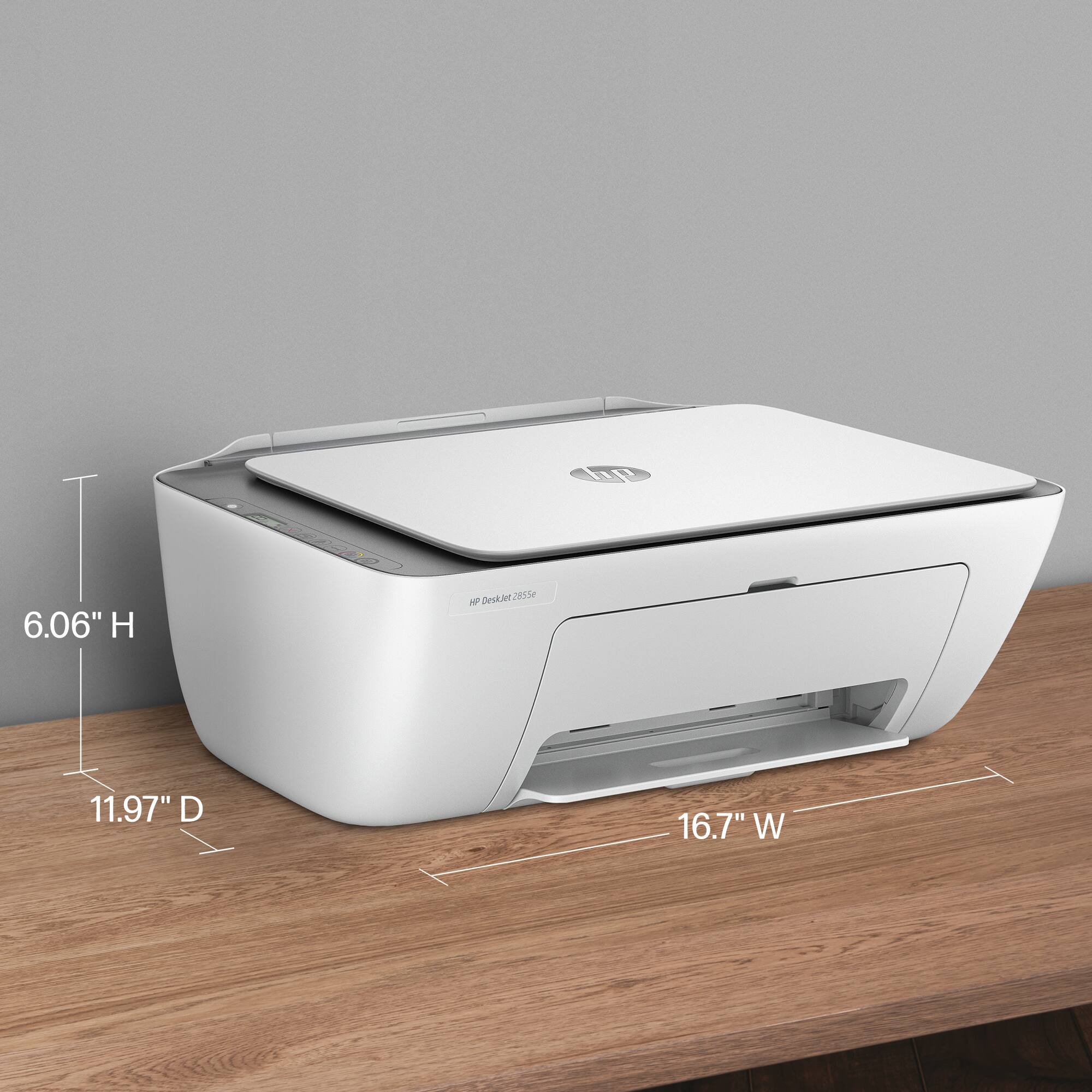
A:AnswerThank you for the question. No, the maximum paper size accepted by the DeskJet 2855e is 8.5 x 14". Larger paper will require a large format printer like the OfficeJet Pro 9730e. That model can accept paper up to 11 x 17".
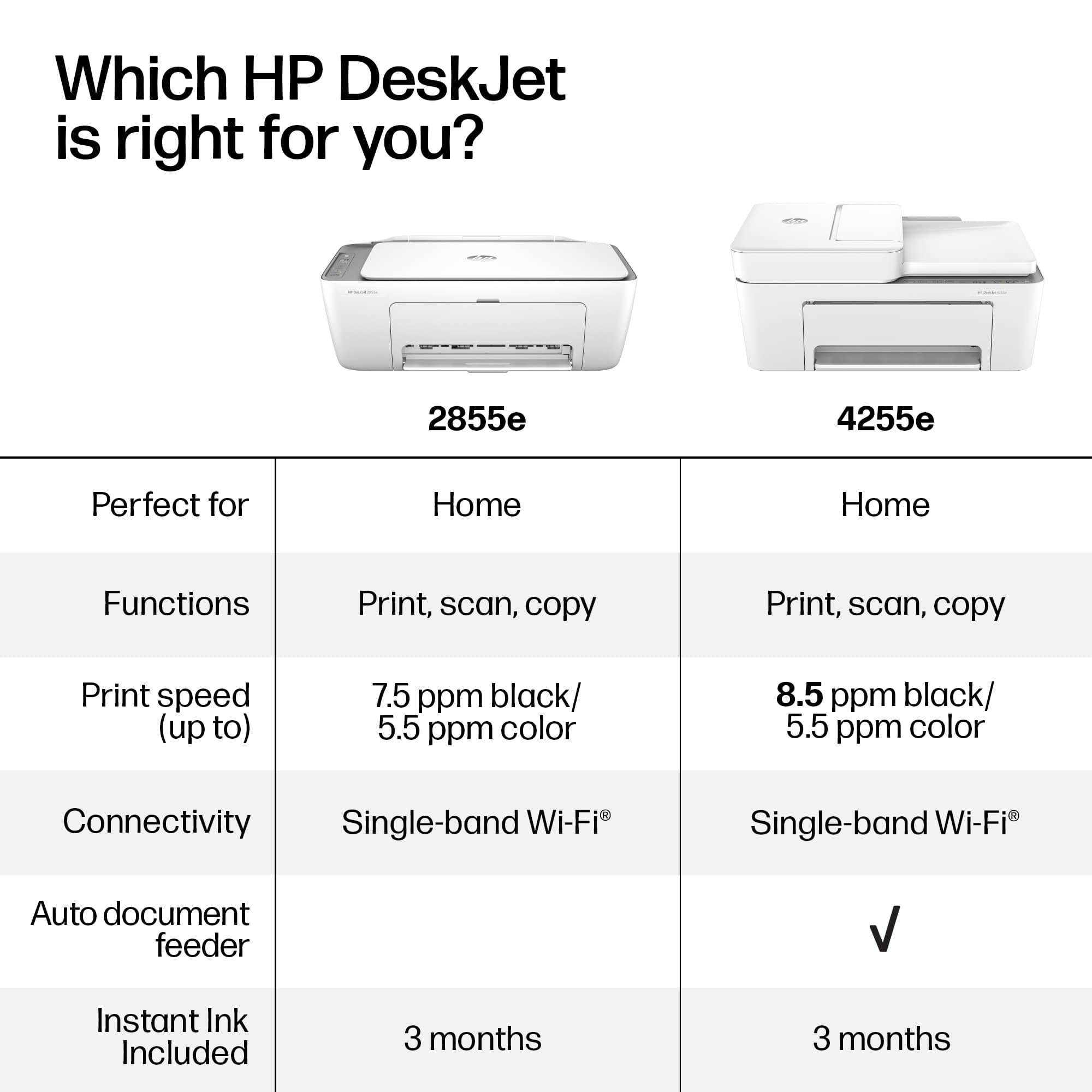
A:AnswerHello and thank you for asking. The HP 2855e printer supports 2.4GHz Wi-Fi only (Wi-Fi 4). It does not support using either the 5GHz Wi-Fi (Wi-Fi 5) or the 5G cellular radio band for an internet connection.
A:AnswerHi Jim, thank you for the question. Neither HP nor Microsoft supports Windows XP. The DeskJet 2855e is compatible with Windows 11, and Windows 10 (until October 2025 when Microsoft ceases support, however it will probably still work with Windows 10).
A:AnswerHello and thank you for asking. The HP DeskJet 2855e has a 1-year warranty from HP for any defects in materials or workmanship. If you set up the printer wirelessly and opt-in to the free HP+ program, you get a 2nd year of HP warranty in return for free.
A:AnswerThank you for the question. Yes, s a temporary fix when the tri-color cartridge is empty, remove it to invoke single-cartridge mode and print in black only.
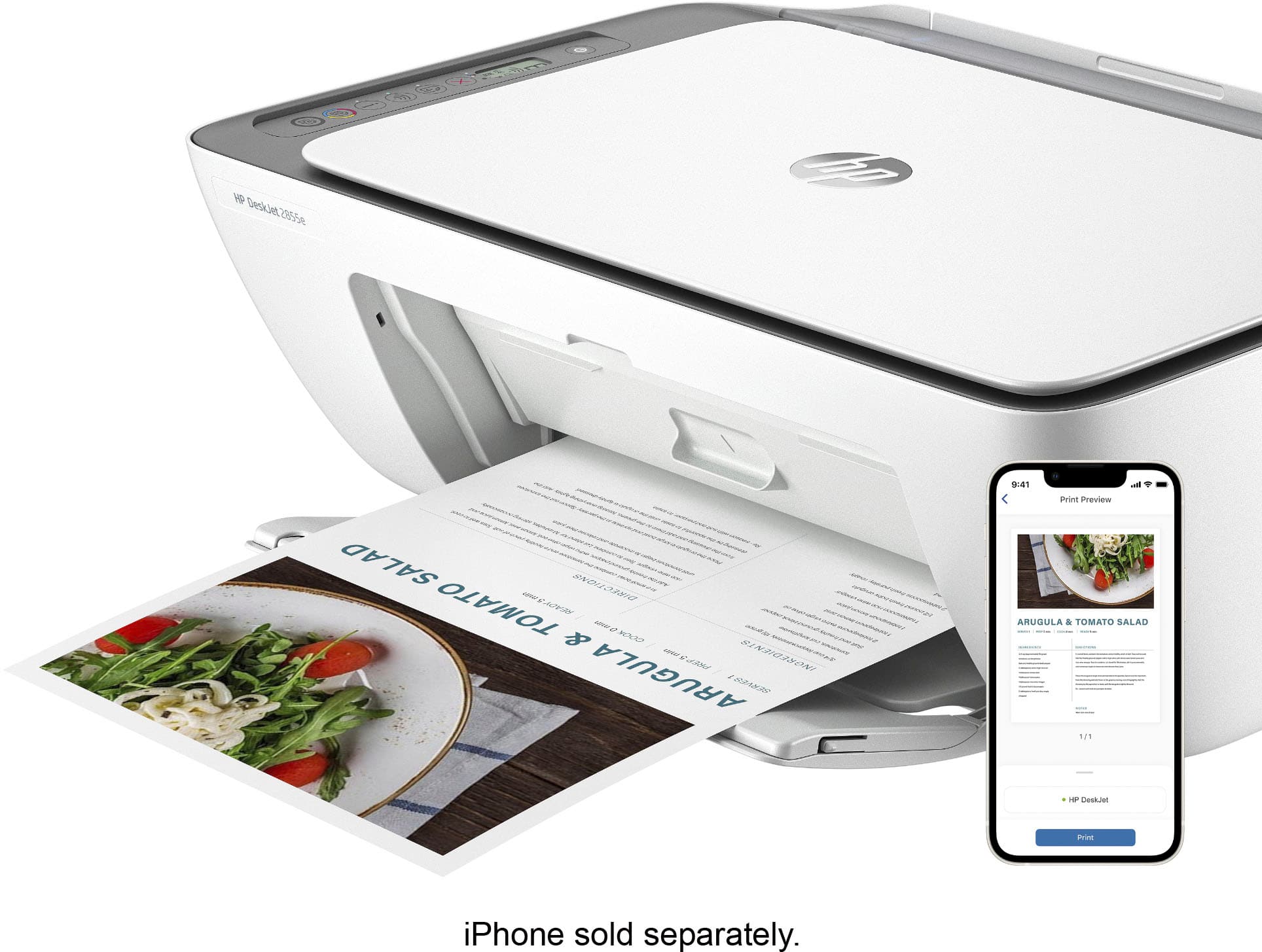
A:AnswerHello, thank you for your interest in the HP DeskJet 2855e! This model can be setup on your smart phone using the HP Smart app, which can help to walk you through step-by-step. If you have questions or need help with the setup, feel welcome to reach out to HP Support or your Best Buy Geek Squad!