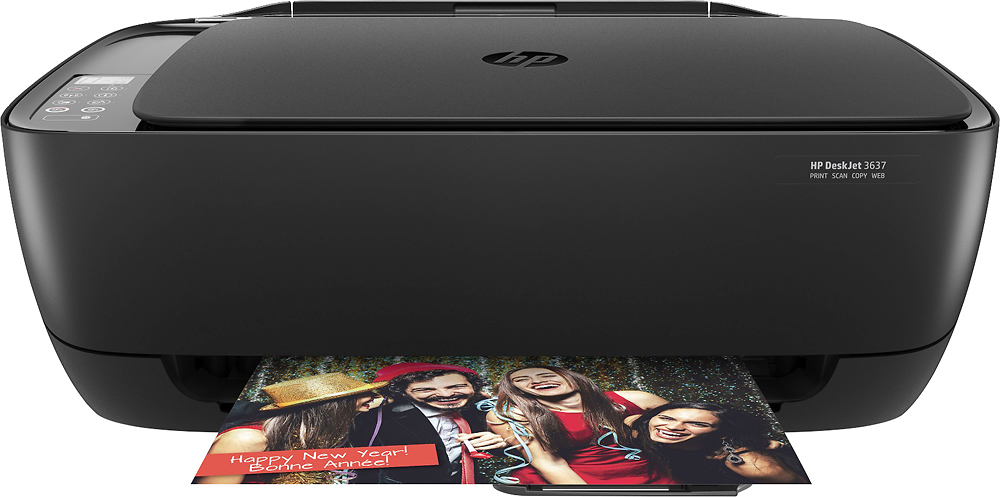
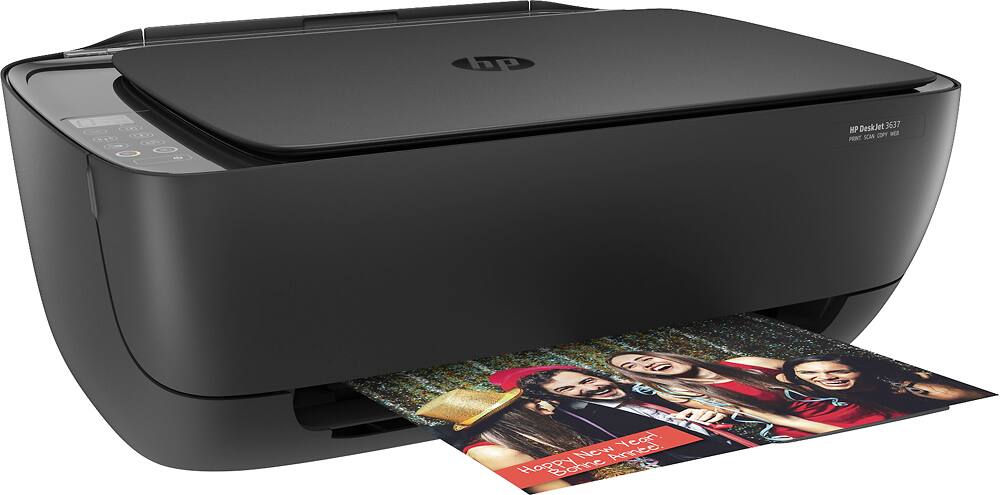
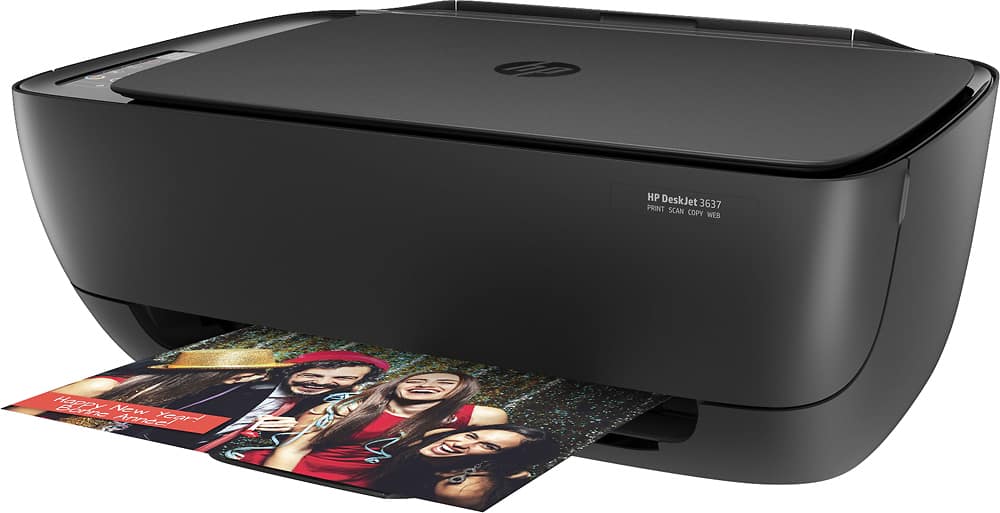
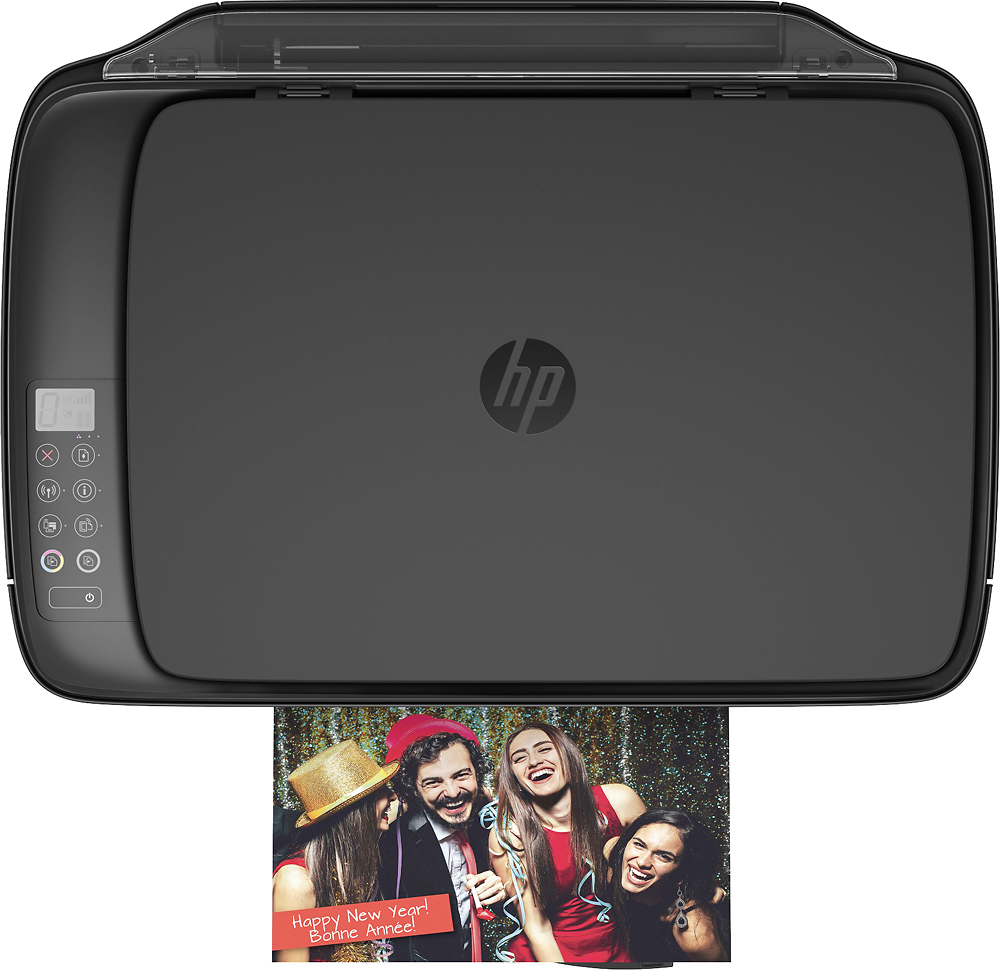
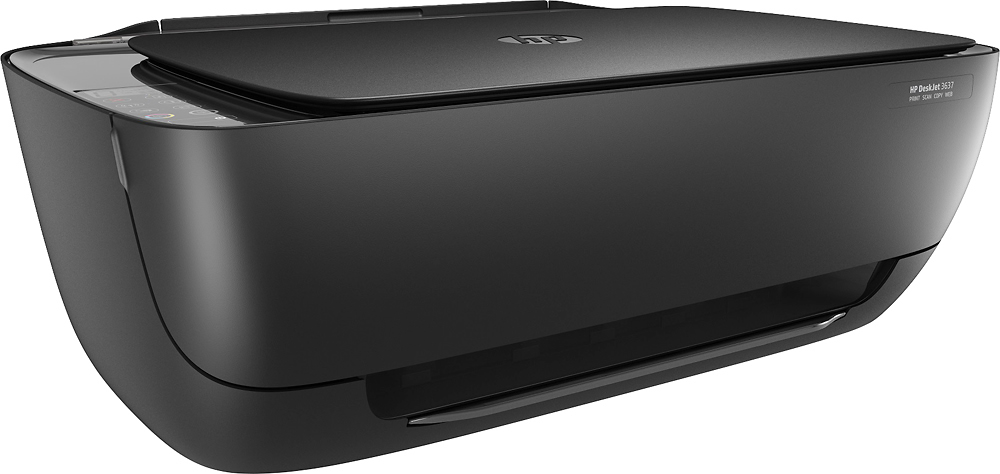
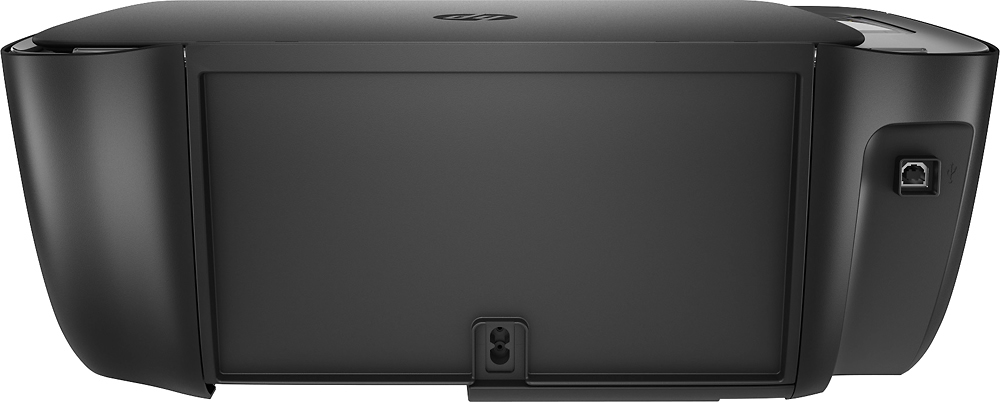
A:AnswerHello, I see that you are interested in knowing if the HP Deskjet 3637 can print, copy, scan, and fax. The HP 3637 can only print, copy, and scan. It does not have a fax function. I hope that answered your question. Feel free to visit us again if you have any concerns! Thank you.
A:AnswerI've printed to it with my Nexus7 Android tablet as well as my I-phone. If you have the drivers it should print. You can set up an email address for it via the HPPrint website, and then send whatever you want printed to that email addy and it will print.
A:AnswerFor Single Cartridge Mode printing I recommend the HP Envy 5055 or OfficeJet 5255. They will allow you to remove the empty cartridge and continue to print.
A:AnswerYou could use this model. I would recommend also checking out the HP Envy 5055 for a model which will allow you to remove the color inks and print with only the black. The copy capability can be easily accessed through the printers built in screen!
A:AnswerYou should not need to use a cable of any kind to connect to your Android. Regardless, no, the USB cable that the DeskJet uses cannot be used with a phone.
A:AnswerNot exactly. You can print photos that size but they will have a border. HP DeskJets do not print borderless photos. Our higher-end lines such as Envy, OfficeJet and OfficeJet Pro do have that feature.
A:AnswerThis is an HP 2-cartridge printer, and hence you can print with a single cartridge if you want to. Simply remove the cartridge you don't want. And yes, you can print on that type of paper.