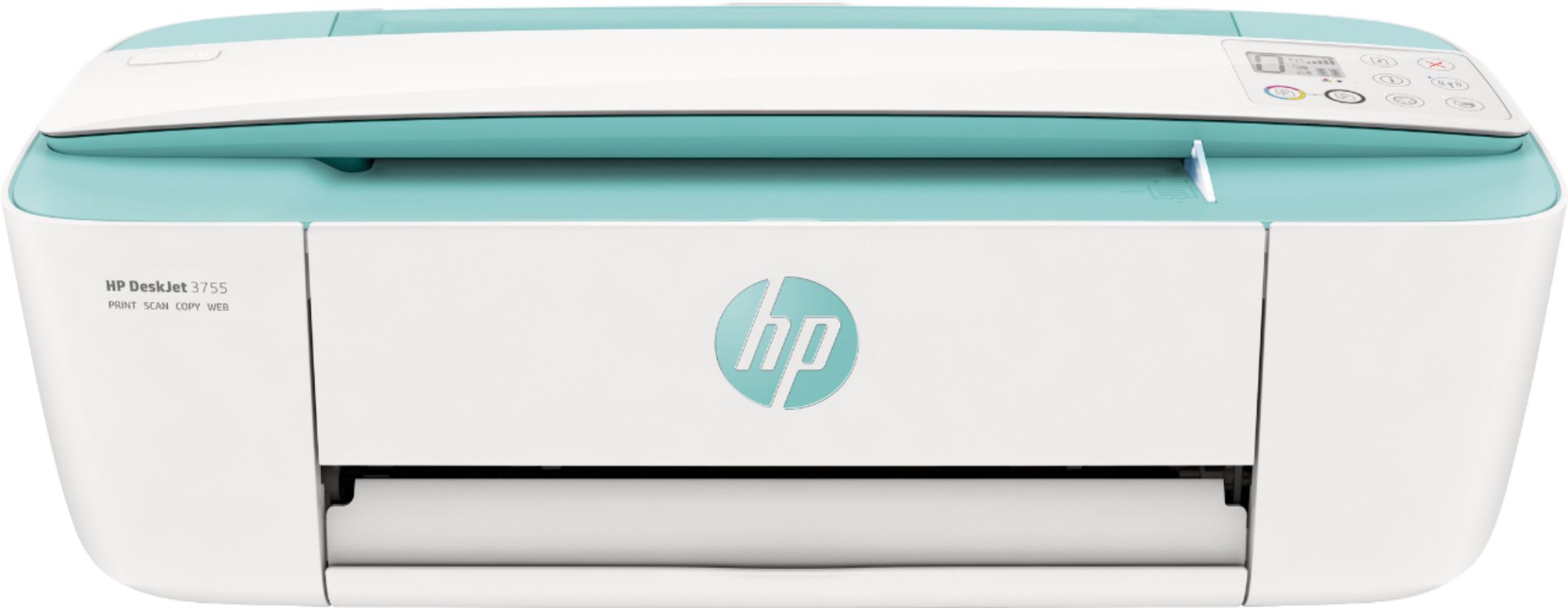
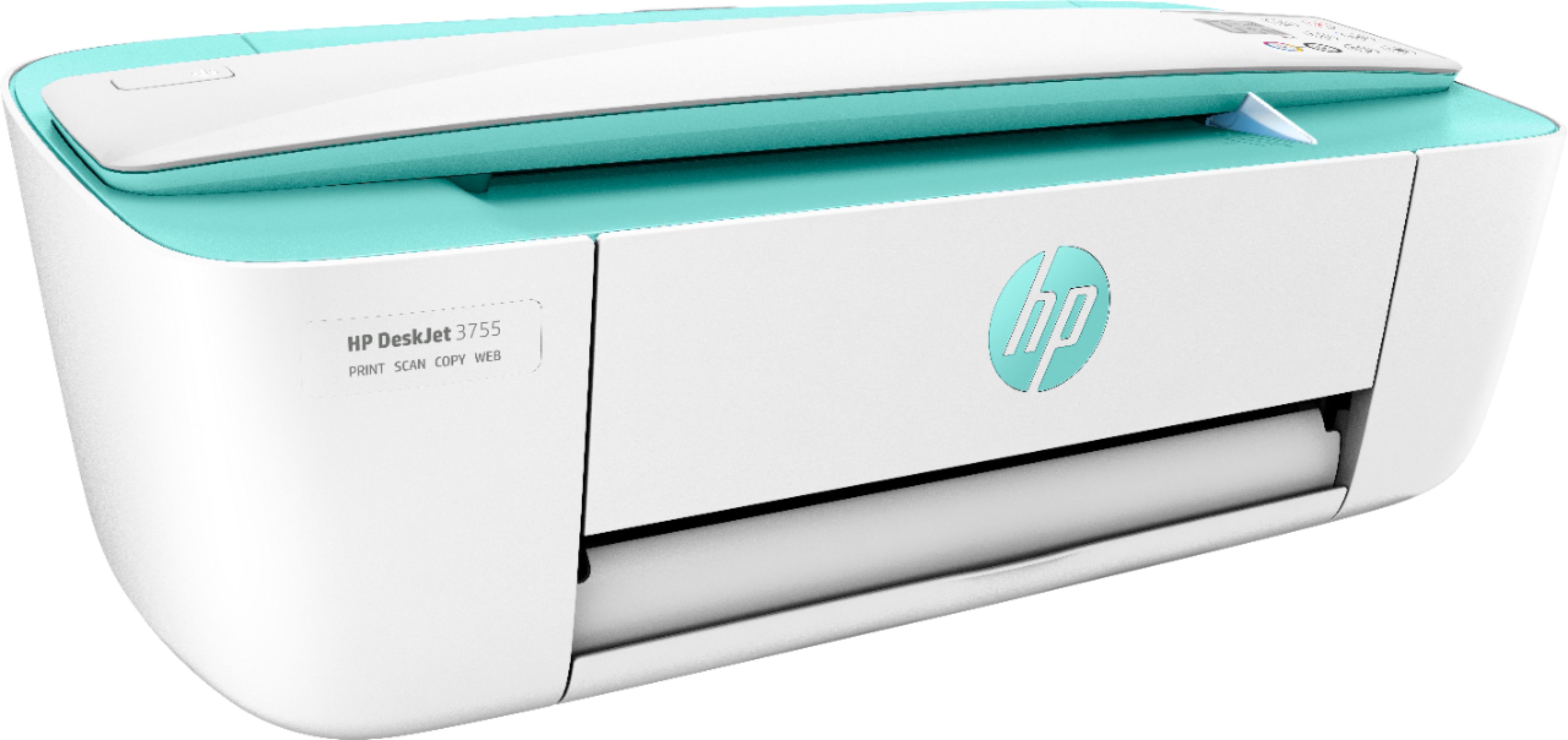
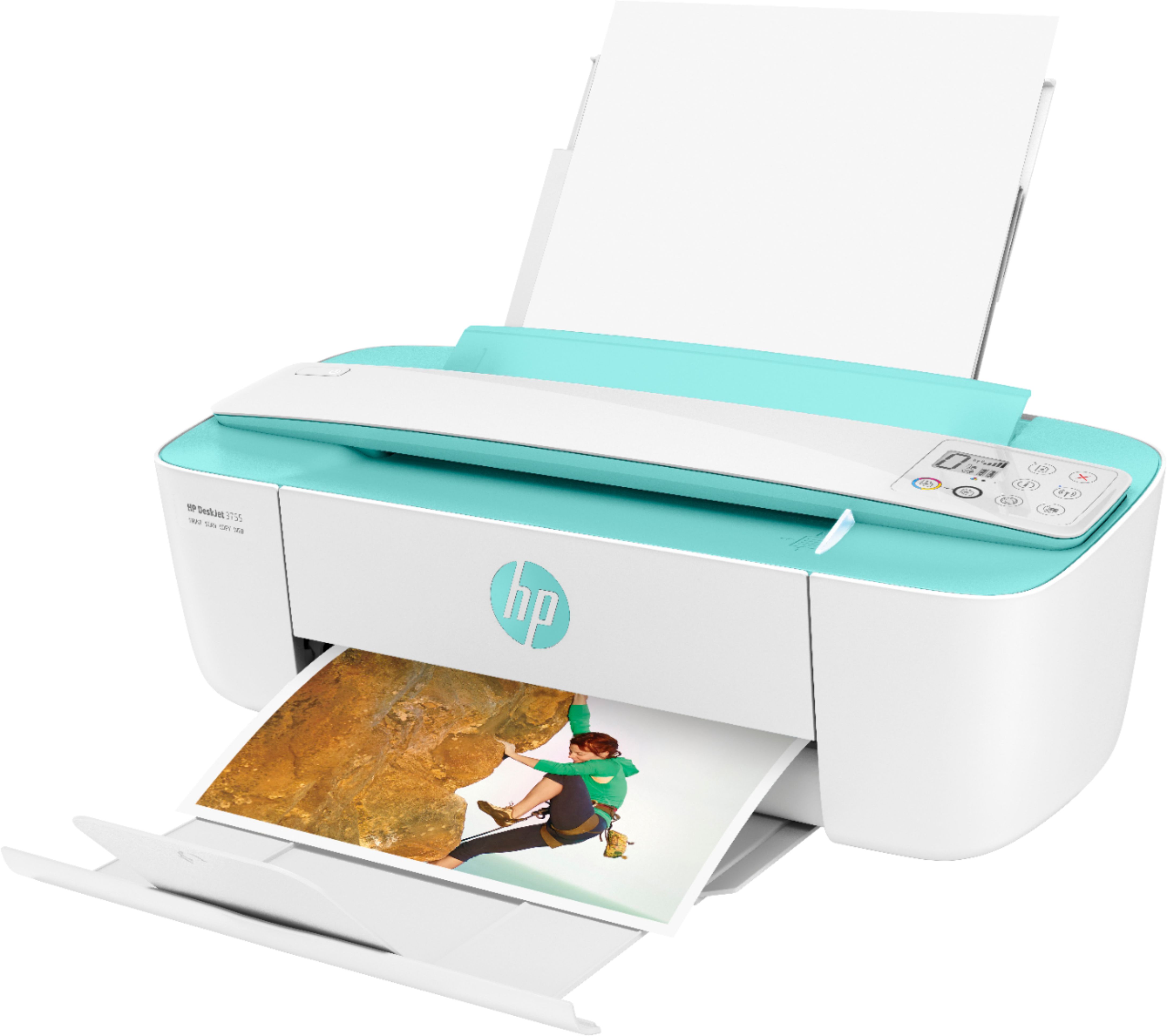
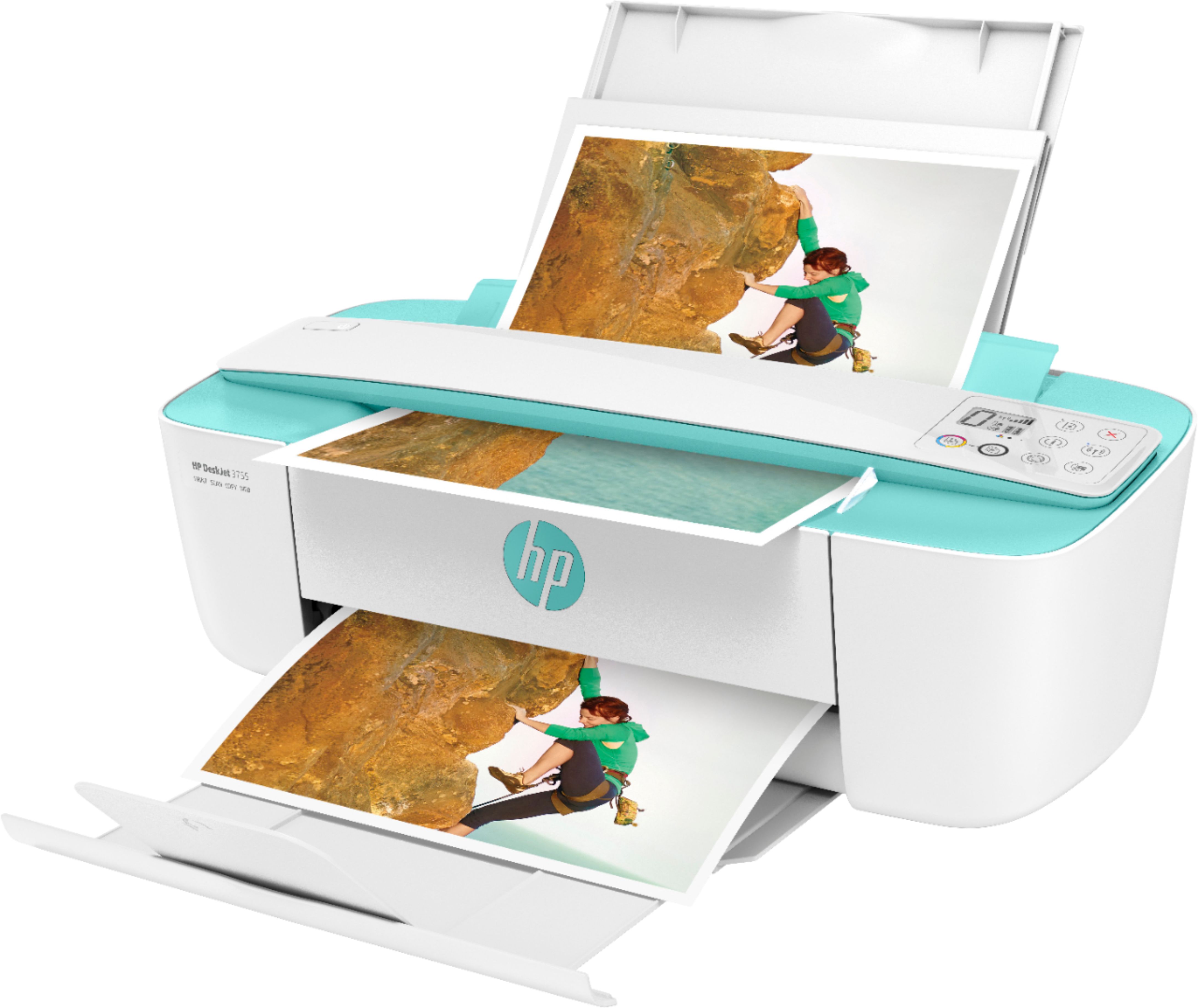
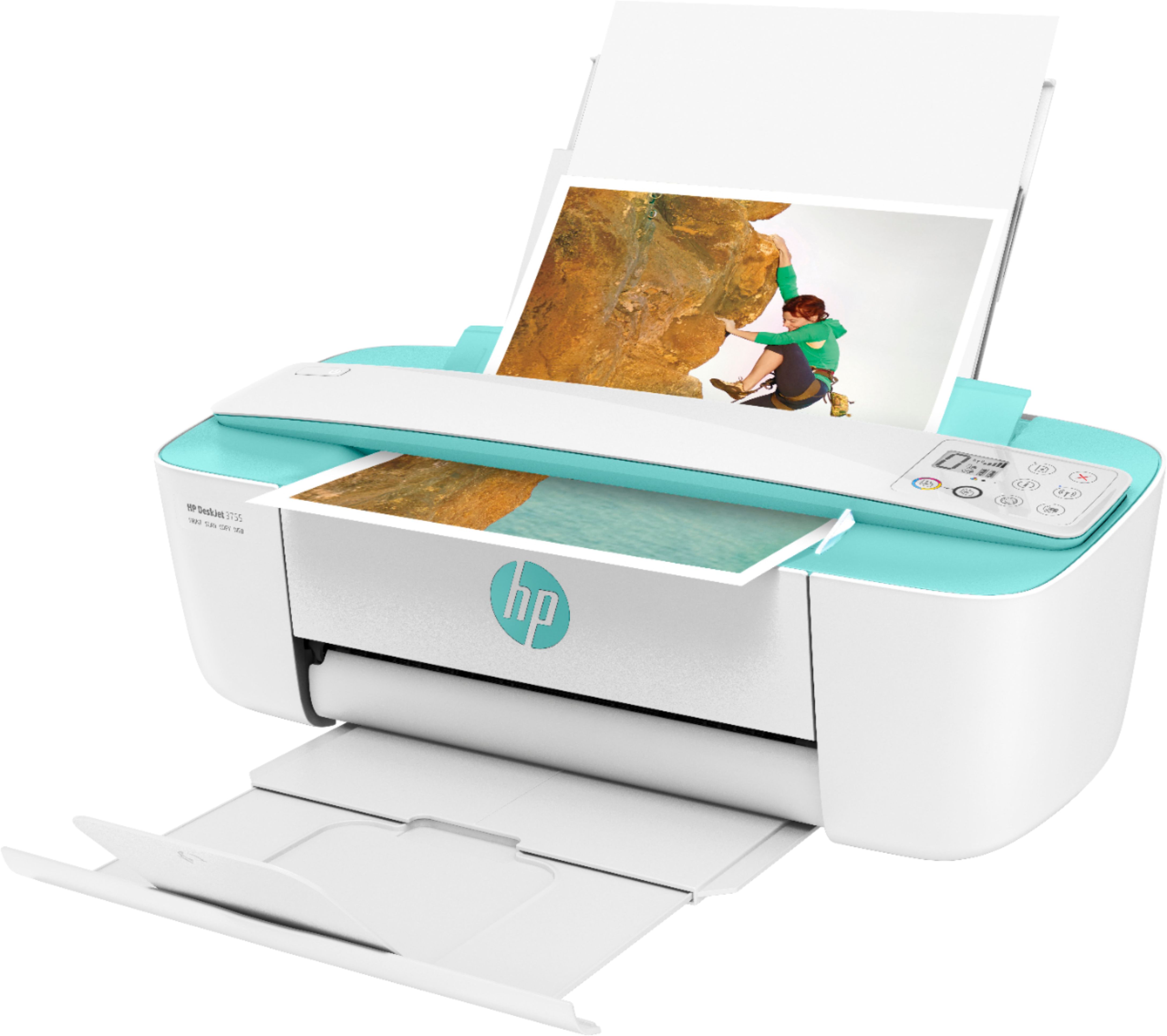
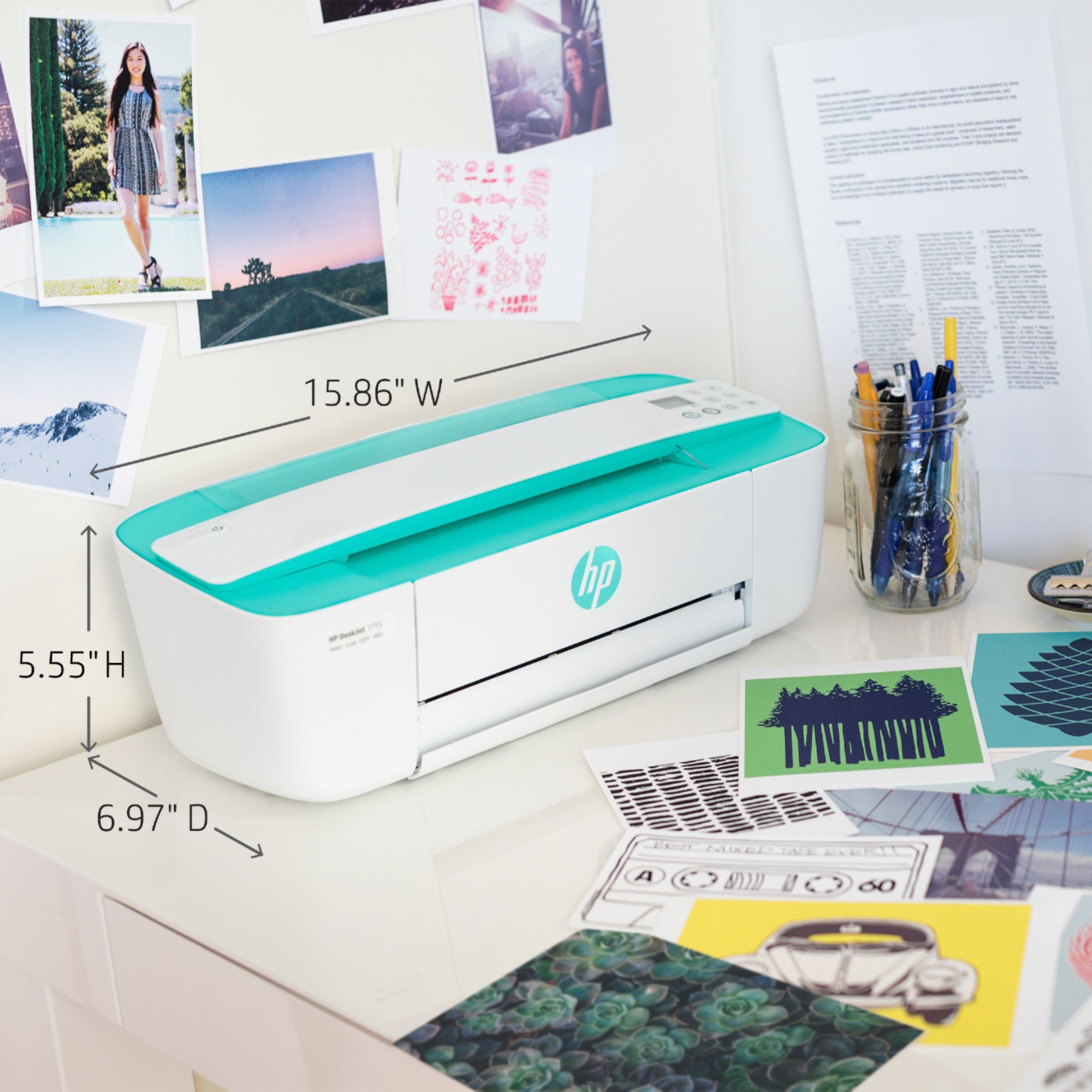
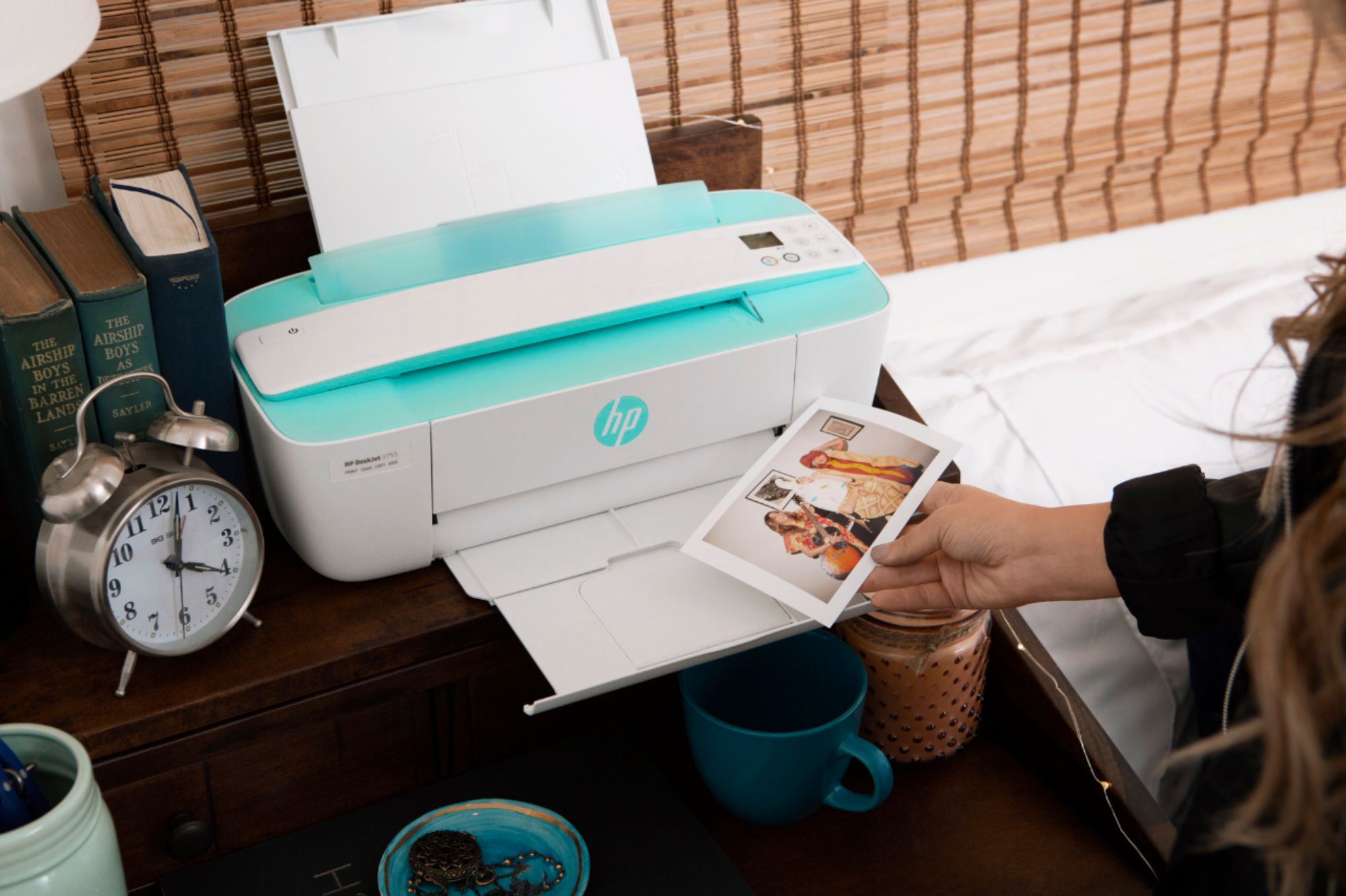
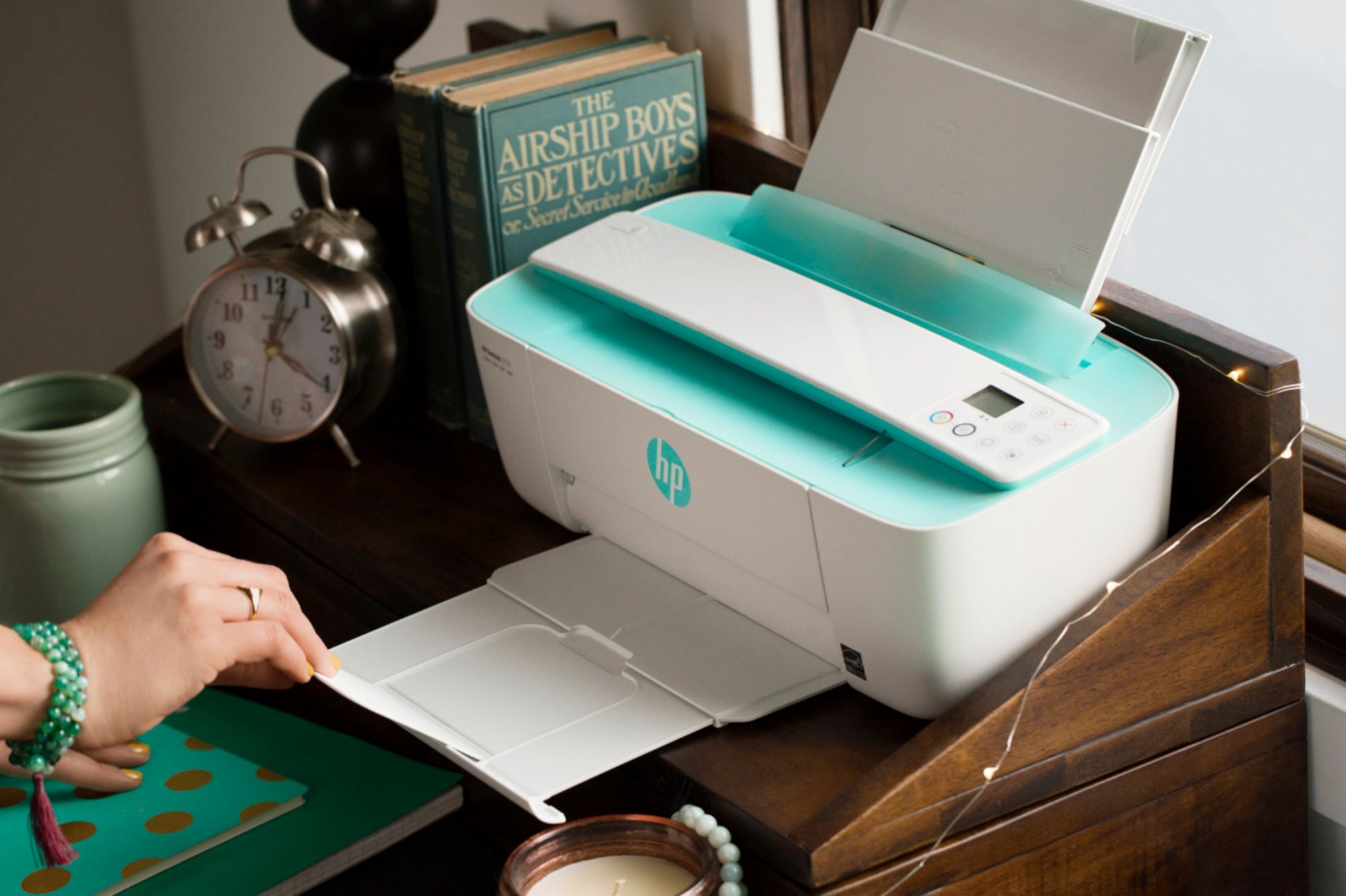
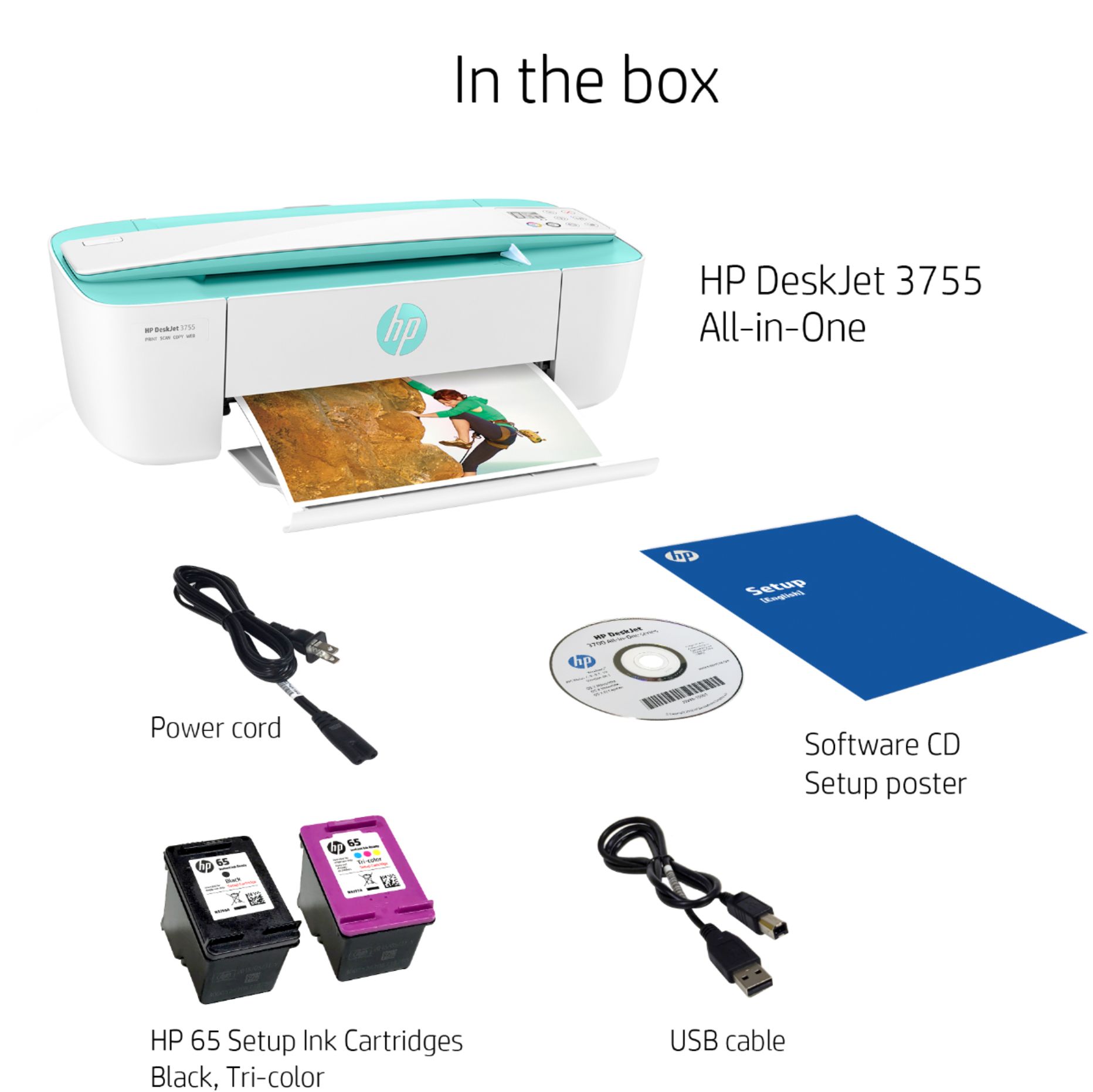
A:AnswerThank you for the question. Ink is measured in page yield, not time. The DeskJet 3755 accepts HP 65 and 65XL ink cartridges. Standard 65 black has a page yield of up to 120 pages and 65XL black yields up to 300 pages. Standard tri-color cartridges yield up to 100 pages, and 65XL tri-color yields up to 300 pages. The duty cycle for the DeskJet 3755 is up to 1000 pages monthly.
A:AnswerThe following are the media types that the DeskJet 3755 printer can print on: Plain paper, Matte Brochure Papers, Glossy Brochure Papers, Photo papers, Envelopes.
A:AnswerYes, it will connect on the 2.4 GHz wireless band, which is one of the standard Wifi bands. If you have a router that connects on the 5 GHz band, that router also has the 2.4 GHz band built in.
A:AnswerThank you for your question! This is compatible with Android phones using the HP Smart app. Please check your Google Play Store for this app first to make sure you have access.
A:AnswerHello, yes, all the HP printers are compatible with the Chromebook operating system. It can print with the built in program or you can download the HP Smart app from the Google Play Store and print through that as well. Thank you for being an HP customer!
A:AnswerHi Deb, thank you for the question. Yes, you can connect the DeskJet 3755 to your computer with a USB cable (not included). If you have a cable from a previous printer, it will work with this one. It does not come with an installation CD. You can use the HP Smart App on your computer, or download software from 123.hp.com.
A:AnswerHello. Thanks for your question. Yes, Best Buy does carry the USB A to B cable, SKU: 6471834. You can put the SKU number in the search box on Best Buy's website.