A:AnswerI found that mine every time I upgrade my software on my laptop or my iPad or my iPhone. It breaks the connection of the printer with the iPad or the laptop. Get the geek squad to come and assist you and they will get your laptop and your printer working again. Hope this was help.
A:AnswerThank you for your question! This printer cannot connect to a landline to receive faxes, but you can use it to send electronic mobile faxes through the HP Smart app.
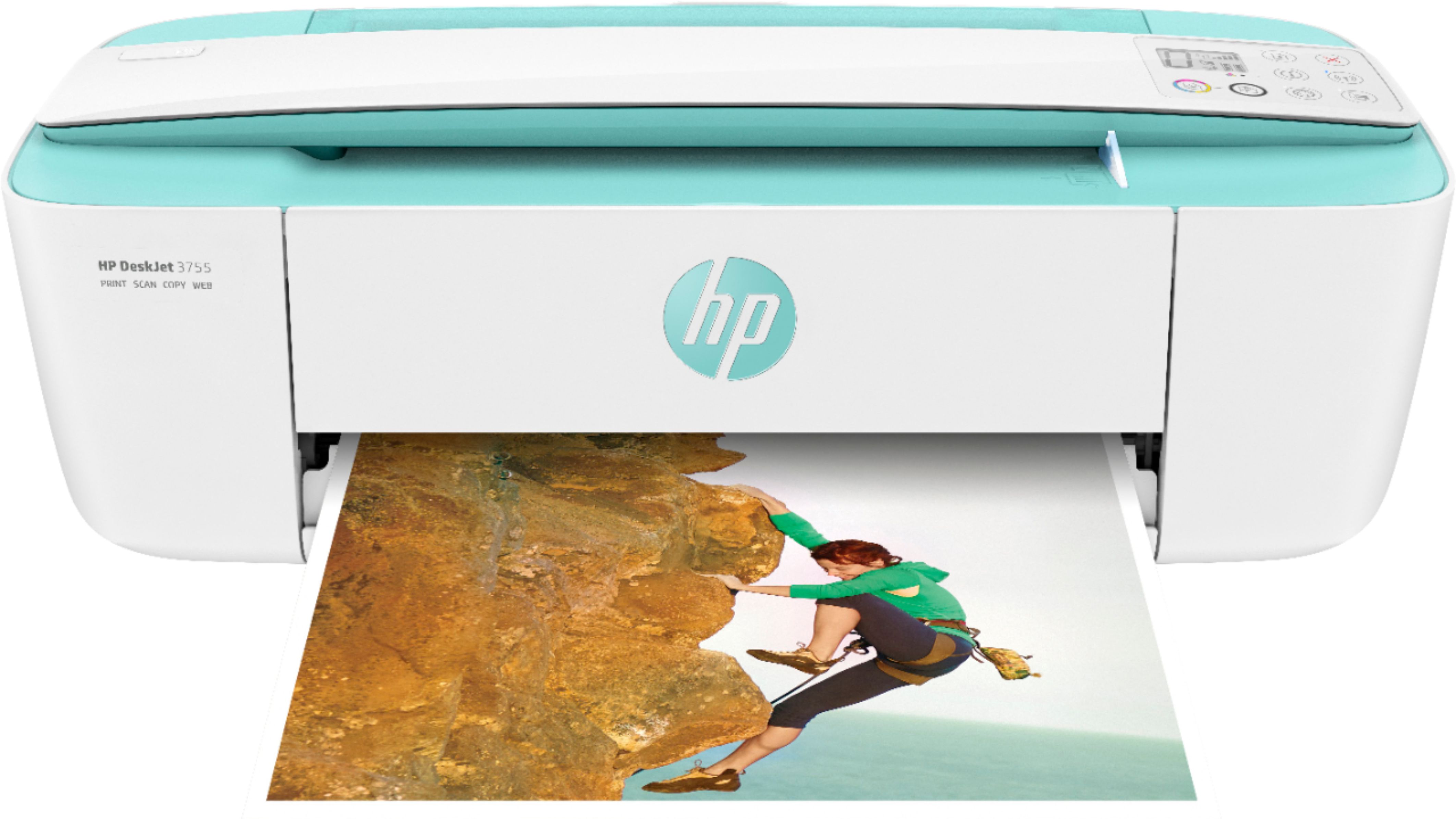
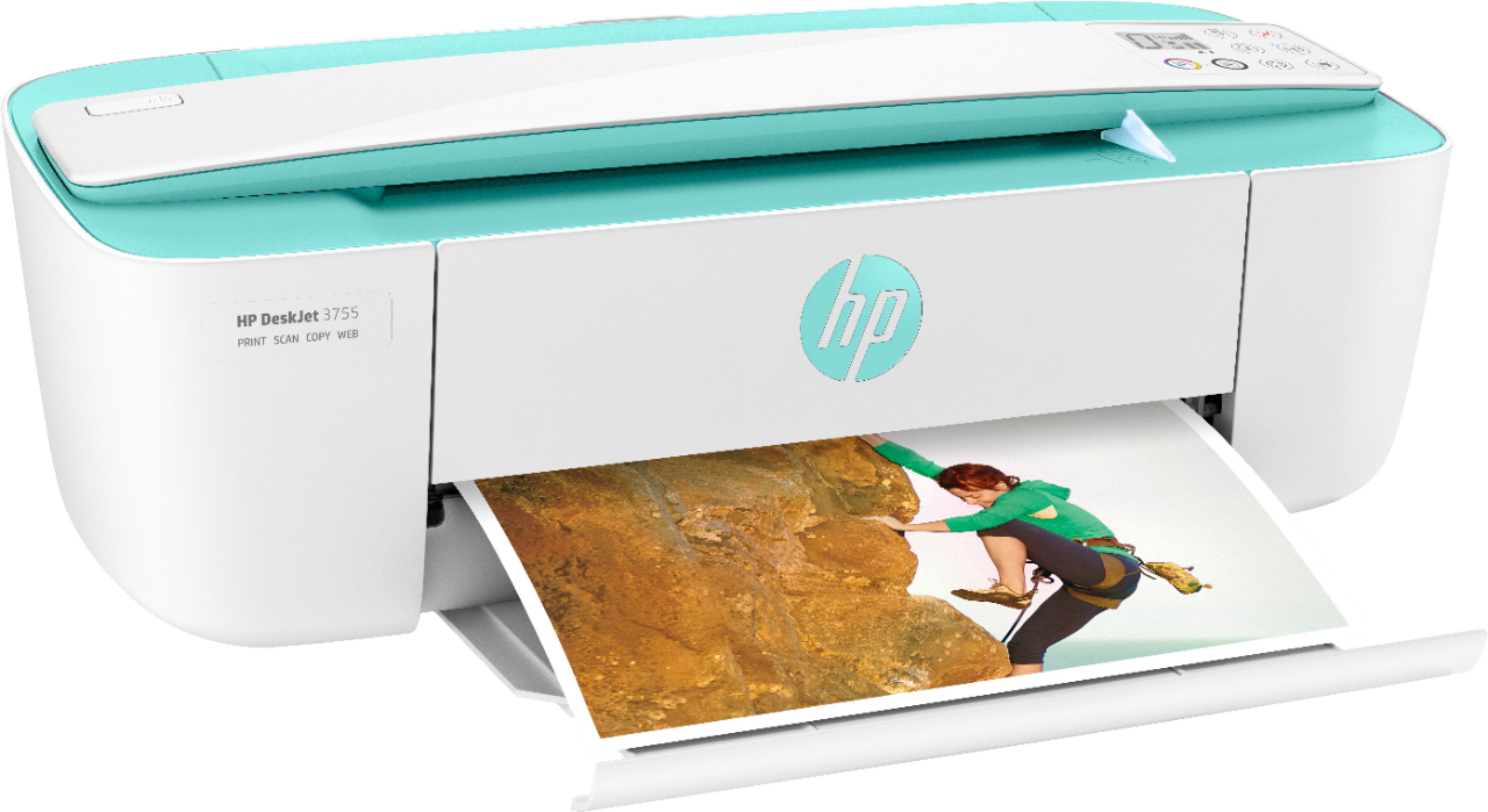
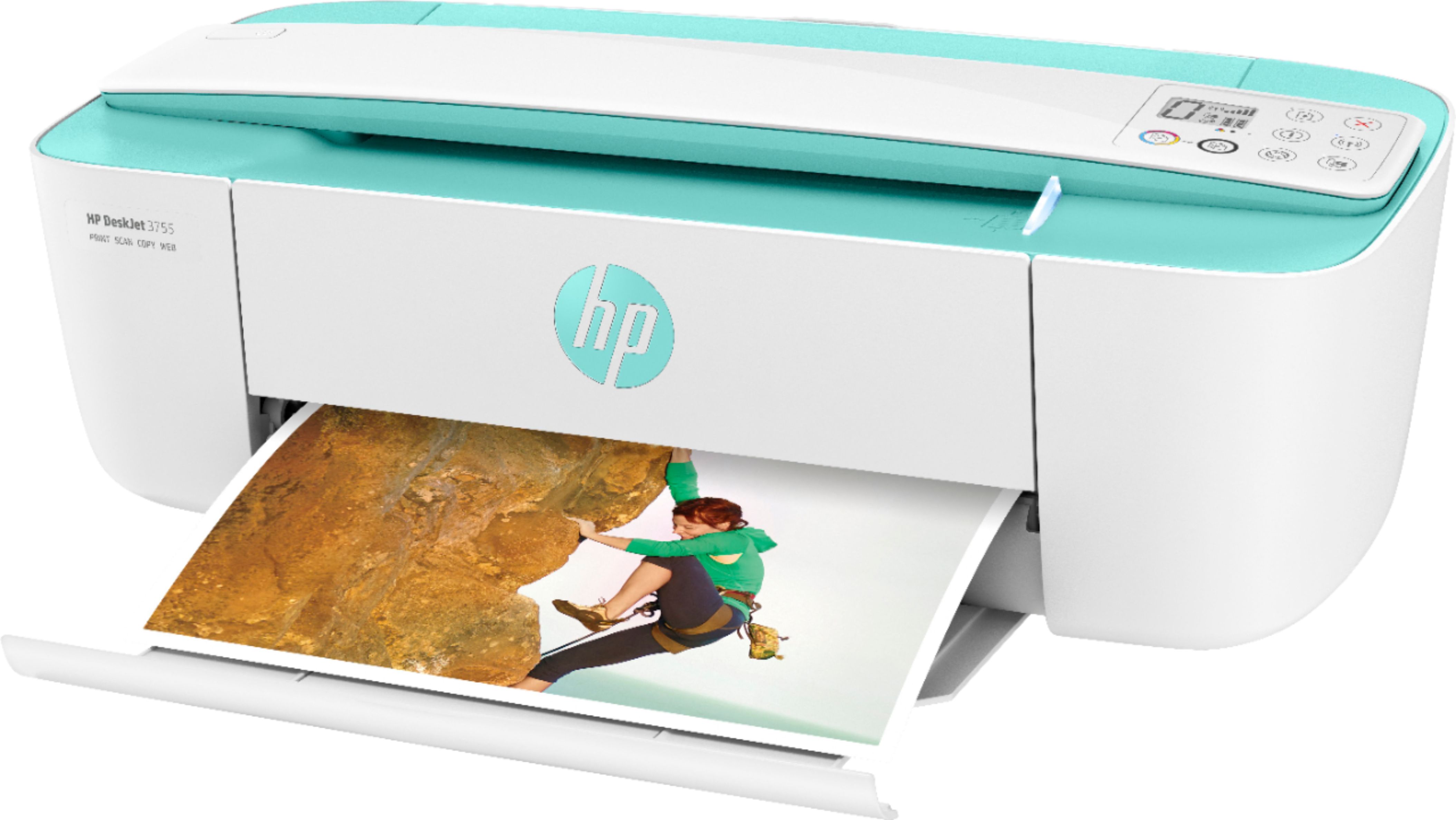
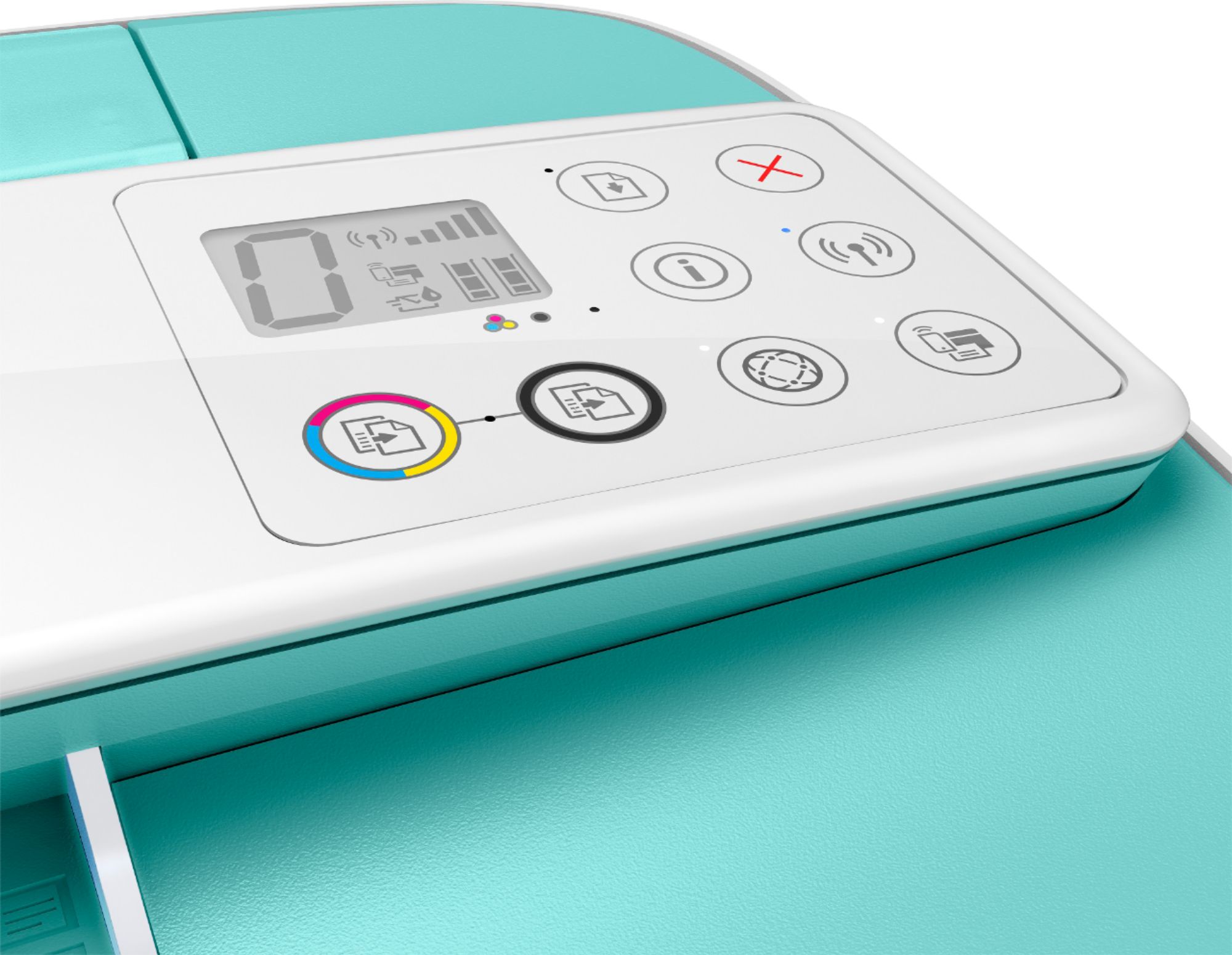
A:AnswerYes, you can print to the DeskJet 3755 printer via a USB printer cable from your computer or you can also print to it directly with a mobile device, no WiFi needed.
A:AnswerHello, all HP printers are compatible with Amazon Fire, Android, operating systems. You will be able to connect via your wireless network, WiFi, and by direct connecting to the printers own internal WiFi network. Thank you for being an HP customer!
A:AnswerThank you for the question. Yes, you can print more than one picture to a page. To print Multiple pictures > First Select the pictures (Shift + left mouse click)> Right click on the pictures and select print option. This opens the Windows print dialog box. Choose the option Wallet (9) or Contact Sheet (35) on the right had pane of the box to print.