A:AnswerNot sure about labels but you can customize the print area. You can hook your iPhone to the printer thru their app. The app is iOS and android compatible.
A:AnswerThank you for the question. The DeskJet 3755 does not have a fax. You can scan and send a document from your phone using mobile fax with the HP Smart App.
A:AnswerHello, Chris. Here is a quick video that shows you how to load the paper on this HP Deskjet 3755 printer: https://www.youtube.com/watch?v=4yc1HKqkNC4
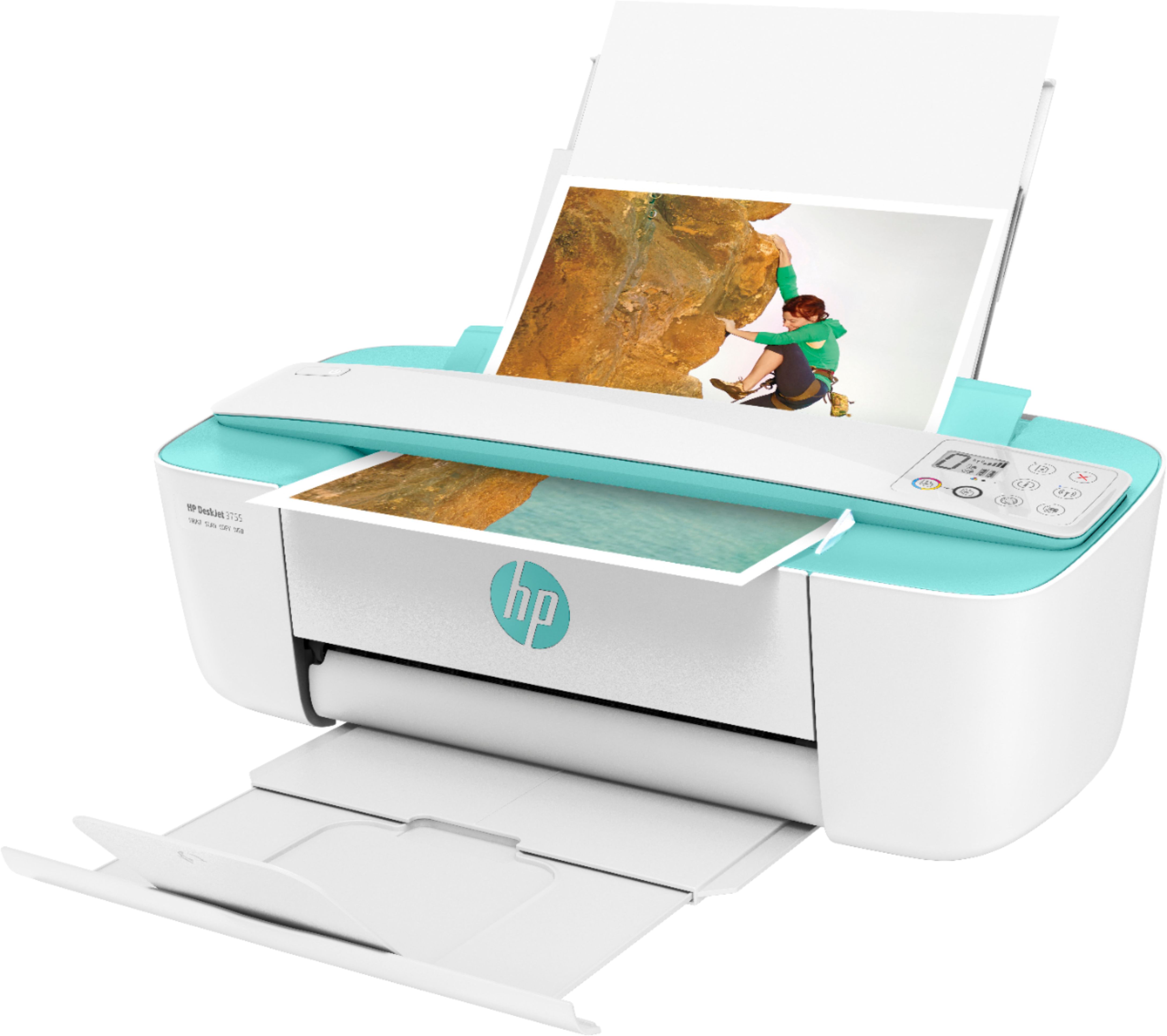
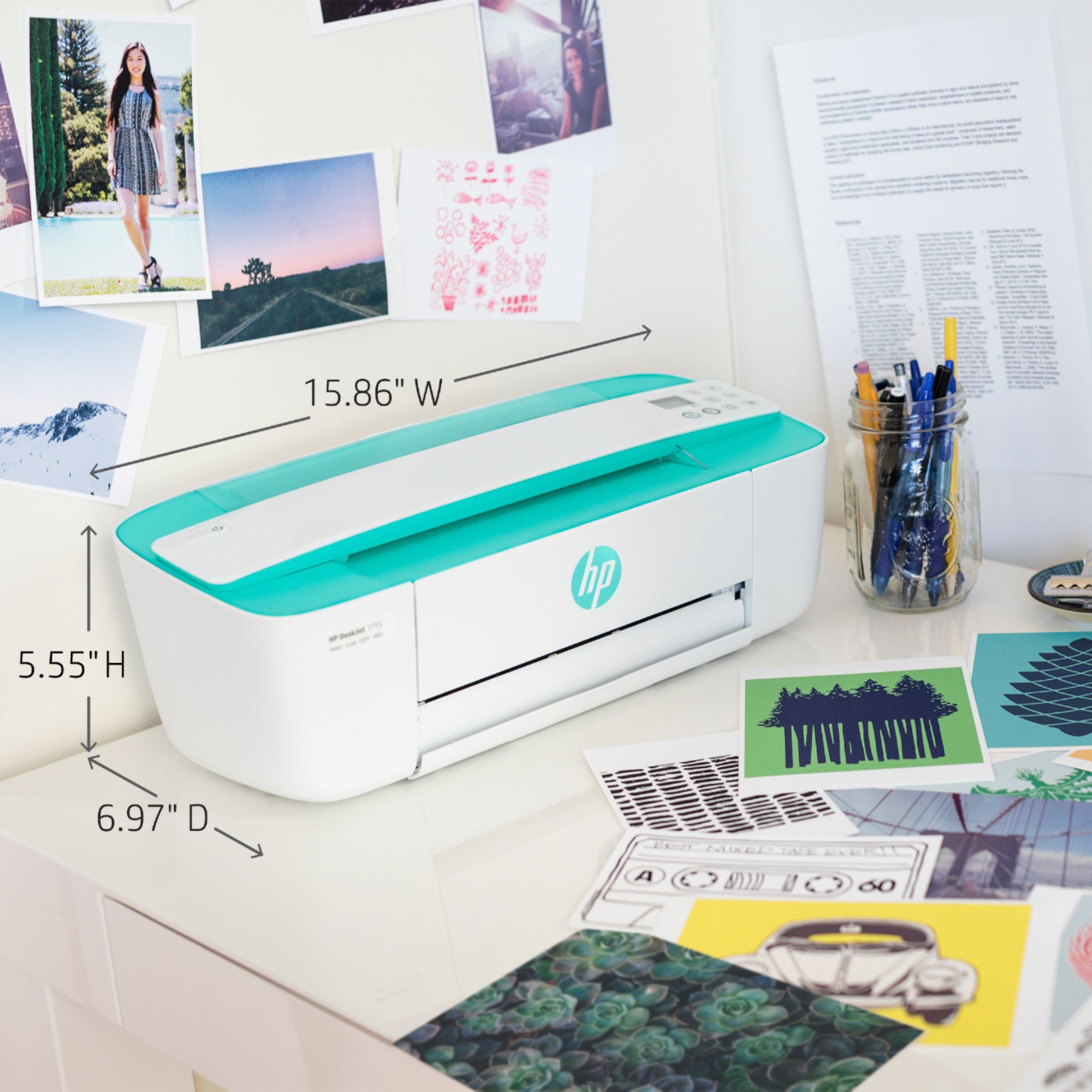
A:AnswerHello, Jeff. The HP DeskJet 2755 All-in-One Printer has a flatbed scanner for copying and scanning a single page or a page from a book and it uses the HP 67, 67XL, or 67XXL black and tricolor ink cartridges. The HP Deskjet 3755 printer has a scroll bar for copying and scanning. You can only scan or copy a single page at a time on the HP Deskjet 3755 printer. The HP Deskjet 3755 printer uses the HP 65 or 65 black and tricolor ink cartridges.
A:AnswerHello, Trish. Yes, this printer is compatible with the Chromebooks. Here are some instructions on how to set up the printer on the Chromebook: https://support.hp.com/us-en/document/c04122530 and a YouTube video: https://youtu.be/Mf6LUKTMw9c
A:AnswerHello. Thanks for your question. This printer does not have the fax function. We recommend looking at the HP Envy Photo 7855, HP Officejet Pro 8025, 8035 9015 or 9025 printers which can send and receive faxes.
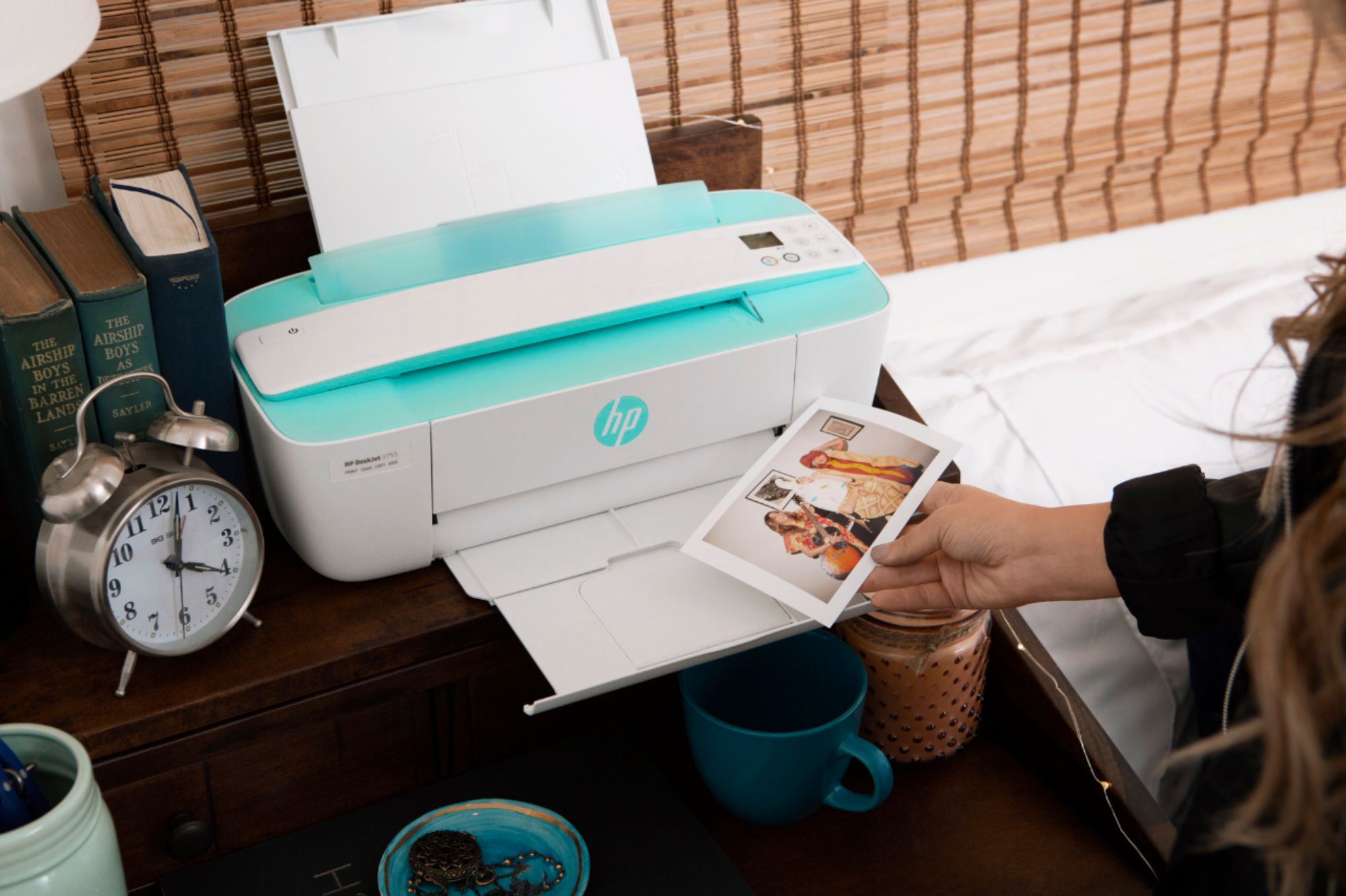
A:AnswerHello, and thank you for the question. Yes! You can print pictures from your Android phone to the DeskJet 3755 printer. The simplest way is by using the HP Smart App with your Smartphone.
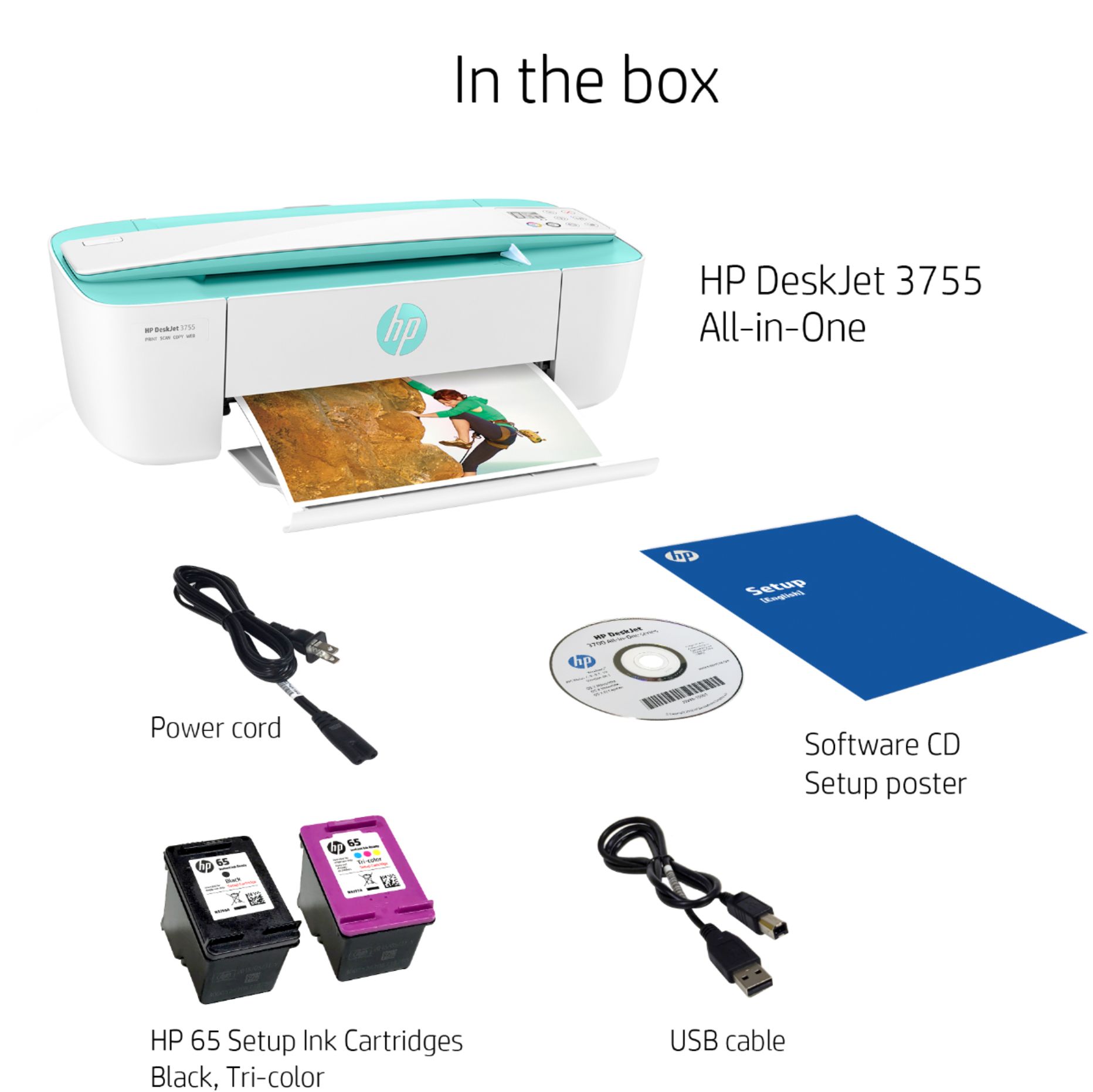
A:AnswerHi, thank you for the question. Yes, your purchase of the DeskJet 3755 includes starter HP 65 ink cartridges. You can purchase replacement cartridges from retailers, or, for good cost savings, subscribe to Instant Ink and never worry about running low.