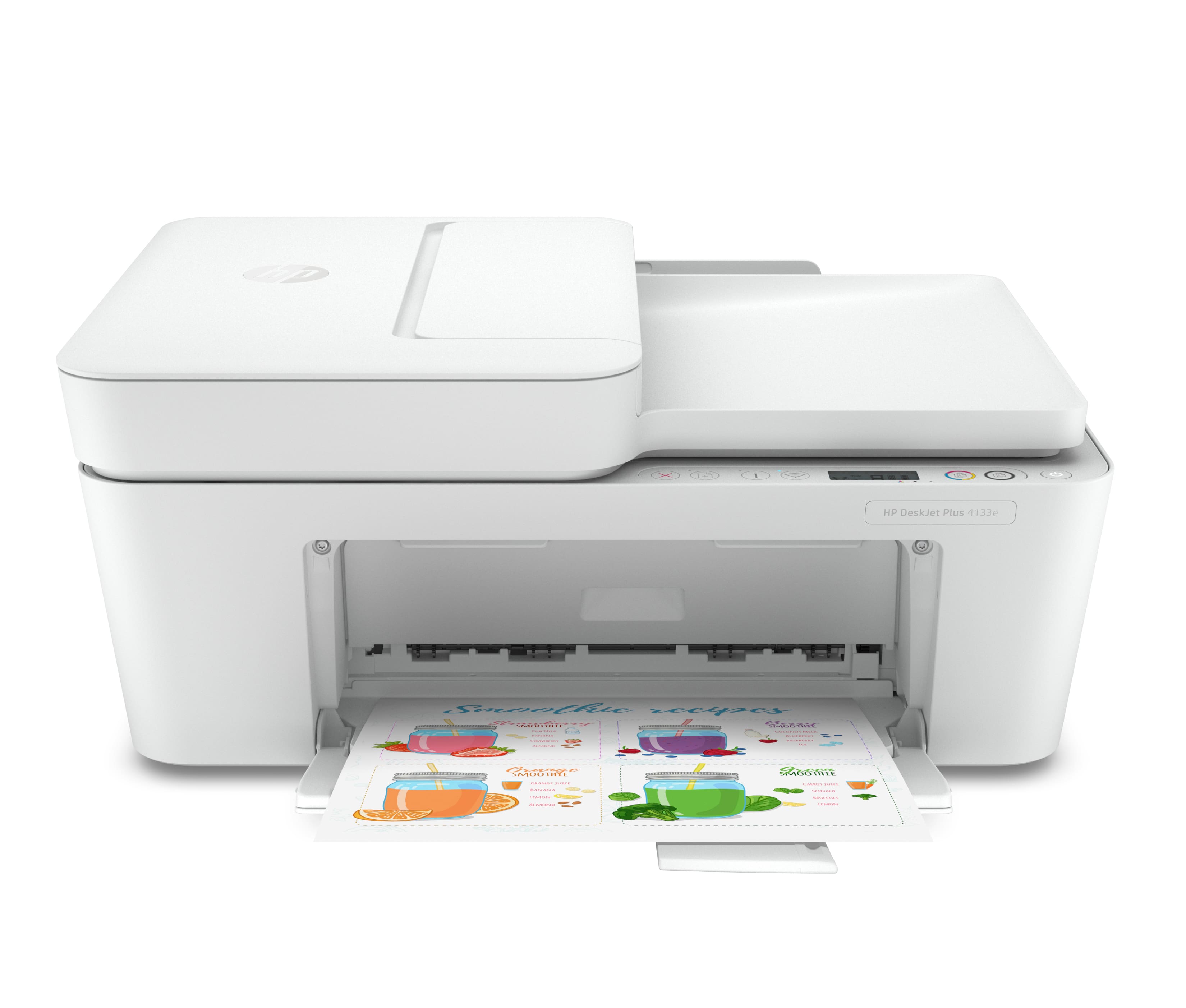
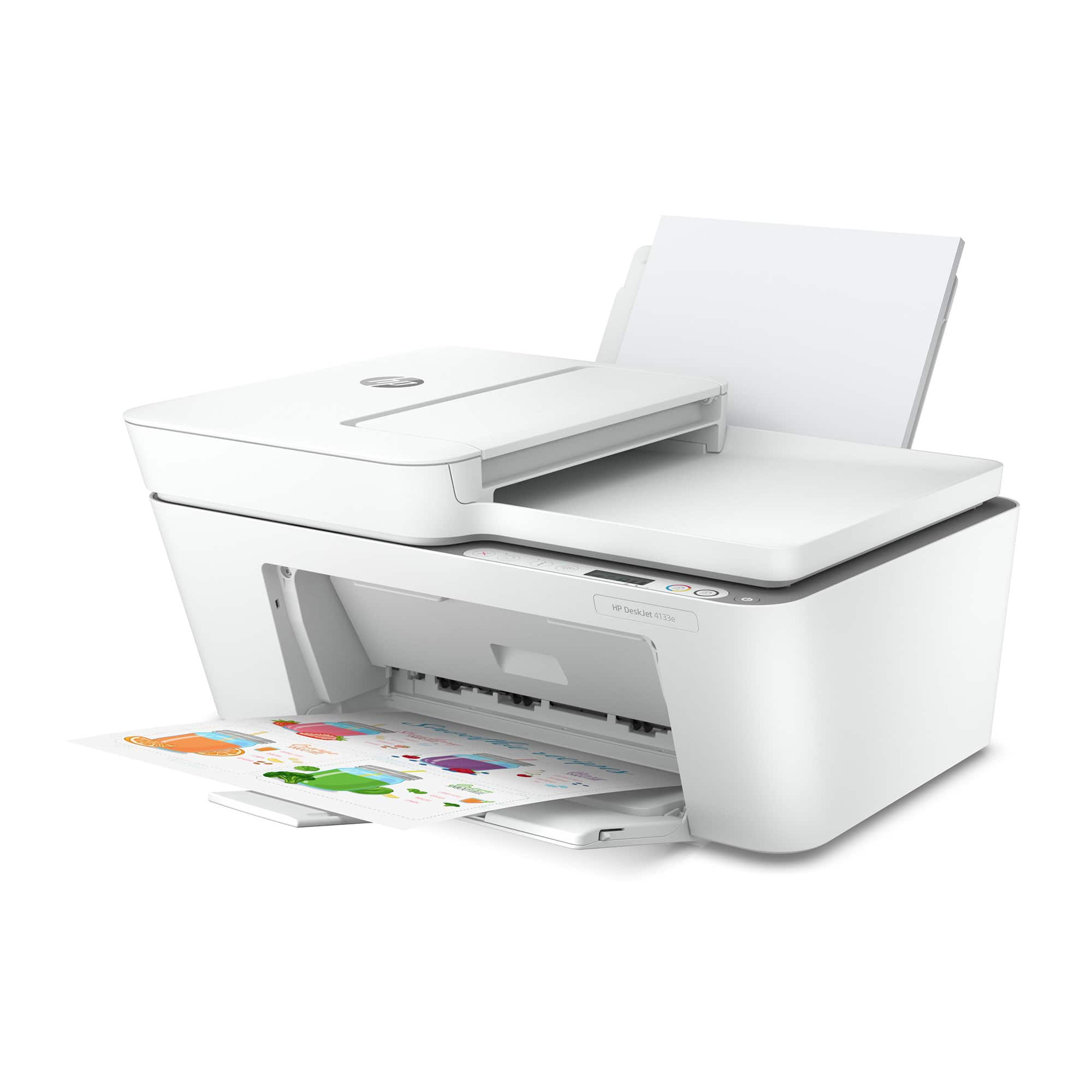
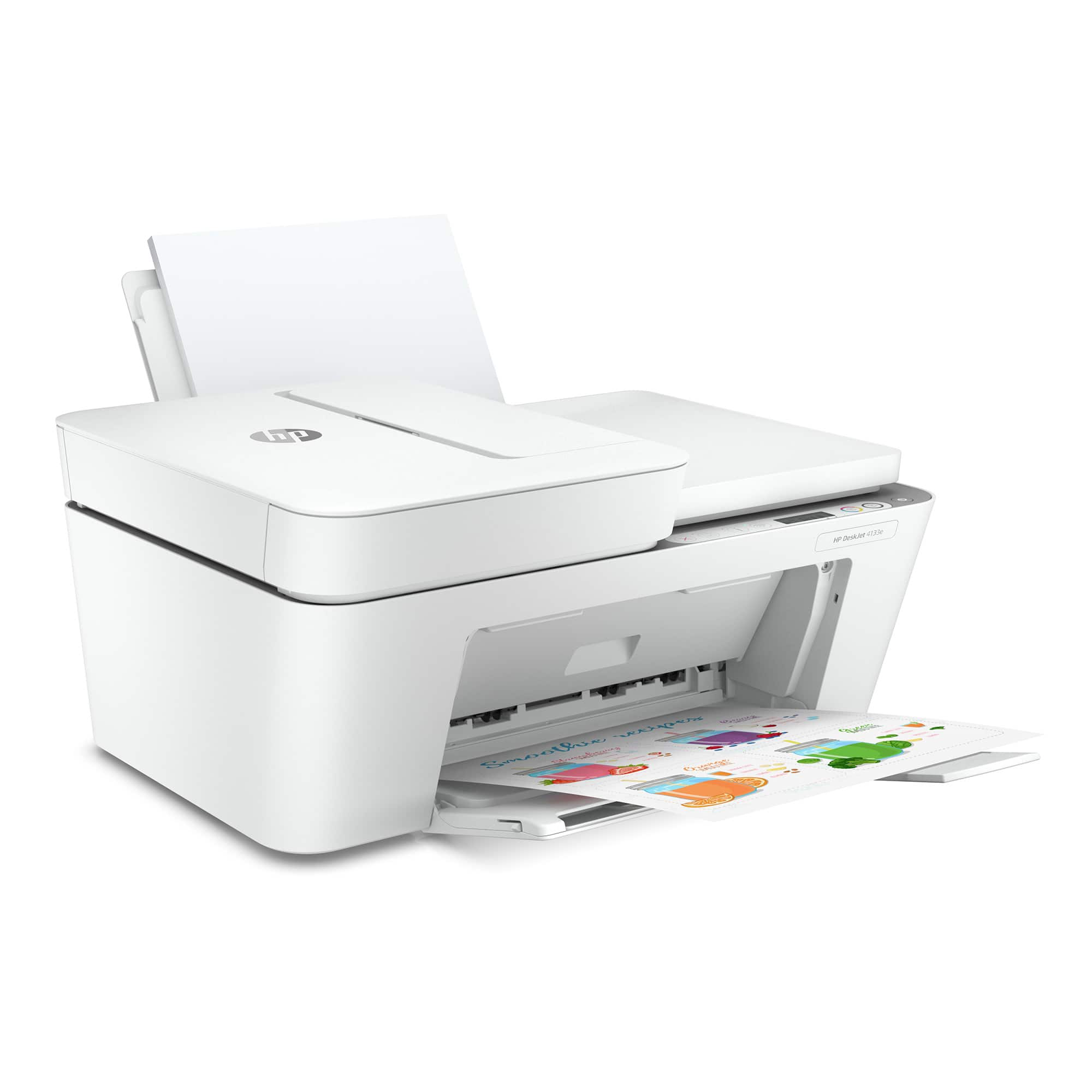
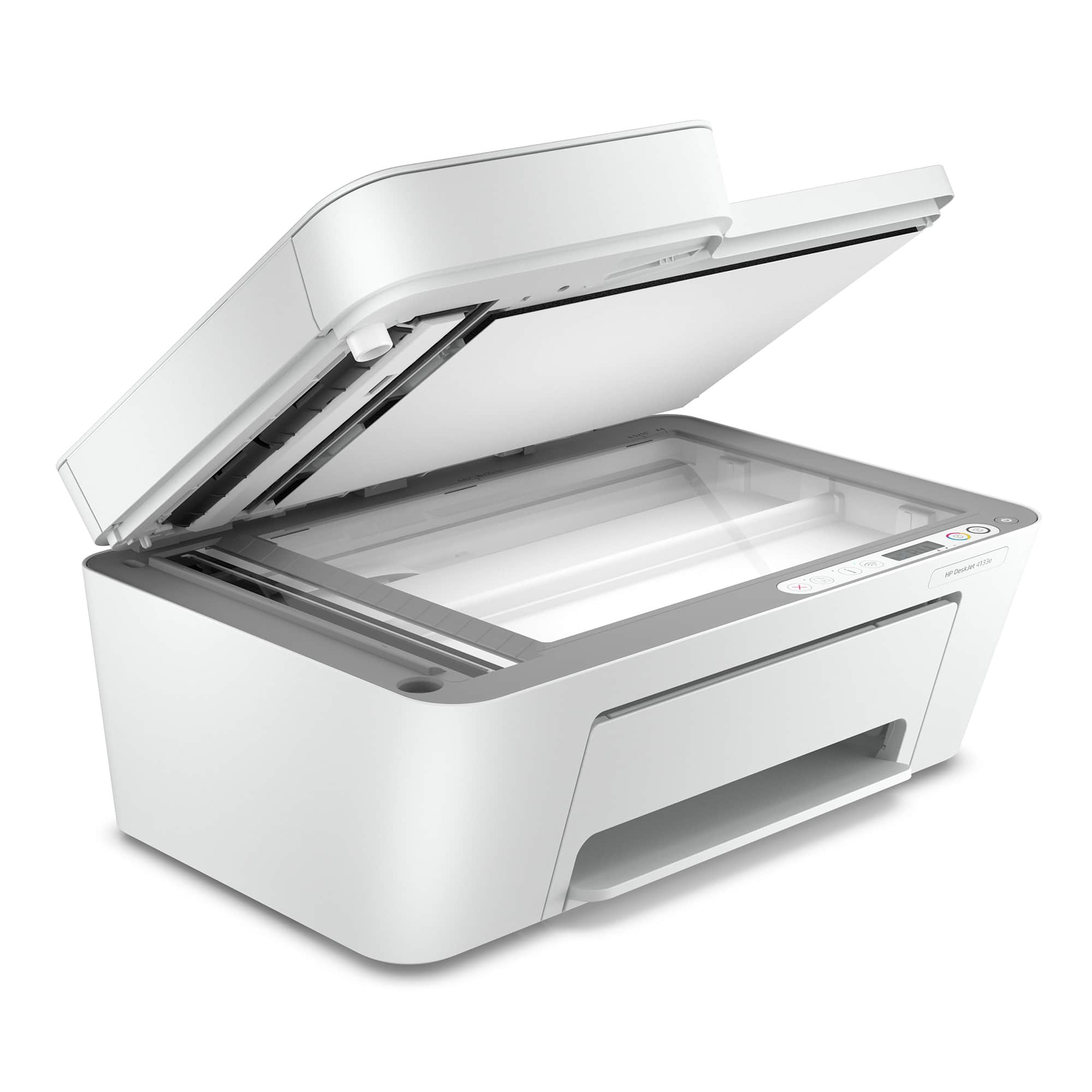
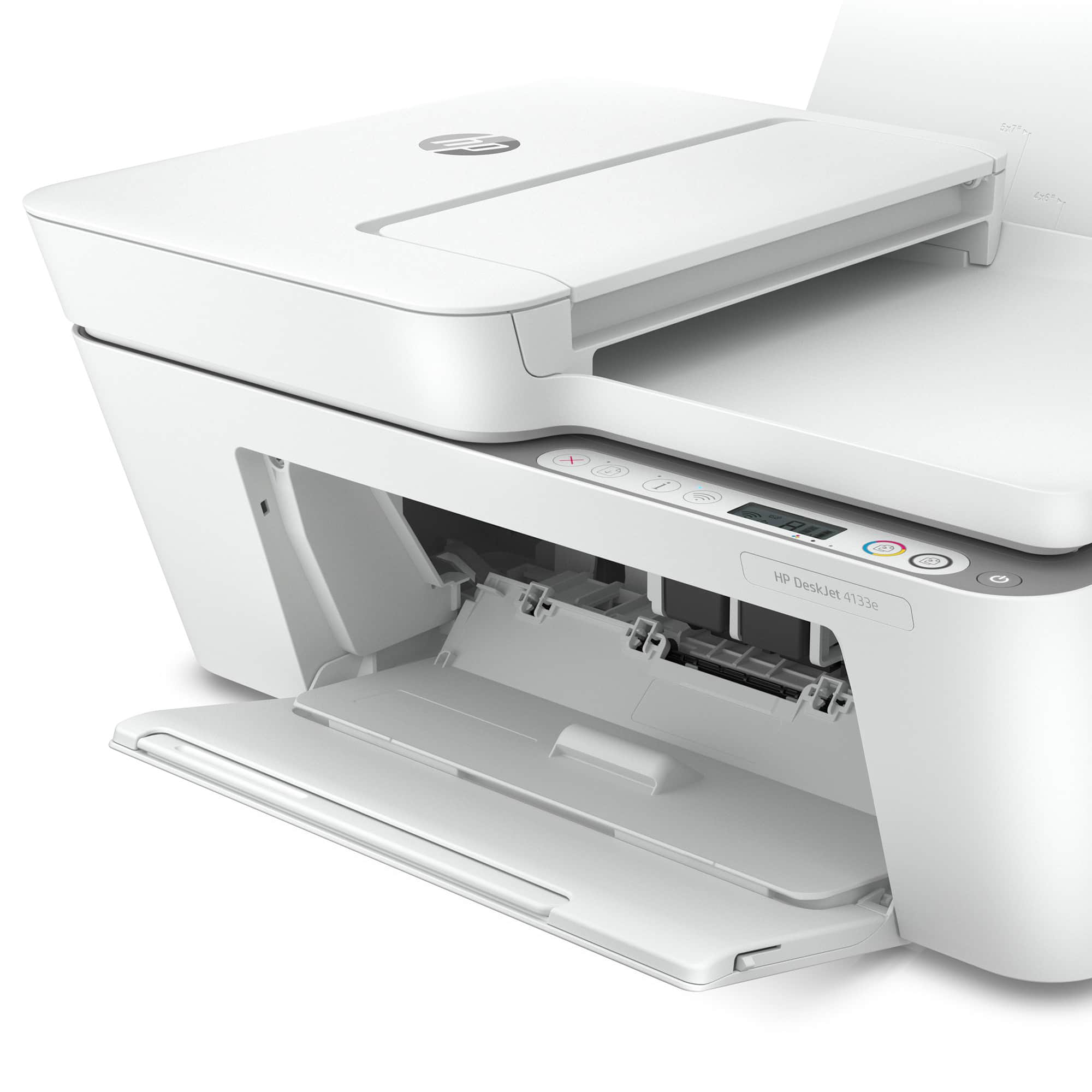
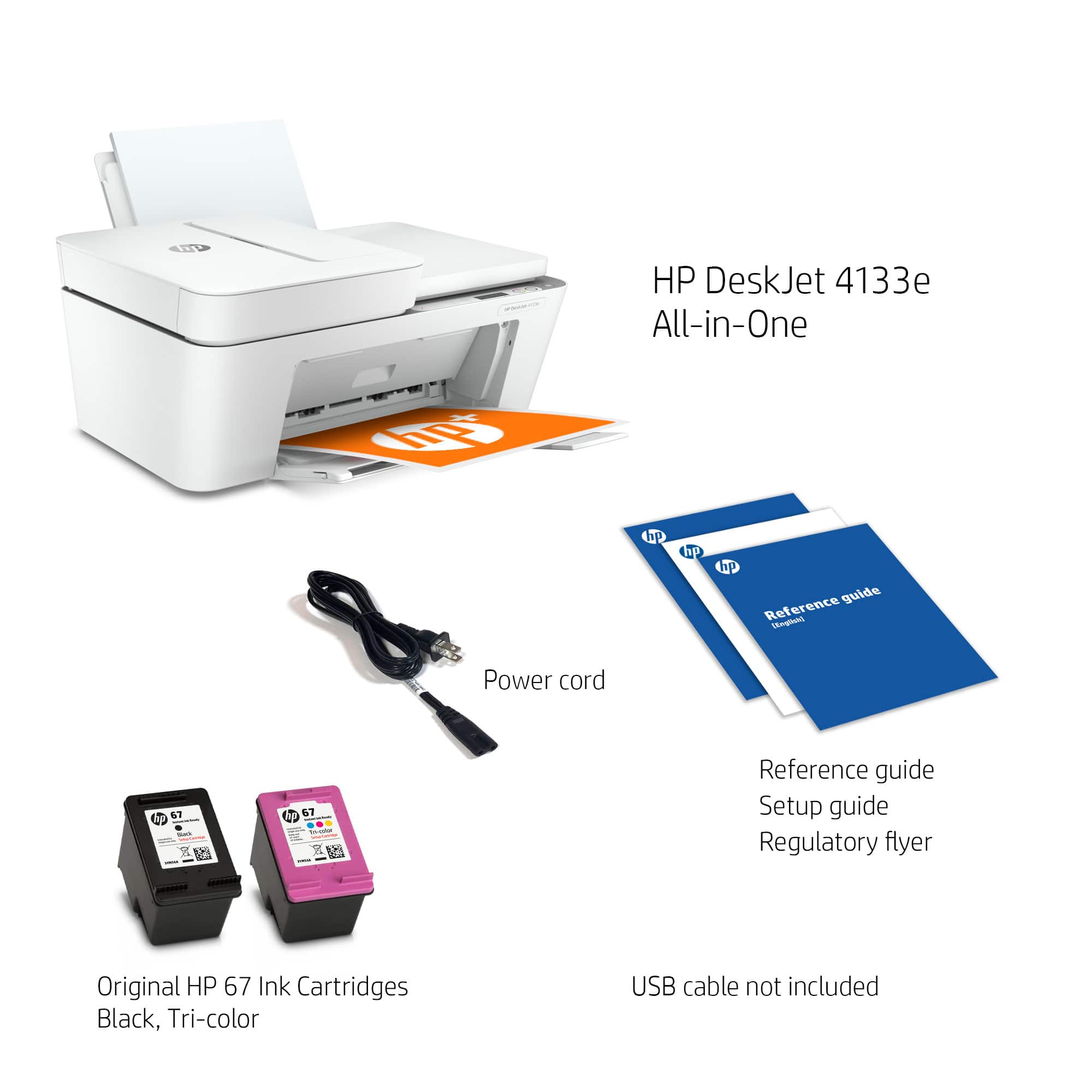
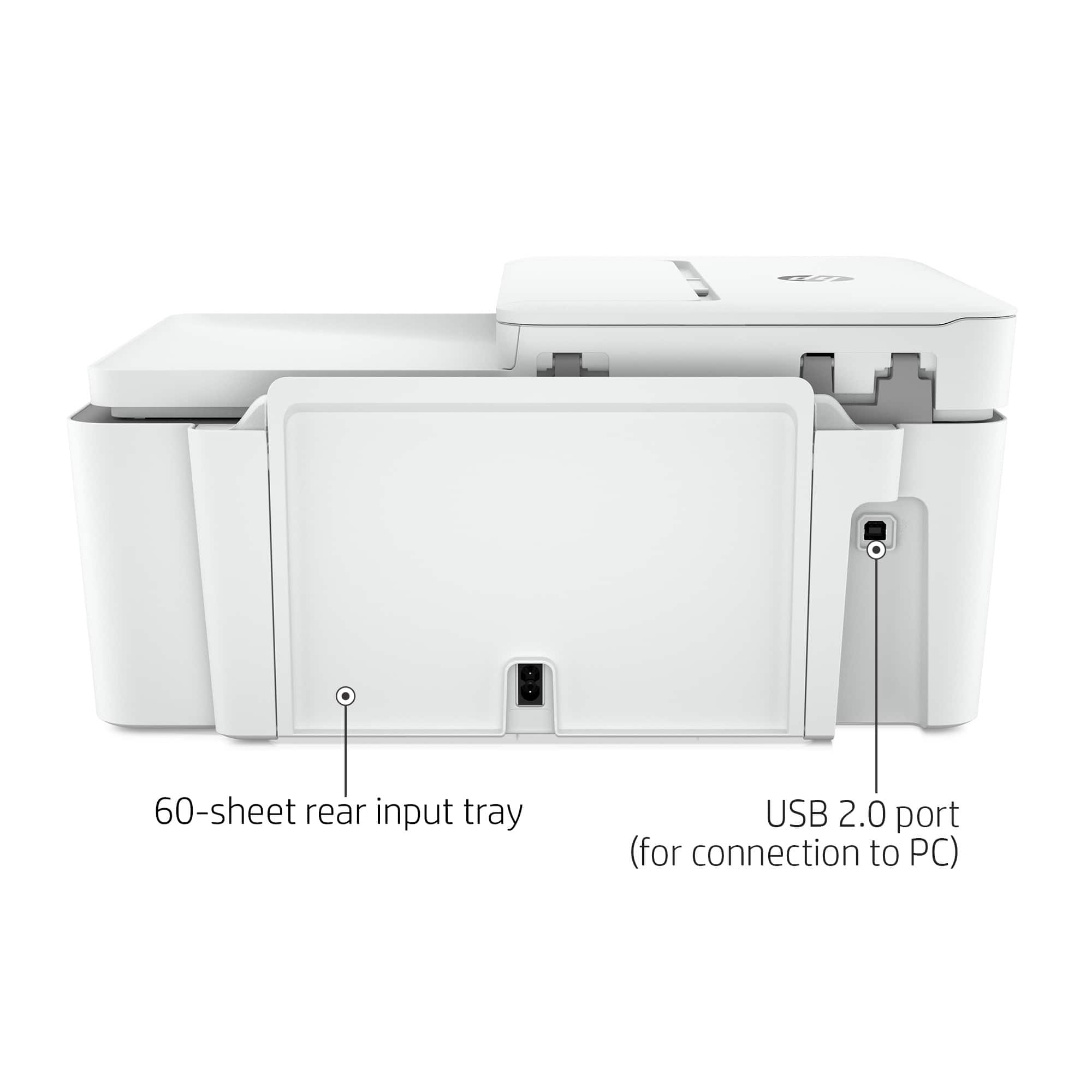
A:AnswerThe DeskJet 4133e printer can be connected to your computer with a USB printer cable, however it does not have a USB port for scanning to or printing from.
A:AnswerYou sign up for a plan based on what your anticipated usage is. You are allowed to change plans if you find you are using more or less than you originally signed up for. The printer keeps track of your usage and ink levels and you are automatically shipped more ink when you start to run low. I don't know what plan the 6 month free ink is, but if you have some big projects right away it can be a good deal.
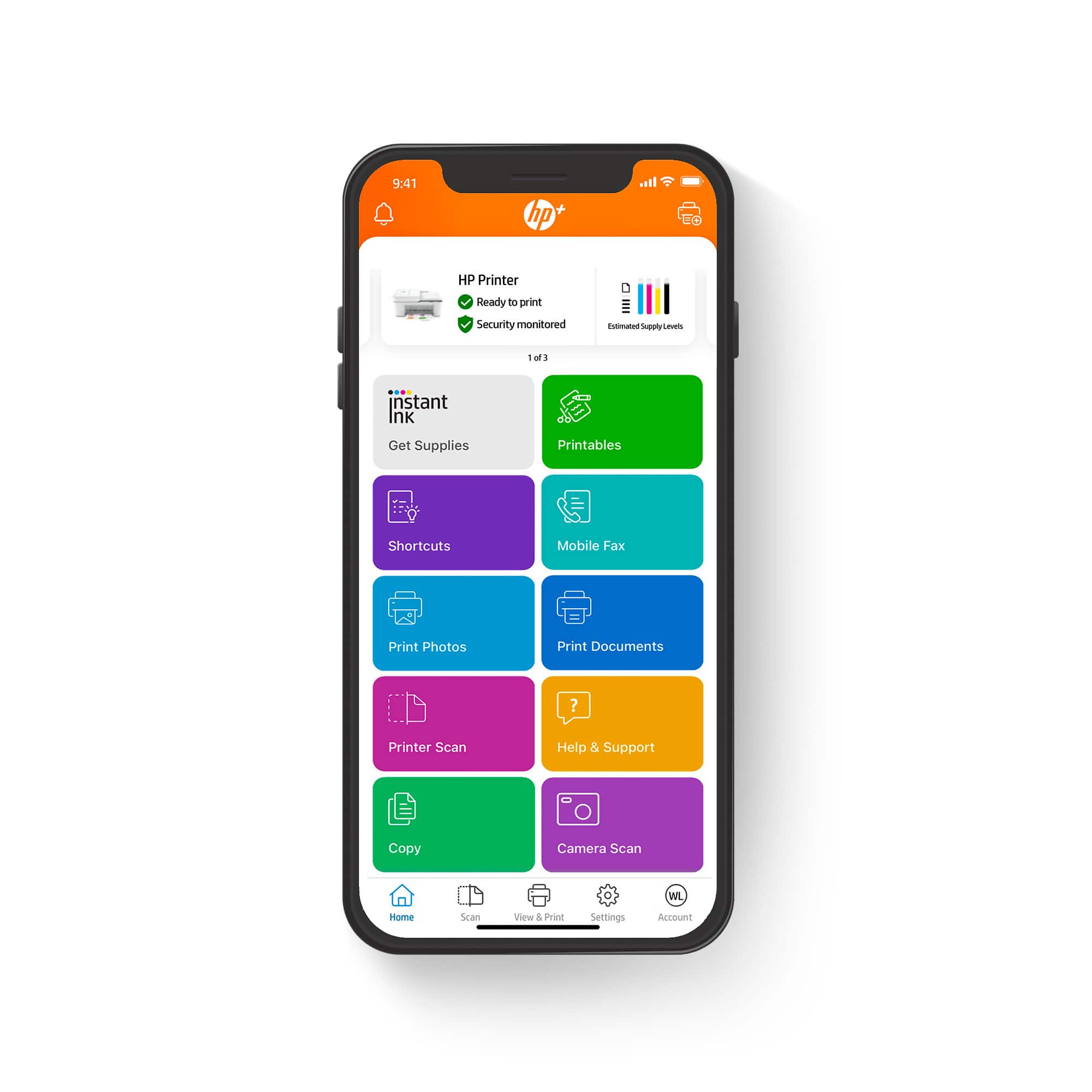
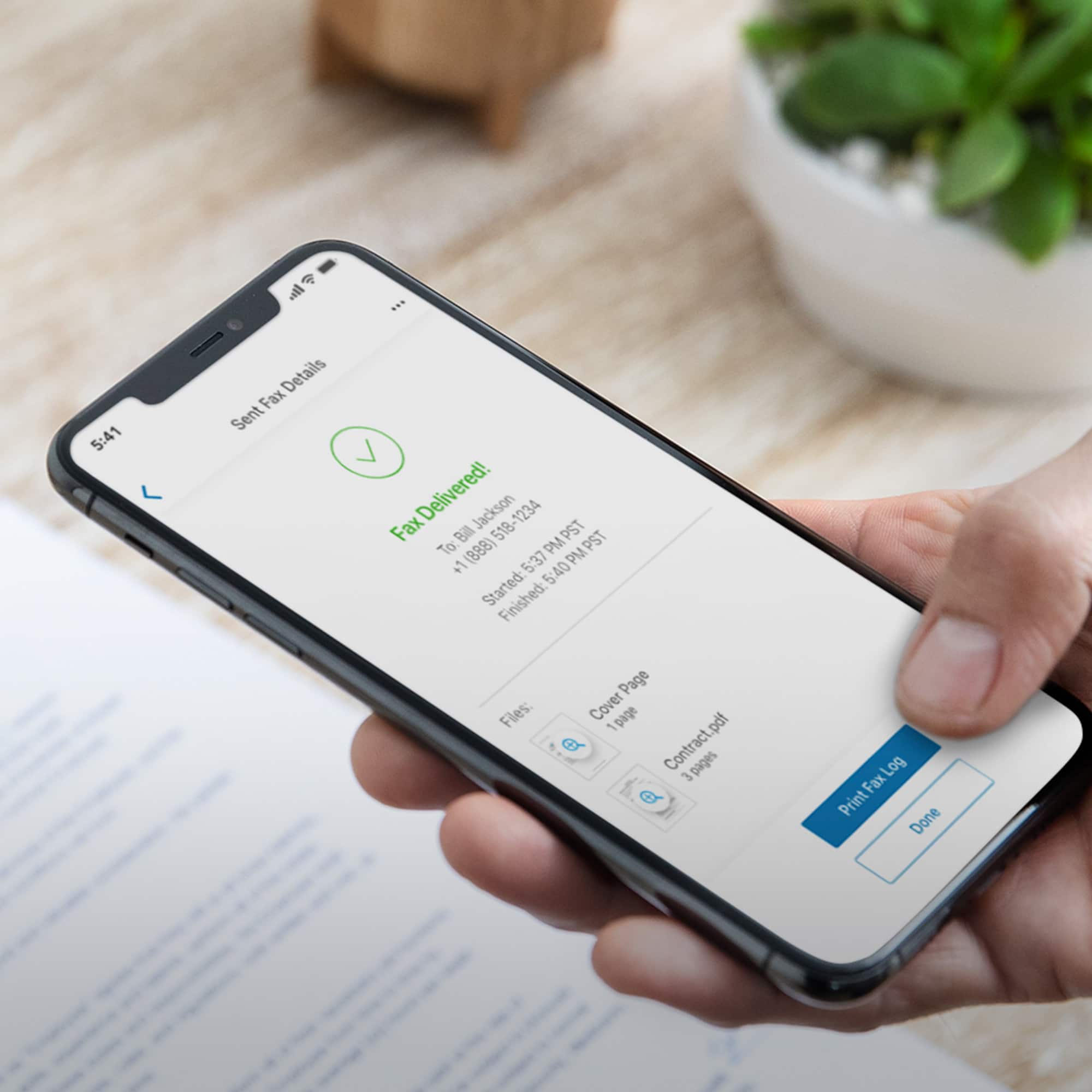
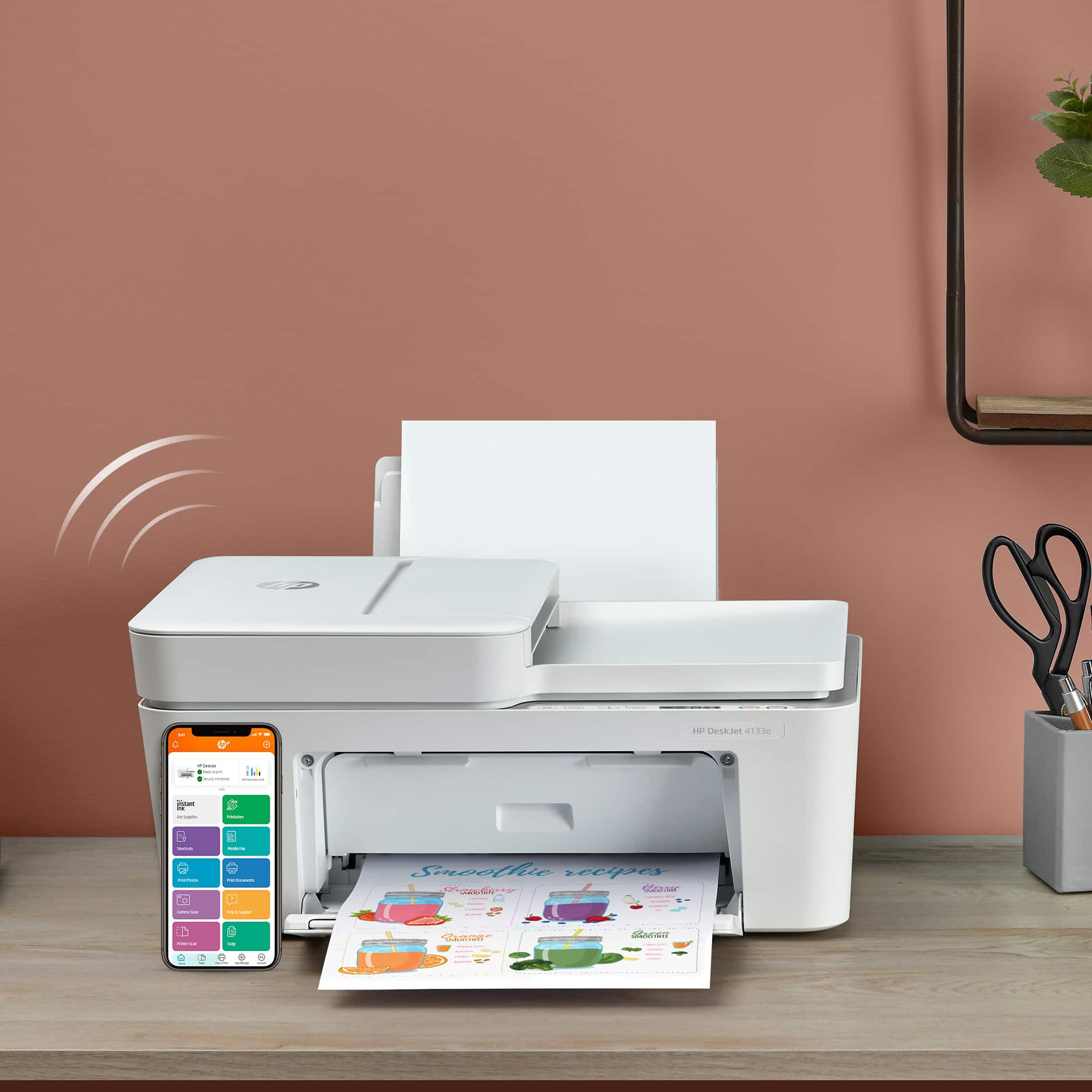
A:AnswerThank you for the question. The necessary drivers and printer software are within the HP Smart App. Download the Smart App to your computer to open it and install the printer. You can connect the printer via WiFi, Bluetooth, or with a USB cable.
A:AnswerWhen I bought this HP, I brought in a working Epson ECOtank printer. BB took it for recycle but there was on trade in value. I was told that if I had brought in an HP printer, there would have been some dollar value.
A:AnswerHello, Jack. Thanks for your question. Yes, you can set up this HP Deskjet 4133e printer on iPads. We recommend using the HP Smart app to set up the printer on the iPads.
A:AnswerThank you for the question. The DeskJet 4133e comes with 6 months of ink coverage with HP Instant Ink. It also has a free second year of product warranty and special free features using the HP Smart app. Enrolling in HP+ means that you will use Genuine HP inks for the life of the printer. This is better for printer health and quality output.