A:AnswerLiz, I am sorry to hear that you are having difficulty setting up your printer. HP and Geek Squad both offer technical support services that can walk you through the setup process.
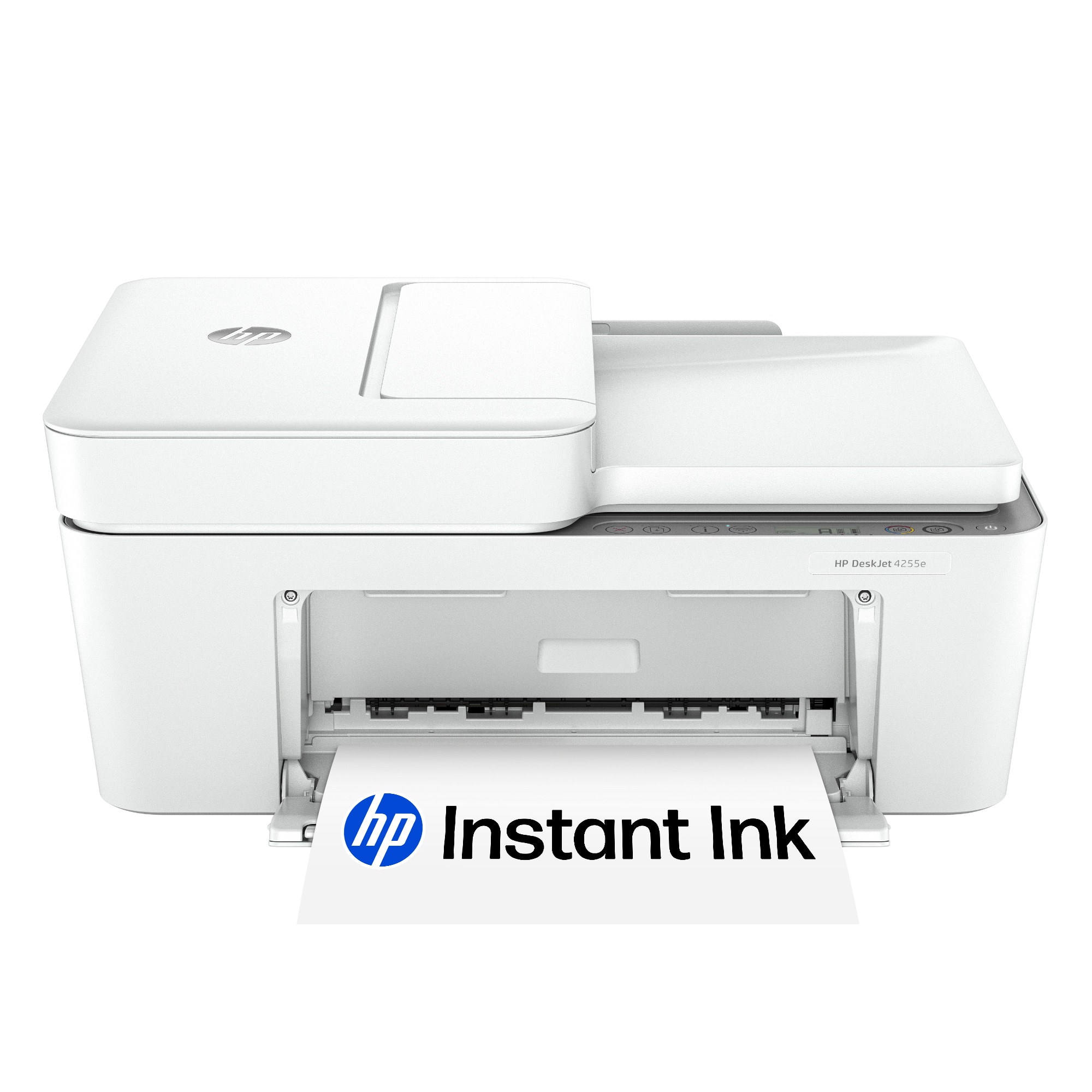
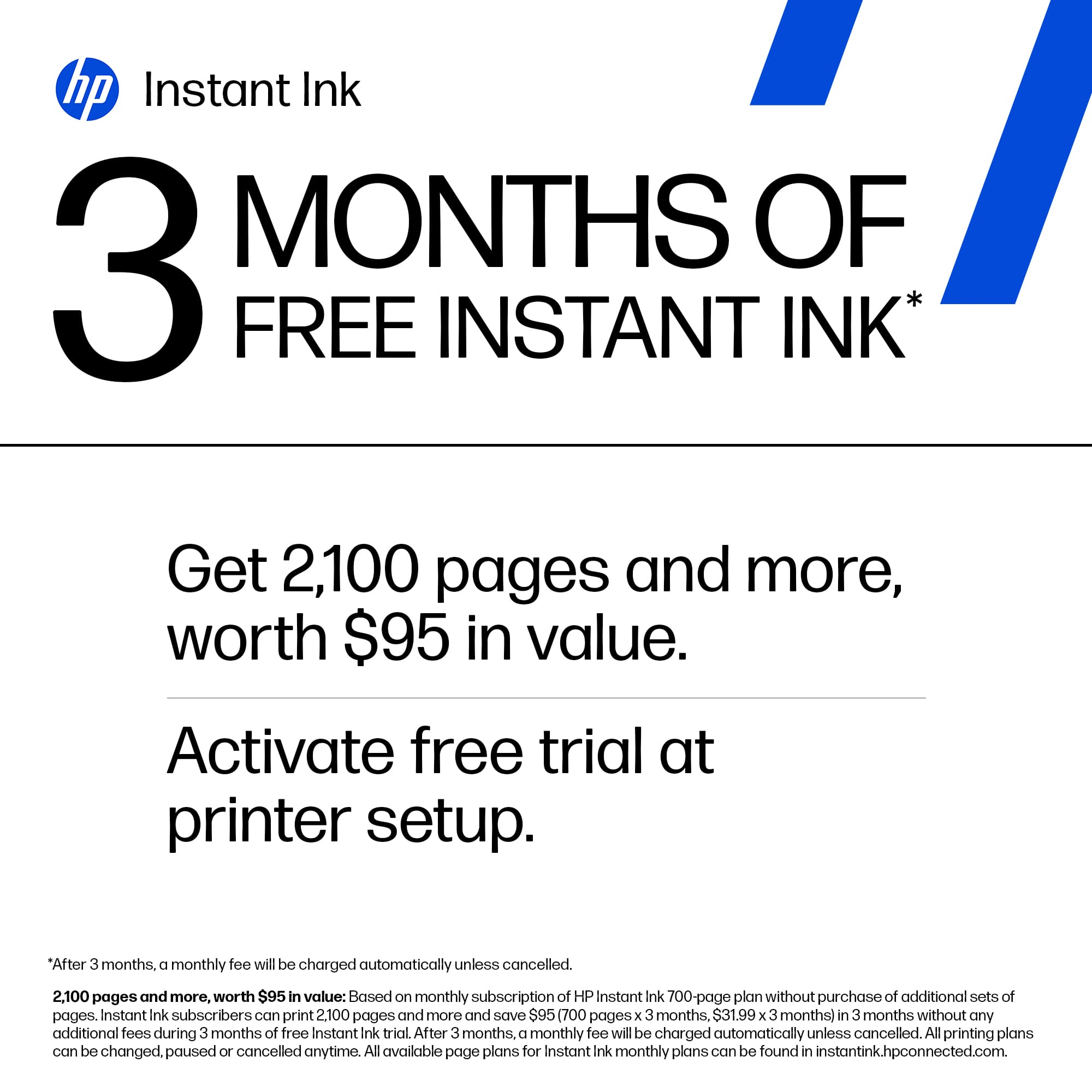
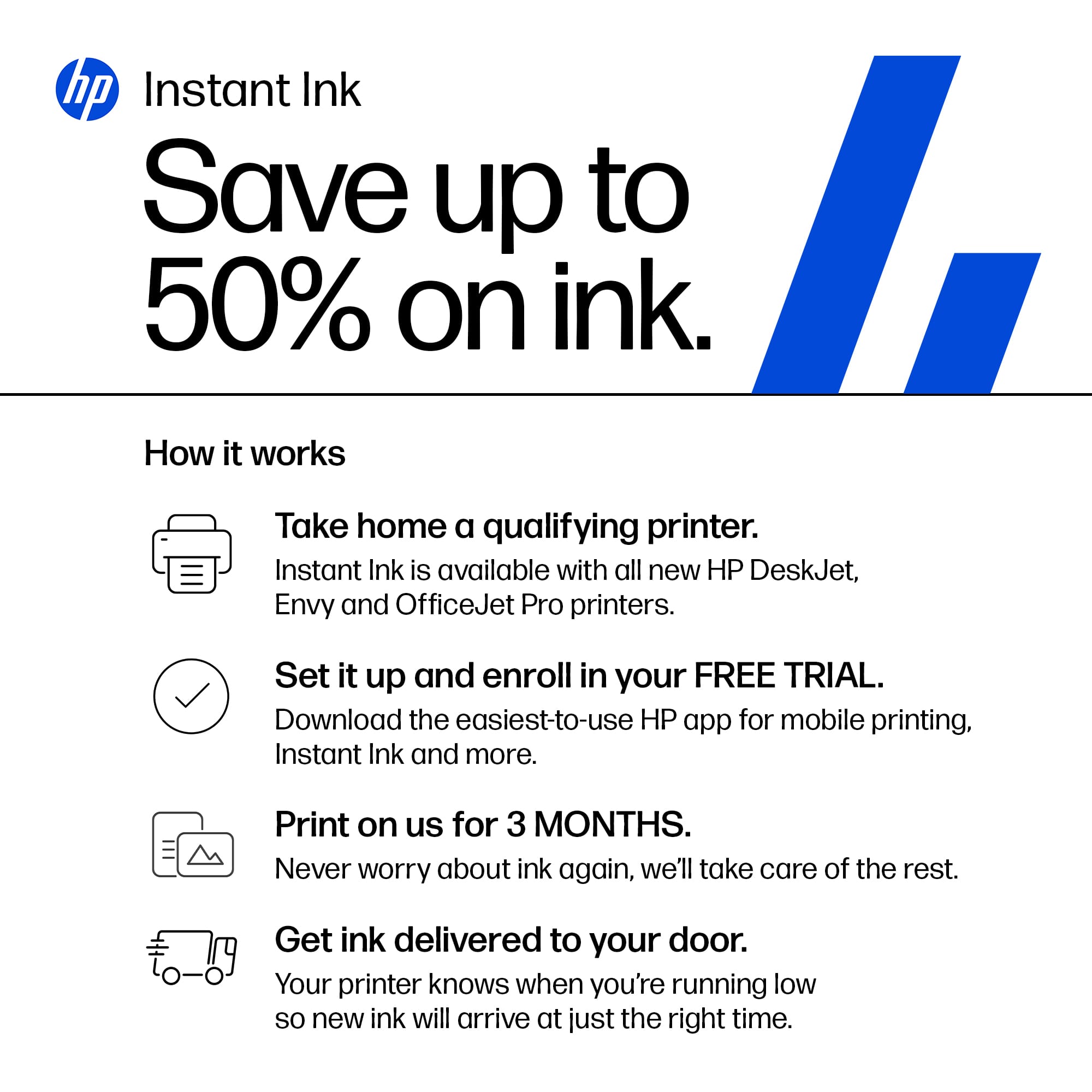
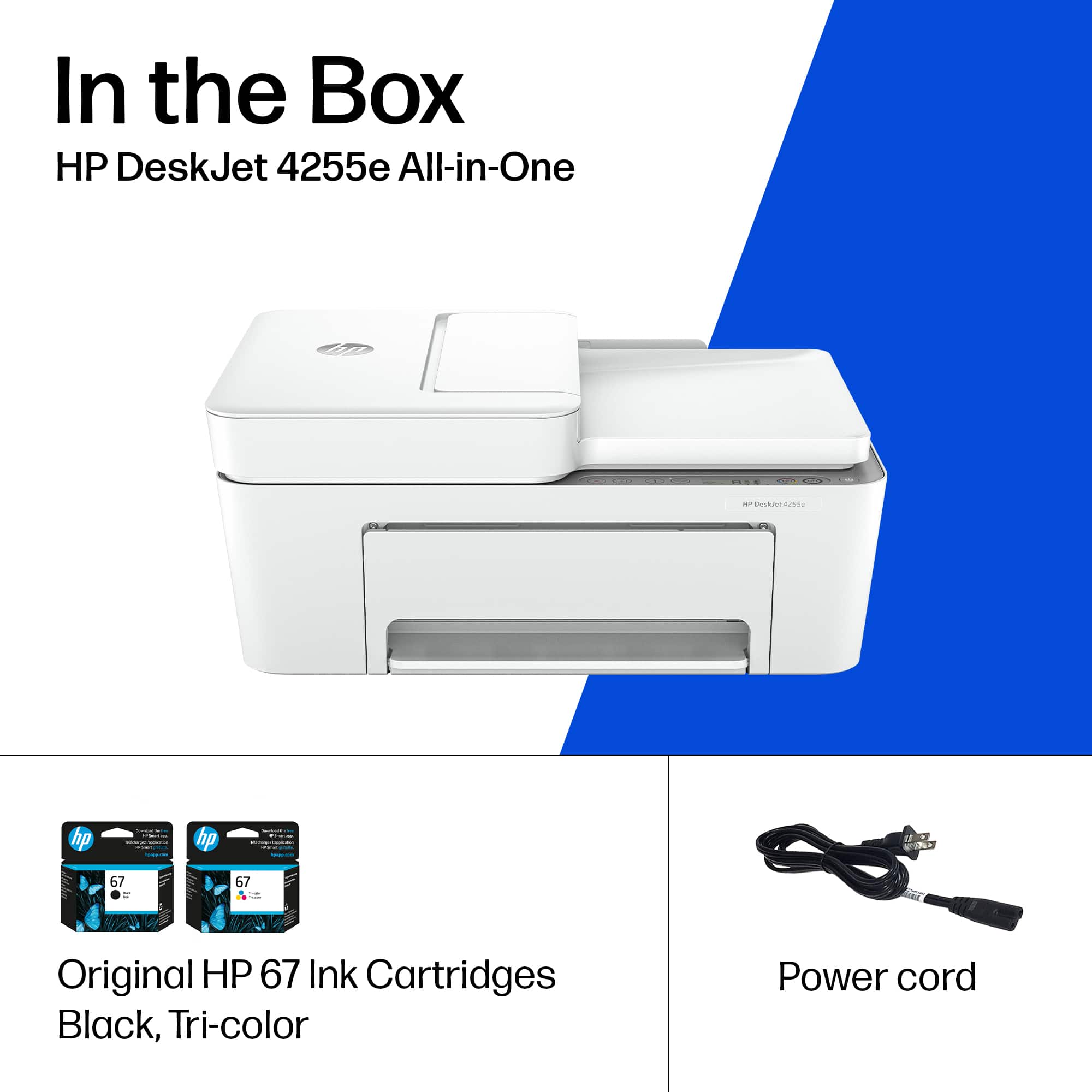
A:AnswerThank you for your interest in HP printers! The HP DeskJet 4255e is compatible with all Chromebooks, including the Lenovo IdeaPad 3i. Remember to take advantage of the HP 3 months Instant Ink offer during the printer setup!
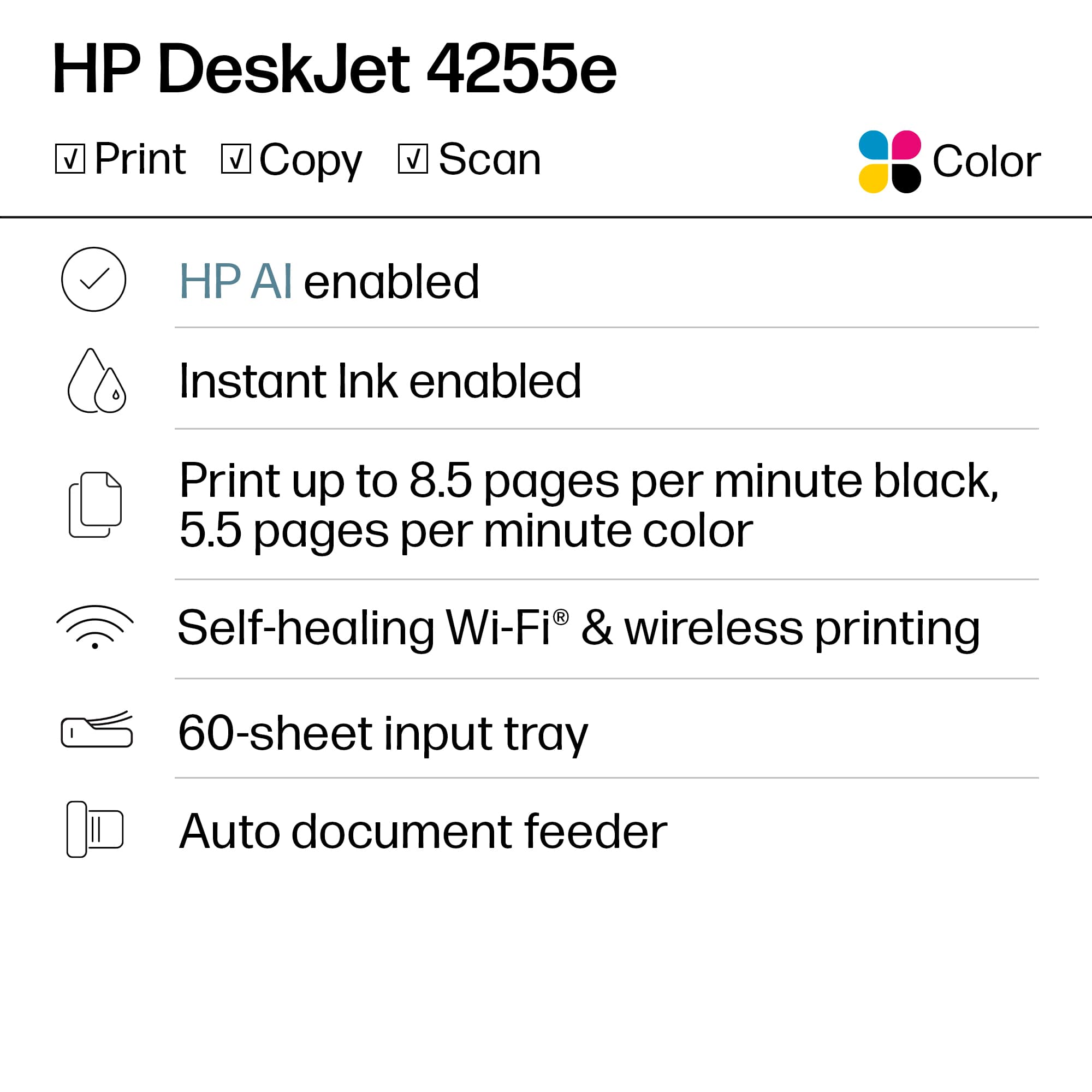
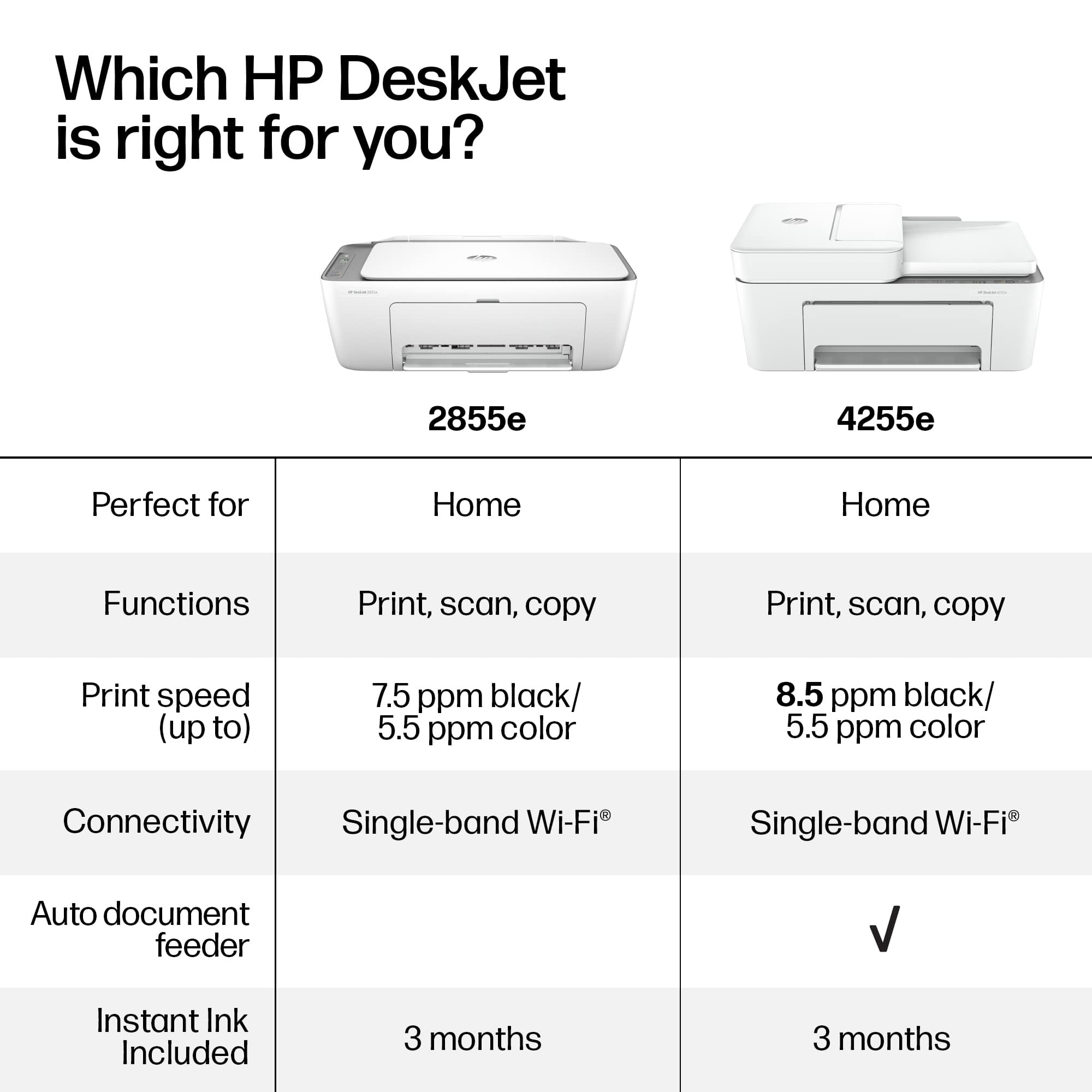
A:AnswerHello, Jo. Thanks for your question. This HP Deskjet 4255e printer does not have a fax function. You can use the HP Smart app to send faxes through the Mobile Fax. If you have a landline we recommend looking at the HP OfficeJet Pro 8135e, 8139e, 9125e, and 9135e Printers, which have a fax function. A landline is required for the fax function.
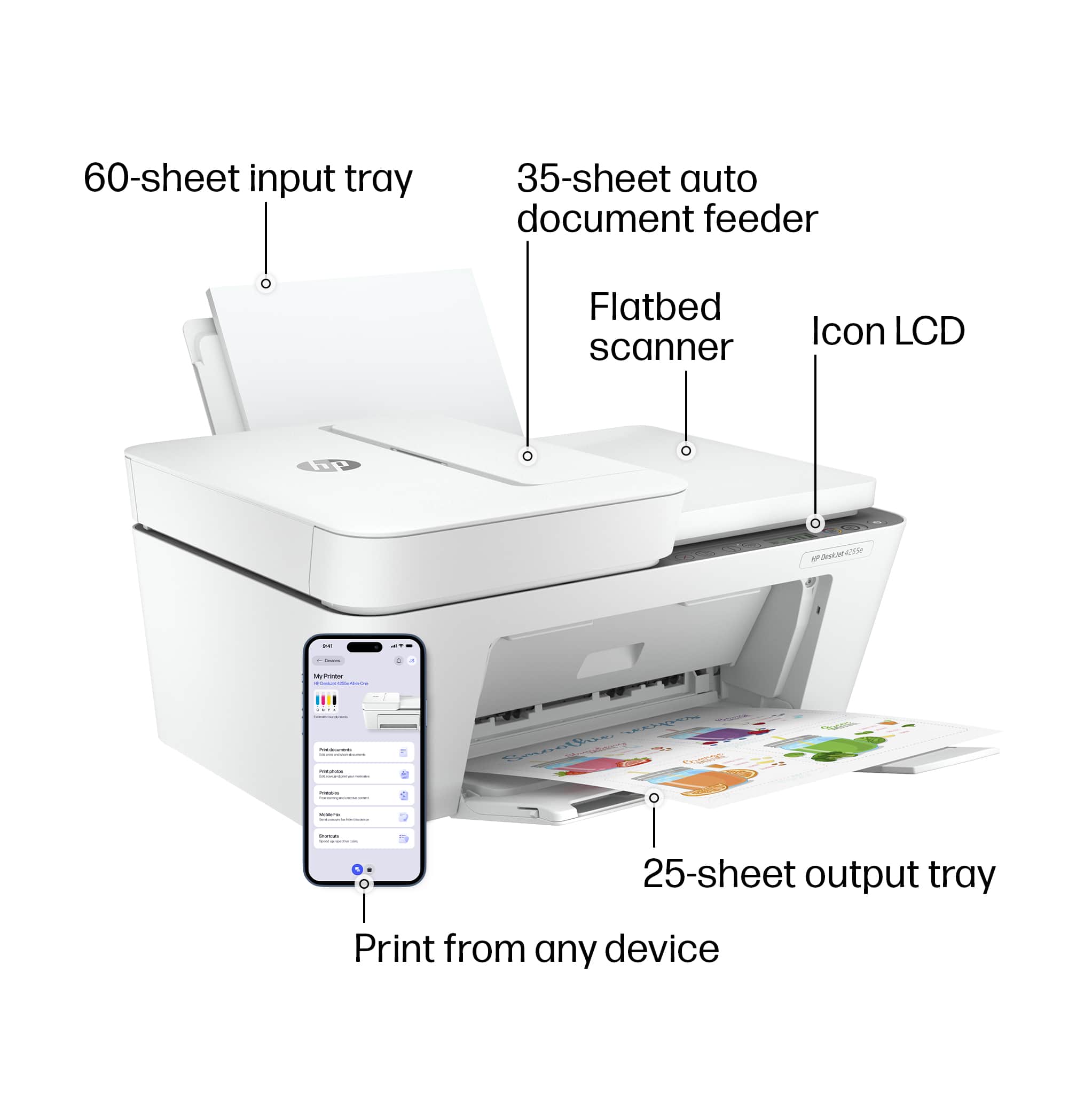
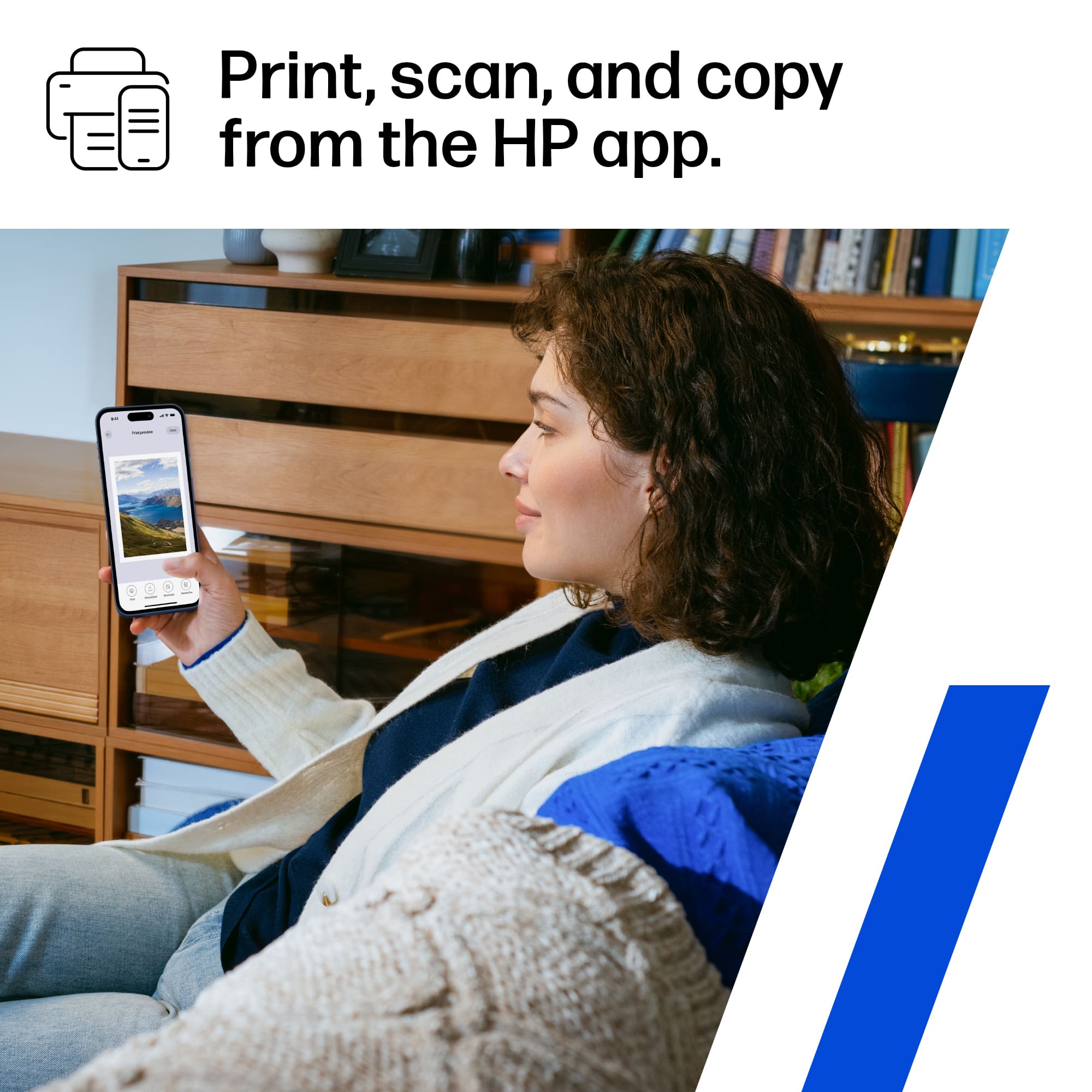
A:AnswerBobbi, thank you for your question on this new HP DeskJet 4255e! You scan by using the "Scan" function on your computer or your mobile device in the HP Smart app.
A:AnswerThank you for the question. During the setup of the new printer using the HP Smart app, you will be asked to create an account or log into an existing account for the free 3 months of Instant ink. You can add the printer to your existing account. Or you can replace an existing enrolled HP printer.
A:AnswerHello, Andy. Thank you for your question. With the 3-month trial of HP Instant Ink included with the HP DeskJet 4255e printer, you can choose from any of the available plans. The plans are based on the number of pages you print per month, not the amount of ink you use.