A:AnswerThank you for your question on this HP desktop! We are sorry about your experience thus far. One way is to connect it to another display that has HDMI and see if it is the monitor. Also, make sure that the cable is backward compatible with HDMI 1.4b. If you need further assistance, we recommend reaching out to the Geek Squad at Best Buy or HP Support.
A:AnswerHello Jenni, thank you for your question on this HP Desktop! This model does not come with any Adobe software, so that would be a separate purchase to get those programs.
A:AnswerHi Andy, thank you for the question. For an unbiased recommendation addressing your specific needs, we'd suggest that you visit your local Best Buy for assistance.
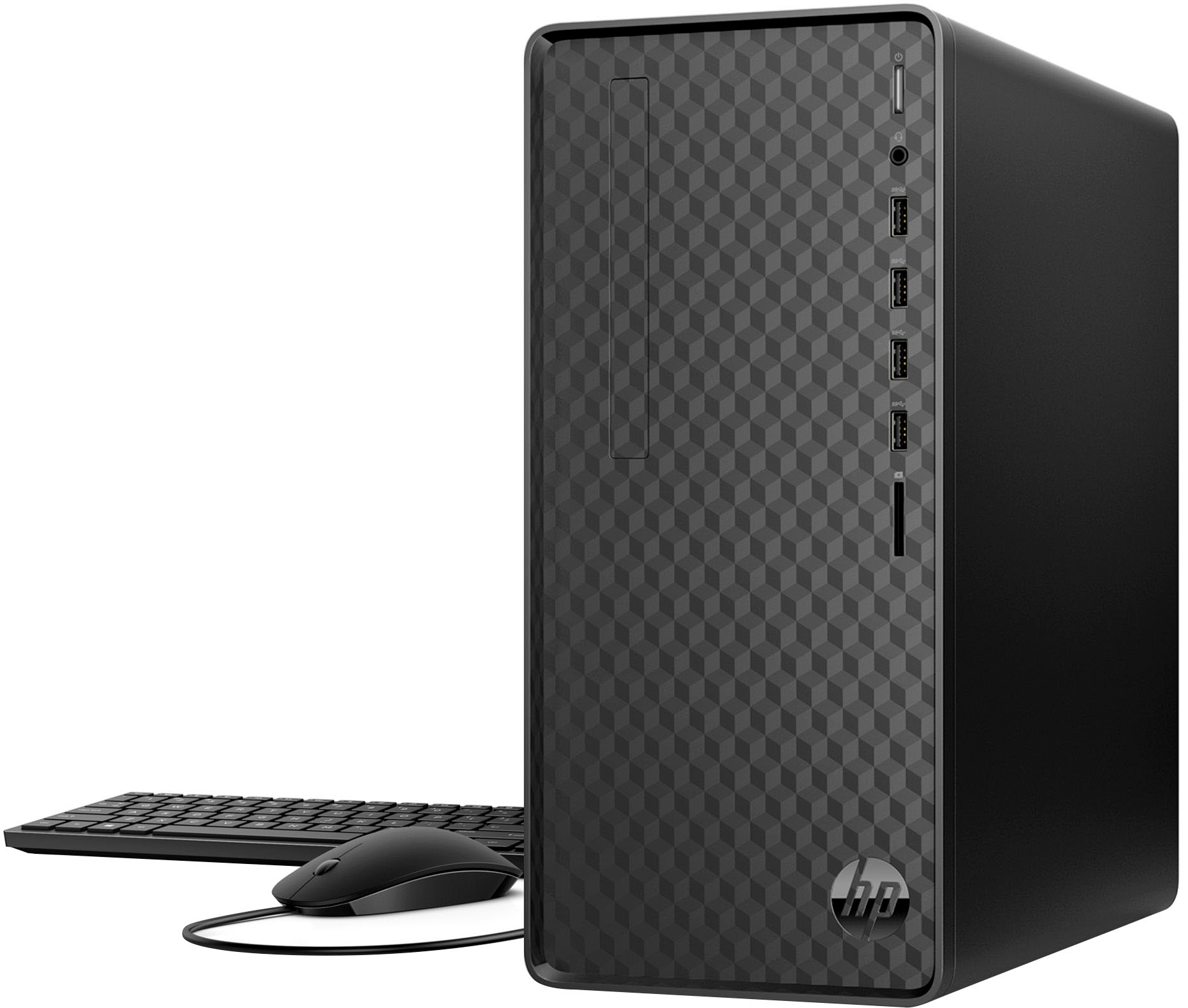
A:AnswerHello and thank you for asking. This HP M01-F3214 desktop computer does not come with speakers. You'll need to purchase speakers separately, which can connect via 3.5 mm plug, USB, or Bluetooth.
A:AnswerThank you for your question. Yes, this M01-F3214 Desktop meets the system requirements to run Roblox and is sufficient for school work as well.
A:AnswerHi, and thanks for asking the question. With the graphics system on board, running a 4k monitor is going to be a bit dicey if you're looking to play games (it's not going to be able to reliably drive the monitor at 60 fps)
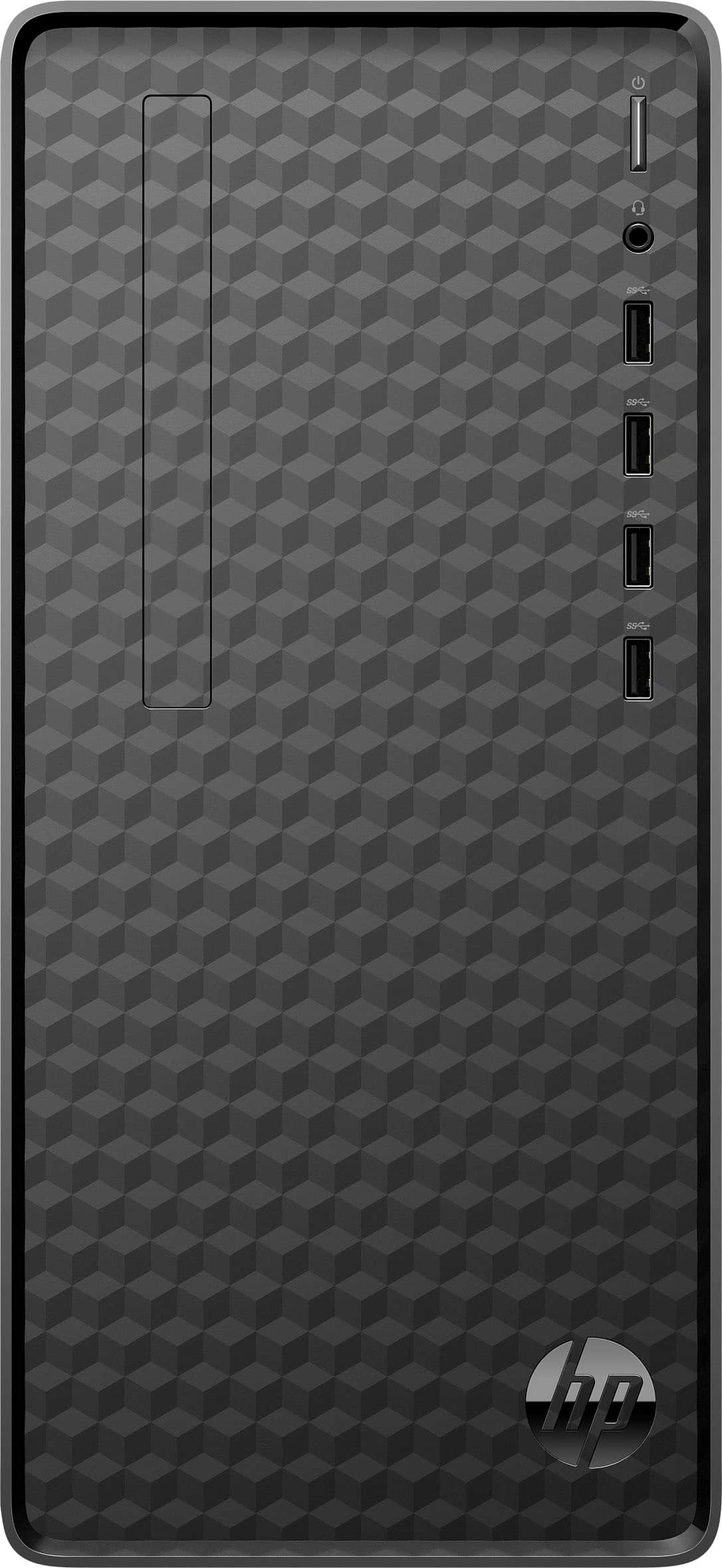
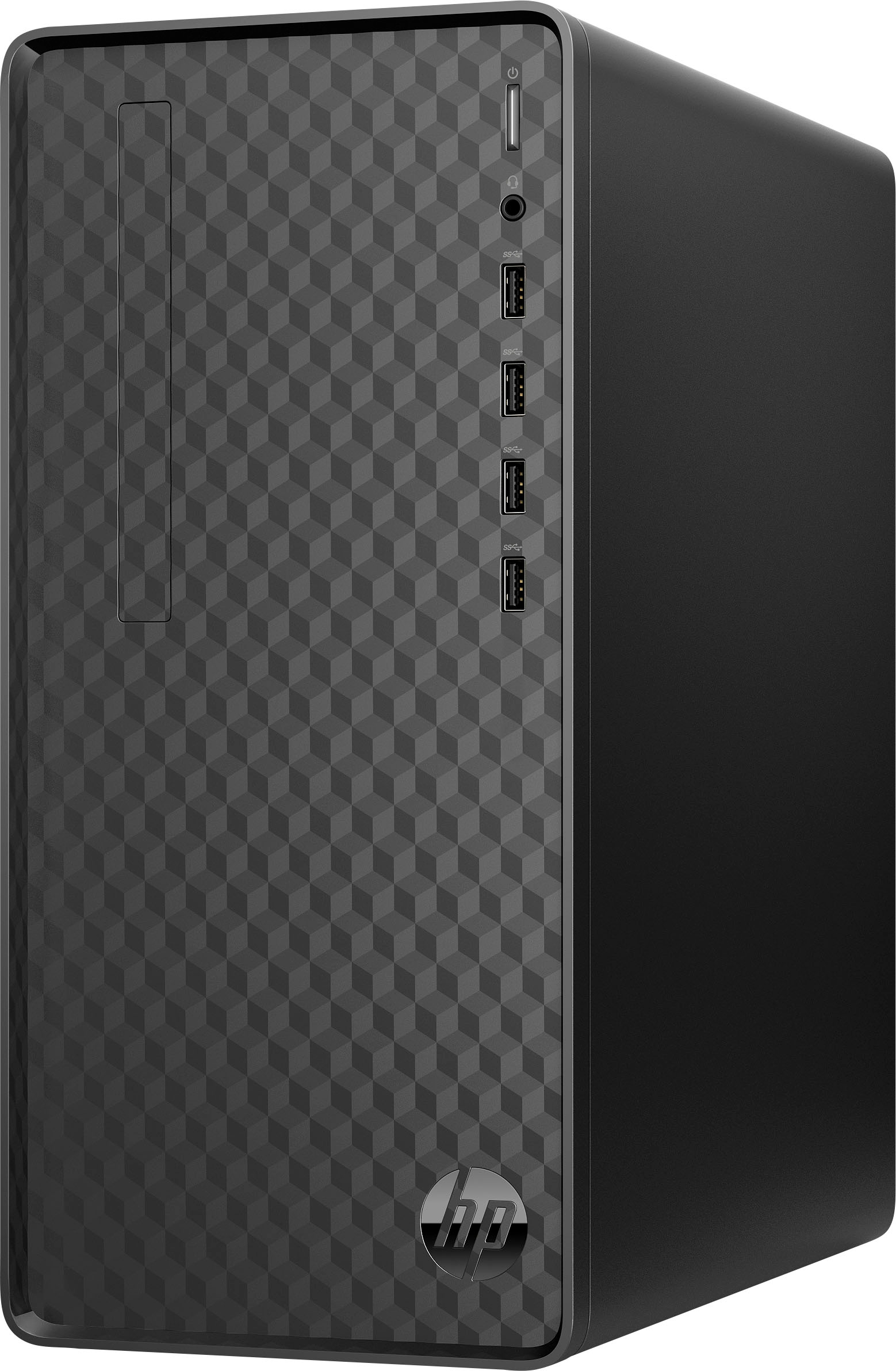
A:AnswerCurt, thank you for your question on this HP Desktop! None of the USB ports support any type of video-out. It does have one VGA and one HDMI port on it.
A:AnswerHi Amy, thank you for the question. Yes, if you prefer not to transfer files yourself, the Geek Squad can assist. Please visit your local Best Buy for details.
A:AnswerHi Bill, thanks for your question! For adding storage to this HP Desktop with AMD Ryzen 3, you'll want to take it into an experienced technician, to upgrade and install the storage.