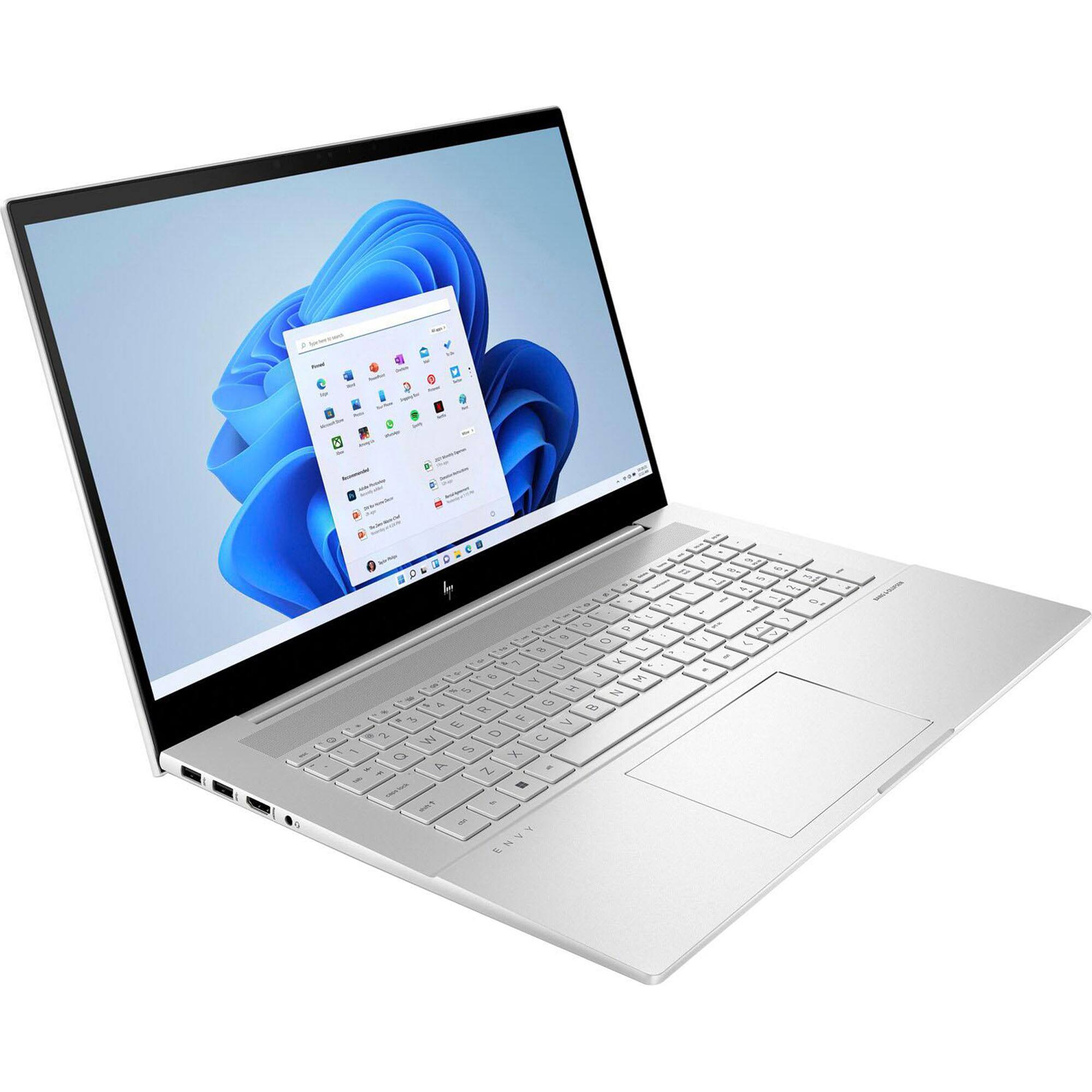
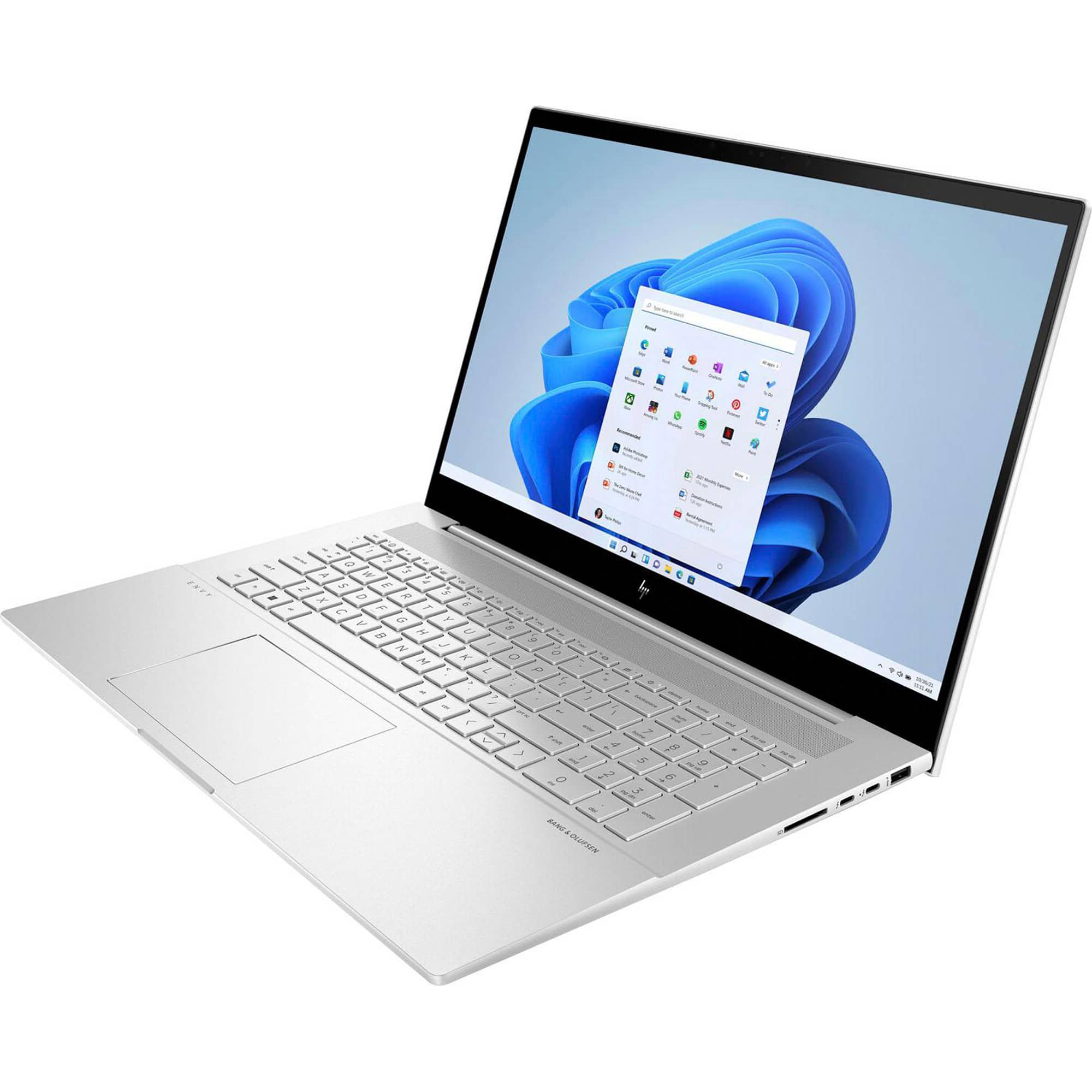
A:AnswerHello. Thanks for your question. You can use a Universal USB Docking Station. You want to be sure the docking station has the video ports, i.e. HDMI, that are on the monitors.
A:AnswerI believe they still come with Windows 10. When we were setting up my grand daughter's, a message popped up asking if we wanted to upgrade to Windows 11. We selected yes. I have 2 new ones that I plan to give for Christmas this year and my research indicates that it comes with Windows 10 that can be upgraded to 11.
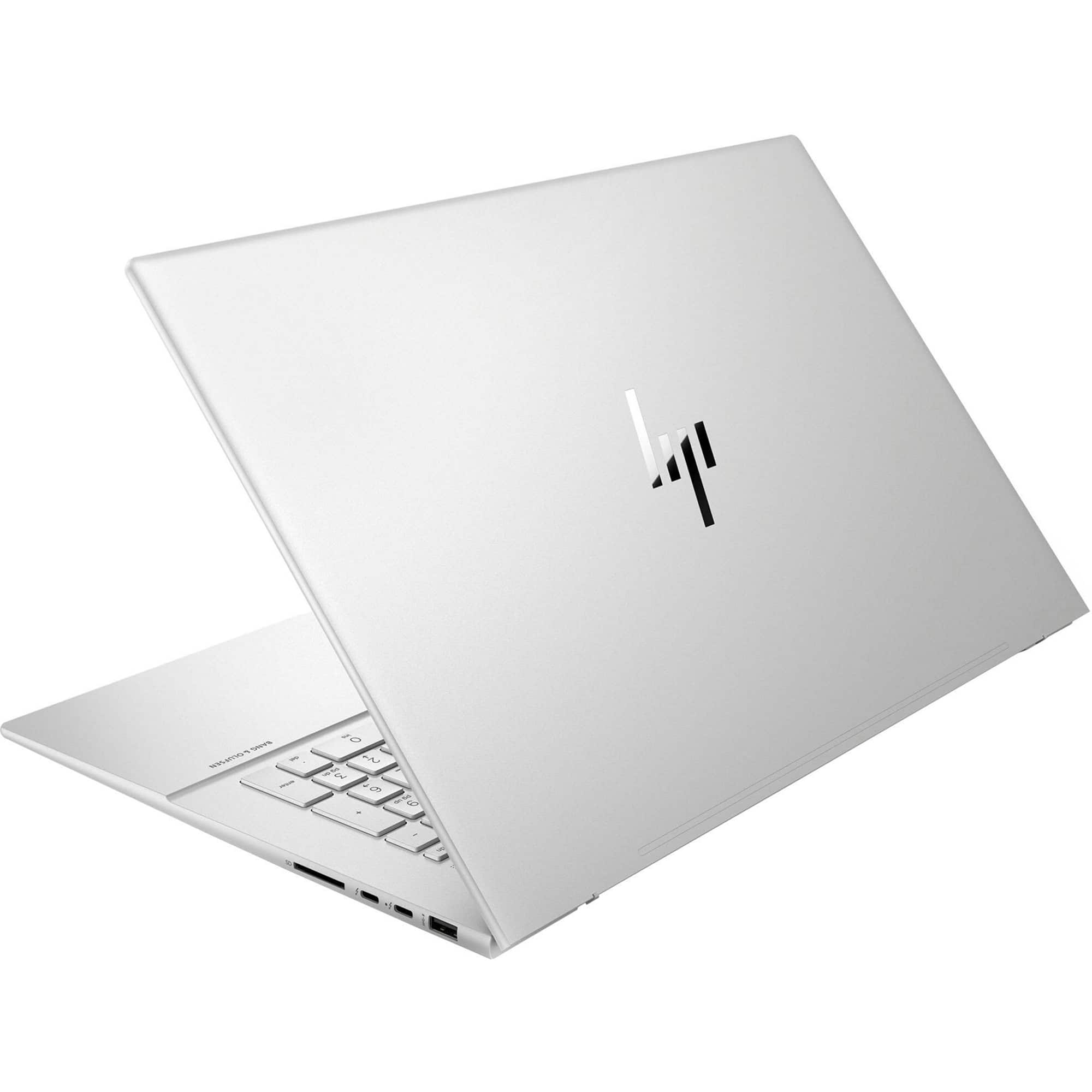
A:AnswerThis computer does not have an ethernet port. As far as a converter I do not know about that. I would just update to a new printer with all the features you are looking for plus it can fax and scan to either a usb card or right to your computer. I use both of those features a lot.
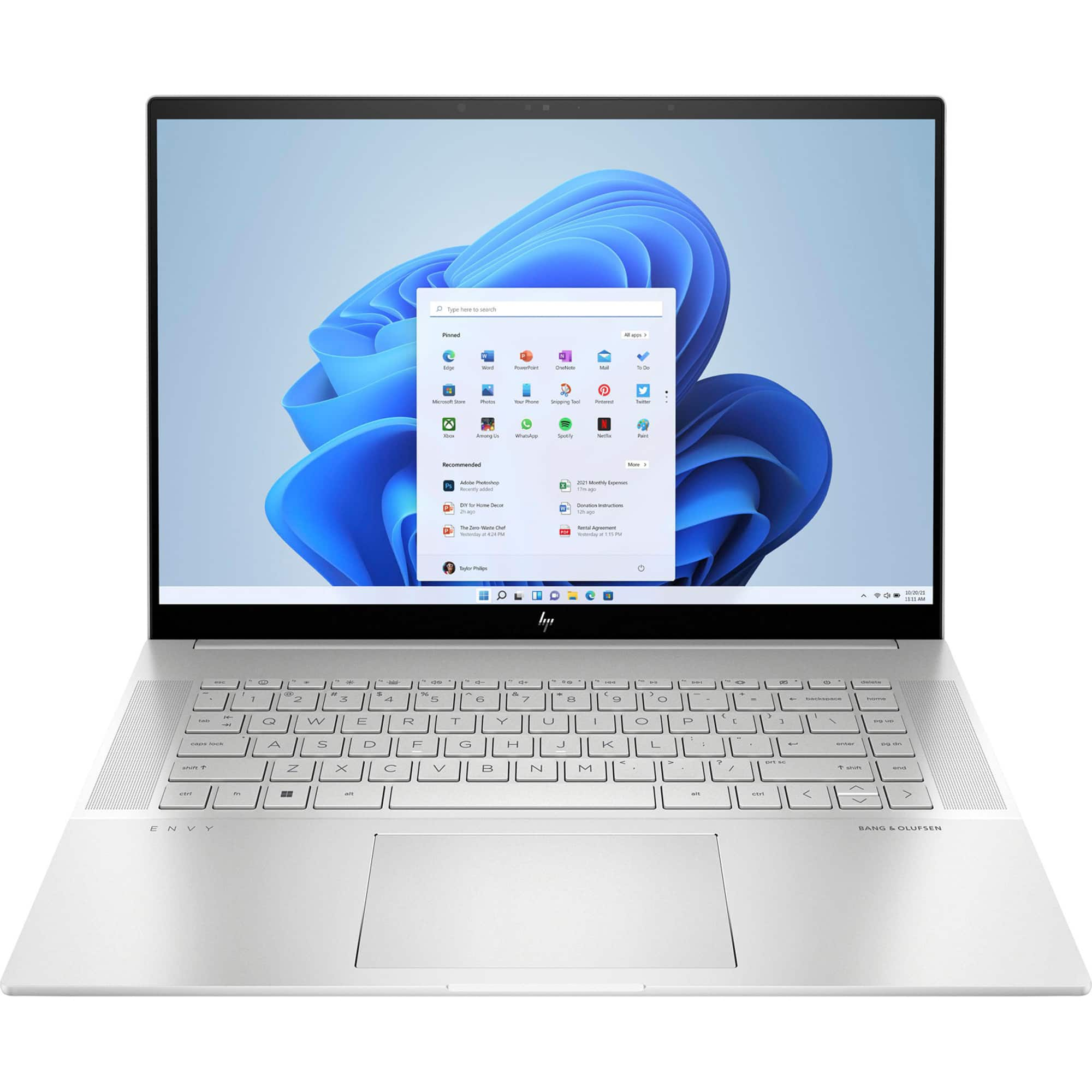
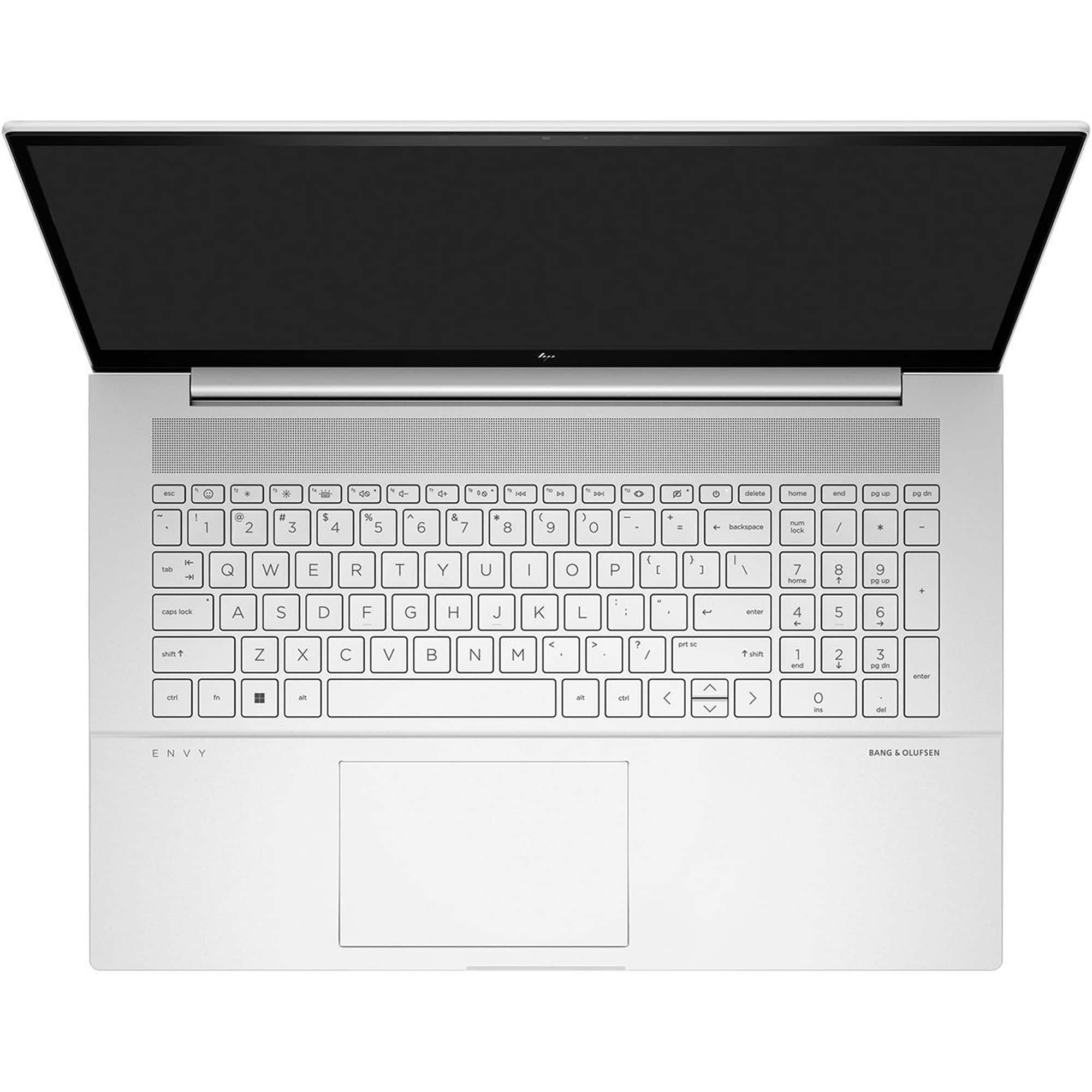
A:AnswerThank you for asking. The Envy 17-ch2010nr has two memory slots, and you can upgrade the memory to a total of 64GB. Due to the Li-ion battery, we suggest using a trained technician when upgrading.
A:AnswerIt's not available with it as shipped. However, the Geek Squad at your local Best Buy can certainly install Windows 10 Pro on this computer. You'll need to contact the store directly for pricing.
A:AnswerYes, during setup this computer asked me about files that I wanted to transfer, and I was able to pick the files I wanted, and it brought them right over to this machine. My programs and data I wanted were saved in the cloud, so I didn't have to hook the 2 machines together in any way. It made it very easy.
A:AnswerThank you for the question. This laptop has MediaTek Wi-Fi 6 MT7921 (2x2) and Bluetooth® 5.2. WiFi 6 increases the number of streams to a new high of 12 across the 2.4 and 5 GHz bands
A:AnswerHello, you can contact HP Support to get further assistance with your device if you'd like. One suggestion would be to put a small reader light clipped to the side of the device to light up the keyboard. Thank you for being an HP customer!