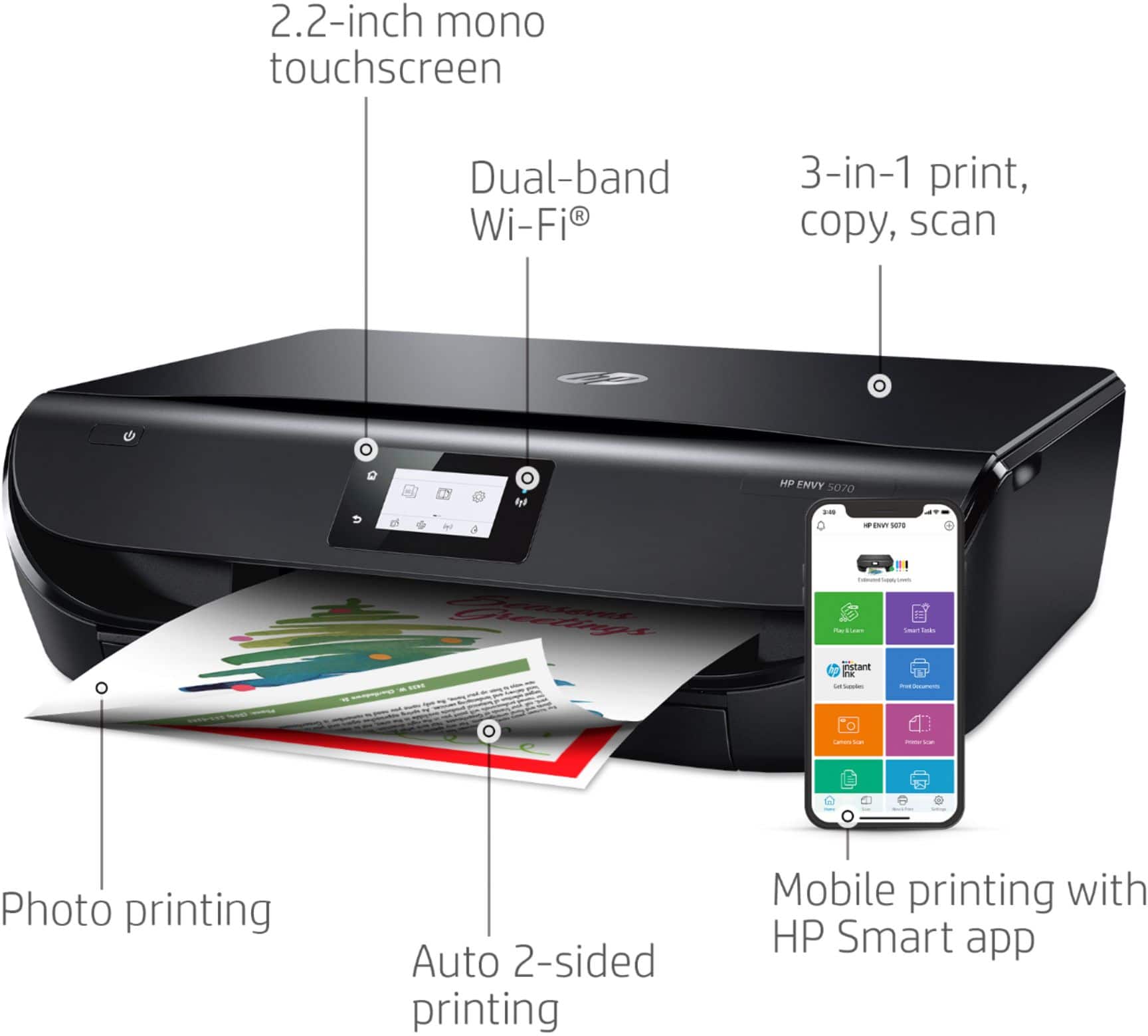
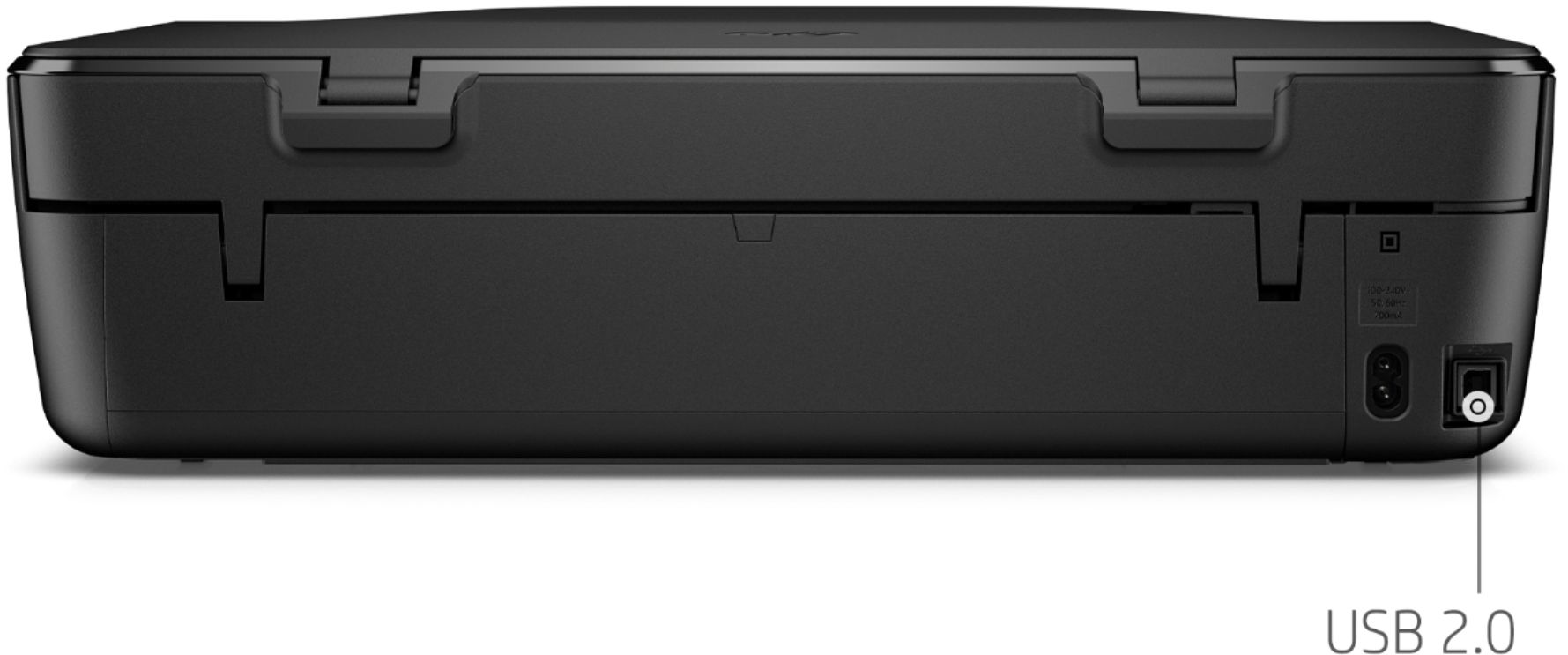
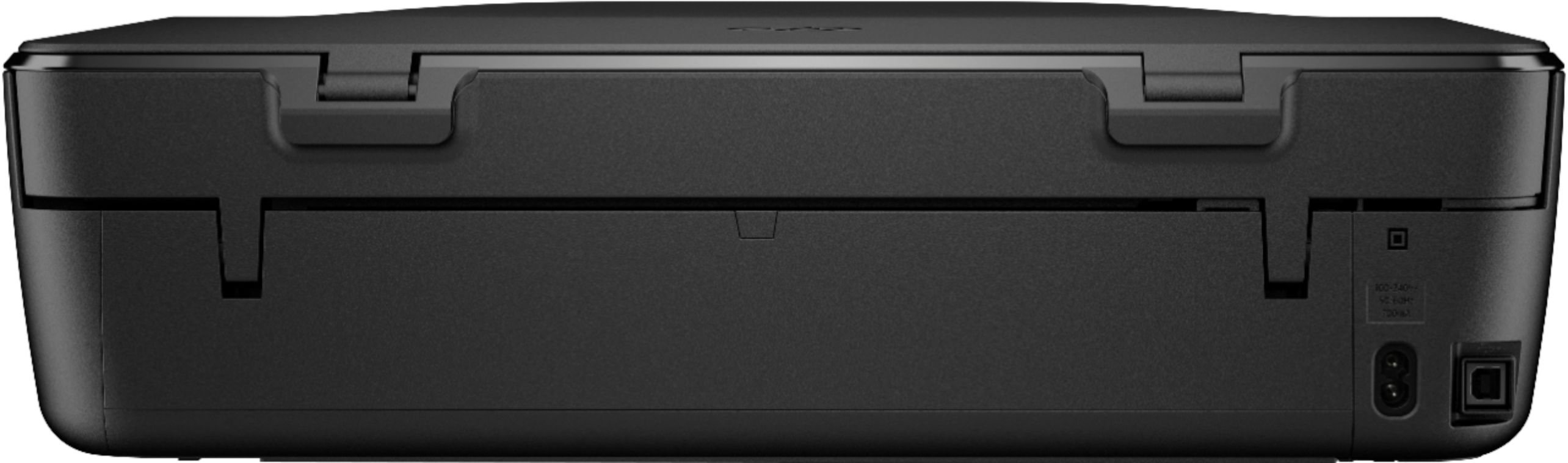
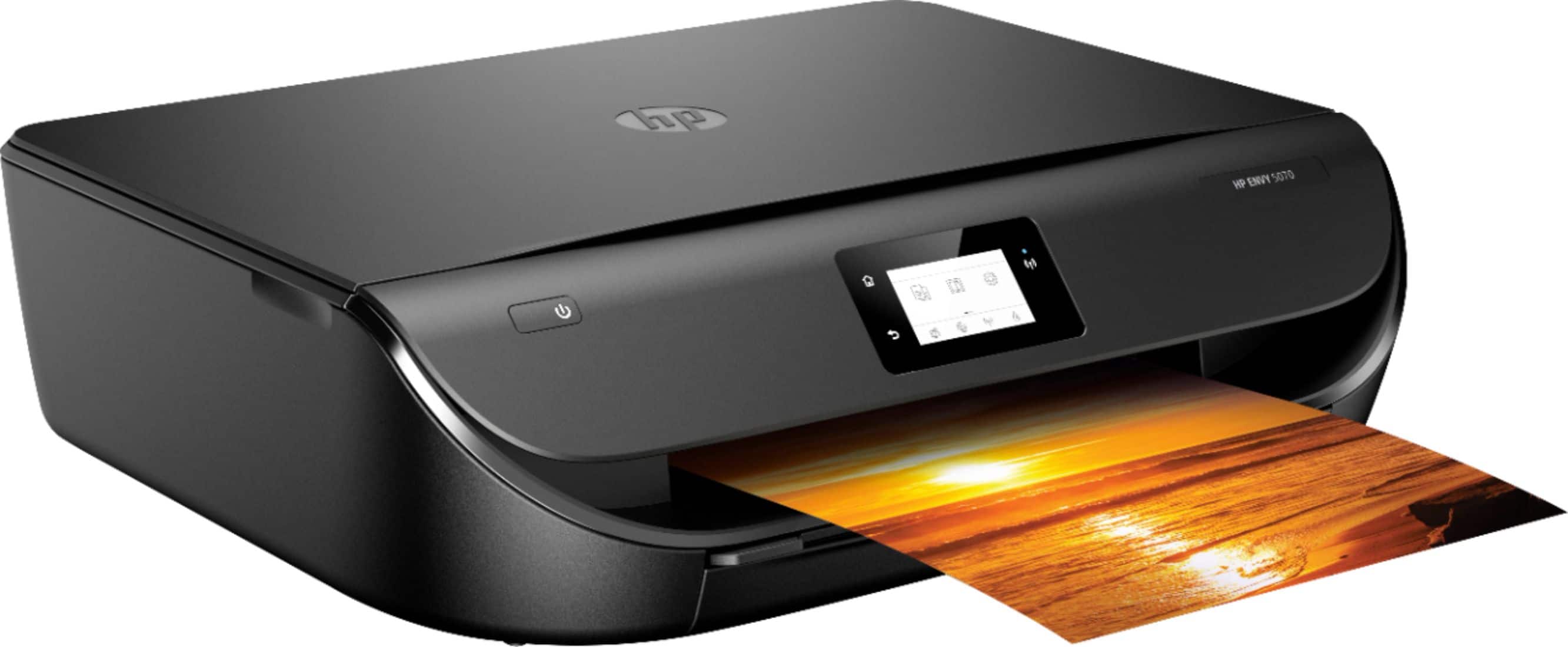
A:AnswerThe black ink for the computer is pigment based so you shouldn't have a problem with it writing or highlighting the black. If you need to highlight color items, you need to take a look at one of the printers in the OfficeJet Pro range, which use all pigment based ink.
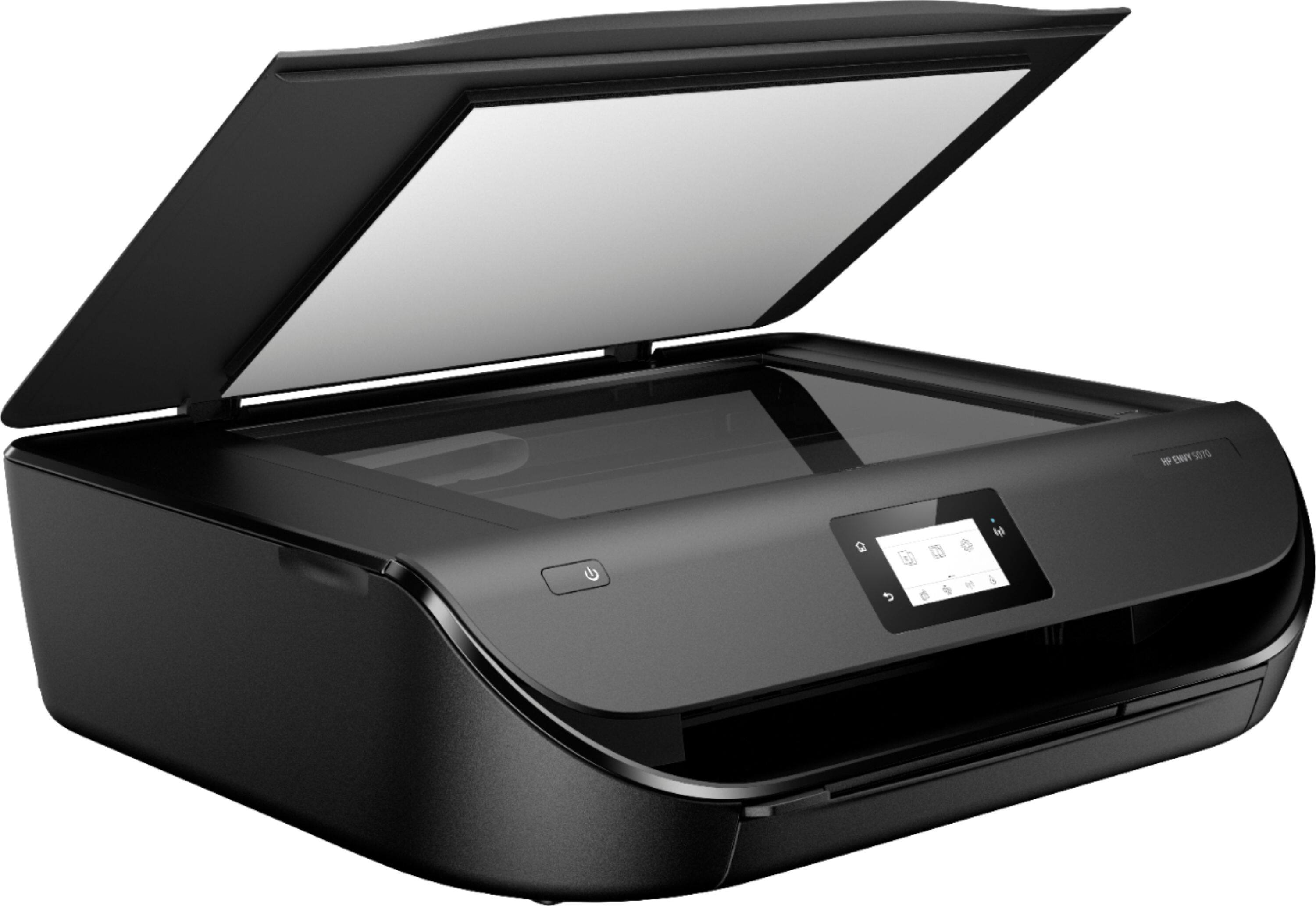
A:AnswerThe Envy 5070 can't scan legal documents, only letter size. It can print legal size documents. Most printers with an auto document feeder can scan legal size documents. The Envy Photo 7855 has an auto document feeder.
A:AnswerYes, this printer is compatible with the Lenovo Chromebook. Here are some instructions on how to set up the printer on the Chromebook: https://support.hp.com/us-en/document/c04122530
A:AnswerYes, you can use this printer with an Acer Chromebook. Here are some instructions on how to set up the printer on the Chromebook: https://support.hp.com/us-en/document/c04122530