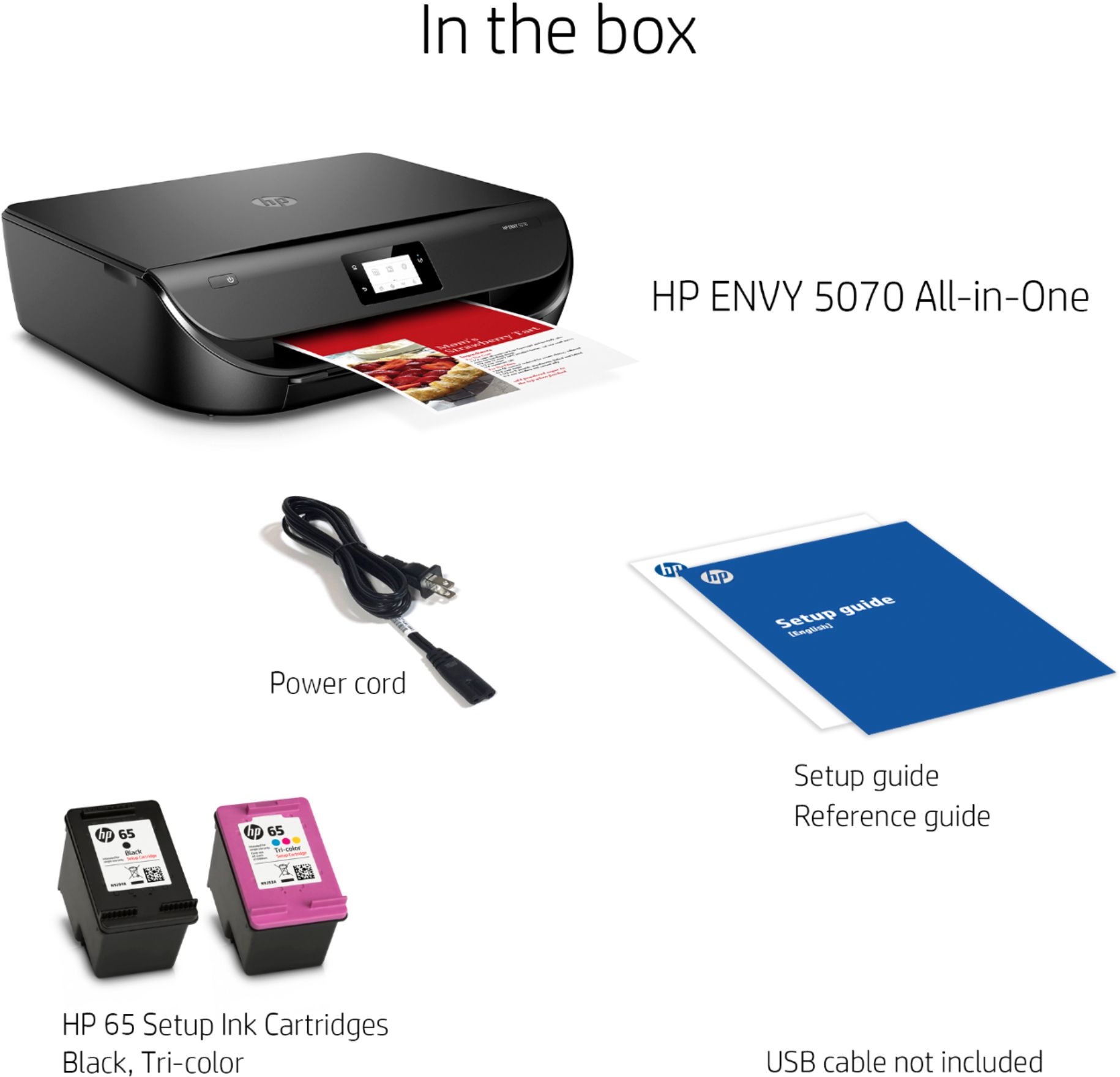
A:AnswerA lot is relevant. You can buy the XL cartridges that lasts a lot longer. I think the regular size is good for 300 pages, but not 100% sure on that...The beauty of this printer is it only needs two cartridges. The color cartridge makes the necessary colors you need when printing photo or in color. They are a little cheaper than other cartridges. Easier to install too. I mean a 3 year old could install them...
A:AnswerThis is a brand new printer. You can use the HP ENVY 5070 All-In-One Printer in the single-cartridge mode. I would recommend using the setup cartridges first. Then, when the tricolor ink cartridge is empty or low, you would take that ink cartridge out. The printer will automatically go into the single-cartridge mode. Then, you can print with just the black ink cartridge if you wanted to. So, you don't have to replace the tricolor ink cartridge.
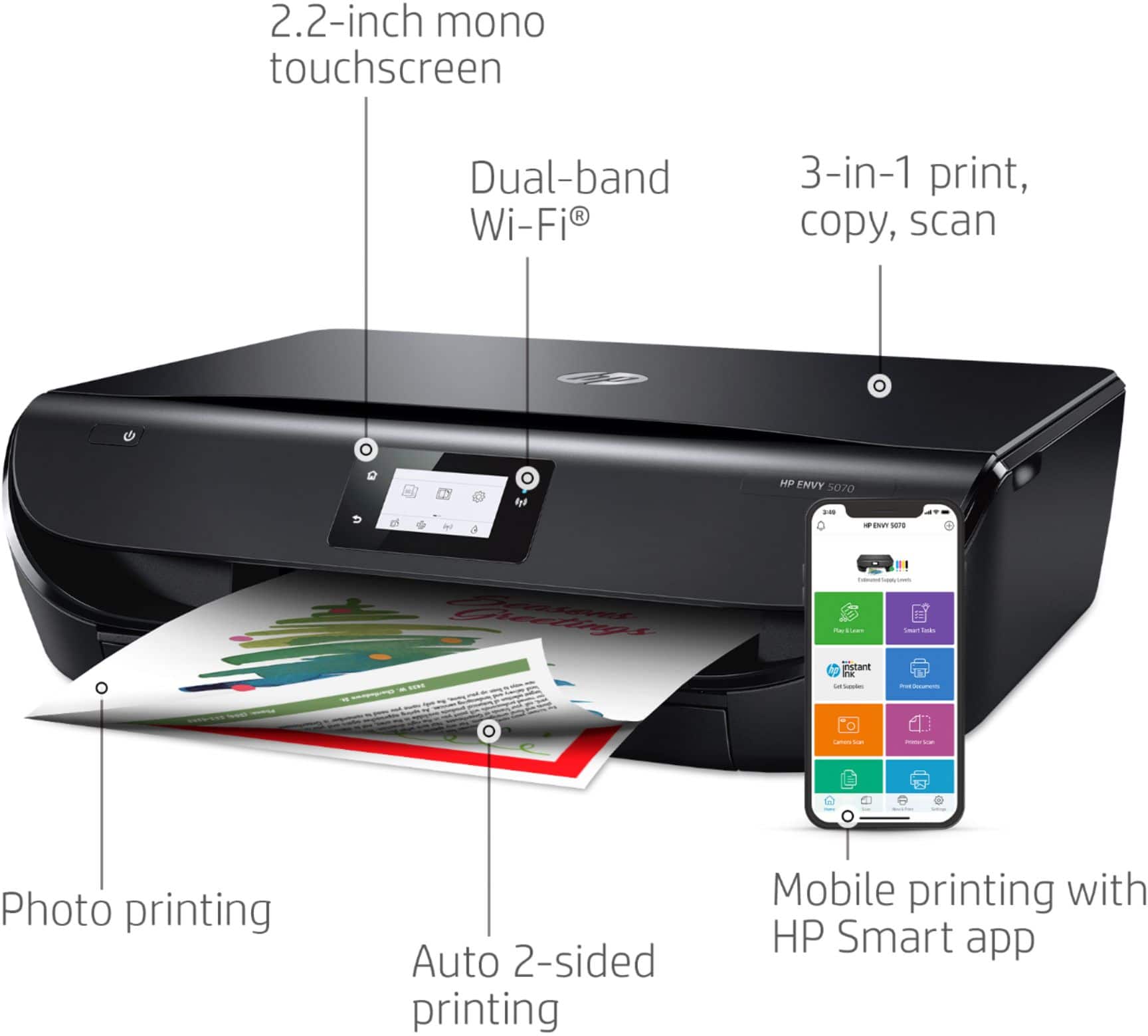
A:AnswerNo. This printer uses the WiFi technology. If you want to connect directly to the printer, we recommend using WiFi Direct. I would recommend using WiFi Direct. Wireless Direct (WiFi Direct) allows you to directly connect to a printer from a mobile device or computer without the need for internet access or a wireless network. You would connect to the printer’s wireless direct signal just like you would connect to a wireless network. The printer would have a unique name in your wireless connections, i.e. Direct-04-Printer. For more information, you can go to https://bit.ly/3jqsGQ8
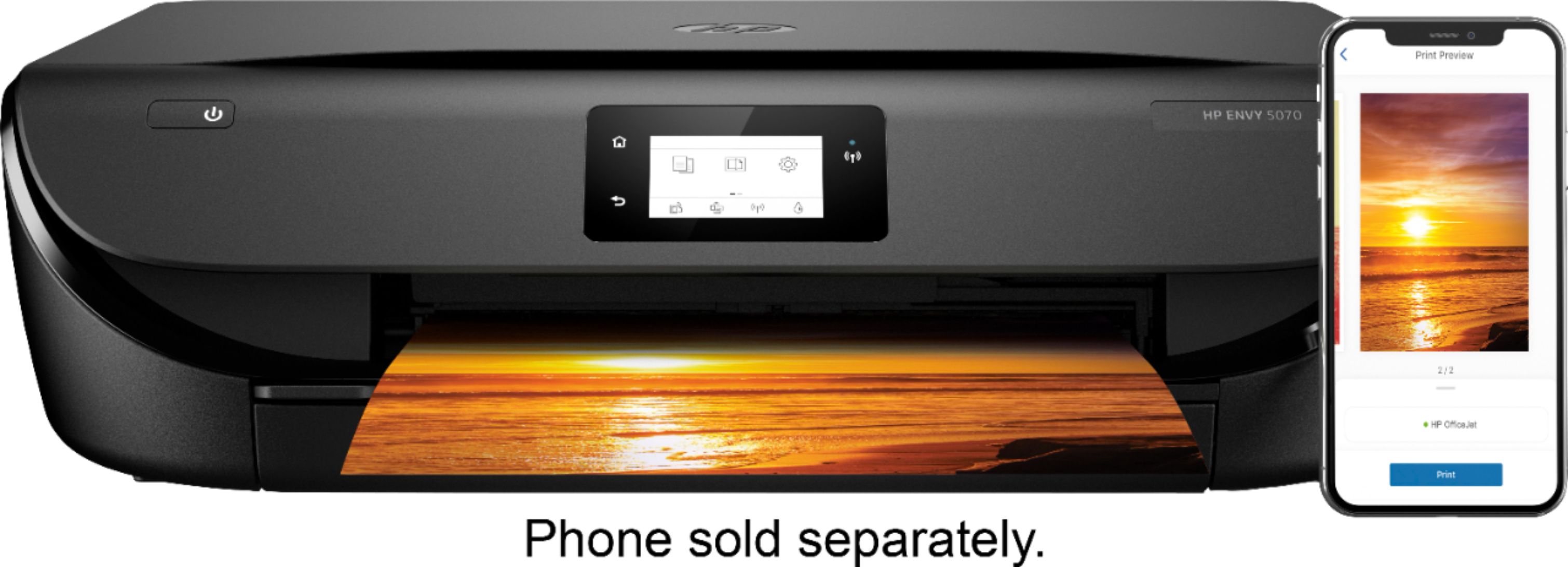
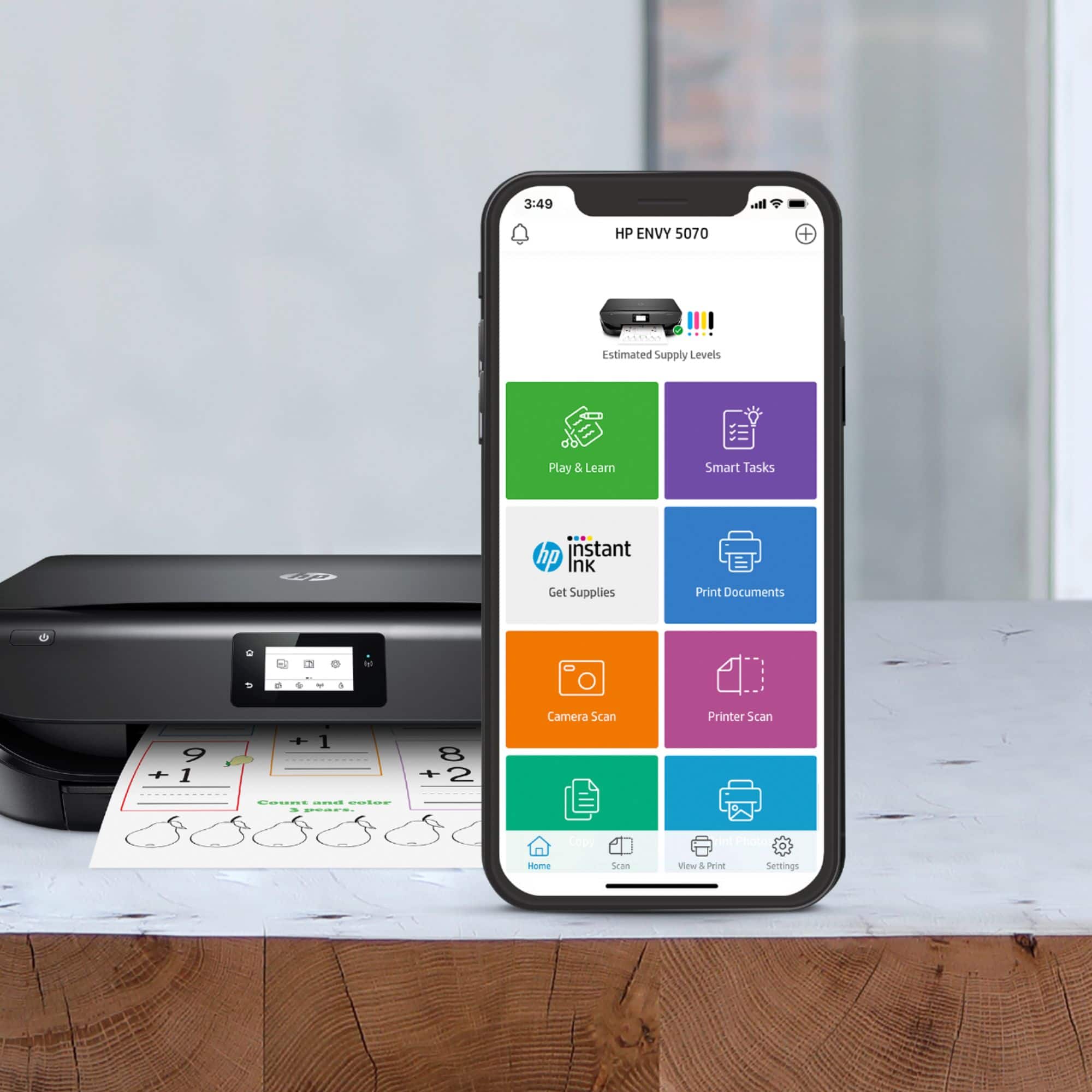
A:AnswerYes, this printer is compatible with the Samsung Galaxy phones and iPad tablets. Just be sure the device and the printer are on the same wireless network. We recommend using the HP Smart app: https://support.hp.com/us-en/document/c03561640
A:AnswerYes, you can use this printer with the Acer Chromebook. Here are some instructions on how to set up the printer on the Chromebook: https://support.hp.com/us-en/document/c04122530