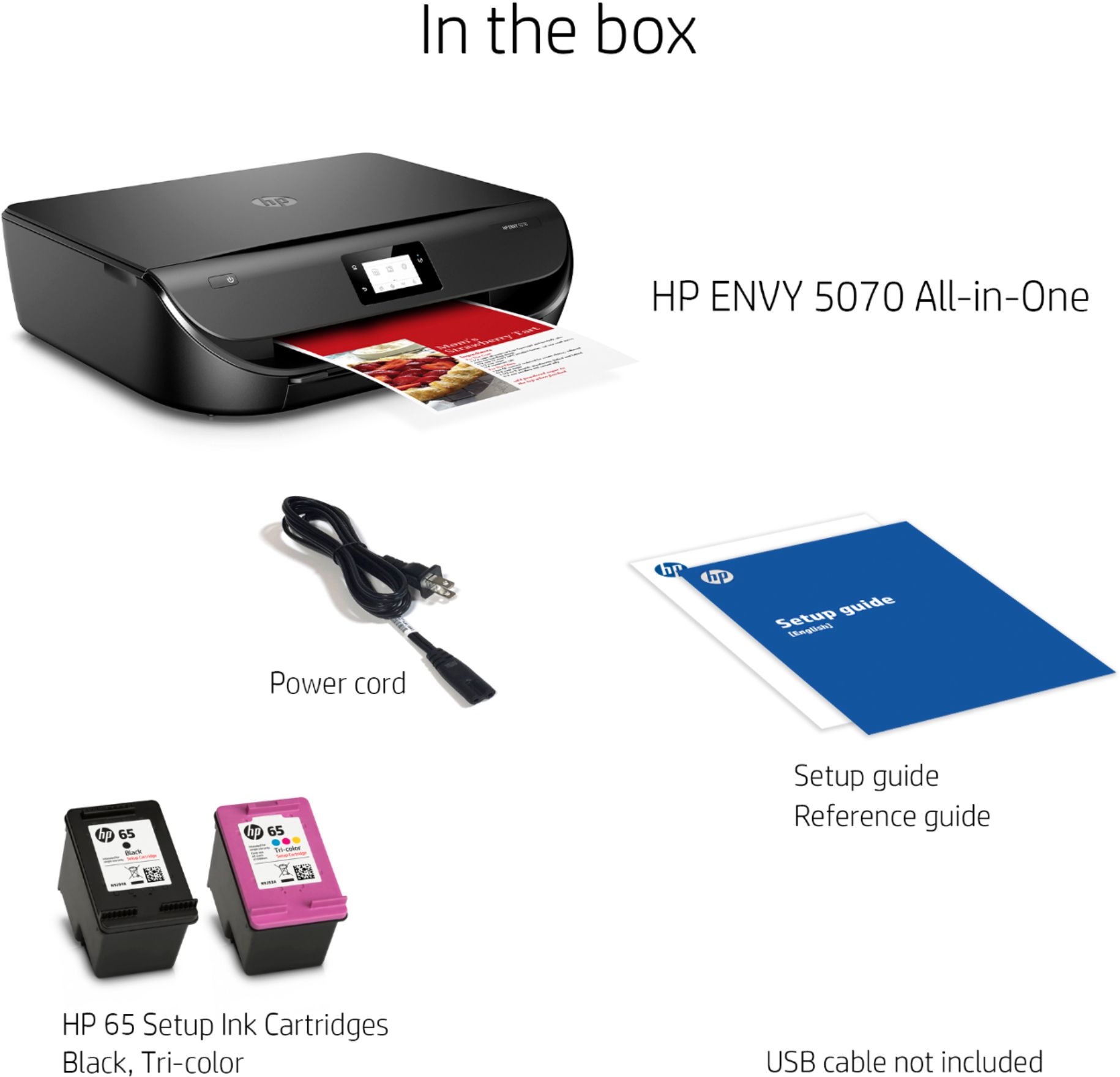
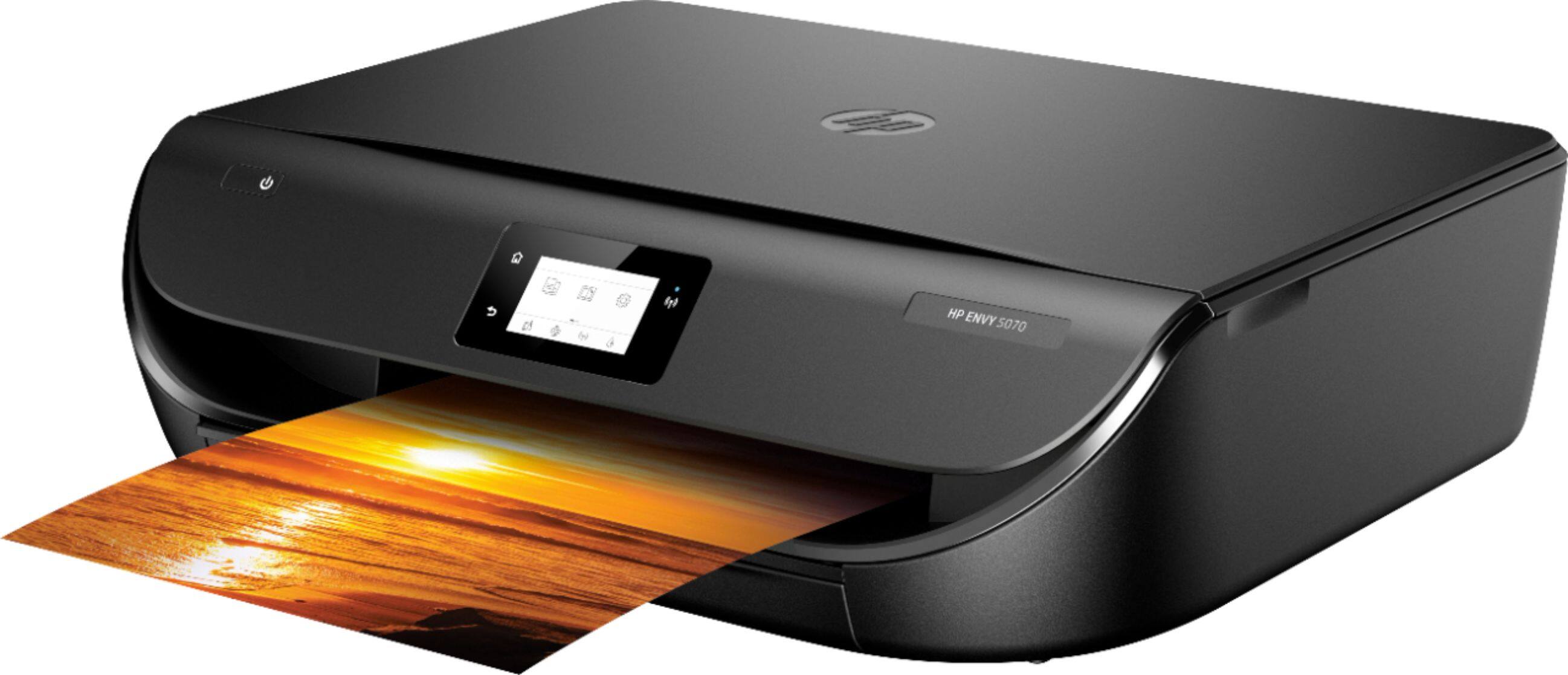
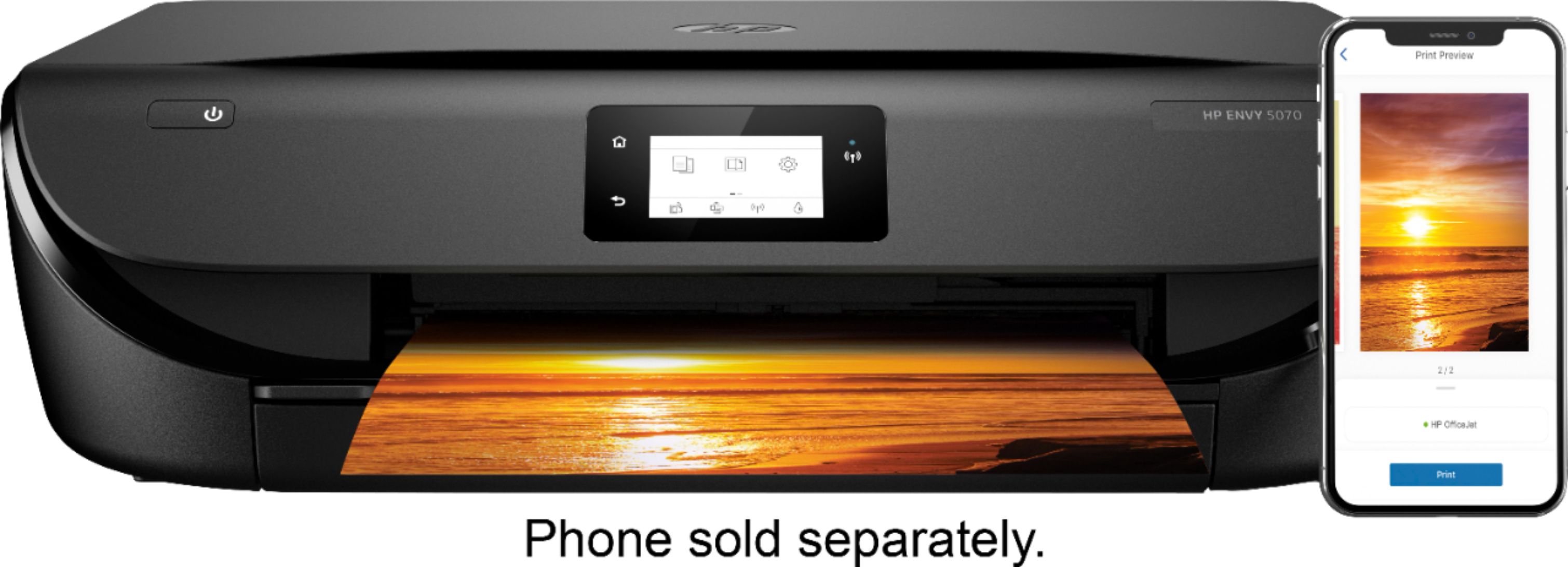
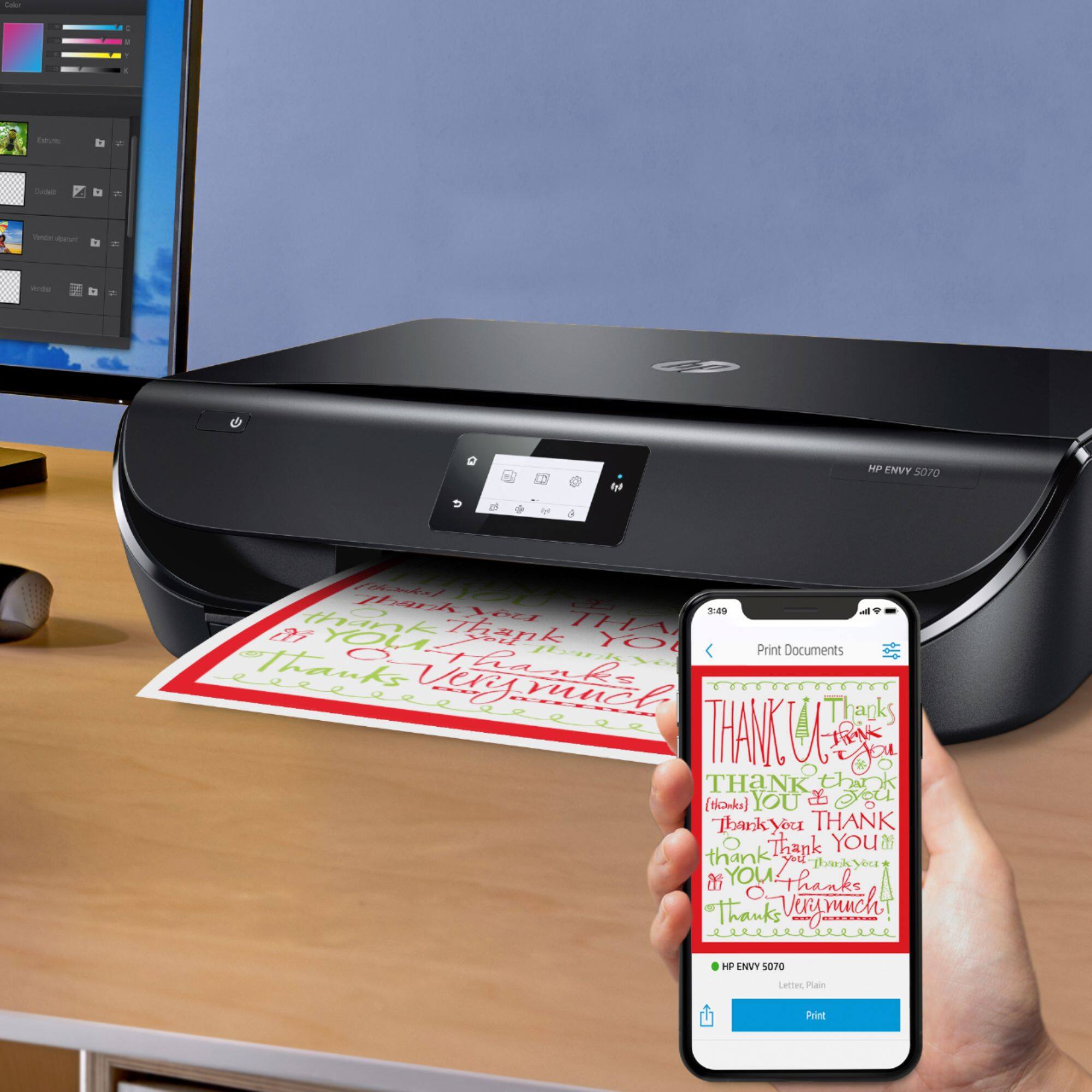
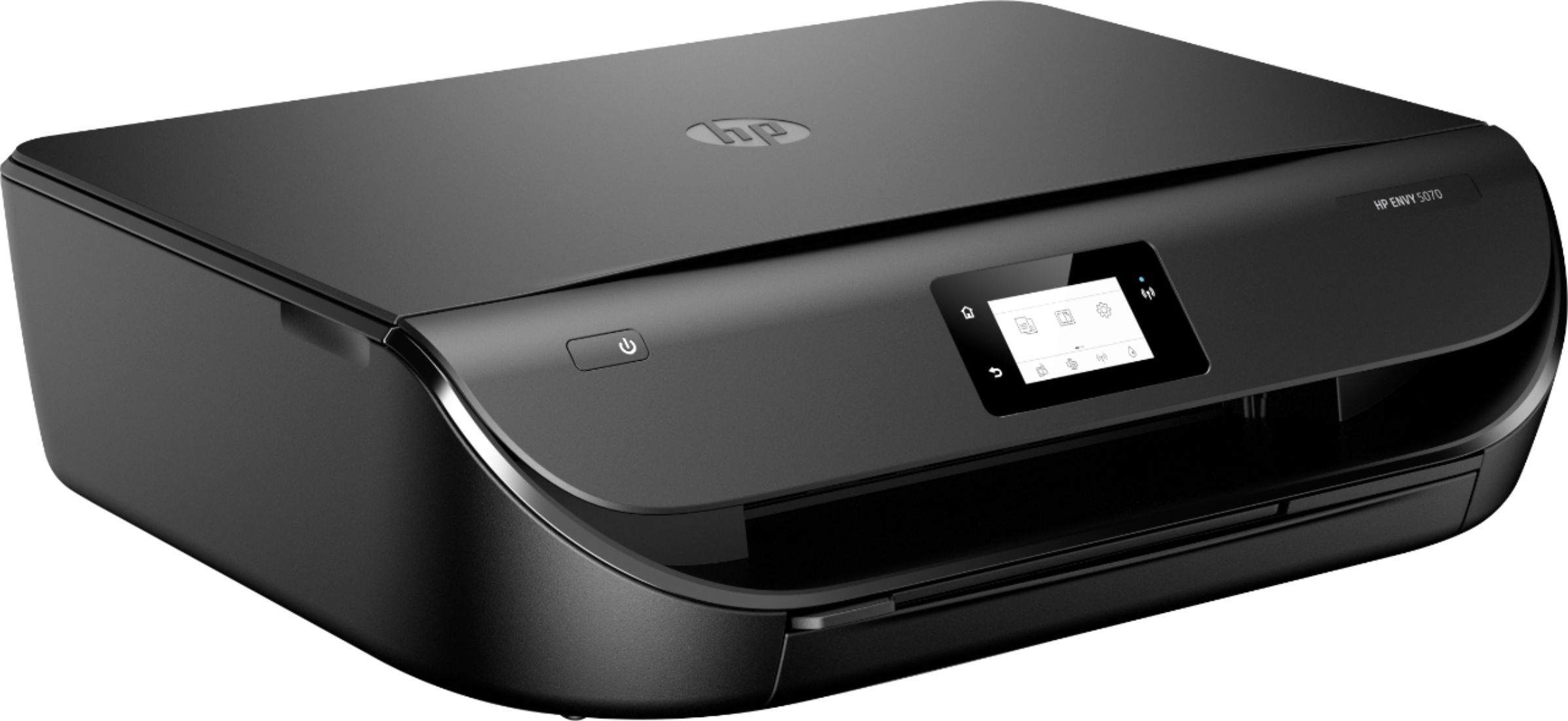
A:AnswerThe picture shows that it comes with ink, however my experience is that these are often not full ink cartridges and don’t last long. They have just enough to get you started
A:AnswerThis printer comes with setup cartridges in the box. The yield of setup cartridges varies by model, but tends to be enough to get the average user through setup and initial printing jobs. You can learn more about Ink and Toner by model at www.hp.com/go/learnaboutsupplies
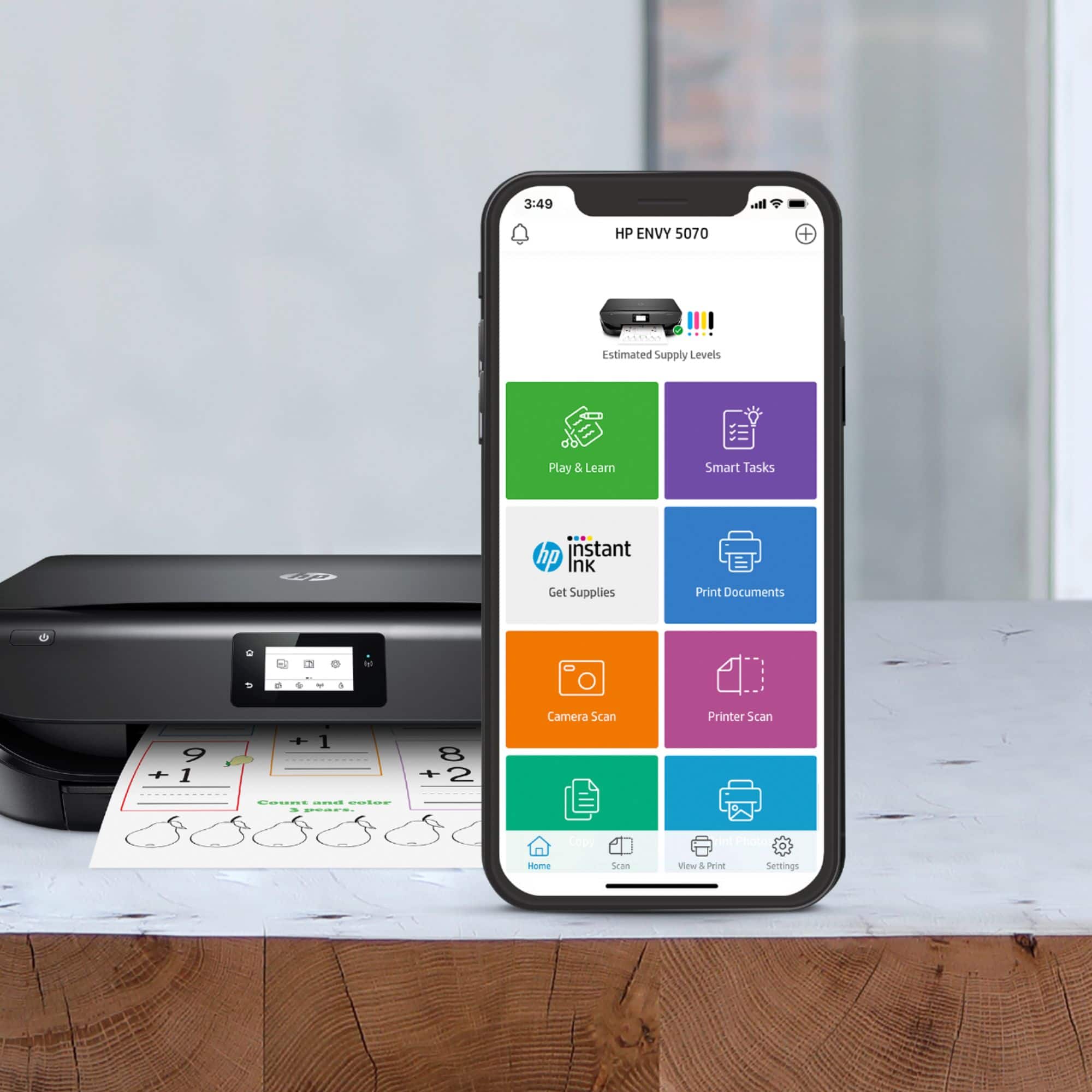
A:AnswerWe recommend using the HP Smart app: https://support.hp.com/us-en/product/hp-deskjet-2600-all-in-one-printer-series/12319824/model/21481524/document/c04675142
A:AnswerHP has a series of mobile printers,. The HP OfficeJet 200 mobile printer. You can see it at this link. https://www.bestbuy.com/site/hp-officejet-200-mobile-inkjet-printer-black/5341000.p?skuId=5341000
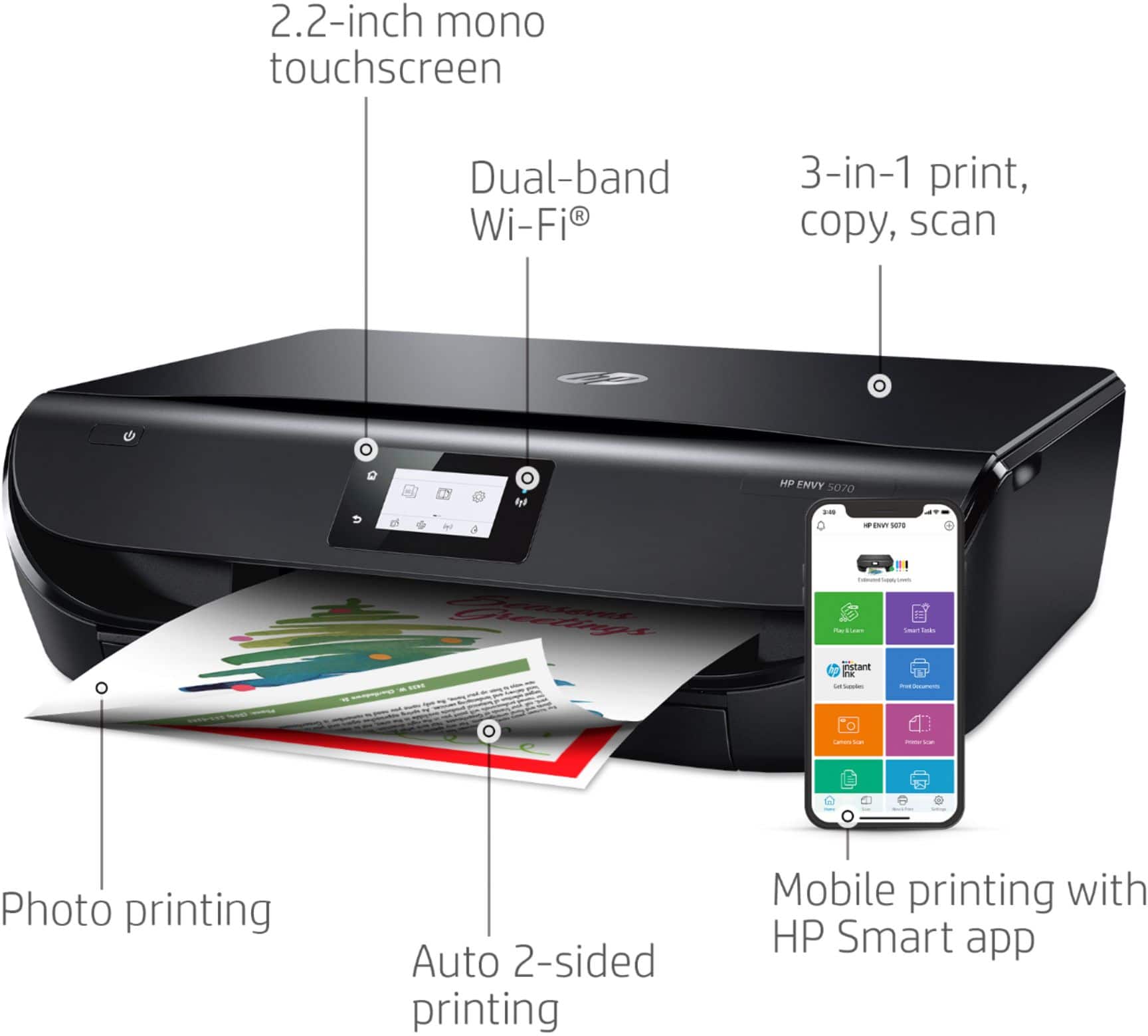
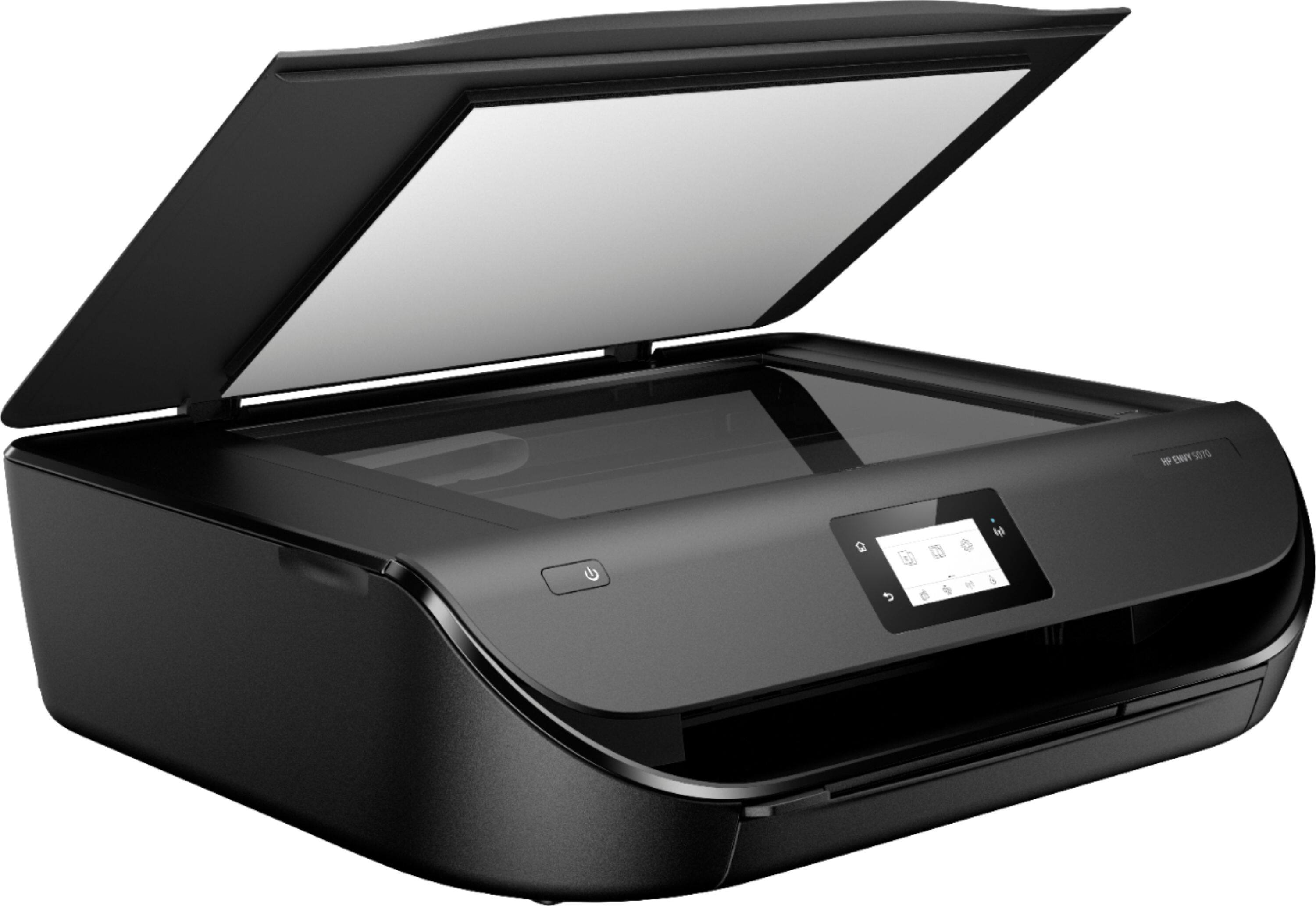
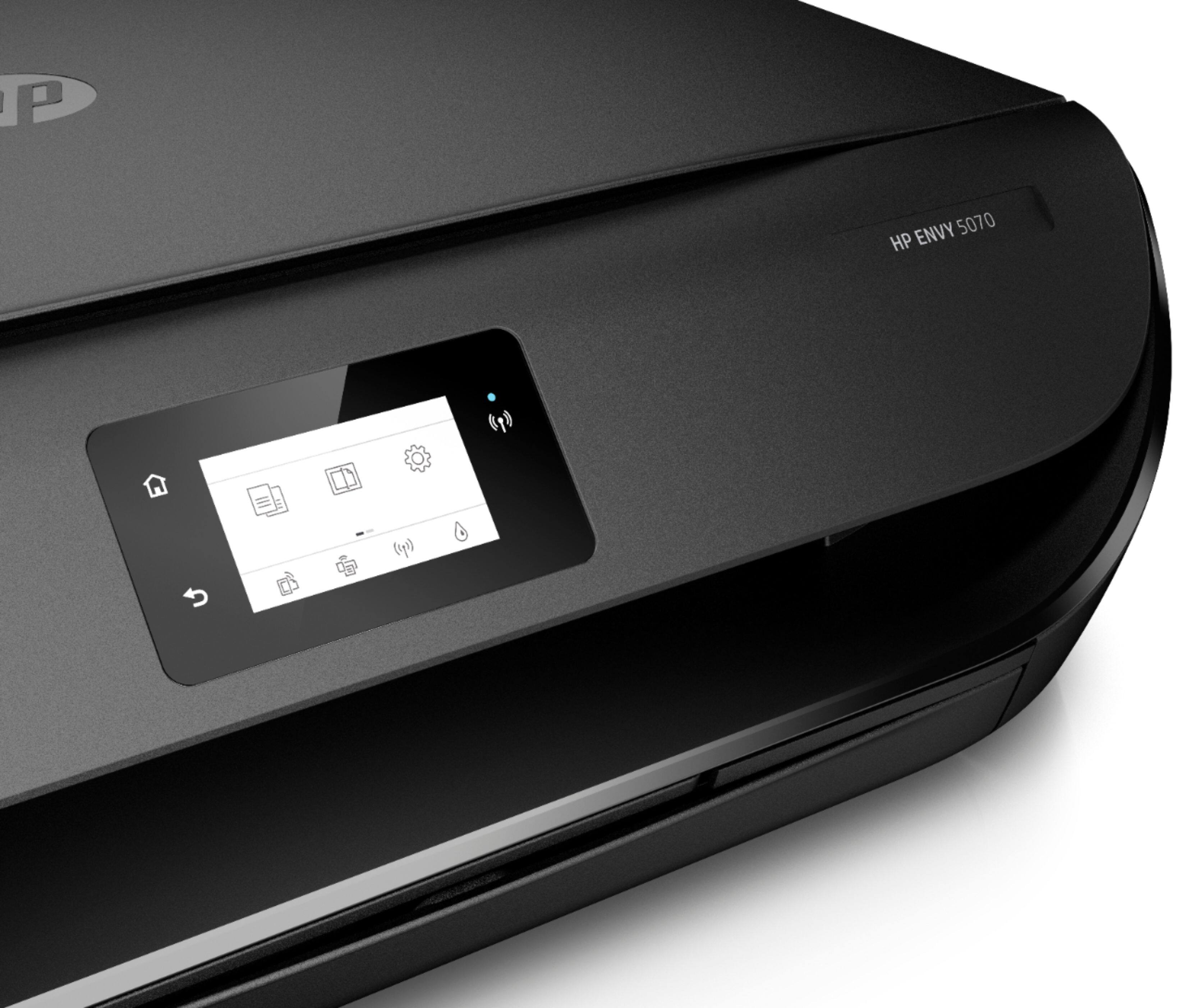
A:AnswerYes, you can. If you are trying to scan more than one page on the HP Envy 5070 printer, you can scan the first page. Then, add a page to scan the next page. You would continue until all of the pages are scanned. Then, you can save the document as a PDF. We recommend using the HP Smart app. If you want to automatically scan several pages, I would recommend looking at a printer with an auto document feeder, like the HP Deskjet Plus 4155 printer. Here is more information on the HP Smart app: https://support.hp.com/us-en/product/hp-deskjet-2600-all-in-one-printer-series/12319824/model/21481524/document/c04675142
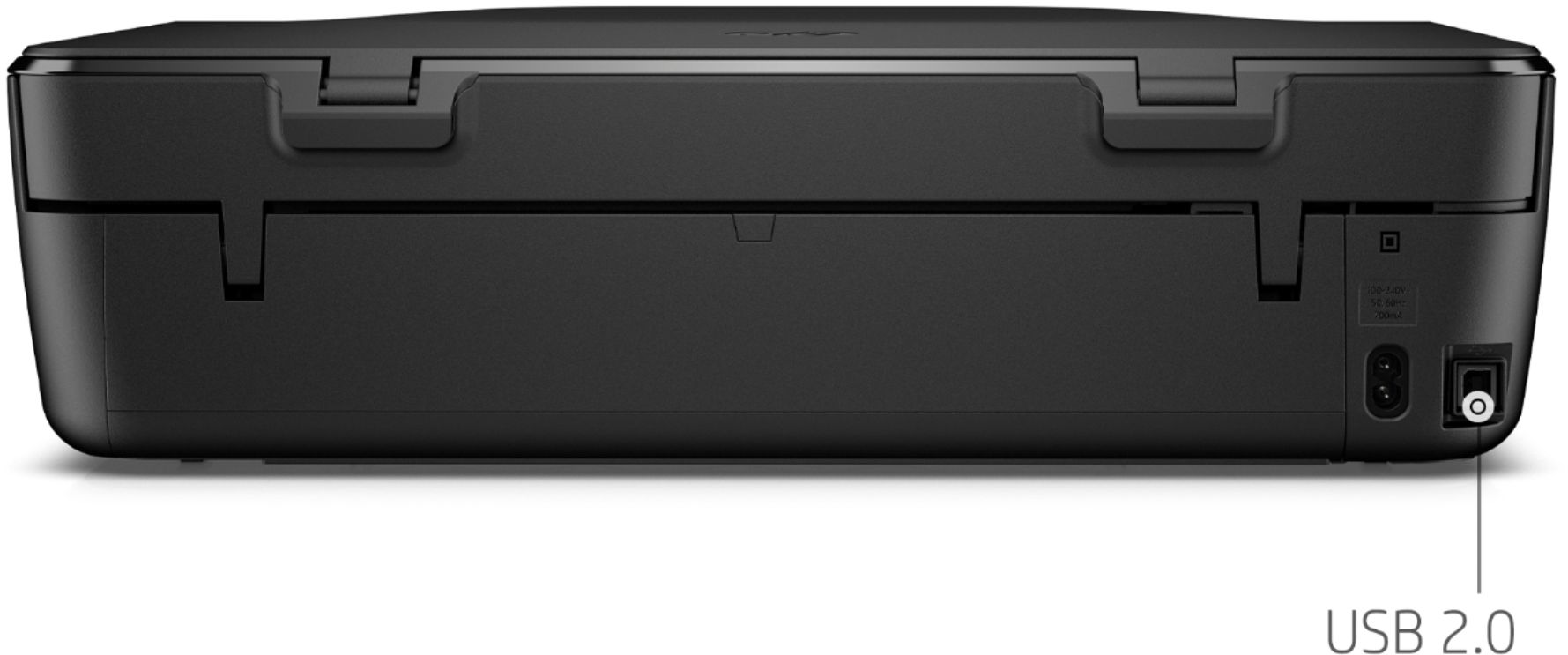
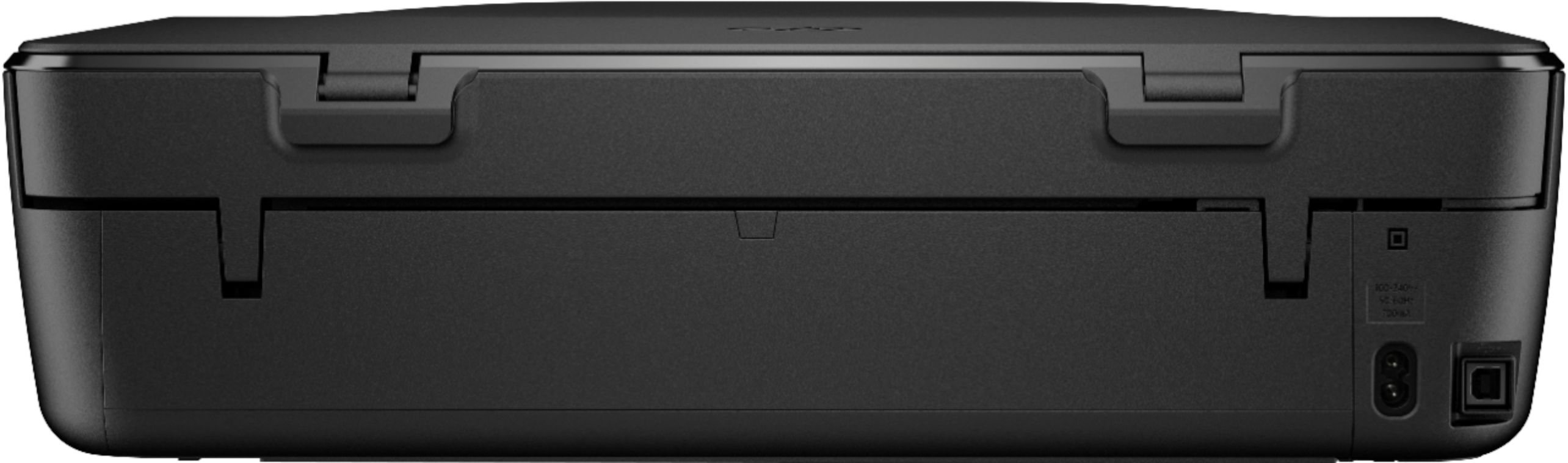
A:AnswerYes, it will. You can connect it either wirelessly, or with a USB printer cable. If you're replacing a printer that used a cable, the same one will work with this printer.
A:AnswerI'm sorry that you have experienced this issue. I recommend reaching out to HP Support so they can assist you. They have access to more tools to assist you. Here's the link to HP Support: httsp://support.hp.com/us-en . Click "Contact HP" at the bottom left of the page. Alternatively, you can reach them by phone at 1-800-474-6836.