A:AnswerTry going into printer settings from the device you are printing from. When you hit print, go to print drop down menu and there should be a drop down menu to choose color or black and white. Choose Color.
A:AnswerYes! I have spent more hours trouble shooting driver problems, blank pages, and print quality problems than I have spent printing documents. You get what you pay for with this printer. At this point the printer has cost me thousands in lost productivity and time.
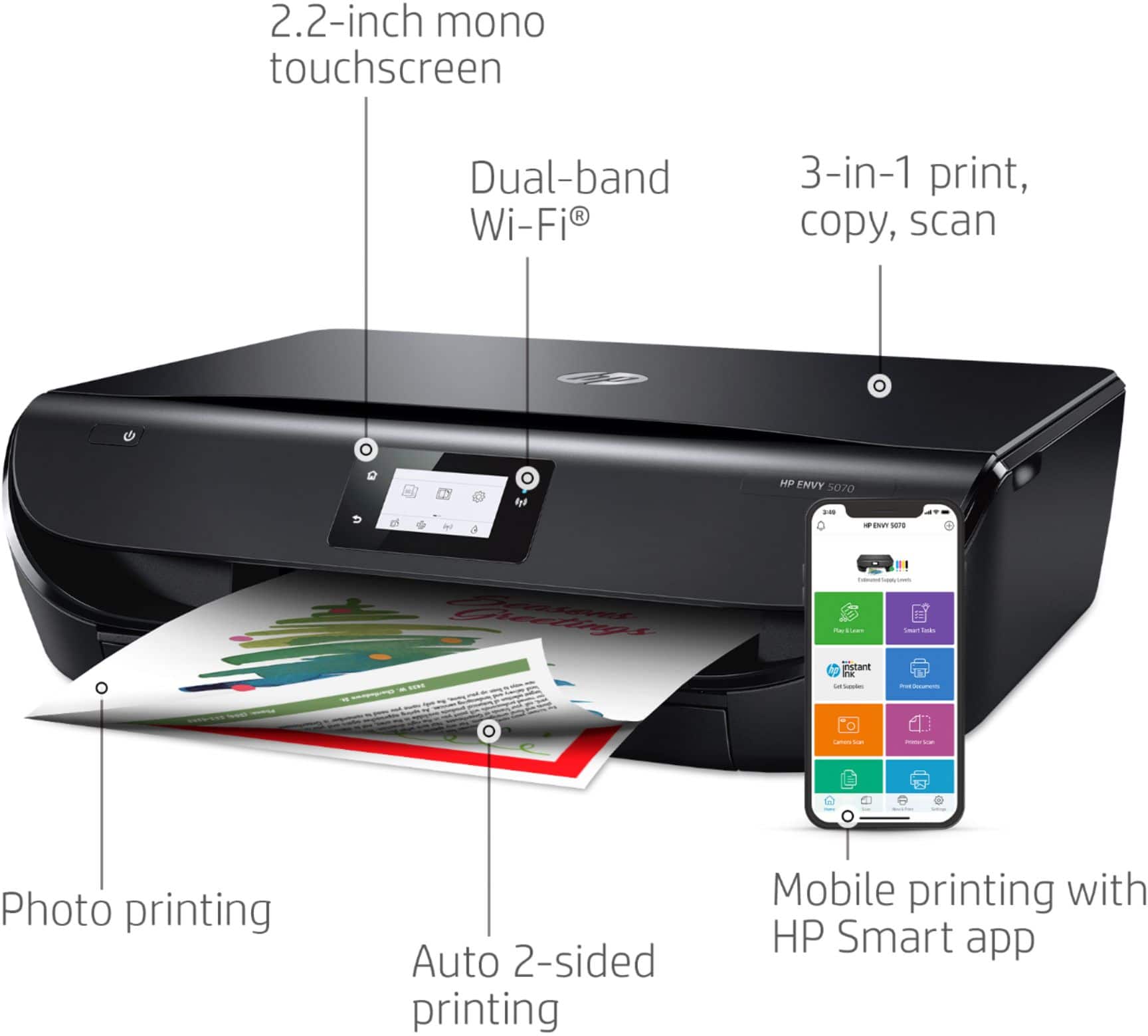
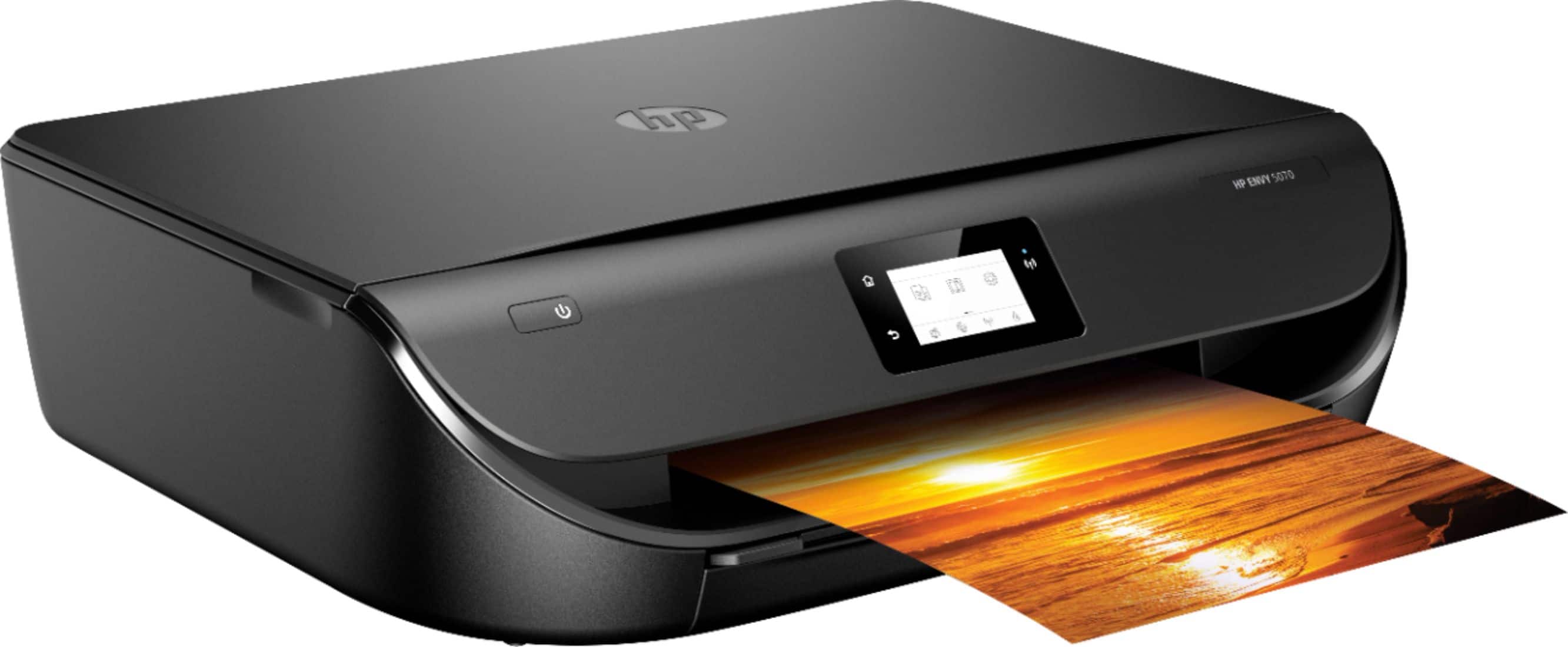
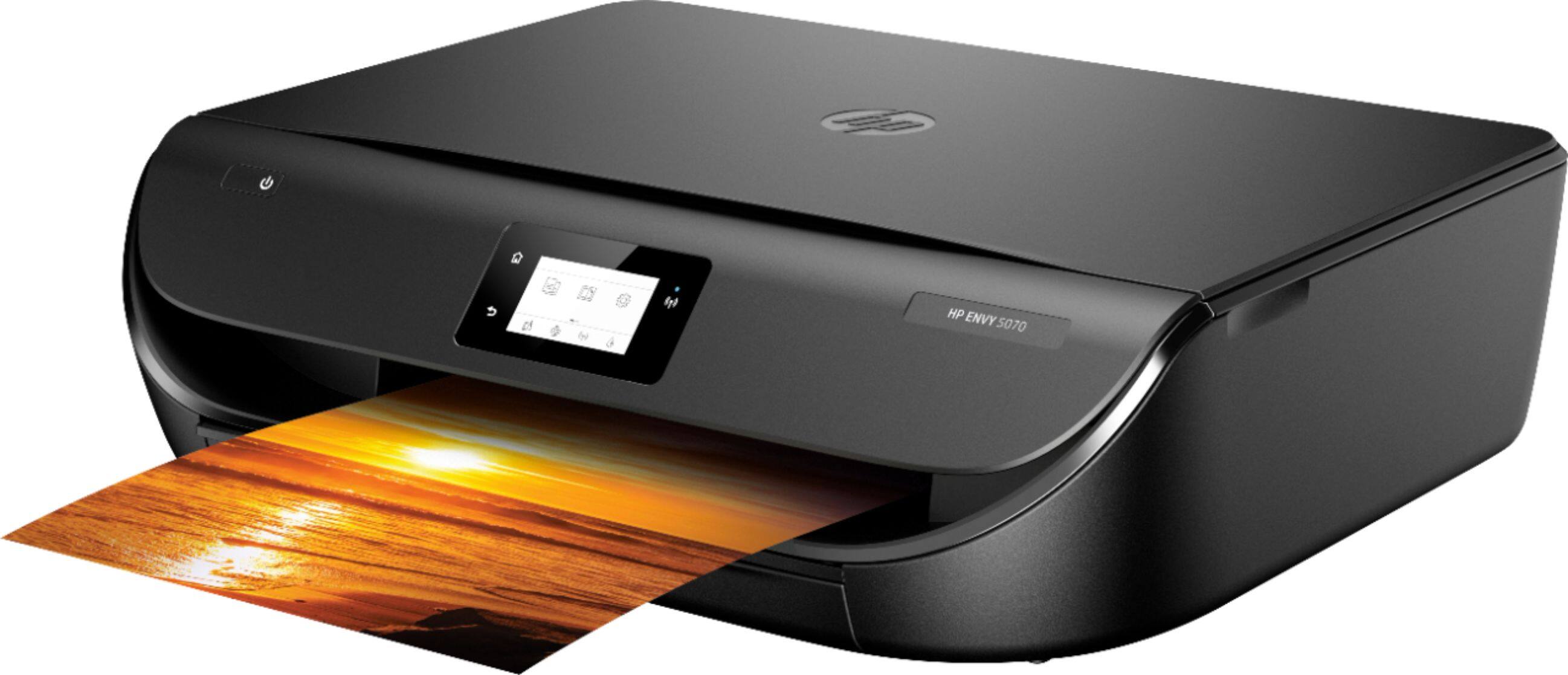
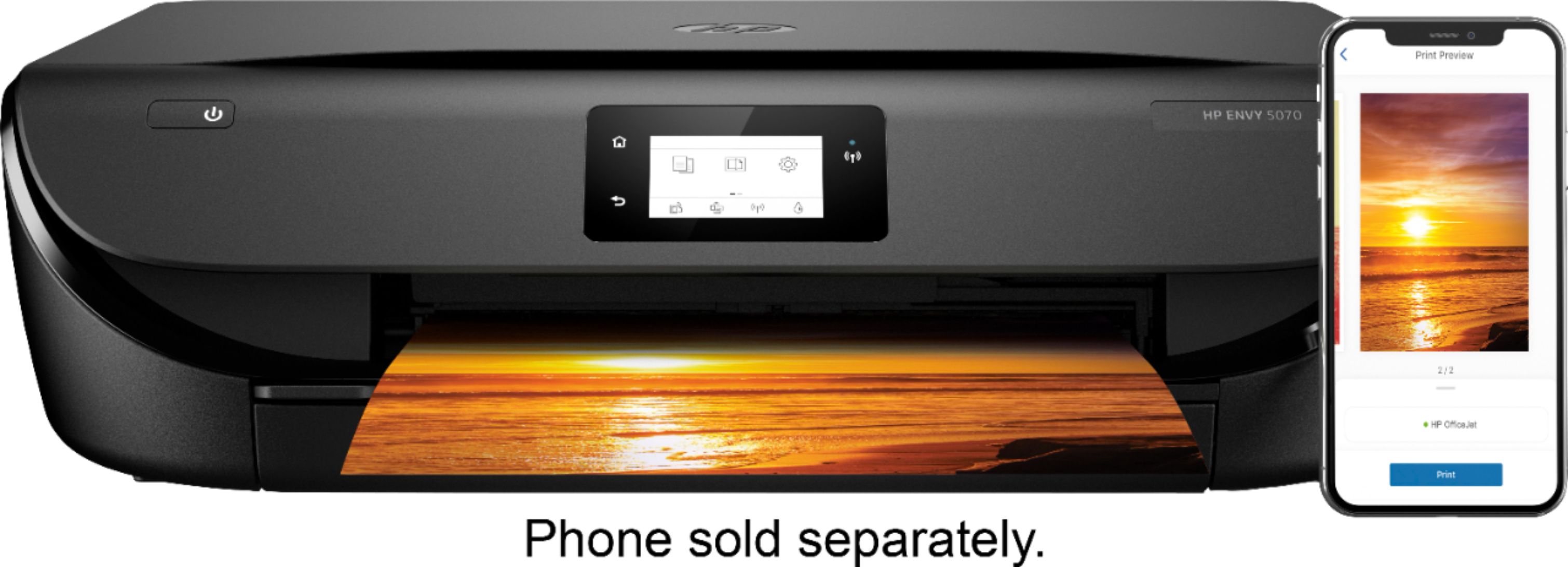
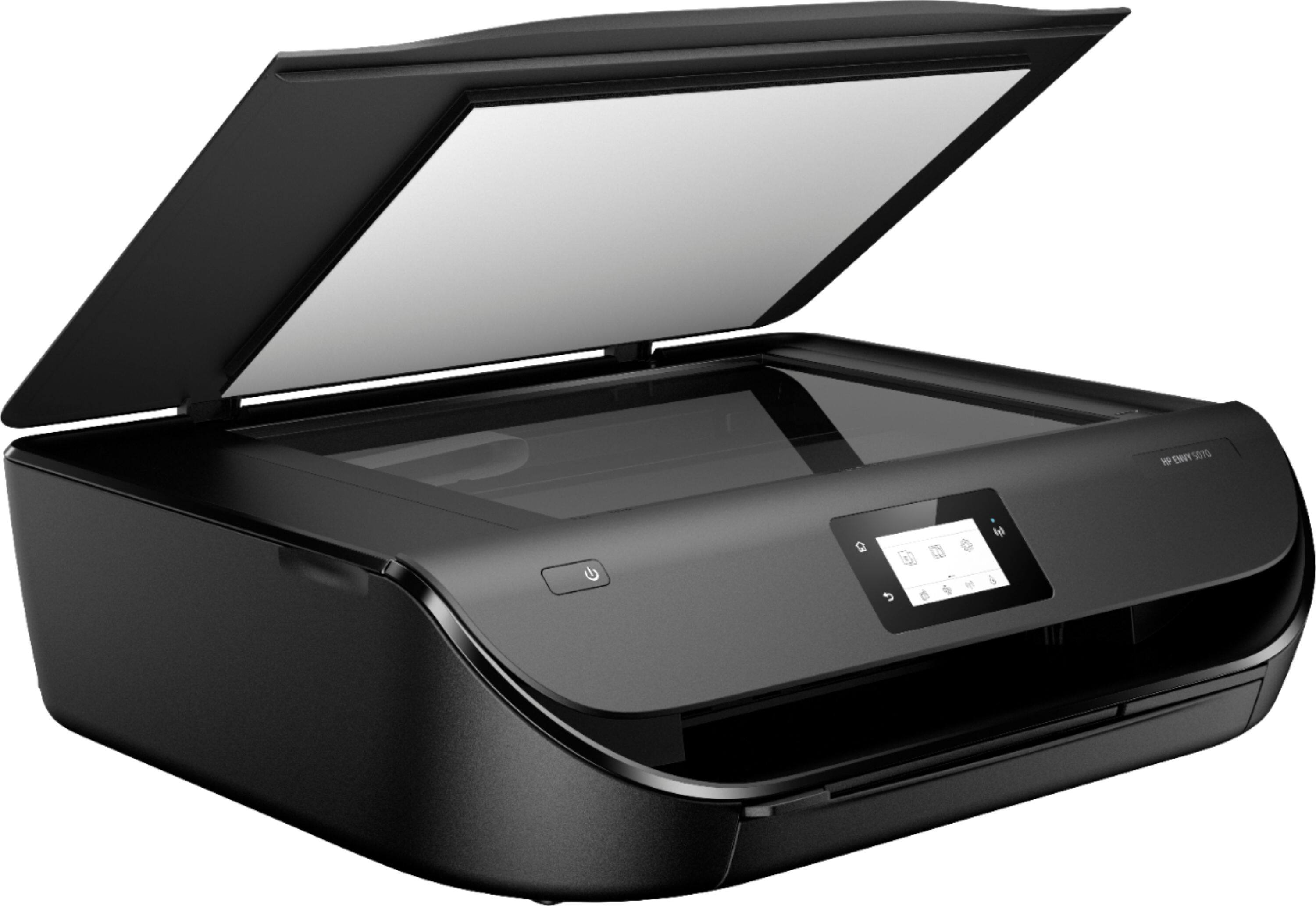
A:AnswerThe HP Envy 5070 printer is a printer, copier, and scanner. It does not have a fax function. If you want an all in one printer with a fax function, we recommend looking at the HP Envy Photo 7855, Officejet 3830, and Officejet Pro 9015 or 9025 printers.
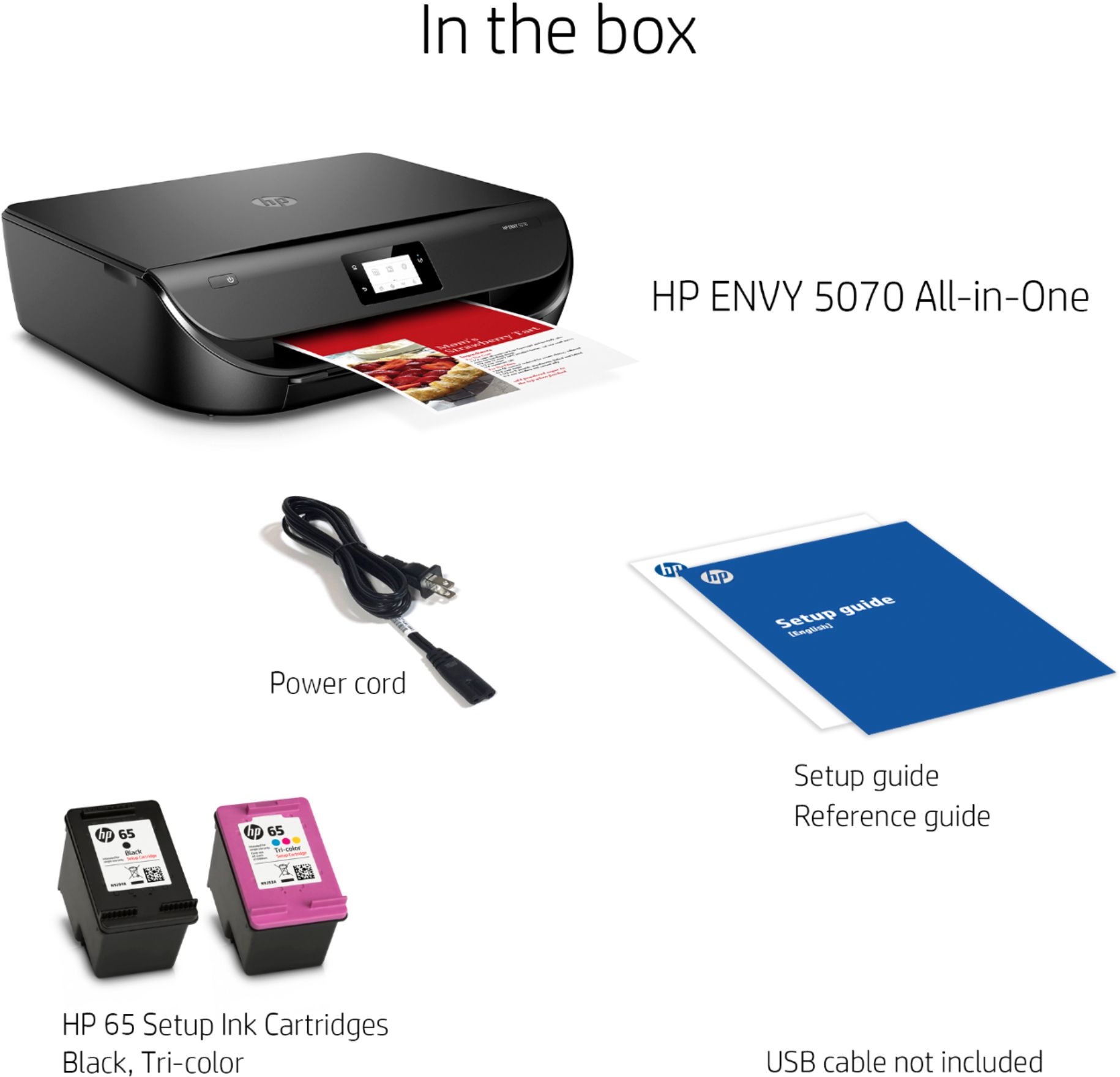
A:AnswerBonjour. Cette imprimante est livrée avec des cartouches d'installation dans la boîte. Le rendement des cartouches de configuration varie selon le modèle, mais a tendance à être suffisant pour permettre à l'utilisateur moyen d'effectuer les travaux de configuration et d'impression initiale. Vous pouvez en savoir plus sur l'encre et le toner par modèle sur https://bit.ly/3cQrnaN Cette imprimante utilise les cartouches d'encre noire et tricolore HP 65 ou 65XL.
A:AnswerThis printer uses the HP 67 or 67XL black and tricolor ink cartridges. We recommend looking at HP 67 black (sku: 6404830) and HP 67 tricolor (sku: 6404829). Or if you want the high yield ink cartridges, the sku for the HP 67XL black is 6404826. And for the tricolor 67XL ink cartridge: SKU: 6404828. You can enter the SKU number on Best Buy's website. The high yield ink cartridges have twice as much ink as the normal ink cartridges.