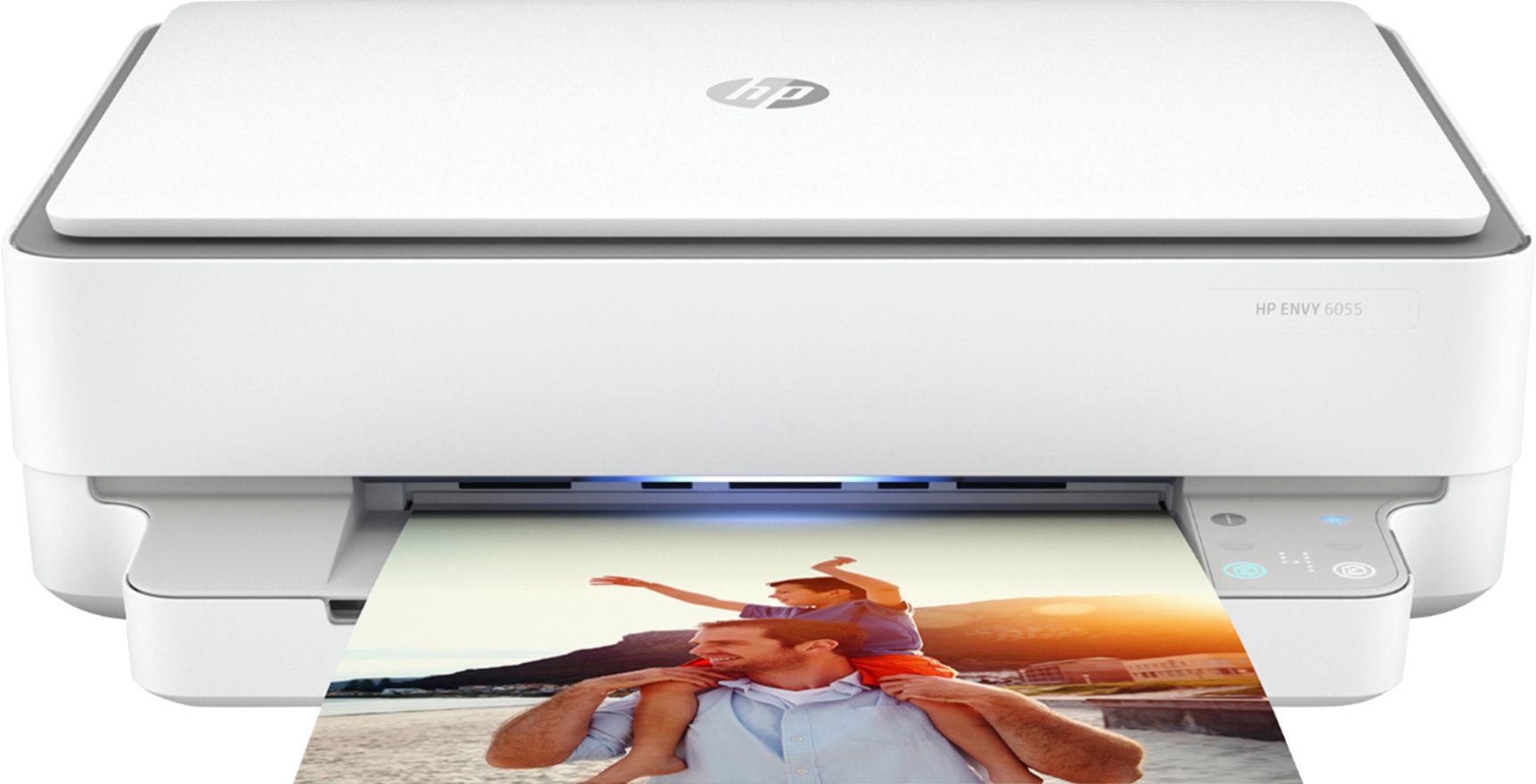
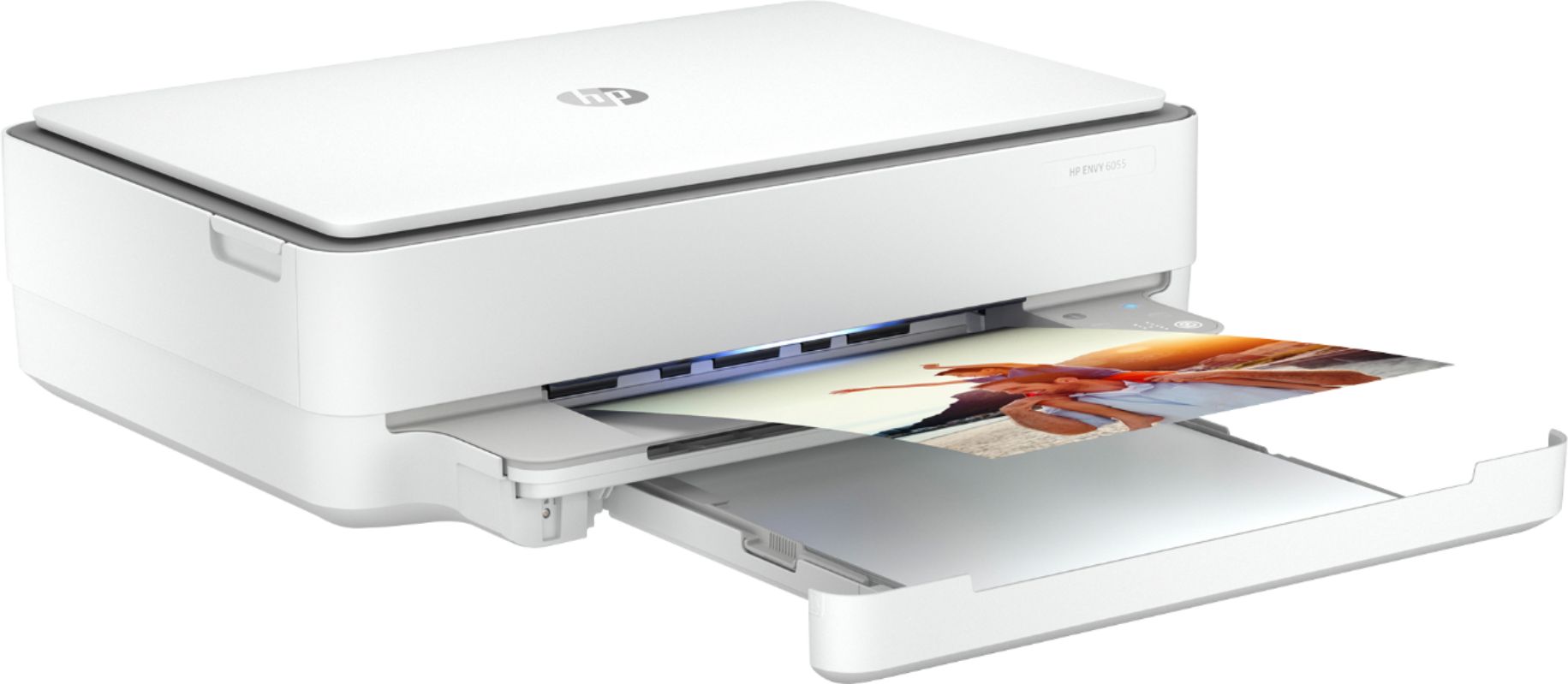
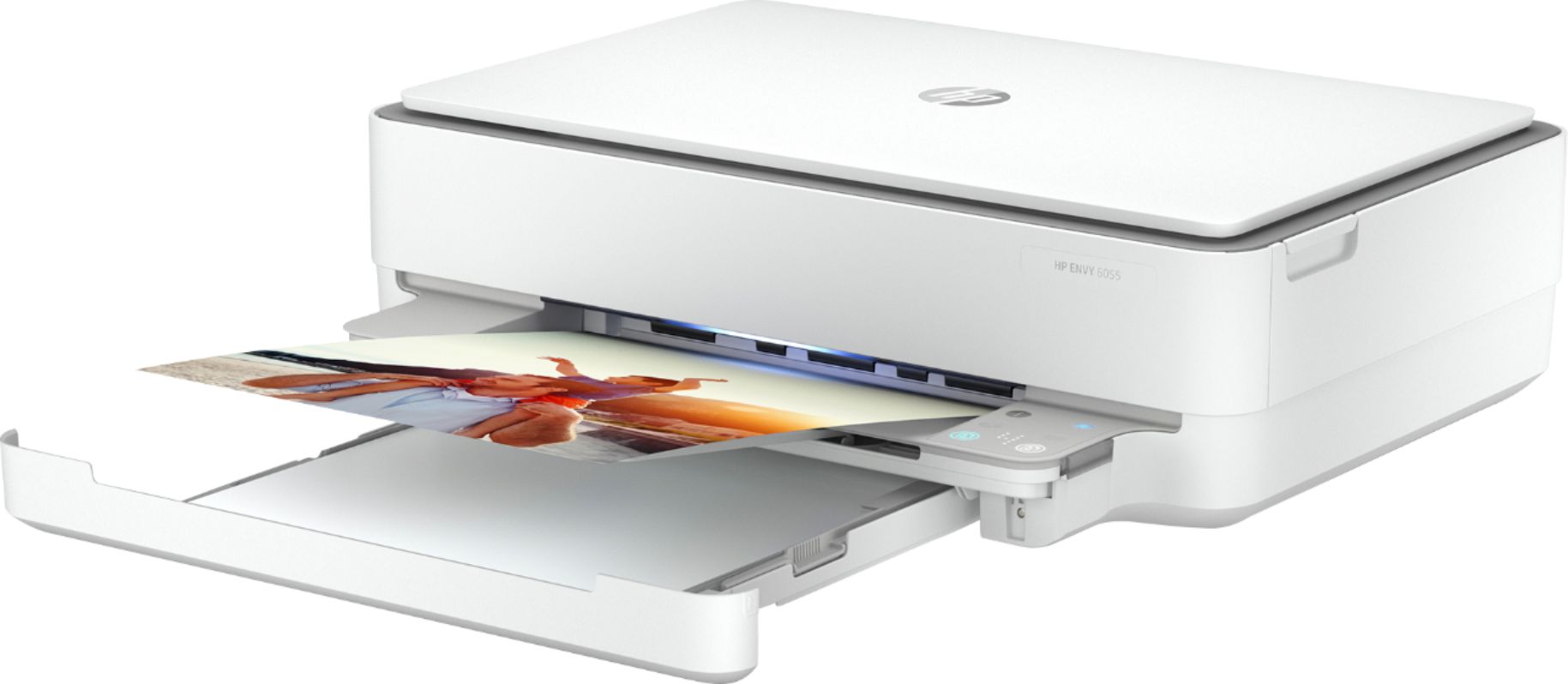
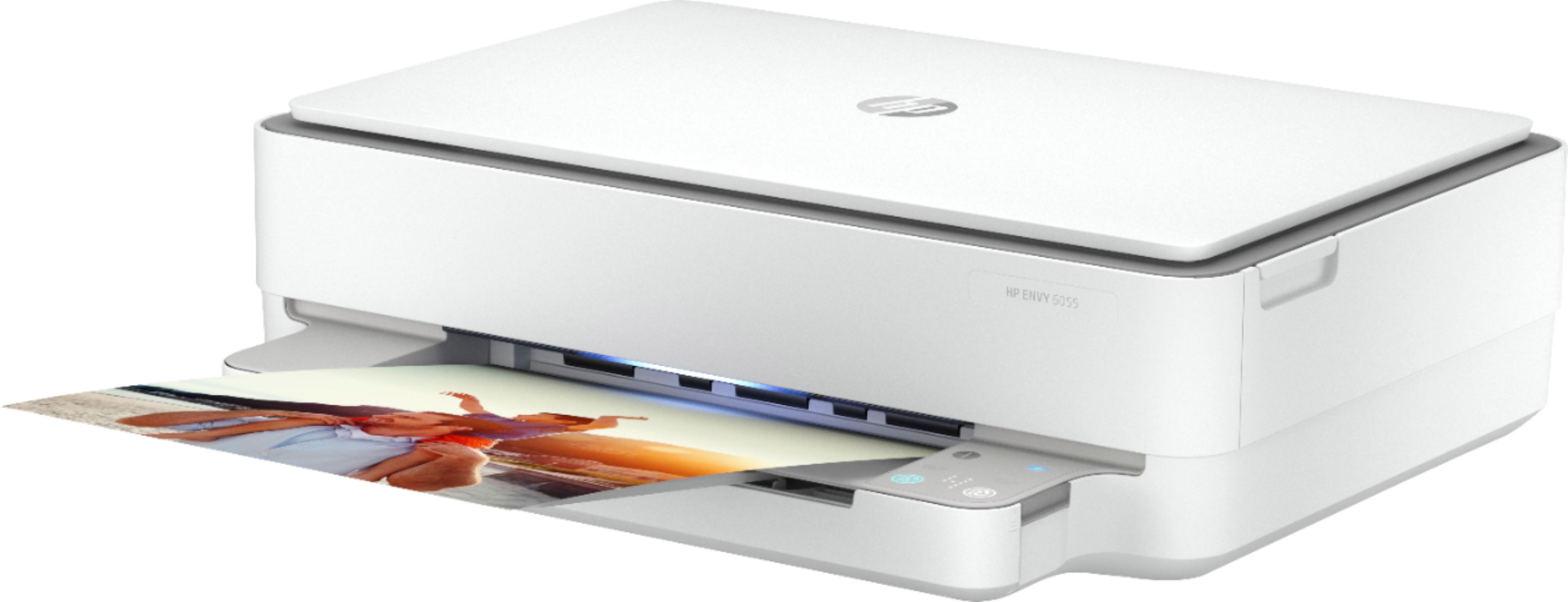
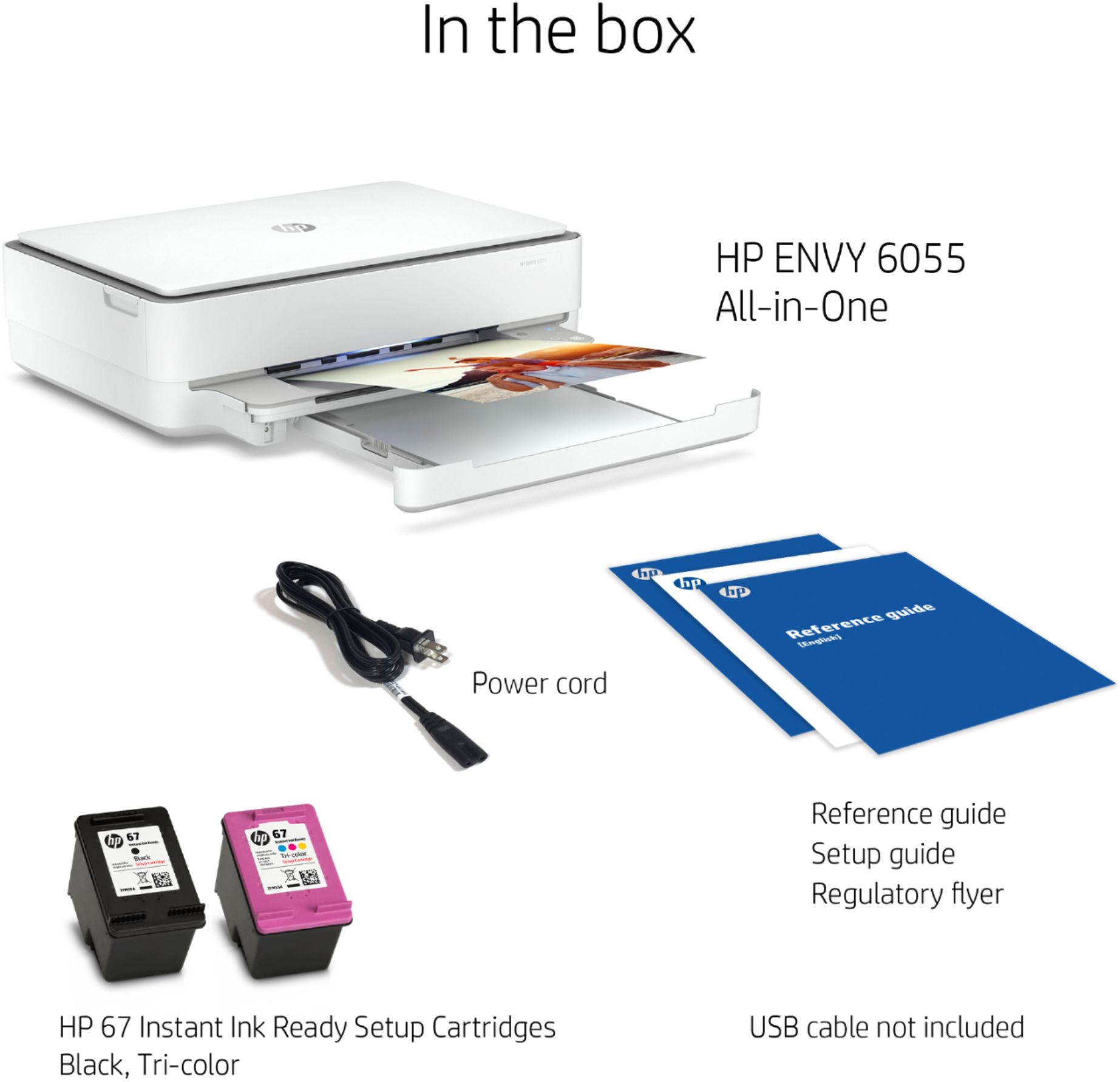
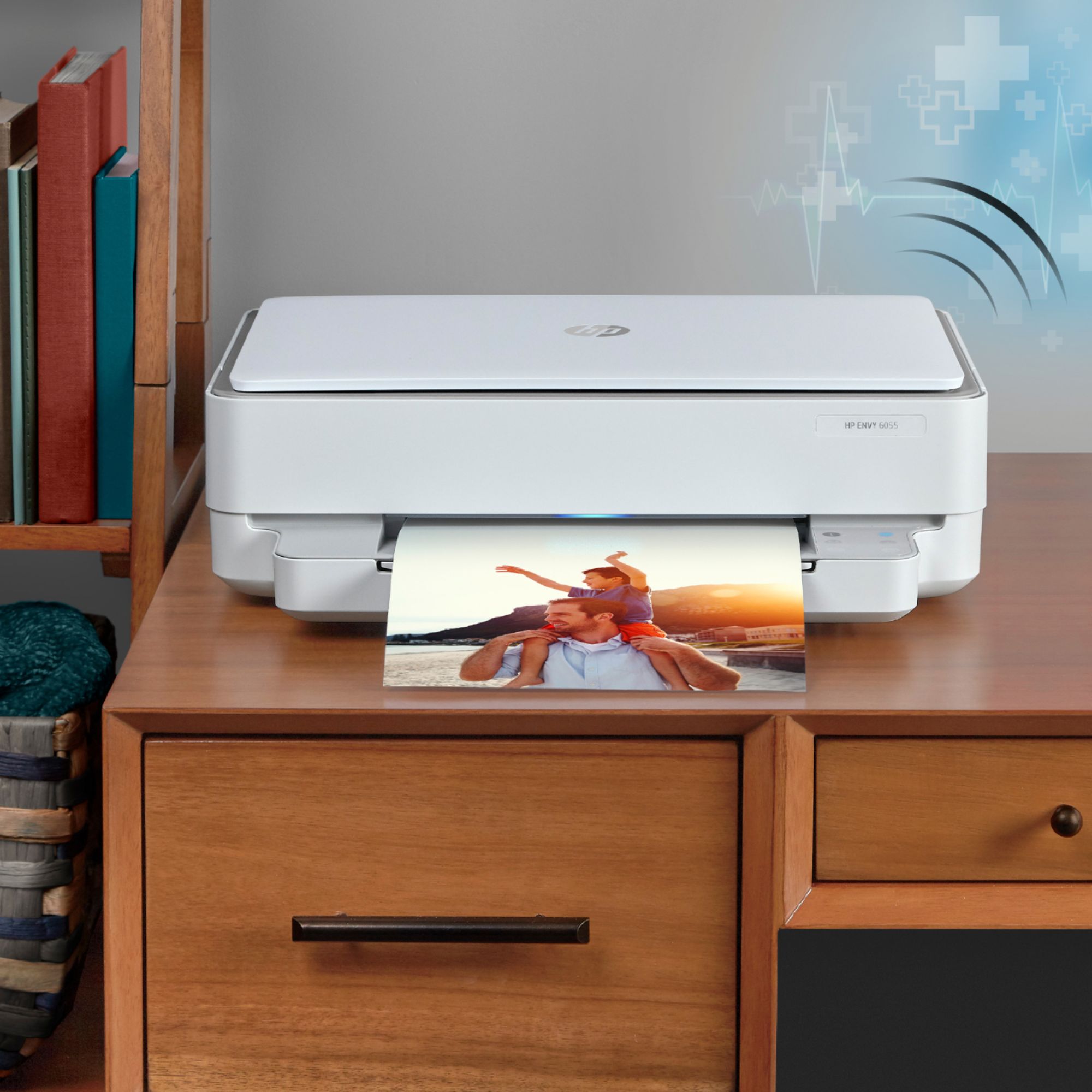
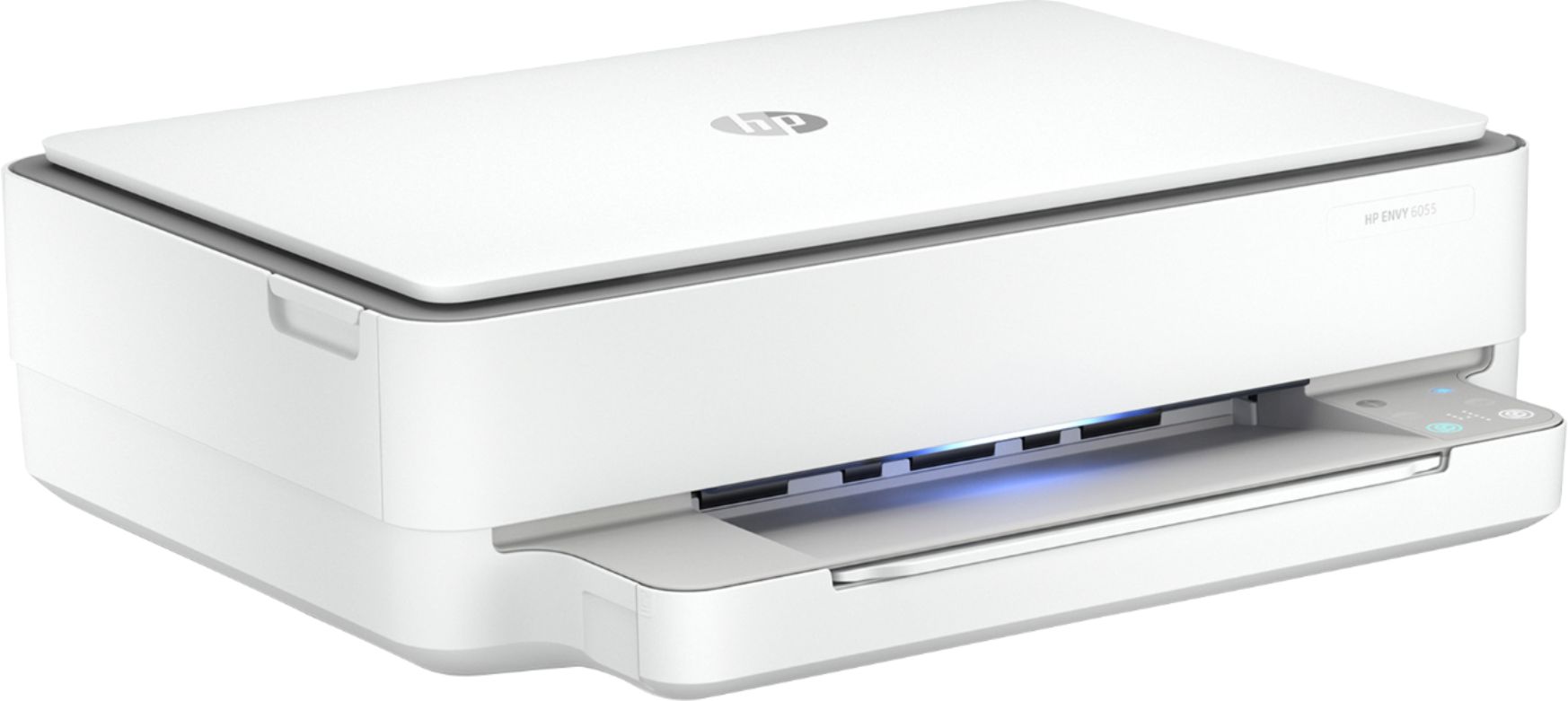
A:AnswerThe HP Envy 6055 printer will work with a Chromebook. Once you connect the printer to your wireless connection, follow these instructions: https://support.hp.com/us-en/document/c04122530 This printer can only handle up to 80 pound paper.
A:AnswerWhile I have not printed photos I would imagine yes. You would just put the proper photo paper in the paper feed
This printer is very easy to use and set up!
A:AnswerThis website will give you instructions on how to find the Windows version of your computer: https://support.microsoft.com/en-us/help/13443/windows-which-version-am-i-running Other specs about your computer will be listed that screen where the Windows version is listed.
A:AnswerYes, the HP Envy 6055 printer is compatible with the Android phone to print photos and documents. You do want to be sure the printer and the Android phone are on the same wireless network. We recommend using the HP Smart app: https://support.hp.com/us-en/document/c03561640
A:AnswerYes, you can scan something to the computer with the HP Envy 6055 printer. Then, you can attach that scanned item to an email. We recommend using the HP Smart app: https://support.hp.com/us-en/product/hp-deskjet-2600-all-in-one-printer-series/12319824/model/21481524/document/c04675142