A:AnswerIf you go into the printer options and select "best" qualities, that should result in darker printers. If you're talking about copying an existing paper document, there is a setting on the printer for darker copies. Please note that neither of this things will have much effect if you've got partially clogged print heads, so run the cleaning routine to make sure they're not partially clogged, then adjust the darkness if you need to.
A:AnswerYou can use a printer to usb cord to print or scan. I have a windows surface pro, i have to use the cord to print. My laptop alone doesnt have internet, so i dont know if you can wifi print that way. I do know i can connect my phone to the printer over wifi and it does work.
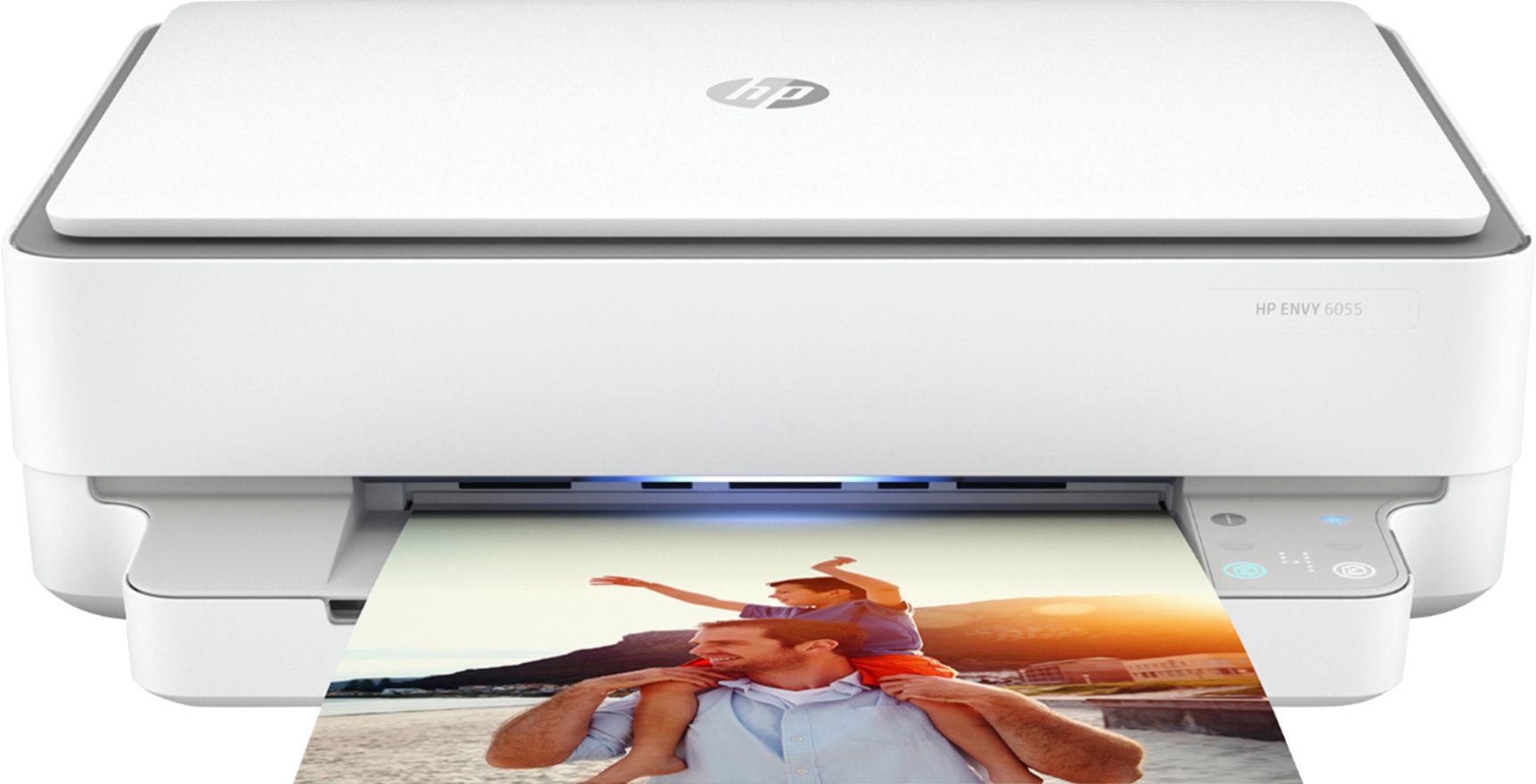
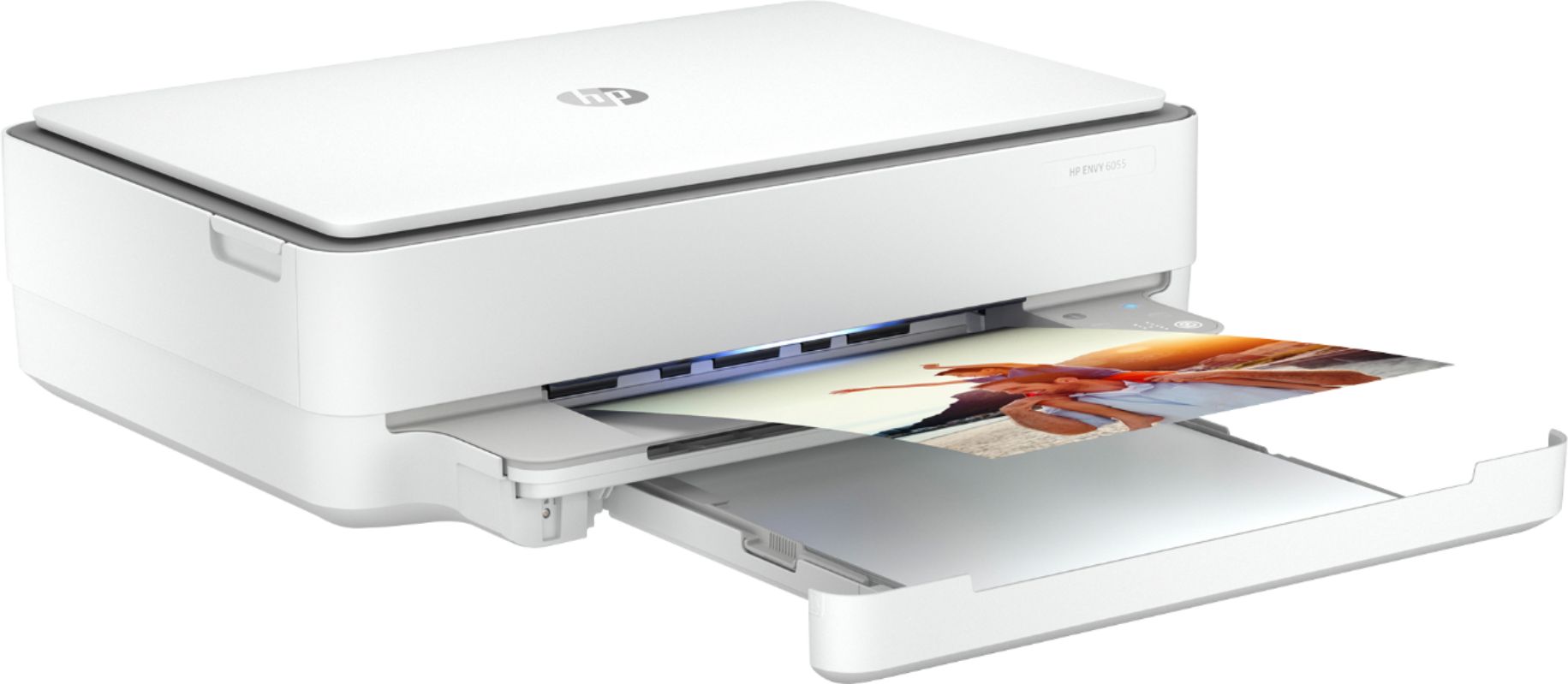
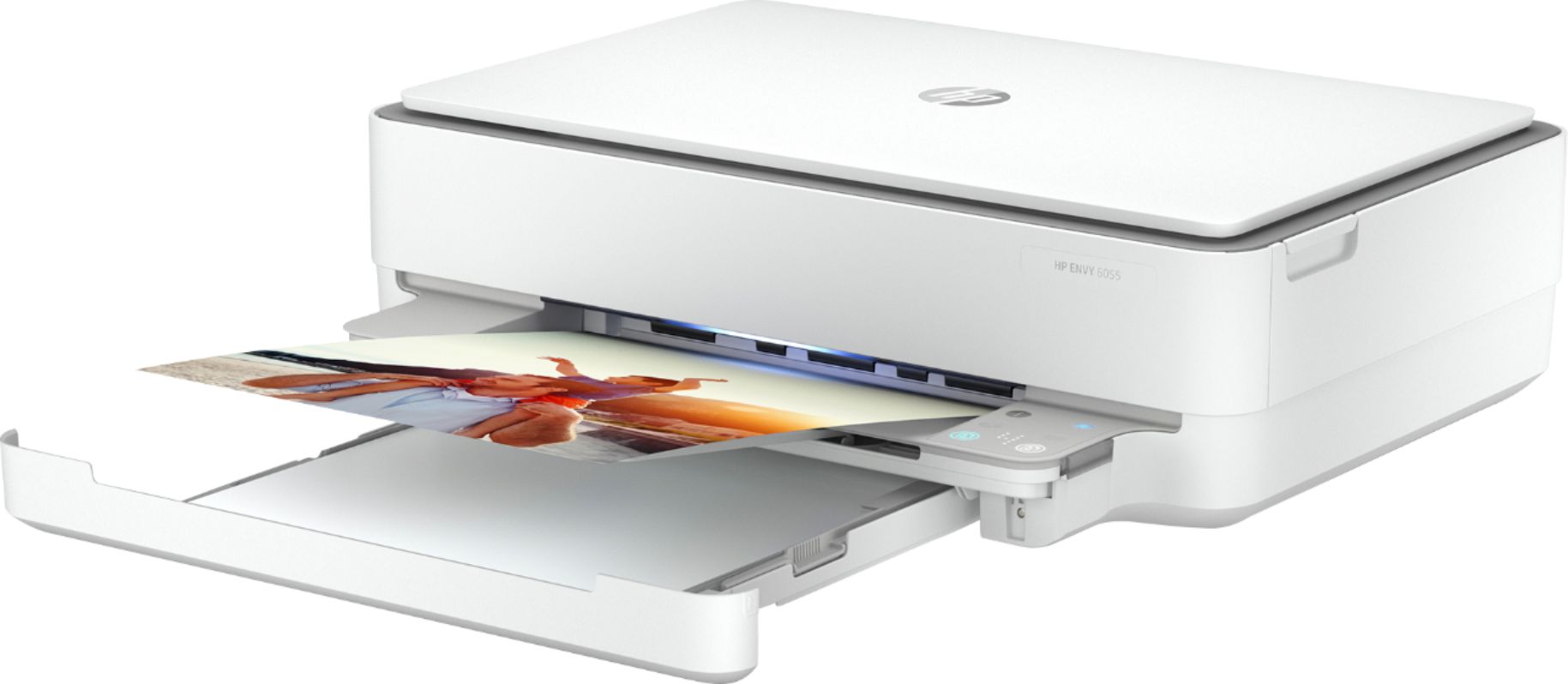
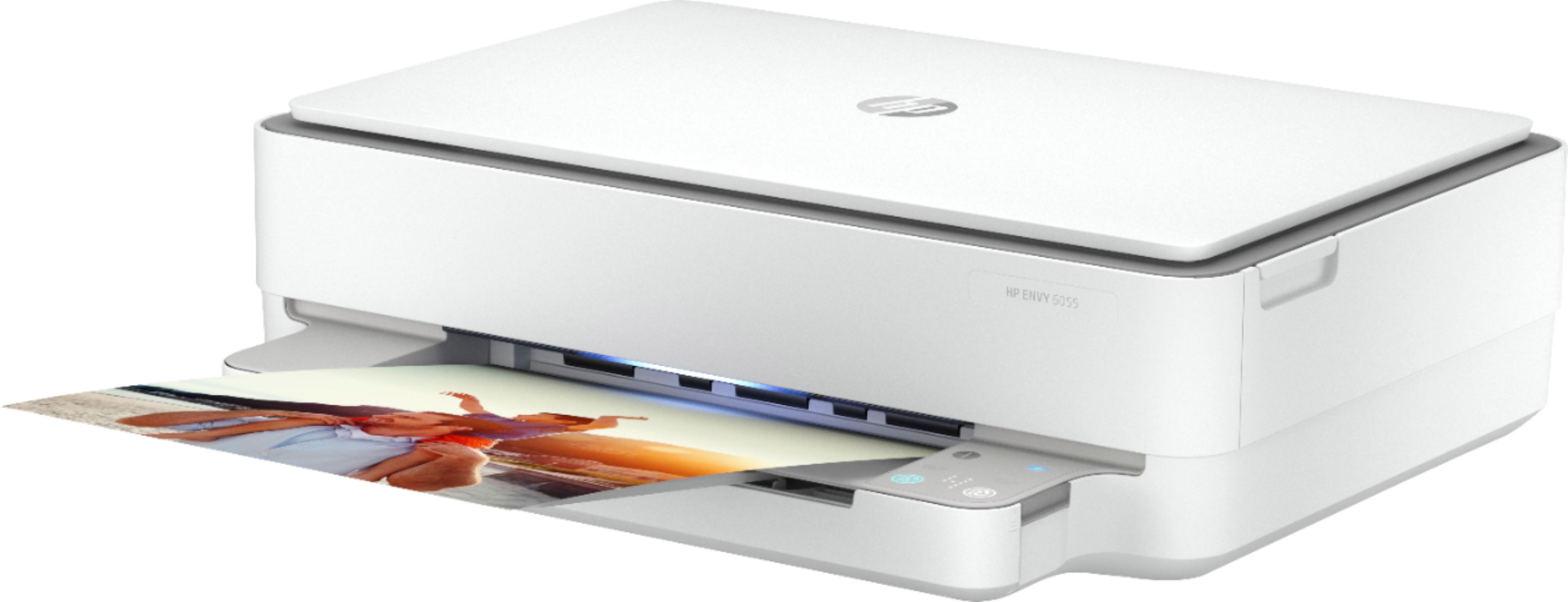
A:AnswerHello. Thanks for your question. You can connect this HP Envy 6055 printer to your desktop computer with the USB A to B cable. If don't use the HP Smart app to scan, you will need some kind of software or app to handle the scanning.
A:AnswerThank you for the question. Click on the option Copies and Pages so that a drop down menu appears. Select the Layout option. Click on the drop down menu next to the words Two-Sided. To turn off the double-sided printing options, select Off.
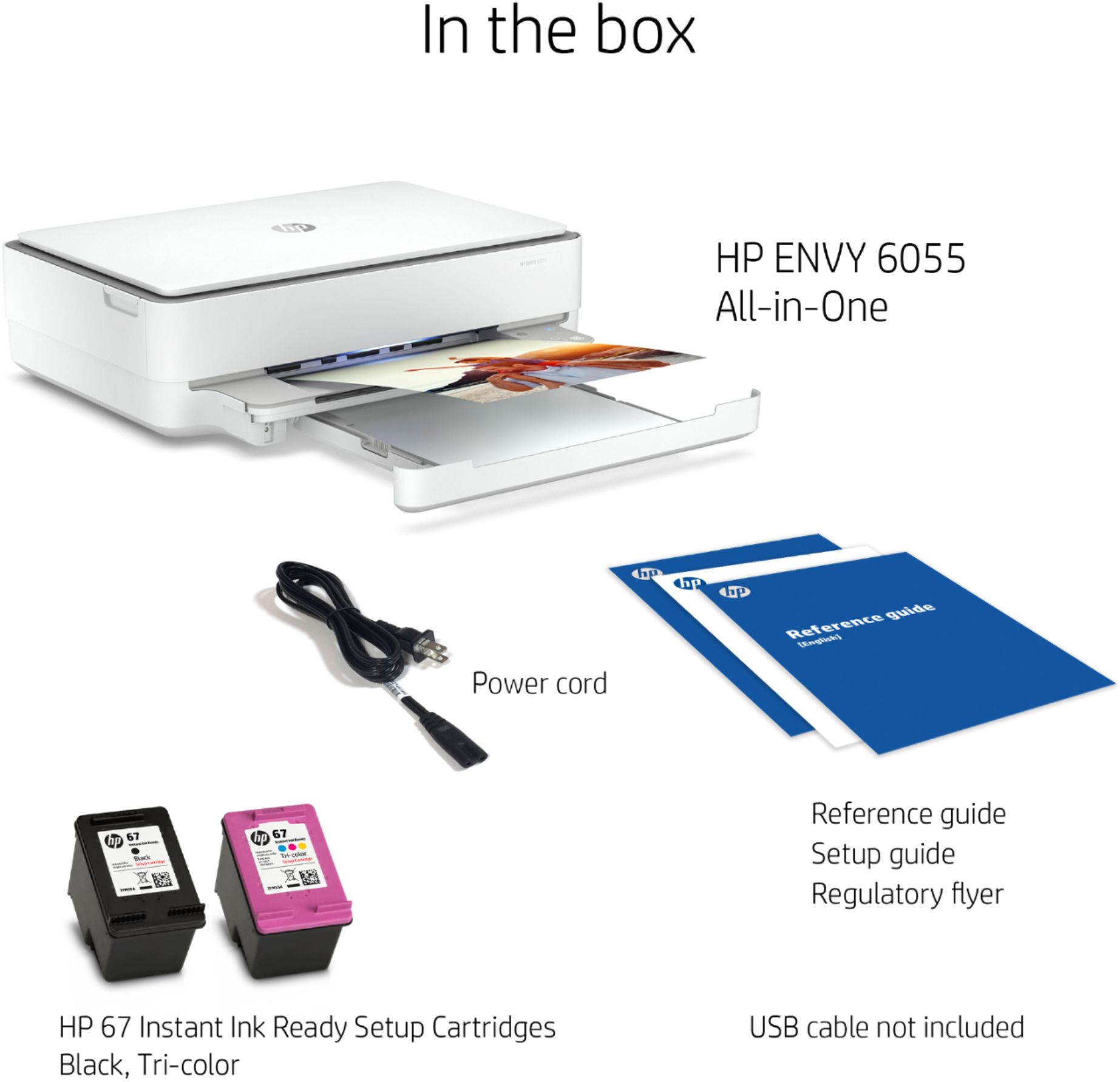
A:AnswerUnfortuantely, no. The Envy 6055 uses either the 67 or the high-capacity 67XL ink cartridges. The 564 cartridges are not compatible, and it's been several years since any of HP's printer lineup used the 564 ink cartridges.