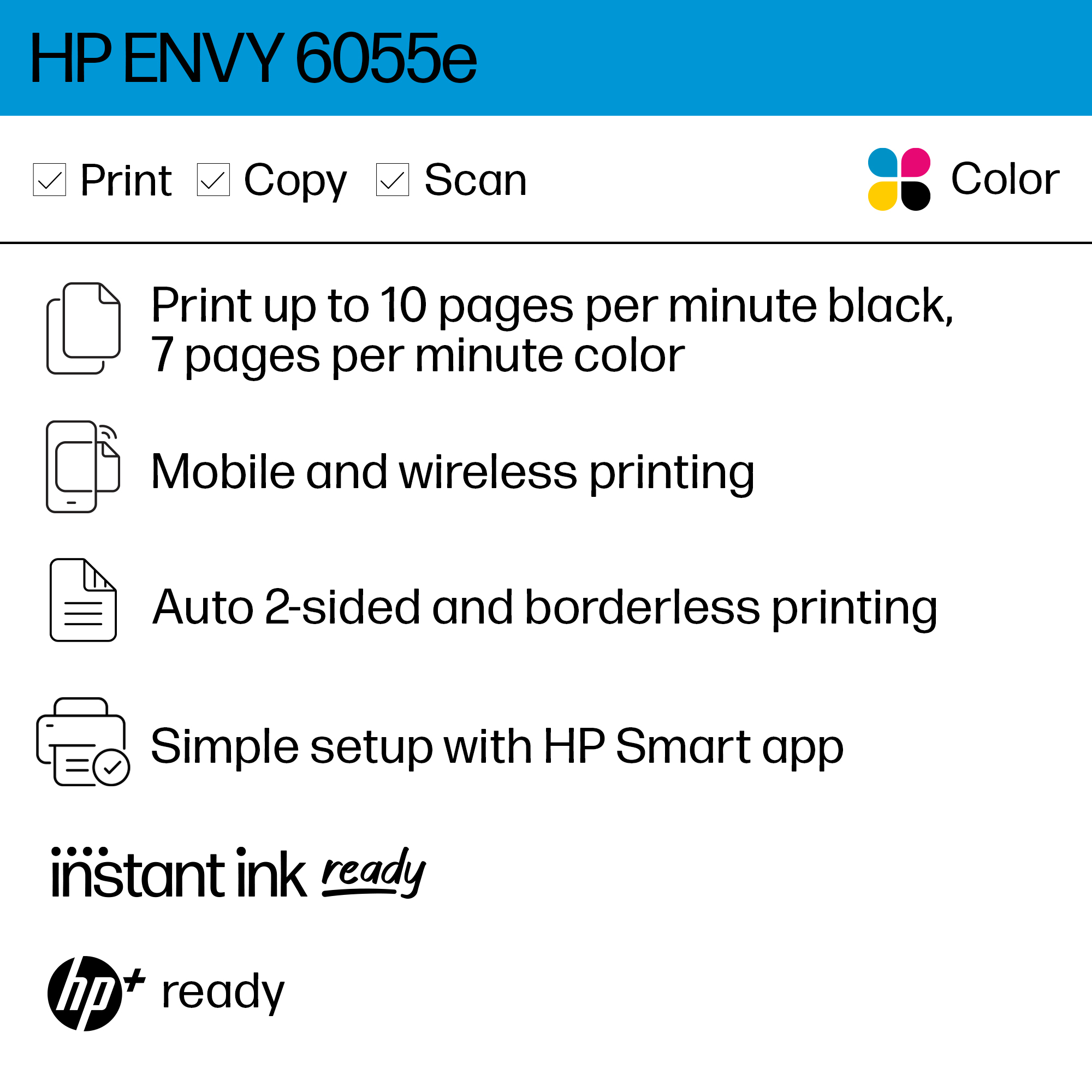
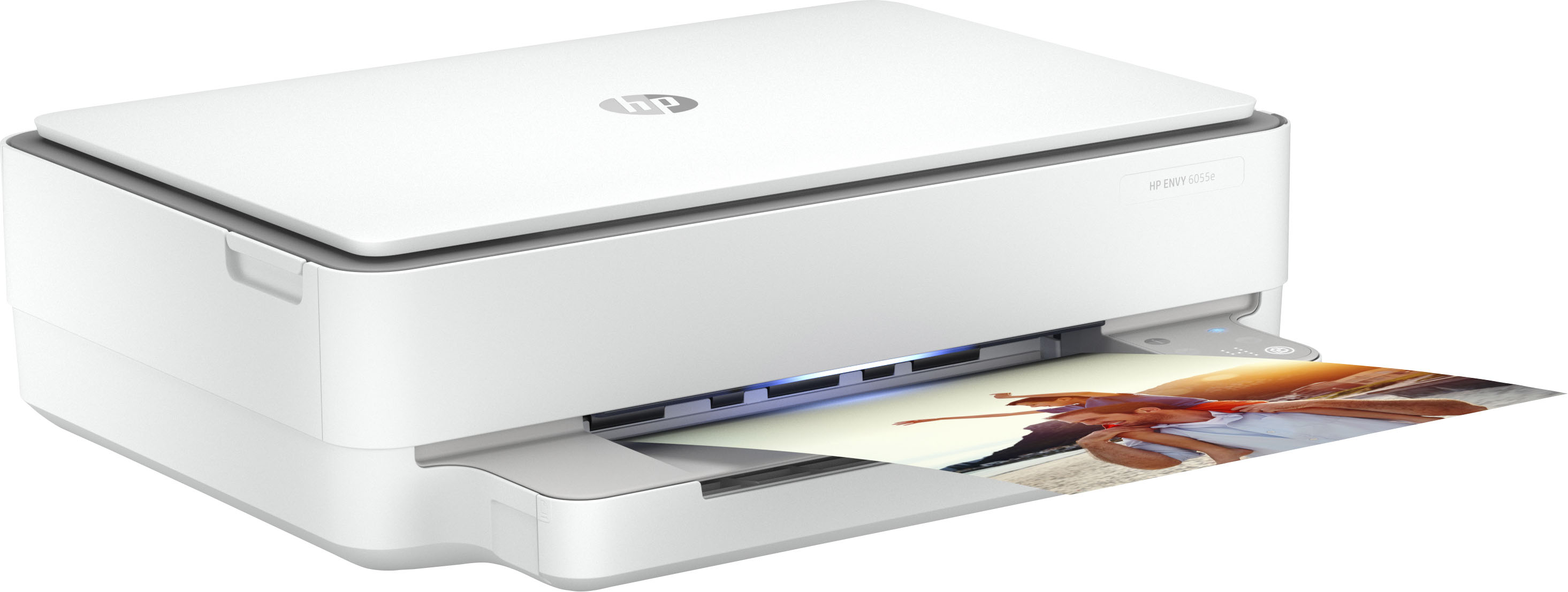
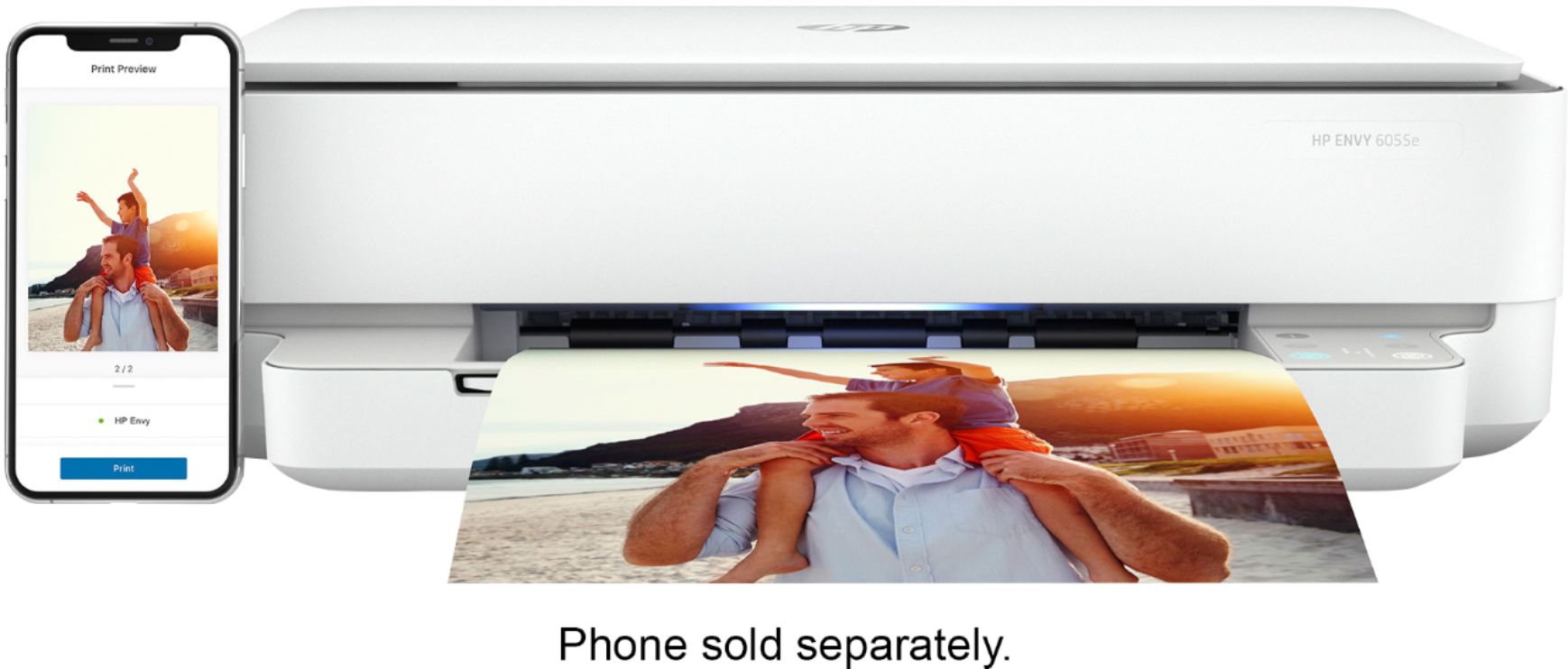
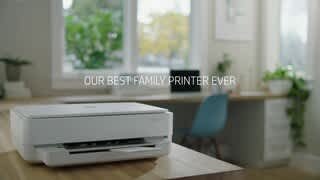
A:AnswerYou can print from an Android phone or iPhone. I've done both. I haven't done photo prints yet, but the photo quality is good. It's not the same as a photo lab, but I think the quality is good for family use.
A:AnswerThank you for the question. When powering the printer on, it will have to reconnect to the network to which it was connected when it was powered off. This may take a few minutes. We recommend keeping the printer powered on and connected at all times. In sleep mode, the power consumption is very low at 1.7 watts. Powering off also may interfere with the Instant Ink service and the additional product warranty if you've opted in to HP+.
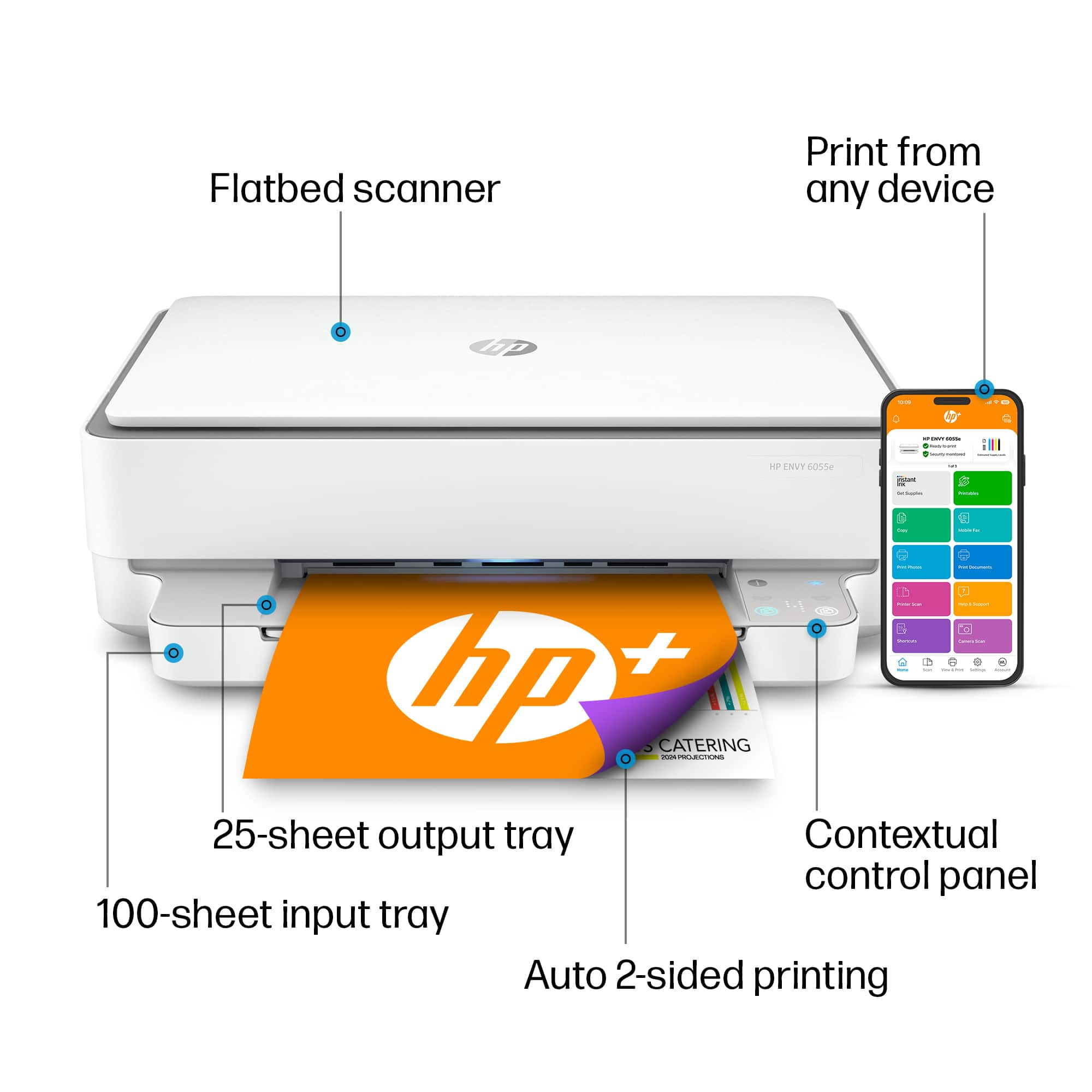
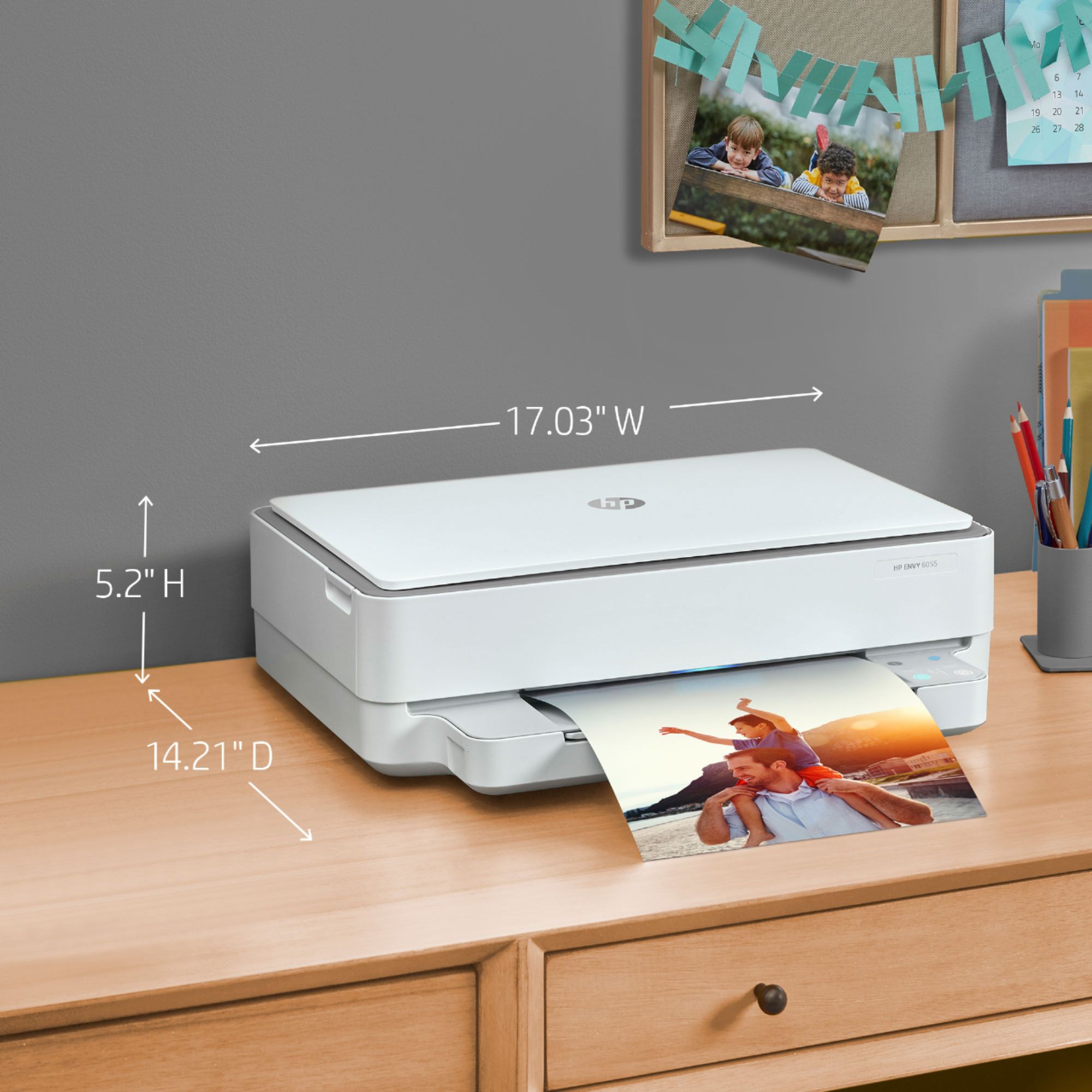
A:AnswerThe power button is located on the back of the HP ENVY 6055 All-In-One Printer. For healthier print heads and more efficient ink consumption, however, it's better to leave your printer on. Constantly switching your printer off and on will decrease your printer's lifespan, so try to keep the off/on to a minimum.
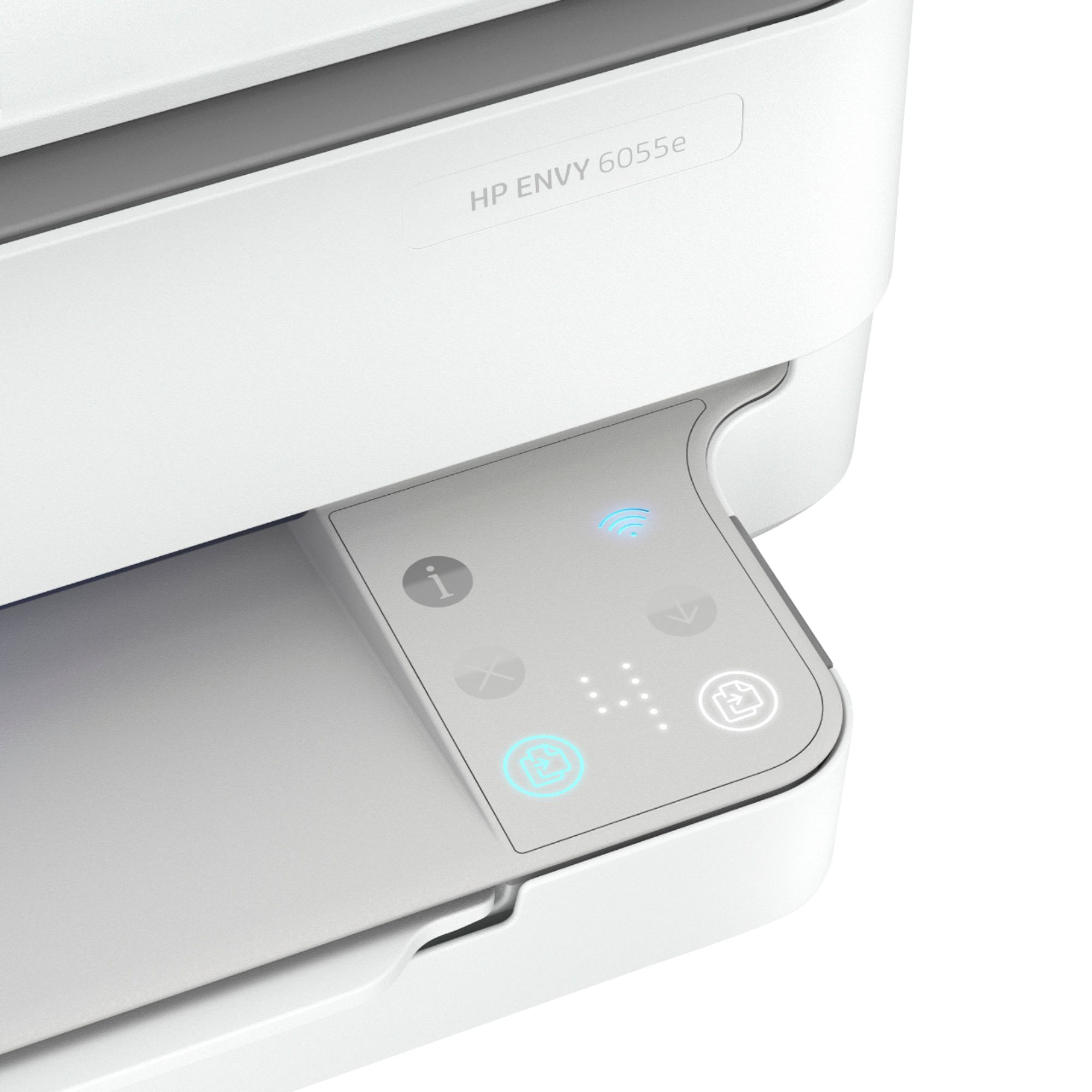
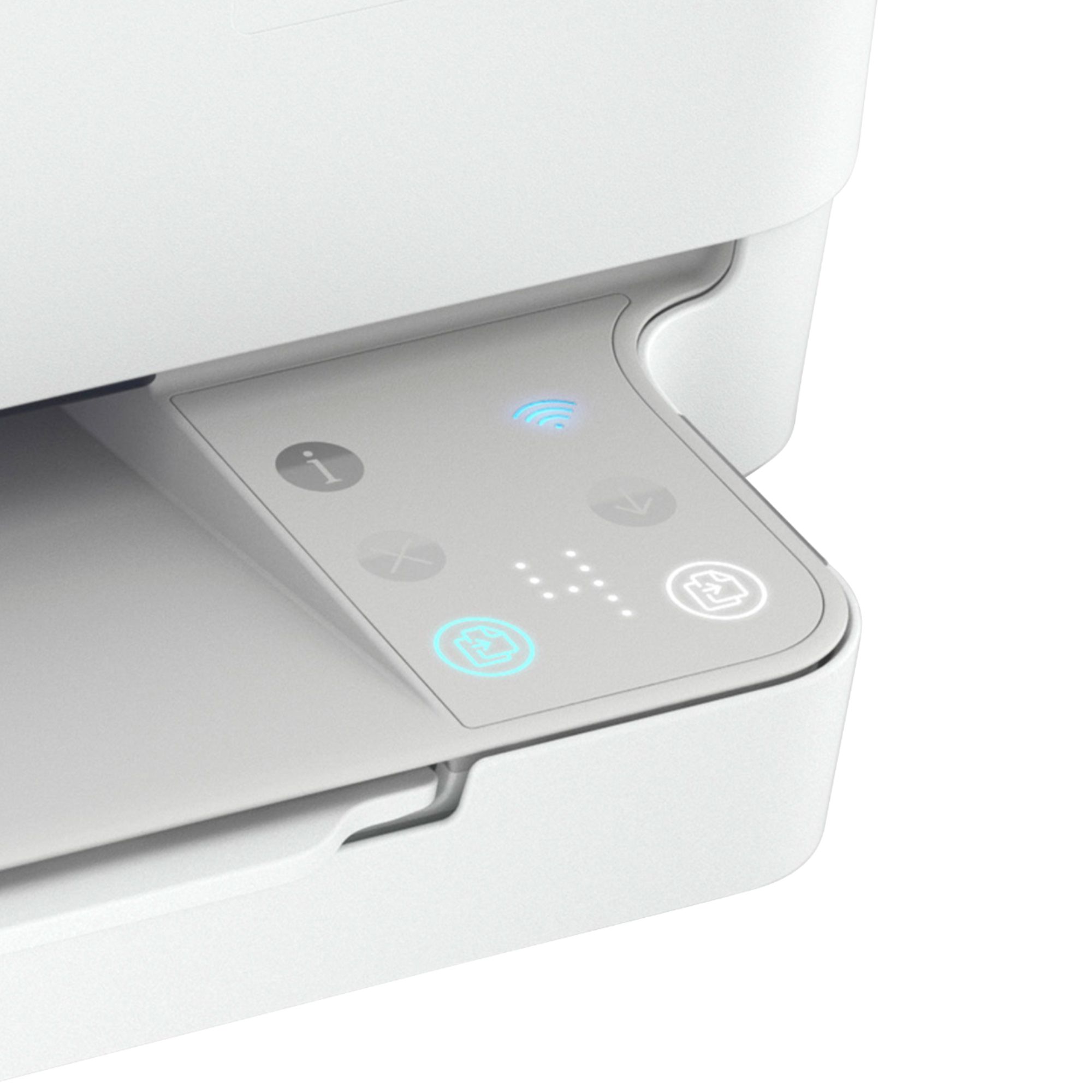
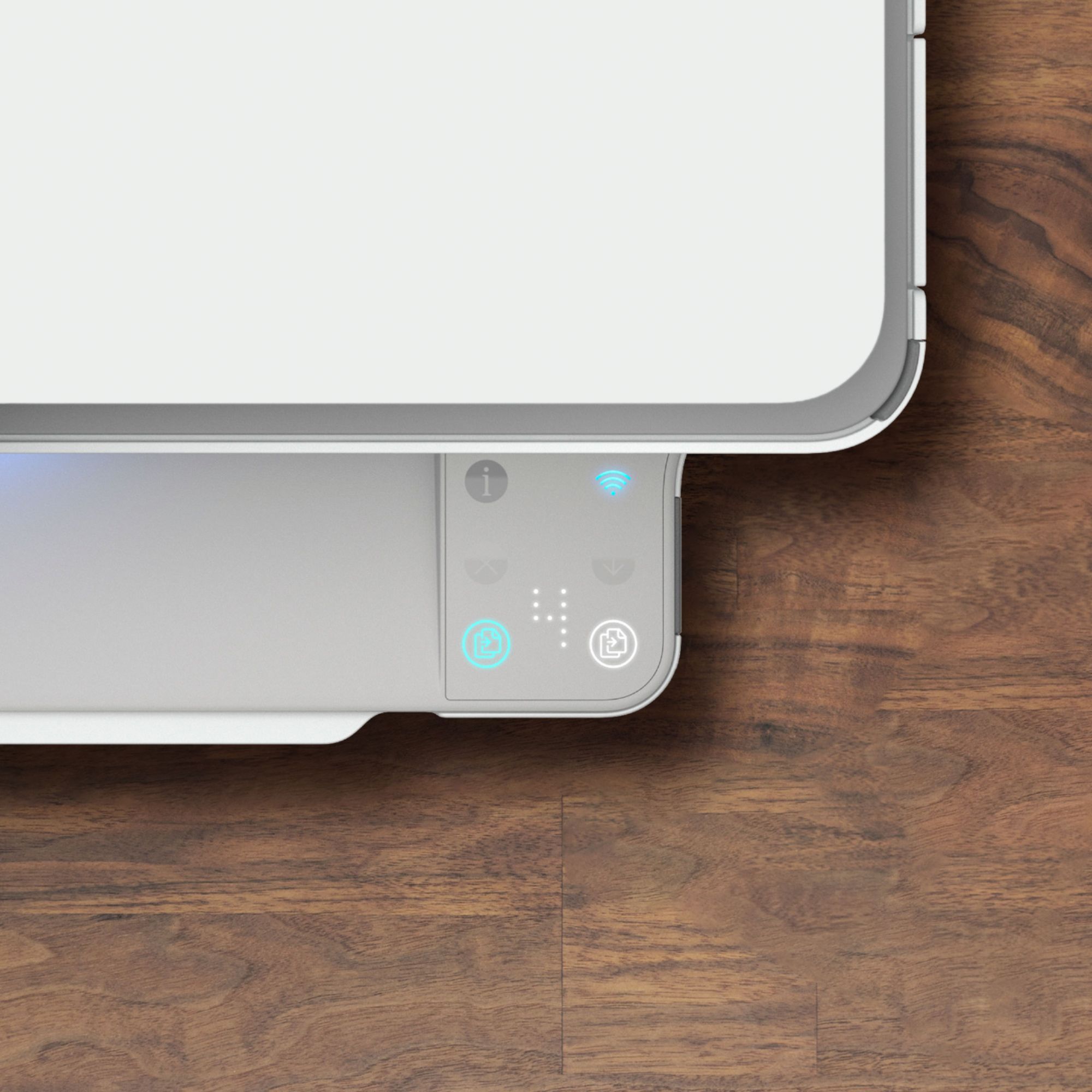
A:AnswerSmall handout that came with printer shows pictures of which buttons to use.

There are two buttons located at the end of the printer. One is for colored copies other is for black and white. Number of copies shows up in the middle of them.