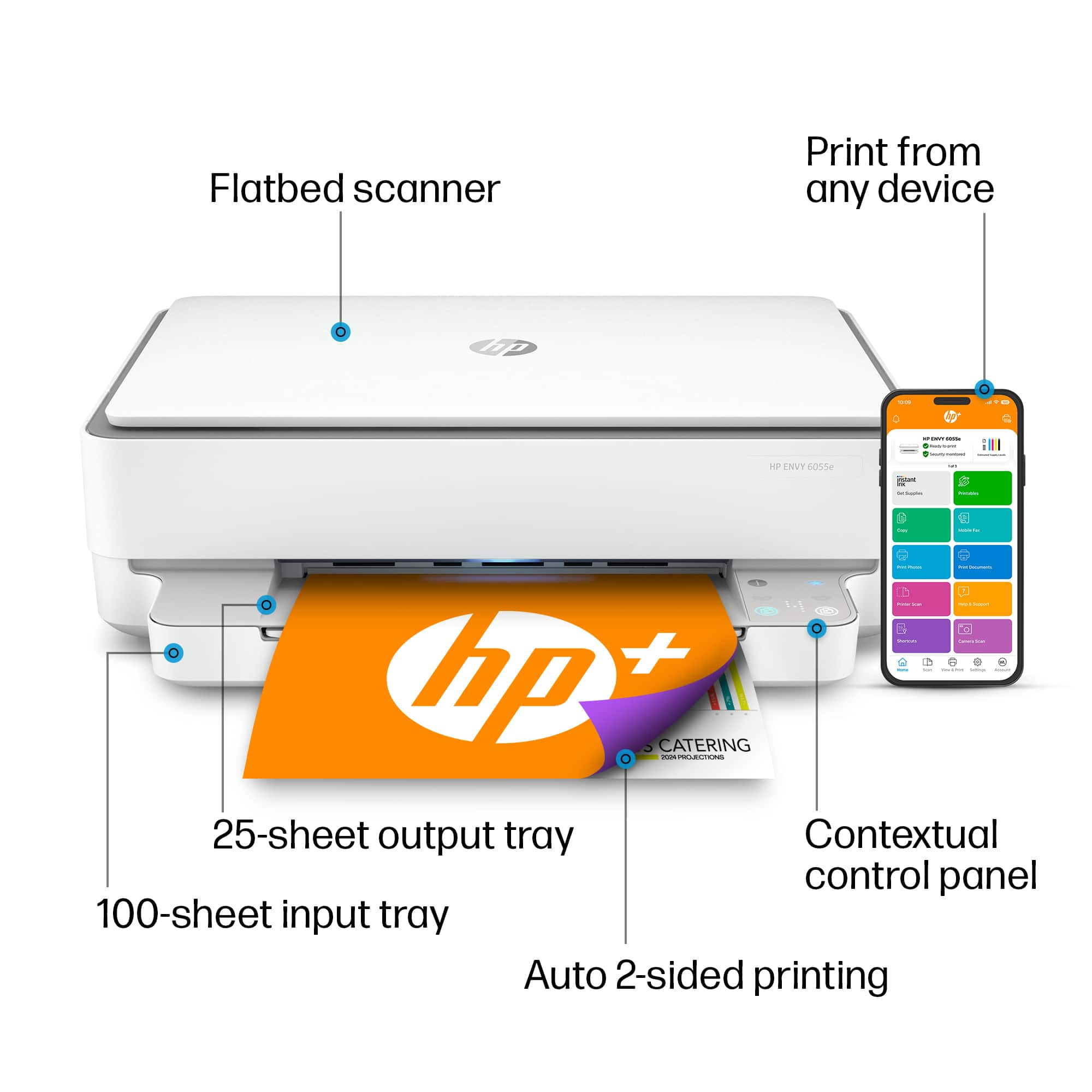
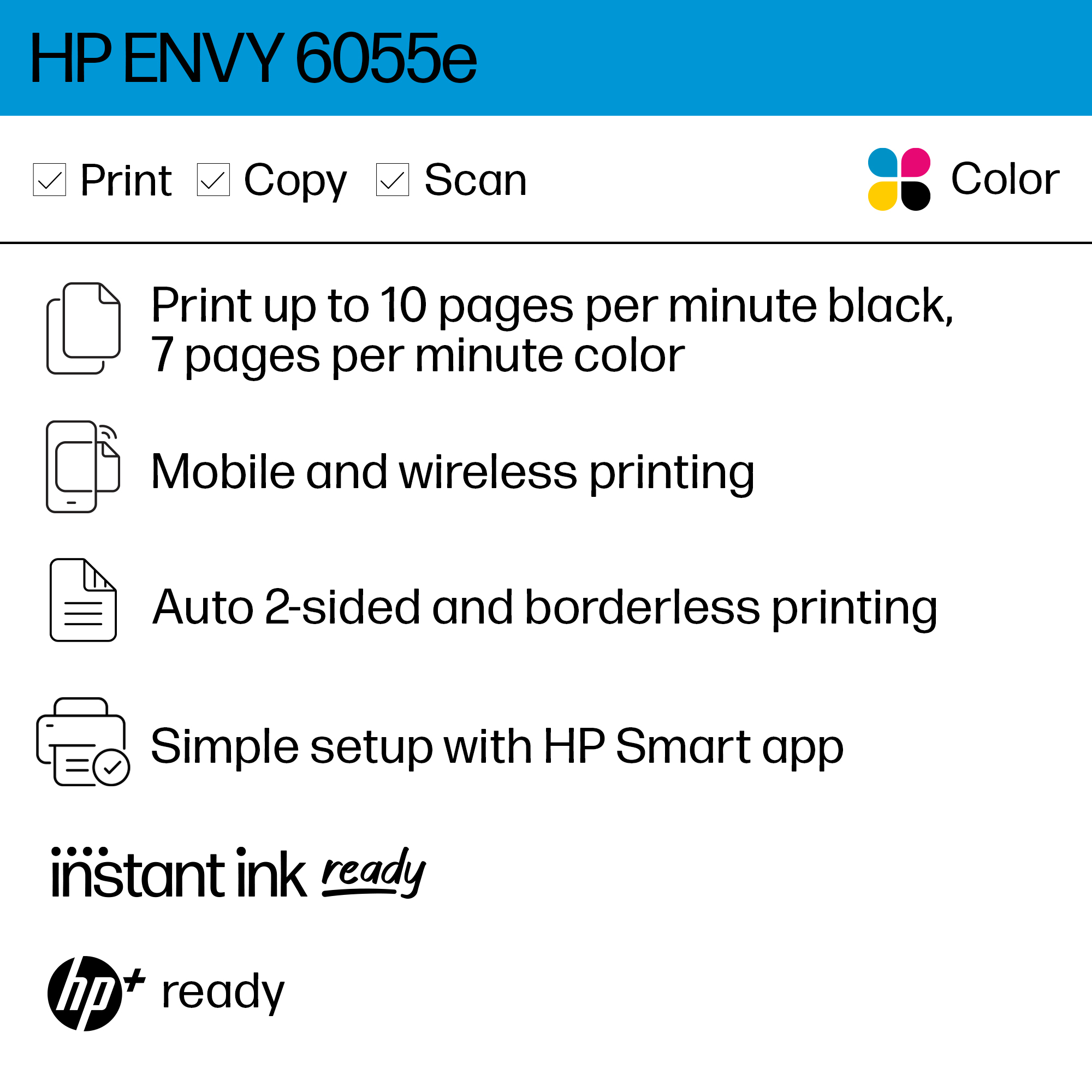
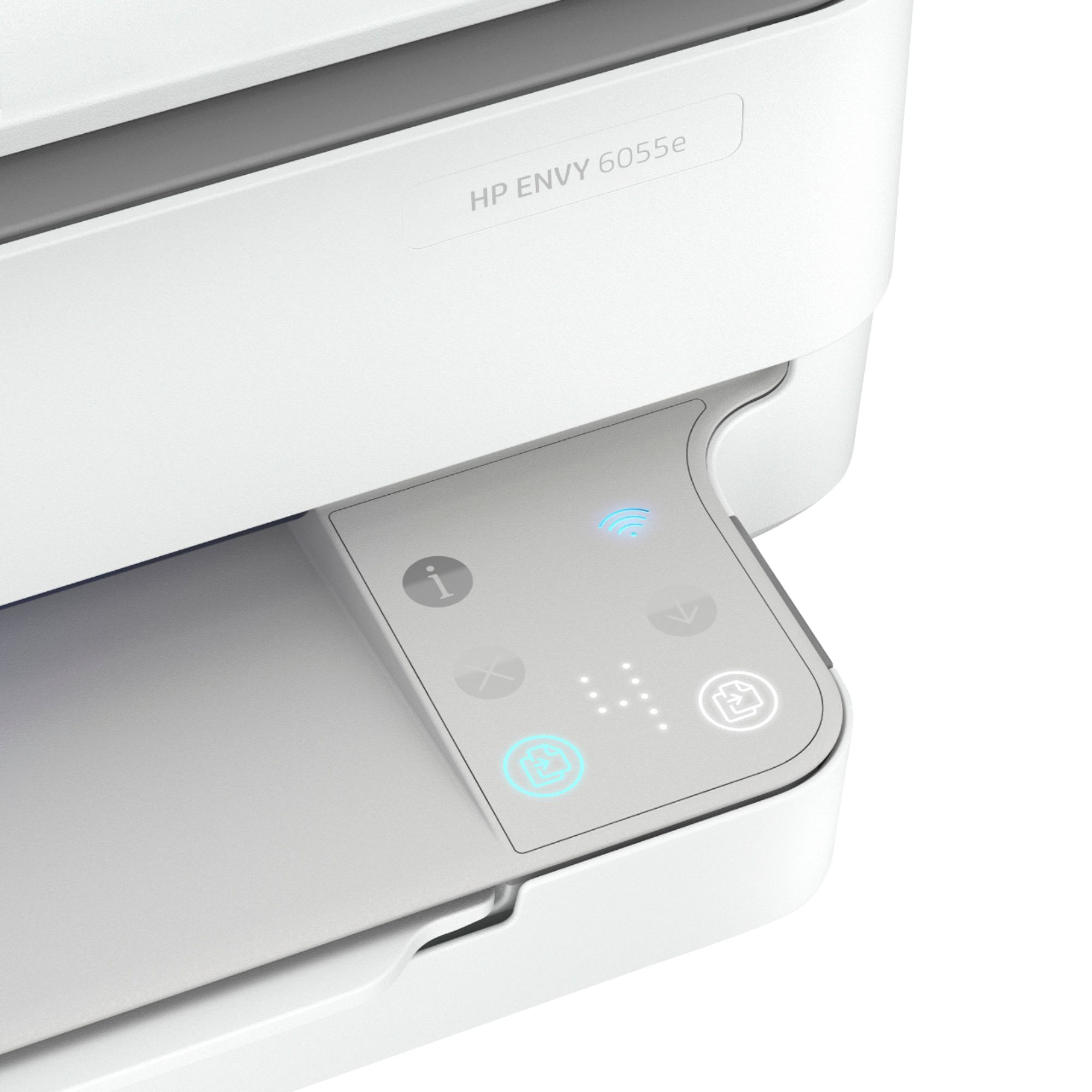
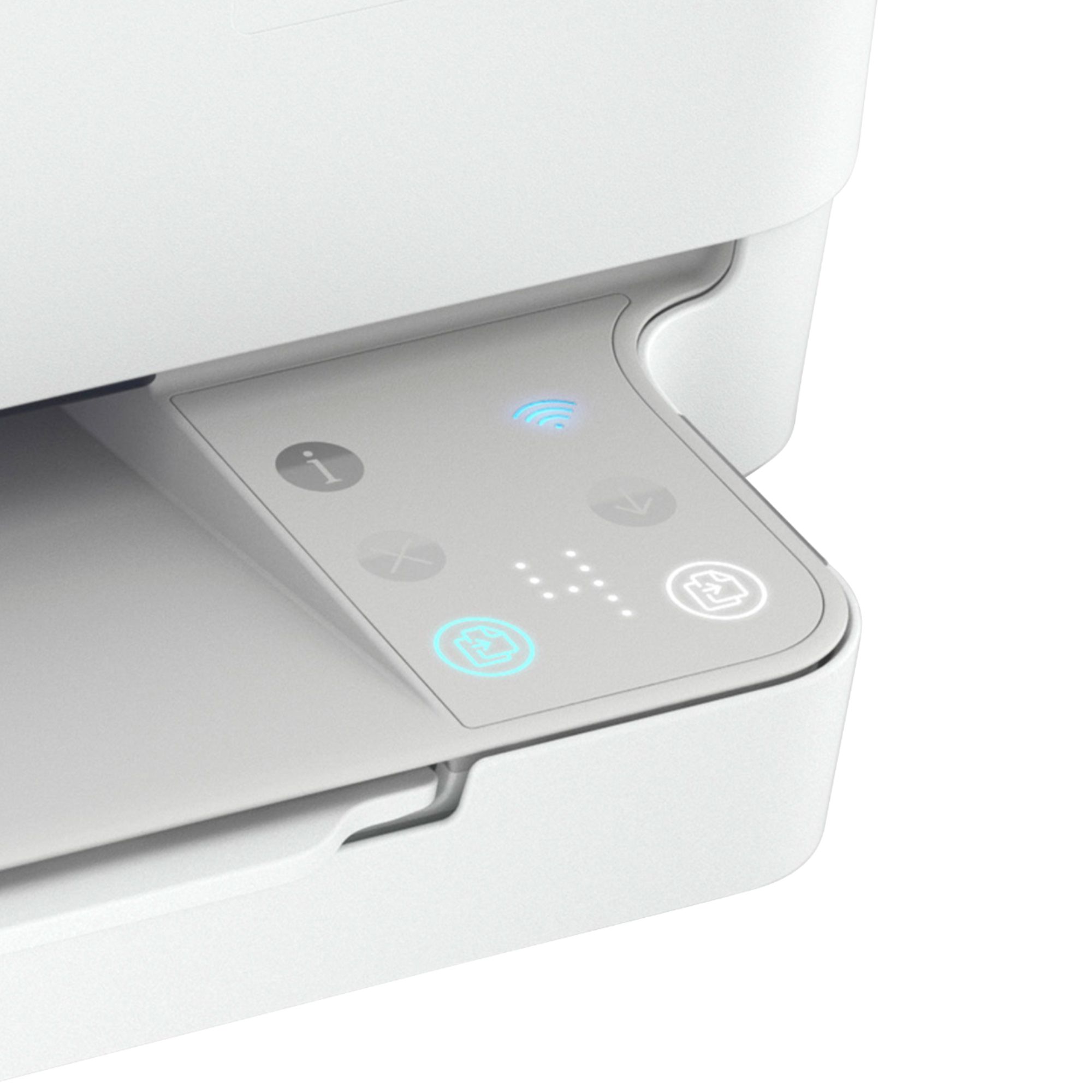
A:AnswerNo, it does not accommodate 8x14 documents. Standard 8.5x11 only and can only do one document page per scan. In addition, you have to go online to make it scan, you can't just do it with the push of a button on the machine.
A:AnswerTo install the software, you just go to 123.hp.com. From there, you indicate the printer that you are installing and install. The process is very quick. Mine launched an app from the Microsoft store on my Windows 10 machine and everything I needed loaded instantly.
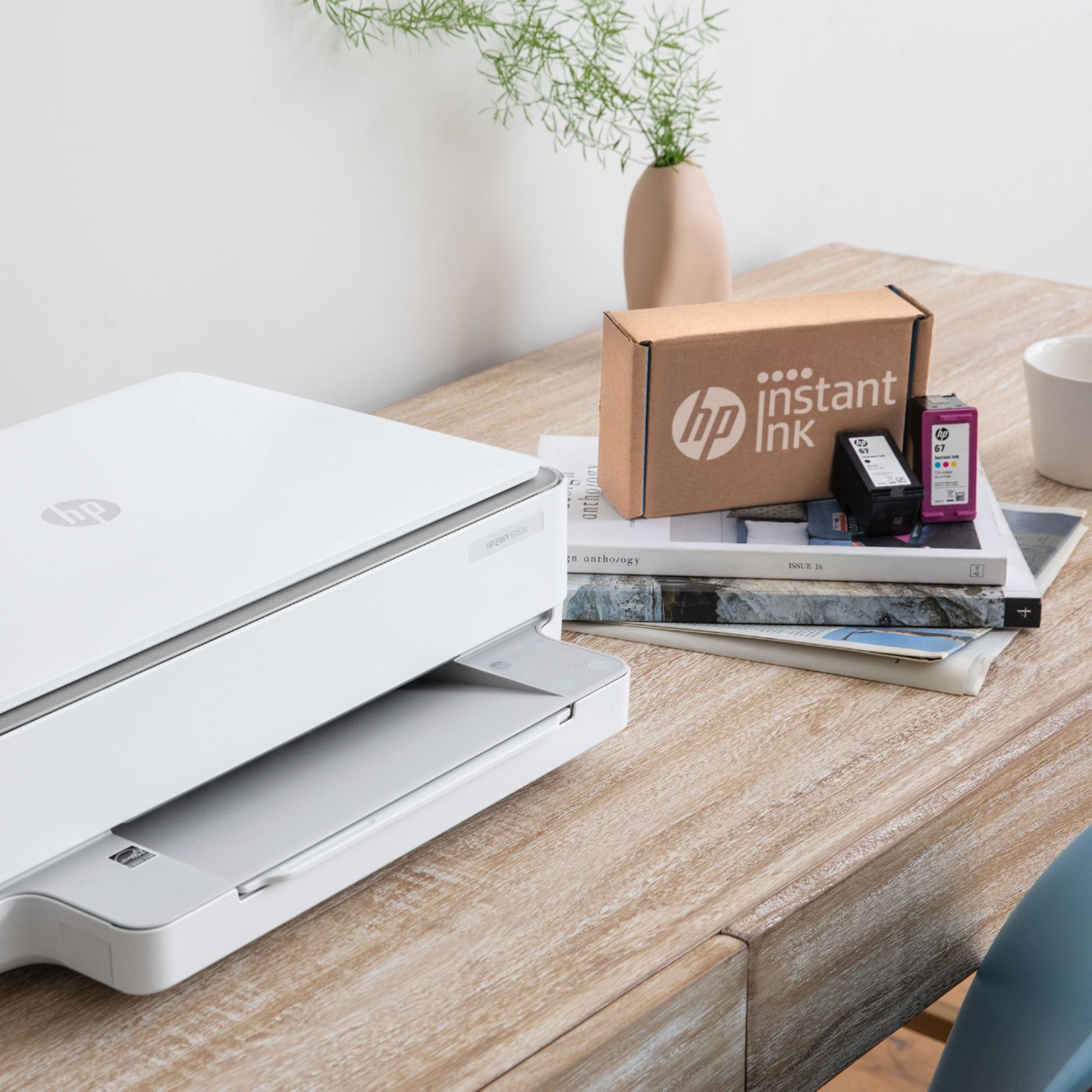
A:AnswerIt doesn’t hurt to leave it on. If you’re signed up for the Instant Ink refills you are supposed to leave it on. Plus having it on allows you to use HP Smart to print from anywhere. Warning though is that there is a light that stays on which will be adding on to your electric bill.
A:AnswerHello. Thanks for your question. There are differences between the HP Envy 6055e printer and HP Envy 6065e printer. They are the same printer with different model numbers.
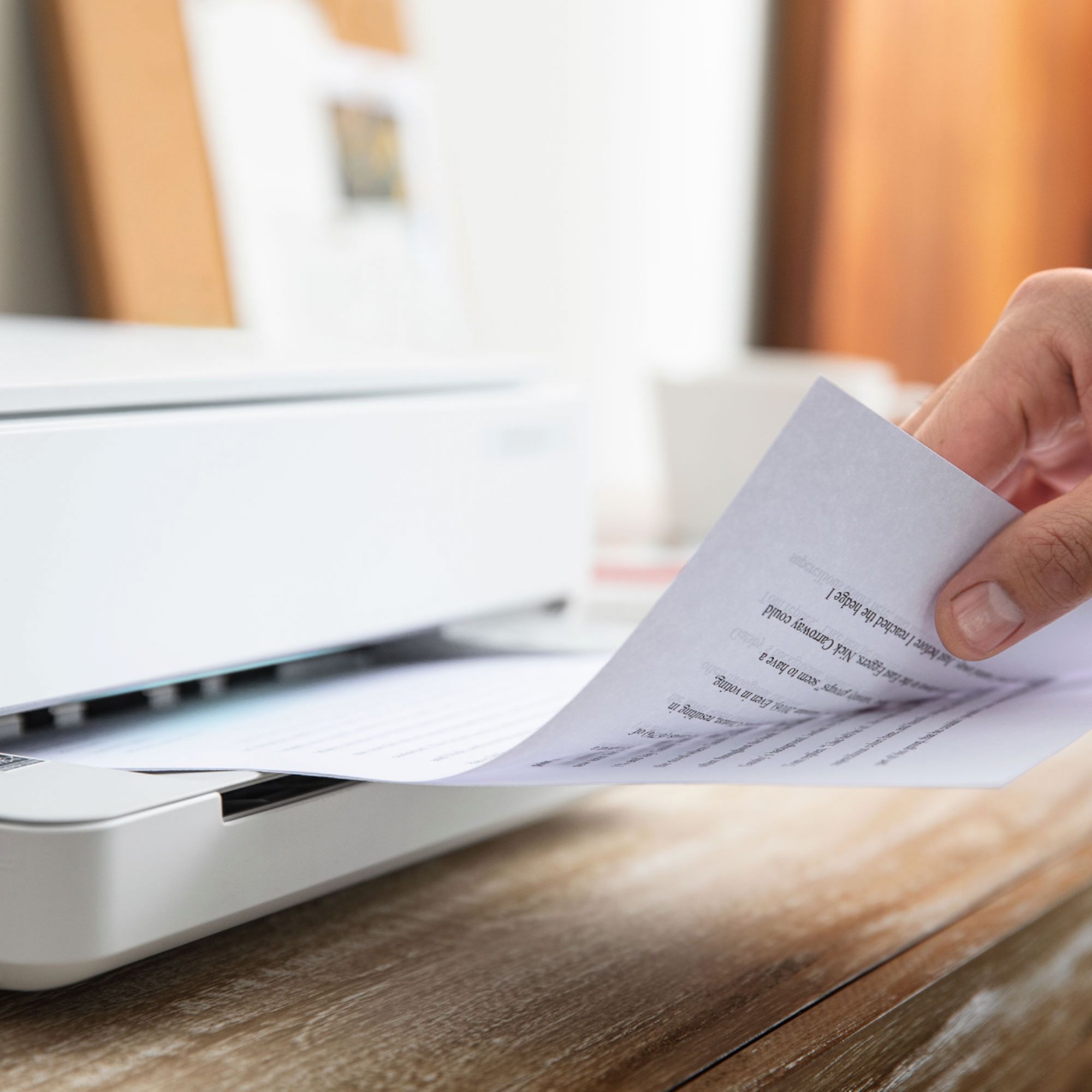
A:AnswerYes it makes copies in either color or black & white. It does not enlarge or reduce images however. You must scan the image and modify it in another program to do so.
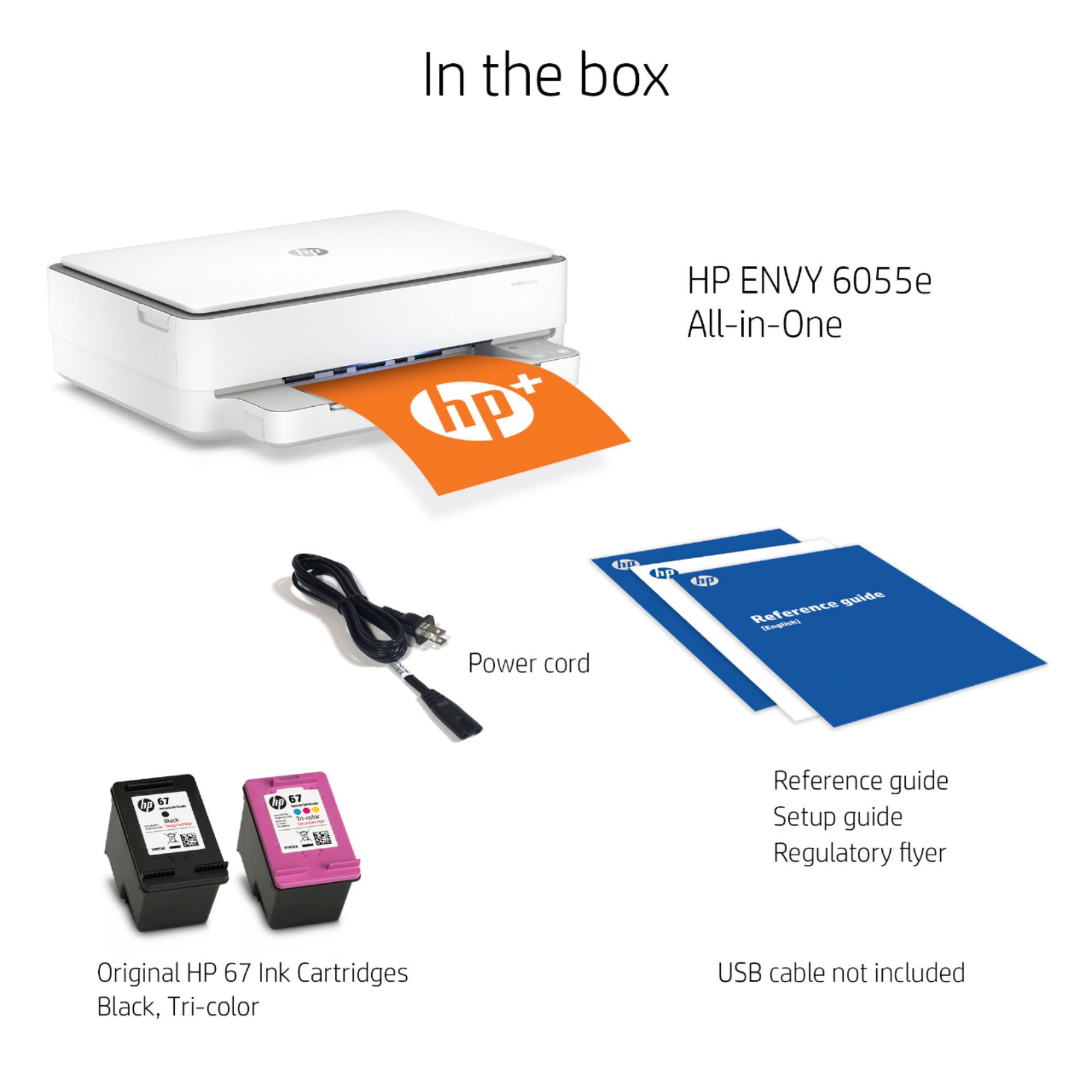
A:AnswerHi Judith, thank you for this question about the Envy 6055e printer. It's compatible with Mac OS v 11 Big Sur as well as Apple AirPrint. Yes, you can connect directly to the computer with a USB cable (not included).
A:AnswerThe HP printer blinking orange light error code indicates that the printer is not able to communicate with the computer. This can be due to a number of reasons, including a loose or damaged cable, a problem with the printer's drivers, or a conflict with another piece of hardware or software.
A:AnswerI'm sorry to hear you're experiencing difficulties! Please use the HP Support portal for troubleshooting by clicking here: https://support.hp.com/us-en/printer